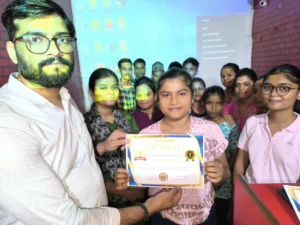
Latest Navratri card in CorelDraw, Step By Step, Download Source File
Hello! Friends Welcome to www.vedantsri.net In this Project, I am going to Teach you How To Create Navratri Card in CorelDraw. In this Project, you can Learn How to Design Navratri cards in CorelDraw Application in Easy Method.
📞 VedantSri Varanasi में computer course करना है? fees, batch timing या admission के लिए सीधे कॉल कीजिए:
Durgakund 8808888478Rathyatra 9415802061दोनों branch सुबह 7 से रात 8 बजे तक खुली रहती हैं।
Durgakund 8808888478Rathyatra 9415802061दोनों branch सुबह 7 से रात 8 बजे तक खुली रहती हैं।
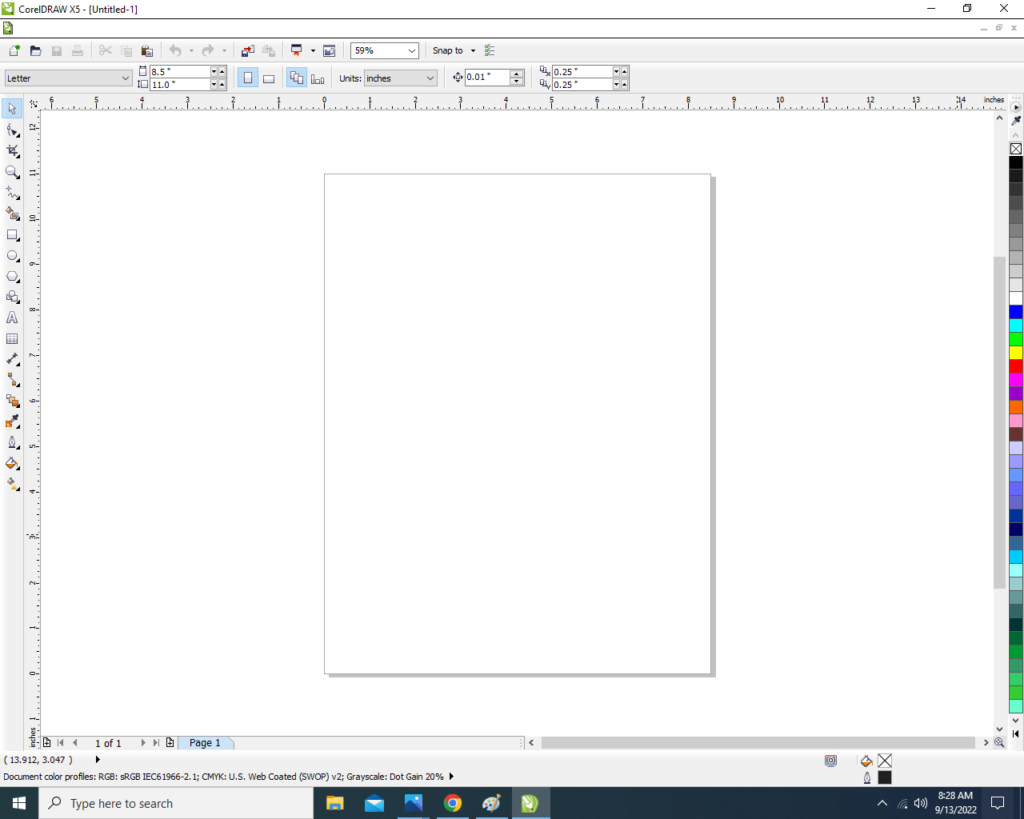
- Press Window + R to Open Run Dialogue Box > Type coreldrw.
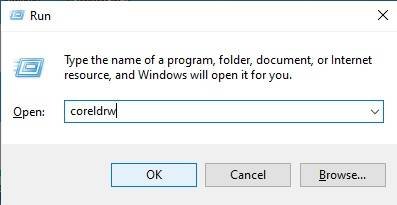
- Press Ok.
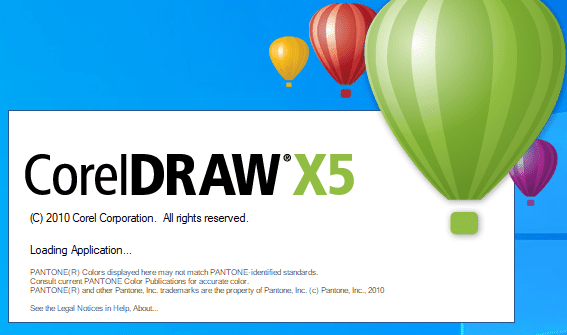
- Click New Blank Document.
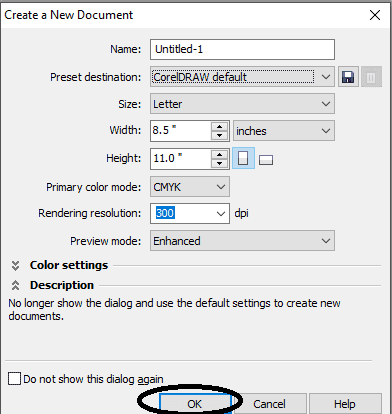
- Press ok.
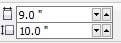
- Mention Page Size.
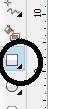
- Double Click on Rectangle Tool.
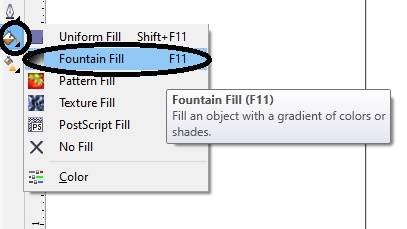
- Go to Fill Tool > Click on Fountain Fill Option.
- Fill in any color on the Page As I will show.

- Then Insert Some Png Pictures.

- Go to the Text tool.
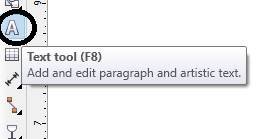
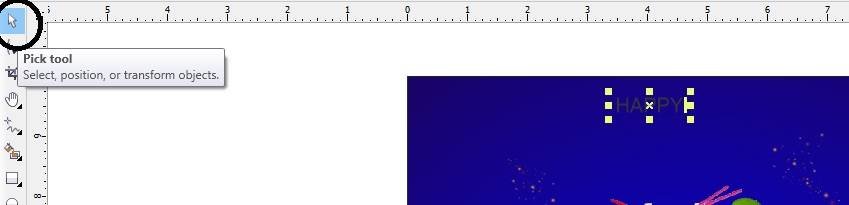
- Write Some Text As I Write Here > Go Pick Tool to apply Formatting on the Text.
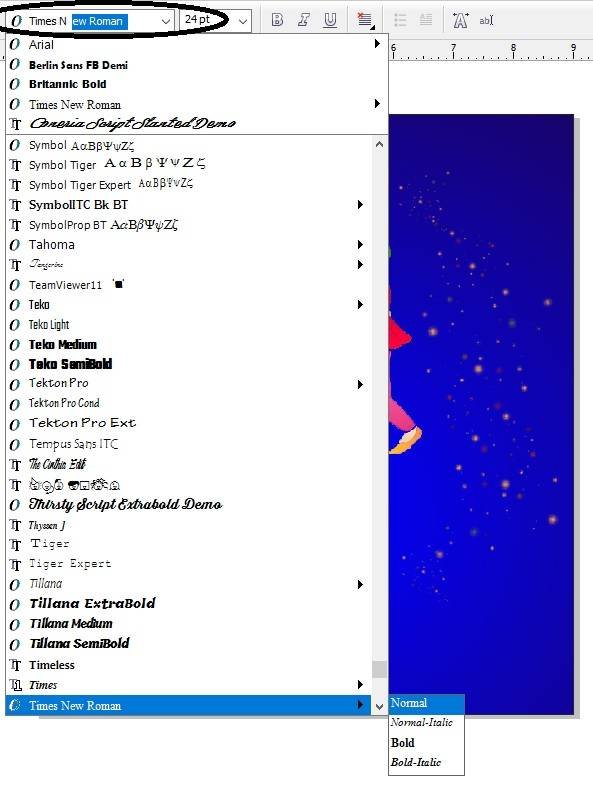
- Go to Font List Tool To Change Style.
- Write More Lines in your Card.

- Insert Your Company or Institute Name & LOGO.

- Then again Insert Some Png pictures and Designs As I will Show.

- I have Completed this Project, I hope you guys have understood all the Steps.

Created and Explained By Shikha Singh
Important Links
1-VedantSri Official Website:- https://vedantsri.com
2-Course Store Website:- https://vedantsri.in
3-Jobs Assist Website:- https://www.jobdo.in
4-MS Word Class:- https://mswordclass.com/
5-Corel Free Class:- https://corelclass.com/
6-Free Excel Class:- https://msexcelclass.com/
7-ADCA Course Details:- ADCA Course Fees, Duration, Scope, Syllabus