MS Paint Related Question Answers
MS Paint: Top 20 Most Asked Questions with Answers (Complete Guide 2026) अगर आप computer सीख रहे हैं या basic image editing करना चाहते हैं, तो Microsoft Paint (MS Paint) आपके लिए सबसे आसान और useful tool है। इस ब्लॉग में हम MS Paint से जुड़े सबसे ज़्यादा पूछे जाने वाले 20 सवालों के जवाब देंगे।
Durgakund 8808888478Rathyatra 9415802061दोनों branch सुबह 7 से रात 8 बजे तक खुली रहती हैं।
MS Paint क्या है?
MS Paint एक basic graphics editing software है, जो Windows के साथ free में मिलता है। इसमें आप drawing, colouring और simple image editing कर सकते हैं।
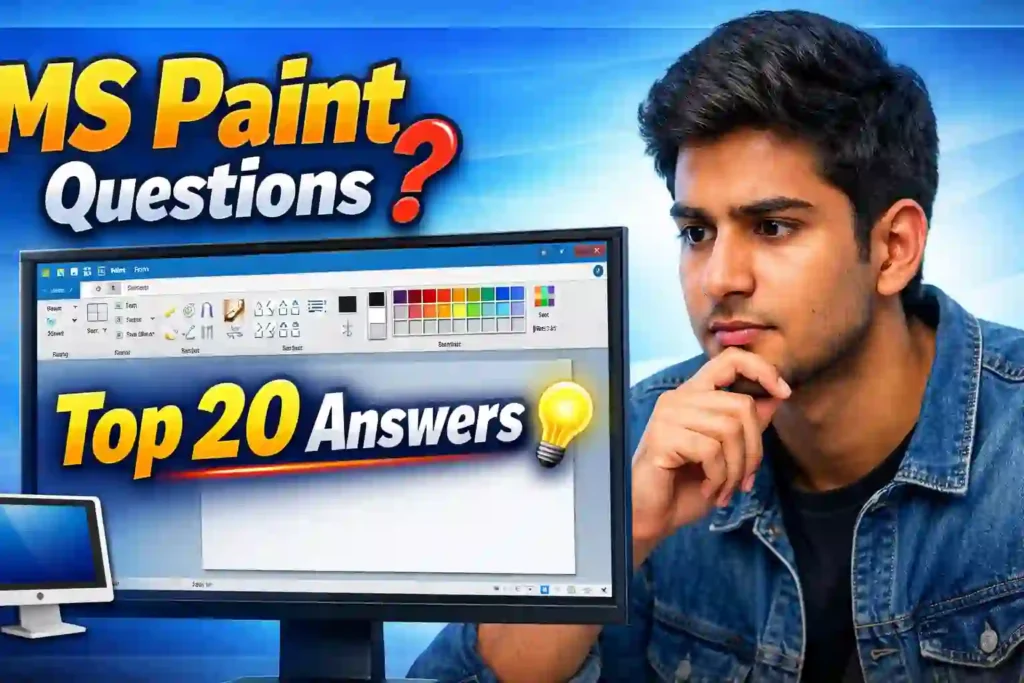
MS Paint से जुड़े Top 20 Questions & Answers
1. MS Paint क्या है?
यह एक simple drawing और image editing software है।
2. MS Paint कैसे खोलें?
Start Menu में “Paint” search करके open करें।
3. MS Paint का उपयोग क्या है?
- Drawing बनाने के लिए
- Image editing के लिए
- Screenshot edit करने के लिए
4. नई file कैसे बनाएं?
Ctrl + N दबाएँ या File → New पर क्लिक करें।
5. Image save कैसे करें?
File → Save As → Format (PNG/JPEG) → Save
6. MS Paint के मुख्य tools कौन से हैं?
- Pencil
- Brush
- Eraser
- Fill tool
- Text tool
- Shapes
7. Pencil और Brush में अंतर क्या है?
Pencil thin line बनाता है, जबकि Brush thick और stylish lines देता है।
8. Eraser tool क्या करता है?
Image के unwanted parts को हटाता है।
9. Colour fill कैसे करें?
Fill with Colour (Bucket icon) से area में colour भरें।
10. Text कैसे add करें?
Text tool (A) selects करें और typing शुरू करें।
11. Image crop कैसे करें?
Select tool → area select → Crop button
12. Resize कैसे करें?
Resize option → percentage या pixels में size बदलें।
13. Rotate क्या करता है?
Image को rotate या flip करता है।
14. Shapes कैसे बनाते हैं?
Shapes section से shape select करें और drag करें।
15. Screenshot edit कैसे करें?
Screenshot लें → Paint में paste करें (Ctrl + V)।
16. Transparent selection क्या है?
यह background हटाकर clean selection करने में मदद करता है।
17. Zoom कैसे करें?
Zoom tool या Ctrl + Mouse scroll
18. Undo/Redo कैसे करें?
Undo: Ctrl + Z
Redo: Ctrl + Y
19. Background कैसे बदलें?
Select tool → background remove → नया color fill करें।
20. MS Paint का advanced version क्या है?
Paint 3D इसका upgraded version है जिसमें 3D tools भी मिलते हैं।

Important MS Paint Related Question Answers
- Learn in MS Excel: https://youtu.be/4Y63MuEsMO4
- Learnt bill remainder in MS Excel: https://youtu.be/ViP3_65P84s
- MS Excel form with database macro project: https://youtu.be/tgFn7dWGIRQ
- MS Word cover page design: https://youtu.be/zbkXeGNW23U
- MS Excel basic calculator basic project: https://youtu.be/ELZ9MDKU3e4
- MS word 3D design project: https://youtu.be/JTgFRIMnfKU
- MS Word certificate project: Digital Marketing Course
Important Links
- 1-VedantSri Official Website:- https://vedantsri.com
- 2-Student Support Website:- https://www.vedantsri.net
- 3-Jobs Assist Website:- https://www.jobdo.in