Home Blog

ADCA Course Fees, Duration, Scope, Syllabus, Admission & Jobs in Varanasi (2026 Updated Guide)

ADCA Course Fees, Duration, Scope, Syllabus, Admission & Jobs in Varanasi (2026 Updated Guide)

Overview of ADCA Course

TopicShort Information
Course NameAdvanced Diploma in Computer Applications (ADCA)
Duration1 Year (4 Semesters)
Eligibility10+2 Pass
Course Fees₹6,999 – ₹30,000
Course TypeJob Oriented Computer Diploma
Job RolesDocuments Creator, Client Customer Product and Services Data Manager, Theme Scheme Plan Idea Based PPT Creator, WWW Communication and Internet Office Manager, Accounting Inventory Taxation and Godown Accounts Operator, Content and Graphic Designer, Photography Designer, Company Web Apps Manager, Content Creator, Computer Operator, Office Administrator, और AI Productivity Creator
Best LocationVaranasi

What is the ADCA Course?

The Advanced Diploma in Computer Applications (ADCA) is a professional diploma program designed to provide students with advanced knowledge of computer applications, accounting software, programming, graphic design, and web development.

In 2026, ADCA has become one of the most popular computer courses after 12th, especially for students who want quick job opportunities in IT, office management, and digital work.
ADCA Course Fees, Duration, Scope, Syllabus, Admission & Jobs in Varanasi (2026 Updated Guide)

DCA Course Fees, Duration, Scope, Syllabus, Admission, Institutes & Jobs in Varanasi

The course provides practical training in MS Office, Tally Prime, Photoshop, CorelDraw, Web Designing, Python, and Database Management.

Students completing ADCA can work in:

  • IT companies
  • Government offices
  • Private organizations
  • Digital marketing agencies
  • Freelancing platforms

This course is widely available in computer institutes in Varanasi and is considered one of the best job-oriented computer courses.
ADCA Course Fees Duration Scope Syllabus Admission Jobs in Varanasi 2026 Updated Guide 1
ADCA Course Fees, Duration, Scope, Syllabus, Admission & Jobs in Varanasi (2026 Updated Guide) 8

ADCA Full Form

The full form of ADCA is: Advanced Diploma in Computer Applications

It is a one-year diploma program that focuses on developing professional skills in:

  • Computer operations
  • Accounting software
  • Graphic design
  • Database management
  • Programming basics

ADCA Course Fees in Varanasi

The ADCA course fees in Varanasi depend on the institute, facilities, and training quality.

Typical fee structure:

Institute TypeFees
Professional Institutes₹8,000 – ₹12,000
Ultimate Institutes₹12,000 – ₹25,000
Expensive Institutes₹25,000 – ₹30,000

However, VedantSri Institute Varanasi offers the ADCA course at ₹6,999 with flexible payment options and scholarships for eligible students.
ADCA Course Fees, Duration, Scope, Syllabus, Admission & Jobs in Varanasi (2026 Updated Guide)

Top 3 Computer Diploma Courses, 6 Months of Computer Diploma, After 12th Pass Out Computer Courses


ADCA Course Duration

The ADCA course typically lasts 1 year, divided into four semesters.

Each semester includes:

  • Theory classes
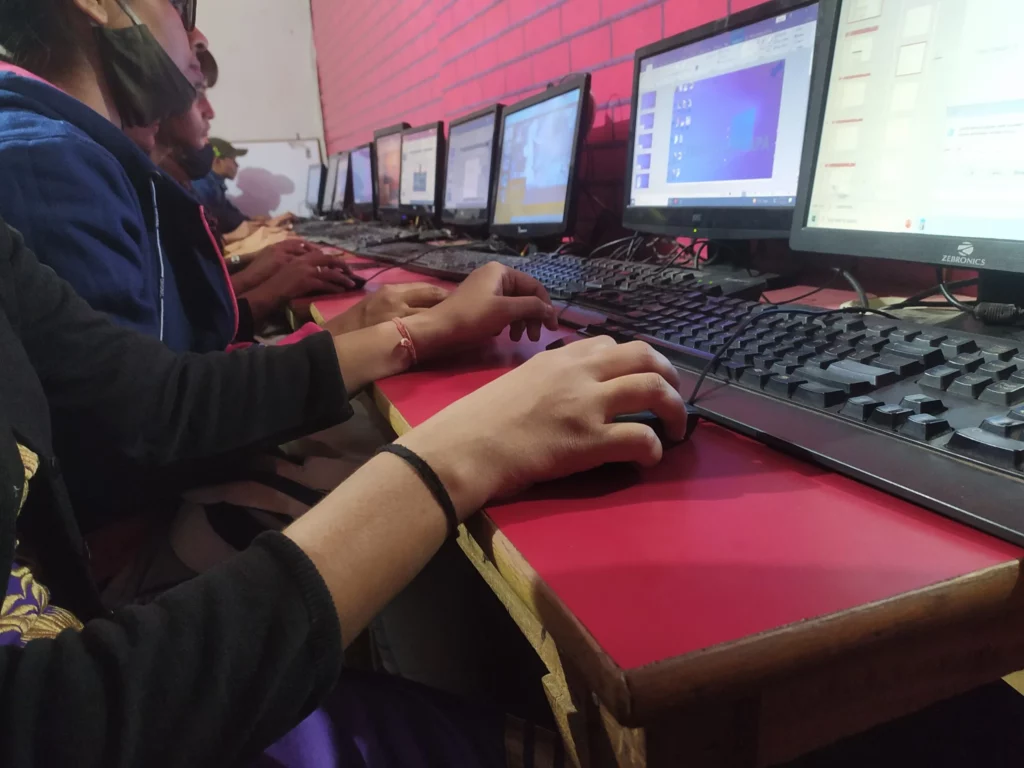
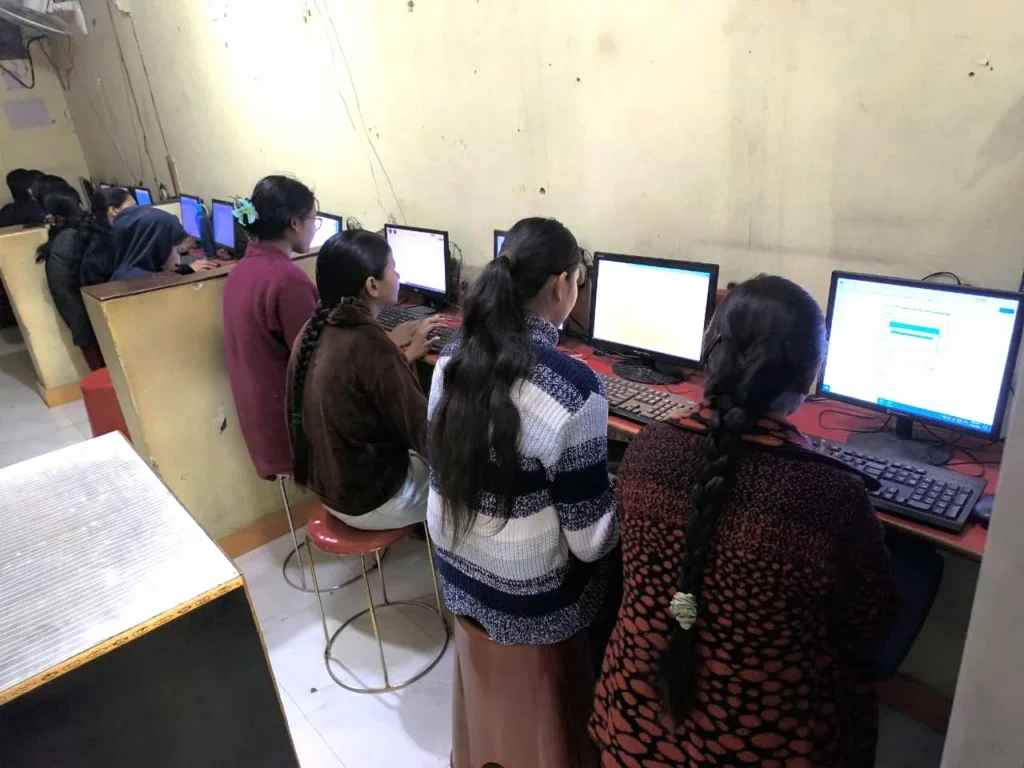
  • Practical lab training
  • Live projects
  • Presentation training

This structure ensures that students gain both technical knowledge and practical experience.

ADCA Course Fees Duration Scope Syllabus Admission Jobs in Varanasi 2026 Updated Guide 2
ADCA Course Fees, Duration, Scope, Syllabus, Admission & Jobs in Varanasi (2026 Updated Guide) 9

ADCA Course Scope in 2026

The demand for computer professionals is increasing rapidly in India.
After completing ADCA, students can work in many industries.

Career Opportunities After ADCA

  • Office Data Operator
  • Computer Operator
  • Data Entry Operator
  • Document Creator
  • Accountant (Tally Operator)
  • Graphic Designer
  • Web Designer
  • Content Designer
  • IT Support Specialist
  • Online Digital Work

Many ADCA students also start freelancing careers in:

  • Graphic designing
  • Data entry
  • Website creation
  • Digital marketing
Popular Computer Training Institutes in Varanasi: Find Your Best IT Course

DIT Course Details, Fees, Duration, Scope, Syllabus, Admission, Institutes & Jobs


ADCA Course Syllabus (Updated 2026)

The ADCA syllabus is designed to provide complete computer knowledge from basic to advanced levels.

First Semester

  • Basics of Computer Applications
  • System Overview, OS, Assembling
  • MS Word 2024 Advance
  • Documentation
  • Content List, Indexing, Short notes, Citations List
  • Font, Para, Page, Print Formatting
  • Mailings, Review, Layout of Documents
  • Objects Optimization
  • Excel 2024 Pro
  • Workbook Formatting
  • Basic Functions
  • References Function
  • Logical Function
  • Financial Function
  • Date & Time Function
  • Lookup & DGET Function
  • Tables Formatting & Filter
  • Data Entry Functions & Validation
  • Text Function
  • Graph & Charts (Analysis/Report)
  • Align, Merge, Wrap Text, Restrict, Fill, Justify, Flesh Fill, Invoice, Name Manager, Get Data, Duplicate, Consolidate, Validate, Freeze, Macros
  • PPT Updated
  • Internet and Web Technology
  • Freelancing, Affiliate Marketing, Blogging, YouTube, Shorts, Canva, Social Media, Keyword Research
ADCA Course Fees Duration Scope Syllabus Admission Jobs in Varanasi 2026 Updated Guide 4
ADCA Course Fees, Duration, Scope, Syllabus, Admission & Jobs in Varanasi (2026 Updated Guide) 10

Second Semester

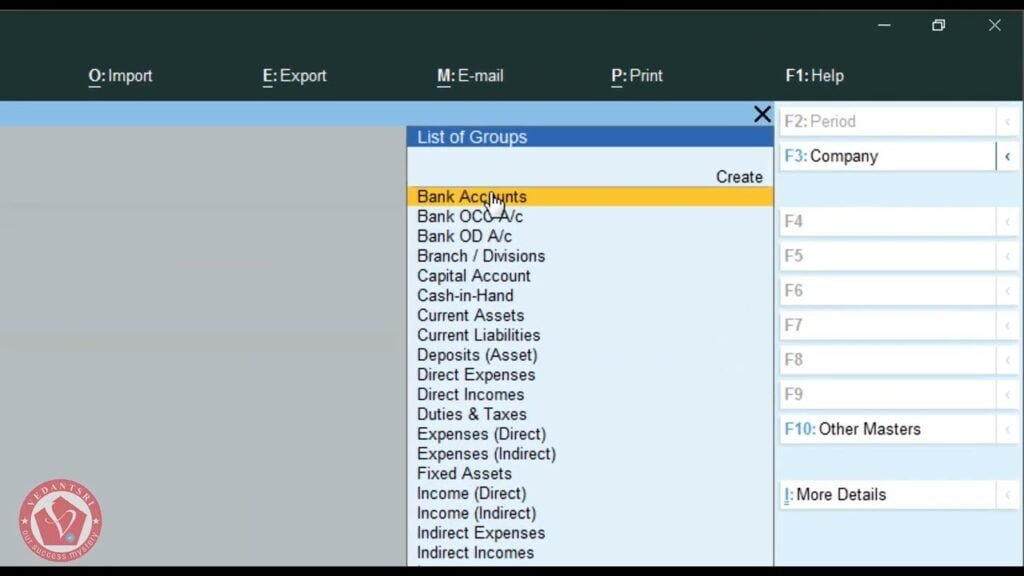
  • Tally Prime Latest
  • Accounting
  • Inventory
  • Taxation
  • Godown
  • Configuration
  • Features
  • Master
  • Report
  • Balance sheet
  • Profit & Loss
  • Stock Management
  • Print Management

Third Semester

  • Psd Image Editing
  • Masking
  • Filters
  • Blending Modes
  • Text Designing
  • Layers Designing
  • Animation Formatting
  • Camera Lancing
  • Image Manipulations
  • BG & FG Effects
  • Photoshop Designing
  • Corel Designing
  • Shaping
  • Text Formatting
  • Color Formatting
  • Image Formatting
  • Shadow Formatting
  • Multi-Colour Formatting

CCC Course Fees, Syllabus, Duration, Scope, Jobs, and Institute in Varanasi


Fourth Semester

  • HTML Latest Version
  • CSS Latest Version
  • JavaScript Basics
  • Python Programming
  • Database Management System (DBMS)
  • Networking Concepts
  • 100+ Live Project Training
ADCA Course Fees, Duration, Scope, Syllabus, Admission & Jobs in Varanasi (2026 Updated Guide)

Eligibility for the ADCA Course

To take admission in the ADCA course, students must meet the following criteria:

  • Minimum 10th or 10+2 pass from any recognised board
  • Basic computer knowledge (optional)

Students from the Arts, Commerce, or Science stream can easily join this course.


Admission Process for ADCA Course

The admission process for ADCA is simple and student-friendly.

Steps to Apply

  1. Search for the best computer institute in Varanasi.
  2. Check the course syllabus and facilities.
  3. Fill the application form.
  4. Submit required documents.
  5. Pay the course fees.

After admission, students receive:

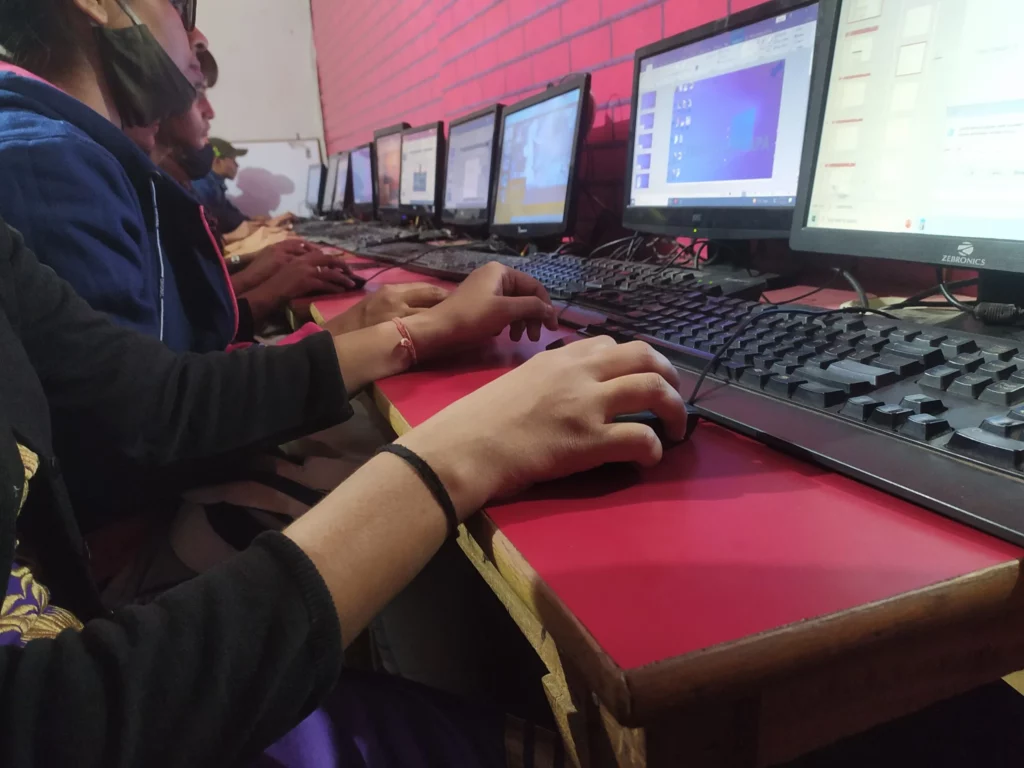
  • Practical lab training
  • Project-based learning
  • Internship opportunities

Facilities in ADCA Classes

Modern computer institutes provide advanced learning facilities such as:

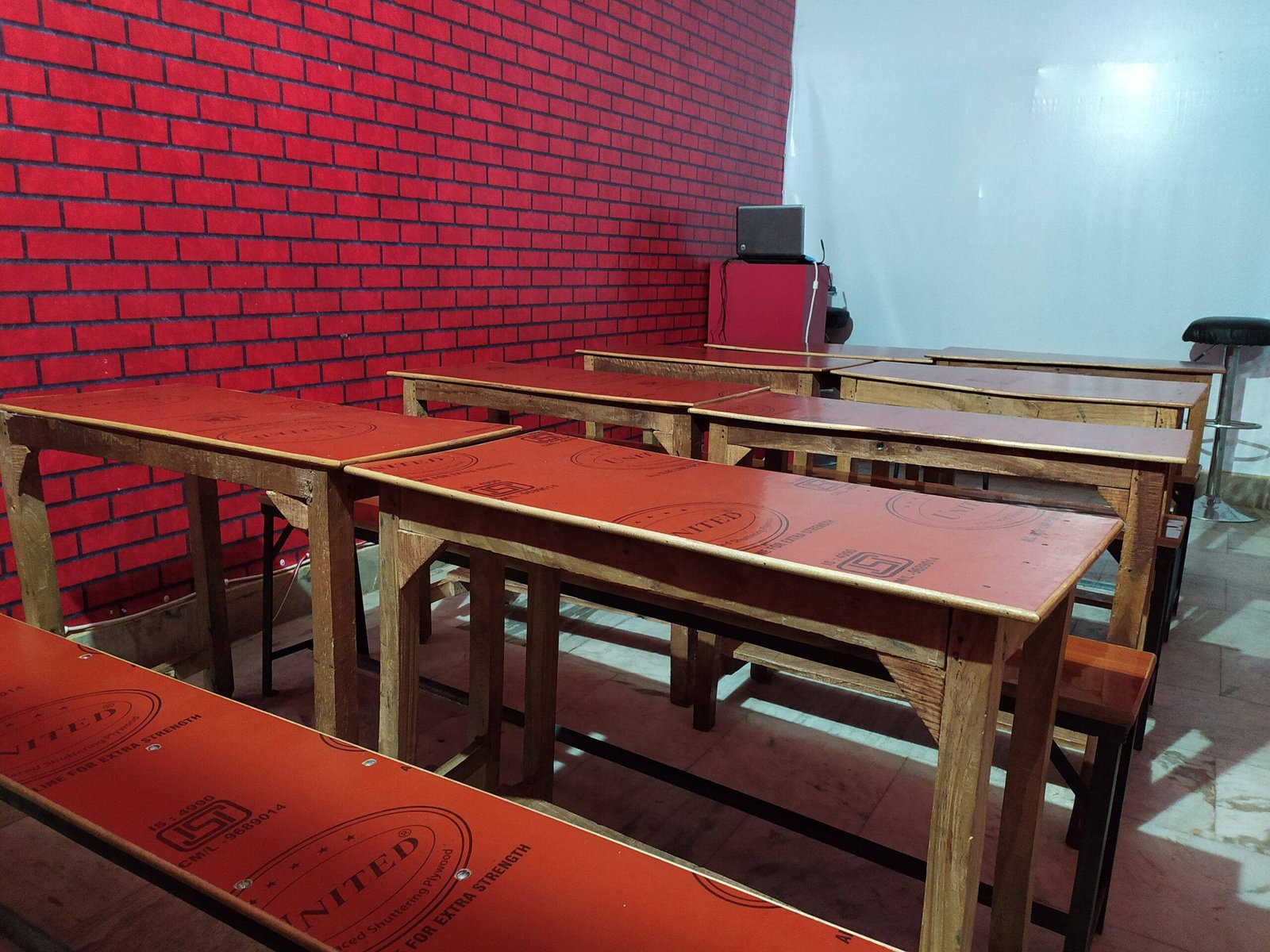
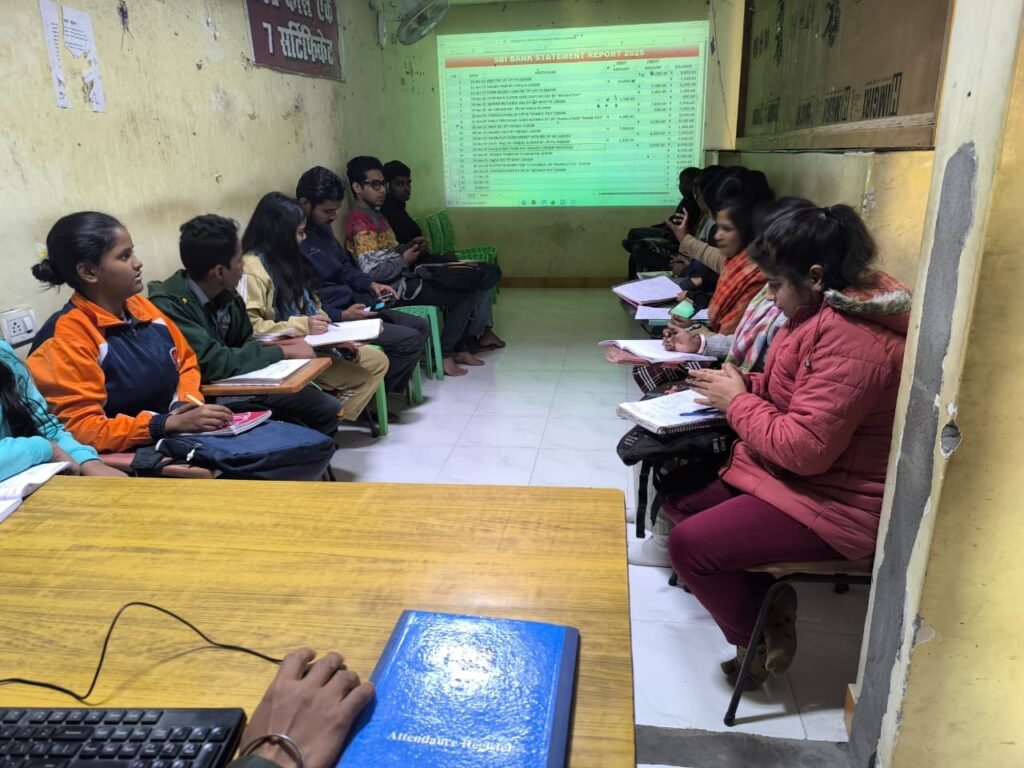
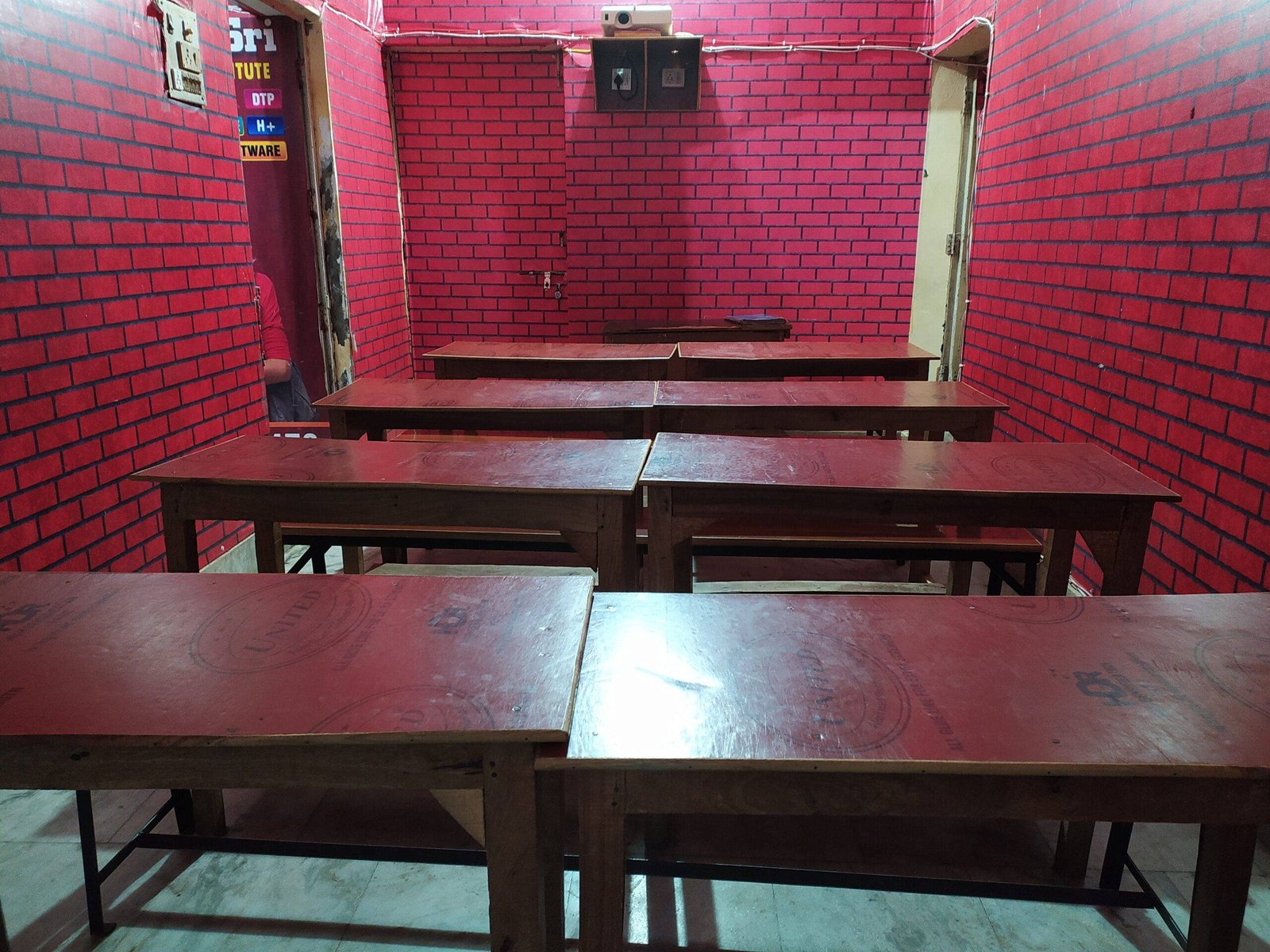
  • Projector Classrooms
  • 4-Way teaching technique
  • Project-based training
  • Online tests and assessments
  • Free blog learning resources
  • Internship training programs
  • Presentation training
  • Live project demonstrations

These facilities help students gain real industry skills.

About O Level Course, Top 1 Best Syllabus, Duration, Fees, Scope, Institute, and Jobs in Varanasi


Best ADCA Institutes in Varanasi

Some reputed institutes offering ADCA training include:

  1. VedantSri Varanasi
  2. Varanasi Institutes
  3. Tally Sir Classes

Among them, VedantSri is known for:

  • Affordable fees
  • Updated syllabus
  • Project-based training
  • Internship support

Jobs After the ADCA Course

After completing the ADCA diploma, students can apply for jobs in various sectors.

Popular Job Roles

  • Computer Operator
  • Data Entry Operator
  • Web Designer
  • IT Support Specialist
  • Database Manager
  • Network Administrator
  • Software Assistant

Many students also work in:

  • Banks
  • Government offices
  • Private companies
  • Digital agencies

Special Offers in the ADCA Course

Some institutes also provide free additional training programs along with the ADCA course.

Free Courses with ADCA

  • Computer Typing (3 Months)
  • Personality Development Training
  • AI-Based Industry Level Productivity (Complimentary Added in 2026)
  • CTT Training
  • CCC Course Classes

These additional skills help students increase job opportunities.


People Also Ask

Is ADCA a good course after 12th?

Yes, ADCA is one of the best job-oriented computer courses after 12th because it provides training in MS Office, Tally, Web Designing, Programming, and Graphic Designing, which are highly demanded skills.


What is the salary after ADCA?

The starting salary after ADCA ranges from:

₹10,000 – ₹25,000 per month

Depending on skills and job role.


Can I do ADCA after 10th?

Some institutes allow students to join ADCA after 10th, but the recommended eligibility is 10+2.


Which job is best after ADCA?

The best jobs after ADCA include:

  • Documents Creator
  • Client Customer Product and Services Data Manager
  • Theme Scheme Plan Idea Based PPT Creator
  • WWW Communication and Internet Office Manager
  • Accounting, Inventory, Taxation, and Godown Accounts Operator
  • Content and Graphic Designer
  • Photography Designer
  • Company Web Apps Manager
  • Content Creator
  • Computer Operator
  • Office Administrator
  • AI Productivity Creator
  • Data Entry Operator
  • Office Assistant
  • Data Management Executive
  • Tally Accountant
  • Web Designer
  • Office Administrator

How to Choose the Best ADCA Institute in Varanasi

Before selecting an institute, students should check:

  • Updated syllabus
  • Experienced faculty
  • Practical training
  • Internship opportunities
  • Placement assistance

Choosing the right institute can greatly improve career opportunities in the IT field.


Conclusion

The ADCA course is one of the best computer diploma courses in Varanasi for students who want to build a career in the IT sector quickly.

With skills in MS Office, Tally, Graphic Designing, Web Development, and Programming, ADCA graduates can find jobs in multiple industries.

If you are looking for a job-oriented computer course with practical training, ADCA is a perfect choice.

Important Links

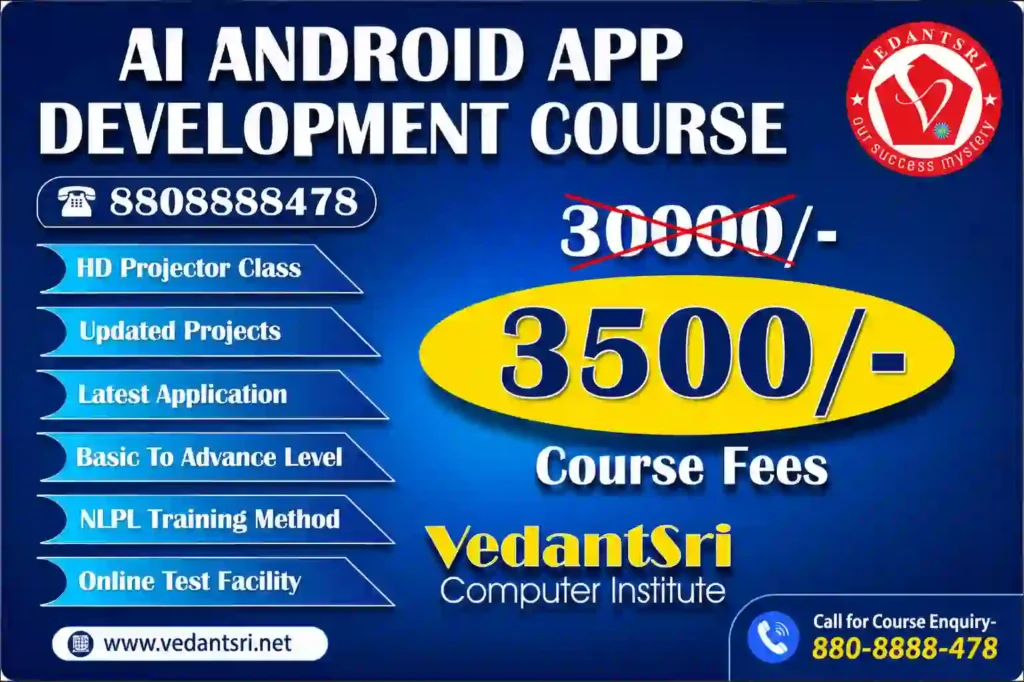
AI Android App Development Course Fee, Duration, Scope, Syllabus, Admission, Institutes & Jobs in Varanasi

AI Android App Development Course Fee, Duration, Scope, Syllabus, Admission, Institutes & Jobs in Varanasi

Artificial Intelligence ने 2026 में Android App Development की पूरी दुनिया बदल दी है। अब केवल coding सीखना काफी नहीं है। Modern companies ऐसे developers को hire कर रही हैं जो AI Tools, Full Stack Development, Cloud Hosting, Security, Automation, APIs, Cross Platform Frameworks और AI Models के साथ काम कर सकें।

अगर आप 2026 में एक high-salary career बनाना चाहते हैं, तो AI Android App Development Course आपके लिए सबसे powerful career option बन चुका है।

AI Android App Development Course Fee, Duration, Scope, Syllabus, Admission, Institutes & Jobs in Varanasi VedantSri Hub

इस guide में हम जानेंगे:

  • AI Android App Development क्या है?
  • Course Fee कितनी होती है?
  • Duration कितना होता है?
  • Scope और Salary क्या हैं?
  • कौन-कौन से Subjects पढ़ाए जाते हैं?
  • AI Full Stack Web Development कैसे काम करता है?
  • कौन-कौन से AI Models Web Development बदल रहे हैं?
  • Varanasi में Best Institute कौन सा है?
  • VedantSri कैसे Students को Basic से Advanced तक Industry Ready बनाता है?

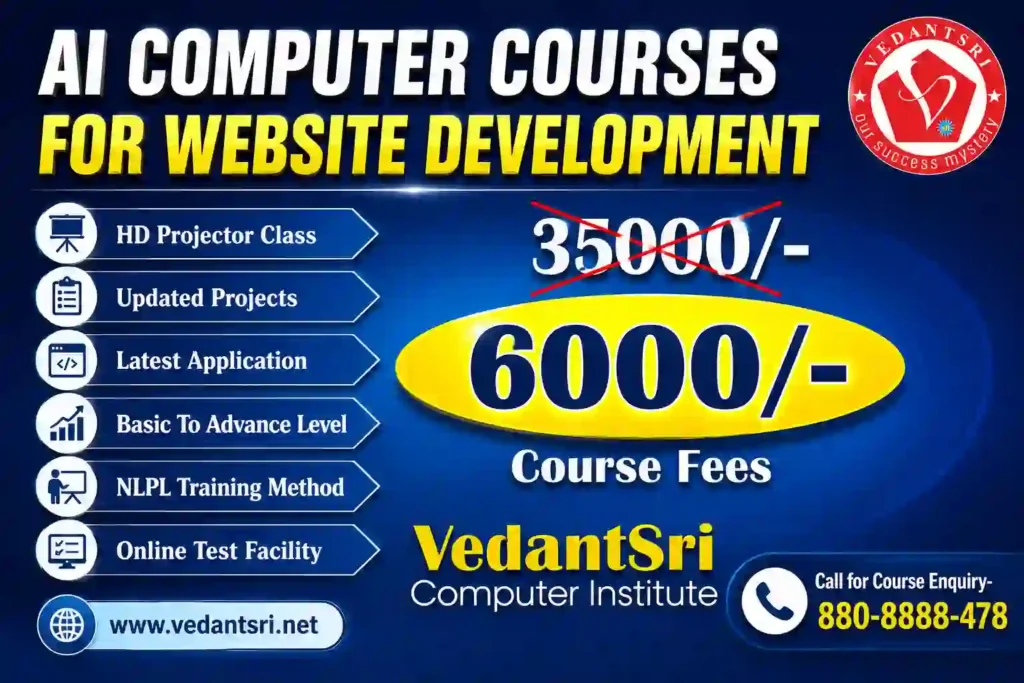
AI Computer Courses for Website Development, Duration, Scope, Syllabus, Admission, Institutes & Jobs in Varanasi

What is AI Android App Development?

AI Android App Development का मतलब है ऐसे Android Applications बनाना जिनमें Artificial Intelligence का उपयोग किया जाता है।

2026 में Android Apps केवल Java या Kotlin से नहीं बनते। अब Apps में शामिल हैं:

  • AI Chatbots
  • AI Voice Assistants
  • AI Image Generation
  • AI Recommendation Systems
  • AI Automation
  • AI Coding Assistants
  • AI Security Systems
  • AI Analytics
  • AI Video Editing Features
  • AI Search Engines
  • AI Translation Systems

आज की modern Android Apps में Backend APIs, AI Models, Cloud Databases, Hosting Security और Full Stack Frameworks का उपयोग होता है।

AI Android App Development Course Fee, Duration, Scope, Syllabus, Admission, Institutes & Jobs VedantSri Classes

Why AI App Development is the Future?

2026 में दुनिया तेजी से AI-आधारित systems की ओर जा रही है।

हर कंपनी चाहती है:

  • AI Mobile Apps
  • AI Websites
  • AI Automation Tools
  • AI CRM Systems
  • AI E-Commerce Platforms
  • AI Customer Support Systems
  • AI Video Editing Platforms
  • AI Learning Management Systems

इस वजह से AI Developers की demand बहुत तेजी से बढ़ रही है।

AI Course Fees, Duration, Scope, Syllabus, Admission, Institutes & Jobs in Varanasi

AI Android App Development Course Highlights

Course FeatureDetails
Course TypeJob Oriented
ModeOffline + Online
Duration3 Months to 18 Months
Eligibility10th, 12th, Graduation
Coding RequiredYes
AI IncludedYes
Live ProjectsYes
InternshipAvailable
Placement SupportAvailable
Career OptionsAndroid Developer, AI Developer, Full Stack Developer

AI Android App Development Course Fee in Varanasi

Varanasi में AI Android App Development Course की फीस institute और syllabus पर depend करती है।

Course LevelEstimated Fee
Basic Android Course₹15,000 – ₹25,000
Advanced Android with AI₹35,000 – ₹80,000
Full Stack AI Development₹60,000 – ₹1,50,000
Premium Industry Program₹2,00,000+

अगर course में ये चीजें शामिल हों तो फीस ज्यादा हो सकती है:

  • AI Integration
  • Cloud Hosting
  • Full Stack Development
  • Security Training
  • API Development
  • Live Projects
  • Internship
  • Placement Support
AI Android App Development Course Fee, Duration, Scope, Syllabus, Admission, Institutes & Jobs VedantSri Training

AI Android App Development Course Duration

Course TypeDuration
Crash Course2–3 Months
Professional Course6 Months
Advanced Diploma12 Months
Industry Ready AI Full Stack Program18 Months

AI Android App Development Scope in India

2026 में AI Developers की demand India में record level पर पहुंच चुकी है।

Top hiring sectors:

  • Software Companies
  • IT Startups
  • E-Commerce Companies
  • AI Startups
  • Fintech Companies
  • Healthcare Apps
  • Educational Platforms
  • Social Media Platforms
  • Digital Marketing Agencies

About O Level Course, Top 1 Best Syllabus, Duration, Fees, Scope, Institute, and Jobs in Varanasi

AI Android Developer Salary

ExperienceSalary
Fresher₹3 LPA – ₹8 LPA
Intermediate₹8 LPA – ₹18 LPA
Senior AI Developer₹20 LPA – ₹50 LPA
Freelancers₹1,00,000+ Monthly
International Remote Jobs₹50 LPA+
AI Android App Development Course Fee, Duration, Scope, Syllabus, Admission, Institutes & Jobs VedantSri Institute

Complete AI Android App Development Syllabus

Module 1 – Computer & Programming Basics

  • Computer Fundamentals
  • Internet Technology
  • Programming Logic
  • Flowchart
  • Algorithms
  • Git & GitHub

Module 2 – Frontend Development

  • HTML5
  • CSS3
  • JavaScript
  • Responsive Design
  • Bootstrap
  • Tailwind CSS

Module 3 – Advanced Web Technologies

  • React JS
  • Next.js
  • Vue.js
  • Angular Basics
  • Progressive Web Apps

Module 4 – Backend Development

  • PHP
  • Node.js
  • Express.js
  • Python Backend
  • REST APIs
  • Authentication Systems

Module 5 – Database Technologies

  • MySQL
  • MongoDB
  • Firebase
  • Cloud Database Systems

Module 6 – Android App Development

  • Java
  • Kotlin
  • Android Studio
  • XML Design
  • Firebase Integration
  • API Integration
  • Play Store Publishing

Module 7 – AI Integration in Android Apps

  • OpenAI API
  • AI Chatbot Development
  • AI Voice Systems
  • AI Image Generator APIs
  • AI Automation
  • AI Search Systems
  • AI Recommendation Engines

Module 8 – AI Full Stack Web Development

2026 में Full Stack Developers केवल websites नहीं बनाते।

अब उन्हें काम करना पड़ता है:

  • AI APIs
  • Cloud Servers
  • Security Layers
  • CDN
  • VPS Hosting
  • AI Databases
  • AI Content Systems
  • AI Analytics
  • AI SEO Automation
AI Android App Development Course Fee, Duration, Scope, Syllabus, Admission, Institutes & Jobs VedantSri Class

Most Powerful AI Models Changing Web Development

GPT Models

AI Chatbots, AI Content Systems, AI Coding और Automation में उपयोग।

Gemini AI

Search Integration, Smart AI Search और AI Knowledge Systems में उपयोग।

Claude AI

Long Context Processing और Enterprise AI Applications में उपयोग।

CCC Course Fees, Syllabus, Duration, Scope, Jobs, and Institute in Varanasi

Open-Source AI Models

  • Llama
  • DeepSeek
  • Mistral
  • Stable Diffusion

इनका उपयोग:

  • AI Tools
  • AI Websites
  • AI Search Engines
  • AI Mobile Apps
  • AI Video Systems
  • AI SaaS Platforms

Best Frameworks for AI Full Stack Development

TechnologyUsage
ReactFrontend UI
Next.jsSEO Websites
Node.jsBackend APIs
LaravelSecure Backend
DjangoAI Python Backend
FlutterAndroid + iOS Apps
React NativeMobile Apps
FirebaseCloud Backend
DockerDeployment
KubernetesScaling
TensorFlowAI Systems

Hosting & Security in AI Web Development

2026 में केवल website बनाना काफी नहीं है।

Developers को सीखना होगा:

  • VPS Hosting
  • Cloud Hosting
  • CDN Setup
  • SSL Security
  • Firewall
  • Malware Protection
  • AI Security Monitoring
  • Database Backup
  • Load Balancing
  • Performance Optimization
AI Android App Development Course Fee Duration Scope Syllabus Admission Institutes Jobs VedantSri Hub
AI Android App Development Course Fee, Duration, Scope, Syllabus, Admission, Institutes & Jobs in Varanasi 19

How Full Stack Developers Work?

Modern Full Stack Developers अब ये काम करते हैं:

  • AI Website Development
  • Android App Development
  • AI API Integration
  • Cloud Deployment
  • SEO Optimization
  • AI Automation
  • Security Management
  • AI Content Systems
  • Analytics Dashboards

DIT Course Details, Fees, Duration, Scope, Syllabus, Admission, Institutes & Jobs

Why AI Skills Are Important for Web Developers?

2026 में Companies ऐसे developers को hire कर रही हैं जो:

  • AI Tools Use कर सकें
  • AI Systems Build कर सकें
  • AI APIs Integrate कर सकें
  • SEO Friendly Websites बना सकें
  • Secure Hosting Manage कर सकें
  • High Speed Websites बना सकें

Best Career Opportunities After an AI Android Development Course

Top Job Roles

  • Android App Developer
  • AI App Developer
  • Full Stack Developer
  • AI Web Developer
  • Backend Developer
  • Cloud Developer
  • API Developer
  • AI Automation Expert
  • UI/UX Developer
  • Freelance Developer

AI Android App Development Admission Process

Admission Process सामान्यतः:

  1. Registration
  2. Counselling
  3. Course Selection
  4. Demo Class
  5. Fee Submission
  6. Batch Start
AI Android App Development Course Fee, Duration, Scope, Syllabus, Admission, Institutes & Jobs VedantSri Computer

Why Choose VedantSri for AI-Driven Full-Stack Web Development?

VedantSri Official Website

VedantSri students को 2026 Industry Requirements के अनुसार AI-based Development Training देने पर focus करता है।

VedantSri Students को क्या सिखा सकते है?

  • Basic To Advanced Web Development
  • AI Full Stack Development
  • Android App Development
  • WordPress Development
  • Hosting & Security
  • SEO Optimization
  • AI Tools Usage
  • Live Projects
  • Practical Training
  • Freelancing Guidance
  • Portfolio Building
  • Interview Preparation

DCA Course Fees, Duration, Scope, Syllabus, Admission, Institutes & Jobs in Varanasi

How VedantSri Helps Students Build a Career?

VedantSri practical learning approach पर focus करता है:

  • Real Projects
  • Industry-Based Training
  • AI Tools Practice
  • Website Deployment
  • Hosting Management
  • Security Setup
  • Client Work Training
  • Internship Style Learning

Students को केवल theory नहीं बल्कि real-world implementation सिखाया जाता है।

AI Android App Development Course Fee, Duration, Scope, Syllabus, Admission, Institutes & Jobs VedantSri Info

Future of AI Developers in India

2026–2030 तक AI Developers की demand लगातार बढ़ने वाली है क्योंकि:

  • AI Startups तेजी से बढ़ रहे हैं
  • Businesses Automation चाहते हैं
  • AI Websites की demand बढ़ रही है
  • AI Apps हर sector में उपयोग हो रहे हैं
  • Remote Jobs बढ़ रहे हैं

People Also Ask (PAA)

AI Android App Development Course क्या है?

यह ऐसा course है जिसमें Android App Development के साथ AI Tools, APIs और Full Stack Technologies सिखाई जाती हैं।

AI Android Developer की Salary कितनी होती है?

Freshers ₹3–8 LPA तक और experienced developers ₹20 LPA+ तक earn कर सकते हैं।

क्या बिना Coding Knowledge के AI Development सीख सकते हैं?

हाँ, beginners basic programming से शुरुआत कर सकते हैं।

2026 में सबसे demanded developer कौन है?

AI Full Stack Developer और AI App Developer सबसे ज्यादा demanded profiles हैं।

क्या AI Web Development Future Proof Career है?

हाँ, AI आधारित Development आने वाले वर्षों में सबसे तेजी से बढ़ने वाला technology sector है।

Top 3 Computer Diploma Courses, 6 Months of Computer Diploma, After 12th Pass Out Computer Courses

Featured Snippet Optimised Answer

AI Android App Development Course in Varanasi

AI Android App Development Course एक job-oriented training program है जिसमें Android App Development, AI Integration, Full Stack Web Development, Cloud Hosting, Security, APIs और Modern Frameworks सिखाए जाते हैं। Course duration 3 से 18 months तक हो सकती है और fees ₹15,000 से ₹1,50,000+ तक हो सकती है। 2026 में AI Developers की demand तेजी से बढ़ रही है और students Android Developer, AI Developer और Full Stack Developer जैसे careers में जा सकते हैं।

Final Conclusion

2026 में AI Android App Development केवल एक course नहीं बल्कि एक complete career opportunity बन चुका है। AI, Full Stack Development, Hosting, Security, Cloud Computing और Modern Frameworks सीखकर students high-salary jobs, freelancing और international remote work opportunities प्राप्त कर सकते हैं। अगर आप future-ready career बनाना चाहते हैं तो AI Full Stack Web Development और Android App Development skills सीखना आने वाले समय में सबसे powerful investment साबित हो सकता है।

External Link

AI Computer Courses for Website Development, Duration, Scope, Syllabus, Admission, Institutes & Jobs in Varanasi

AI Computer Courses for Website Development, Duration, Scope, Syllabus, Admission, Institutes & Jobs in Varanasi

Artificial Intelligence ने Web Development Industry को पूरी तरह बदल दिया है। अब केवल HTML, CSS और JavaScript सीखना ही काफी नहीं है। 2026 में companies ऐसे AI Full Stack Web Developers को hire कर रही हैं जो AI Tools, Modern Frameworks, Secure Hosting, Automation, SEO Optimization और Smart Web Applications बनाना जानते हों।

यदि आप 2026 में High Salary, Freelancing, Remote Jobs, Startup या Agency Business के लिए सबसे Powerful Career Option खोज रहे हैं, तो AI Integrated Full Stack Web Development Course आपके लिए सबसे Best Option हो सकता है।

AI Computer Courses for Website Development, Duration, Scope, Syllabus, Admission, Institutes & Jobs Top 1 Best VedantSri

इस Detailed Guide में हम जानेंगे:

  • AI Website Development Course क्या है?
  • Course Duration कितनी होती है?
  • 2026 में Scope और Salary कितनी हैं?
  • कौन-कौन से AI Tools और Frameworks सीखने चाहिए?
  • Google, Bing और AI Search Engines के लिए Websites कैसे Optimize होते हैं?
  • AI Full Stack Developer कैसे बनें?
  • Varanasi में Best AI Web Development Institute कौन सा है?
  • कैसे VedantSri Students को Basic से Advanced तक Industry Ready बनाता है?

AI Course Fees, Duration, Scope, Syllabus, Admission, Institutes & Jobs in Varanasi

What is an AI Website Development Course?

AI Website Development Course एक Modern Computer Course है जिसमें Students को Traditional Web Development के साथ Artificial Intelligence Tools, Automation Platforms, Smart Coding Systems, AI Prompt Engineering और Modern Frameworks सिखाए जाते हैं।

इस Course में Student सीखता है:

  • Responsive Website Design
  • AI-Based Coding Assistance
  • Full Stack Development
  • Secure Hosting Management
  • Database Development
  • SEO Friendly Website Creation
  • AI Chatbot Integration
  • AI Content Optimisation
  • AI-Powered Business Websites
  • E-Commerce Development
  • AI Automation
  • Cloud Deployment
  • Cyber Security for Websites

आज 2026 में companies manual coding से ज्यादा AI-assisted development को prefer कर रही हैं क्योंकि इससे development speed कई गुना बढ़ जाती है।

AI Computer Courses for Website Development, Duration, Scope, Syllabus, Admission, Institutes & Jobs VedantSri Training

Why AI Full Stack Web Development is the Future?

2026 में लगभग हर Business को चाहिए:

  • AI Optimized Website
  • Fast Loading Website
  • SEO Friendly Structure
  • Mobile Responsive Design
  • Secure Hosting
  • AI Chat Support
  • Voice Search Optimisation
  • Google AI Search Ready Pages
  • Bing AI Ready Content
  • Automated Customer Handling

इसी कारण AI Full Stack Developers की Demand तेजी से बढ़ रही है।

About O Level Course, Top 1 Best Syllabus, Duration, Fees, Scope, Institute, and Jobs in Varanasi

Most Searched AI Web Development Keywords

यह Keywords Google, Bing, Yahoo और AI Search Engines में सबसे ज्यादा Search किए जा रहे हैं:

  • AI Website Development Course
  • AI Full Stack Developer Course
  • Best Web Development Course in Varanasi
  • AI Computer Course Near Me
  • Full Stack Web Development Institute
  • AI Coding Course 2026
  • Web Designing Course with AI
  • AI Developer Salary in India
  • AI Website Builder Course
  • Learn AI Web Development
  • Secure Web Hosting Course
  • React JS AI Development
  • MERN Stack with AI
  • AI SEO Website Development
  • AI Frontend Developer
  • AI Backend Developer
  • ChatGPT for Web Development
  • AI Tools for Programmers
  • Full Stack AI Developer Jobs
  • WordPress AI Website Development और यदि आप भी इन सर्च लिस्ट के अनुसार वेब डेवलपमेंट में करियर बनाने की खोज में है तब आपकी खोज सही जगह पर है, इस पोस्ट में आप जानेंगे कैसे AI Computer Courses for Website Development आपकी हेल्प करेगा AI फील्ड में करियर enhance करने में

Top 3 Computer Diploma Courses, 6 Months of Computer Diploma, After 12th Pass Out Computer Courses

AI Tools Used in Modern Web Development

2026 में Professional Developers इन Premium AI Models और Tools का उपयोग कर रहे हैं:

AI Coding Assistants

  • GitHub Copilot
  • Google Gemini
  • Claude AI
  • Cursor AI Editor
  • OpenAI ChatGPT  

AI Website Builders

  • Framer AI
  • Wix AI
  • Webflow AI

AI Design Tools

  • Adobe Firefly
  • Figma AI
  • Canva AI

AI Hosting & Security Platforms

  • Vercel
  • Cloudflare
  • Hostinger
  • Netlify
  • Supabase

Full Stack Web Developer – What They Actually Do?

2026 का Full Stack Developer केवल Website Design नहीं करता। वह पूरा Digital System तैयार करता है।

Frontend Development

  • HTML5
  • CSS3
  • Tailwind CSS
  • JavaScript
  • React JS
  • Next.js
  • UI/UX Design
  • Responsive Layouts

Backend Development

  • Node.js
  • PHP
  • Python
  • Express.js
  • API Development
  • Authentication Systems

Database Management

  • MySQL
  • MongoDB
  • Firebase

Hosting & Deployment

  • VPS Hosting
  • Cloud Hosting
  • cPanel
  • GitHub Deployment
  • Docker Basics
  • SSL Setup

Website Security

  • Firewall Setup
  • Malware Protection
  • Backup Systems
  • Website Speed Optimization
  • Anti-Hacking Techniques

AI Integration

  • AI Chatbots
  • AI Automation
  • AI Content Generation
  • AI SEO Systems
  • AI Image Optimization
  • Voice AI Integration
AI Computer Courses for Website Development, Duration, Scope, Syllabus, Admission, Institutes & Jobs VedantSri Institute

AI Web Development Course Duration

Course TypeDuration
Basic Web Designing3 Months
Frontend Development6 Months
Full Stack Development9 Months
AI Full Stack Development12 Months
Advanced AI Web Application Development15 Months

AI Website Development Course Syllabus

Module 1 – Computer Fundamentals

  • Internet Basics
  • Operating System
  • Browser Technologies
  • AI Introduction

Module 2 – Website Designing

  • HTML5
  • CSS3
  • Responsive Design
  • Mobile Friendly Layouts

Module 3 – JavaScript & Modern UI

  • JavaScript ES6
  • DOM Manipulation
  • APIs
  • Animation Effects

Module 4 – React JS & Next.js

  • Components
  • Routing
  • State Management
  • Server-Side Rendering

Module 5 – Backend Development

  • Node.js
  • Express.js
  • Authentication
  • APIs

Module 6 – Database

  • MongoDB
  • MySQL
  • Firebase

Module 7 – WordPress AI Development

  • Theme Customization
  • Plugin Development
  • AI SEO Optimisation
  • Speed Optimization

Module 8 – Hosting & Deployment

  • Domain Management
  • VPS Setup
  • cPanel
  • Cloudflare CDN

Module 9 – Website Security

  • SSL
  • Firewall
  • Malware Scanning
  • Backup Management

Module 10 – AI Integration

  • ChatGPT API
  • AI Chatbots
  • AI Automation
  • AI Content Systems

Module 11 – SEO & Ranking

  • Technical SEO
  • Schema Markup
  • Featured Snippet Optimisation
  • Voice Search SEO
  • Google AI SEO

Module 12 – Real Projects

  • Business Website
  • E-Commerce Website
  • AI Portfolio Website
  • Blog Website
  • Institute Website

DCA Course Fees, Duration, Scope, Syllabus, Admission, Institutes & Jobs in Varanasi

Scope of AI Web Development in India

2026 में AI Web Development Industry तेजी से grow कर रहा है।

Career Opportunities:

  • Full Stack Developer
  • Frontend Developer
  • Backend Developer
  • AI Web Developer
  • WordPress Developer
  • Shopify Developer
  • Freelance Developer
  • Website Security Expert
  • SEO Developer
  • Cloud Developer
AI Computer Courses for Website Development, Duration, Scope, Syllabus, Admission, Institutes & Jobs VedantSri Computer

AI Full Stack Developer Salary in India

ExperienceSalary
Fresher₹3 LPA – ₹6 LPA
1–3 Years₹6 LPA – ₹12 LPA
3–5 Years₹12 LPA – ₹25 LPA
AI Expert Developer₹25 LPA – ₹60 LPA

Freelancers और Remote Developers इससे भी अधिक Income Generate कर रहे हैं।

Best Features Students Should Learn

Modern Developers को ये Skills जरूर सीखनी चाहिए:

  • AI Prompt Engineering
  • Website Automation
  • AI SEO Optimisation
  • AI Blogging Systems
  • AI Chatbot Integration
  • Cyber Security
  • Cloud Hosting
  • Speed Optimization
  • API Integration
  • Voice Search Optimisation
  • Mobile First Design
  • AI Content Structuring

Why Businesses Need AI Websites?

2026 में Businesses Traditional Websites से ज्यादा AI Ready Websites को Prefer कर रहे हैं क्योंकि:

  • Websites Faster Rank करती हैं
  • AI Search Engines में Better Visibility मिलती है
  • Customer Support Automated होता है
  • SEO बेहतर होता है
  • Conversion Rate बढ़ती है
  • Website Management आसान होता है

How VedantSri Helps Students Build a Career in AI Full Stack Web Development?

VedantSri Students को Industry Ready बनाने पर Focus करता है।

VedantSri Training Features

  • Basic To Advanced Training
  • Live Projects
  • AI Tools Practical Training
  • WordPress + Coding दोनों
  • Modern Frameworks
  • Hosting Practical
  • Website Security Training
  • SEO Optimisation Training
  • Freelancing Guidance
  • Interview Preparation
  • Real Client Projects
  • Portfolio Development

Students Learn Practical Technologies

  • HTML
  • CSS
  • JavaScript
  • React JS
  • Node.js
  • WordPress
  • AI Tools
  • Hosting
  • SEO
  • Website Security

Admission Process for AI Web Development Course

Admission लेने के लिए सामान्यतः चाहिए:

  • Basic Computer Knowledge
  • 10th / 12th Qualification
  • Internet Understanding
  • Learning Interest

कुछ Institutes Demo Classes भी Provide करते हैं।

DIT Course Details, Fees, Duration, Scope, Syllabus, Admission, Institutes & Jobs

Jobs After an AI Web Development Course

Course Complete करने के बाद Students काम कर सकते हैं:

  • IT Companies
  • Software Agencies
  • Startups
  • Digital Marketing Companies
  • Freelancing Platforms
  • Remote International Projects
  • Own Web Agency
AI Computer Courses for Website Development, Duration, Scope, Syllabus, Admission, Institutes & Jobs VedantSri Classes

Freelancing Opportunities in AI Web Development

2026 में Freelancing Platforms पर AI Developers की Huge Demand है।

Popular Platforms:

  • Upwork
  • Fiverr
  • Freelancer
  • Toptal

CCC Course Fees, Syllabus, Duration, Scope, Jobs, and Institute in Varanasi

Featured Snippet Optimised FAQs (People Also Ask)

What is an AI Website Development Course?

AI Website Development Course एक Modern Computer Course है जिसमें Students को Website Designing, Full Stack Development, AI Tools, Hosting, Security, और SEO सिखाया जाता है।

Is AI replacing Web Developers?

नहीं। AI Developers को Replace नहीं कर रहा, बल्कि उनकी Productivity बढ़ा रहा है। AI Tools सीखने वाले Developers की Demand ज्यादा बढ़ रही है।

Which AI tools are best for web developers in 2026?

ChatGPT, GitHub Copilot, Gemini, Claude AI, Cursor AI, और Framer AI सबसे Popular AI Tools हैं।

What is the salary of an AI Full Stack Developer in India?

AI Full Stack Developers की Salary Fresher Level पर ₹3–6 LPA और Experienced Level पर ₹25–60 LPA तक जा सकती है।

Which is the best institute for AI Web Development in Varanasi?

Varanasi में कई Institutes हैं, लेकिन Students Practical Training, AI Tools, Hosting, SEO और Real Projects सीखने के लिए VedantSri जैसे Practical Focused Training Platforms को prefer कर रहे हैं।

Final Conclusion

2026 में AI Full Stack Web Development सबसे तेजी से Growing Career Options में से एक है। AI Tools, Modern Frameworks, Secure Hosting, SEO और Automation सीखने वाले Students Future Ready बन रहे हैं।

यदि आप Website Development, Freelancing, Remote Jobs, Startup या IT Industry में Career बनाना चाहते हैं तो AI Integrated Web Development Course आपके लिए Powerful Career Option हो सकता है।

Modern AI Technologies, Secure Development Practices, Hosting Skills और SEO Optimization के साथ सीखना अब बहुत जरूरी हो गया है।

Practical Training, Real Projects और AI-Based Learning Approach के साथ VedantSri Students को Basic से Advanced तक Professional AI Full Stack Web Developer बनने में मदद कर सकते हैं

External Link

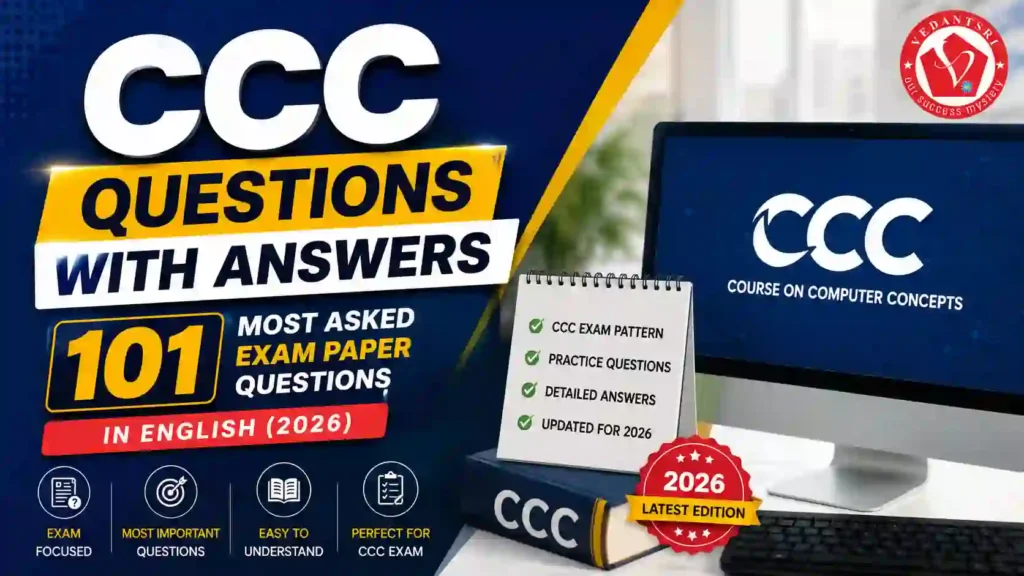
CCC Questions with Answers in English – 101 Most Asked CCC Exam Paper Questions

CCC Questions with Answers in English – 101 Most Asked CCC Exam Paper Questions

If you are preparing for the NIELIT CCC Exam 2026, then these latest and important CCC Questions with Answers will help you practice the most repeated and expected exam questions.

CCC Questions with Answers in English – 101 Most Asked CCC Exam Paper Questions VedantSri

Download PDF of 100 CCC Questions with Answers in English

These questions are based on:

  • Computer Fundamentals
  • Document
  • Spreadsheet
  • Presentation
  • Internet & Email
  • Cyber Security
  • Digital Payment
  • Operating System
  • Networking
  • Latest IT Terms
  • AI & Cloud Computing Basics

All questions are written in simple English with accurate answers for better understanding and exam preparation.

Computer Fundamentals Questions – CCC Questions (Q1 to Q15)

CCC Questions with Answers in English – 101 Most Asked CCC Exam Paper Questions VedantSri Institute

1. What is the full form of CPU?

Answer: Central Processing Unit

2. Which device is known as the brain of the computer?

Answer: CPU

3. What is the full form of RAM?

Answer: Random Access Memory

4. Which memory is temporary?

Answer: RAM

5. What is the full form of ROM?

Answer: Read-Only Memory

6. Which device is used to print documents?

Answer: Printer

7. Which device is used to scan documents?

Answer: Scanner

8. What is the full form of USB?

Answer: Universal Serial Bus

9. Which key is used to delete text from the right side?

Answer: Delete Key

10. Which key is used to move to the next line?

Answer: Enter Key

11. What is the full form of GUI?

Answer: Graphical User Interface

12. Which storage device has the highest storage capacity?

Answer: Hard Disk / SSD

13. What is the full form of SSD?

Answer: Solid State Drive

14. Which device is used for video calling?

Answer: Webcam

15. What is the full form of ALU?

Answer: Arithmetic Logic Unit

Download PDF CCC Course Syllabus

Operating System Questions – CCC Questions (Q16 to Q25)

CCC Questions with Answers in English – 101 Most Asked CCC Exam Paper Questions VedantSri Class

16. What is an Operating System?

Answer: Software that manages computer hardware and software resources.

17. Name a popular operating system.

Answer: Windows

18. Which operating system is used in smartphones?

Answer: Android

19. What is the latest Windows series commonly used in 2026?

Answer: Windows 11

20. Which option is used to shut down the computer safely?

Answer: Shut Down

21. Which key combination is used to copy?

Answer: Ctrl + C

22. Which key combination is used to paste?

Answer: Ctrl + V

23. Which key combination is used to cut?

Answer: Ctrl + X

24. Which key combination is used to save a file?

Answer: Ctrl + S

25. Which key combination is used to undo?Answer: Ctrl + Z

Document / Word Questions – CCC Questions (Q26 to Q35)

CCC Questions with Answers in English – 101 Most Asked CCC Exam Paper Questions VedantSri Class Training

26. Which software is used for typing documents?

Answer: Word

27. What is the default extension of a Word file?

Answer: .docx

28. Which option is used to make text bold?

Answer: Bold

29. Which shortcut key is used for Bold?

Answer: Ctrl + B

30. Which shortcut key is used for Italic?

Answer: Ctrl + I

31. Which shortcut key is used for Underline?

Answer: Ctrl + U

32. Which menu is used to insert pictures?

Answer: Insert Menu

33. Which option is used to check spelling mistakes?

Answer: Spell Check

34. Which feature is used to create letters for multiple people?

Answer: Mail Merge

35. Which option is used to print a document?

Answer: Print

Spreadsheet / Excel Questions – CCC Questions (Q36 to Q45)

CCC Questions with Answers in English – 101 Most Asked CCC Exam Paper Questions VedantSri Class Training Computer

36. Which software is used for calculations?

Answer: Excel / Spreadsheet

37. What is the default extension of a spreadsheet file?

Answer: .xlsx

38. What is a cell in a spreadsheet?

Answer: Intersection of row and column

39. Which symbol is used to start a formula in a spreadsheet?

Answer: = (Equal Sign)

40. Which formula is used to add numbers?

Answer: SUM

41. Which chart is used to represent data graphically?

Answer: Chart

42. Which function returns the average?

Answer: AVERAGE

43. Which function returns the highest value?

Answer: MAX

44. Which function returns the lowest value?

Answer: MIN

45. Which shortcut key opens the Find option?

Answer: Ctrl + F

Presentations / PowerPoint Questions – CCC Questions (Q46 to Q50)

46. Which software is used to create presentations?

Answer: PowerPoint

47. What is the default extension of a Presentation file?

Answer: .pptx

48. What is a slide?

Answer: A single page of presentation

49. Which key starts the slideshow?

Answer: F5

50. Which menu is used to insert animations?

Answer: Animations Menu

WWW & Internet Questions – CCC Questions (Q51 to Q60)

51. What is the full form of WWW?

Answer: World Wide Web

52. What is the full form of URL?

Answer: Uniform Resource Locator

53. Which software is used to browse the internet?

Answer: Web Browser

54. Name a popular web browser.

Answer: Google Chrome

55. What is the full form of HTTP?

Answer: HyperText Transfer Protocol

56. What is the full form of HTTPS?

Answer: HyperText Transfer Protocol Secure

57. Which company owns Google?

Answer: Google

58. Which search engine is most popular?

Answer: Google

59. What is cloud storage?

Answer: An online storage service for saving files on internet servers.

60. Name a cloud storage platform.

Answer: Google Drive

Email Questions – CCC Questions (Q61 to Q70)

61. What is the full form of E-mail?

Answer: Electronic Mail

62. Which symbol is used in an email address?

Answer: @

63. What is Inbox?

Answer: Folder that stores received emails.

64. What is Spam Mail?

Answer: Unwanted or junk email.

65. Which option is used to send an email copy to another person?

Answer: CC

66. What is BCC in email?

Answer: Blind Carbon Copy

67. Which company provides Gmail service?

Answer: Google

68. Which option is used to attach files to an email?

Answer: Attachment

69. What is phishing?

Answer: Fake attempt to steal personal information through emails or websites.

70. Which password is considered strong?

Answer: Password containing letters, numbers, and special symbols.

CCC Computer Course Syllabus, Best Top 5 Scope, Duration, Fees, Institute & Jobs Near Me

Cyber Security Questions – CCC Questions (Q71 to Q80)

71. What is Antivirus?

Answer: Software used to protect a computer from viruses.

72. Name a popular antivirus software.

Answer: Quick Heal

73. What is a computer virus?

Answer: A harmful program that damages computer data.

74. What is a firewall?

Answer: A security system that protects the network from unauthorised access.

75. What is OTP?

Answer: One-Time Password

76. Why should OTP never be shared?

Answer: To prevent fraud and unauthorised access.

77. What is cybercrime?

Answer: Illegal activity performed using a computer or the internet.

78. What is hacking?

Answer: Unauthorised access to computer systems.

79. Which website is considered secure?

Answer: Website starting with HTTPS

80. What is data backup?

Answer: A copy of important data is stored safely.

Digital Payment Questions – CCC Questions (Q81 to Q88)

81. What is UPI?

Answer: Unified Payments Interface

82. Which app is used for online payment?

Answer: PhonePe

83. What is net banking?

Answer: Banking services are provided through the internet.

84. What is a QR Code?

Answer: Quick Response Code

85. Which card is directly linked to a bank account?

Answer: Debit Card

86. What is an ATM?

Answer: Automated Teller Machine

87. Which app is developed by NPCI for UPI payment?

Answer: BHIM

88. What should you verify before online payment?

Answer: Receiver details and secure payment gateway.

Networking Questions – CCC Questions (Q89 to Q94)

89. What is a network?

Answer: Connection of multiple computers for sharing resources.

90. What is LAN?

Answer: Local Area Network

91. What is WAN?

Answer: Wide Area Network

92. Which device connects computers in a network?

Answer: Router / Switch

93. What is Wi-Fi?

Answer: Wireless networking technology.

94. What is an IP Address?

Answer: Unique address of a device on the network.

AI and Modern Technology Questions – CCC Questions (Q95 to Q101)

95. What is Artificial Intelligence?

Answer: Technology that enables machines to simulate human intelligence.

96. What is the full form of AI?

Answer: Artificial Intelligence

97. Name a popular AI chatbot.

Answer: ChatGPT

98. What is Machine Learning?

Answer: A branch of AI where systems learn from data.

99. What is biometric authentication?

Answer: Security verification using fingerprint or face recognition.

100. What is digital literacy?

Answer: Ability to use digital technology effectively.

101. What is e-Governance?

Answer: Government services are provided digitally through the internet.

in Hindi CCC Questions with Answers – 100 Most Asked Exam Paper Questions


Final Words

These 101 Most Asked CCC Questions with Answers for 2026 are highly useful for:

  • CCC Exam Preparation
  • Viva Questions
  • Objective Practice
  • Online Test Preparation
  • Computer Basics Interview Preparation

Practice these questions daily to improve your speed, accuracy, and confidence for the NIELIT CCC Examination 2026.

Important link

AI Course Fees, Duration, Scope, Syllabus, Admission, Institutes & Jobs in Varanasi (2026 Updated Guide)

AI Course Fees, Duration, Scope, Syllabus, Admission, Institutes & Jobs in Varanasi (2026 Updated Guide)

Introduction: AI Course in 2026 – Why It Matters

Artificial Intelligence (AI) 2026 में सबसे तेजी से बढ़ने वाला career field बन चुका है। चाहे आप student हों, job seeker हों या business owner हों — AI skills सीखना अब optional नहीं बल्कि जरूरी हो गया है।

Varanasi जैसे growing education hub में AI courses की demand तेजी से बढ़ रही है क्योंकि:

  • Digital India push
  • Automation in industries
  • Freelancing & remote job opportunities
  • Startup ecosystem growth

इस detailed guide में हम आपको बताएंगे:

About O Level Course, Top 1 Best Syllabus, Duration, Fees, Scope, Institute, and Jobs in Varanasi

AI Course Fees, Duration, Scope, Syllabus, Admission, Institutes & Jobs VedantSri
  • AI Course Fees in Varanasi
  • Duration और Syllabus
  • Best Institutes
  • Career Scope और Salary
  • Top AI Tools (50 Websites)

What is an AI Course?

AI Course एक professional training program है जिसमें आपको सिखाया जाता है:

  • Machine Learning
  • Deep Learning
  • Data Science
  • Natural Language Processing (NLP)
  • Computer Vision
  • AI Tools & Automation

यह course beginner से लेकर advanced level तक available होता है।

CCC Course Fees, Syllabus, Duration, Scope, Jobs, and Institute in Varanasi


AI Course Fees in Varanasi (2026)

Varanasi में AI course की fees institute और level के अनुसार अलग-अलग होती है:

  • Basic AI Course: ₹10,000 – ₹25,000
  • Advanced AI + Machine Learning: ₹25,000 – ₹80,000
  • Professional Certification Programs: ₹80,000 – ₹2,50,000

Factors affecting fees:

  • Course duration
  • Certification type
  • Placement support
  • Live projects
AI Course Fees, Duration, Scope, Syllabus, Admission, Institutes & Jobs in Varanasi Institute

AI Course Duration

AI course duration depend करता है आपके level पर:

  • Short Term Course: 1–3 months
  • Diploma Course: 3–6 months
  • Advanced Program: 6–12 months

अगर आप beginner हैं तो 3–6 months course best रहता है।

DIT Course Details, Fees, Duration, Scope, Syllabus, Admission, Institutes & Jobs


AI Course Syllabus (Updated 2026)

AI course syllabus में generally ये topics शामिल होते हैं:

Core Topics

  • Introduction to Artificial Intelligence
  • Python Programming
  • Statistics & Mathematics for AI
  • Machine Learning Algorithms
  • Deep Learning

Advanced Topics

  • Natural Language Processing
  • Computer Vision
  • Generative AI (ChatGPT, Automation Tools)
  • AI Project Development

Practical Training

  • Real-world projects
  • Case studies
  • Industry tools
AI Course Fees, Duration, Scope, Syllabus, Admission, Institutes & Jobs in Varanasi VedantSri Institute

AI Course Admission Process

Varanasi में AI course admission के लिए:

  • Basic eligibility: 10th / 12th / Graduate
  • कुछ institutes coding knowledge मांग सकते हैं
  • Direct admission available होता है

AI Course Scope in 2026

AI का scope तेजी से बढ़ रहा है:

  • IT कंपनियां
  • Healthcare sector
  • Banking & Finance
  • E-commerce
  • Education Technology

AI skills के साथ आप ये roles कर सकते हैं:

  • AI Engineer
  • Data Scientist
  • Machine Learning Engineer
  • AI Content Specialist
  • Automation Expert

DCA Course Fees, Duration, Scope, Syllabus, Admission, Institutes & Jobs in Varanasi


AI Jobs & Salary in India (2026)

AI professionals की salary काफी high होती है:

  • Fresher: ₹3 – ₹8 LPA
  • Mid-Level: ₹8 – ₹20 LPA
  • Experienced: ₹20 – ₹50 LPA

Freelancing में भी ₹50,000 – ₹2,00,000/month तक earning possible है।

AI Course Fees, Duration, Scope, Syllabus, Admission, Institutes & Jobs in Varanasi VedantSri

Top 50 AI Websites (Free + Premium) with Use Case

नीचे 50 AI tools दिए गए हैं जो 2026 में सबसे ज्यादा use हो रहे हैं:

Content & Writing AI Tools

  1. ChatGPT – Content writing, automation
  2. Jasper AI – Marketing copy
  3. Copy.ai – Blog writing
  4. Writesonic – SEO content
  5. Rytr – Quick content

Image Generation Tools

  1. Midjourney – AI art
  2. DALL·E – Image generation
  3. Leonardo AI – Creative design
  4. Canva AI – Graphic design
  5. Adobe Firefly – Professional visuals

Video & Editing AI Tools

  1. Runway ML – Video editing
  2. Pictory – AI video creation
  3. Synthesia – AI avatar videos
  4. Lumen5 – Marketing videos
  5. Descript – Editing & voice

Coding AI Tools

  1. GitHub Copilot – Code assist
  2. Codeium – Free coding AI
  3. Tabnine – AI coding
  4. Replit AI – Development
  5. Amazon CodeWhisperer – Cloud coding

Productivity AI Tools

  1. Notion AI – Documentation
  2. Grammarly AI – Writing improvement
  3. Otter AI – Meeting notes
  4. ClickUp AI – Task management
  5. Fireflies AI – Call recording

Marketing AI Tools

  1. Surfer SEO – SEO optimization
  2. Clearscope – Content scoring
  3. MarketMuse – Strategy
  4. Frase – AI SEO writing
  5. Scalenut – Content planning

Top 3 Computer Diploma Courses, 6 Months of Computer Diploma, After 12th Pass Out Computer Courses

Automation AI Tools

  1. Zapier AI – Workflow automation
  2. Make.com – Integration
  3. Durable AI – Website builder
  4. Tidio AI – Chatbots
  5. ManyChat – Automation

Voice AI Tools

  1. ElevenLabs – Voice cloning
  2. Murf AI – Voice over
  3. PlayHT – Audio AI
  4. Speechify – Text to speech
  5. Resemble AI – Voice generation

Miscellaneous AI Tools

  1. Tome AI – Presentations
  2. Gamma AI – Slides
  3. Perplexity AI – Research
  4. Elicit AI – Academic research
  5. Poe AI – Multi AI access
  6. Kaiber AI – Video generation
  7. ClipDrop – Image editing
  8. Remove.bg – Background remove
  9. Looka AI – Logo design
  10. Brandmark AI – Branding
AI Course Fees, Duration, Scope, Syllabus, Admission, Institutes & Jobs in Varanasi Training

AI Computer Courses for Website Development, Duration, Scope, Syllabus, Admission, Institutes & Jobs in Varanasi

Best AI Institutes in Varanasi

Varanasi में AI course के लिए कुछ reputed institutes:

  • VedantSri Computer Institute
  • Private IT Training Centres
  • Online Platforms

आप offline + online hybrid learning भी choose कर सकते हैं।


What is the best AI course in Varanasi?

Best AI course वह होता है जिसमें:

  • Practical training हो
  • Live projects हों
  • Placement support मिले
  • Updated AI tools सिखाए जाएं

ADCA Course Fees, Duration, Scope, Syllabus, Admission & Jobs in Varanasi (2026 Updated Guide)


What are the AI course fees in Varanasi?

AI course fees ₹10,000 से ₹2,50,000 तक होती हैं, depending on the level और the institute. and VedantSri Offer INR 4,500 Fees Only.


What is the duration of the AI course?

AI course duration 1 महीने से 12 महीने तक होता है।

AI Course Fees, Duration, Scope, Syllabus, Admission, Institutes & Jobs in Varanasi

People Also Ask (PAA)

Is AI a good career in 2026?

हाँ, AI 2026 में सबसे high-demand career है।

Can beginners learn AI?

हाँ, Python और basics से शुरुआत करके कोई भी सीख सकता है।

Which language is best for AI?

Python सबसे popular language है।

क्या AI course के बाद job मिलती है?

हाँ, सही skills और projects के साथ job opportunities काफी हैं।

Digital Marketing Course Fees, Duration, Syllabus, Scope, Institute, and Jobs in Varanasi


Conclusion

2026 में AI course करना एक smart career move है। Varanasi में भी अब quality AI training available है और सही institute चुनकर आप high-paying career बना सकते हैं।

External Link

Best 6 Month Computer Course for Job 2026: Fees, Syllabus, Career Scope & Complete Guide

Best 6 Month Computer Course for Job 2026: Fees, Syllabus, Career Scope & Complete Guide

In today’s competitive digital world, choosing the right short-term course can directly impact your career. If you are searching for the best 6 month computer course for a job, 6 month computer course fees, or the best computer institute near me, then this guide is designed to give you complete clarity with real, practical insights.

Best 6 Month Computer Course for Job 2026 Fees, Syllabus, Career Scope & Complete Guide VedantSri Institute

The best 6-month computer courses for jobs in 2026 include DCA, DFA, DTP, Digital Marketing, DIT, and Advanced AI Training. Among these, the DCA (Diploma in Computer Applications) is the most balanced course, covering computer fundamentals, MS Office, the internet, and basic programming. Course fees typically range between ₹3,900 and ₹5,000 at reputed institutes like VedantSri, with flexible payment options and scholarships available. These courses are job-oriented and suitable for beginners seeking office, IT, or freelance careers.

With over 20 years of experience in computer education and training, we have helped lakhs of students —and we understand what actually works in the job market—not just theory.

About O Level Course, Top 1 Best Syllabus, Duration, Fees, Scope, Institute, and Jobs in Varanasi

What is the Best 6 Month Computer Course for a job in 2026?

The most in-demand 6-month computer courses in 2026 include:

  • DCA (Diploma in Computer Applications)
  • DFA (Diploma in Financial Accounting)
  • DTP (Desktop Publishing)
  • DIT (Diploma in Information Technology)
  • Digital Marketing
  • Advanced AI Training

These courses are job-oriented, skill-based, and designed according to current industry requirements.

Why Choose a 6 Month Computer Course?

  • Short duration with fast career entry
  • Affordable fees compared to degrees
  • High demand in the private and freelance sectors
  • Practical skills over theoretical learning
  • Suitable for students, job seekers, and business owners

Complete Course Comparison (Most Searched Query 2026)

CourseDurationBest ForJob Roles
DCA6 MonthsBeginnersData Entry, Office Work
DFA6 MonthsCommerce StudentsAccountant, Billing Executive
DTP6 MonthsCreative UsersGraphic Designer
DIT6 MonthsIT BasicsComputer Operator
Digital Marketing6 MonthsOnline CareerSEO, Social Media Manager
Advanced AI Training6 MonthsFuture TechAI Tools Expert, Automation

CCC Course Fees, Syllabus, Duration, Scope, Jobs, and Institute in Varanasi

Best 6 Month Computer Course for Job 2026 Fees, Syllabus, Career Scope & Complete Guide VedantSri Computer Institute

DCA Course Full Details (Most Searched Topic)

DCA Full Form

Diploma in Computer Applications

DCA Course Duration

Typically, 6 months (can vary slightly by institute)

DCA Course Syllabus

  • Computer Fundamentals
  • Windows & Internet
  • MS Word, Excel, PowerPoint
  • Basic Tally
  • Email & Online Work
  • Typing Skills

DCA Course Eligibility

  • Minimum 10th or 12th pass
  • No technical background required

DCA Course Fees, Duration, Scope, Syllabus, Admission, Institutes & Jobs in Varanasi

DCA Course Fees (2026)

At VedantSri Institute, we provide industry-oriented training at affordable fees:

CourseFees (INR)
DFA4500
DCA3900
DTP4900
Digital Marketing4700
Advanced AI Training4200

We also offer:

  • Flexible payment options
  • Scholarships for eligible students

Why DCA is Still the Most Popular Course?

Even in 2026, DCA remains one of the most searched and practical courses because:

  • Covers complete basic computer knowledge
  • Required in almost every job
  • Helps in government and private sector exams
  • Foundation for advanced IT courses
Best 6 Month Computer Course for Job 2026 Fees Syllabus Career Scope Complete Guide VedantSri Computer TRaining Institute
Best 6 Month Computer Course for Job 2026: Fees, Syllabus, Career Scope & Complete Guide 40

Is DCA Better Than Other Courses?

DCA vs Digital Marketing

  • DCA → Stable office job
  • Digital Marketing → Online income & freelancing

DCA vs AI Training

  • DCA → Basic & essential
  • AI → Advanced & future-focused

DCA vs DTP

  • DCA → General skills
  • DTP → Design-specific

Conclusion:
DCA is best for beginners, while other courses can be added later for specialisation.

Top 3 Computer Diploma Courses, 6 Months of Computer Diploma, After 12th Pass Out Computer Courses

Best Computer Institute Near Me – What to Check?

Before joining any institute, check:

  • Experience (minimum 10+ years preferred)
  • Practical training availability
  • Updated syllabus (2026 level)
  • Placement or job support
  • Faculty qualification

At VedantSri, we focus on:

  • Practical training from day one
  • Industry-based curriculum
  • Experienced faculty
  • Career guidance

Job Opportunities After a 6 Month Computer Course

After completing these courses, you can apply for:

  • Computer Operator
  • Data Entry Operator
  • Office Assistant
  • Accountant (DFA)
  • Graphic Designer (DTP)
  • Digital Marketer
  • Freelancer
  • AI Tools Specialist
Best 6 Month Computer Course for Job 2026 Fees, Syllabus, Career Scope & Complete Guide VedantSri

Most Searched Questions (AI Snippet Section)

Which computer course is best for a job in 6 months?

DCA, Digital Marketing, and Advanced AI Training are the best job-oriented courses in 2026.

What is the salary after the DCA course?

Starting salary ranges from ₹8,000 to ₹18,000 per month, depending on skills.

Can I get a job after 6 month computer course?

Yes, these courses are designed for direct job placement and practical work.

Which course is best for the future?

Advanced AI Training and Digital Marketing have the highest future demand.

ADCA Course Details 2026: Syllabus, Fees, Duration, Eligibility, Scope & Jobs

Final Conclusion

If you want a quick job, practical skills, and affordable learning, then 6-month computer courses are the best choice in 2026.

Start with DCA for strong basics, then upgrade with Digital Marketing or AI training for higher growth.

Choosing the right institute matters more than the course itself. With the right training, even a short course can completely change your career path.

Final Note

This guide is based on real training experience, industry demand, and actual student success stories—not assumptions.

If you are serious about building a career in computers, start with the right course, the right guidance, and the right institute.

Important Link

DCA Course in Details 2026: Actual Fees, Full Form, Duration, Syllabus & Jobs – Is It Worth It? (Local Guide)

DCA Course in Details 2026: Actual Fees, Full Form, Duration, Syllabus & Jobs – Is It Worth It? (Local Guide)

Overview

In today’s digital era, computer knowledge is no longer optional—it is essential. Whether you want a job, start freelancing, or build a career in IT, a strong foundation in computer applications is necessary.

The Diploma in Computer Applications (DCA) is one of the most searched-for and practical courses in 2026 for beginners looking to enter the IT field quickly.

DCA Course Syllabus, Top 1 Best Institute, Duration, Admission, Fees, Scope, Jobs near Me

This guide covers the DCA Course in detail, such as actual fees, duration, syllabus, admission process, job opportunities, and whether DCA is worth it in 2026, not just in Varanasi but globally.


What is the DCA Course?

The DCA (Diploma in Computer Applications) is a short-term professional diploma designed to provide basic to intermediate computer knowledge.

It focuses on:

  • Computer fundamentals
  • Office tools (Word, Excel, PowerPoint)
  • Internet usage
  • Programming basics
  • Web development basics

This course is ideal for:

  • Students after 10th or 12th
  • Job seekers
  • Beginners in IT
  • Small business owners

6-Month DCA Course, Complete Detail, Syllabus, Eligibility, Fee, Opportunity, FAQ


DCA Full Form

DCA Full Form: Diploma in Computer Applications


DCA Course Duration (2026)

Type of CourseDuration
Regular DCA6 Months
Advanced / Extended12 Months

Most institutes offer:

  • 6 months basic + practical training
  • Some include internship or project work

DCA Course Fees (Actual 2026 Data)

Fees vary depending on the institute, facilities, and location.

Institute TypeFees Range
Local Institutes₹3,500 – ₹8,000
Private Institutes₹8,000 – ₹20,000
Premium Institutes₹20,000+

Example (Real Case):
But VedantSri institute offers DCA at ₹3,900 with practical + project training

DCA Course in Details 2026: Actual Fees, Full Form, Duration, Syllabus & Jobs – Is It Worth It? (Local Guide)

DCA Course Syllabus (Updated 2026)

The syllabus is designed to make students job-ready.

Core Subjects

  • Fundamentals of Computers
  • Operating Systems (Windows, Basics of Linux)
  • Input/Output Devices
  • Computer Structure & IPO Cycle

MS Office (Most Important for Office Jobs)

  • Microsoft Word 2026
  • Microsoft Excel 2026
  • Microsoft PowerPoint 2026

Programming & Development

  • Basics of Programming
  • HTML (Web Structure)
  • CSS (Designing)
  • JavaScript (Basic Logic)
  • Python (Basic Projects)

Practical Training

  • Live Projects
  • Website Design Practice
  • Real Office Work Simulation

About DCA Course Detail, Top 5 Best Scope, Fees, Duration, Syllabus, Institute & Career Option

DCA Course in Details 2026: Actual Fees, Full Form, Duration, Syllabus & Jobs – Is It Worth It? (Local Guide)

Admission Process for DCA Course

Eligibility

  • Minimum: 10th Pass
  • Preferred: 10+2 Pass

Admission Steps

  1. Choose institute
  2. Fill the application form
  3. Submit documents
  4. Pay fees
  5. Start classes

Some institutes may conduct:

  • Basic test
  • Interview

Facilities Provided in the DCA Course

  • One computer per student
  • Project-based training
  • Practical + theory classes
  • Live projects
  • Regular tests
  • Online + offline classes
  • Personality development sessions

Job Opportunities After DCA

After completing DCA, you can apply for:

  • Data Entry Operator
  • Computer Operator
  • Office Assistant
  • Web Developer (Basic Level)
  • IT Support Technician
  • Network Assistant

Salary Expectation (2026)

Job RoleSalary Range
Data Entry Operator₹8,000 – ₹15,000
Computer Operator₹10,000 – ₹18,000
Web Developer (Beginner)₹15,000 – ₹30,000

Scope of DCA Course in 2026

The demand for computer-skilled candidates is increasing in:

  • Government offices
  • Private companies
  • Schools & colleges
  • Small businesses
  • Freelancing platforms

DCA also helps in:

  • Further courses (ADCA, O Level, Programming)
  • Online earning opportunities
DCA Course in Details 2026: Actual Fees, Full Form, Duration, Syllabus & Jobs – Is It Worth It? (Local Guide)

DCA vs Other Computer Courses

CourseDurationLevelBest For
DCA6 MonthsBeginnerQuick job skills
ADCA12 MonthsIntermediateAdvanced skills
CCC3 MonthsBasicGovernment exams
O Level12 MonthsProfessionalIT career

Why DCA is Better?

  • Short duration
  • Low fees
  • Job-ready skills
  • Practical training
  • Easy to understand

Is the DCA Course Worth It in 2026?

Yes, if:

  • You want quick job skills
  • You are a beginner
  • You need practical knowledge
  • You want to start earning early

Not ideal if:

  • You want deep programming
  • You aim for high-end IT roles
DCA Course in Details 2026: Actual Fees, Full Form, Duration, Syllabus & Jobs – Is It Worth It? (Local Guide)

Best Institutes for DCA Course

Some popular options:

  • VedantSri Computer Institute
  • Local Computer Institutes
  • Private Training Centres
  • Universities offering diploma programs

Additional Benefits in Some Institutes

  • Typing course (45 days)
  • Spoken English
  • Personality development
  • Internship training
  • CCC course included

People also want to know about DCA Course in Details

  • DCA course fees
  • DCA duration
  • DCA syllabus 2026
  • DCA jobs salary
  • DCA admission
  • Best computer course after 12th
  • Is DCA worth it

DCA Computer Course Duration, Top 10 Best Scope, Fees, Syllabus, Institute & Career Option


FAQs for DCA Course in Details

What is the DCA course?

DCA is a diploma in computer applications that teaches basic computer skills, office tools, and programming fundamentals.

What is the duration of DCA?

The duration is usually 6 months, but some institutes offer 12-month programs.

What are the fees for the DCA course?

Fees range from ₹3,500 to ₹20,000 depending on the institute.

What jobs can I get after DCA?

You can work as a data entry operator, computer operator, office assistant, or beginner web developer.

Is DCA good for a career?

Yes, it is a good starting course for beginners in the IT field.


Conclusion

The DCA course remains one of the most practical and affordable computer courses in 2026. It provides essential skills required in almost every job sector.

If your goal is to:

  • Start earning quickly
  • Build basic IT skills
  • Enter the digital world

Then DCA is definitely worth it.

Important Link

O Level Course in Varanasi, Fees, Duration, Syllabus, Admission, Jobs, Scope, Institute, AI-Based Learning in 2026

O Level Course in Varanasi, Fees, Duration, Syllabus, Admission, Jobs, Scope, Institute, AI-Based Learning in 2026

O Level Course kya hai? (Full Info 2026)

O Level course ek government-recognised computer certification program hai jo students ko Information Technology, programming, internet, and digital tools me professional skills provide karta hai. Yeh course specially un students ke liye design kiya gaya hai jo computer field me career banana chahte hain, government job preparation kar rahe hain, ya private IT sector me entry lena chahte hain. VedantSri Computer Training Institute is one of the best computer institutes in Varanasi for the O Level course with job-oriented training and affordable fees.

2026 me digital transformation, Artificial Intelligence (AI), online services, and e-governance ke badhte use ki wajah se O Level certification ki demand Varanasi aur poore Uttar Pradesh me rapidly increase ho rahi hai. Yeh course beginners se lekar advanced learners tak sabke liye suitable hai. Varanasi jaise educational hub mein, VedantSri Computer Training Institute jaise reputed institute se O Level karne par students ko practical training, live projects, and job-oriented skills milte hain, jo unke career ko strong foundation dete hain.

O Level Course, Fees, Duration, Syllabus, Scope, Institute, and Jobs in Varanasi

Read: –O Level Computer Course, Duration, Best Top 10 Syllabus, Fees, Scope, Institutes & Job Near Me

O Level Course Full Form and Recognition

O Level ka full form hai: Ordinary Level Course in Information Technology.

Yeh course India me NIELIT (National Institute of Electronics and Information Technology), Ministry of Electronics and Information Technology, Government of India ke under conduct hota hai.

Is certification ki value:

  • Government jobs are valid
  • Private IT companies have accepted
  • Computer operator and data entry jobs ke liye required
  • Higher IT courses ke liye foundation
O Level Computer Course, Duration, Best Top 10 Syllabus, Fees, Scope, Institutes & Job Near Me

O Level Course Duration in Varanasi

O Level course ki duration generally:

  • 1 Year (Regular Mode)
  • 6–12 Months (Fast Track Mode)

VedantSri Computer Training Institute, Varanasi mein students ko flexible timing milta hai:

  • Morning Batch
  • Afternoon Batch
  • Evening Batch

Yeh facility school students, college students, and working professionals ke liye helpful hai.

O Level Course Eligibility

O Level course karne ke liye eligibility simple hai:

Minimum Qualification:

  • 10th Pass, OR
  • 12th Pass, OR
  • ITI, OR
  • Polytechnic, OR
  • Graduation

Iska matlab almost koi bhi student computer career start kar sakta hai.

O Level Course Fees in Varanasi (2026)

Varanasi mein O Level course ki fees institute aur facilities par depend karti hai.

Average fee structure:

  • ₹12000 – ₹25000 (Full Course)
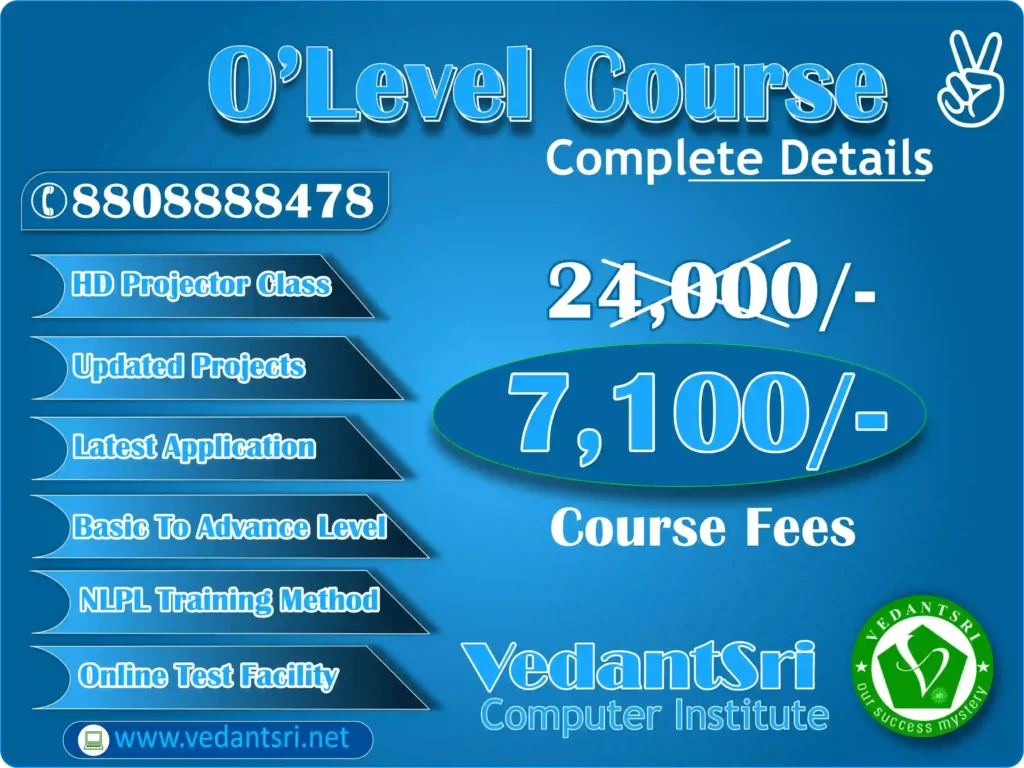
  • ₹7100 – ₹10000 (Full Class)
  • Instalment facility available
  • Exam fees separate hoti hai

VedantSri Computer Training Institute mein students ko:

  • Affordable fees
  • Installment option
  • Practical training included
  • Job-oriented classes

provide ki jati hain.

O Level Course Syllabus (Latest 2026 Updated)

O Level syllabus industry demand aur modern IT skills ke according designed hai.

Main Subjects:

1. IT Tools and Office Automation

Isme students seekhte hain:

  • Documentation
  • Spreadsheet
  • Presentation
  • Internet
  • Email

Yeh skills computer operator jobs ke liye essential hain.

2. Internet Technology and Web Designing

Is subject me students learn karte hain:

  • HTML
  • CSS
  • Website creation
  • Web publishing

Isse students web designer ban sakte hain.

3. Programming using the C Language

Yeh subject programming ka base strong karta hai.

Students learn:

  • Logic building
  • Software concepts
  • Problem solving

Yeh software development career ke liye important hai.

4. Multimedia and ICT

Isme, students learn:

  • Image editing
  • Multimedia basics
  • Digital communication

5. Practical and Project Work

Students’ real projects banate hain:

  • Website project
  • Software project
  • Office automation project

VedantSri Institute mein students ko live practical training di jati hai.

Read: – O Level Course Details, Fees, Duration, Syllabus, Scope, Institute, Admission, and Jobs in Varanasi

O Level Course Scope in 2026

2026 mein O Level course ka scope bahut high hai because:

India is rapidly going digital.

Har field me computer knowledge required hai.

O Level certification ke baad students apply kar sakte hain:

Government Jobs:

  • Computer Operator
  • Data Entry Operator
  • Clerk
  • Banking Jobs
  • Railway Jobs
  • Police Department Jobs
  • Government Office Jobs

Private Jobs:

  • Office Assistant
  • Computer Operator
  • Web Designer
  • IT Support Executive
  • Data Entry Specialist

Freelancing Opportunities:

Students work kar sakte hain:

  • Online data entry
  • Website designing
  • Digital services

Salary after O Level Course in Varanasi

Starting salary:

  • ₹8000 – ₹15000 per month (Fresher)

After experience:

  • ₹15000 – ₹30000 per month

Web designing and IT jobs mein salary aur bhi high hoti hai.

AI-Based Learning and Future Scope (2026–2030)

Artificial Intelligence ke time me computer knowledge aur important ho gaya hai.

O Level course ke baad students learn kar sakte hain:

  • AI tools
  • Digital work
  • Online earning skills
  • Automation tools

AI ke era mein computer certification hona career ke liye essential hai.

Link: – O Level Computer Course for Government Jobs: Duration, Syllabus, Fees, Scope and Institute Near Me

Why Choose VedantSri Computer Training Institute in Varanasi for the O Level Course?

VedantSri Computer Training Institute Varanasi ka trusted and reputed institute hai.

Students yahan join karte hain because:

Key Features:

  • Experienced faculty
  • Practical training
  • Live projects
  • Affordable fees
  • Job-oriented training
  • Individual attention
  • Best computer institute in Varanasi

Institute beginners ko professional banne ka pura Environment deta hai.

Admission Process for O Level Course in VedantSri Institute

Admission process simple hai:

Step 1: Institute visit karein

Step 2: Admission form fill karein

Step 3: Fees deposit karein

Step 4: Classes start Karein

Limited seats are available hoti hain, isliye early admission recommended hai.

O Level Course Benefits

O Level course karne ke advantages:

  • Government job eligibility
  • Computer skills improve
  • Career opportunities increase
  • Job-ready skills
  • IT career start

Who Should Join the O Level Course?

Yeh course best hai:

  • 10th pass students
  • 12th pass students
  • Graduation students
  • Job seekers
  • Government job aspirants

Why O Level Course is the Most Demanding Computer Course in Varanasi (2026)

Varanasi mein O Level course popular hai because:

  • Government recognized
  • Job oriented
  • Affordable
  • High-demand skill

Students are course ke through secure career bana rahe hain.

Best Institute for O Level Course in Varanasi

Agar aap best institute search kar rahe hain, to VedantSri Computer Training Institute best option hai.

Yahan students ko:

  • Complete practical training
  • Career guidance
  • Professional skills

provide kiye jate hain.

In short, about O Level Course info

O Level course 2026 me ek highly valuable and career-oriented computer certification hai. Yeh course students ko government jobs, private jobs, and digital career opportunities ke liye prepare karta hai.

Varanasi mein VedantSri Computer Training Institute se O Level course karna ek smart career decision hai jo future mein strong job opportunities provide karega.

A to Z Tally Receipt Voucher Transactions Entry | Complete Guide | Pradip VedantSri

A to Z Tally Receipt Voucher Transactions Entry | Complete Guide | Pradip VedantSri

In the world of accounting and business management, A to Z Tally Receipt Voucher Transactions Entry is a fundamental skill that every professional must master. As we move into 2026, with trends like automated accounting, AI-assisted bookkeeping, and real-time financial analytics gaining momentum, understanding the core principles of recording money received is more crucial than ever. This complete guide, inspired by the detailed video tutorial by Pradip VedantSri, will walk you through every possible transaction you can record using a Receipt Voucher in Tally Prime. Whether you’re a business owner, a student, or an accounting professional, this guide will serve as your definitive resource for handling all types of monetary inflows accurately.

Why the Receipt Voucher is Your Financial Cornerstone

A Receipt Voucher in Tally is used to record all transactions where money enters your business. It is the primary document for logging any cash or bank receipts, ensuring your books reflect a true and fair view of your financial health. In 2026, with the rise of blockchain receipts and digital audit trails, the foundational principle remains the same: every incoming rupee must be accounted for correctly. Mastering this voucher type is the first step towards robust financial control, clean books, and seamless GST compliance.

Link: –Tally Course Fees, Duration, Scope, Syllabus, Admission, Institutes & Jobs in Varanasi

Complete Breakdown of Receipt Voucher Transactions

The following table categorizes the primary types of transactions you will record through a Receipt Voucher, as explored in depth in the accompanying video tutorial.

Transaction CategoryKey PurposeCommon Example
Capital & LoanFunds introduced as owner’s capital or borrowed moneyOwner investing money, Bank Loan received
Income & SalesRevenue from operations or asset disposalSale of goods, Selling an old vehicle
Advances & DepositsMoney received as security or for future supplySecurity Deposit from tenant, Advance from customer
Refunds & AdjustmentsMoney received back or year-end correctionsGST Refund from department, Year-end adjustment entry

Let’s delve into each type of transaction in simple, actionable detail.

A to Z Tally Receipt Voucher Transactions Entry | Complete Guide | Pradip VedantSri

1. Capital Account Transactions

When you, as the business owner, inject personal funds into the business, it is recorded here. This increases the company’s cash/bank balance and correspondingly increases the Capital Liability owed to the proprietor. It’s the starting point of most business financial journeys.

2. Loan Account Transactions

This covers all borrowed funds. It’s vital to categorize them correctly for accurate liability tracking.

  • Secured Loan: Loans backed by collateral (e.g., Mortgage, Loan against property).
  • Unsecured Loan: Loans without collateral (e.g., Personal loan from a friend, certain Bank OD).
  • Loan Liability: This records the principal portion of any loan received, creating a payable obligation in your books.

3. Bills Receivable Transactions

When you receive money against outstanding invoices or dues from customers, you use this.

Link: –Tally Course Fees, Duration, Syllabus, Scope, Top 5 Jobs and Best Institutes in Varanasi

  • Advance Receive: Payment received before supplying goods or services.
  • Against Reference: Partial or full payment against a specific existing invoice.
  • New Reference: Creating a new invoice while receiving payment.
  • On Account: Receiving a general payment not linked to a specific invoice yet.

4. Recording Income

All revenue generation is recorded here, split for better analysis.

  • Direct Incomes: Income core to your business (e.g., Sales Revenue, Service Income).
  • Indirect Incomes: Incidental income (e.g., Discount Received, Commission Received).

5. Sale of Fixed Assets

When you sell a capital asset like a computer, machinery, or car, the money received is not income. It is recorded here to reduce the asset’s value in your books and may result in a profit or loss on sale.

6. Refunds and GST

  • Refund Received: Money paid earlier is returned (e.g., advance tax refund, vendor refund).
  • GST Refund Received: A critical entry for claiming refunds from the government for accumulated Input Tax Credit (ITC) or exports. This is a key area for 2026 GST compliance.

7. Deposits and Advances

  • Security Deposit Received: Refundable amounts taken for safety (e.g., from tenants, against rentals).
  • Quotation Advance Received: Advance money received in response to a quotation submitted.

8. Loan Repayments and Unclaimed Money

  • Loan Repayment Received: Recording when a party repays the loan you had given them.
  • Unclaimed Money Received: Accounting for old dues or liabilities that were written off but are now received.

9. Year-End Adjustments Received

At the financial year closing, you may need to record receipts for accrued income or adjustments discovered during audit, ensuring your final statements are perfect.

Step-by-Step Process for Entry in Tally Prime

To record any of the above transactions in Tally Prime (2026 edition), follow this universal process:

  1. Go to Gateway of Tally > Voucher > Receipt (F6).
  2. The date will be auto-filled, but ensure it’s correct.
  3. In the “Received From” field, select the party or ledger from whom money is coming.
  4. Enter the amount.
  5. In the lower part, “Against” select the appropriate ledger account (e.g., Sales Account, Loan Account, Capital Account, based on the transaction type listed above).
  6. Add a narration for clarity (e.g., “Received as Secured Loan from ABC Bank”).
  7. Press Enter to save.

Conclusion: Your Path to Flawless Bookkeeping

Understanding the A to Z Tally Receipt Voucher Transactions Entry is not just about data entry; it’s about comprehending the story behind every rupee that enters your business. In 2026, as software becomes more intelligent, the accountant’s role shifts from mere recording to strategic categorization and analysis. By mastering these 12+ transaction types, you build an unshakable foundation for financial reporting, GST filing, and business decision-making.

For a visual, step-by-step walkthrough of each transaction with real-time Tally Prime screens, be sure to watch the complete video guide by Pradip VedantSri embedded below. Seeing these entries performed live will solidify your understanding and equip you to handle any receipt scenario in your professional journey.

📌 Hashtags: #Tally #TallyERP9 #TallyPrime #ReceiptVoucher #TallyAccounting #TallyCourse #TallyTutorial #AccountingBasics #TallyLearning #VedantSri

📌 Search Query: Tally ERP 9, Tally Prime, Tally Receipt Voucher, Receipt Voucher Entry, Tally Accounting, Tally Transactions, How to enter receipt voucher in Tally, Receipt entry in Tally, Tally course, Tally tutorial, Tally learning, Tally classes, Tally training, Tally for beginners, Business accounting, GST in Tally, Bank receipt entry, Cash receipt entry, Tally step by step, Accounting in Tally, Tally ERP 9 tutorial, Tally Prime tutorial, Pradip VedantSri, VedantSri Tally

Classes in Varanasi – Best Computer Training Institute

Classes in Varanasi – Best Computer Training Institute

In today’s digital world, knowing computers isn’t just a skill — it’s a way to connect, grow, and secure your future. If you’re in Varanasi and looking for the best computer classes, you’re in the right place. Our institute is known as the top computer training center in Varanasi, helping students and professionals gain real-world IT skills.

Classes in Varanasi - Best Computer Training Institute VedantSri Computer Institute
Classes in Varanasi – Best Computer Training Institute VedantSri Computer Institute

Why Choose Our Computer Classes in Varanasi?

  1. Expert Trainers – Learn from industry professionals with years of teaching and practical experience.
  2. Updated Curriculum – Courses designed according to current industry demands.
  3. Hands-on Practice – Each student gets dedicated computer access and lab time.
  4. Affordable Fees – Quality education that fits your budget.
  5. Job & Placement Support – We guide you from learning to earning.

CCC Course Fees, Syllabus, Duration, Scope, Jobs, and Institute in Varanasi

Classes in Varanasi - Best Computer Training Institute VedantSri
Classes in Varanasi – Best Computer Training Institute VedantSri

Popular Courses We Offer:

  • Basic Computer Fundamentals
  • MS Office & Tally
  • Web Design & Development
  • Programming in C, C++, Java, Python
  • Digital Marketing & SEO
  • Graphic Designing & Multimedia
  • ADCA Computer Course
  • Hardware & Networking
  • O Level Course Institute
  • Data Science & AI Basics
  • CCC Course Training

Located in Varanasi — our center is easy to reach from all areas, whether you’re near BHU, Lanka, Sigra, Shivpur, or Assi Ghat. We’re the trusted choice for computer training in Varanasi for students, housewives, job seekers, and professionals.

DFA | VedantSri Computer Institute

Top 3 Computer Diploma Courses, 6 Months of Computer Diploma, After 12th Pass Out Computer Courses

What Makes Us the Best Computer Training Institute in Varanasi?

We understand that learning is personal. That’s why we offer:

  • Flexible batch timings (morning, afternoon, evening)
  • Small batch size for personal attention
  • Free demo class available
  • Course completion certificate
  • Live project training

If you search “computer classes near me” or “best IT training institute Varanasi,” you’ll find us — because we deliver results, not just lessons.

DFA Course Fees, Syllabus, Duration, Scope, Jobs, and Institute in Varanasi

About O Level Course, Top 1 Best Syllabus, Duration, Fees, Scope, Institute, and Jobs in Varanasi

Ready to Start?

Join hundreds of successful students who transformed their careers with our computer courses. Whether you want to get your first job, switch careers, or start a freelance business — we provide the skills and confidence.

Contact us today to enroll or attend a free demo class. Your future in technology starts here, in Varanasi.

DFA Course Fees, Syllabus, Duration, Scope, Jobs, and Institute in Varanasi

DCA Course Fees, Duration, Scope, Syllabus, Admission, Institutes & Jobs in Varanasi


SEO-Friendly Tips for Mobile Optimization:

  • Use short paragraphs & bullet points for easy mobile reading.
  • Include local landmarks/areas (BHU, Lanka, Assi Ghat) for “near me” searches.
  • Ensure fast loading speed (compress images, minimize code).
  • Add schema markup for courses, institute info, and reviews.
  • Use alt text for images: “computer lab varanasi institute”, “IT training class varanasi”.
  • Internal linking to other course pages.
  • Mobile-responsive design.
  • Clear call-to-action (CTA) buttons: “Call Now”, “Enroll Today”.

Important Link: –

Tally Prime Online Test: 100 Most Important Accounting Questions & Answers

Tally Prime Online Test: 100 Most Important Accounting Questions & Answers

Tally Prime दुनिया भर में सबसे लोकप्रिय अकाउंटिंग और बिजनेस मैनेजमेंट सॉफ्टवेयर है। चाहे आप किसी टैली कोर्स की तैयारी कर रहे हों, जॉब इंटरव्यू दे रहे हों, या स्वयं का अभ्यास कर रहे हों, यह Tally Prime Online Test Questions का संग्रह आपके लिए अत्यंत उपयोगी साबित होगा। यहाँ हम Tally Accounting, GST, वाउचर एंट्री और इन्वेंट्री से संबंधित 100 सबसे अधिक पूछे जाने वाले प्रश्नों (Most Asked Questions) और उनके सटीक उत्तर प्रस्तुत कर रहे हैं |

Tally Prime Online Test 100 Most Important Accounting Questions & Answers VedantSri

Tally Prime Basics & Company Creation (Q1 to Q20)

Fundamentals and Setup

Q1. Tally Prime में कंपनी क्रिएट (Create) करने की शॉर्टकट की क्या है?
A1. Alt + K (गेटवे ऑफ टैली से) या फिर Company Info मेनू से Create Company चुनें।

Q2. Tally में कंपनी की मेमोरी (Company Memory) क्या होती है?
A2. यह टैली के डेटा का बैकअप फाइल है, जिसका एक्सटेंशन .tci होता है।

Q3. एक ही Tally सॉफ्टवेयर में हम कितनी कंपनियां बना सकते हैं?
A3. असंख्य (Unlimited)। आप जितनी चाहें उतनी कंपनियां बना और मैनेज कर सकते हैं।

Q4. Tally में कंपनी डिलीट करने की शॉर्टकट क्या है?
A4. Alt + D

Q5. किसी एक्सिस्टिंग कंपनी के डेटा को रिस्टोर (Restore) कैसे करते हैं?
A5. गेटवे ऑफ टैली में Data के अंदर ‘Restore’ के ऑप्शन पर जाकर बैकअप फाइल (.tci) सिलेक्ट करें।

Q6. Tally Prime में कंपनी का फाइनेंशियल ईयर (Financial Year) कहाँ से चेंज करते हैं?
A6. F11: कंपनी फीचर्स (Company Features) या कंपनी क्रिएशन के दौरान।

Q7. F11 की (Function Key 11) का मुख्य कार्य क्या है?
A7. कंपनी की बेसिक और एडवांस्ड फीचर्स को एनेबल या डिसेबल करना।

Q8. F12 (कॉन्फ़िगर) की का मुख्य कार्य क्या है?
A8. वाउचर एंट्री, रिपोर्ट्स और डिस्प्ले से संबंधित सेटिंग्स को कस्टमाइज करना।

Q9. Tally में ‘ऑडिट लीडर’ (Audit Ledger) क्या होता है?
A9. यह एक स्पेशल लीडर है जो किसी भी वाउचर में हुए बदलाव का पूरा रिकॉर्ड रखता है।

Q10. Tally में ‘सेल्फ बैलेंस्ड लीडर’ कौन सा होता है?
A10. कैश (Cash) लीडर। यह स्वचालित रूप से कैश अकाउंट बनाता है।

ADCA Course Fees, Duration, Scope, Syllabus, Admission, Institutes & Jobs in Varanasi

Q11. Tally Prime में ‘मास्टर’ (Master) क्या होता है? उदाहरण दें।
A11. वे बेसिक रिकॉर्ड जिनके अंतर्गत लेन-देन दर्ज किए जाते हैं। जैसे- लीडर, स्टॉक आइटम, गोदाम।

Q12. ग्रुप (Group) और लीडर (Ledger) में क्या अंतर है?
A12. ग्रुप, लीडरों का समूह होता है जो अकाउंटिंग हेड्स (जैसे Current Assets) को दर्शाता है। लीडर एक विशिष्ट खाता (जैसे ABC Traders) होता है जिसे किसी ग्रुप के अंतर्गत बनाया जाता है।

Q13. ‘प्राइमरी ग्रुप’ और ‘सब-ग्रुप’ क्या है?
A13. प्राइमरी ग्रुप (जैसे Capital Account) पहले से डिफाइन्ड होते हैं। इनके अंदर बनाए गए नए ग्रुप सब-ग्रुप कहलाते हैं।

Q14. Tally में प्री-डिफाइंड लीडर कौन से हैं?
A14. कैश (Cash), प्रॉफिट एंड लॉस अकाउंट (Profit & Loss A/c), कैपिटल अकाउंट (Capital Account)।

Q15. Tally में कितने प्रकार के वाउचर (Voucher) होते हैं?
A15. मुख्य रूप से कंट्रा (Contra), पेमेंट (Payment), रिसीप्ट (Receipt), सेल्स (Sales), पर्चेज (Purchase), जर्नल (Journal), क्रेडिट नोट (Credit Note), डेबिट नोट (Debit Note)

Q16. डिफॉल्ट रूप से Tally में कौन-कौन से वाउचर टाइप्स एक्टिवेट रहते हैं?
A16. कंट्रा, पेमेंट, रिसीप्ट और जर्नल।

Q17. सेल्स वाउचर (F8) का अकाउंटिंग इफेक्ट क्या होता है?
A17. आय (Income) बढ़ती है और स्टॉक (Stock) घटता है।
इनकमिंग: डेबिट (Debtor/Cash) | आउटगोइंग: क्रेडिट (Sales Account & Stock)

Q18. पर्चेज वाउचर (F9) का अकाउंटिंग इफेक्ट क्या होता है?
A18. खर्च (Expense) बढ़ता है और स्टॉक (Stock) बढ़ता है।
इनकमिंग: डेबिट (Purchase Account & Stock) | आउटगोइंग: क्रेडिट (Creditor/Cash)

Q19. रिसीप्ट वाउचर (F6) किस लिए प्रयोग होता है?
A19. कैश या बैंक में पैसा आने (Receipt) के लिए। जैसे- ग्राहक से पेमेंट प्राप्ति।

Q20. पेमेंट वाउचर (F5) किस लिए प्रयोग होता है?
A20. कैश या बैंक से पैसा निकलने (Payment) के लिए। जैसे- क्रेडिटर को भुगतान।

Tally Prime Online Test 100 Most Important Accounting Questions & Answers VedantSri

Voucher Entry & Accounting in Tally (Q21 to Q40)

Practical Voucher Scenarios

Q21. बैंक से नकद निकालने (Cash Withdrawal) के लिए किस वाउचर का उपयोग करेंगे?
A21. कंट्रा वाउचर (F4)

Q22. बैंक में नकद जमा करने (Cash Deposit) के लिए किस वाउचर का उपयोग करेंगे?
A22. कंट्रा वाउचर (F4)

Q23. गैर-नकद लेन-देन (Non-Cash Transaction) जैसे डूबत ऋण लिखना, के लिए किस वाउचर का प्रयोग करते हैं?
A23. जर्नल वाउचर (F7)

Q24. सेल्स रिटर्न (बिक्री वापसी) के लिए किस वाउचर का प्रयोग करते हैं?
A24. क्रेडिट नोट वाउचर (Ctrl+F8)

Q25. पर्चेज रिटर्न (खरीदी वापसी) के लिए किस वाउचर का प्रयोग करते हैं?
A25. डेबिट नोट वाउचर (Ctrl+F9)

Q26. आप Tally में ‘सैलरी पेमेंट’ किस वाउचर के द्वारा एंटर करेंगे?
A26. पेमेंट वाउचर (F5) – डेबिट: सैलरी अकाउंट, क्रेडिट: कैश/बैंक।

Q27. एक सप्लायर को चेक से भुगतान किस वाउचर में एंटर करेंगे?
A27. पेमेंट वाउचर (F5)।

Q28. Tally में ‘एडजस्टमेंट एंट्री’ (Adjustment Entry) किस वाउचर में की जाती है?
A28. जर्नल वाउचर (F7) में।

Q29. किसी फिक्स्ड एसेट (जैसे कंप्यूटर) की खरीदारी किस वाउचर में दर्ज करेंगे?
A29. पेमेंट वाउचर (F5) या जर्नल वाउचर (F7) अगर क्रेडिट पर खरीदा है।

Q30. ‘मेमोरैंडम वाउचर’ (Memorandum Voucher) का क्या उपयोग है?
A30. अस्थायी लेनदेन रिकॉर्ड करने के लिए, जिसका अकाउंटिंग इफेक्ट नहीं होता। बाद में इसे रेगुलर वाउचर में बदला जा सकता है।

Top 3 Computer Diploma Courses, 6 Months of Computer Diploma, After 12th Pass Out Computer Courses

Q31. ‘रिवर्सल वाउचर’ (Reversal Voucher) क्या है?
A31. यह पहले से पोस्ट किए गए वाउचर को रिवर्स (उल्टा) कर देता है, यानि उसका प्रभाव खत्म कर देता है।

Q32. वाउचर एंट्री करते समय ‘एडवांस्ड कॉन्फ़िगरेशन’ (F12) में ‘यूज प्रीवियस डेट’ ऑप्शन का क्या मतलब है?
A32. यह ऑप्शन ऑन करने पर, अगला वाउचर पिछले वाउचर की डेट से शुरू होगा।

Q33. Tally में किसी वाउचर को मॉडिफाई (Modify) कैसे करते हैं?
A33. डिस्प्ले > डे वाइज बुक (Day Book) में जाकर वाउचर पर एंटर दबाएं, बदलाव करके ‘Yes’ सेव करें।

Q34. Tally में किसी पोस्टेड वाउचर को डिलीट कैसे करते हैं?
A34. डे बुक में वाउचर पर जाकर Alt + D दबाएं। (हां, कहें)

Q35. Tally में एक ही वाउचर में मल्टीपल डेबिट और मल्टीपल क्रेडिट एंट्री कैसे करें?
A35. वाउचर एंट्री स्क्रीन में F12 > ‘एलो मल्टी एड्रेस फॉर डेबिट/क्रेडिट’ को Yes कर दें।

Q36. ‘सस्पेंस अकाउंट’ (Suspense Account) का प्रयोग कब करते हैं?
A36. जब डबल एंट्री सिस्टम में डेबिट और क्रेडिट का योग बराबर न हो (अस्थायी समाधान के लिए)।

Q37. ‘आईओयू अकाउंट’ (IOU Account) क्या है?
A37. यह एक प्रकार का पर्सनल लोन अकाउंट है, जब कर्मचारी कंपनी से पैसा उधार लेता है।

Q38. Tally में ‘पेरोल वाउचर’ कैसे एंटर करते हैं?
A38. आमतौर पर पेमेंट वाउचर (F5) का उपयोग करके या पेरोल मॉड्यूल को एक्टिवेट करके।

Q39. ‘कंपाउंड एंट्री’ (Compound Entry) क्या है?
A39. एक ही जर्नल एंट्री में एक से अधिक डेबिट या एक से अधिक क्रेडिखाते शामिल होना।

Q40. वाउचर नंबर मैनुअल डालने के लिए क्या करें?
A40. F12 कॉन्फ़िगरेशन में ‘यूज ऑटोमैटिक वाउचर नंबरिंग’ को ‘No’ कर दें।

Tally Prime Online Test 100 Most Important Accounting Questions Answers VedantSri Computer Training Institute
Tally Prime Online Test: 100 Most Important Accounting Questions & Answers 57

GST in Tally Prime (Q41 to Q60)

Goods and Services Tax

Q41. Tally Prime में GST एक्टिवेट कैसे करते हैं?
A41. F11: कंपनी फीचर्स > ‘एलो गुड्स एंड सर्विसेज टैक्स (GST)’ को Yes करें, फिर फिर से F11 दबाकर डिटेल्स भरें।

Q42. ‘GST ड्यूटी इंफॉर्मेशन’ कॉलम वाउचर में कैसे दिखाएं?
A42. वाउचर एंट्री स्क्रीन में F12 > ‘एलो GST ड्यूटी इंफॉर्मेशन’ को Yes करें।

Q43. GST रिज़ीम (GST Regime) में ‘रेगुलर’ और ‘कंपोजीशन’ में क्या अंतर है?
A43. रेगुलर स्कीम में पूरा GST लागू होता है और ITC क्लेम किया जा सकता है। कंपोजीशन स्कीम में एक फिक्स्ड रेट से टैक्स देना होता है और ITC नहीं मिलता।

Q44. GSTR-1 और GSTR-3B में क्या अंतर है?
A44. GSTR-1 आउटवर्ड सप्लाय/सेल्स का विस्तृत विवरण है। GSTR-3B एक सारांश रिटर्न है जिसमें टैक्स देयता और ITC क्लेम दर्ज करते हैं।

Q45. Tally से GSTR-1 कैसे निकालते हैं?
A45. GST रिपोर्ट्स > GSTR-1 > एक्सपोर्ट करें या JSON फाइल जनरेट करें।

Q46. ‘इनवर्स चार्ज मैकेनिज्म’ (Reverse Charge Mechanism – RCM) का एंट्री Tally में कैसे करें?
A46. पर्चेज वाउचर में, GST ड्यूटी इंफॉर्मेशन कॉलम में ‘अप्लाई RCM’ को Yes सेलेक्ट करें।

Q47. Tally में GST रेट (HSN/SAC कोड) कहाँ से सेट करते हैं?
A47. स्टॉक आइटम मास्टर बनाते समय या एडिट करते समय, ‘टैक्स इनफॉर्मेशन’ टैब में।

Q48. Tally में ‘GST क्लासिफिकेशन’ क्या है?
A48. यह बताता है कि सामान या सेवा पर कौन सी GST दर (CGST+SGST या IGST) लागू होगी।

Q49. इंट्रास्टेट और इंटरस्टेट ट्रांजैक्शन में GST का ट्रीटमेंट क्या है?
A49. इंट्रास्टेट (एक ही राज्य) में CGST+SGST लगता है। इंटरस्टेट (अलग-अलग राज्य) में IGST लगता है।

Q50. Tally में GST टैक्स लायबिलिटी (Tax Liability) की रिपोर्ट कहाँ देख सकते हैं?
A50. डिस्प्ले > GST रिपोर्ट्स > GST टैक्स लायबिलिटी

DFA Course Fees, Syllabus, Duration, Scope, Jobs, and Institute in Varanasi

Q51. ‘GST इनपुट क्रेडिट सेट ऑफ’ (Input Credit Set Off) क्या है?
A51. खरीद पर चुकाए गए GST (Input Tax) को बिक्री पर देय GST (Output Tax) से कम करने की प्रक्रिया।

Q52. Tally में GST रिफंड (Refund) का एंट्री कैसे करें?
A52. एक बैंक रिसीप्ट वाउचर बनाएं और लीडर के रूप में ‘GST रिफंड रिसीवेबल’ का चयन करें।

Q53. ‘टाइम ऑफ सप्लाय’ (Time of Supply) से क्या तात्पर्य है?
A53. वह समय जब GST देनदारी बनती है। आमतौर पर इनवॉइस जारी करने या पेमेंट रिसीव करने की तारीख, जो भी पहले हो।

Q54. Tally में E-Way बिल (E-Way Bill) जनरेट कर सकते हैं?
A54. हाँ, Tally Prime में E-Way बिल जनरेशन की सुविधा है (इंटरनेट कनेक्शन जरूरी)।

Q55. Tally में ‘GST एक्सपेंज रिटर्न’ क्या है?
A55. यह एक रिपोर्ट है जो GST पोर्टल पर रिटर्न भरने के लिए तैयार डेटा दिखाती है।

Q56. Tally में ‘GST कंपोजीशन डीलर’ के लिए सेटिंग कैसे करें?
A56. F11: कंपनी फीचर्स > GST डिटेल्स > ‘टैक्स पेयर टाइप’ में ‘कंपोजीशन’ सेलेक्ट करें।

Q57. Tally में ‘HSN कोड वाइज सारांश’ (HSN Wise Summary) रिपोर्ट कैसे देखें?
A57. डिस्प्ले > GST रिपोर्ट्स > HSN विज सारांश।

Q58. क्या Tally में GST ऑडिट ट्रैल (Audit Trail) देख सकते हैं?
A58. हाँ, ‘एडिट लीडर’ की मदद से।

Q59. ‘GST टीडीएस’ (GST TDS) का एंट्री Tally में कैसे करें?
A59. पेमेंट वाउचर में, GST ड्यूटी इंफॉर्मेशन कॉलम में TDS कटौती का विवरण भरें।

Q60. Tally में GST रिटर्न फाइलिंग के लिए डेटा कैसे एक्सपोर्ट करें?
A60. जरूरत के अनुसार GSTR-1, GSTR-3B आदि रिपोर्ट्स में जाकर ‘एक्सपोर्ट’ या ‘JSON फाइल जनरेट’ का ऑप्शन चुनें।

O Level Computer Course, Duration, Best Top 10 Syllabus, Fees, Scope, Institutes & Job Near Me


Inventory & Stock Management (Q61 to Q80)

Stock and Godown

Q61. Tally में इन्वेंट्री फीचर्स (Inventory Features) कैसे एक्टिवेट करते हैं?
A61. F11: कंपनी फीचर्स > ‘इन्वेंट्री (स्टॉक) का रखरखाव’ को Yes करें।

Q62. ‘स्टॉक आइटम’ (Stock Item) और ‘स्टॉक ग्रुप’ (Stock Group) में क्या अंतर है?
A62. स्टॉक आइटम एक विशिष्ट वस्तु (जैसे- Dell Laptop Model X) है। स्टॉक ग्रुप समान प्रकार के आइटम्स का समूह (जैसे- Laptops) है।

Q63. Tally में गोदाम (Godown) क्या है और क्यों जरूरी है?
A63. स्टॉक रखने का भौतिक स्थान। यह बताता है कि कौन सा माल किस गोदाम में है।

Q64. ‘बैच-वाइज डिटेल्स’ (Batch-wise Details) क्या है? कब यूज करते हैं?
A64. जब एक ही आइटम के अलग-अलग बैच (लॉट) अलग-अलग रेट या एक्सपायरी डेट पर खरीदे गए हों। जैसे- दवाईयां।

Q65. Tally में ‘एडजस्टमेंट नोट’ (Stock Adjustment) किस लिए प्रयोग करते हैं?
A65. स्टॉक में हुई कमी (शॉर्टेज) या बिना खरीद-बिक्री के हुए स्टॉक के बढ़ने की एंट्री के लिए।

Q66. ‘फिफो (FIFO)’ और ‘लिफो (LIFO)’ क्या है? Tally कौन सा मेथड फॉलो करता है?
A66. FIFO: पहले आया, पहले गया। LIFO: बाद में आया, पहले गया। Tally डिफॉल्ट रूप से FIFO मेथड फॉलो करता है।

Q67. Tally में ‘फिजिकल स्टॉक’ (Physical Stock) और ‘बुक स्टॉक’ (Book Stock) का कंपेरिजन कैसे करते हैं?
A67. इन्वेंट्री बुक्स > स्टॉक समरी > Alt+F5 (फिजिकल स्टॉक) दबाकर।

Q68. ‘स्टॉक ट्रांसफर’ (Stock Transfer) जर्नल क्या है?
A68. एक गोदाम से दूसरे गोदाम में माल ट्रांसफर करने के लिए यूज किया जाता है।

Q69. Tally में ‘प्राइस लिस्ट’ (Price List) कैसे सेट करते हैं?
A69. अकाउंट्स मास्टर > प्राइस लिस्ट > Create।

Q70. ‘इन्वेंट्री वैल्यूएशन’ (Inventory Valuation) की रिपोर्ट कहाँ मिलती है?
A70. इन्वेंट्री बुक्स > स्टॉक समरी > कॉलम वैल्यूएशन पर।

MS Office Course Fees, Duration, Scope, Syllabus, Admission, Institutes & Jobs in Varanasi

Q71. Tally में ‘सर्विस आइटम’ (Service Item) कैसे बनाते हैं?
A71. स्टॉक आइटम बनाते समय, ‘स्टॉक आइटम टाइप’ में ‘सर्विस’ सेलेक्ट करें।

Q72. ‘बिल ऑफ मटीरियल (BOM)’ क्या है? Tally में इसे कैसे बनाते हैं?
A72. यह किसी फिनिश्ड प्रोडक्ट को बनाने के लिए जरूरी रॉ मटीरियल की सूची है। इन्वेंट्री मास्टर में BOM बनाया जाता है।

Q73. Tally में ‘आर्डर प्रोसेसिंग’ (Order Processing) कैसे करते हैं?
A73. स्टॉक जर्नल या अलग से आर्डर मॉड्यूल (अगर एक्टिवेट किया हो) के जरिए।

Q74. ‘नोट ऑफ चार्ज’ (Note of Charge) क्या है?
A74. यह एक डॉक्यूमेंट है जो सिक्योरिटी के रूप में गिरवी रखे स्टॉक की जानकारी देता है।

Q75. Tally में ‘कॉस्ट सेंटर’ और ‘कॉस्ट कैटेगरी’ क्या है?
A75. कॉस्ट सेंटर व्यय के विभाग (जैसे- मार्केटिंग, प्रोडक्शन) हैं। कॉस्ट कैटेगरी ट्रांजैक्शन के प्रकार (जैसे- मटीरियल, लेबर) हैं।

Q76. ‘डिपॉजिटरी सिस्टम’ (Depository System) क्या है?
A76. डीमैटरियलाइज्ड सिक्योरिटीज (शेयर) को मैनेज करने की सुविधा।

Q77. Tally में ‘बैंक रिकन्सिलिएशन’ (Bank Reconciliation) कैसे करते हैं?
A77. अकाउंट्स बुक्स > कैश/बैंक बुक्स > बैंक लीडर चुनें > Alt+F6 (रिकन्सिल) दबाएं।

Q78. Tally में ‘ज़ीरो वैल्यू एंट्री’ (Zero Value Entry) कैसे करें?
A78. वाउचर एंट्री में रकम ‘0’ डालकर। अक्सर मेमोरैंडम वाउचर के लिए।

Q79. ‘चेक रजिस्टर’ (Cheque Register) की रिपोर्ट कहाँ मिलती है?
A79. अकाउंट्स बुक्स > बैंक बुक्स > चेक रजिस्टर।

Q80. Tally में ‘बजट’ (Budget) कैसे सेट और कंट्रोल करते हैं?
A80. अकाउंट्स इनफॉर्मेशन > बजट > Create। रिपोर्ट: डिस्प्ले > एक्सपेंज रिपोर्ट्स > बजट ओवरव्यू।

DIT Course Details, Fees, Duration, Scope, Syllabus, Admission, Institutes & Jobs


Reports & Shortcuts (Q81 to Q100)

Final Accounts & Shortcuts

Q81. Tally में ‘बैलेंस शीट’ (Balance Sheet) कैसे देखते हैं?
A81. डिस्प्ले > बैलेंस शीट (या Alt+F1 गेटवे से)।

Q82. ‘प्रॉफिट एंड लॉस अकाउंट’ (Profit & Loss A/c) की रिपोर्ट कहाँ है?
A82. डिस्प्ले > प्रॉफिट एंड लॉस अकाउंट।

Q83. ‘ट्रायल बैलेंस’ (Trial Balance) कैसे चेक करें?
A83. डिस्प्ले > ट्रायल बैलेंस।

Q84. ‘कैश फ्लो स्टेटमेंट’ (Cash Flow Statement) कैसे जनरेट करें?
A84. डिस्प्ले > कैश/फंड फ्लो।

Q85. ‘रेशियो एनालिसिस’ (Ratio Analysis) की रिपोर्ट कहाँ है?
A85. डिस्प्ले > रेशियो एनालिसिस।

Q86. ‘स्टेटमेंट ऑफ अकाउंट्स’ (Statement of Accounts) किसे कहते हैं?
A86. किसी विशिष्ट लीडर (जैसे किसी डेब्टर) की सभी ट्रांजैक्शन का सारांश।

Q87. Tally से ‘एक्सेल’ (Excel) में रिपोर्ट कैसे एक्सपोर्ट करें?
A87. रिपोर्ट में Alt+E (एक्सपोर्ट) दबाकर, फॉर्मेट के रूप में Excel चुनें।

Q88. कंपनी को बंद करने (Shut Company) की शॉर्टकट क्या है?
A88. Alt+F1 (गेटवे ऑफ टैली)।

Q89. Tally स्क्रीन से बाहर निकलने (Quit) की शॉर्टकट क्या है?
A89. Ctrl+Q

Q90. किसी भी मास्टर (लीडर, आइटम) को क्रिएट करने की शॉर्टकट क्या है?
A90. Alt+C (मास्टर क्रिएशन स्क्रीन में)।

Download VedantSri Android app

Q91. मास्टर को एडिट (Edit) करने की शॉर्टकट क्या है?
A91. Alt+E

Q92. मास्टर को डिलीट (Delete) करने की शॉर्टकट क्या है?
A92. Alt+D

Q93. ‘कैलकुलेटर’ (Calculator) ओपन करने की शॉर्टकट क्या है?
A93. Ctrl+N या वाउचर एंट्री में बटन पर क्लिक करें।

Q94. Tally में ‘रिमाइंडर’ (Reminder) कैसे सेट करते हैं?
A94. डिस्प्ले > रिमाइंडर > Create।

Q95. ‘मल्टी-करेंसी’ (Multi-Currency) फीचर कैसे एक्टिवेट करते हैं?
A95. F11: कंपनी फीचर्स > ‘एलो मल्टी करेंसी’ को Yes करें।

Q96. Tally में ‘प्रिंटिंग’ (Printing) के लिए कौन सी की प्रयोग होती है?
A96. Alt+P (किसी भी रिपोर्ट या वाउचर को प्रिंट करने के लिए)।

Q97. ‘ऑडिट लीडर’ को एक्टिवेट कैसे करें?
A97. F11: कंपनी फीचर्स > स्टेट्युटरी एंड टैक्सेशन > ‘मेन्टेन ऑडिट लीडर’ को Yes करें।

Q98. Tally में ‘बैकअप’ (Backup) कैसे लेते हैं?
A98. F3: कंपनी इनफॉर्मेशन > बैकअप > डेस्टिनेशन फोल्डर चुनें।

Q99. ‘टैली वॉल्ट’ (Tally Vault) पासवर्ड क्या है?
A99. यह कंपनी डेटा को एन्क्रिप्ट करने और पासवर्ड से सुरक्षित रखने की सुविधा है।

Q100. Tally Prime की लेटेस्ट वर्जन क्या है? इसे कहाँ से डाउनलोड करें?
A100. वर्तमान में Tally Prime Release। इसे आधिकारिक वेबसाइट tallysolutions.com से डाउनलोड कर सकते हैं।

Important Link: –

Popular Computer Training Institutes in Varanasi: Find Your Best IT Course

Popular Computer Training Institutes in Varanasi: Find Your Best IT Course

Looking for the right computer training in Varanasi can be tough. This updated 2026 guide lists top institutes for basic computer, advanced IT, and job-ready certification courses. Find your perfect match for skills and career growth.

Popular Computer Training Institutes in Varanasi: Find Your Best IT Course

Why Choose a Professional Computer Institute in Varanasi?

In today’s digital age, computer skills are mandatory. A good institute provides structured learning, expert trainers, and certificates that boost your resume for jobs in Varanasi’s growing IT, banking, and business sectors.

DCA Course Fees, Duration, Scope, Syllabus, Admission, Institutes & Jobs in Varanasi

Top Computer & IT Training Centers in Varanasi

Here is a curated list of popular and highly-rated institutes across the city.

1. VedantSri Centre Varanasi (Sigra & Lanka)

  • Known For: High-demand technical courses.
  • Key Courses: Advance IT Training, Computer Courses Training, SolidWorks, Programming (C, C++, Java), Web Development.
  • Best For: Engineering students, architects, and aspiring software developers.
  • Website/Search Tip: Search “VedantSri Computer Institute”.

2. Varanasi Institutes (Durgakund)

  • Known For: Digital Marketing and creative Marketing training Institute.
  • Key Courses: Digital Marketing, Video Editing, Graphic Design, Web Design, Multimedia.
  • Best For: Creative students targeting careers in Digital Marketing, Film Video Editing, and advertising.
  • Website/Search Tip: Search “Varanasi Institutes”.

3. NIELIT Varanasi (Formerly DOEACC)

  • Known For: Government-certified, affordable long-term courses.
  • Key Courses: ‘O’ Level, ‘A’ Level, Computer Hardware, Cyber Security.
  • Best For: Students seeking strong government-recognized diplomas for stable careers.
  • Website/Search Tip: Search “NIELIT Varanasi admission 2024”.

4. Tally Sir Computer Education (Multiple Online Centers)

  • Known For: Accounting and Taxation short-term and Long-term courses.
  • Key Courses: DCA, ADCA, Tally with GST, DTP, Programming Basics.
  • Best For: School students, graduates, and job seekers wanting quick skill upgrades.
  • Website/Search Tip: Search “Tally Sir Computer Coaching Varanasi near me”.

5. MS Excel Class (Rathyatra)

  • Known For: Banking and finance sector Data management computer training.
  • Key Courses: Tally Prime, Banking Software, Advanced Excel, Financial Accounting.
  • Best For: Commerce students and professionals aiming for bank/accountant jobs.

Website/Search Tip: Search “MS Excel Class”.

About O Level Course, Top 1 Best Syllabus, Duration, Fees, Scope, Institute, and Jobs in Varanasi

Top Computer IT Training Centers in Varanasi for
Popular Computer Training Institutes in Varanasi: Find Your Best IT Course 60

How to Select the Right Institute for You?

Don’t just pick the first name you see. Follow these steps:

  1. Define Your Goal: Want a job, a certificate, or just basic skills?
  2. Check Course Syllabus: Is it updated with current industry trends?
  3. Visit the Center: See the labs, meet a trainer, check the environment.
  4. Ask About Placement: Do they provide job assistance or interviews?
  5. Compare Fees: Get detailed fee breakdowns; avoid hidden costs.

CCC Course Fees, Syllabus, Duration, Scope, Jobs, and Institute in Varanasi

Popular Course Search Keywords in Varanasi

People in Varanasi often search for:

  • Basic computer course near me
  • Tally with GST training in Varanasi
  • Web designing course fees
  • Digital Marketing Training Institute
  • Python programming class
  • DCA computer course
  • Hardware and networking institute
  • Best computer coaching for beginners
  • Computer typing course English/Hindi
  • ADCA Computer Class

Top 3 Computer Diploma Courses, 6 Months of Computer Diploma, After 12th Pass Out Computer Courses

FAQs: Computer Institute Doubts Cleared

Q1. What is the average fee for a 3-month computer course in Varanasi?

Fees range from ₹3,000 for basic DCA to ₹15,000+ for specialized software Course like ADCA, Digital Marketing, AutoCAD or Advanced Web Development.

Q2. Which institute is best for Tally and accounting jobs?

VedantSri Institute and Tally Sir Classes are well-known for Tally. Also, check institutes offering “Tally with GST & Taxation.”

Q3. Do these institutes provide certificates?

Yes, most provide their own completion certificate. NIELIT offers government certificates, which hold high value.

Q4. Can I learn online from these Varanasi institutes?

Many now offer hybrid or online options, especially for theory classes. But VedantSri Classes and Varanasi Institutes Always provides Online and Offline Classes in Varanasi.

Q5. Which area has the highest concentration of computer institutes?

Rathyatra, Durgakund, Lanka, Shivpurwa, and Bhelpur are major hubs with multiple options to compare.

Final Tip: Use Google Maps and search “computer institute near me” to find centers closest to your home. Read recent Google reviews from students before deciding.

Important Link: –

Excel VBA Visitor Enquiry Form Software Projects by Pradip VedantSri

This Workbook Code

'this is ThisWorkbook Code
Private Sub Workbook_Open()
Application.Visible = False
UserForm1.Show vbModeless
End Sub

VBA Userform1 Complete Codes

'=== Code to Remove Cut Icon in Userform ===
#If VBA7 Then
    Private Declare PtrSafe Function FindWindow Lib "user32" Alias "FindWindowA" _
        (ByVal lpClassName As String, ByVal lpWindowName As String) As LongPtr
    Private Declare PtrSafe Function GetWindowLong Lib "user32" Alias "GetWindowLongA" _
        (ByVal hWnd As LongPtr, ByVal nIndex As Long) As LongPtr
    Private Declare PtrSafe Function SetWindowLong Lib "user32" Alias "SetWindowLongA" _
        (ByVal hWnd As LongPtr, ByVal nIndex As Long, ByVal dwNewLong As LongPtr) As LongPtr
    Private Declare PtrSafe Function DrawMenuBar Lib "user32" _
        (ByVal hWnd As LongPtr) As LongPtr
#Else
    Private Declare Function FindWindow Lib "user32" Alias "FindWindowA" _
        (ByVal lpClassName As String, ByVal lpWindowName As String) As Long
    Private Declare Function GetWindowLong Lib "user32" Alias "GetWindowLongA" _
        (ByVal hWnd As Long, ByVal nIndex As Long) As Long
    Private Declare Function SetWindowLong Lib "user32" Alias "SetWindowLongA" _
        (ByVal hWnd As Long, ByVal nIndex As Long, ByVal dwNewLong As Long) As Long
    Private Declare Function DrawMenuBar Lib "user32" _
        (ByVal hWnd As Long) As Long
#End If

Const GWL_STYLE As Long = -16
Const WS_CAPTION As Long = &HC00000
Private Sub UserForm_Initialize()
    Dim hWnd As LongPtr
    Dim lStyle As LongPtr
    
    'Get UserForm handle
    #If VBA7 Then
        hWnd = FindWindow("ThunderDFrame", Me.Caption)
    #Else
        hWnd = FindWindow("ThunderDFrame", Me.Caption)
    #End If
    
    'Remove title bar
    lStyle = GetWindowLong(hWnd, GWL_STYLE)
    lStyle = lStyle And Not WS_CAPTION
    SetWindowLong hWnd, GWL_STYLE, lStyle
    DrawMenuBar hWnd
End Sub
'===================== End of Remove Cut Icon ================

'Code of Submit Button
Private Sub CommandButton1_Click()
    Dim ws As Worksheet
    Dim lRow As Long
    Dim purpose As String
    
    'Set worksheet reference
    Set ws = ThisWorkbook.Sheets("EnquiryForm")
    
    'Validate at least one purpose of visit is selected
    If Me.CheckBox1.Value = False And Me.CheckBox2.Value = False And _
       Me.CheckBox3.Value = False And Me.CheckBox4.Value = False And _
       Me.CheckBox5.Value = False Then
        MsgBox "Please select at least one purpose of visit!", vbExclamation
        Exit Sub
    End If
    
    'Build purpose string from checkboxes
    If Me.CheckBox1.Value Then purpose = purpose & "Meeting, "
    If Me.CheckBox2.Value Then purpose = purpose & "Delivery, "
    If Me.CheckBox3.Value Then purpose = purpose & "Interview, "
    If Me.CheckBox4.Value Then purpose = purpose & "Personal, "
    If Me.CheckBox5.Value Then purpose = purpose & "Other: "
    
    'Remove trailing comma and space
    If Len(purpose) > 0 Then
        purpose = Left(purpose, Len(purpose) - 2)
    End If
    
    'Write all data to worksheet
    With ws
        lRow = .Cells(.Rows.Count, 1).End(xlUp).Row + 1
        .Cells(lRow, 1).Value = "VIS-" & Format(lRow - 1, "0000") 'Auto ID
        .Cells(lRow, 2).Value = Now() 'Timestamp
        .Cells(lRow, 3).Value = Me.TextBox1.Value 'Name
        .Cells(lRow, 4).Value = Me.TextBox2.Value 'Company
        .Cells(lRow, 5).Value = Me.TextBox3.Value 'Contact
        .Cells(lRow, 6).Value = Me.TextBox4.Value 'Email
        .Cells(lRow, 7).Value = purpose 'Purpose from checkboxes
        .Cells(lRow, 8).Value = Me.TextBox5.Value 'Meeting With
        .Cells(lRow, 9).Value = Me.TextBox6.Value 'Expected Duration
        .Cells(lRow, 10).Value = Me.TextBox7.Value 'Vehicle Number
        .Cells(lRow, 11).Value = Me.ComboBox1.Value 'Status
        .Cells(lRow, 12).Value = Me.TextBox8.Value 'Notes
    End With
    
    'Show success message (BUT DON'T CLOSE FORM)
    MsgBox "Visitor details submitted successfully!" & vbCrLf & _
           "You can add another entry now.", vbInformation, "Success"
    
    'CLEAR ALL FIELDS FOR NEXT ENTRY
    Call ClearFormFields
End Sub

'Code of ClearFormFields
Private Sub ClearFormFields()
    'Clear all textboxes
    Me.TextBox1.Value = ""
    Me.TextBox2.Value = ""
    Me.TextBox3.Value = ""
    Me.TextBox4.Value = ""
    Me.TextBox5.Value = ""
    Me.TextBox6.Value = ""
    Me.TextBox7.Value = ""
    Me.TextBox8.Value = ""
    
    'Uncheck all checkboxes
    Me.CheckBox1.Value = False
    Me.CheckBox2.Value = False
    Me.CheckBox3.Value = False
    Me.CheckBox4.Value = False
    Me.CheckBox5.Value = False
    
    'Reset combobox
    Me.ComboBox1.Value = ""
    
    'Set focus back to first field
    Me.TextBox1.SetFocus
End Sub
'End of Submit Button code
'===================ONN Excel======================
'Code of ONN Excel
Private Sub CommandButton4_Click()
Unload Me
Application.Visible = True
End Sub
'===================OFF Excel======================
'Code of OFF Excel
Private Sub CommandButton5_Click()
Application.Visible = False
End Sub
'===================Exit Button======================
'Code of Exit Button
Private Sub CommandButton2_Click()
    'Save and close
    ThisWorkbook.Save
    Unload Me
    Application.Quit
End Sub
'===================ONN Excel======================
'Code of ONN Excel
Private Sub CommandButton3_Click()
Application.Visible = True
End Sub

Watch Video Here

Download Free MS Excel Data Entry Invoice Projects | Pradip VedantSri

Download Free MS Excel Data Entry Invoice Projects | Pradip VedantSri

Below are some of the most popular and useful Excel templates available for free download. These files are completely editable and come with sample data so you can understand structure, formula use, and formatting style.

Download Free MS Excel Data Entry Invoice Projects in MS Excel Classes by Pradip VedantSri

Available Excel Project Reports

General Store Excel Database Report
Manage store items, inventory, and daily sales with a clean, easy-to-use dashboard.

  • Cycle Stand Database Excel Report
    Track parking records, timings, and ticket charges in a structured way.
  • Cinema Ticket Booking Excel Report
    Book movie tickets and keep records with customer data and timings.
  • Restaurant Sales Excel Report
    Record daily restaurant orders, bills, and sales summary in a presentable format.
  • Online Course Sales Excel Report
    Manage online course enrollments, payments, and course access dates.
  • Student Study Library Excel Report
    Keep logs of issued books, student data, and return dates easily.
  • Hotel Room Booking Excel Report
    Track room bookings, customer details, check-in/out, and billing.
  • Electronic Items Sales Excel Report
    Great for electronics shops to maintain brand-wise sales and customer info.
  • Bike Showroom Excel Report
    Store data of sold bikes, customer info, payment status, and delivery records.
  • Clothes Sales Excel Report
    Manage fashion outlet sales with detailed item codes and size-wise stock.
  • Insurance Data Excel Report
    Record policyholder info, plan type, premium dates, and next due alerts.
  • Student Marksheet Excel Invoice
    Track student grades with auto-grade calculation and percentage.
  • Employee Salary Excel Database
    Manage employee details, attendance, and monthly salary reports.
  • Polio Vaccination Excel Record
    Useful for health centres to keep records of vaccination campaigns.

Watch To Use These Excel Templates

A to Z Excel Data Entry in 2026

A to Z Excel Data Entry in 2026

1-Serial Number ka Formula =IF(B2="","",ROW(1:1))
2-Automatic Date Entry ka Formula =IF(C2<>"",IF(B2<>"",B2,TODAY()),"")
3-Automatic Time Entry ka Formula =IF(D2<>"",IF(C2<>"",C2,NOW()),"")
4-Steps To Set Items Data Validation: - Select Items Column > Goto Data Menu > Data Tools > Click at Data Validation > Click at Any Value > Select List > Select All Items Column Written in R Column > Set Error Alert > Ok
5-To Pce Format in Qty Column: - Select Qty Column > Deselect Qty Cell > Then Press Ctrl+1 > Click Custom > Delete General > Type @ "Pcs" > Ok
6-Type Total Formula =E2*F2
7-Automatic Mobile No Insert ka Formula =XLOOKUP(H2,$T:$T,$U:$U)
'yah Picture ko Comment me Automatic Insert Krne ka code Hai
Sub PicLelo()
    Dim cell As Range
    Dim imgPath As String
    Dim comment As comment
    Dim shp As Shape
    
    Set cell = ActiveCell
    imgPath = Application.GetOpenFilename("Image Files (*.jpg;*.jpeg;*.png), *.jpg;*.jpeg;*.png", , "Picture Ko Select Kijiye")
    If imgPath = "False" Then Exit Sub
    If Not cell.comment Is Nothing Then cell.comment.Delete
    cell.AddComment
    Set comment = cell.comment
    comment.Text Text:=" "
    comment.Shape.Width = 1.15 * 72
    comment.Shape.Height = 1.35 * 72
    Set shp = comment.Shape
    shp.Fill.UserPicture imgPath
End Sub
'yah Pure Row Data ko Print me Automatic Insert Krne w Print ka code Hai
Sub PrintDataEntry()
    Dim wsData As Worksheet
    Dim wsInvoice As Worksheet
    Dim currentRow As Long
    Set wsData = ThisWorkbook.Sheets("DataEntry") ' Define Data Entry Sheet and Invoice Sheet
    Set wsInvoice = ThisWorkbook.Sheets("Billing")
    currentRow = ActiveCell.Row ' Get the active row from Data Entry Sheet
    
    wsInvoice.Range("E6").Value = wsData.Cells(currentRow, 1).Value ' Column A to E6 ' Transfer data from the current row to the Billing sheet
    wsInvoice.Range("A21").Value = wsData.Cells(currentRow, 2).Value ' Column B to E7
    wsInvoice.Range("E21").Value = wsData.Cells(currentRow, 3).Value ' Column C to E8
    wsInvoice.Range("C7").Value = wsData.Cells(currentRow, 4).Value ' Column D to E9
    wsInvoice.Range("C8").Value = wsData.Cells(currentRow, 5).Value ' Column E to E10
    wsInvoice.Range("C9").Value = wsData.Cells(currentRow, 6).Value ' Column F to E11
    wsInvoice.Range("C10").Value = wsData.Cells(currentRow, 7).Value ' Column G to E12
    wsInvoice.Range("C12").Value = wsData.Cells(currentRow, 8).Value ' Column H to E13
    wsInvoice.Range("C13").Value = wsData.Cells(currentRow, 9).Value ' Column I to E14
    wsInvoice.Range("C14").Value = wsData.Cells(currentRow, 10).Value ' Column J to E15
    wsInvoice.Range("C16").Value = wsData.Cells(currentRow, 11).Value ' Column J to E15
    wsInvoice.Range("C17").Value = wsData.Cells(currentRow, 12).Value ' Column J to E15
    wsInvoice.Range("C18").Value = wsData.Cells(currentRow, 13).Value ' Column J to E15
    wsInvoice.Range("C19").Value = wsData.Cells(currentRow, 14).Value ' Column J to E15

    wsInvoice.PrintPreview ' Show print preview and print the invoice
    wsInvoice.PrintOut Copies:=1

    wsData.Cells(currentRow, 16).Value = "Printed" ' Mark the current row as "Printed" in column P
    
    MsgBox "Invoice printed and status updated!", vbInformation ' Notify user that the print is done
End Sub

A To Z Tally Shortcut Keys Online Test Series 2026

0%
1175
A To Z Tally Shortcut Keys Online Test Series 102

A To Z Tally Shortcut Keys Online Test Series 2025

1 / 36

Press F6 to Open

2 / 36

Press Ctrl+Alt+R in Tally To Open

3 / 36

Shortcut Key To Open Purchase Order Voucher?

4 / 36

Tally Shortcut Key To Check Installed Release

5 / 36

Tally F4 To Open

6 / 36

Press Backspace Key Go to Previous Options in Tally

7 / 36

Press Ctrl+F4 To Open

8 / 36

Contra Voucher Used To Record Banks Related Entry in Tally

9 / 36

Shortcut Key to Open Physical Stock in Tally?

10 / 36

Press Ctrl+F6 To Open

11 / 36

Tally Shortcut Key to Open Others Voucher?

12 / 36

Use of Ctrl+A in Tally

13 / 36

Press Ctrl+F3 in Tally To Open

14 / 36

Press Alt+F8 To Open

15 / 36

Press Ctrl+F8 To Open

16 / 36

Press F5 To Open

17 / 36

Tally Shortcut to Open Help Website?

18 / 36

Press F3 in Tally To Open

19 / 36

Single Underline Represents in Tally

20 / 36

F9 Open Purchase Return Voucher

21 / 36

Press Alt+F9 To Open

22 / 36

Shortcut Key To Open Configuration Setting in Tally?

23 / 36

F7 Open Journal Voucher in Tally

24 / 36

Esc Key Press to Go Back/Previous Pages in Tally

25 / 36

Press Alt+F3 in Tally Open

26 / 36

Press F8 To Open

27 / 36

Shortcut key To Open Features Setting In Tally?

28 / 36

Tally Shortcut Key To Open Company Menu

29 / 36

Tally Shortcut key to Change Current date?

30 / 36

Double Underline Represent in Tally

31 / 36

F1 Key

32 / 36

Shortcut key To Open Stock Journal in Tally?

33 / 36

Press Alt+F5 to Open Which Voucher

34 / 36

Shortcut Key To Check Tally Product Information

35 / 36

Tally Shortcut key To Change Date Periods?

36 / 36

Press Ctrl+F5 To Open Rejection Out Voucher in Tally

Your score is

The average score is 32%

0%

Pos.NameScoreDurationPoints
1Shubhanshu Maurya100 %1 minutes 12 seconds36 / 36
2Rounak gour100 %1 minutes 12 seconds36 / 36
3Rounak100 %1 minutes 14 seconds36 / 36
4Rounak gour100 %1 minutes 14 seconds36 / 36
5Rounak gour100 %1 minutes 14 seconds36 / 36
6Rounak gour100 %1 minutes 15 seconds36 / 36
7Rounak100 %1 minutes 16 seconds36 / 36
8Rounak100 %1 minutes 19 seconds36 / 36
9Sheetal100 %1 minutes 20 seconds36 / 36
10Rounak100 %1 minutes 20 seconds36 / 36
11Ravi verma100 %1 minutes 22 seconds36 / 36
12Ravi verma100 %1 minutes 22 seconds36 / 36
13Sheetal100 %1 minutes 22 seconds36 / 36
14Sheetal100 %1 minutes 22 seconds36 / 36
15Ravi verma100 %1 minutes 23 seconds36 / 36
16Sheetal100 %1 minutes 23 seconds36 / 36
17Sheetal100 %1 minutes 23 seconds36 / 36
18Sheetal100 %1 minutes 23 seconds36 / 36
19Sheetal100 %1 minutes 24 seconds36 / 36
20Ravi verma100 %1 minutes 25 seconds36 / 36
21Sheetal100 %1 minutes 26 seconds36 / 36
22Sheetal100 %1 minutes 26 seconds36 / 36
23Sheetal100 %1 minutes 26 seconds36 / 36
24Sheetal100 %1 minutes 26 seconds36 / 36
25Gayatri100 %1 minutes 27 seconds36 / 36
26Sheetal100 %1 minutes 27 seconds36 / 36
27Sheetal100 %1 minutes 27 seconds36 / 36
28Sheetal100 %1 minutes 27 seconds36 / 36
29Gayatri100 %1 minutes 28 seconds36 / 36
30Sheetal100 %1 minutes 28 seconds36 / 36
31Ravi verma100 %1 minutes 28 seconds36 / 36
32Sheetal100 %1 minutes 28 seconds36 / 36
33Shubhanshu Maurya100 %1 minutes 28 seconds36 / 36
34Sheetal100 %1 minutes 29 seconds36 / 36
35Sheetal100 %1 minutes 30 seconds36 / 36
36Ravi verma100 %1 minutes 30 seconds36 / 36
37Gayatri100 %1 minutes 30 seconds36 / 36
38Gayatri100 %1 minutes 30 seconds36 / 36
39Gayatri100 %1 minutes 31 seconds36 / 36
40Ravi verma100 %1 minutes 31 seconds36 / 36
41Gayatri100 %1 minutes 31 seconds36 / 36
42Gayatri100 %1 minutes 31 seconds36 / 36
43Gayatri100 %1 minutes 32 seconds36 / 36
44Gayatri100 %1 minutes 32 seconds36 / 36
45Sheetal100 %1 minutes 32 seconds36 / 36
46Ravi verma100 %1 minutes 32 seconds36 / 36
47Sheetal100 %1 minutes 32 seconds36 / 36
48Sheetal100 %1 minutes 32 seconds36 / 36
49Ravi verma100 %1 minutes 33 seconds36 / 36
50Vanshika100 %1 minutes 33 seconds36 / 36
51Gayatri100 %1 minutes 33 seconds36 / 36
52Gayatri100 %1 minutes 33 seconds36 / 36
53Gayatri100 %1 minutes 34 seconds36 / 36
54Sheetal100 %1 minutes 34 seconds36 / 36
55Gayatri100 %1 minutes 34 seconds36 / 36
56Gayatri100 %1 minutes 34 seconds36 / 36
57Gayatri100 %1 minutes 35 seconds36 / 36
58Vanshika Chaurasiya100 %1 minutes 35 seconds36 / 36
59Vanshika100 %1 minutes 35 seconds36 / 36
60Sheetal100 %1 minutes 35 seconds36 / 36
61Ashish100 %1 minutes 35 seconds36 / 36
62Gayatri100 %1 minutes 35 seconds36 / 36
63Gayatri100 %1 minutes 35 seconds36 / 36
64Sheetal100 %1 minutes 36 seconds36 / 36
65Gayatri100 %1 minutes 36 seconds36 / 36
66Sheetal100 %1 minutes 36 seconds36 / 36
67Gayatri100 %1 minutes 37 seconds36 / 36
68Gayatri100 %1 minutes 37 seconds36 / 36
69Gayatri100 %1 minutes 38 seconds36 / 36
70Gayatri100 %1 minutes 38 seconds36 / 36
71Sheetal100 %1 minutes 38 seconds36 / 36
72Sheetal100 %1 minutes 38 seconds36 / 36
73Vanshika Chaurasiya100 %1 minutes 39 seconds36 / 36
74Gayatri100 %1 minutes 39 seconds36 / 36
75Gayatri100 %1 minutes 40 seconds36 / 36
76Vanshika Chaurasiya100 %1 minutes 40 seconds36 / 36
77Vanshika100 %1 minutes 40 seconds36 / 36
78Gayatri100 %1 minutes 40 seconds36 / 36
79Gayatri100 %1 minutes 40 seconds36 / 36
80Vanshika100 %1 minutes 40 seconds36 / 36
81Vanshika chaurasiya100 %1 minutes 41 seconds36 / 36
82Gayatri100 %1 minutes 41 seconds36 / 36
83Vanshika chaurasiya100 %1 minutes 41 seconds36 / 36
84Vanshika100 %1 minutes 41 seconds36 / 36
85Gayatri100 %1 minutes 41 seconds36 / 36
86Gayatri100 %1 minutes 41 seconds36 / 36
87Gayatri100 %1 minutes 41 seconds36 / 36
88Gayatri100 %1 minutes 41 seconds36 / 36
89Vanshika Chaurasiya100 %1 minutes 42 seconds36 / 36
90Gayatri100 %1 minutes 42 seconds36 / 36
91Vanshika chaurasiya100 %1 minutes 43 seconds36 / 36
92Gayatri100 %1 minutes 43 seconds36 / 36
93Arvind singh100 %1 minutes 43 seconds36 / 36
94Gayatri100 %1 minutes 43 seconds36 / 36
95Sheetal100 %1 minutes 44 seconds36 / 36
96Arvind singh100 %1 minutes 44 seconds36 / 36
97Arvind singh100 %1 minutes 44 seconds36 / 36
98Arvind singh100 %1 minutes 45 seconds36 / 36
99Gayatri100 %1 minutes 45 seconds36 / 36
100Gayatri100 %1 minutes 45 seconds36 / 36
101Sheetal100 %1 minutes 45 seconds36 / 36
102Gayatri100 %1 minutes 46 seconds36 / 36
103Vanshika100 %1 minutes 46 seconds36 / 36
104Gayatri100 %1 minutes 46 seconds36 / 36
105Gayatri100 %1 minutes 46 seconds36 / 36
106Sheetal100 %1 minutes 47 seconds36 / 36
107Gayatri100 %1 minutes 47 seconds36 / 36
108Gayatri100 %1 minutes 47 seconds36 / 36
109Gayatri100 %1 minutes 47 seconds36 / 36
110Vanshika chaurasiya100 %1 minutes 48 seconds36 / 36
111Vanshika Chaurasiya100 %1 minutes 48 seconds36 / 36
112Gayatri100 %1 minutes 48 seconds36 / 36
113Gayatri100 %1 minutes 49 seconds36 / 36
114Gayatri100 %1 minutes 49 seconds36 / 36
115Gayatri100 %1 minutes 49 seconds36 / 36
116Vanshika100 %1 minutes 49 seconds36 / 36
117Gayatri100 %1 minutes 49 seconds36 / 36
118Arvind singh100 %1 minutes 49 seconds36 / 36
119Sheetal100 %1 minutes 49 seconds36 / 36
120Vanahika chaurasiya100 %1 minutes 50 seconds36 / 36
121Vanshika Chaurasiya100 %1 minutes 50 seconds36 / 36
122Ashish100 %1 minutes 50 seconds36 / 36
123Hi Garima100 %1 minutes 50 seconds36 / 36
124Gayatri100 %1 minutes 50 seconds36 / 36
125Gayatri100 %1 minutes 51 seconds36 / 36
126Vanshika100 %1 minutes 51 seconds36 / 36
127Ravi verma100 %1 minutes 52 seconds36 / 36
128Garima Pandey100 %1 minutes 52 seconds36 / 36
129Gayatri100 %1 minutes 52 seconds36 / 36
130Gayatri100 %1 minutes 53 seconds36 / 36
131Arvind singh100 %1 minutes 53 seconds36 / 36
132Gayatri100 %1 minutes 54 seconds36 / 36
133Gayatri100 %1 minutes 55 seconds36 / 36
134Gayatri100 %1 minutes 55 seconds36 / 36
135Naveen100 %1 minutes 56 seconds36 / 36
136Gayatri100 %1 minutes 56 seconds36 / 36
137Gayatri100 %1 minutes 56 seconds36 / 36
138Arvind singh100 %1 minutes 56 seconds36 / 36
139Gayatri100 %1 minutes 56 seconds36 / 36
140Ganesh100 %1 minutes 56 seconds36 / 36
141Arvind singh100 %1 minutes 56 seconds36 / 36
142Gayatri100 %1 minutes 56 seconds36 / 36
143Hi garima100 %1 minutes 56 seconds36 / 36
144Ganesh100 %1 minutes 56 seconds36 / 36
145Gayatri100 %1 minutes 57 seconds36 / 36
146Gayatri100 %1 minutes 57 seconds36 / 36
147Ganesh100 %1 minutes 57 seconds36 / 36
148Gayatri100 %1 minutes 57 seconds36 / 36
149Gayatri100 %1 minutes 58 seconds36 / 36
150Pooja Sharma100 %1 minutes 58 seconds36 / 36
151Gayatri100 %1 minutes 59 seconds36 / 36
152Gayatri100 %1 minutes 59 seconds36 / 36
153Gayatri100 %2 minutes36 / 36
154Arvind singh100 %2 minutes36 / 36
155Gayatri100 %2 minutes 1 seconds36 / 36
156Gayatri100 %2 minutes 1 seconds36 / 36
157Gayatri100 %2 minutes 1 seconds36 / 36
158Gayatri100 %2 minutes 2 seconds36 / 36
159Gayatri100 %2 minutes 2 seconds36 / 36
160Vanahika chaurasiya100 %2 minutes 3 seconds36 / 36
161Arvind singh100 %2 minutes 3 seconds36 / 36
162Ayush Singh100 %2 minutes 3 seconds36 / 36
163Arvind singh100 %2 minutes 3 seconds36 / 36
164Gayatri100 %2 minutes 5 seconds36 / 36
165Gayatri100 %2 minutes 7 seconds36 / 36
166Pooja Sharma100 %2 minutes 7 seconds36 / 36
167Gaurangi100 %2 minutes 8 seconds36 / 36
168Ahtesham sheikh100 %2 minutes 8 seconds36 / 36
169Ganesh100 %2 minutes 9 seconds36 / 36
170Gayatri100 %2 minutes 10 seconds36 / 36
171Gayatri100 %2 minutes 11 seconds36 / 36
172Pooja Sharma100 %2 minutes 12 seconds36 / 36
173Shreyaa_jaiswal100 %2 minutes 13 seconds36 / 36
174Prajjwal Kumar100 %2 minutes 13 seconds36 / 36
175Gayatri100 %2 minutes 14 seconds36 / 36
176Siddharth kashyap100 %2 minutes 16 seconds36 / 36
177Prajjwal Kumar100 %2 minutes 16 seconds36 / 36
178Garima pandey100 %2 minutes 17 seconds36 / 36
179Garima pandey100 %2 minutes 17 seconds36 / 36
180Prajjwal Kumar100 %2 minutes 17 seconds36 / 36
181Prajjwal Kumar100 %2 minutes 17 seconds36 / 36
182Garima pandey100 %2 minutes 18 seconds36 / 36
183Garima pandey100 %2 minutes 20 seconds36 / 36
184Gayatri100 %2 minutes 21 seconds36 / 36
185Nidhi kumari100 %2 minutes 23 seconds36 / 36
186Prajjwal Kumar100 %2 minutes 23 seconds36 / 36
187Gayatri100 %2 minutes 23 seconds36 / 36
188SHREYA100 %2 minutes 25 seconds36 / 36
189Naveen100 %2 minutes 25 seconds36 / 36
190Arvind singh100 %2 minutes 27 seconds36 / 36
191Ajit Gupta100 %2 minutes 27 seconds36 / 36
192Prajjwal Kumar100 %2 minutes 28 seconds36 / 36
193Ganesh100 %2 minutes 30 seconds36 / 36
194Sagar bind100 %2 minutes 31 seconds36 / 36
195Supriya vishwakarma100 %2 minutes 36 seconds36 / 36
196SHREYA JAISWAL100 %2 minutes 40 seconds36 / 36
197Siddharth kashyap100 %2 minutes 41 seconds36 / 36
198Garima pandey100 %2 minutes 41 seconds36 / 36
199Anmol100 %2 minutes 42 seconds36 / 36
200Karan Singh100 %2 minutes 43 seconds36 / 36
201Gayatri100 %2 minutes 49 seconds36 / 36
202Ahtesham Sheikh100 %2 minutes 51 seconds36 / 36
203Vanshika Chaurasiya100 %2 minutes 56 seconds36 / 36
204ANMOL SinGH100 %3 minutes 3 seconds36 / 36
205Nisha gupta100 %3 minutes 3 seconds36 / 36
206Siddharth kashyap100 %3 minutes 4 seconds36 / 36
207SHAHANVAJ KHAN100 %3 minutes 6 seconds36 / 36
208Ganesh Kannoujiya100 %3 minutes 7 seconds36 / 36
209Shreya100 %3 minutes 8 seconds36 / 36
210Prajjwal Kumar100 %3 minutes 14 seconds36 / 36
211Komal bind100 %3 minutes 17 seconds36 / 36
212Riya Kumari100 %3 minutes 17 seconds36 / 36
213Sandhvi100 %3 minutes 21 seconds36 / 36
214Prakhar Srivastava100 %3 minutes 21 seconds36 / 36
215Shreya jaiswal100 %3 minutes 24 seconds36 / 36
216Priya100 %3 minutes 24 seconds36 / 36
217Sanskrite jaiswal100 %3 minutes 28 seconds36 / 36
218Divyanka100 %3 minutes 30 seconds36 / 36
219Prajjwal Kumar100 %3 minutes 31 seconds36 / 36
220Shreya100 %3 minutes 36 seconds36 / 36
221Anjali choudhary100 %3 minutes 36 seconds36 / 36
222Riya Kumari100 %3 minutes 36 seconds36 / 36
223Pramila yadav100 %3 minutes 37 seconds36 / 36
224Simran Jha100 %3 minutes 56 seconds36 / 36
225Komal bind100 %3 minutes 59 seconds36 / 36
226K100 %4 minutes 3 seconds36 / 36
227Priyanshi sharma100 %4 minutes 3 seconds36 / 36
228Kartik100 %4 minutes 4 seconds36 / 36
229Kavita Choudhary100 %4 minutes 4 seconds36 / 36
230rishu chauhan100 %4 minutes 4 seconds36 / 36
231Prateeksha Yadav100 %4 minutes 6 seconds36 / 36
232Priyanshi Agrawal100 %4 minutes 7 seconds36 / 36
233Durgesh100 %4 minutes 7 seconds36 / 36
234Manya100 %4 minutes 8 seconds36 / 36
235Priya Chaubey100 %4 minutes 13 seconds36 / 36
236Disha100 %4 minutes 15 seconds36 / 36
237Amisha100 %4 minutes 16 seconds36 / 36
238Kalash100 %4 minutes 18 seconds36 / 36
239Annu singh100 %4 minutes 20 seconds36 / 36
240Suhana100 %4 minutes 22 seconds36 / 36
241Abhishek Dubey100 %4 minutes 36 seconds36 / 36
242Krishna100 %4 minutes 37 seconds36 / 36
243Aanshik singh100 %4 minutes 38 seconds36 / 36
244Farh100 %4 minutes 54 seconds36 / 36
245Chaurasia ji 26100 %4 minutes 57 seconds36 / 36
246Farh100 %5 minutes 2 seconds36 / 36
247Nisha gupta100 %5 minutes 8 seconds36 / 36
248Mamta kumari100 %5 minutes 12 seconds36 / 36
249Prem100 %5 minutes 19 seconds36 / 36
250Ajit Gupta100 %5 minutes 39 seconds36 / 36
251Pooja Sharma100 %5 minutes 41 seconds36 / 36
252Bharti Singh100 %5 minutes 45 seconds36 / 36
253Harshit Singh100 %5 minutes 57 seconds36 / 36
254Babita Kumari100 %6 minutes 16 seconds36 / 36
255Siddharth kashyap100 %6 minutes 21 seconds36 / 36
256Abhishek seth100 %6 minutes 22 seconds36 / 36
257Priyanshi Agrawal100 %6 minutes 24 seconds36 / 36
258Annu Singh 2100 %6 minutes 43 seconds36 / 36
259Rudra Mishra100 %6 minutes 55 seconds36 / 36
260Rohit100 %7 minutes 20 seconds36 / 36
261Akash100 %7 minutes 31 seconds36 / 36
262Supriya Vishwakarma100 %9 minutes 32 seconds36 / 36
263Pooja Sharma100 %9 minutes 32 seconds36 / 36
264Ritika Kumari100 %9 minutes 43 seconds36 / 36
265Rohini Gaurav100 %16 minutes 6 seconds36 / 36
266Ravi verma97 %1 minutes 21 seconds35 / 36
267Rounak97 %1 minutes 26 seconds35 / 36
268Vanshika97 %1 minutes 30 seconds35 / 36
269Ravi verma97 %1 minutes 31 seconds35 / 36
270Vanshika97 %1 minutes 35 seconds35 / 36
271Vanshika97 %1 minutes 37 seconds35 / 36
272Vanshika97 %1 minutes 38 seconds35 / 36
273Ravi verma97 %1 minutes 38 seconds35 / 36
274Vanshika chaurasiya97 %1 minutes 40 seconds35 / 36
275Vanshika chaurasiya97 %1 minutes 44 seconds35 / 36
276Vanshika chaurasiya97 %1 minutes 48 seconds35 / 36
277Arvind singh97 %1 minutes 52 seconds35 / 36
278Vanshika97 %1 minutes 56 seconds35 / 36
279Vanshika Chaurasiya97 %2 minutes 3 seconds35 / 36
280Vanshika97 %2 minutes 4 seconds35 / 36
281Kartik97 %2 minutes 5 seconds35 / 36
282Ashish97 %2 minutes 5 seconds35 / 36
283Vanshika Chaurasiya97 %2 minutes 6 seconds35 / 36
284Garima pandey97 %2 minutes 13 seconds35 / 36
285Suraj97 %2 minutes 14 seconds35 / 36
286Payal Maurya97 %2 minutes 20 seconds35 / 36
287Sahil Goswami97 %2 minutes 20 seconds35 / 36
288Arvind singh97 %2 minutes 22 seconds35 / 36
289Arvind singh97 %2 minutes 23 seconds35 / 36
290Astha yadav97 %2 minutes 24 seconds35 / 36
291Pooja Sharma97 %2 minutes 27 seconds35 / 36
292Abhay97 %2 minutes 27 seconds35 / 36
293Abhay sarkar97 %2 minutes 29 seconds35 / 36
294Abhi97 %2 minutes 30 seconds35 / 36
295Shivani97 %2 minutes 33 seconds35 / 36
296Naveen97 %2 minutes 40 seconds35 / 36
297Priti Kumari97 %2 minutes 43 seconds35 / 36
298Shreyash97 %2 minutes 46 seconds35 / 36
299Mayank Chaudhary97 %2 minutes 48 seconds35 / 36
300Moin97 %2 minutes 49 seconds35 / 36
301Naveen97 %2 minutes 50 seconds35 / 36
302Anshuman97 %2 minutes 52 seconds35 / 36
303KHUSHI Yadav97 %2 minutes 55 seconds35 / 36
304Satya97 %2 minutes 55 seconds35 / 36
305Soumya singh97 %2 minutes 57 seconds35 / 36
306Harsh97 %2 minutes 57 seconds35 / 36
307Divyanka97 %2 minutes 58 seconds35 / 36
308Shalini prajapati97 %2 minutes 59 seconds35 / 36
309Khushi Singh97 %3 minutes35 / 36
310Sagar bind97 %3 minutes 5 seconds35 / 36
311Piyush pandey97 %3 minutes 9 seconds35 / 36
312Garima pandey97 %3 minutes 10 seconds35 / 36
313Anmol97 %3 minutes 12 seconds35 / 36
314Anshuman97 %3 minutes 13 seconds35 / 36
315Abhishek seth97 %3 minutes 16 seconds35 / 36
316Supriya vishwakarma97 %3 minutes 17 seconds35 / 36
317Sagar bind97 %3 minutes 19 seconds35 / 36
318Ayush patel97 %3 minutes 22 seconds35 / 36
319Mohit Verma97 %3 minutes 25 seconds35 / 36
320Shivam upadhyay97 %3 minutes 30 seconds35 / 36
321Tarun97 %3 minutes 32 seconds35 / 36
322Pawan Gupta97 %3 minutes 32 seconds35 / 36
323Sheetal97 %3 minutes 35 seconds35 / 36
324Ankit97 %3 minutes 36 seconds35 / 36
325Shreya jaiswal97 %3 minutes 36 seconds35 / 36
326Pragati gupta97 %3 minutes 40 seconds35 / 36
327Komal bind97 %3 minutes 41 seconds35 / 36
328We97 %3 minutes 46 seconds35 / 36
329SHAHANVAJ KHAN97 %3 minutes 46 seconds35 / 36
330ANNOL SINGH97 %3 minutes 50 seconds35 / 36
331Sandeep sonkar97 %3 minutes 51 seconds35 / 36
332Soumya Yadav97 %3 minutes 52 seconds35 / 36
333Anjali choudhary97 %3 minutes 52 seconds35 / 36
334Riya Kumari97 %3 minutes 58 seconds35 / 36
335Riya Kumari97 %3 minutes 59 seconds35 / 36
336Anchal pandey97 %4 minutes 2 seconds35 / 36
337Amisha97 %4 minutes 2 seconds35 / 36
338Rashika sonkar97 %4 minutes 8 seconds35 / 36
339Priya97 %4 minutes 9 seconds35 / 36
340Naincy sahu97 %4 minutes 14 seconds35 / 36
341Kartik97 %4 minutes 16 seconds35 / 36
342Sarika Singh97 %4 minutes 21 seconds35 / 36
343Prakhar Srivastava97 %4 minutes 22 seconds35 / 36
344Sonal upadhyay97 %4 minutes 22 seconds35 / 36
345Rudra Mishra97 %4 minutes 23 seconds35 / 36
346Jyoti97 %4 minutes 39 seconds35 / 36
347Naman sahani97 %4 minutes 39 seconds35 / 36
348Vanshika Chaurasiya97 %4 minutes 40 seconds35 / 36
349Chandani rai97 %4 minutes 41 seconds35 / 36
350Komal bind97 %4 minutes 45 seconds35 / 36
351Divya bind97 %4 minutes 51 seconds35 / 36
352Kavita Choudhary97 %4 minutes 52 seconds35 / 36
353Badal97 %5 minutes35 / 36
354rishu chauhan97 %5 minutes 20 seconds35 / 36
355Abhishek Dubey97 %5 minutes 23 seconds35 / 36
356Ravi97 %5 minutes 27 seconds35 / 36
357Satyam97 %5 minutes 29 seconds35 / 36
358Rounak gour97 %5 minutes 40 seconds35 / 36
359Avinash Yadav97 %5 minutes 57 seconds35 / 36
360Vanshika97 %5 minutes 58 seconds35 / 36
361Anuradha Patel97 %6 minutes 14 seconds35 / 36
362Shreya97 %6 minutes 17 seconds35 / 36
363Pooja Sharma97 %6 minutes 25 seconds35 / 36
364Harshit Singh97 %6 minutes 26 seconds35 / 36
365matthew97 %6 minutes 35 seconds35 / 36
366Anuradha Patel97 %6 minutes 50 seconds35 / 36
367Sarita97 %6 minutes 56 seconds35 / 36
368Supriya Vishwakarma97 %7 minutes 17 seconds35 / 36
369Annu Singh 297 %7 minutes 23 seconds35 / 36
370Pratik97 %7 minutes 37 seconds35 / 36
371Sarita97 %8 minutes 3 seconds35 / 36
372Ansh Singh97 %8 minutes 10 seconds35 / 36
373Siddharth kashyap97 %8 minutes 26 seconds35 / 36
374Anjali vishwakarma97 %8 minutes 40 seconds35 / 36
375Shivani sahani97 %8 minutes 50 seconds35 / 36
376Mohd Abid97 %8 minutes 52 seconds35 / 36
377Vivek97 %9 minutes 33 seconds35 / 36
378Rimjhim97 %9 minutes 37 seconds35 / 36
379SUPRIYA VISHWAKARMA97 %12 minutes 20 seconds35 / 36
380Rounak94 %1 minutes 31 seconds34 / 36
381Vanshika94 %1 minutes 34 seconds34 / 36
382Vanshika chaurasiya94 %1 minutes 41 seconds34 / 36
383Ashish94 %1 minutes 41 seconds34 / 36
384Rounak94 %1 minutes 48 seconds34 / 36
385Arvind singh94 %2 minutes 2 seconds34 / 36
386Vanshika94 %2 minutes 12 seconds34 / 36
387Manya Sachdeva94 %2 minutes 15 seconds34 / 36
388Ravi verma94 %2 minutes 17 seconds34 / 36
389Om pal94 %2 minutes 17 seconds34 / 36
390Abhi94 %2 minutes 20 seconds34 / 36
391Rounak94 %2 minutes 22 seconds34 / 36
392Prajjwal Kumar94 %2 minutes 25 seconds34 / 36
393Ayush Singh94 %2 minutes 25 seconds34 / 36
394Rounak94 %2 minutes 27 seconds34 / 36
395Gauri94 %2 minutes 33 seconds34 / 36
396Arvind singh94 %2 minutes 33 seconds34 / 36
397Prajjwal Kumar94 %2 minutes 36 seconds34 / 36
398Anchal94 %2 minutes 41 seconds34 / 36
399Abhy94 %2 minutes 41 seconds34 / 36
400Neha Prajapati94 %2 minutes 42 seconds34 / 36
401Shruti Seth94 %2 minutes 43 seconds34 / 36
402Garima pandey94 %2 minutes 44 seconds34 / 36
403Dhananjay patel94 %2 minutes 47 seconds34 / 36
404Aditya gupta94 %2 minutes 50 seconds34 / 36
405Prajjwal Kumar94 %2 minutes 50 seconds34 / 36
406Soumya singh94 %2 minutes 54 seconds34 / 36
407Anchal94 %2 minutes 55 seconds34 / 36
408Anchal singh94 %2 minutes 56 seconds34 / 36
409Prajjwal Kumar94 %2 minutes 57 seconds34 / 36
410Moin94 %2 minutes 59 seconds34 / 36
411Parineeta94 %3 minutes 2 seconds34 / 36
412Anchal94 %3 minutes 3 seconds34 / 36
413Khushi bhardwaj94 %3 minutes 4 seconds34 / 36
414Satya94 %3 minutes 15 seconds34 / 36
415Prajjwal Kumar94 %3 minutes 16 seconds34 / 36
416vaishnavi rajbhar94 %3 minutes 22 seconds34 / 36
417Sandhvi94 %3 minutes 27 seconds34 / 36
418Priyanshu Kumar Pandey94 %3 minutes 31 seconds34 / 36
419Parineeta94 %3 minutes 35 seconds34 / 36
420Sumit Kumar94 %3 minutes 36 seconds34 / 36
421Khushi Kumari94 %3 minutes 39 seconds34 / 36
422Prajjwal Kumar94 %3 minutes 44 seconds34 / 36
423Yashdeep singh94 %3 minutes 46 seconds34 / 36
424Sharmita94 %3 minutes 48 seconds34 / 36
425Ravish jaiswal94 %3 minutes 52 seconds34 / 36
426Shubham singh94 %3 minutes 53 seconds34 / 36
427Anchal pandey94 %3 minutes 55 seconds34 / 36
428Sandhvi94 %4 minutes34 / 36
429Akanksha Tripathi94 %4 minutes34 / 36
430Prajjwal Kumar94 %4 minutes 2 seconds34 / 36
431Khushi kesara94 %4 minutes 3 seconds34 / 36
432Prajjwal Kumar94 %4 minutes 3 seconds34 / 36
433Sandhya Kumari94 %4 minutes 10 seconds34 / 36
434Ayush kumar94 %4 minutes 13 seconds34 / 36
435Satvik Yadav94 %4 minutes 15 seconds34 / 36
436Aanchal vishwakarma94 %4 minutes 17 seconds34 / 36
437Kartik94 %4 minutes 19 seconds34 / 36
438Farzan94 %4 minutes 29 seconds34 / 36
439tanvi jaiswal94 %4 minutes 32 seconds34 / 36
440Suraj Maurya94 %4 minutes 37 seconds34 / 36
441Yadav Parineeta94 %4 minutes 39 seconds34 / 36
442Komal bind94 %4 minutes 41 seconds34 / 36
443ADARSH GUPTA 😎94 %4 minutes 41 seconds34 / 36
444Satya94 %4 minutes 46 seconds34 / 36
445Omeshwar mishra94 %5 minutes34 / 36
446Arya94 %5 minutes 2 seconds34 / 36
447Sarveshwar Mishra94 %5 minutes 5 seconds34 / 36
448Reeta yadav94 %5 minutes 11 seconds34 / 36
449Naincy94 %5 minutes 15 seconds34 / 36
450Sachi kumari94 %5 minutes 21 seconds34 / 36
451Pallabi bhowmik94 %5 minutes 32 seconds34 / 36
452Vaishali chaurasia94 %5 minutes 34 seconds34 / 36
453Aakash Shah94 %5 minutes 45 seconds34 / 36
454Saumya kumari94 %6 minutes 6 seconds34 / 36
455Kartik94 %6 minutes 12 seconds34 / 36
456Aditya bharti94 %6 minutes 20 seconds34 / 36
457Sangita94 %6 minutes 26 seconds34 / 36
458Vivek patel94 %6 minutes 26 seconds34 / 36
459Khushboo94 %6 minutes 34 seconds34 / 36
460Mohit Singh94 %6 minutes 36 seconds34 / 36
461Ansh singh94 %6 minutes 38 seconds34 / 36
462Shreyanshi Nishad94 %6 minutes 45 seconds34 / 36
463Vivek patel94 %7 minutes 5 seconds34 / 36
464Jyoti94 %7 minutes 24 seconds34 / 36
465Annu Singh94 %7 minutes 47 seconds34 / 36
466Supriya Vishwakarma94 %8 minutes 40 seconds34 / 36
467Nishant pandey94 %8 minutes 47 seconds34 / 36
468Renu94 %8 minutes 54 seconds34 / 36
469Sagar94 %9 minutes 12 seconds34 / 36
470Rohit94 %10 minutes 25 seconds34 / 36
471Mohd Abid94 %10 minutes 32 seconds34 / 36
472SUPRIYA VISHWAKARMA94 %12 minutes 10 seconds34 / 36
473Anchal pandey92 %0 second33 / 36
474Shubhanshu Maurya92 %1 minutes 14 seconds33 / 36
475Anushka thakur92 %1 minutes 57 seconds33 / 36
476Rounak92 %2 minutes 4 seconds33 / 36
477Abhi92 %2 minutes 11 seconds33 / 36
478Krishna92 %2 minutes 29 seconds33 / 36
479Abhi92 %2 minutes 30 seconds33 / 36
480Abhi92 %2 minutes 33 seconds33 / 36
481Shreya92 %2 minutes 40 seconds33 / 36
482Rahul92 %2 minutes 48 seconds33 / 36
483Nidhi kumari92 %2 minutes 51 seconds33 / 36
484Prajjwal Kumar92 %2 minutes 55 seconds33 / 36
485Divyanka92 %2 minutes 55 seconds33 / 36
486Shashi bhushan yadav92 %3 minutes33 / 36
487Neha Prajapati92 %3 minutes 15 seconds33 / 36
488Amisha92 %3 minutes 18 seconds33 / 36
489Kartik92 %3 minutes 19 seconds33 / 36
490Amisha92 %3 minutes 20 seconds33 / 36
491Moin92 %3 minutes 30 seconds33 / 36
492Soumya singh92 %3 minutes 32 seconds33 / 36
493Ashish92 %3 minutes 37 seconds33 / 36
494Anushka thakur92 %3 minutes 38 seconds33 / 36
495Abhishek92 %3 minutes 40 seconds33 / 36
496Shubham Kumar92 %3 minutes 46 seconds33 / 36
497Shreya92 %3 minutes 48 seconds33 / 36
498Tina92 %3 minutes 49 seconds33 / 36
499Anchal92 %4 minutes33 / 36
500Satya92 %4 minutes 3 seconds33 / 36

Watch Video for A To Z about Tally Shortcuts Keys Test Series 2025 | Top 50 Tally Secret Shortcut Keys | Tally Most Important Shortcut

A To Z Excel Shortcut Online Test Series 5626

A To Z Excel Shortcut Online Test Series 5626

0%
1125
A To Z Excel Shortcut Online Test Series scaled

A To Z Excel Shortcut Online Test Series 5626

A To Z Excel Shortcut Online Test Series 5626 (Advance)

1 / 50

Show Hidden Row

2 / 50

To Transpose (Paste Column into Row or Row into Column)

3 / 50

To Sort Data in Ascending – Alt+H+S+S

4 / 50

To Auto Column Fit

5 / 50

To Zoom Out

6 / 50

Apply Border – Ctrl + Shift + &

7 / 50

Apply Strikethrough

8 / 50

Open Recorded Macro – Alt + F8

9 / 50

To Wrap Text (Break Text to Next Line)

10 / 50

Goto Previous Sheet

11 / 50

To Apply Border All Sides

12 / 50

Show Hidden Column

13 / 50

Insert Current Date

14 / 50

Open Cell Format

15 / 50

Insert Current Time – Ctrl + Shift + :

16 / 50

Apply % Format on Cells

17 / 50

VBA Code To Auto Fit Column

18 / 50

To Merge Across/Columns Only

19 / 50

Shortcut Key To Chart on Chart Sheet in Excel?

20 / 50

Select Row

21 / 50

Hide Selected Row

22 / 50

Apply Formula in Below Selected Cells

23 / 50

Duplicate Same Data in Selected All Cells

24 / 50

To Group

25 / 50

Insert Hyperlink – Ctrl+L

26 / 50

Type Align Center Shortcut Key

27 / 50

Convert Cells Into General Format – Ctrl + Shift + ~

28 / 50

Correct Custom Format to Insert Mr. and Ji

29 / 50

Apply Currency Format on Cells

30 / 50

To Create Pivot Table

31 / 50

To Remove Cells/Row/Columns

32 / 50

Open Record Macro

33 / 50

Enable/Disable Filter

34 / 50

To Zoom In

35 / 50

Edit Cell

36 / 50

Open VBA

37 / 50

To Ungroup

38 / 50

Select Column

39 / 50

To Merge and Center

40 / 50

Goto Next Sheet

41 / 50

To Show Formula at Sheets

42 / 50

Remove Border – Ctrl + Shift + _

43 / 50

Hide Selected Column

44 / 50

To Paste Value

45 / 50

Type Shortcut Key for – Auto Sum

46 / 50

To Add Cells/Row/Columns

47 / 50

Craete Table

48 / 50

Shortcut Key To Create Chart in Current Sheet?

49 / 50

Apply Date Format on Cells

50 / 50

To Create New Sheet

Your score is

The average score is 38%

0%

Pos.NameScoreDurationPoints
1Aditya singh100 %1 minutes 32 seconds50 / 50
2Aditya singh100 %1 minutes 32 seconds50 / 50
3Aditya singh100 %1 minutes 43 seconds50 / 50
4Shubhanshu Maurya100 %1 minutes 47 seconds50 / 50
5Ayush Sharma100 %2 minutes 14 seconds50 / 50
6Sirf Satyam100 %2 minutes 17 seconds50 / 50
7Rishu chaurasiya100 %2 minutes 17 seconds50 / 50
8Rishu chaurasiya100 %2 minutes 17 seconds50 / 50
9Ayush Sharma100 %2 minutes 19 seconds50 / 50
10Megha Singh100 %2 minutes 19 seconds50 / 50
11Chaman pandey100 %2 minutes 27 seconds50 / 50
12Ayush Sharma100 %2 minutes 33 seconds50 / 50
13Dipankar Roy100 %2 minutes 34 seconds50 / 50
14Ayush Sharma100 %2 minutes 36 seconds50 / 50
15Himanshu Raj100 %2 minutes 45 seconds50 / 50
16Sirf Satyam100 %2 minutes 46 seconds50 / 50
17Dipankar Roy100 %2 minutes 54 seconds50 / 50
18Sirf Satyam100 %2 minutes 59 seconds50 / 50
19Ritika Thapa100 %3 minutes 7 seconds50 / 50
20Preeti Yadav100 %3 minutes 9 seconds50 / 50
21Naveen100 %3 minutes 12 seconds50 / 50
22Himanshu Dubey100 %3 minutes 16 seconds50 / 50
23Ritika Thapa100 %3 minutes 18 seconds50 / 50
24Palak modanwal100 %3 minutes 29 seconds50 / 50
25Anurag patel100 %3 minutes 31 seconds50 / 50
26Anuradha Patel100 %3 minutes 31 seconds50 / 50
27Laxmi Rai100 %3 minutes 34 seconds50 / 50
28Parvati100 %3 minutes 41 seconds50 / 50
29Shreya kesharwani100 %3 minutes 45 seconds50 / 50
30Himanshu Dubey100 %3 minutes 47 seconds50 / 50
31Ritika Thapa100 %3 minutes 51 seconds50 / 50
32Sonali100 %3 minutes 54 seconds50 / 50
33Shivam Singh100 %3 minutes 56 seconds50 / 50
34Saksin100 %3 minutes 56 seconds50 / 50
35Akanksha bharti100 %3 minutes 59 seconds50 / 50
36Prateeksha Yadav100 %4 minutes 9 seconds50 / 50
37Anurag patel100 %4 minutes 10 seconds50 / 50
38Manju100 %4 minutes 15 seconds50 / 50
39Sakshi upadhyay100 %4 minutes 15 seconds50 / 50
40rishu100 %4 minutes 35 seconds50 / 50
41Shreya Singh100 %4 minutes 37 seconds50 / 50
42Akash singh100 %4 minutes 38 seconds50 / 50
43Komal100 %4 minutes 41 seconds50 / 50
44Saumya kumari100 %4 minutes 47 seconds50 / 50
45Nitin Kumar ☠️100 %4 minutes 50 seconds50 / 50
46Siddharth kashyap100 %4 minutes 53 seconds50 / 50
47Pawan kumar100 %4 minutes 59 seconds50 / 50
48Madhup shastri100 %5 minutes 1 seconds50 / 50
49Anurag100 %5 minutes 5 seconds50 / 50
50Ritika kumari100 %5 minutes 12 seconds50 / 50
51Abhimanyu Kumar100 %5 minutes 15 seconds50 / 50
52Tanvi Keshari100 %5 minutes 15 seconds50 / 50
53Varsha kumari100 %5 minutes 22 seconds50 / 50
54Isha Singh100 %5 minutes 34 seconds50 / 50
55Astha chaubey100 %5 minutes 37 seconds50 / 50
56Simar100 %5 minutes 42 seconds50 / 50
57Siddharth100 %5 minutes 45 seconds50 / 50
58Varsha kumari100 %5 minutes 49 seconds50 / 50
59Muskan100 %5 minutes 55 seconds50 / 50
60anchal kumari100 %6 minutes 32 seconds50 / 50
61Shivani mishra100 %6 minutes 37 seconds50 / 50
62Roji bano100 %6 minutes 40 seconds50 / 50
63Nitin Kumar 🍃100 %7 minutes 5 seconds50 / 50
64Manju100 %7 minutes 5 seconds50 / 50
65Prince gupta100 %7 minutes 15 seconds50 / 50
66Sarika Singh100 %7 minutes 32 seconds50 / 50
67Apurv Singh100 %8 minutes 8 seconds50 / 50
68Manju100 %8 minutes 31 seconds50 / 50
69Aditya singh98 %1 minutes 38 seconds49 / 50
70Aditya singh98 %1 minutes 43 seconds49 / 50
71Aditya singh98 %1 minutes 43 seconds49 / 50
72.98 %2 minutes 3 seconds49 / 50
73Rishu chaurasiya98 %2 minutes 6 seconds49 / 50
74Sirf Satyam98 %2 minutes 8 seconds49 / 50
75Rishu chaurasiya98 %2 minutes 10 seconds49 / 50
76Sirf Satyam98 %2 minutes 11 seconds49 / 50
77Sirf Satyam98 %2 minutes 15 seconds49 / 50
78Rishu chaurasiya98 %2 minutes 16 seconds49 / 50
79Ayush Sharma98 %2 minutes 21 seconds49 / 50
80Shivangi pandey98 %2 minutes 25 seconds49 / 50
81Sirf Satyam98 %2 minutes 27 seconds49 / 50
82Ayush Sharma98 %2 minutes 30 seconds49 / 50
83Rishu chaurasiya98 %2 minutes 33 seconds49 / 50
84Sirf Satyam98 %2 minutes 37 seconds49 / 50
85Rishu Chaurasiya98 %2 minutes 37 seconds49 / 50
86Priyanka maurya98 %2 minutes 44 seconds49 / 50
87Preeti Yadav98 %2 minutes 48 seconds49 / 50
88Ravi Kumar98 %2 minutes 48 seconds49 / 50
89Sirf Satyam98 %2 minutes 54 seconds49 / 50
90Anshika rai98 %2 minutes 58 seconds49 / 50
91Pratishtha98 %2 minutes 59 seconds49 / 50
92Chaman pandey98 %3 minutes49 / 50
93Nafisa98 %3 minutes 13 seconds49 / 50
94Anshika rai98 %3 minutes 15 seconds49 / 50
95Prahlad Mishra98 %3 minutes 19 seconds49 / 50
96Vishnu yadav98 %3 minutes 19 seconds49 / 50
97Yuvraj Tiwari98 %3 minutes 20 seconds49 / 50
98Naveen98 %3 minutes 22 seconds49 / 50
99Anshika rai98 %3 minutes 29 seconds49 / 50
100Roshanee98 %3 minutes 29 seconds49 / 50
101Sristi98 %3 minutes 29 seconds49 / 50
102Bobby98 %3 minutes 31 seconds49 / 50
103Prateeksha Yadav98 %3 minutes 34 seconds49 / 50
104Prahlad Mishra98 %3 minutes 35 seconds49 / 50
105Naveen98 %3 minutes 36 seconds49 / 50
106Nafisa98 %3 minutes 36 seconds49 / 50
107Ashutosh Maurya98 %3 minutes 40 seconds49 / 50
108Nishtha singh98 %3 minutes 41 seconds49 / 50
109Shreya kesharwani98 %3 minutes 45 seconds49 / 50
110Ravi Kumar98 %3 minutes 47 seconds49 / 50
111Preeti Yadav98 %3 minutes 48 seconds49 / 50
112Ashish kumar98 %3 minutes 48 seconds49 / 50
113Naveen98 %3 minutes 52 seconds49 / 50
114Vishnu yadav98 %3 minutes 52 seconds49 / 50
115Diksha Singh98 %3 minutes 54 seconds49 / 50
116Shivam Singh98 %4 minutes 1 seconds49 / 50
117Anuradha Patel98 %4 minutes 4 seconds49 / 50
118Karan98 %4 minutes 11 seconds49 / 50
119Akash sur98 %4 minutes 12 seconds49 / 50
120Sarita vishwakarma98 %4 minutes 26 seconds49 / 50
121Ayush Sharma98 %4 minutes 27 seconds49 / 50
122Saksin98 %4 minutes 30 seconds49 / 50
123Ambika Patel98 %4 minutes 30 seconds49 / 50
124Sonali98 %4 minutes 34 seconds49 / 50
125Kishan Bind98 %4 minutes 35 seconds49 / 50
126Manju98 %4 minutes 37 seconds49 / 50
127Durgesh98 %4 minutes 48 seconds49 / 50
128Rohan patel98 %4 minutes 53 seconds49 / 50
129Saksin98 %4 minutes 58 seconds49 / 50
130Varsha kumari98 %5 minutes 8 seconds49 / 50
131Siddharth kashyap98 %5 minutes 18 seconds49 / 50
132Ritika kumari98 %5 minutes 38 seconds49 / 50
133Arti Kumari98 %5 minutes 39 seconds49 / 50
134Saurabh mishra98 %5 minutes 39 seconds49 / 50
135Abhay98 %6 minutes 6 seconds49 / 50
136Nidhi Gour98 %6 minutes 8 seconds49 / 50
137Priti kumari98 %6 minutes 14 seconds49 / 50
138Rohini98 %6 minutes 16 seconds49 / 50
139Varsha kumari98 %6 minutes 39 seconds49 / 50
140HIMANSHU YADAV98 %6 minutes 44 seconds49 / 50
141Kimal98 %6 minutes 47 seconds49 / 50
142Manjeet Singh Sodhi98 %6 minutes 51 seconds49 / 50
143Jyoti98 %7 minutes 48 seconds49 / 50
144Mohit Singh98 %8 minutes 8 seconds49 / 50
145Samiksha choudhary98 %8 minutes 12 seconds49 / 50
146Manju98 %8 minutes 24 seconds49 / 50
147Manju98 %8 minutes 28 seconds49 / 50
148ARPIT SINGH98 %8 minutes 34 seconds49 / 50
149Shriyanshi yadav98 %8 minutes 52 seconds49 / 50
150Manju98 %9 minutes 11 seconds49 / 50
151Shivangi mishra98 %11 minutes 30 seconds49 / 50
152Johnson98 %12 minutes 13 seconds49 / 50
153Aman Yadav98 %12 minutes 24 seconds49 / 50
154Abhimanyu Kumar98 %14 minutes 3 seconds49 / 50
155Umang98 %14 minutes 53 seconds49 / 50
156Sarika Singh98 %15 minutes 46 seconds49 / 50
157Rishu chaurasiya96 %2 minutes 8 seconds48 / 50
158Rishu chaurasiya96 %2 minutes 15 seconds48 / 50
159Chaman pandey96 %2 minutes 15 seconds48 / 50
160Rishu chaurasiya96 %2 minutes 26 seconds48 / 50
161Ayush Sharma96 %2 minutes 28 seconds48 / 50
162Pratishtha96 %2 minutes 33 seconds48 / 50
163Ayush Sharma96 %2 minutes 56 seconds48 / 50
164Ayush Sharma96 %3 minutes 5 seconds48 / 50
165Nancy96 %3 minutes 17 seconds48 / 50
166Preeti Yadav96 %3 minutes 24 seconds48 / 50
167Yash Raj96 %3 minutes 29 seconds48 / 50
168Aajali96 %3 minutes 32 seconds48 / 50
169Sundaram Tiwari96 %3 minutes 35 seconds48 / 50
170Vishnu96 %3 minutes 38 seconds48 / 50
171Payal agrahari96 %3 minutes 43 seconds48 / 50
172Pooja Pandey96 %3 minutes 44 seconds48 / 50
173Anshika rai96 %3 minutes 44 seconds48 / 50
174Prahlad Mishra96 %3 minutes 52 seconds48 / 50
175Shreya kesharwani96 %3 minutes 52 seconds48 / 50
176anurag96 %3 minutes 53 seconds48 / 50
177Sirf Satyam96 %3 minutes 59 seconds48 / 50
178Soumya96 %4 minutes 1 seconds48 / 50
179Riya sahu96 %4 minutes 12 seconds48 / 50
180Akanksha Gupta96 %4 minutes 12 seconds48 / 50
181Ashish kumar96 %4 minutes 13 seconds48 / 50
182Simran bano96 %4 minutes 18 seconds48 / 50
183Sakshi upadhyay96 %4 minutes 29 seconds48 / 50
184Satyajeet yadav96 %4 minutes 32 seconds48 / 50
185Anurag patel96 %4 minutes 33 seconds48 / 50
186Ritika96 %4 minutes 38 seconds48 / 50
187Akhilesh Kumar96 %4 minutes 40 seconds48 / 50
188Adarsh96 %4 minutes 43 seconds48 / 50
189Manish Jaiswal96 %4 minutes 44 seconds48 / 50
190Karan Sonkar96 %4 minutes 52 seconds48 / 50
191Aman Pandey96 %4 minutes 58 seconds48 / 50
192Ayush96 %5 minutes48 / 50
193Nav Nidhi Singh96 %5 minutes 13 seconds48 / 50
194Krishna Jaiswal96 %5 minutes 15 seconds48 / 50
195Ujjawal96 %5 minutes 21 seconds48 / 50
196Astha mourya96 %5 minutes 22 seconds48 / 50
197Chhavi96 %5 minutes 25 seconds48 / 50
198Akash singh96 %5 minutes 32 seconds48 / 50
199Mahendra Maurya96 %5 minutes 33 seconds48 / 50
200Pooja Gupta96 %5 minutes 45 seconds48 / 50
201Shreya Verma96 %6 minutes 4 seconds48 / 50
202Madhup shastri96 %6 minutes 12 seconds48 / 50
203Shruti96 %6 minutes 15 seconds48 / 50
204Anurag Patel96 %6 minutes 48 seconds48 / 50
205sanskrity96 %7 minutes 3 seconds48 / 50
206Abhay Sah96 %7 minutes 20 seconds48 / 50
207Anurag Patel96 %7 minutes 20 seconds48 / 50
208Yash keshari96 %7 minutes 33 seconds48 / 50
209Aditya96 %7 minutes 51 seconds48 / 50
210PRIYA96 %8 minutes 1 seconds48 / 50
211Raunak chourasiya96 %8 minutes 1 seconds48 / 50
212Pratik96 %8 minutes 13 seconds48 / 50
213Sarika Singh96 %8 minutes 23 seconds48 / 50
214Divyansh keshari96 %8 minutes 46 seconds48 / 50
215Manju96 %8 minutes 53 seconds48 / 50
216Anjani verma96 %10 minutes 1 seconds48 / 50
217Khushboo96 %11 minutes 5 seconds48 / 50
218Shivani yadav96 %12 minutes 37 seconds48 / 50
219Atul yadav96 %13 minutes 29 seconds48 / 50
220Aditya singh94 %2 minutes 9 seconds47 / 50
221Rishu chaurasiya94 %2 minutes 32 seconds47 / 50
222Priyanka maurya94 %2 minutes 49 seconds47 / 50
223Sirf Satyam94 %2 minutes 55 seconds47 / 50
224Anshika rai94 %2 minutes 56 seconds47 / 50
225Sirf Satyam94 %3 minutes 5 seconds47 / 50
226Janhvi gupta94 %3 minutes 6 seconds47 / 50
227Shubham kumar94 %3 minutes 8 seconds47 / 50
228Himanshu Raj94 %3 minutes 19 seconds47 / 50
229Priyanka maurya94 %3 minutes 20 seconds47 / 50
230Sirf Satyam94 %3 minutes 21 seconds47 / 50
231Pratishtha94 %3 minutes 21 seconds47 / 50
232Saba94 %3 minutes 22 seconds47 / 50
233Roshanee94 %3 minutes 25 seconds47 / 50
234Neha yadav94 %3 minutes 28 seconds47 / 50
235sameer94 %3 minutes 35 seconds47 / 50
236Priyanshu Bharti94 %3 minutes 51 seconds47 / 50
237Preeti Yadav94 %3 minutes 56 seconds47 / 50
238abc94 %3 minutes 56 seconds47 / 50
239Renu94 %3 minutes 57 seconds47 / 50
240Anjali94 %3 minutes 59 seconds47 / 50
241Karan Sonkar94 %4 minutes 9 seconds47 / 50
242Ashutosh Bhardwaj94 %4 minutes 16 seconds47 / 50
243Bhavyata Mulani94 %4 minutes 21 seconds47 / 50
244Anurag patel94 %4 minutes 23 seconds47 / 50
245Bipin kumar94 %4 minutes 27 seconds47 / 50
246Naveen94 %4 minutes 32 seconds47 / 50
247Prateeksha Yadav94 %4 minutes 36 seconds47 / 50
248Anuradha Patel94 %4 minutes 37 seconds47 / 50
249Sanjana Kannaujiya94 %4 minutes 40 seconds47 / 50
250Aryan Bhardwaj94 %4 minutes 51 seconds47 / 50
251Roshanee94 %4 minutes 52 seconds47 / 50
252Divyanshu94 %4 minutes 55 seconds47 / 50
253Shreya upadhyay94 %5 minutes 4 seconds47 / 50
254Sonali94 %5 minutes 14 seconds47 / 50
255ayush patel94 %5 minutes 15 seconds47 / 50
256Sakshi upadhyay94 %5 minutes 17 seconds47 / 50
257Diksha Singh94 %5 minutes 21 seconds47 / 50
258Ayesha singh94 %5 minutes 23 seconds47 / 50
259Manju94 %5 minutes 31 seconds47 / 50
260Mohit Singh94 %5 minutes 33 seconds47 / 50
261Janhvi Gupta94 %5 minutes 35 seconds47 / 50
262Farh94 %5 minutes 35 seconds47 / 50
263Lovely Maurya94 %5 minutes 41 seconds47 / 50
264Reshma Gupta94 %5 minutes 41 seconds47 / 50
265Madhup shastri94 %5 minutes 49 seconds47 / 50
266FALAK94 %5 minutes 51 seconds47 / 50
267Divya bind94 %6 minutes 1 seconds47 / 50
268Manju94 %6 minutes 6 seconds47 / 50
269Rajan pandey94 %6 minutes 15 seconds47 / 50
270Jivika Agrahari94 %6 minutes 24 seconds47 / 50
271XYZ94 %6 minutes 25 seconds47 / 50
272Rahul Singh94 %6 minutes 26 seconds47 / 50
273Adarsh kesarwani94 %6 minutes 28 seconds47 / 50
274Shreya Yadav94 %6 minutes 28 seconds47 / 50
275Ambika Patel94 %6 minutes 29 seconds47 / 50
276Prakarsh singh94 %6 minutes 42 seconds47 / 50
277Anjali dubey94 %7 minutes47 / 50
278Mahendra Maurya94 %7 minutes 21 seconds47 / 50
279Anant94 %7 minutes 25 seconds47 / 50
280Astha94 %7 minutes 37 seconds47 / 50
281Risha94 %7 minutes 43 seconds47 / 50
282Ritika kumari94 %7 minutes 45 seconds47 / 50
283Diksha rai94 %7 minutes 56 seconds47 / 50
284Rimpi94 %8 minutes 42 seconds47 / 50
285Anshika singh94 %9 minutes 27 seconds47 / 50
286Abhishek Rai94 %9 minutes 29 seconds47 / 50
287Riya singh94 %9 minutes 29 seconds47 / 50
288Shivangi Gupta94 %9 minutes 39 seconds47 / 50
289Rashmi Mishra94 %9 minutes 49 seconds47 / 50
290Sarika Singh94 %10 minutes 19 seconds47 / 50
291Jaya94 %10 minutes 33 seconds47 / 50
292ADARSH GUPTA94 %13 minutes 47 seconds47 / 50
293padmini verma94 %16 minutes 30 seconds47 / 50
294Rishu chaurasiya92 %1 minutes 57 seconds46 / 50
295Rishu chaurasiya92 %1 minutes 59 seconds46 / 50
296Sirf Satyam92 %2 minutes 20 seconds46 / 50
297Rishu chaurasiya92 %2 minutes 50 seconds46 / 50
298Priyanka maurya92 %2 minutes 57 seconds46 / 50
299Aditya pandey92 %3 minutes 2 seconds46 / 50
300Ayush Sharma92 %3 minutes 17 seconds46 / 50
301Archana92 %3 minutes 36 seconds46 / 50
302Anurag patel92 %3 minutes 38 seconds46 / 50
303Anshika92 %3 minutes 45 seconds46 / 50
304Jayant tiwari92 %3 minutes 48 seconds46 / 50
305Nancy92 %3 minutes 48 seconds46 / 50
306Adity92 %3 minutes 49 seconds46 / 50
307Shubham gupta92 %3 minutes 59 seconds46 / 50
308Anshika rai92 %4 minutes 3 seconds46 / 50
309Anshika rai92 %4 minutes 5 seconds46 / 50
310Shivam Singh92 %4 minutes 6 seconds46 / 50
311Amisha singh92 %4 minutes 16 seconds46 / 50
312Akash singh92 %4 minutes 20 seconds46 / 50
313Dali92 %4 minutes 24 seconds46 / 50
314Sonali92 %4 minutes 25 seconds46 / 50
315Sapna Chauhan92 %4 minutes 26 seconds46 / 50
316Parvati92 %4 minutes 28 seconds46 / 50
317Shalini92 %4 minutes 30 seconds46 / 50
318Karan92 %4 minutes 33 seconds46 / 50
319Anshika rai92 %4 minutes 41 seconds46 / 50
320Anurag Patel92 %4 minutes 43 seconds46 / 50
321Ritik92 %4 minutes 45 seconds46 / 50
322Anjali92 %4 minutes 46 seconds46 / 50
323Sirf Satyam92 %4 minutes 47 seconds46 / 50
324Amisha singh92 %4 minutes 47 seconds46 / 50
325Divyanshu92 %4 minutes 48 seconds46 / 50
326Pranjali92 %4 minutes 48 seconds46 / 50
327Alok92 %4 minutes 50 seconds46 / 50
328Simar92 %4 minutes 57 seconds46 / 50
329Amisha92 %4 minutes 59 seconds46 / 50
330Anuradha Patel92 %5 minutes 12 seconds46 / 50
331Sarika Singh92 %5 minutes 15 seconds46 / 50
332Anurag Patel92 %5 minutes 17 seconds46 / 50
333Anurag Patel92 %5 minutes 18 seconds46 / 50
334aditya92 %5 minutes 26 seconds46 / 50
335Kirti92 %5 minutes 29 seconds46 / 50
336Shivam Singh92 %5 minutes 43 seconds46 / 50
337Farzan92 %5 minutes 53 seconds46 / 50
338Ambika Patel92 %5 minutes 56 seconds46 / 50
339shreya92 %6 minutes 1 seconds46 / 50
340Anchal kumari92 %6 minutes 15 seconds46 / 50
341Neha singh92 %6 minutes 19 seconds46 / 50
342Neha rao92 %6 minutes 19 seconds46 / 50
343Arpit92 %6 minutes 20 seconds46 / 50
344Divesh yadav92 %6 minutes 44 seconds46 / 50
345Mohit sharma92 %7 minutes 1 seconds46 / 50
346Diksha rai92 %7 minutes 20 seconds46 / 50
347Anokhi92 %7 minutes 22 seconds46 / 50
348Vanshika Srivastava92 %7 minutes 41 seconds46 / 50
349Deepak Kumar92 %7 minutes 41 seconds46 / 50
350Avanish pathak92 %7 minutes 41 seconds46 / 50
351anshika rathi92 %7 minutes 46 seconds46 / 50
352Madhup shastri92 %8 minutes 9 seconds46 / 50
353Anjani92 %8 minutes 20 seconds46 / 50
354Sneha singh92 %8 minutes 59 seconds46 / 50
355Ishika Maurya92 %9 minutes46 / 50
356Anant Kr. gupta92 %9 minutes 14 seconds46 / 50
357sonali92 %9 minutes 19 seconds46 / 50
358Dhananjay mourya92 %10 minutes 12 seconds46 / 50
359vishal kumar92 %13 minutes 14 seconds46 / 50
360Pratik92 %13 minutes 50 seconds46 / 50
361Ankit soni92 %15 minutes 42 seconds46 / 50
362Diksha rai92 %16 minutes 4 seconds46 / 50
363Rishu chaurasiya90 %1 minutes 53 seconds45 / 50
364.90 %2 minutes 8 seconds45 / 50
365Rishu chaurasiya90 %2 minutes 53 seconds45 / 50
366Aditya Pandey90 %3 minutes 5 seconds45 / 50
367𝙳𝙴𝙴𝙿𝙼𝙰𝙻𝙰 𝚂𝙸𝙽𝙶𝙷90 %3 minutes 19 seconds45 / 50
368Parvati90 %3 minutes 39 seconds45 / 50
369Roshanee90 %3 minutes 45 seconds45 / 50
370Prateeksha Yadav90 %3 minutes 48 seconds45 / 50
371Parvati90 %3 minutes 58 seconds45 / 50
372Soumya90 %4 minutes 8 seconds45 / 50
373Sakshi upadhyay90 %4 minutes 15 seconds45 / 50
374Nav Nidhi Singh90 %4 minutes 32 seconds45 / 50
375Nav Nidhi Singh90 %4 minutes 45 seconds45 / 50
376Saloni maurya90 %4 minutes 48 seconds45 / 50
377Udita90 %4 minutes 53 seconds45 / 50
378Prateeksha Yadav90 %4 minutes 59 seconds45 / 50
379Sirf Satyam90 %5 minutes45 / 50
380Arati Upadhyay90 %5 minutes 3 seconds45 / 50
381Lavkush90 %5 minutes 3 seconds45 / 50
382Sakshi upadhyay90 %5 minutes 8 seconds45 / 50
383Ayush Sharma90 %5 minutes 8 seconds45 / 50
384Shreya90 %5 minutes 18 seconds45 / 50
385Preeti Yadav90 %5 minutes 27 seconds45 / 50
386Lovely Maurya90 %5 minutes 32 seconds45 / 50
387Nikhil shukla90 %5 minutes 33 seconds45 / 50
388Aniket Singh90 %5 minutes 35 seconds45 / 50
389rishu90 %5 minutes 44 seconds45 / 50
390Johnson kumar90 %5 minutes 48 seconds45 / 50
391Akhilesh Kumar90 %5 minutes 57 seconds45 / 50
392Jaya90 %6 minutes 3 seconds45 / 50
393Riya singh90 %6 minutes 6 seconds45 / 50
394Nikhil shukla90 %6 minutes 6 seconds45 / 50
395Prateeksha Yadav90 %6 minutes 39 seconds45 / 50
396Aman singh90 %6 minutes 43 seconds45 / 50
397Aditya90 %7 minutes 5 seconds45 / 50
398Harsh Srivastava90 %7 minutes 39 seconds45 / 50
399anchal kuamri90 %8 minutes 1 seconds45 / 50
400Siddharth90 %8 minutes 35 seconds45 / 50
401Ashika Nayak90 %8 minutes 49 seconds45 / 50
402Akash90 %9 minutes 16 seconds45 / 50
403Divyansh keshari90 %9 minutes 26 seconds45 / 50
404Khushi Gupta90 %10 minutes 42 seconds45 / 50
405Johnson kumar90 %10 minutes 43 seconds45 / 50
406Apurv Singh90 %12 minutes 37 seconds45 / 50
407Saurabh Maurya90 %16 minutes 40 seconds45 / 50
408Chanchal sharma88 %2 minutes 3 seconds44 / 50
409Akanksha Gupta88 %2 minutes 5 seconds44 / 50
410Himanshu Pandey88 %2 minutes 30 seconds44 / 50
411Himanshu Pandey88 %2 minutes 33 seconds44 / 50
412Akanksha Gupta88 %2 minutes 33 seconds44 / 50
413Himanshu Pandey88 %2 minutes 38 seconds44 / 50
414Arati Upadhyay88 %2 minutes 39 seconds44 / 50
415Himanshu Pandey88 %2 minutes 40 seconds44 / 50
416Himanshu Pandey88 %2 minutes 43 seconds44 / 50
417Himanshu Pandey88 %2 minutes 43 seconds44 / 50
418Himanshu Pandey88 %2 minutes 45 seconds44 / 50
419Sonali88 %3 minutes 6 seconds44 / 50
420Palak modanwal88 %3 minutes 25 seconds44 / 50
421Sonali sharma88 %3 minutes 33 seconds44 / 50
422Anjali88 %3 minutes 45 seconds44 / 50
423Riya Sahu88 %3 minutes 49 seconds44 / 50
424Adity88 %3 minutes 58 seconds44 / 50
425Anshika88 %4 minutes 1 seconds44 / 50
426Soumya88 %4 minutes 10 seconds44 / 50
427Riya sahu88 %4 minutes 15 seconds44 / 50
428Himanshu Dubey88 %4 minutes 25 seconds44 / 50
429Ritika88 %4 minutes 25 seconds44 / 50
430Palak modanwal88 %4 minutes 30 seconds44 / 50
431NIDHI PANDEY88 %4 minutes 37 seconds44 / 50
432Shivam Singh88 %4 minutes 52 seconds44 / 50
433Jayant tiwari88 %4 minutes 57 seconds44 / 50
434Lovely Maurya88 %5 minutes 17 seconds44 / 50
435Saksin88 %5 minutes 18 seconds44 / 50
436Lovely Maurya88 %5 minutes 24 seconds44 / 50
437Himanshu Dubey88 %5 minutes 32 seconds44 / 50
438NIDHI PANDEY88 %5 minutes 37 seconds44 / 50
439Abhishek rai88 %5 minutes 42 seconds44 / 50
440Aditya88 %5 minutes 46 seconds44 / 50
441Anurag88 %5 minutes 47 seconds44 / 50
442Arati Upadhyay88 %5 minutes 56 seconds44 / 50
443Jayant tiwari88 %5 minutes 59 seconds44 / 50
444Lovely Maurya88 %6 minutes44 / 50
445Dali88 %6 minutes44 / 50
446Pragati Jaiswal88 %6 minutes44 / 50
447Arati Upadhyay88 %6 minutes 1 seconds44 / 50
448Varsha kumari88 %6 minutes 4 seconds44 / 50
449Mohit Sharma88 %6 minutes 11 seconds44 / 50
450Pooja88 %6 minutes 22 seconds44 / 50
451Varsha kumari88 %7 minutes44 / 50
452Pooja88 %7 minutes 6 seconds44 / 50
453Shreya Yadav88 %7 minutes 46 seconds44 / 50
454Diksha rai88 %7 minutes 52 seconds44 / 50
455Diksha rai88 %8 minutes44 / 50
456Divesh yadav88 %8 minutes 7 seconds44 / 50
457Muskan gautam88 %8 minutes 16 seconds44 / 50
458Anjali dubey88 %8 minutes 25 seconds44 / 50
459Nitin Kumar 🍃88 %9 minutes 20 seconds44 / 50
460Pratik88 %9 minutes 31 seconds44 / 50
461Komal88 %10 minutes 39 seconds44 / 50
462Siddharth88 %10 minutes 40 seconds44 / 50
463Jivika Agrahari88 %11 minutes 21 seconds44 / 50
464Jyoti Sharma88 %13 minutes 16 seconds44 / 50
465Yash88 %13 minutes 23 seconds44 / 50
466farzan88 %13 minutes 53 seconds44 / 50
467Jyoti Sharma88 %15 minutes 21 seconds44 / 50
468Arati Upadhyay86 %1 minutes 57 seconds43 / 50
469Chanchal sharma86 %2 minutes43 / 50
470Rishu chaurasiya86 %2 minutes 9 seconds43 / 50
471Akanksha Gupta86 %2 minutes 10 seconds43 / 50
472Akanksha Gupta86 %2 minutes 15 seconds43 / 50
473Akanksha Gupta86 %2 minutes 22 seconds43 / 50
474Arati Upadhyay86 %2 minutes 24 seconds43 / 50
475Himanshu Pandey86 %2 minutes 35 seconds43 / 50
476Akanksha Gupta86 %2 minutes 37 seconds43 / 50
477Himanshu Pandey86 %2 minutes 44 seconds43 / 50
478rishu chaurasiya86 %2 minutes 48 seconds43 / 50
479Himanshu Pandey86 %2 minutes 55 seconds43 / 50
480Padmini verma86 %2 minutes 56 seconds43 / 50
481Arati Upadhyay86 %2 minutes 59 seconds43 / 50
482Sundaram tiwari86 %3 minutes 5 seconds43 / 50
483Pranjali Singh86 %3 minutes 12 seconds43 / 50
484Sonali sharma86 %3 minutes 27 seconds43 / 50
485Adity86 %3 minutes 48 seconds43 / 50
486Roshanee86 %3 minutes 51 seconds43 / 50
487Neha Singh86 %4 minutes 7 seconds43 / 50
488Anshika86 %4 minutes 17 seconds43 / 50
489Pranjali86 %4 minutes 17 seconds43 / 50
490Amisha singh86 %4 minutes 22 seconds43 / 50
491Ashutosh Bhardwaj86 %4 minutes 31 seconds43 / 50
492Nancy86 %4 minutes 42 seconds43 / 50
493Jayant tiwari86 %4 minutes 58 seconds43 / 50
494SAMEER86 %4 minutes 59 seconds43 / 50
495Riya sahu86 %5 minutes 14 seconds43 / 50
496Nav Nidhi Singh86 %5 minutes 18 seconds43 / 50
497Ayush Sharma86 %5 minutes 22 seconds43 / 50
498Lovely Maurya86 %5 minutes 30 seconds43 / 50
499Prateeksha Yadav86 %5 minutes 52 seconds43 / 50
500Arti Kumari86 %6 minutes 6 seconds43 / 50

LinkMS Excel Course Details, Fees, Duration, Scope, Syllabus, Admission, Institutes & Jobs

Watch Video for A To Z about Excel Shortcuts Keys Test Series 5626 | Top 50 Excel Secret Shortcut Keys | Excel Most Important Shortcut

External Link

Online Test for A To Z about Word Shortcuts Keys in 2026 | Test Series 5625

0%
1685
Online Test for A To Z about Word Shortcuts Keys in 2025 Pradip VedantSri scaled

A To Z Word Shortcuts Keys Online Test Series 5525

A To Z Word Shortcuts Keys Online Test Series 5625 (Advance)

1 / 60

Shortcut To See Selected Matter in Boundaryless

2 / 60

Shortcut For Open Bookmark Option

3 / 60

Shortcut to split Data on page

4 / 60

Shortcut For Delete Matter After Blinker

5 / 60

List of Heading and Sub-Heading known as

6 / 60

Shortcut to Remove Hyperlink on Selected Matter

7 / 60

Number Of Ways to View Matter in Word

8 / 60

Ctrl+Alt+C

9 / 60

Heading 1 also Known As

10 / 60

What is the Shortcut Key for Table Contents Tool in Ms.Word

11 / 60

Shortcut to Open Multilevel List

12 / 60

Shortcut to Insert Symbol Anywhere

13 / 60

Shortcut For Delete Matter Before Blinker

14 / 60

Alt+H+3

15 / 60

Shortcut to Repeat Last Action (Activity)

16 / 60

Shortcut to Show Hidden Selected Matter

17 / 60

Shortcut for Heading 2

18 / 60

Unicode For Multiply Symbol

19 / 60

Shortcut to Word Count

20 / 60

Shortcut to Open Text Highlight Colour for Selected Matter

21 / 60

Shortcut to Move Selected Matter Up

22 / 60

Shortcut key for Search Tool in Ms. Word

23 / 60

Shortcut to Subscript

24 / 60

Unicode For (rupee) Symbol

25 / 60

Shortcut For Clear Paragraph Setting

26 / 60

Shortcut to increase space Between Selected Paragraphs

27 / 60

Shortcut For Double Underline on Selected Paragraph

28 / 60

Shortcut to Open Research Pannel

29 / 60

Shortcut For Underline Selected Paragraph

30 / 60

Shortcut to Remove Split

31 / 60

Ctrl+F10 Use to Open

32 / 60

How to Hide Space and Enter in paragraph

33 / 60

Shortcut to Decrease space Between Paragraphs

34 / 60

Shortcut for Switch Capital to Small

35 / 60

Ctrl+Alt+V

36 / 60

Shortcut to Change Selected Matter in Capital Letter

37 / 60

Shortcut to Translate Selected Matter in Any language

38 / 60

Shortcut Key To Underline in Words Only

39 / 60

Shortcut of Auto Text

40 / 60

Shift+F1 Use to Open

41 / 60

Shortcut For Heading 1

42 / 60

Shortcut to Move Selected Matter Down

43 / 60

Shortcut for Increase Size of Selected Area in One click

44 / 60

Ctrl+Shift+L Use to

45 / 60

Shortcut to Check Spelling and Grammar

46 / 60

Shortcut For Underline word only

47 / 60

Type Data Known as

48 / 60

Shortcut For Open Thesaurus (Synonyms) Option for Selected Word

49 / 60

Shortcut For Insert New page

50 / 60

Shortcut for Decrease Size with Default Setting

51 / 60

Shortcut for Numbering in WinWord

52 / 60

Shortcut for Heading 3

53 / 60

Alt+H+1 Use to

54 / 60

Shortcut to Superscript

55 / 60

Shortcut to Change Heading Level from Heading 1 to Heading 9

56 / 60

Shortcut For Apply Curly Bracket on Selected Word

57 / 60

Shortcut for Add Comment on Selected Matter

58 / 60

Shortcut to Open Read Allowed Option

59 / 60

Shortcut to Insert Hyperlink on selected Matter

60 / 60

Shortcut to Hide Selected Matter

Your score is

The average score is 28%

0%

Pos.NameScoreDurationPoints
1Himanshu Dubey100 %55 seconds60 / 60
2Himanshu Dubey100 %58 seconds60 / 60
3Himanshu Dubey100 %58 seconds60 / 60
4Himanshu Dubey100 %1 minutes 2 seconds60 / 60
5Himanshu Dubey100 %1 minutes 2 seconds60 / 60
6Himanshu Dubey100 %1 minutes 3 seconds60 / 60
7Himanshu Dubey100 %1 minutes 4 seconds60 / 60
8Himanshu Dubey100 %1 minutes 4 seconds60 / 60
9Dubey ji 🙏100 %1 minutes 6 seconds60 / 60
10Piyush Yadav100 %1 minutes 7 seconds60 / 60
11Himanshu Dubey100 %1 minutes 8 seconds60 / 60
12vishal Pal100 %1 minutes 20 seconds60 / 60
13Simtan Siddiqui100 %1 minutes 20 seconds60 / 60
14Himanshu Dubey100 %1 minutes 23 seconds60 / 60
15Simtan Siddiqui100 %1 minutes 23 seconds60 / 60
16Tamsil Siddiqui100 %1 minutes 25 seconds60 / 60
17vishal Pal100 %1 minutes 26 seconds60 / 60
18Pragya pandey100 %1 minutes 26 seconds60 / 60
19Simtan Siddiqui100 %1 minutes 26 seconds60 / 60
20Simtan Siddiqui100 %1 minutes 26 seconds60 / 60
21Simtan Siddiqui100 %1 minutes 27 seconds60 / 60
22Simtan Siddiqui100 %1 minutes 27 seconds60 / 60
23Himanshu Dubey100 %1 minutes 27 seconds60 / 60
24Simtan Siddiqui100 %1 minutes 28 seconds60 / 60
25Himanshu Dubey100 %1 minutes 28 seconds60 / 60
26Himanshu Dubey100 %1 minutes 30 seconds60 / 60
27Tamsil Siddiqui100 %1 minutes 31 seconds60 / 60
28Himanshu Dubey100 %1 minutes 31 seconds60 / 60
29Himanshu Dubey100 %1 minutes 31 seconds60 / 60
30Tamsil Siddiqui100 %1 minutes 32 seconds60 / 60
31Himanshu Dubey100 %1 minutes 32 seconds60 / 60
32Himanshu dubey100 %1 minutes 33 seconds60 / 60
33Himanshu Dubey100 %1 minutes 33 seconds60 / 60
34Simtan Siddiqui100 %1 minutes 33 seconds60 / 60
35Simtan Siddiqui100 %1 minutes 33 seconds60 / 60
36Tamsil Siddiqui100 %1 minutes 34 seconds60 / 60
37Simtan Siddiqui100 %1 minutes 34 seconds60 / 60
38Simtan Siddiqui100 %1 minutes 34 seconds60 / 60
39Tamsil Siddiqui100 %1 minutes 35 seconds60 / 60
40Himanshu Dubey100 %1 minutes 35 seconds60 / 60
41Tamsil siddiqui100 %1 minutes 35 seconds60 / 60
42Himanshu Dubey100 %1 minutes 35 seconds60 / 60
43Simtan Siddiqui100 %1 minutes 36 seconds60 / 60
44Tamsil Siddiqui100 %1 minutes 37 seconds60 / 60
45Pragya100 %1 minutes 37 seconds60 / 60
46Simtan Siddiqui100 %1 minutes 37 seconds60 / 60
47Simtan Siddiqui100 %1 minutes 38 seconds60 / 60
48Simtan Siddiqui100 %1 minutes 38 seconds60 / 60
49Simtan Siddiqui100 %1 minutes 38 seconds60 / 60
50Tamsil Siddiqui100 %1 minutes 40 seconds60 / 60
51Simtan Siddiqui100 %1 minutes 40 seconds60 / 60
52Simtan Siddiqui100 %1 minutes 40 seconds60 / 60
53Tamsil Siddiqui100 %1 minutes 41 seconds60 / 60
54Simtan Siddiqui100 %1 minutes 42 seconds60 / 60
55Tamsil Siddiqui100 %1 minutes 42 seconds60 / 60
56Tamsil Siddiqui100 %1 minutes 42 seconds60 / 60
57Simtan Siddiqui100 %1 minutes 43 seconds60 / 60
58Himanshu Dubey100 %1 minutes 44 seconds60 / 60
59Tamsil Siddiqui100 %1 minutes 45 seconds60 / 60
60Himanshu Dubey100 %1 minutes 46 seconds60 / 60
61Simtan Siddiqui100 %1 minutes 47 seconds60 / 60
62Tamsil siddiqui100 %1 minutes 47 seconds60 / 60
63Simtan Siddiqui100 %1 minutes 47 seconds60 / 60
64Simtan Siddiqui100 %1 minutes 48 seconds60 / 60
65Simtan Siddiqui100 %1 minutes 48 seconds60 / 60
66Sneha Sonkar100 %1 minutes 49 seconds60 / 60
67Himanshu Dubey100 %1 minutes 49 seconds60 / 60
68Simtan Siddiqui100 %1 minutes 50 seconds60 / 60
69Simtan Siddiqui100 %1 minutes 51 seconds60 / 60
70Simtan Siddiqui100 %1 minutes 51 seconds60 / 60
71Simtan Siddiqui100 %1 minutes 52 seconds60 / 60
72Tamsil siddiqui100 %1 minutes 52 seconds60 / 60
73Simtan Siddiqui100 %1 minutes 52 seconds60 / 60
74Simtan Siddiqui100 %1 minutes 53 seconds60 / 60
75Shubhanshu100 %1 minutes 54 seconds80 / 80
76Tamsil Siddiqui100 %1 minutes 54 seconds60 / 60
77Shubhanshu100 %1 minutes 55 seconds80 / 80
78Tamsil Siddiqui100 %1 minutes 55 seconds60 / 60
79Himanshu Dubey100 %1 minutes 56 seconds60 / 60
80Tamsil Siddiqui100 %1 minutes 57 seconds60 / 60
81Tamsil Siddiqui100 %1 minutes 57 seconds60 / 60
82Simtan Siddiqui100 %1 minutes 57 seconds60 / 60
83Simtan Siddiqui100 %1 minutes 59 seconds60 / 60
84Tamsil siddiqui100 %1 minutes 59 seconds60 / 60
85Tamsil Siddiqui100 %2 minutes 2 seconds60 / 60
86Simtan Siddiqui100 %2 minutes 3 seconds60 / 60
87Simtan Siddiqui100 %2 minutes 5 seconds60 / 60
88Simtan Siddiqui100 %2 minutes 6 seconds60 / 60
89Abhay Sonkar100 %2 minutes 9 seconds60 / 60
90Simtan Siddiqui100 %2 minutes 10 seconds60 / 60
91Tamsil siddiqui100 %2 minutes 11 seconds60 / 60
92Simtan Siddiqui100 %2 minutes 12 seconds60 / 60
93Tamsil Siddiqui100 %2 minutes 13 seconds60 / 60
94Simtan Siddiqui100 %2 minutes 16 seconds60 / 60
95Tanya100 %2 minutes 18 seconds60 / 60
96Simtan Siddiqui100 %2 minutes 20 seconds60 / 60
97Tamsil Siddiqui100 %2 minutes 29 seconds60 / 60
98Simtan siddiqui100 %2 minutes 29 seconds60 / 60
99Simtan Siddiqui100 %2 minutes 31 seconds60 / 60
100Simtan Siddiqui100 %2 minutes 35 seconds60 / 60
101Vagisha100 %2 minutes 35 seconds89 / 89
102Priya singh100 %2 minutes 35 seconds60 / 60
103Naina gond100 %2 minutes 36 seconds89 / 89
104Tamsil Siddiqui100 %2 minutes 37 seconds60 / 60
105Vagisha100 %2 minutes 39 seconds89 / 89
106Abhishek100 %2 minutes 42 seconds60 / 60
107Simtan Siddiqui100 %2 minutes 42 seconds60 / 60
108Shruti Seth100 %2 minutes 44 seconds60 / 60
109𝘈𝘯𝘴𝘩𝘪𝘬𝘢 𝘊𝘩𝘢𝘶𝘳𝘢𝘴𝘪𝘢100 %2 minutes 45 seconds60 / 60
110Shruti Seth100 %2 minutes 46 seconds60 / 60
111Vagisha100 %2 minutes 47 seconds89 / 89
112Mukesh thakur100 %2 minutes 48 seconds60 / 60
113Vagisha100 %2 minutes 58 seconds89 / 89
114vishal Pal100 %3 minutes60 / 60
115Simtan Siddiqui100 %3 minutes60 / 60
116Vagisha100 %3 minutes 1 seconds89 / 89
117Mahboob Hasan100 %3 minutes 2 seconds60 / 60
118Vagisha100 %3 minutes 3 seconds89 / 89
119Tamsil Siddiqui100 %3 minutes 5 seconds60 / 60
120Tamsil Siddiqui100 %3 minutes 6 seconds60 / 60
121Simtan Siddiqui100 %3 minutes 8 seconds60 / 60
122𝘈𝘯𝘴𝘩𝘪𝘬𝘢 𝘊𝘩𝘢𝘶𝘳𝘢𝘴𝘪𝘢100 %3 minutes 9 seconds60 / 60
123Vagisha100 %3 minutes 10 seconds89 / 89
124Mukesh singh100 %3 minutes 14 seconds60 / 60
125Himanshu Dubey100 %3 minutes 17 seconds60 / 60
126Kishan Yadav100 %3 minutes 18 seconds60 / 60
127Ashutosh Maurya100 %3 minutes 19 seconds89 / 89
128Krishna pandey100 %3 minutes 19 seconds60 / 60
129Mukesh singh100 %3 minutes 20 seconds60 / 60
130Simtan Siddiqui100 %3 minutes 25 seconds60 / 60
131Tamsil Siddiqui100 %3 minutes 30 seconds60 / 60
132Simtan Siddiqui100 %3 minutes 32 seconds60 / 60
133Kajal100 %3 minutes 35 seconds66 / 66
134Ritika Thapa100 %3 minutes 36 seconds66 / 66
135Ritika Thapa100 %3 minutes 38 seconds89 / 89
136Tamsil Siddiqui100 %3 minutes 39 seconds60 / 60
137Himanshu Dubey100 %3 minutes 39 seconds60 / 60
138Simtan Siddiqui100 %3 minutes 43 seconds60 / 60
139Siya100 %3 minutes 48 seconds60 / 60
140Simtan Siddiqui100 %3 minutes 51 seconds60 / 60
141Hritika Gaur100 %3 minutes 55 seconds60 / 60
142Simtan Siddiqui100 %4 minutes 6 seconds60 / 60
143Tamsil Siddiqui100 %4 minutes 6 seconds60 / 60
144Swati Dubey100 %4 minutes 7 seconds60 / 60
145Tanish100 %4 minutes 9 seconds60 / 60
146Simtan Siddiqui100 %4 minutes 12 seconds60 / 60
147Vagisha100 %4 minutes 25 seconds89 / 89
148vishal Pal100 %4 minutes 32 seconds60 / 60
149Simtan Siddiqui100 %5 minutes 1 seconds60 / 60
150Shruti savandkar100 %5 minutes 16 seconds60 / 60
151Astha chaubey100 %5 minutes 38 seconds89 / 89
152Simtan Siddiqui100 %5 minutes 48 seconds60 / 60
153Hritika Gaur100 %6 minutes 1 seconds60 / 60
154Varsha kumari100 %6 minutes 13 seconds89 / 89
155Tamsil Siddiqui100 %7 minutes60 / 60
156Ritika Thapa100 %7 minutes 1 seconds66 / 66
157Vikash Mukherjee100 %9 minutes 50 seconds60 / 60
158RITIKA SINGH100 %12 minutes 3 seconds89 / 89
159Hritika Gaur100 %12 minutes 46 seconds60 / 60
160Shubhanshu99 %2 minutes 1 seconds79 / 80
161Shubhanshu Maurya99 %2 minutes 16 seconds79 / 80
162Saba99 %2 minutes 47 seconds88 / 89
163Vagisha99 %2 minutes 51 seconds88 / 89
164Arti pal99 %3 minutes88 / 89
165Vagisha99 %3 minutes 39 seconds88 / 89
166Saba99 %3 minutes 51 seconds88 / 89
167Sanjana chauhan99 %4 minutes 2 seconds88 / 89
168Vagisha99 %4 minutes 9 seconds88 / 89
169Aryan bhardwaj99 %5 minutes88 / 89
170Arti pal99 %5 minutes 11 seconds79 / 80
171Sanjana chauhan99 %5 minutes 11 seconds88 / 89
172Deepak99 %6 minutes 15 seconds88 / 89
173Nitin Kumar99 %8 minutes 14 seconds79 / 80
174astha99 %8 minutes 15 seconds88 / 89
175Kumari Srishti99 %13 minutes 22 seconds88 / 89
176Himanshu Dubey98 %57 seconds59 / 60
177Himanshu Dubey98 %1 minutes 6 seconds59 / 60
178Piyush Yadav98 %1 minutes 13 seconds59 / 60
179Simtan Siddiqui98 %1 minutes 30 seconds59 / 60
180Tamsil Siddiqui98 %1 minutes 31 seconds59 / 60
181Simtan Siddiqui98 %1 minutes 32 seconds59 / 60
182Simtan Siddiqui98 %1 minutes 35 seconds59 / 60
183Tamsil Siddiqui98 %1 minutes 36 seconds59 / 60
184Simtan Siddiqui98 %1 minutes 36 seconds59 / 60
185Simtan Siddiqui98 %1 minutes 39 seconds59 / 60
186Simtan Siddiqui98 %1 minutes 40 seconds59 / 60
187Simtan Siddiqui98 %1 minutes 40 seconds59 / 60
188Tamsil siddiqui98 %1 minutes 40 seconds59 / 60
189Himanshu Dubey98 %1 minutes 42 seconds59 / 60
190Tamsil Siddiqui98 %1 minutes 43 seconds59 / 60
191Utkarsh Tiwari98 %1 minutes 44 seconds59 / 60
192.98 %1 minutes 44 seconds59 / 60
193Tamsil Siddiqui98 %1 minutes 46 seconds59 / 60
194Tamsil siddiqui98 %1 minutes 46 seconds59 / 60
195Himanshu Dubey98 %1 minutes 47 seconds59 / 60
196Simtan Siddiqui98 %1 minutes 49 seconds59 / 60
197Tamsil Siddiqui98 %1 minutes 50 seconds59 / 60
198Simtan Siddiqui98 %1 minutes 50 seconds59 / 60
199Pragya98 %1 minutes 50 seconds59 / 60
200Tamsil siddiqui98 %1 minutes 51 seconds59 / 60
201Shubhanshu Maurya98 %1 minutes 53 seconds78 / 80
202Tamsil siddiqui98 %1 minutes 53 seconds59 / 60
203Simtan Siddiqui98 %1 minutes 53 seconds59 / 60
204Pragya98 %1 minutes 53 seconds59 / 60
205Simtan Siddiqui98 %1 minutes 59 seconds59 / 60
206Simtan Siddiqui98 %2 minutes 1 seconds59 / 60
207Utkarsh Tiwari98 %2 minutes 2 seconds59 / 60
208Tamsil siddiqui98 %2 minutes 2 seconds59 / 60
209Simtan Siddiqui98 %2 minutes 4 seconds59 / 60
210Sneha Sonkar98 %2 minutes 5 seconds59 / 60
211Pragya98 %2 minutes 5 seconds59 / 60
212Tamsil siddiqui98 %2 minutes 7 seconds59 / 60
213Tamsil siddiqui98 %2 minutes 8 seconds59 / 60
214Simtan Siddiqui98 %2 minutes 9 seconds59 / 60
215Simtan siddiqui98 %2 minutes 12 seconds59 / 60
216Shubhanshu Maurya98 %2 minutes 13 seconds78 / 80
217Tamsil Siddiqui98 %2 minutes 15 seconds59 / 60
218Simtan Siddiqui98 %2 minutes 16 seconds59 / 60
219Utkarsh Tiwari98 %2 minutes 19 seconds59 / 60
220Simtan Siddiqui98 %2 minutes 19 seconds59 / 60
221Utkarsh Tiwari98 %2 minutes 24 seconds59 / 60
222Simtan Siddiqui98 %2 minutes 26 seconds59 / 60
223Abhay Sonkar98 %2 minutes 28 seconds59 / 60
224Himanshu Dubey98 %2 minutes 30 seconds59 / 60
225Simtan Siddiqui98 %2 minutes 33 seconds59 / 60
226Tamsil Siddiqui98 %2 minutes 43 seconds59 / 60
227Simtan siddiqui98 %2 minutes 43 seconds59 / 60
228Tamsil Siddiqui98 %2 minutes 50 seconds59 / 60
229Tamsil Siddiqui98 %2 minutes 57 seconds59 / 60
230Tamsil Siddiqui98 %2 minutes 58 seconds59 / 60
231Tamsil Siddiqui98 %3 minutes 1 seconds59 / 60
232Himanshu Dubey98 %3 minutes 2 seconds59 / 60
233Tamsil Siddiqui98 %3 minutes 7 seconds59 / 60
234Arti pal98 %3 minutes 8 seconds87 / 89
235Tamsil Siddiqui98 %3 minutes 8 seconds59 / 60
236𝘈𝘯𝘴𝘩𝘪𝘬𝘢 𝘊𝘩𝘢𝘶𝘳𝘢𝘴𝘪𝘢98 %3 minutes 15 seconds59 / 60
237Tamsil Siddiqui98 %3 minutes 16 seconds59 / 60
238Simtan Siddiqui98 %3 minutes 22 seconds59 / 60
239Himanshu Dubey98 %3 minutes 22 seconds59 / 60
240.98 %3 minutes 25 seconds59 / 60
241Simtan Siddiqui98 %3 minutes 25 seconds59 / 60
242Preeti Yadav98 %3 minutes 28 seconds59 / 60
243Prince Raj98 %3 minutes 28 seconds59 / 60
244Parvati Sharma98 %3 minutes 38 seconds87 / 89
245Krishna pandey98 %3 minutes 40 seconds59 / 60
246𝘈𝘯𝘴𝘩𝘪𝘬𝘢 𝘊𝘩𝘢𝘶𝘳𝘢𝘴𝘪𝘢98 %3 minutes 45 seconds59 / 60
247sachin 1598 %3 minutes 46 seconds59 / 60
248Krishna pandey98 %3 minutes 48 seconds59 / 60
249Simtan Siddiqui98 %3 minutes 50 seconds59 / 60
250Simtan Siddiqui98 %3 minutes 53 seconds59 / 60
251Supriya98 %3 minutes 53 seconds59 / 60
252Simtan Siddiqui98 %3 minutes 54 seconds59 / 60
253SWATI DUBEY98 %3 minutes 59 seconds59 / 60
254Priyanshu gautam98 %4 minutes 10 seconds59 / 60
255Simtan Siddiqui98 %4 minutes 10 seconds59 / 60
256Vagisha98 %4 minutes 11 seconds87 / 89
257Rekha Gond98 %4 minutes 13 seconds59 / 60
258SWATI DUBEY98 %4 minutes 14 seconds78 / 80
259Hritika Gaur98 %4 minutes 16 seconds59 / 60
260Tamsil Siddiqui98 %4 minutes 18 seconds59 / 60
261Shivangi Gupta98 %4 minutes 26 seconds59 / 60
262Krishna Upadhyay98 %4 minutes 31 seconds59 / 60
263Aditi98 %4 minutes 33 seconds59 / 60
264Tamsil Siddiqui98 %4 minutes 33 seconds59 / 60
265Payal maurya98 %4 minutes 33 seconds59 / 60
266Kajal yadav98 %4 minutes 48 seconds59 / 60
267Tamsil Siddiqui98 %4 minutes 50 seconds59 / 60
268Divya bind98 %4 minutes 54 seconds87 / 89
269Robust98 %4 minutes 55 seconds59 / 60
270SWATI DUBEY98 %4 minutes 56 seconds78 / 80
271Alok shukla98 %5 minutes 6 seconds59 / 60
272Hritika Gaur98 %5 minutes 9 seconds59 / 60
273Anshika Rathi98 %5 minutes 53 seconds59 / 60
274Divyansh sharma98 %5 minutes 58 seconds59 / 60
275Sapna Chauhan98 %6 minutes 7 seconds87 / 89
276vishal kumar98 %6 minutes 19 seconds59 / 60
277Hritika Gaur98 %6 minutes 27 seconds59 / 60
278Tamsil Siddiqui98 %6 minutes 27 seconds59 / 60
279Ayesha singh98 %6 minutes 28 seconds87 / 89
280pratishtha98 %6 minutes 40 seconds87 / 89
281Anjum bano98 %6 minutes 54 seconds78 / 80
282Archana98 %6 minutes 56 seconds87 / 89
283Prabhat kumar98 %7 minutes 9 seconds87 / 89
284Komal98 %7 minutes 24 seconds78 / 80
285Simtan siddiqui98 %7 minutes 26 seconds59 / 60
286anurag patel98 %7 minutes 41 seconds87 / 89
287Shristi modanwal98 %7 minutes 42 seconds78 / 80
288Kunal dubey98 %7 minutes 43 seconds78 / 80
289Ankita Yadav98 %7 minutes 50 seconds59 / 60
290Sagar98 %7 minutes 50 seconds59 / 60
291Raj gaur98 %8 minutes 23 seconds87 / 89
292Astha chaubey98 %8 minutes 38 seconds87 / 89
293Aryan Singh98 %9 minutes 10 seconds59 / 60
294ANURAG98 %9 minutes 58 seconds87 / 89
295pragati jaiswal98 %10 minutes 21 seconds59 / 60
296Falak98 %13 minutes 23 seconds87 / 89
297Tamsil Siddiqui98 %13 minutes 39 seconds59 / 60
298ROHIT98 %14 minutes 10 seconds100 / 102
299Anuj verma98 %14 minutes 52 seconds100 / 102
300Simtan Siddiqui97 %1 minutes 26 seconds58 / 60
301Tamsil Siddiqui97 %1 minutes 31 seconds58 / 60
302Tamsil siddiqui97 %1 minutes 41 seconds58 / 60
303Himanshu Dubey97 %1 minutes 42 seconds58 / 60
304Utkarsh Tiwari97 %1 minutes 44 seconds58 / 60
305Tamsil Siddiqui97 %1 minutes 49 seconds58 / 60
306Himanshu Dubey97 %1 minutes 50 seconds58 / 60
307Simtan Siddiqui97 %1 minutes 51 seconds58 / 60
308Simtan Siddiqui97 %1 minutes 52 seconds58 / 60
309vishal Pal97 %1 minutes 59 seconds58 / 60
310Tamsil Siddiqui97 %2 minutes 2 seconds58 / 60
311.97 %2 minutes 6 seconds58 / 60
312Tanya97 %2 minutes 8 seconds58 / 60
313Tamsil siddiqui97 %2 minutes 13 seconds58 / 60
314Simtan siman97 %2 minutes 16 seconds58 / 60
315Utkarsh Tiwari97 %2 minutes 18 seconds58 / 60
316.97 %2 minutes 18 seconds58 / 60
317Abhay Sonkar97 %2 minutes 23 seconds58 / 60
318Tamsil siddiqui97 %2 minutes 28 seconds58 / 60
319Pranav Singh97 %2 minutes 33 seconds58 / 60
320Mohit gupta97 %2 minutes 37 seconds86 / 89
321Abhishek97 %2 minutes 51 seconds58 / 60
322Simtan Siddiqui97 %2 minutes 51 seconds58 / 60
323Tamsil Siddiqui97 %2 minutes 52 seconds58 / 60
324Himanshu Dubey97 %2 minutes 52 seconds58 / 60
325Shubham Gupta97 %2 minutes 54 seconds86 / 89
326.97 %2 minutes 55 seconds58 / 60
327Anamika97 %3 minutes 5 seconds58 / 60
328Gayatri97 %3 minutes 6 seconds58 / 60
329Gayatri97 %3 minutes 6 seconds58 / 60
330Pragya pandey97 %3 minutes 11 seconds86 / 89
331Tamsil Siddiqui97 %3 minutes 13 seconds58 / 60
332Shweta Singh97 %3 minutes 22 seconds58 / 60
333Himanshu Dubey97 %3 minutes 25 seconds58 / 60
334Preeti Yadav97 %3 minutes 26 seconds58 / 60
335Drishti Srivastava97 %3 minutes 36 seconds58 / 60
336Himanshu Dubey97 %3 minutes 36 seconds58 / 60
337Shreya upadhyay97 %3 minutes 42 seconds58 / 60
338Tamsil Siddiqui97 %3 minutes 43 seconds58 / 60
339.97 %3 minutes 48 seconds58 / 60
340Yash97 %3 minutes 50 seconds58 / 60
341Harshit97 %3 minutes 57 seconds58 / 60
342Himanshu Dubey97 %3 minutes 57 seconds58 / 60
343Priyanshu gautam97 %3 minutes 59 seconds58 / 60
344Sheetal97 %4 minutes 2 seconds58 / 60
345𝘈𝘯𝘴𝘩𝘪𝘬𝘢 𝘊𝘩𝘢𝘶𝘳𝘢𝘴𝘪𝘢97 %4 minutes 10 seconds58 / 60
346Tamsil Siddiqui97 %4 minutes 18 seconds58 / 60
347Tamsil Siddiqui97 %4 minutes 27 seconds58 / 60
348Himanshu Dubey97 %4 minutes 27 seconds58 / 60
349Himanshu dubey97 %4 minutes 35 seconds58 / 60
350Parvati Sharma97 %4 minutes 37 seconds86 / 89
351Vagisha97 %4 minutes 46 seconds86 / 89
352SakshiMishra97 %4 minutes 48 seconds58 / 60
353Shiwangi Singh97 %4 minutes 52 seconds58 / 60
354Tamsil Siddiqui97 %4 minutes 53 seconds58 / 60
355Roshan sharma97 %4 minutes 58 seconds86 / 89
356Vagisha97 %5 minutes 18 seconds86 / 89
357Himanshu dubey97 %5 minutes 23 seconds58 / 60
358Sanskrity97 %5 minutes 39 seconds86 / 89
359SHRAVAN SINGH97 %5 minutes 43 seconds58 / 60
360Varsha kumari97 %5 minutes 48 seconds86 / 89
361Prince Sonkar97 %5 minutes 58 seconds58 / 60
362Vikram Singh97 %6 minutes 2 seconds58 / 60
363Tamsil Siddiqui97 %6 minutes 4 seconds58 / 60
364NIDHI Pandey97 %6 minutes 38 seconds86 / 89
365Simar goutam97 %6 minutes 38 seconds86 / 89
366Ritik Seth97 %6 minutes 53 seconds58 / 60
367Rimpi97 %6 minutes 55 seconds58 / 60
368simtan siddiqui97 %7 minutes 25 seconds58 / 60
369Mohit97 %8 minutes 20 seconds86 / 89
370Sanjana Kannaujiya97 %8 minutes 30 seconds58 / 60
371Naina gond97 %8 minutes 56 seconds86 / 89
372Ayushi yadav97 %8 minutes 59 seconds58 / 60
373Reshma Gupta97 %9 minutes 57 seconds86 / 89
374Saurabh Bhatt97 %10 minutes 53 seconds58 / 60
375sachin kumar97 %11 minutes 37 seconds58 / 60
376SHUBHANSHU MAURYA96 %2 minutes 4 seconds77 / 80
377Shubhanshu Maurya96 %2 minutes 7 seconds77 / 80
378Shubhanshu Maurya96 %2 minutes 12 seconds77 / 80
379Ashish Kumar96 %2 minutes 46 seconds85 / 89
380Pragya pandey96 %3 minutes 13 seconds85 / 89
381Ayush patel96 %3 minutes 36 seconds85 / 89
382Vagisha96 %3 minutes 44 seconds85 / 89
383Parvati Sharma96 %4 minutes 2 seconds85 / 89
384Arti pal96 %4 minutes 33 seconds77 / 80
385Rahul96 %4 minutes 45 seconds85 / 89
386Vagisha96 %4 minutes 46 seconds85 / 89
387Pragya pandey96 %5 minutes 18 seconds85 / 89
388Rinki Kumari96 %5 minutes 40 seconds77 / 80
389Divya96 %5 minutes 42 seconds85 / 89
390Ayush96 %5 minutes 43 seconds85 / 89
391sameer shah96 %5 minutes 55 seconds85 / 89
392Sapna Chauhan96 %6 minutes 22 seconds85 / 89
393Varsha kumari96 %6 minutes 24 seconds77 / 80
394Alok96 %6 minutes 38 seconds85 / 89
395Karan Sonkar96 %7 minutes 23 seconds85 / 89
396SWATI DUBEY96 %8 minutes 8 seconds77 / 80
397Vivek96 %8 minutes 31 seconds85 / 89
398muskan sonkar96 %8 minutes 50 seconds77 / 80
399Tanishak Kashyap96 %9 minutes 37 seconds85 / 89
400Simtan Siddiqui95 %1 minutes 29 seconds57 / 60
401Simtan Siddiqui95 %1 minutes 32 seconds57 / 60
402Utkarsh Tiwari95 %1 minutes 43 seconds57 / 60
403Simtan Siddiqui95 %2 minutes 8 seconds57 / 60
404Simtan Siddiqui95 %2 minutes 14 seconds57 / 60
405Tamsil siddiqui95 %2 minutes 16 seconds57 / 60
406Tamsil Siddiqui95 %2 minutes 16 seconds57 / 60
407Simtan Siddiqui95 %2 minutes 16 seconds57 / 60
408Tamsil siddiqui95 %2 minutes 21 seconds57 / 60
409Pragya95 %2 minutes 25 seconds57 / 60
410Simtan Siddiqui95 %2 minutes 26 seconds57 / 60
411Simtan Siddiqui95 %2 minutes 26 seconds57 / 60
412Utkarsh Tiwari95 %2 minutes 28 seconds57 / 60
413Utkarsh Tiwari95 %2 minutes 31 seconds57 / 60
414Simtan Siddiqui95 %2 minutes 35 seconds57 / 60
415Tamsil Siddiqui95 %2 minutes 40 seconds57 / 60
416Aishwarya Singh95 %2 minutes 43 seconds57 / 60
417Khushi Sonkar95 %2 minutes 49 seconds57 / 60
418Shubhanshu Maurya95 %2 minutes 53 seconds76 / 80
419Himanshu Dubey95 %2 minutes 57 seconds57 / 60
420vishal Pal95 %2 minutes 58 seconds57 / 60
421Tamsil Siddiqui95 %3 minutes 1 seconds57 / 60
422Himanshu Dubey95 %3 minutes 8 seconds57 / 60
423Preeti Yadav95 %3 minutes 13 seconds57 / 60
424Preeti Yadav95 %3 minutes 18 seconds57 / 60
425Himanshu Dubey95 %3 minutes 27 seconds57 / 60
426Tamsil Siddiqui95 %3 minutes 32 seconds57 / 60
427Himanshu Dubey95 %3 minutes 38 seconds57 / 60
428.95 %3 minutes 42 seconds57 / 60
429Musk an gupta95 %3 minutes 43 seconds57 / 60
430Preeti Yadav95 %3 minutes 44 seconds57 / 60
431Aayushi Srivastava95 %3 minutes 55 seconds57 / 60
432Vishal pal95 %4 minutes 16 seconds57 / 60
433Himanshu dubey95 %4 minutes 40 seconds57 / 60
434Bahvya95 %4 minutes 44 seconds57 / 60
435vishal Pal95 %4 minutes 49 seconds57 / 60
436Abhinav sharma95 %4 minutes 55 seconds57 / 60
437Himanshu dubey95 %4 minutes 56 seconds57 / 60
438Khushi95 %5 minutes 2 seconds57 / 60
439Priyanshu gautam95 %5 minutes 19 seconds57 / 60
440Ayush chaurasiya95 %5 minutes 22 seconds57 / 60
441Ritu Kumari95 %5 minutes 26 seconds57 / 60
442Prince roy95 %5 minutes 33 seconds57 / 60
443Simtan siddiqui95 %5 minutes 57 seconds57 / 60
444Simtan Siddiqui95 %6 minutes 10 seconds57 / 60
445Hritika Gaur95 %6 minutes 35 seconds57 / 60
446Yash raj95 %6 minutes 45 seconds57 / 60
447Durgesh Singh95 %6 minutes 55 seconds57 / 60
448Paya Dubey95 %7 minutes 20 seconds57 / 60
449Shristi modanwal95 %7 minutes 45 seconds76 / 80
450Nitin Kumar95 %10 minutes 7 seconds76 / 80
451Saurabh Maurya95 %10 minutes 20 seconds57 / 60
452Mohit95 %11 minutes 59 seconds57 / 60
453Tanvi jaiswal95 %13 minutes 51 seconds57 / 60
454Simtan siddiqui95 %15 minutes 11 seconds57 / 60
455Shubhanshu Maurya94 %2 minutes 39 seconds75 / 80
456Rishu Chaurasiya94 %2 minutes 41 seconds84 / 89
457Shubhanshu Maurya94 %2 minutes 42 seconds75 / 80
458Sorry94 %2 minutes 52 seconds84 / 89
459Nidhi Gond94 %2 minutes 56 seconds84 / 89
460Arti pal94 %3 minutes 39 seconds84 / 89
461Saba94 %3 minutes 44 seconds84 / 89
462Saba94 %3 minutes 57 seconds84 / 89
463Parvati Sharma94 %4 minutes 1 seconds84 / 89
464Pragya pandey94 %4 minutes 28 seconds84 / 89
465Janhvi Gupta94 %5 minutes 12 seconds84 / 89
466Roshan sharma94 %5 minutes 14 seconds84 / 89
467Anjum bano94 %5 minutes 28 seconds75 / 80
468Shreya kesharwani94 %5 minutes 59 seconds84 / 89
469Shivani mishra94 %6 minutes 13 seconds84 / 89
470Vagisha94 %7 minutes 4 seconds84 / 89
471Naveen Singh94 %7 minutes 33 seconds84 / 89
472Kunal dubey94 %8 minutes 24 seconds75 / 80
473Ritika Thapa94 %8 minutes 58 seconds62 / 66
474Shristi modanwal94 %9 minutes 40 seconds75 / 80
475Abhimanyu Pandey93 %2 minutes 8 seconds56 / 60
476Tamsil siddiqui93 %2 minutes 11 seconds56 / 60
477Tanya93 %2 minutes 13 seconds56 / 60
478Simtan Siddiqui93 %2 minutes 18 seconds56 / 60
479Tanya93 %2 minutes 22 seconds56 / 60
480Simtan Siddiqui93 %2 minutes 30 seconds56 / 60
481Utkarsh Tiwari93 %2 minutes 32 seconds56 / 60
482Piyush Yadav93 %2 minutes 34 seconds56 / 60
483Utkarsh Tiwari93 %2 minutes 36 seconds56 / 60
484Tamsil Siddiqui93 %2 minutes 41 seconds56 / 60
485Chanchal93 %3 minutes 8 seconds83 / 89
486Shubhangi singh93 %3 minutes 21 seconds56 / 60
487Ritik chaurasiya93 %3 minutes 27 seconds56 / 60
488Pragya pandey93 %3 minutes 29 seconds83 / 89
489Preeti Yadav93 %3 minutes 30 seconds56 / 60
490Atul Jain93 %3 minutes 30 seconds56 / 60
491Preeti Yadav93 %3 minutes 38 seconds56 / 60
492Arti pal93 %3 minutes 44 seconds83 / 89
493Tanish93 %3 minutes 47 seconds56 / 60
494Anushka.Maurya93 %3 minutes 58 seconds56 / 60
495Pragya pandey93 %4 minutes 5 seconds83 / 89
496Tamsil Siddiqui93 %4 minutes 8 seconds56 / 60
497Ritu Kumari93 %4 minutes 16 seconds56 / 60
498Parvati Sharma93 %4 minutes 17 seconds83 / 89
499Shreya Jaiswal93 %4 minutes 17 seconds56 / 60
500Nidhi93 %4 minutes 19 seconds56 / 60

Watch Video for A To Z about Word Shortcuts Keys Test Series 5626 | Top 50 Word Secret Shortcut Keys | Word Most Important Shortcut

Excel VBA Certificate Maker Projects for Beginners To Advance Pradip VedantSri

Excel VBA Certificate Maker Projects for Beginners To Advance Pradip VedantSri

'yah Userform1 ka full code hai
Private Sub UserForm_QueryClose(Cancel As Integer, CloseMode As Integer)
    ' CloseMode = 0 indicates user clicked the Close button (X)
    If CloseMode = 0 Then
        MsgBox "Thanks for Using Excel Multi-Login Software.", vbExclamation, "Warning"
        
        ' Ensure only UserForm1 is displayed
            ThisWorkbook.Save
            Unload Me
            Application.Quit
    End If
End Sub

Private Sub cmdLogin_Click()
    Dim ws As Worksheet
    Dim logSheet As Worksheet
    Dim lastRow As Long
    Dim i As Long
    Dim isAuthenticated As Boolean
    Dim username As String, password As String
    Dim role As String

    ' Retrieve input values
    username = Trim(txtUsername.Value)
    password = Trim(txtPassword.Value)
    isAuthenticated = False

    ' Reference login sheet (Sheet4)
    Set ws = ThisWorkbook.Sheets("Sheet4")
    Set logSheet = ThisWorkbook.Sheets("Sheet5")
    lastRow = ws.Cells(ws.Rows.Count, 1).End(xlUp).Row

    ' Validate input
    If username = "" Or password = "" Then
        lblMessage.Caption = "Please enter both Username and Password."
        lblMessage.ForeColor = vbRed
        Exit Sub
    End If

    ' Check credentials in the user database
    For i = 2 To lastRow ' Assuming row 1 contains headers
        If ws.Cells(i, 1).Value = username And ws.Cells(i, 2).Value = password Then
            isAuthenticated = True
            role = ws.Cells(i, 3).Value ' Role is in column C
            Exit For
        End If
    Next i

    If isAuthenticated Then
        lblMessage.Caption = "Login Successful!"
        lblMessage.ForeColor = vbGreen

        Dim wsSheet As Worksheet

        If role = "Admin" Then
            ' Admin Access: Show full Excel interface
            MsgBox "Welcome Admin! You have full access.", vbInformation
            Application.Visible = True
            Application.DisplayAlerts = True
            Application.EnableCancelKey = xlInterrupt
            Application.CommandBars("Worksheet Menu Bar").Enabled = True
            Application.CommandBars("Ribbon").Enabled = True

            ' Unhide all sheets for Admin
            For Each wsSheet In ThisWorkbook.Sheets
                wsSheet.Visible = xlSheetVisible
            Next wsSheet

        Else
            ' User Access: Hide Excel interface and restrict access
            MsgBox "Welcome User! You have limited access.", vbInformation
            Application.Visible = False ' Excel hidden for user
            Application.DisplayAlerts = False
            Application.EnableCancelKey = xlDisabled
            Application.CommandBars("Worksheet Menu Bar").Enabled = False
            Application.CommandBars("Ribbon").Enabled = False

            ' Hide sensitive sheets for User
            For Each wsSheet In ThisWorkbook.Sheets
                If wsSheet.Name = "Sheet3" Or wsSheet.Name = "Sheet4" Or wsSheet.Name = "Sheet5" Then
                    wsSheet.Visible = xlSheetVeryHidden
                Else
                    wsSheet.Visible = xlSheetVisible
                End If
            Next wsSheet
        End If

        ' Log login details in Sheet5
        With logSheet
            lastRow = .Cells(.Rows.Count, 1).End(xlUp).Row + 1
            .Cells(lastRow, 1).Value = username
            .Cells(lastRow, 2).Value = Date
            .Cells(lastRow, 3).Value = Time
            .Cells(lastRow, 4).Value = role
            .Cells(lastRow, 5).Value = "In Progress"
        End With

        ' Open UserForm2 and close UserForm1
        Me.Hide
        UserForm2.Show vbModeless
    Else
        lblMessage.Caption = "Invalid Username or Password."
        lblMessage.ForeColor = vbRed
    End If
End Sub

Private Sub cmdForget_Click()
    Me.Hide
    UserForm3.Show vbModeless
End Sub
'End of Userform1 Code
'yah Userform2 ka code hai
' Excel off Button code
Private Sub cmdExcelOff_Click()
Application.Visible = False
End Sub
' Save Workbook in background if Cut this form
Private Sub UserForm_QueryClose(Cancel As Integer, CloseMode As Integer)
    If CloseMode = 0 Then ' Close button (X) clicked
        MsgBox "Thanks for Using Certificate Maker Software...", vbExclamation, "Warning"
        ThisWorkbook.Save
        Unload Me
        Application.Quit
    End If
End Sub
' Logout button code
Private Sub cmdLogout_Click()
    Dim logSheet As Worksheet
    Dim logRow As Long
    Dim loginTime As Date
    Dim logoutTime As Date
    Dim duration As String

    Application.Visible = True
    Set logSheet = ThisWorkbook.Sheets("Sheet5")
    logRow = Val(UserForm1.Tag) ' Retrieve row number

    If logRow > 0 Then
        With logSheet
            loginTime = .Cells(logRow, 3).Value + .Cells(logRow, 2).Value
            logoutTime = Now
            duration = Format(logoutTime - loginTime, "hh:mm:ss")
            .Cells(logRow, 5).Value = duration
            .Cells(logRow, 6).Value = Date
            .Cells(logRow, 7).Value = Time
        End With
    End If

    For Each wsSheet In ThisWorkbook.Sheets
        If wsSheet.Name = "Sheet3" Or wsSheet.Name = "Sheet4" Or wsSheet.Name = "Sheet5" Then
            wsSheet.Visible = xlSheetVeryHidden
        Else
            wsSheet.Visible = xlSheetVisible
        End If
    Next wsSheet

    Application.Visible = False
    Unload Me
    UserForm1.Show vbModeless
End Sub
' automatic load data related Enroll no
Private Sub UserForm_Initialize()
    Dim ws As Worksheet
    Set ws = ThisWorkbook.Sheets("Sheet3")
    Dim lastRow As Long
    lastRow = ws.Cells(ws.Rows.Count, 1).End(xlUp).Row

    ' ComboEnroll and comboGrade
    Me.comboEnroll.Clear
    Me.comboGrade.Clear

    For i = 2 To lastRow
        Me.comboEnroll.AddItem ws.Cells(i, 1).Value
        If Not IsEmpty(ws.Cells(i, 5).Value) Then
            Me.comboGrade.AddItem ws.Cells(i, 5).Value
        End If
    Next i

    ' Current Date
    Me.txtDate.Value = Format(Date, "dd-mm-yyyy")

    ' Unique Certificate Number Generate
    Me.txtCertificate.Value = GenerateTemporaryCertificateNumber()
End Sub
' Code to call Certificate no in txtCertificate
Private Function GenerateTemporaryCertificateNumber() As String
    ' Temporary Certificate Number Generate ???? (Sheet2 ??? Save ???? ????)
    GenerateTemporaryCertificateNumber = Format(Now, "yyyymmddhhmmss") & Int((1000) * Rnd)
End Function
' code to create unique certificate no
Private Function GenerateUniqueCertificateNumber() As String
    Dim ws As Worksheet
    Dim newCertificateNumber As String
    Dim lastRow As Long
    Dim isUnique As Boolean

    ' Certificate Numbers ?? Sheet2 ??? Track ????
    Set ws = ThisWorkbook.Sheets("Sheet2")
    lastRow = ws.Cells(ws.Rows.Count, 2).End(xlUp).Row

    Do
        ' Randomly Unique Number Generate ????
        newCertificateNumber = Format(Now, "yyyymmddhhmmss") & Int((1000) * Rnd)
        
        ' Check ???? ?? Number ???? ?? ????? ? ??
        isUnique = Application.CountIf(ws.Columns(2), newCertificateNumber) = 0
    Loop Until isUnique

    ' ???? Save ?? ????? ??? Sheet2 ??? ??? ????
    ws.Cells(lastRow + 1, 2).Value = newCertificateNumber
    GenerateUniqueCertificateNumber = newCertificateNumber
End Function
' code to match Data related when Select Enroll No
Private Sub comboEnroll_Change()
    Dim ws As Worksheet
    Dim rowIndex As Variant

    ' Sheet3 set karein
    Set ws = ThisWorkbook.Sheets("Sheet3")

    ' comboEnroll.Value ko match karein
    On Error Resume Next
    rowIndex = Application.Match(Me.comboEnroll.Value, ws.Columns(1), 0)
    On Error GoTo 0

    If Not IsError(rowIndex) Then
        ' Agar match milta hai to related values set karein
        Me.txtCourse.Value = ws.Cells(rowIndex, 2).Value
        Me.txtElement.Value = ws.Cells(rowIndex, 3).Value
        Me.txtDuration.Value = ws.Cells(rowIndex, 4).Value
    Else
        ' Agar match nahi milta hai to error message aur fields clear karein
        MsgBox "Invalid Selection. Please choose a valid enrollment number.", vbExclamation, "Error"
        Me.txtCourse.Value = ""
        Me.txtElement.Value = ""
        Me.txtDuration.Value = ""
    End If
End Sub

' code to upload Picture
Private Sub cmdUpload_Click()
    On Error Resume Next
    Dim imgPath As String
    imgPath = Application.GetOpenFilename("Image Files (*.jpg; *.png), *.jpg; *.png", , "Select an Image")

    If imgPath <> "False" Then
        Me.imgPicture.Picture = LoadPicture(imgPath)
    Else
        MsgBox "No image selected.", vbExclamation, "Image Upload"
    End If
    On Error GoTo 0
End Sub
' code to Entry, Save Pdf in Certificate Folder in C drive, Print
Private Sub cmdEntry_Click()
    Dim ws As Worksheet
    On Error GoTo ErrHandler ' Error handling setup
    
    Set ws = ThisWorkbook.Sheets("Sheet1")

    ' Sheet1 mein data save karein
    ws.Range("C3").Value = Me.comboEnroll.Value
    ws.Range("I3").Value = Me.txtCertificate.Value
    ws.Range("A11").Value = Me.txtName.Value
    ws.Range("A14").Value = Me.txtCourse.Value
    ws.Range("A24").Value = Me.comboGrade.Value
    ws.Range("A19").Value = Me.txtElement.Value
    ws.Shapes("Shape1").TextFrame.Characters.Text = Me.txtDuration.Value
    ws.Shapes("Shape2").TextFrame.Characters.Text = Me.txtDate.Value

    ' Image Insert karein (Error Handling ka saath)
    If Not Me.imgPicture.Picture Is Nothing Then
        Dim imgTempPath As String
        imgTempPath = Environ("Temp") & "\tempImage.jpg"
        SavePicture Me.imgPicture.Picture, imgTempPath

        ' Existing Shape3 ko replace karein
        Dim shp As Shape
        For Each shp In ws.Shapes
            If shp.Name = "Shape3" Then
                shp.Delete
                Exit For
            End If
        Next shp

        ' Shape3 ko recreate karein
        ws.Shapes.AddPicture imgTempPath, _
            msoFalse, msoCTrue, 420, 230, 101, 130
        ws.Shapes(ws.Shapes.Count).Name = "Shape3"
    End If

    MsgBox "Entry Saved!", vbInformation

    ' Save Data in Sheet and as PDF in Certificate folder in c Drive
    Dim ws1 As Worksheet, ws2 As Worksheet
    Set ws1 = ThisWorkbook.Sheets("Sheet1")
    Set ws2 = ThisWorkbook.Sheets("Sheet2")

    Dim fileName As String
    fileName = "C:\Certificate\" & Me.txtName.Value & "_" & Me.txtDate.Value & "_" & Me.txtCourse.Value & ".pdf"

    ' PDF Save karein
    ws1.Range("A1:K35").ExportAsFixedFormat Type:=xlTypePDF, fileName:=fileName, Quality:=xlQualityStandard
    ws1.PrintOut

    ' Certificate Number ko Sheet2 mein save karein
    Dim lastRow As Long
    lastRow = ws2.Cells(ws2.Rows.Count, 1).End(xlUp).Row + 1
    ws2.Cells(lastRow, 1).Value = Me.comboEnroll.Value
    ws2.Cells(lastRow, 2).Value = Me.txtCertificate.Value
    ws2.Cells(lastRow, 3).Value = Me.txtName.Value
    ws2.Cells(lastRow, 4).Value = Me.txtCourse.Value
    ws2.Cells(lastRow, 5).Value = Me.comboGrade.Value
    ws2.Cells(lastRow, 6).Value = Me.txtDuration.Value
    ws2.Cells(lastRow, 7).Value = Me.txtDate.Value
    ws2.Cells(lastRow, 8).Value = Format(Now, "hh:mm:ss")

    MsgBox "PDF Saved and Data Updated!", vbInformation

    ' Form clear karein aur nayi Certificate Number generate karein
    Me.comboEnroll.Value = ""
    Me.txtCertificate.Value = Format(Val(Me.txtCertificate.Value) + 1, "0000") ' Increment certificate number
    Me.txtName.Value = ""
    Me.txtCourse.Value = ""
    Me.comboGrade.Value = ""
    Me.txtElement.Value = ""
    Me.txtDuration.Value = ""
    'Me.txtDate.Value = ""
    Set Me.imgPicture.Picture = Nothing

    Me.comboEnroll.SetFocus ' Pehla field active karein
    Exit Sub

ErrHandler:
    MsgBox "An error occurred: " & Err.Description, vbCritical, "Error"
    Exit Sub
End Sub
' Exit Button code
Private Sub cmdExit_Click()
    ThisWorkbook.Save
    Unload Me
    Application.Quit
End Sub
' Excel On Button Code
Private Sub cmdExcel_Click()
    Application.Visible = True
End Sub
'End of Userform2 Code
'Yah Userform3 ka Code hai
Private Sub UserForm_QueryClose(Cancel As Integer, CloseMode As Integer)
    ' CloseMode = 0 indicates user clicked the Close button (X)
    If CloseMode = 0 Then
        MsgBox "Thanks for Using Password Reset Software...", vbExclamation, "Warning"
        
        ' Ensure only UserForm1 is displayed
            ThisWorkbook.Save
            Unload Me
            Application.Quit
    End If
End Sub

Private Sub CommandButton1_Click()
Unload Me
UserForm1.Show
End Sub
Private Sub UserForm_Initialize()
    lblMessage.Caption = "" ' Clear message label
    txtAnswer1.Value = ""
    txtAnswer2.Value = ""
    txtAnswer3.Value = ""
    txtNewPassword.Value = ""
    txtNewPassword.Enabled = False ' Disable new password field initially
    cmdReset.Enabled = False ' Disable Reset button initially
End Sub
Private Sub txtUsername_AfterUpdate()
    Dim ws As Worksheet
    Dim lastRow As Long
    Dim username As String
    Dim rowIndex As Long
    Dim found As Boolean

    ' Initialize variables
    username = Trim(txtUsername.Value)
    If username = "" Then
        lblMessage.Caption = "Please enter a username."
        lblMessage.ForeColor = vbRed
        Exit Sub
    End If

    ' Reference the user database
    Set ws = ThisWorkbook.Sheets("Sheet4")
    lastRow = ws.Cells(ws.Rows.Count, 1).End(xlUp).Row
    found = False

    ' Search for the username in the database
    For rowIndex = 2 To lastRow
        If Trim(ws.Cells(rowIndex, 1).Value) = username Then
            found = True
            Exit For
        End If
    Next rowIndex

    ' If username is found, load questions
    If found Then
        lblQuestion1.Caption = "Question 1: " & ws.Cells(rowIndex, 4).Value
        lblQuestion2.Caption = "Question 2: " & ws.Cells(rowIndex, 5).Value
        lblQuestion3.Caption = "Question 3: " & ws.Cells(rowIndex, 6).Value
        lblMessage.Caption = "Questions loaded successfully."
        lblMessage.ForeColor = vbGreen
    Else
        lblQuestion1.Caption = "Question 1:"
        lblQuestion2.Caption = "Question 2:"
        lblQuestion3.Caption = "Question 3:"
        lblMessage.Caption = "Username not found."
        lblMessage.ForeColor = vbRed
    End If
End Sub

Private Sub cmdCheck_Click()
    Dim ws As Worksheet
    Dim lastRow As Long
    Dim username As String
    Dim rowIndex As Long
    Dim found As Boolean

    ' Initialize variables
    username = Trim(txtUsername.Value)
    If username = "" Then
        lblMessage.Caption = "Please enter your username."
        lblMessage.ForeColor = vbRed
        Exit Sub
    End If

    Set ws = ThisWorkbook.Sheets("Sheet4")
    lastRow = ws.Cells(ws.Rows.Count, 1).End(xlUp).Row
    found = False

    ' Find the username in the database
    For rowIndex = 2 To lastRow
        If ws.Cells(rowIndex, 1).Value = username Then
            found = True
            Exit For
        End If
    Next rowIndex

    ' If username not found
    If Not found Then
        lblMessage.Caption = "Username not found."
        lblMessage.ForeColor = vbRed
        Exit Sub
    End If

    ' Load questions
    lblQuestion1.Caption = "Question 1: " & ws.Cells(rowIndex, 4).Value
    lblQuestion2.Caption = "Question 2: " & ws.Cells(rowIndex, 5).Value
    lblQuestion3.Caption = "Question 3: " & ws.Cells(rowIndex, 6).Value

    ' Validate answers
    If StrComp(ws.Cells(rowIndex, 7).Value, Trim(txtAnswer1.Value), vbTextCompare) = 0 And _
       StrComp(ws.Cells(rowIndex, 8).Value, Trim(txtAnswer2.Value), vbTextCompare) = 0 And _
       StrComp(ws.Cells(rowIndex, 9).Value, Trim(txtAnswer3.Value), vbTextCompare) = 0 Then
        lblMessage.Caption = "Your answers are correct. Now type a new password."
        lblMessage.ForeColor = vbGreen
        txtNewPassword.Enabled = True
        cmdReset.Enabled = True
    Else
        lblMessage.Caption = "Incorrect answers. Please try again."
        lblMessage.ForeColor = vbRed
        txtAnswer1.Value = ""
        txtAnswer2.Value = ""
        txtAnswer3.Value = ""
    End If
End Sub
Private Sub cmdReset_Click()
    Dim ws As Worksheet
    Dim username As String
    Dim lastRow As Long
    Dim rowIndex As Long

    ' Initialize variables
    username = Trim(txtUsername.Value)
    If txtNewPassword.Value = "" Then
        lblMessage.Caption = "Please enter a new password."
        lblMessage.ForeColor = vbRed
        Exit Sub
    End If

    Set ws = ThisWorkbook.Sheets("Sheet4")
    lastRow = ws.Cells(ws.Rows.Count, 1).End(xlUp).Row

    ' Find the username in the database
    For rowIndex = 2 To lastRow
        If ws.Cells(rowIndex, 1).Value = username Then
            ws.Cells(rowIndex, 2).Value = txtNewPassword.Value ' Update the password
            lblMessage.Caption = "Password reset successfully! Redirecting to login..."
            lblMessage.ForeColor = vbGreen
            MsgBox "Your password has been reset. Please login again.", vbInformation
            Me.Hide
            UserForm1.Show
            Exit Sub
        End If
    Next rowIndex
End Sub
'End of Userform3 Code
'Yah ThisWorkbook ka Code hai
Private Sub Workbook_Open()
    ' Hide sensitive sheets (Sheet3, Sheet4, Sheet5) by default
    ThisWorkbook.Sheets("Sheet3").Visible = xlSheetVeryHidden
    ThisWorkbook.Sheets("Sheet4").Visible = xlSheetVeryHidden
    ThisWorkbook.Sheets("Sheet5").Visible = xlSheetVeryHidden

    ' Hide Excel and show the login form (UserForm1)
    Application.Visible = False
    UserForm1.Show vbModeless
End Sub

Private Sub Workbook_BeforeClose(Cancel As Boolean)
    Dim logSheet As Worksheet
    Dim lastRow As Long
    Dim logoutRow As Long
    Dim logoutTime As Double

    ' Reference the log sheet (Sheet5)
    Set logSheet = ThisWorkbook.Sheets("Sheet5")
    lastRow = logSheet.Cells(logSheet.Rows.Count, 1).End(xlUp).Row

    ' Find the last logged-in row marked as "In Progress"
    For logoutRow = lastRow To 2 Step -1
        If logSheet.Cells(logoutRow, 5).Value = "In Progress" Then
            ' Update logout details
            logSheet.Cells(logoutRow, 6).Value = Date ' Logout Date
            logSheet.Cells(logoutRow, 7).Value = Time ' Logout Time

            ' Calculate session duration
            logoutTime = DateDiff("n", _
                logSheet.Cells(logoutRow, 2).Value + logSheet.Cells(logoutRow, 3).Value, _
                logSheet.Cells(logoutRow, 6).Value + logSheet.Cells(logoutRow, 7).Value)
            logSheet.Cells(logoutRow, 5).Value = logoutTime & " minutes" ' Update duration
            Exit For
        End If
    Next logoutRow

    ' Ensure Excel is visible and reset interface before closing
    Application.Visible = True
    Application.DisplayAlerts = True
    Application.CommandBars("Worksheet Menu Bar").Enabled = True
    Application.CommandBars("Ribbon").Enabled = True

    ' Save changes and close workbook
    ThisWorkbook.Save
End Sub
'End of ThisWorkBook Code

Excel VBA DataEntry Software Project Beginner to Advance | Data Entry, Search, Update, Print in Excel

Excel VBA DataEntry Software Project Beginner to Advance | Data Entry, Search, Update, Print in Excel

This is UserForm1 Code

'yah Userform1 ka code hai
Private Sub cmdLogin_Click()
Dim ws As Worksheet
Dim logSheet As Worksheet
Dim lastRow As Long
Dim i As Long
Dim isAuthenticated As Boolean
Dim username As String, password As String
Dim role As String

' Set up variables
username = Trim(txtUsername.Value)
password = Trim(txtPassword.Value)
isAuthenticated = False

' Reference the login sheet (Sheet3)
Set ws = ThisWorkbook.Sheets("Sheet3")
Set logSheet = ThisWorkbook.Sheets("Sheet4")
lastRow = ws.Cells(ws.Rows.Count, 1).End(xlUp).Row

' Validate input
If username = "" Or password = "" Then
    lblMessage.Caption = "Please enter both Username and Password."
    lblMessage.ForeColor = vbRed
    Exit Sub
End If

' Loop through the user database to validate credentials
For i = 2 To lastRow ' Assuming row 1 contains headers
    If ws.Cells(i, 1).Value = username And ws.Cells(i, 2).Value = password Then
        isAuthenticated = True
        role = ws.Cells(i, 3).Value ' Assuming column C stores roles
        Exit For
    End If
Next i

' Check login status
If isAuthenticated Then
    lblMessage.Caption = "Login Successful!"
    lblMessage.ForeColor = vbGreen

    ' Adjust Sheet visibility based on Role
    Dim wsSheet As Worksheet
    If role = "Admin" Then
        MsgBox "Welcome Admin! You have full access.", vbInformation
        ' Show all sheets for Admin
        For Each wsSheet In ThisWorkbook.Sheets
            wsSheet.Visible = xlSheetVisible
        Next wsSheet
    Else
        MsgBox "Welcome User! You have limited access.", vbInformation
        ' Hide Sheet3 and Sheet4 for Users
        For Each wsSheet In ThisWorkbook.Sheets
            If wsSheet.Name = "Sheet3" Or wsSheet.Name = "Sheet4" Then
                wsSheet.Visible = xlSheetVeryHidden
            Else
                wsSheet.Visible = xlSheetVisible
            End If
        Next wsSheet
    End If

    ' Log the login in Sheet4
    With logSheet
        lastRow = .Cells(.Rows.Count, 1).End(xlUp).Row + 1
        .Cells(lastRow, 1).Value = username ' Username
        .Cells(lastRow, 2).Value = Date ' Login Date
        .Cells(lastRow, 3).Value = Time ' Login Time
        .Cells(lastRow, 4).Value = role ' Role
        .Cells(lastRow, 5).Value = "In Progress" ' Duration Placeholder
        .Cells(lastRow, 6).Value = "" ' Logout Date Placeholder
        .Cells(lastRow, 7).Value = "" ' Logout Time Placeholder
    End With

    ' Save login details in the current form for logout tracking
    Me.Tag = CStr(lastRow) ' Store the row number in the form's Tag property

    ' Open UserForm2 as modeless
    Me.Hide
    UserForm2.Show vbModeless ' Modeless UserForm2 to allow interaction with Excel

Else
    lblMessage.Caption = "Invalid Username or Password."
    lblMessage.ForeColor = vbRed
End If

End Sub
'End ka Userform1 Code

Yah Userform2 ka code hai

'Yah Userform2 ka Code Hai
Private Sub cmdExcelOn_Click()
Application.Visible = True
End Sub

Private Sub cmdExit_Click()
Application.Quit
End Sub

Private Sub cmdLogout_Click()
Dim logSheet As Worksheet
Dim logRow As Long
Dim loginTime As Date
Dim logoutTime As Date
Dim duration As String

' Restore Excel visibility
Application.Visible = True

' Reference the log sheet (Sheet4)
Set logSheet = ThisWorkbook.Sheets("Sheet4")

' Retrieve the row number from the form's Tag property
logRow = Val(UserForm1.Tag)
If logRow > 0 Then
With logSheet
loginTime = .Cells(logRow, 3).Value + .Cells(logRow, 2).Value ' Combine date and time
logoutTime = Now ' Current date and time

' Calculate duration
duration = Format(logoutTime - loginTime, "hh:mm:ss")

' Update log details
.Cells(logRow, 5).Value = duration ' Duration
.Cells(logRow, 6).Value = Date ' Logout Date
.Cells(logRow, 7).Value = Time ' Logout Time
End With
End If

' Reset sheet visibility: Sheet3 and Sheet4 hidden by default
Dim wsSheet As Worksheet
For Each wsSheet In ThisWorkbook.Sheets
If wsSheet.Name = "Sheet3" Or wsSheet.Name = "Sheet4" Then
wsSheet.Visible = xlSheetVeryHidden ' Hide Sheet3 and Sheet4
Else
wsSheet.Visible = xlSheetVisible ' Show other sheets
End If
Next wsSheet

' Close current form and return to login form
Unload Me
UserForm1.Show

End Sub

Private Sub UserForm_Initialize()
' Initialize automatic SR No, Date, Time, Gender Radio Buttons, and Course ComboBox

' Auto populate Date and Time
txtDate.Value = Date
txtTime.Value = Time

' Auto populate SR No (last entry + 1)
Dim lastRow As Long
Dim lastCellValue As Variant

' Find the last row with data in Column A
lastRow = ThisWorkbook.Sheets("Sheet1").Cells(ThisWorkbook.Sheets("Sheet1").Rows.Count, 1).End(xlUp).Row

' If lastRow is 0 (i.e., no data), set to 1
If lastRow = 1 And IsEmpty(ThisWorkbook.Sheets("Sheet1").Cells(lastRow, 1).Value) Then
lastRow = 0 ' Set to 0 if the first cell is empty
End If

' Check if lastRow is a valid value
If lastRow > 0 Then
lastCellValue = ThisWorkbook.Sheets("Sheet1").Cells(lastRow, 1).Value

' If lastRow has a value, increment it
If IsNumeric(lastCellValue) Then
txtSrNo.Value = lastCellValue + 1
Else
' If the last cell is not numeric, set SR No to 1
txtSrNo.Value = 1
End If
Else
' If lastRow is 0, start from SR No 1
txtSrNo.Value = 1
End If

' Populate Course ComboBox
comboCourse.AddItem "ADCA"
comboCourse.AddItem "DFA"
comboCourse.AddItem "DCA"
comboCourse.AddItem "O Level"

' Set default Gender Radio Buttons
optMale.Value = True

End Sub

Private Sub txtMobile_Exit(ByVal Cancel As MSForms.ReturnBoolean)
' Validate Mobile Number (10 digits)
If Len(txtMobile.Value) <> 10 Or Not IsNumeric(txtMobile.Value) Then
MsgBox "Please enter a valid 10-digit mobile number.", vbCritical
txtMobile.SetFocus
Cancel = True
End If
End Sub

' ComboCourse ke selection ke liye code
Private Sub ComboCourse_Change()
' Automatically calculate Course Fees and Offer Fees (50% off)
Dim courseFees As Double
Select Case comboCourse.Value
Case "ADCA"
courseFees = 16000
Case "DFA"
courseFees = 12000
Case "DCA"
courseFees = 13000
Case "O Level"
courseFees = 20000
Case Else
courseFees = 0
End Select

' Set Course Fees and Offer Fees
txtCourseFees.Value = courseFees ' Show course fees in txtCourseFees
txtOfferFees.Value = courseFees * 0.5 ' 50% off in txtOfferFees

End Sub

' Jab txtPaidFees change ho tab due fees calculate ho
Private Sub txtPaidFees_Change()
' Validate Paid Fees
If IsNumeric(txtPaidFees.Value) And IsNumeric(txtOfferFees.Value) Then
Dim dueFees As Double
dueFees = Val(txtOfferFees.Value) - Val(txtPaidFees.Value)
txtDueFees.Value = dueFees
Else
txtDueFees.Value = "0" ' Default value if input is not numeric
End If
End Sub

Private Sub cmdSubmit_Click()
' Validate all fields before submitting
If txtName.Value = "" Or txtFatherName.Value = "" Or txtMobile.Value = "" Or comboCourse.Value = "" Or txtPaidFees.Value = "" Then
MsgBox "Please fill all required fields.", vbExclamation
Exit Sub
End If

' Add data to Sheet1

Dim lastRow As Long
Dim currentUser As String

' Retrieve logged-in username from UserForm1
currentUser = UserForm1.txtUsername.Value

lastRow = ThisWorkbook.Sheets("Sheet1").Cells(ThisWorkbook.Sheets("Sheet1").Rows.Count, 1).End(xlUp).Row + 1

With ThisWorkbook.Sheets("Sheet1")
' Add values to the row
.Cells(lastRow, 1).Value = txtSrNo.Value
.Cells(lastRow, 2).Value = txtDate.Value
.Cells(lastRow, 3).Value = txtTime.Value
.Cells(lastRow, 4).Value = txtName.Value
.Cells(lastRow, 5).Value = txtFatherName.Value
.Cells(lastRow, 6).Value = txtMobile.Value
.Cells(lastRow, 7).Value = comboCourse.Value
.Cells(lastRow, 8).Value = IIf(optMale.Value, "Male", "Female")
.Cells(lastRow, 9).Value = txtOfferFees.Value
.Cells(lastRow, 10).Value = txtPaidFees.Value
.Cells(lastRow, 11).Value = txtDueFees.Value' Save Entry Role (logged-in user)
.Cells(lastRow, 13).Value = currentUser ' Column M: Entry Role

' Save current timestamp for entry
.Cells(lastRow, 15).Value = Date ' Column O: Update Date
.Cells(lastRow, 16).Value = Time ' Column P: Update Time

' Save the photo path (from hidden textbox)
If txtPhotoPath.Value <> "" Then
.Cells(lastRow, 12).Value = txtPhotoPath.Value ' Save photo path

' Add comment with image to the cell
With .Cells(lastRow, 12)
.ClearComments
.AddComment
.Comment.Shape.Fill.UserPicture txtPhotoPath.Value
.Comment.Shape.Width = Application.InchesToPoints(1.15)
.Comment.Shape.Height = Application.InchesToPoints(1.35)
.Comment.Visible = False
End With
End If

End With

MsgBox "Data successfully saved!", vbInformation

' Clear the form
Call ClearForm
End Sub

Private Sub ClearForm()
txtSrNo.Value = ""
txtDate.Value = ""
txtTime.Value = ""
txtName.Value = ""
txtFatherName.Value = ""
txtMobile.Value = ""
comboCourse.Value = ""
optMale.Value = True
txtOfferFees.Value = ""
txtPaidFees.Value = ""
txtDueFees.Value = ""
imgPhoto.Picture = Nothing ' Clear the image
txtPhotoPath.Value = "" ' Clear the temporary photo path
End Sub

Private Sub cmdUploadPhoto_Click()
' Open FileDialog to upload photo
Dim fd As FileDialog
Set fd = Application.FileDialog(msoFileDialogFilePicker)
fd.Title = "Select Photo"
fd.Filters.Clear
fd.Filters.Add "Image Files", "*.jpg; *.jpeg; *.png; *.bmp"

If fd.Show = -1 Then
' Ensure a file was selected
If Len(fd.SelectedItems(1)) > 0 Then
' Validate if the file exists
If Dir(fd.SelectedItems(1)) <> "" Then
On Error Resume Next

' Load the image in imgPhoto control (optional)
imgPhoto.Picture = LoadPicture(fd.SelectedItems(1))

If Err.Number <> 0 Then
MsgBox "Error loading image. Please select a valid image file.", vbCritical
Err.Clear
Else
' Store the selected image path temporarily
txtPhotoPath.Value = fd.SelectedItems(1) ' Store in a hidden textbox for later use

MsgBox "Photo uploaded successfully!", vbInformation
End If

On Error GoTo 0
Else
MsgBox "Selected file does not exist or is not a valid image.", vbExclamation
End If
Else
MsgBox "No image file selected.", vbExclamation
End If
End If

End Sub

Private Sub imgPhoto_MouseMove(ByVal Button As Integer, ByVal Shift As Integer, ByVal X As Single, ByVal Y As Single)
' Show photo path in the label when hovering over the image box
If Not imgPhoto.Picture Is Nothing Then
Dim photoPath As String
photoPath = ThisWorkbook.Sheets("Sheet1").Cells(ThisWorkbook.Sheets("Sheet1").Cells(Rows.Count, 1).End(xlUp).Row, 12).Value

' Set the label text to display the photo path
lblPhotoPath.Caption = "Uploaded Photo Path: " & photoPath

' Make the label visible when hovering over the image
lblPhotoPath.Visible = True
End If
End Sub

Private Sub imgPhoto_MouseLeave()
'Hide the label when mouse leaves the image area
lblPhotoPath.Visible = False
End Sub

Private Sub cmdSearch_Click()
Dim ws As Worksheet
Dim searchName As String
Dim foundCell As Range

'Set the worksheet
Set ws = ThisWorkbook.Sheets("Sheet1")

' Get the name to search from txtSearch
searchName = txtSearch.Value

' Check if searchName is empty
If searchName = "" Then
MsgBox "Please enter a name to search.", vbExclamation
Exit Sub
End If

' Search for the name in column D (assuming names are in column 4)
Set foundCell = ws.Columns(4).Find(What:=searchName, LookIn:=xlValues, LookAt:=xlWhole, MatchCase:=False)

If Not foundCell Is Nothing Then
' Load data into the UserForm
Dim rowNum As Long
rowNum = foundCell.Row

txtSrNo.Value = ws.Cells(rowNum, 1).Value
txtDate.Value = ws.Cells(rowNum, 2).Value
txtTime.Value = ws.Cells(rowNum, 3).Value
txtName.Value = ws.Cells(rowNum, 4).Value
txtFatherName.Value = ws.Cells(rowNum, 5).Value
txtMobile.Value = ws.Cells(rowNum, 6).Value
comboCourse.Value = ws.Cells(rowNum, 7).Value
If ws.Cells(rowNum, 8).Value = "Male" Then
optMale.Value = True
Else
optFemale.Value = True
End If
txtOfferFees.Value = ws.Cells(rowNum, 9).Value
txtPaidFees.Value = ws.Cells(rowNum, 10).Value
txtDueFees.Value = ws.Cells(rowNum, 11).Value
txtPhotoPath.Value = ws.Cells(rowNum, 12).Value

' Load the photo into imgPhoto
If txtPhotoPath.Value <> "" And Dir(txtPhotoPath.Value) <> "" Then
imgPhoto.Picture = LoadPicture(txtPhotoPath.Value)
Else
imgPhoto.Picture = LoadPicture("") ' Clear image if path is invalid
End If

MsgBox "Data loaded successfully!", vbInformation
Else
MsgBox "Name not found in the sheet.", vbExclamation
End If

End Sub

Private Sub cmdUpdate_Click()
Dim ws As Worksheet
Dim searchSrNo As String
Dim foundCell As Range
Dim currentUser As String

'Retrieve logged-in username from UserForm1
currentUser = UserForm1.txtUsername.Value

' Set the worksheet
Set ws = ThisWorkbook.Sheets("Sheet1")

' Get the SR No to search
searchSrNo = txtSrNo.Value

' Check if SR No is empty
If searchSrNo = "" Then
MsgBox "No record is loaded to update.", vbExclamation
Exit Sub
End If

' Search for the SR No in column A (assuming SR No is in column 1)
Set foundCell = ws.Columns(1).Find(What:=searchSrNo, LookIn:=xlValues, LookAt:=xlWhole, MatchCase:=False)

If Not foundCell Is Nothing Then
' Update the data in the matched row
Dim rowNum As Long
rowNum = foundCell.Row

ws.Cells(rowNum, 2).Value = txtDate.Value
ws.Cells(rowNum, 3).Value = txtTime.Value
ws.Cells(rowNum, 4).Value = txtName.Value
ws.Cells(rowNum, 5).Value = txtFatherName.Value
ws.Cells(rowNum, 6).Value = txtMobile.Value
ws.Cells(rowNum, 7).Value = comboCourse.Value
ws.Cells(rowNum, 8).Value = IIf(optMale.Value, "Male", "Female")
ws.Cells(rowNum, 9).Value = txtOfferFees.Value
ws.Cells(rowNum, 10).Value = txtPaidFees.Value
ws.Cells(rowNum, 11).Value = txtDueFees.Value
ws.Cells(rowNum, 12).Value = txtPhotoPath.Value

' Update Last Update Role (logged-in user)
ws.Cells(rowNum, 14).Value = currentUser ' Column N: Last Update Role

' Update current timestamp
ws.Cells(rowNum, 15).Value = Date ' Column O: Update Date
ws.Cells(rowNum, 16).Value = Time ' Column P: Update Time

MsgBox "Data updated successfully!", vbInformation
Else
MsgBox "Record not found in the sheet.", vbExclamation
End If
End Sub

Private Sub cmdPrint_Click()
On Error GoTo ErrorHandler

' Ensure Sheet2 exists and is activated
Dim ws As Worksheet
Set ws = ThisWorkbook.Sheets("Sheet2")
ws.Activate

' Transfer data to the print range
With ws
.Range("B7").Value = txtSrNo.Value ' SR No
.Range("D7").Value = txtDate.Value ' Date
.Range("E7").Value = txtTime.Value ' Time
.Range("C8").Value = txtName.Value ' Name
.Range("C9").Value = txtFatherName.Value ' Father Name
.Range("C10").Value = txtMobile.Value ' Mobile Number
.Range("C12").Value = comboCourse.Value ' Course
.Range("C13").Value = IIf(optMale.Value, "Male", "Female") ' Gender
.Range("C14").Value = txtCourseFees.Value ' Course Fees
.Range("C16").Value = txtOfferFees.Value ' Offer Fees
.Range("C17").Value = txtPaidFees.Value ' Paid Fees
.Range("C18").Value = txtDueFees.Value ' Due Fees
End With

' Insert the photo into the specified shape (Rectangle1)
Dim imgPath As String
imgPath = txtPhotoPath.Value ' The path of the uploaded photo

If imgPath <> "" Then
Dim photoShape As Shape
Set photoShape = ws.Shapes("Rectangle1") ' Ensure the shape is named "Rectangle1"

' Delete any existing picture in the shape
On Error Resume Next
ws.Pictures(imgPath).Delete
On Error GoTo ErrorHandler

' Load the picture into the shape
photoShape.Fill.UserPicture (imgPath)
End If

' Inform the user
MsgBox "Data successfully transferred to Sheet2 for printing!", vbInformation

Exit Sub

ErrorHandler:
MsgBox "An error occurred: " & Err.Description, vbExclamation
End Sub
Private Sub UserForm_Terminate()
Call PerformLogout
End Sub

Private Sub PerformLogout()
Dim logSheet As Worksheet
Dim logoutRow As Long
Dim logoutTime As Double

' Reference the log sheet
Set logSheet = ThisWorkbook.Sheets("Sheet4")
logoutRow = CLng(UserForm1.Tag) ' Retrieve the row number from UserForm1.Tag

If logoutRow > 0 Then
' Update logout details
With logSheet
.Cells(logoutRow, 6).Value = Date ' Logout Date
.Cells(logoutRow, 7).Value = Time ' Logout Time

' Calculate duration
logoutTime = DateDiff("n", _
.Cells(logoutRow, 2).Value + .Cells(logoutRow, 3).Value, _
.Cells(logoutRow, 6).Value + .Cells(logoutRow, 7).Value)
.Cells(logoutRow, 5).Value = logoutTime & " minutes" ' Update duration
End With
End If

End Sub
'End of Userform2 Code

Yah ThisWorkbook ka Code Hai

'Yah ThisWorkbook Ka code Hai
Private Sub Workbook_Open()
    ' Hide Sheet3 and Sheet4 by default
    ThisWorkbook.Sheets("Sheet3").Visible = xlSheetVeryHidden
    ThisWorkbook.Sheets("Sheet4").Visible = xlSheetVeryHidden

    ' Hide Excel and show UserForm1
    Application.Visible = False
    UserForm1.Show
End Sub

Private Sub Workbook_BeforeClose(Cancel As Boolean)
    Dim logSheet As Worksheet
    Dim lastRow As Long
    Dim logoutRow As Long
    Dim logoutTime As Double

    ' Reference the log sheet (Sheet4)
    Set logSheet = ThisWorkbook.Sheets("Sheet4")
    lastRow = logSheet.Cells(logSheet.Rows.Count, 1).End(xlUp).Row

    ' Find the last logged-in row (In Progress)
    For logoutRow = lastRow To 2 Step -1
        If logSheet.Cells(logoutRow, 5).Value = "In Progress" Then
            ' Update logout details
            logSheet.Cells(logoutRow, 6).Value = Date ' Logout Date
            logSheet.Cells(logoutRow, 7).Value = Time ' Logout Time

            ' Calculate duration
            logoutTime = DateDiff("n", _
                logSheet.Cells(logoutRow, 2).Value + logSheet.Cells(logoutRow, 3).Value, _
                logSheet.Cells(logoutRow, 6).Value + logSheet.Cells(logoutRow, 7).Value)
            logSheet.Cells(logoutRow, 5).Value = logoutTime & " minutes" ' Update duration
            Exit For
        End If
    Next logoutRow

    ' Ensure changes are saved
    ThisWorkbook.Save
End Sub
'End of ThisWorkbook Code

Watch This Video To Create Excel VBA Data Entry Projects by Pradip VedantSri

0%
1175
A To Z Tally Shortcut Keys Online Test Series 102

A To Z Tally Shortcut Keys Online Test Series 2025

1 / 36

Press Ctrl+F3 in Tally To Open

2 / 36

Press Alt+F3 in Tally Open

3 / 36

Tally Shortcut to Open Help Website?

4 / 36

Press Ctrl+F6 To Open

5 / 36

F1 Key

6 / 36

Esc Key Press to Go Back/Previous Pages in Tally

7 / 36

Tally Shortcut Key To Open Company Menu

8 / 36

Press Alt+F9 To Open

9 / 36

Press F8 To Open

10 / 36

Shortcut Key To Check Tally Product Information

11 / 36

Press F5 To Open

12 / 36

Single Underline Represents in Tally

13 / 36

Double Underline Represent in Tally

14 / 36

Press Ctrl+F4 To Open

15 / 36

Tally Shortcut Key to Open Others Voucher?

16 / 36

Shortcut Key To Open Configuration Setting in Tally?

17 / 36

Press Backspace Key Go to Previous Options in Tally

18 / 36

Press F3 in Tally To Open

19 / 36

Press Ctrl+F8 To Open

20 / 36

Press Ctrl+F5 To Open Rejection Out Voucher in Tally

21 / 36

Shortcut Key to Open Physical Stock in Tally?

22 / 36

Shortcut Key To Open Purchase Order Voucher?

23 / 36

F9 Open Purchase Return Voucher

24 / 36

Tally Shortcut key To Change Date Periods?

25 / 36

Use of Ctrl+A in Tally

26 / 36

Tally Shortcut key to Change Current date?

27 / 36

Tally Shortcut Key To Check Installed Release

28 / 36

Press Alt+F5 to Open Which Voucher

29 / 36

Press Alt+F8 To Open

30 / 36

Shortcut key To Open Features Setting In Tally?

31 / 36

Shortcut key To Open Stock Journal in Tally?

32 / 36

Press Ctrl+Alt+R in Tally To Open

33 / 36

Tally F4 To Open

34 / 36

F7 Open Journal Voucher in Tally

35 / 36

Press F6 to Open

36 / 36

Contra Voucher Used To Record Banks Related Entry in Tally

Your score is

The average score is 32%

0%