Home Blog Page 2

AI Android App Development Course Fee, Duration, Scope, Syllabus, Admission, Institutes & Jobs in Varanasi

AI Android App Development Course Fee, Duration, Scope, Syllabus, Admission, Institutes & Jobs in Varanasi

Artificial Intelligence ने 2026 में Android App Development की पूरी दुनिया बदल दी है। अब केवल coding सीखना काफी नहीं है। Modern companies ऐसे developers को hire कर रही हैं जो AI Tools, Full Stack Development, Cloud Hosting, Security, Automation, APIs, Cross Platform Frameworks और AI Models के साथ काम कर सकें।

अगर आप 2026 में एक high-salary career बनाना चाहते हैं, तो AI Android App Development Course आपके लिए सबसे powerful career option बन चुका है।
AI Android App Development Course Fee, Duration, Scope, Syllabus, Admission, Institutes & Jobs in Varanasi VedantSri Hub

इस guide में हम जानेंगे:

  • AI Android App Development क्या है?
  • Course Fee कितनी होती है?
  • Duration कितना होता है?
  • Scope और Salary क्या हैं?
  • कौन-कौन से Subjects पढ़ाए जाते हैं?
  • AI Full Stack Web Development कैसे काम करता है?
  • कौन-कौन से AI Models Web Development बदल रहे हैं?
  • Varanasi में Best Institute कौन सा है?
  • VedantSri कैसे students को Basic से Advanced तक Industry Ready बनाता है?

AI Computer Courses for Website Development, Duration, Scope, Syllabus, Admission, Institutes & Jobs in Varanasi

What is AI Android App Development?

AI Android App Development का मतलब है ऐसे Android Applications बनाना जिनमें Artificial Intelligence का उपयोग किया जाता है।

2026 में Android Apps केवल Java या Kotlin से नहीं बनते। अब Apps में शामिल हैं:

  • AI Chatbots
  • AI Voice Assistants
  • AI Image Generation
  • AI Recommendation Systems
  • AI Automation
  • AI Coding Assistants
  • AI Security Systems
  • AI Analytics
  • AI Video Editing Features
  • AI Search Engines
  • AI Translation Systems

आज की modern Android Apps में Backend APIs, AI Models, Cloud Databases, Hosting Security और Full Stack Frameworks का उपयोग होता है।

AI Android App Development Course Fee, Duration, Scope, Syllabus, Admission, Institutes & Jobs VedantSri Classes

Why AI App Development is the Future?

2026 में दुनिया तेजी से AI-आधारित systems की ओर जा रही है।

हर कंपनी चाहती है:

  • AI Mobile Apps
  • AI Websites
  • AI Automation Tools
  • AI CRM Systems
  • AI E-Commerce Platforms
  • AI Customer Support Systems
  • AI Video Editing Platforms
  • AI Learning Management Systems

इस वजह से AI Developers की demand बहुत तेजी से बढ़ रही है।

AI Course Fees, Duration, Scope, Syllabus, Admission, Institutes & Jobs in Varanasi

AI Android App Development Course Highlights

Course FeatureDetails
Course TypeJob Oriented
ModeOffline + Online
Duration3 Months to 18 Months
Eligibility10th, 12th, Graduation
Coding RequiredYes
AI IncludedYes
Live ProjectsYes
InternshipAvailable
Placement SupportAvailable
Career OptionsAndroid Developer, AI Developer, Full Stack Developer

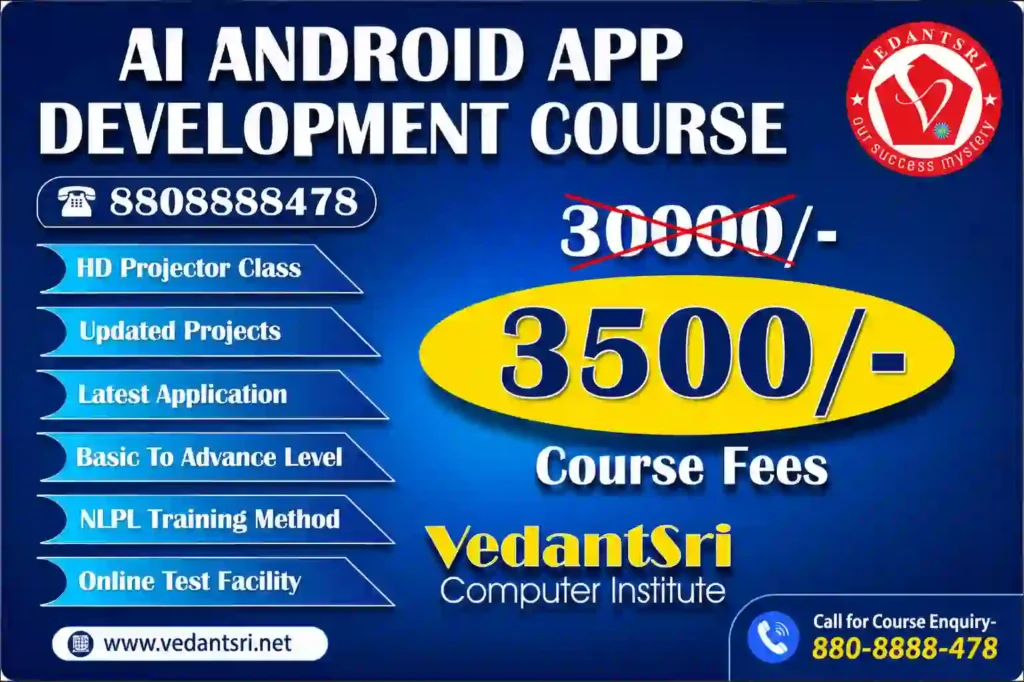
AI Android App Development Course Fee in Varanasi

Varanasi में AI Android App Development Course की फीस institute और syllabus पर depend करती है।

Course LevelEstimated Fee
Basic Android Course₹15,000 – ₹25,000
Advanced Android with AI₹35,000 – ₹80,000
Full Stack AI Development₹60,000 – ₹1,50,000
Premium Industry Program₹2,00,000+

अगर course में ये चीजें शामिल हों तो फीस ज्यादा हो सकती है:

  • AI Integration
  • Cloud Hosting
  • Full Stack Development
  • Security Training
  • API Development
  • Live Projects
  • Internship
  • Placement Support
AI Android App Development Course Fee, Duration, Scope, Syllabus, Admission, Institutes & Jobs VedantSri Training

AI Android App Development Course Duration

Course TypeDuration
Crash Course2–3 Months
Professional Course6 Months
Advanced Diploma12 Months
Industry Ready AI Full Stack Program18 Months

AI Android App Development Scope in India

2026 में AI Developers की demand India में record level पर पहुंच चुकी है।

Top hiring sectors:

  • Software Companies
  • IT Startups
  • E-Commerce Companies
  • AI Startups
  • Fintech Companies
  • Healthcare Apps
  • Educational Platforms
  • Social Media Platforms
  • Digital Marketing Agencies

About O Level Course, Top 1 Best Syllabus, Duration, Fees, Scope, Institute, and Jobs in Varanasi

AI Android Developer Salary

ExperienceSalary
Fresher₹3 LPA – ₹8 LPA
Intermediate₹8 LPA – ₹18 LPA
Senior AI Developer₹20 LPA – ₹50 LPA
Freelancers₹1,00,000+ Monthly
International Remote Jobs₹50 LPA+
AI Android App Development Course Fee, Duration, Scope, Syllabus, Admission, Institutes & Jobs VedantSri Institute

Complete AI Android App Development Syllabus

Module 1 – Computer & Programming Basics

  • Computer Fundamentals
  • Internet Technology
  • Programming Logic
  • Flowchart
  • Algorithms
  • Git & GitHub

Module 2 – Frontend Development

  • HTML5
  • CSS3
  • JavaScript
  • Responsive Design
  • Bootstrap
  • Tailwind CSS

Module 3 – Advanced Web Technologies

  • React JS
  • Next.js
  • Vue.js
  • Angular Basics
  • Progressive Web Apps

Module 4 – Backend Development

  • PHP
  • Node.js
  • Express.js
  • Python Backend
  • REST APIs
  • Authentication Systems

Module 5 – Database Technologies

  • MySQL
  • MongoDB
  • Firebase
  • Cloud Database Systems

Module 6 – Android App Development

  • Java
  • Kotlin
  • Android Studio
  • XML Design
  • Firebase Integration
  • API Integration
  • Play Store Publishing

Module 7 – AI Integration in Android Apps

  • OpenAI API
  • AI Chatbot Development
  • AI Voice Systems
  • AI Image Generator APIs
  • AI Automation
  • AI Search Systems
  • AI Recommendation Engines

Module 8 – AI Full Stack Web Development

2026 में Full Stack Developers केवल websites नहीं बनाते।

अब उन्हें काम करना पड़ता है:

  • AI APIs
  • Cloud Servers
  • Security Layers
  • CDN
  • VPS Hosting
  • AI Databases
  • AI Content Systems
  • AI Analytics
  • AI SEO Automation
AI Android App Development Course Fee, Duration, Scope, Syllabus, Admission, Institutes & Jobs VedantSri Class

Most Powerful AI Models Changing Web Development

GPT Models

AI Chatbots, AI Content Systems, AI Coding और Automation में उपयोग।

Gemini AI

Search Integration, Smart AI Search और AI Knowledge Systems में उपयोग।

Claude AI

Long Context Processing और Enterprise AI Applications में उपयोग।

CCC Course Fees, Syllabus, Duration, Scope, Jobs, and Institute in Varanasi

Open-Source AI Models

  • Llama
  • DeepSeek
  • Mistral
  • Stable Diffusion

इनका उपयोग:

  • AI Tools
  • AI Websites
  • AI Search Engines
  • AI Mobile Apps
  • AI Video Systems
  • AI SaaS Platforms

Best Frameworks for AI Full Stack Development

TechnologyUsage
ReactFrontend UI
Next.jsSEO Websites
Node.jsBackend APIs
LaravelSecure Backend
DjangoAI Python Backend
FlutterAndroid + iOS Apps
React NativeMobile Apps
FirebaseCloud Backend
DockerDeployment
KubernetesScaling
TensorFlowAI Systems

Hosting & Security in AI Web Development

2026 में केवल website बनाना काफी नहीं है।

Developers को सीखना होगा:

  • VPS Hosting
  • Cloud Hosting
  • CDN Setup
  • SSL Security
  • Firewall
  • Malware Protection
  • AI Security Monitoring
  • Database Backup
  • Load Balancing
  • Performance Optimization
AI Android App Development Course Fee Duration Scope Syllabus Admission Institutes Jobs VedantSri Hub
AI Android App Development Course Fee, Duration, Scope, Syllabus, Admission, Institutes & Jobs in Varanasi 9

How Do Full Stack Developers Work?

Modern Full Stack Developers अब ये काम करते हैं:

  • AI Website Development
  • Android App Development
  • AI API Integration
  • Cloud Deployment
  • SEO Optimization
  • AI Automation
  • Security Management
  • AI Content Systems
  • Analytics Dashboards

DIT Course Details, Fees, Duration, Scope, Syllabus, Admission, Institutes & Jobs

Why Are AI Skills Important for Web Developers?

2026 में companies ऐसे developers को hire कर रही हैं जो:

  • AI Tools Use कर सकें
  • AI Systems Build कर सकें
  • AI APIs integrate कर सकें
  • SEO Friendly Websites बना सकें
  • Secure Hosting Manage कर सकें
  • High Speed Websites बना सकें

Best Career Opportunities After an AI Android Development Course

Top Job Roles

  • Android App Developer
  • AI App Developer
  • Full Stack Developer
  • AI Web Developer
  • Backend Developer
  • Cloud Developer
  • API Developer
  • AI Automation Expert
  • UI/UX Developer
  • Freelance Developer

AI Android App Development Admission Process

Admission Process सामान्यतः:

  1. Registration
  2. Counselling
  3. Course Selection
  4. Demo Class
  5. Fee Submission
  6. Batch Start
AI Android App Development Course Fee, Duration, Scope, Syllabus, Admission, Institutes & Jobs VedantSri Computer

Why Choose VedantSri for AI-Driven Full-Stack Web Development?

VedantSri Official Website

VedantSri students को 2026 Industry Requirements के अनुसार AI-based Development Training देने पर focus करता है।

VedantSri Students को क्या सिखा सकते है?

  • Basic To Advanced Web Development
  • AI Full Stack Development
  • Android App Development
  • WordPress Development
  • Hosting & Security
  • SEO Optimization
  • AI Tools Usage
  • Live Projects
  • Practical Training
  • Freelancing Guidance
  • Portfolio Building
  • Interview Preparation

DCA Course Fees, Duration, Scope, Syllabus, Admission, Institutes & Jobs in Varanasi

How Does VedantSri Help Students Build a Career?

VedantSri practical learning approach पर focus करता है:

  • Real Projects
  • Industry-Based Training
  • AI Tools Practice
  • Website Deployment
  • Hosting Management
  • Security Setup
  • Client Work Training
  • Internship Style Learning

Students को केवल theory नहीं बल्कि real-world implementation सिखाया जाता है।

AI Android App Development Course Fee, Duration, Scope, Syllabus, Admission, Institutes & Jobs VedantSri Info

Future of AI Developers in India

2026–2030 तक AI Developers की demand लगातार बढ़ने वाली है क्योंकि:

  • AI Startups तेजी से बढ़ रहे हैं
  • Businesses Automation चाहते हैं
  • AI Websites की demand बढ़ रही है
  • AI Apps हर sector में उपयोग हो रहे हैं
  • Remote Jobs बढ़ रहे हैं

People Also Ask (PAA)

AI Android App Development Course क्या है?

यह ऐसा course है जिसमें Android App Development के साथ AI Tools, APIs और Full Stack Technologies सिखाई जाती हैं।

AI Android Developer की Salary कितनी होती है?

Freshers ₹3–8 LPA तक और experienced developers ₹20 LPA+ तक earn कर सकते हैं।

क्या बिना Coding Knowledge के AI Development सीख सकते हैं?

हाँ, beginners basic programming से शुरुआत कर सकते हैं।

2026 में सबसे demanded developer कौन है?

AI Full Stack Developer और AI App Developer सबसे ज्यादा demanded profiles हैं।

क्या AI Web Development Future Proof Career है?

हाँ, AI आधारित Development आने वाले वर्षों में सबसे तेजी से बढ़ने वाला technology sector है।

Top 3 Computer Diploma Courses, 6 Months of Computer Diploma, After 12th Pass Out Computer Courses

Featured Snippet Optimised Answer

AI Android App Development Course in Varanasi

AI Android App Development Course एक job-oriented training program है जिसमें Android App Development, AI Integration, Full Stack Web Development, Cloud Hosting, Security, APIs और Modern Frameworks सिखाए जाते हैं। Course duration 3 से 18 months तक हो सकती है और fees ₹15,000 से ₹1,50,000+ तक हो सकती है। 2026 में AI Developers की demand तेजी से बढ़ रही है और students Android Developer, AI Developer और Full Stack Developer जैसे careers में जा सकते हैं।

Final Conclusion

2026 में AI Android App Development केवल एक course नहीं बल्कि एक complete career opportunity बन चुका है। AI, Full Stack Development, Hosting, Security, Cloud Computing और Modern Frameworks सीखकर students high-salary jobs, freelancing और international remote work opportunities प्राप्त कर सकते हैं। अगर आप future-ready career बनाना चाहते हैं तो AI Full Stack Web Development और Android App Development skills सीखना आने वाले समय में सबसे powerful investment साबित हो सकता है।

External Link

AI Computer Courses for Website Development, Duration, Scope, Syllabus, Admission, Institutes & Jobs in Varanasi

AI Computer Courses for Website Development, Duration, Scope, Syllabus, Admission, Institutes & Jobs in Varanasi

Artificial Intelligence ने Web Development Industry को पूरी तरह बदल दिया है। अब केवल HTML, CSS और JavaScript सीखना ही काफी नहीं है। 2026 में companies ऐसे AI Full Stack Web Developers को hire कर रही हैं जो AI Tools, Modern Frameworks, Secure Hosting, Automation, SEO Optimization और Smart Web Applications बनाना जानते हों।

यदि आप 2026 में High Salary, Freelancing, Remote Jobs, Startup या Agency Business के लिए सबसे Powerful Career Option खोज रहे हैं, तो AI Integrated Full Stack Web Development Course आपके लिए सबसे Best Option हो सकता है।

AI Computer Courses for Website Development, Duration, Scope, Syllabus, Admission, Institutes & Jobs Top 1 Best VedantSri

इस Detailed Guide में हम जानेंगे:

  • AI Website Development Course क्या है?
  • Course Duration कितनी होती है?
  • 2026 में Scope और Salary कितनी हैं?
  • कौन-कौन से AI Tools और Frameworks सीखने चाहिए?
  • Google, Bing और AI Search Engines के लिए Websites कैसे Optimize होते हैं?
  • AI Full Stack Developer कैसे बनें?
  • Varanasi में Best AI Web Development Institute कौन सा है?
  • कैसे VedantSri Students को Basic से Advanced तक Industry Ready बनाता है?

AI Course Fees, Duration, Scope, Syllabus, Admission, Institutes & Jobs in Varanasi

What is an AI Website Development Course?

AI Website Development Course एक Modern Computer Course है जिसमें Students को Traditional Web Development के साथ Artificial Intelligence Tools, Automation Platforms, Smart Coding Systems, AI Prompt Engineering और Modern Frameworks सिखाए जाते हैं।

इस Course में Student सीखता है:

  • Responsive Website Design
  • AI-Based Coding Assistance
  • Full Stack Development
  • Secure Hosting Management
  • Database Development
  • SEO Friendly Website Creation
  • AI Chatbot Integration
  • AI Content Optimisation
  • AI-Powered Business Websites
  • E-Commerce Development
  • AI Automation
  • Cloud Deployment
  • Cyber Security for Websites

आज 2026 में companies manual coding से ज्यादा AI-assisted development को prefer कर रही हैं क्योंकि इससे development speed कई गुना बढ़ जाती है।

AI Computer Courses for Website Development, Duration, Scope, Syllabus, Admission, Institutes & Jobs VedantSri Training

Why AI Full Stack Web Development is the Future?

2026 में लगभग हर Business को चाहिए:

  • AI Optimized Website
  • Fast Loading Website
  • SEO Friendly Structure
  • Mobile Responsive Design
  • Secure Hosting
  • AI Chat Support
  • Voice Search Optimisation
  • Google AI Search Ready Pages
  • Bing AI Ready Content
  • Automated Customer Handling

इसी कारण AI Full Stack Developers की Demand तेजी से बढ़ रही है।

About O Level Course, Top 1 Best Syllabus, Duration, Fees, Scope, Institute, and Jobs in Varanasi

Most Searched AI Web Development Keywords

यह Keywords Google, Bing, Yahoo और AI Search Engines में सबसे ज्यादा Search किए जा रहे हैं:

  • AI Website Development Course
  • AI Full Stack Developer Course
  • Best Web Development Course in Varanasi
  • AI Computer Course Near Me
  • Full Stack Web Development Institute
  • AI Coding Course 2026
  • Web Designing Course with AI
  • AI Developer Salary in India
  • AI Website Builder Course
  • Learn AI Web Development
  • Secure Web Hosting Course
  • React JS AI Development
  • MERN Stack with AI
  • AI SEO Website Development
  • AI Frontend Developer
  • AI Backend Developer
  • ChatGPT for Web Development
  • AI Tools for Programmers
  • Full Stack AI Developer Jobs
  • WordPress AI Website Development और यदि आप भी इन सर्च लिस्ट के अनुसार वेब डेवलपमेंट में करियर बनाने की खोज में है तब आपकी खोज सही जगह पर है, इस पोस्ट में आप जानेंगे कैसे AI Computer Courses for Website Development आपकी हेल्प करेगा AI फील्ड में करियर enhance करने में

Top 3 Computer Diploma Courses, 6 Months of Computer Diploma, After 12th Pass Out Computer Courses

AI Tools Used in Modern Web Development

2026 में Professional Developers इन Premium AI Models और Tools का उपयोग कर रहे हैं:

AI Coding Assistants

  • GitHub Copilot
  • Google Gemini
  • Claude AI
  • Cursor AI Editor
  • OpenAI ChatGPT  

AI Website Builders

  • Framer AI
  • Wix AI
  • Webflow AI

AI Design Tools

  • Adobe Firefly
  • Figma AI
  • Canva AI

AI Hosting & Security Platforms

  • Vercel
  • Cloudflare
  • Hostinger
  • Netlify
  • Supabase

Full Stack Web Developer – What They Actually Do?

2026 का Full Stack Developer केवल Website Design नहीं करता। वह पूरा Digital System तैयार करता है।

Frontend Development

  • HTML5
  • CSS3
  • Tailwind CSS
  • JavaScript
  • React JS
  • Next.js
  • UI/UX Design
  • Responsive Layouts

Backend Development

  • Node.js
  • PHP
  • Python
  • Express.js
  • API Development
  • Authentication Systems

Database Management

  • MySQL
  • MongoDB
  • Firebase

Hosting & Deployment

  • VPS Hosting
  • Cloud Hosting
  • cPanel
  • GitHub Deployment
  • Docker Basics
  • SSL Setup

Website Security

  • Firewall Setup
  • Malware Protection
  • Backup Systems
  • Website Speed Optimization
  • Anti-Hacking Techniques

AI Integration

  • AI Chatbots
  • AI Automation
  • AI Content Generation
  • AI SEO Systems
  • AI Image Optimization
  • Voice AI Integration
AI Computer Courses for Website Development, Duration, Scope, Syllabus, Admission, Institutes & Jobs VedantSri Institute

AI Web Development Course Duration

Course TypeDuration
Basic Web Designing3 Months
Frontend Development6 Months
Full Stack Development9 Months
AI Full Stack Development12 Months
Advanced AI Web Application Development15 Months

AI Website Development Course Syllabus

Module 1 – Computer Fundamentals

  • Internet Basics
  • Operating System
  • Browser Technologies
  • AI Introduction

Module 2 – Website Designing

  • HTML5
  • CSS3
  • Responsive Design
  • Mobile Friendly Layouts

Module 3 – JavaScript & Modern UI

  • JavaScript ES6
  • DOM Manipulation
  • APIs
  • Animation Effects

Module 4 – React JS & Next.js

  • Components
  • Routing
  • State Management
  • Server-Side Rendering

Module 5 – Backend Development

  • Node.js
  • Express.js
  • Authentication
  • APIs

Module 6 – Database

  • MongoDB
  • MySQL
  • Firebase

Module 7 – WordPress AI Development

  • Theme Customization
  • Plugin Development
  • AI SEO Optimisation
  • Speed Optimization

Module 8 – Hosting & Deployment

  • Domain Management
  • VPS Setup
  • cPanel
  • Cloudflare CDN

Module 9 – Website Security

  • SSL
  • Firewall
  • Malware Scanning
  • Backup Management

Module 10 – AI Integration

  • ChatGPT API
  • AI Chatbots
  • AI Automation
  • AI Content Systems

Module 11 – SEO & Ranking

  • Technical SEO
  • Schema Markup
  • Featured Snippet Optimisation
  • Voice Search SEO
  • Google AI SEO

Module 12 – Real Projects

  • Business Website
  • E-Commerce Website
  • AI Portfolio Website
  • Blog Website
  • Institute Website

DCA Course Fees, Duration, Scope, Syllabus, Admission, Institutes & Jobs in Varanasi

Scope of AI Web Development in India

2026 में AI Web Development Industry तेजी से grow कर रहा है।

Career Opportunities:

  • Full Stack Developer
  • Frontend Developer
  • Backend Developer
  • AI Web Developer
  • WordPress Developer
  • Shopify Developer
  • Freelance Developer
  • Website Security Expert
  • SEO Developer
  • Cloud Developer
AI Computer Courses for Website Development, Duration, Scope, Syllabus, Admission, Institutes & Jobs VedantSri Computer

AI Full Stack Developer Salary in India

ExperienceSalary
Fresher₹3 LPA – ₹6 LPA
1–3 Years₹6 LPA – ₹12 LPA
3–5 Years₹12 LPA – ₹25 LPA
AI Expert Developer₹25 LPA – ₹60 LPA

Freelancers और Remote Developers इससे भी अधिक Income Generate कर रहे हैं।

Best Features Students Should Learn

Modern Developers को ये Skills जरूर सीखनी चाहिए:

  • AI Prompt Engineering
  • Website Automation
  • AI SEO Optimisation
  • AI Blogging Systems
  • AI Chatbot Integration
  • Cyber Security
  • Cloud Hosting
  • Speed Optimization
  • API Integration
  • Voice Search Optimisation
  • Mobile First Design
  • AI Content Structuring

Why Businesses Need AI Websites?

2026 में Businesses Traditional Websites से ज्यादा AI Ready Websites को Prefer कर रहे हैं क्योंकि:

  • Websites Faster Rank करती हैं
  • AI Search Engines में Better Visibility मिलती है
  • Customer Support Automated होता है
  • SEO बेहतर होता है
  • Conversion Rate बढ़ती है
  • Website Management आसान होता है

How VedantSri Helps Students Build a Career in AI Full Stack Web Development?

VedantSri Students को Industry Ready बनाने पर Focus करता है।

VedantSri Training Features

  • Basic To Advanced Training
  • Live Projects
  • AI Tools Practical Training
  • WordPress + Coding दोनों
  • Modern Frameworks
  • Hosting Practical
  • Website Security Training
  • SEO Optimisation Training
  • Freelancing Guidance
  • Interview Preparation
  • Real Client Projects
  • Portfolio Development

Students Learn Practical Technologies

  • HTML
  • CSS
  • JavaScript
  • React JS
  • Node.js
  • WordPress
  • AI Tools
  • Hosting
  • SEO
  • Website Security

Admission Process for AI Web Development Course

Admission लेने के लिए सामान्यतः चाहिए:

  • Basic Computer Knowledge
  • 10th / 12th Qualification
  • Internet Understanding
  • Learning Interest

कुछ Institutes Demo Classes भी Provide करते हैं।

DIT Course Details, Fees, Duration, Scope, Syllabus, Admission, Institutes & Jobs

Jobs After an AI Web Development Course

Course Complete करने के बाद Students काम कर सकते हैं:

  • IT Companies
  • Software Agencies
  • Startups
  • Digital Marketing Companies
  • Freelancing Platforms
  • Remote International Projects
  • Own Web Agency
AI Computer Courses for Website Development, Duration, Scope, Syllabus, Admission, Institutes & Jobs VedantSri Classes

Freelancing Opportunities in AI Web Development

2026 में Freelancing Platforms पर AI Developers की Huge Demand है।

Popular Platforms:

  • Upwork
  • Fiverr
  • Freelancer
  • Toptal

CCC Course Fees, Syllabus, Duration, Scope, Jobs, and Institute in Varanasi

Featured Snippet Optimised FAQs (People Also Ask)

What is an AI Website Development Course?

AI Website Development Course एक Modern Computer Course है जिसमें Students को Website Designing, Full Stack Development, AI Tools, Hosting, Security, और SEO सिखाया जाता है।

Is AI replacing Web Developers?

नहीं। AI Developers को Replace नहीं कर रहा, बल्कि उनकी Productivity बढ़ा रहा है। AI Tools सीखने वाले Developers की Demand ज्यादा बढ़ रही है।

Which AI tools are best for web developers in 2026?

ChatGPT, GitHub Copilot, Gemini, Claude AI, Cursor AI, और Framer AI सबसे Popular AI Tools हैं।

What is the salary of an AI Full Stack Developer in India?

AI Full Stack Developers की Salary Fresher Level पर ₹3–6 LPA और Experienced Level पर ₹25–60 LPA तक जा सकती है।

Which is the best institute for AI Web Development in Varanasi?

Varanasi में कई Institutes हैं, लेकिन Students Practical Training, AI Tools, Hosting, SEO और Real Projects सीखने के लिए VedantSri जैसे Practical Focused Training Platforms को prefer कर रहे हैं।

Final Conclusion

2026 में AI Full Stack Web Development सबसे तेजी से Growing Career Options में से एक है। AI Tools, Modern Frameworks, Secure Hosting, SEO और Automation सीखने वाले Students Future Ready बन रहे हैं।

यदि आप Website Development, Freelancing, Remote Jobs, Startup या IT Industry में Career बनाना चाहते हैं तो AI Integrated Web Development Course आपके लिए Powerful Career Option हो सकता है।

Modern AI Technologies, Secure Development Practices, Hosting Skills और SEO Optimization के साथ सीखना अब बहुत जरूरी हो गया है।

Practical Training, Real Projects और AI-Based Learning Approach के साथ VedantSri Students को Basic से Advanced तक Professional AI Full Stack Web Developer बनने में मदद कर सकते हैं।

External Link

Best CCC Questions with Answers in English – 101 Most Asked CCC Exam Paper Questions

CCC Questions with Answers in English – 101 Most Asked CCC Exam Paper Questions

If you are preparing for the NIELIT CCC Exam 2026, then these latest and important CCC Questions with Answers will help you practice the most repeated and expected exam questions.

CCC Questions with Answers in English – 101 Most Asked CCC Exam Paper Questions VedantSri

Download PDF of 100 CCC Questions with Answers in English UPDATED

These questions are based on:

  • Computer Fundamentals
  • Document
  • Spreadsheet
  • Presentation
  • Internet & Email
  • Cyber Security
  • Digital Payment
  • Operating System
  • Networking
  • Latest IT Terms
  • AI & Cloud Computing Basics

All questions are written in simple English with accurate answers for better understanding and exam preparation.

Computer Fundamentals Questions – CCC Questions (Q1 to Q15)
agar aap sabhi 101 CCC MCQ questions with answers PDF in English me download karna chahte hain, to niche diye gaye button par click karein:


CCC Questions with Answers in English – 101 Most Asked CCC Exam Paper Questions VedantSri Institute

1. What is the full form of CPU?

Answer: Central Processing Unit

2. Which device is known as the brain of the computer?

Answer: CPU

3. What is the full form of RAM?

Answer: Random Access Memory

4. Which memory is temporary?

Answer: RAM

5. What is the full form of ROM?

Answer: Read-Only Memory

6. Which device is used to print documents?

Answer: Printer

7. Which device is used to scan documents?

Answer: Scanner

8. What is the full form of USB?

Answer: Universal Serial Bus

9. Which key is used to delete text from the right side?

Answer: Delete Key

10. Which key is used to move to the next line?

Answer: Enter Key

11. What is the full form of GUI?

Answer: Graphical User Interface

12. Which storage device has the highest storage capacity?

Answer: Hard Disk / SSD

13. What is the full form of SSD?

Answer: Solid State Drive

14. Which device is used for video calling?

Answer: Webcam

15. What is the full form of ALU?

Answer: Arithmetic Logic Unit

Download PDF CCC Course Syllabus

Operating System Questions – CCC Questions (Q16 to Q25)

CCC Questions with Answers in English – 101 Most Asked CCC Exam Paper Questions VedantSri Class

16. What is an Operating System?

Answer: Software that manages computer hardware and software resources.

17. Name a popular operating system.

Answer: Windows

18. Which operating system is used in smartphones?

Answer: Android

19. What is the latest Windows series commonly used in 2026?

Answer: Windows 11

20. Which option is used to shut down the computer safely?

Answer: Shut Down

21. Which key combination is used to copy?

Answer: Ctrl + C

22. Which key combination is used to paste?

Answer: Ctrl + V

23. Which key combination is used to cut?

Answer: Ctrl + X

24. Which key combination is used to save a file?

Answer: Ctrl + S

25. Which key combination is used to undo?Answer: Ctrl + Z

Document / Word Questions – CCC Questions (Q26 to Q35)

CCC Questions with Answers in English – 101 Most Asked CCC Exam Paper Questions VedantSri Class Training

26. Which software is used for typing documents?

Answer: Word

27. What is the default extension of a Word file?

Answer: .docx

28. Which option is used to make text bold?

Answer: Bold

29. Which shortcut key is used for Bold?

Answer: Ctrl + B

30. Which shortcut key is used for Italic?

Answer: Ctrl + I

31. Which shortcut key is used for Underline?

Answer: Ctrl + U

32. Which menu is used to insert pictures?

Answer: Insert Menu

33. Which option is used to check spelling mistakes?

Answer: Spell Check

34. Which feature is used to create letters for multiple people?

Answer: Mail Merge

35. Which option is used to print a document?

Answer: Print

Spreadsheet / Excel Questions – CCC Questions (Q36 to Q45)

CCC Questions with Answers in English – 101 Most Asked CCC Exam Paper Questions VedantSri Class Training Computer

36. Which software is used for calculations?

Answer: Excel / Spreadsheet

37. What is the default extension of a spreadsheet file?

Answer: .xlsx

38. What is a cell in a spreadsheet?

Answer: Intersection of a row and a column

39. Which symbol is used to start a formula in a spreadsheet?

Answer: = (Equal Sign)

40. Which formula is used to add numbers?

Answer: SUM

41. Which chart is used to represent data graphically?

Answer: Chart

42. Which function returns the average?

Answer: AVERAGE

43. Which function returns the highest value?

Answer: MAX

44. Which function returns the lowest value?

Answer: MIN

45. Which shortcut key opens the Find option?

Answer: Ctrl + F

Presentations / PowerPoint Questions – CCC Questions (Q46 to Q50)

46. Which software is used to create presentations?

Answer: PowerPoint

47. What is the default extension of a Presentation file?

Answer: .pptx

48. What is a slide?

Answer: A single page of a presentation

49. Which key starts the slideshow?

Answer: F5

50. Which menu is used to insert animations?

Answer: Animations Menu

WWW & Internet Questions – CCC Questions (Q51 to Q60)

51. What is the full form of WWW?

Answer: World Wide Web

52. What is the full form of URL?

Answer: Uniform Resource Locator

53. Which software is used to browse the internet?

Answer: Web Browser

54. Name a popular web browser.

Answer: Google Chrome

55. What is the full form of HTTP?

Answer: Hypertext Transfer Protocol

56. What is the full form of HTTPS?

Answer: Hypertext Transfer Protocol Secure

57. Which company owns Google?

Answer: Google

58. Which search engine is most popular?

Answer: Google

59. What is cloud storage?

Answer: An online storage service for saving files on internet servers.

60. Name a cloud storage platform.

Answer: Google Drive

Email Questions – CCC Questions (Q61 to Q70)

61. What is the full form of E-mail?

Answer: Electronic Mail

62. Which symbol is used in an email address?

Answer: @

63. What is an inbox?

Answer: A folder that stores received emails.

64. What is Spam Mail?

Answer: Unwanted or junk email.

65. Which option is used to send a copy of an email to another person?

Answer: CC

66. What is BCC in email?

Answer: Blind Carbon Copy

67. Which company provides Gmail service?

Answer: Google

68. Which option is used to attach files to an email?

Answer: Attachment

69. What is phishing?

Answer: A fake attempt to steal personal information through emails or websites.

70. Which password is considered strong?

Answer: A password containing letters, numbers, and special symbols.

CCC Computer Course Syllabus, Best Top 5 Scope, Duration, Fees, Institute & Jobs Near Me

Cyber Security Questions – CCC Questions (Q71 to Q80)

71. What is Antivirus?

Answer: Software used to protect a computer from viruses.

72. Name a popular antivirus software.

Answer: Quick Heal

73. What is a computer virus?

Answer: A harmful program that damages computer data.

74. What is a firewall?

Answer: A security system that protects the network from unauthorised access.

75. What is OTP?

Answer: One-Time Password

76. Why should OTP never be shared?

Answer: To prevent fraud and unauthorised access.

77. What is cybercrime?

Answer: Illegal activity performed using a computer or the internet.

78. What is hacking?

Answer: Unauthorised access to computer systems.

79. Which website is considered secure?

Answer: A website starting with HTTPS

80. What is data backup?

Answer: A copy of important data is stored safely.

Digital Payment Questions – CCC Questions (Q81 to Q88)

81. What is UPI?

Answer: Unified Payments Interface

82. Which app is used for online payment?

Answer: PhonePe

83. What is net banking?

Answer: Banking services provided through the internet.

84. What is a QR Code?

Answer: Quick Response Code

85. Which card is directly linked to a bank account?

Answer: Debit Card

86. What is an ATM?

Answer: Automated Teller Machine

87. Which app is developed by NPCI for UPI payments?

Answer: BHIM

88. What should you verify before an online payment?

Answer: Receiver details and a secure payment gateway.

Networking Questions – CCC Questions (Q89 to Q94)

89. What is a network?

Answer: A connection of multiple computers for sharing resources.

90. What is LAN?

Answer: Local Area Network

91. What is a WAN?

Answer: Wide Area Network

92. Which device connects computers in a network?

Answer: Router / Switch

93. What is Wi-Fi?

Answer: Wireless networking technology.

94. What is an IP Address?

Answer: Unique address of a device on the network.

AI and Modern Technology Questions – CCC Questions (Q95 to Q101)

95. What is Artificial Intelligence?

Answer: Technology that enables machines to simulate human intelligence.

96. What is the full form of AI?

Answer: Artificial Intelligence

97. Name a popular AI chatbot.

Answer: ChatGPT

98. What is Machine Learning?

Answer: A branch of AI where systems learn from data.

99. What is biometric authentication?

Answer: Security verification using fingerprint or face recognition.

100. What is digital literacy?

Answer: Ability to use digital technology effectively.

101. What is e-Governance?

Answer: Government services are provided digitally through the internet.

In Hindi CCC Questions with Answers – 100 Most Asked Exam Paper Questions


Final Words

These 101 Most Asked CCC Questions with Answers for 2026 are highly useful for:

  • CCC Exam Preparation
  • Viva Questions
  • Objective Practice
  • Online Test Preparation
  • Computer Basics Interview Preparation

Practice these questions daily to improve your speed, accuracy, and confidence for the NIELIT CCC Examination 2026.

Important link

AI Course Fees, Duration, Scope, Syllabus, Admission, Institutes & Jobs in Varanasi (2026 Updated Guide)

AI Course Fees, Duration, Scope, Syllabus, Admission, Institutes & Jobs in Varanasi (2026 Updated Guide)

Introduction: AI Course in 2026 – Why It Matters

Artificial Intelligence (AI) 2026 में सबसे तेजी से बढ़ने वाला career field बन चुका है। चाहे आप student हों, job seeker हों या business owner हों — AI skills सीखना अब optional नहीं बल्कि जरूरी हो गया है।

Varanasi जैसे growing education hub में AI courses की demand तेजी से बढ़ रही है क्योंकि:

  • Digital India push
  • Automation in industries
  • Freelancing & remote job opportunities
  • Startup ecosystem growth

इस detailed guide में हम आपको बताएंगे:

About O Level Course, Top 1 Best Syllabus, Duration, Fees, Scope, Institute, and Jobs in Varanasi

AI Course Fees, Duration, Scope, Syllabus, Admission, Institutes & Jobs VedantSri
  • AI Course Fees in Varanasi
  • Duration और Syllabus
  • Best Institutes
  • Career Scope और Salary
  • Top AI Tools (50 Websites)

What is an AI Course?

AI Course एक professional training program है जिसमें आपको सिखाया जाता है:

  • Machine Learning
  • Deep Learning
  • Data Science
  • Natural Language Processing (NLP)
  • Computer Vision
  • AI Tools & Automation

यह course beginner से लेकर advanced level तक available होता है।

CCC Course Fees, Syllabus, Duration, Scope, Jobs, and Institute in Varanasi


AI Course Fees in Varanasi (2026)

Varanasi में AI course की fees institute और level के अनुसार अलग-अलग होती है:

  • Basic AI Course: ₹10,000 – ₹25,000
  • Advanced AI + Machine Learning: ₹25,000 – ₹80,000
  • Professional Certification Programs: ₹80,000 – ₹2,50,000

Factors affecting fees:

  • Course duration
  • Certification type
  • Placement support
  • Live projects

AI Course Fees: Quick View

CourseRegular FeesAbhi Offer
ADCA₹19,000₹6,999
ADCA Pro₹71,000₹30,000
CCC₹5,000₹2,500
DCA₹7,900₹3,900
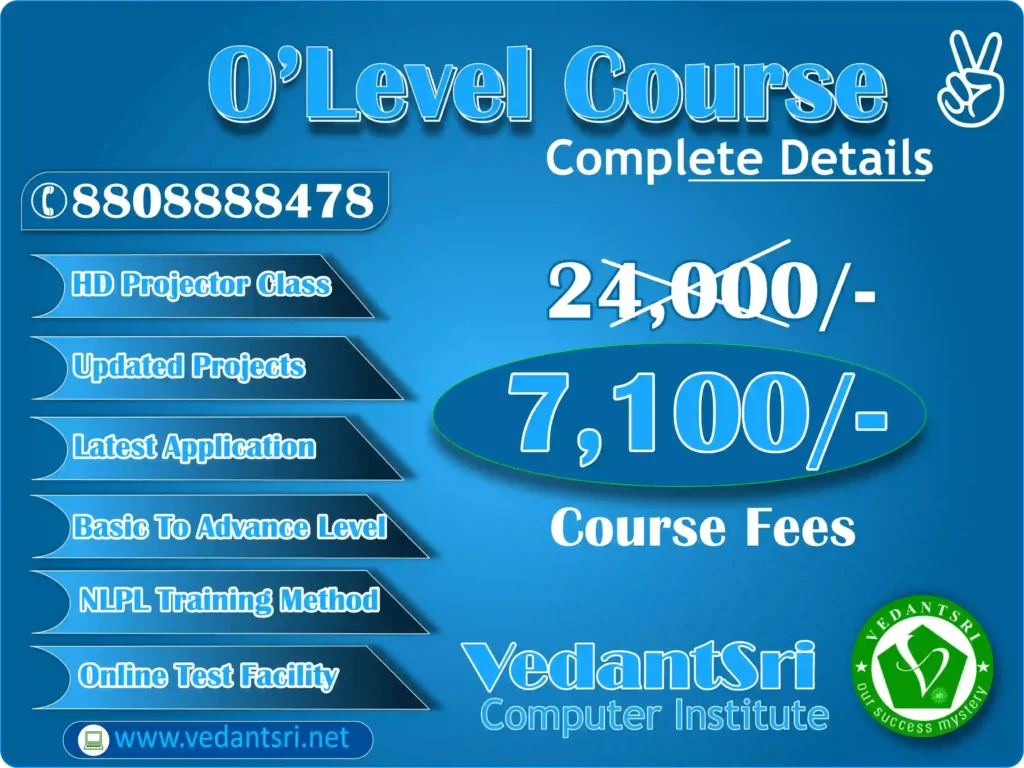
O Level₹24,000₹7,100
Python₹5,000₹3,000

Aap fees ko kist me de sakte hain — poora paisa ek saath dena zaroori nahi.

AI Course Fees, Duration, Scope, Syllabus, Admission, Institutes & Jobs in Varanasi Institute

AI Course Duration

AI course duration depend करता है आपके level पर:

  • Short Term Course: 1–3 months
  • Diploma Course: 3–6 months
  • Advanced Program: 6–12 months

अगर आप beginner हैं तो 3–6 months का course best रहता है।

DIT Course Details, Fees, Duration, Scope, Syllabus, Admission, Institutes & Jobs


AI Course Syllabus (Updated 2026)

AI course syllabus में generally ये topics शामिल होते हैं:

Core Topics

  • Introduction to Artificial Intelligence
  • Python Programming
  • Statistics & Mathematics for AI
  • Machine Learning Algorithms
  • Deep Learning

Advanced Topics

  • Natural Language Processing
  • Computer Vision
  • Generative AI (ChatGPT, Automation Tools)
  • AI Project Development

Practical Training

  • Real-world projects
  • Case studies
  • Industry tools
AI Course Fees, Duration, Scope, Syllabus, Admission, Institutes & Jobs in Varanasi VedantSri Institute

AI Course Admission Process

Varanasi में AI course admission के लिए:

  • Basic eligibility: 10th / 12th / Graduate
  • कुछ institutes coding knowledge मांग सकते हैं
  • Direct admission available होता है

AI Course Scope in 2026

AI का scope तेजी से बढ़ रहा है:

  • IT कंपनियां
  • Healthcare sector
  • Banking & Finance
  • E-commerce
  • Education Technology

AI skills के साथ आप ये roles कर सकते हैं:

  • AI Engineer
  • Data Scientist
  • Machine Learning Engineer
  • AI Content Specialist
  • Automation Expert

DCA Course Fees, Duration, Scope, Syllabus, Admission, Institutes & Jobs in Varanasi


AI Jobs & Salary in India (2026)

AI professionals की salary काफी high होती है:

  • Fresher: ₹3 – ₹8 LPA
  • Mid-Level: ₹8 – ₹20 LPA
  • Experienced: ₹20 – ₹50 LPA

Freelancing में भी ₹50,000 – ₹2,00,000/month तक earning possible है।

AI Course Fees, Duration, Scope, Syllabus, Admission, Institutes & Jobs in Varanasi VedantSri

Top 50 AI Websites (Free + Premium) with Use Case

नीचे 50 AI tools दिए गए हैं जो 2026 में सबसे ज्यादा use हो रहे हैं:

Content & Writing AI Tools

  1. ChatGPT – Content writing, automation
  2. Jasper AI – Marketing copy
  3. Copy.ai – Blog writing
  4. Writesonic – SEO content
  5. Rytr – Quick content

Image Generation Tools

  1. Midjourney – AI art
  2. DALL·E – Image generation
  3. Leonardo AI – Creative design
  4. Canva AI – Graphic design
  5. Adobe Firefly – Professional visuals

Video & Editing AI Tools

  1. Runway ML – Video editing
  2. Pictory – AI video creation
  3. Synthesia – AI avatar videos
  4. Lumen5 – Marketing videos
  5. Descript – Editing & voice

Coding AI Tools

  1. GitHub Copilot – Code assist
  2. Codeium – Free coding AI
  3. Tabnine – AI coding
  4. Replit AI – Development
  5. Amazon CodeWhisperer – Cloud coding

Productivity AI Tools

  1. Notion AI – Documentation
  2. Grammarly AI – Writing improvement
  3. Otter AI – Meeting notes
  4. ClickUp AI – Task management
  5. Fireflies AI – Call recording

Marketing AI Tools

  1. Surfer SEO – SEO optimisation
  2. Clearscope – Content scoring
  3. MarketMuse – Strategy
  4. Frase – AI SEO writing
  5. Scalenut – Content planning

Top 3 Computer Diploma Courses, 6 Months of Computer Diploma, After 12th Pass Out Computer Courses

Automation AI Tools

  1. Zapier AI – Workflow automation
  2. Make.com – Integration
  3. Durable AI – Website builder
  4. Tidio AI – Chatbots
  5. ManyChat – Automation

Voice AI Tools

  1. ElevenLabs – Voice cloning
  2. Murf AI – Voice-over
  3. PlayHT – Audio AI
  4. Speechify – Text-to-speech
  5. Resemble AI – Voice generation

Miscellaneous AI Tools

  1. Tome AI – Presentations
  2. Gamma AI – Slides
  3. Perplexity AI – Research
  4. Elicit AI – Academic research
  5. Poe AI – Multi AI access
  6. Kaiber AI – Video generation
  7. ClipDrop – Image editing
  8. Remove.bg – Background removal
  9. Looka AI – Logo design
  10. Brandmark AI – Branding
AI Course Fees, Duration, Scope, Syllabus, Admission, Institutes & Jobs in Varanasi Training

AI Computer Courses for Website Development, Duration, Scope, Syllabus, Admission, Institutes & Jobs in Varanasi

Best AI Institutes in Varanasi

Varanasi में AI course के लिए कुछ reputed institutes:

  • VedantSri Computer Institute
  • Private IT Training Centres
  • Online Platforms

आप offline + online hybrid learning भी choose कर सकते हैं।


What is the best AI course in Varanasi?

Best AI course वह होता है जिसमें:

  • Practical training हो
  • Live projects हों
  • Placement support मिले
  • Updated AI tools सिखाए जाएं

VedantSri Computer Institute’s ADCA Pro course is a 12-month advanced diploma. It is the most comprehensive course at the institute for students who want strong computer and AI-related skills. The current fee is ₹30,000 (regular ₹71,000).

ADCA Course Fees, Duration, Scope, Syllabus, Admission & Jobs in Varanasi (2026 Updated Guide)


What are the AI course fees in Varanasi?

AI course fees ₹10,000 से ₹2,50,000 तक होती हैं, depending on the level और the institute. And VedantSri offers fees of only INR 4,500.

At VedantSri Computer Institute, AI-related course fees start from ₹2,500 for CCC (3 months) and go up to ₹30,000 for ADCA Pro (12 months). Python costs ₹3,000 and O Level costs ₹7,100. Installment options are available.


What is the duration of the AI course?

AI course duration 1 महीने से 12 महीने तक होता है।

Course duration at VedantSri varies by program. CCC takes 3 months. Python takes 3 months. O Level takes 12 months. ADCA Pro takes 12 months. Students can choose a short course or a full-year diploma based on their goals.

AI Course Fees, Duration, Scope, Syllabus, Admission, Institutes & Jobs in Varanasi

People Also Ask (PAA)

Is AI a good career in 2026?

हाँ, AI 2026 में सबसे high-demand career है।

Can beginners learn AI?

हाँ, Python और basics से शुरुआत करके कोई भी सीख सकता है।

Which language is best for AI?

Python सबसे popular language है।

क्या AI course के बाद job मिलती है?

हाँ, सही skills और projects के साथ job opportunities काफी हैं।

Digital Marketing Course Fees, Duration, Syllabus, Scope, Institute, and Jobs in Varanasi


Conclusion

2026 में AI course करना एक smart career move है। Varanasi में भी अब quality AI training available है और सही institute चुनकर आप high-paying career बना सकते हैं।

External Link

Best 6 Month Computer Course for Job 2026: Fees, Syllabus, Career Scope & Complete Guide

Best 6 Month Computer Course for Job 2026: Fees, Syllabus, Career Scope & Complete Guide

In today’s competitive digital world, choosing the right short-term course can directly impact your career. If you are searching for the best 6-month computer course for a job, 6-month computer course fees, or the best computer institute near me, then this guide is designed to give you complete clarity with real, practical insights.

Computer course kitne saal ka hai

Ye course 6 mahine ka hota hai. Computer course kitne saal ka hai? Job-oriented computer course aam taur par 6 mahine ka hota hai; kuch advanced course 1 saal (12 mahine) ke bhi hote hain.

A computer course has no single fixed duration; it depends on the course and syllabus. For example, CCC and Tally Prime take 3 months, DCA, DFA, DTP, DWP, Web Design and Programming take 6 months, while ADCA takes 12 months. So, computer ka course kitne din ka hota hai depends on the option you choose.

Best 6 Month Computer Course for Job 2026 ko agar aap 6 mahine me complete karte hain, to aapko fees, syllabus, career scope aur job ke liye taiyari ka poora roadmap mil jata hai.

Best 6 Month Computer Course for Job 2026 Fees, Syllabus, Career Scope & Complete Guide VedantSri Institute

Computer classes near me

Agar aap computer classes near me search karke apne area me best 6-month computer course dhoond rahe hain, to ye guide aapke liye hai. Hamari computer classes dono branches me online aur offline available hain, jahan aap fees, syllabus aur career scope ki poori jankari le sakte hain.

The best 6-month computer courses for jobs in 2026 include DCA, DFA, DTP, Digital Marketing, DIT, and Advanced AI Training. Among these, the DCA (Diploma in Computer Applications) is the most balanced course, covering computer fundamentals, MS Office, the internet, and basic programming. Course fees typically range between ₹3,900 and ₹5,000 at reputed institutes like VedantSri, with flexible payment options and scholarships available. These courses are job-oriented and suitable for beginners seeking office, IT, or freelance careers.

With over 20 years of experience in computer education and training, we have helped lakhs of students —and we understand what actually works in the job market—not just theory.

About O Level Course, Top 1 Best Syllabus, Duration, Fees, Scope, Institute, and Jobs in Varanasi

What is the Best 6 Month Computer Course for a job in 2026?

The most in-demand 6-month computer courses in 2026 include:

  • DCA (Diploma in Computer Applications)
  • DFA (Diploma in Financial Accounting)
  • DTP (Desktop Publishing)
  • DIT (Diploma in Information Technology)
  • Digital Marketing
  • Advanced AI Training

These courses are job-oriented, skill-based, and designed according to current industry requirements.

Why Choose a 6 Month Computer Course?

  • Short duration with fast career entry
  • Affordable fees compared to degrees
  • High demand in the private and freelance sectors
  • Practical skills over theoretical learning
  • Suitable for students, job seekers, and business owners

Complete Course Comparison (Most Searched Query 2026)

CourseDurationBest ForJob Roles
DCA6 MonthsBeginnersData Entry, Office Work
DFA6 MonthsCommerce StudentsAccountant, Billing Executive
DTP6 MonthsCreative UsersGraphic Designer
DIT6 MonthsIT BasicsComputer Operator
Digital Marketing6 MonthsOnline CareerSEO, Social Media Manager
Advanced AI Training6 MonthsFuture TechAI Tools Expert, Automation

CCC Course Fees, Syllabus, Duration, Scope, Jobs, and Institute in Varanasi

Best 6 Month Computer Course for Job 2026 Fees, Syllabus, Career Scope & Complete Guide VedantSri Computer Institute

DCA Course Full Details (Most Searched Topic)

DCA Full Form

Diploma in Computer Applications

DCA Course Duration

Typically, 6 months (can vary slightly by institute)

DCA Course Syllabus

  • Computer Fundamentals
  • Windows & Internet
  • MS Word, Excel, PowerPoint
  • Basic Tally
  • Email & Online Work
  • Typing Skills

DCA 6 Month Course Syllabus PDF (Module-wise Complete List)

Neeche DCA 6 month course syllabus PDF format me module-wise diya gaya hai. Isi syllabus ke aadhar par Best 6 Month Computer Course for Job 2026 ki padhai hoti hai. Aap is DCA 6 Month Course Syllabus PDF ko download bhi kar sakte hain.


Module 1: Computer Fundamentals & Windows

  • Computer Introduction, Hardware & Software
  • Windows Operating System
  • File & Folder Management
  • Keyboard & Mouse Shortcuts

Module 2: MS Office (Word, Excel, PowerPoint, Access)

  • MS Word: Document, Formatting, Mail Merge
  • MS Excel: Formulas, Charts, Pivot Tables
  • MS PowerPoint: Presentation, Animation
  • MS Access: Database Basics

Module 3: Internet, Email & Digital Skills

  • Internet Browsing, Search Engines
  • Email Writing, Attachments, CC/BCC
  • Online Forms, Government Portals
  • Cyber Security Basics

Module 4: Typing (Hindi & English)

  • English Typing Speed & Accuracy
  • Hindi Typing (Kruti Dev / Mangal)
  • Typing Test Practice

Module 5: Tally Prime with GST

  • Accounting Basics
  • Ledger, Voucher Entry
  • GST, Invoice, GST Return
  • Payroll & Inventory

Module 6: Graphic Design & Web Basics

  • Photoshop / CorelDRAW Basics
  • Canva Design
  • HTML & Web Page Basics
  • Social Media Design

Module 7: Database & MIS

  • Database Concepts
  • MS Access / SQL Basics
  • MIS Reports
  • Data Entry & Management

Module 8: Practical Project & Interview Preparation

  • Job Application Practice
  • Live Project Work
  • Resume & CV Preparation
  • Interview Questions & Communication

DCA Course Eligibility

  • Minimum 10th or 12th pass
  • No technical background required

DCA Course Fees, Duration, Scope, Syllabus, Admission, Institutes & Jobs in Varanasi

DCA Course Fees (2026)

At VedantSri Institute, we provide industry-oriented training at affordable fees:

CourseFees (INR)
DFA4500
DCA3900
DTP4900
Digital Marketing4700
Advanced AI Training4200

We also offer:

  • Flexible payment options
  • Scholarships for eligible students

Why is DCA Still the Most Popular Course?

Even in 2026, DCA remains one of the most searched and practical courses because:

  • Covers complete basic computer knowledge
  • Required in almost every job
  • Helps in government and private sector exams
  • Foundation for advanced IT courses
Best 6 Month Computer Course for Job 2026 Fees Syllabus Career Scope Complete Guide VedantSri Computer TRaining Institute
Best 6 Month Computer Course for Job 2026: Fees, Syllabus, Career Scope & Complete Guide 30

Is DCA Better Than Other Courses?

DCA vs Digital Marketing

  • DCA → Stable office job
  • Digital Marketing → Online income & freelancing

DCA vs AI Training

  • DCA → Basic & essential
  • AI → Advanced & future-focused

DCA vs DTP

  • DCA → General skills
  • DTP → Design-specific

Conclusion:
DCA is best for beginners, while other courses can be added later for specialisation.

Top 3 Computer Diploma Courses, 6 Months of Computer Diploma, After 12th Pass Out Computer Courses

Best Computer Institute Near Me – What to Check?

Before joining any institute, check:

  • Experience (minimum 10+ years preferred)
  • Practical training availability
  • Updated syllabus (2026 level)
  • Placement or job support
  • Faculty qualification

At VedantSri, we focus on:

  • Practical training from day one
  • Industry-based curriculum
  • Experienced faculty
  • Career guidance

Job Opportunities After a 6 Month Computer Course

After completing these courses, you can apply for:

  • Computer Operator
  • Data Entry Operator
  • Office Assistant
  • Accountant (DFA)
  • Graphic Designer (DTP)
  • Digital Marketer
  • Freelancer
  • AI Tools Specialist

For a private job, choose a course based on the work you want to do. These six-month courses focus on different skills and job roles:

  • DCA (6 months): Learn computer applications and office tools. It can help prepare you for data entry, computer operator, and office assistant roles.
  • DFA (6 months): Focus on accounting and financial records. It can help prepare you for accounts assistant and billing executive roles.
  • DTP (6 months): Learn page layout and print design. It can help prepare you for DTP operator and graphic design assistant roles.
  • Web Design (6 months): Learn how web pages are designed. Practise HTML, CSS, and website projects for web design trainee roles.
  • Programming (6 months): Choose this if you enjoy coding. Focus on practical exercises and projects to build skills for entry-level programming work.
Best 6 Month Computer Course for Job 2026 Fees, Syllabus, Career Scope & Complete Guide VedantSri

Most Searched Questions (AI Snippet Section)

Which computer course is best for a job in 6 months?

DCA, Digital Marketing, and Advanced AI Training are the best job-oriented courses in 2026.

What is the salary after the DCA course?

Starting salary ranges from ₹8,000 to ₹18,000 per month, depending on skills.

Can I get a job after a 6-month computer course?

Yes, these courses are designed for direct job placement and practical work.

Which course is best for the future?

Advanced AI Training and Digital Marketing have the highest future demand.

ADCA Course Details 2026: Syllabus, Fees, Duration, Eligibility, Scope & Jobs

Final Conclusion

If you want a quick job, practical skills, and affordable learning, then 6-month computer courses are the best choice in 2026.

Start with DCA for strong basics, then upgrade with Digital Marketing or AI training for higher growth.

Choosing the right institute matters more than the course itself. With the right training, even a short course can completely change your career path.

Final Note

This guide is based on real training experience, industry demand, and actual student success stories—not assumptions.

If you are serious about building a career in computers, start with the right course, the right guidance, and the right institute.

Important Link

BEST DCA Course in Detail 2026: Actual Fees, Full Form, Duration, Syllabus & Jobs – Is It Worth It? (Local Guide)

DCA Course in Details 2026: Actual Fees, Full Form, Duration, Syllabus & Jobs – Is It Worth It? (Local Guide)

Overview

In today’s digital era, computer knowledge is no longer optional—it is essential. Whether you want a job, start freelancing, or build a career in IT, a strong foundation in computer applications is necessary.

The Diploma in Computer Applications (DCA) is one of the most searched-for and practical courses in 2026 for beginners looking to enter the IT field quickly.

DCA Course Syllabus, Top 1 Best Institute, Duration, Admission, Fees, Scope, Jobs near Me

This guide covers the DCA Course in detail, such as actual fees, duration, syllabus, admission process, job opportunities, and whether DCA is worth it in 2026, not just in Varanasi but globally.

https://www.youtube.com/watch?v=m7wusdHCah4


What is the DCA Course?

The DCA (Diploma in Computer Applications) is a short-term professional diploma designed to provide basic to intermediate computer knowledge.

It focuses on:

  • Computer fundamentals
  • Office tools (Word, Excel, PowerPoint)
  • Internet usage
  • Programming basics
  • Web development basics

This course is ideal for:

  • Students after 10th or 12th
  • Job seekers
  • Beginners in IT
  • Small business owners

6-Month DCA Course, Complete Details, Syllabus, Eligibility, Fee, Opportunity, FAQ


DCA Full Form

DCA Full Form: Diploma in Computer Applications


DCA Course Duration (2026)

Type of CourseDuration
Regular DCA6 Months
Advanced / Extended12 Months

Most institutes offer:

  • 6 months basic + practical training
  • Some include internship or project work

DCA Course Fees (Actual 2026 Data)

Fees vary depending on the institute, facilities, and location.

Institute TypeFees Range
Local Institutes₹3,500 – ₹8,000
Private Institutes₹8,000 – ₹20,000
Premium Institutes₹20,000+

Example (Real Case):
But VedantSri Institute offers DCA at ₹3,900 with practical + project training

DCA Course in Details 2026: Actual Fees, Full Form, Duration, Syllabus & Jobs – Is It Worth It? (Local Guide)

DCA Course Details: Full Form, Duration, Syllabus & Fees

DCA (Diploma in Computer Applications) ek 6 mahine se 1 saal ka computer diploma course hai. Bahut se log DCA course details in Malayalam me search karte hain, kyunki Kerala aur Gulf me Malayalam-speaking students is course ko zyada prefer karte hain. Is article me hum DCA course details in Malayalam ke saath-saath full form, fees, duration, syllabus aur jobs ki puri jankari dete hain.

DCA Course Syllabus (Updated 2026)

The syllabus is designed to make students job-ready.

Core Subjects

  • Fundamentals of Computers
  • Operating Systems (Windows, Basics of Linux)
  • Input/Output Devices
  • Computer Structure & IPO Cycle

How Many Subjects Are There in the DCA Course?

The DCA course covers several subjects related to computer basics, office applications, programming, and practical work.

  • Computer Fundamentals: Basic computer knowledge, computer structure, and input/output devices.
  • Operating Systems: Windows and basic system settings.
  • MS Word: Creating and formatting documents.
  • MS Excel: Working with spreadsheets, formulas, and functions.
  • MS PowerPoint: Creating presentations.
  • Programming Basics: Introduction to programming and basic logic.
  • Web Designing: HTML, CSS, and basic JavaScript.
  • Practical Training: Projects and practice using computer applications.

MS Office (Most Important for Office Jobs)

  • Microsoft Word 2026
  • Microsoft Excel 2026
  • Microsoft PowerPoint 2026

Programming & Development

  • Basics of Programming
  • HTML (Web Structure)
  • CSS (Designing)
  • JavaScript (Basic Logic)
  • Python (Basic Projects)

Practical Training

  • Live Projects
  • Website Design Practice
  • Real Office Work Simulation

About DCA Course Details, Top 5 Best Scope, Fees, Duration, Syllabus, Institute & Career Option

DCA Course in Details 2026: Actual Fees, Full Form, Duration, Syllabus & Jobs – Is It Worth It? (Local Guide)

Admission Process for DCA Course

Eligibility

  • Minimum: 10th Pass
  • Preferred: 10+2 Pass

Admission Steps

  1. Choose institute
  2. Fill the application form
  3. Submit documents
  4. Pay fees
  5. Start classes

Some institutes may conduct:

  • Basic test
  • Interview

Facilities Provided in the DCA Course

  • One computer per student
  • Project-based training
  • Practical + theory classes
  • Live projects
  • Regular tests
  • Online + offline classes
  • Personality development sessions

Job Opportunities After DCA

After completing DCA, you can apply for:

  • Data Entry Operator
  • Computer Operator
  • Office Assistant
  • Web Developer (Basic Level)
  • IT Support Technician
  • Network Assistant

Salary Expectation (2026)

Job RoleSalary Range
Data Entry Operator₹8,000 – ₹15,000
Computer Operator₹10,000 – ₹18,000
Web Developer (Beginner)₹15,000 – ₹30,000

Scope of DCA Course in 2026

The demand for computer-skilled candidates is increasing in:

  • Government offices
  • Private companies
  • Schools & colleges
  • Small businesses
  • Freelancing platforms

DCA also helps in:

  • Further courses (ADCA, O Level, Programming)
  • Online earning opportunities
DCA Course in Details 2026: Actual Fees, Full Form, Duration, Syllabus & Jobs – Is It Worth It? (Local Guide)

DCA vs Other Computer Courses

CourseDurationLevelBest For
DCA6 MonthsBeginnerQuick job skills
ADCA12 MonthsIntermediateAdvanced skills
CCC3 MonthsBasicGovernment exams
O Level12 MonthsProfessionalIT career

Why DCA is Better?

  • Short duration
  • Low fees
  • Job-ready skills
  • Practical training
  • Easy to understand

Is the DCA Course Worth It in 2026?

Yes, if:

  • You want quick job skills
  • You are a beginner
  • You need practical knowledge
  • You want to start earning early

Not ideal if:

  • You want deep programming
  • You aim for high-end IT roles
DCA Course in Details 2026: Actual Fees, Full Form, Duration, Syllabus & Jobs – Is It Worth It? (Local Guide)

Best Institutes for DCA Course

Some popular options:

  • VedantSri Computer Institute
  • Local Computer Institutes
  • Private Training Centres
  • Universities offering diploma programs

Additional Benefits in Some Institutes

  • Typing course (45 days)
  • Spoken English
  • Personality development
  • Internship training
  • CCC course included

People also want to know about DCA Course in detail

  • DCA course fees
  • DCA duration
  • DCA syllabus 2026
  • DCA jobs salary
  • DCA admission
  • Best computer course after 12th
  • Is DCA worth it

DCA Computer Course Duration, Top 10 Best Scope, Fees, Syllabus, Institute & Career Option


FAQs for DCA Course in Detail

What is the DCA course?

DCA is a diploma in computer applications that teaches basic computer skills, office tools, and programming fundamentals.

What is the duration of DCA?

The duration is usually 6 months, but some institutes offer 12-month programs.

What are the fees for the DCA course?

Fees range from ₹3,500 to ₹20,000 depending on the institute.

What jobs can I get after DCA?

You can work as a data entry operator, computer operator, office assistant, or beginner web developer.

Is DCA good for a career?

Yes, it is a good starting course for beginners in the IT field.

How Many Subjects Are There in the DCA Course?

The DCA course includes subjects such as Computer Fundamentals, Operating Systems, MS Word, MS Excel, MS PowerPoint, programming basics, and web designing. The exact syllabus may vary by course plan. Check the current syllabus before admission.


Conclusion

The DCA course remains one of the most practical and affordable computer courses in 2026. It provides essential skills required in almost every job sector.

If your goal is to:

  • Start earning quickly
  • Build basic IT skills
  • Enter the digital world

Then DCA is definitely worth it.

Important Link

O Level Course in Varanasi: Fees, Duration, Syllabus, Admission, Jobs, Scope, Institute, AI-Based Learning in 2026

O Level Course in Varanasi, Fees, Duration, Syllabus, Admission, Jobs, Scope, Institute, AI-Based Learning in 2026

O Level Course kya hai? (Full Info 2026)

O Level course ek government-recognised computer certification program hai jo students ko Information Technology, programming, internet, and digital tools me professional skills provide karta hai. Yeh course specially un students ke liye design kiya gaya hai jo computer field me career banana chahte hain, government job preparation kar rahe hain, ya private IT sector me entry lena chahte hain. VedantSri Computer Training Institute is one of the best computer institutes in Varanasi for the O Level course, with job-oriented training and affordable fees.

2026 me digital transformation, Artificial Intelligence (AI), online services, and e-governance ke badhte use ki wajah se O Level certification ki demand Varanasi aur poore Uttar Pradesh me rapidly increase ho rahi hai. Yeh course beginners se lekar advanced learners tak sabke liye suitable hai. Varanasi jaise educational hub mein, VedantSri Computer Training Institute jaise reputed institute se O Level karne par students ko practical training, live projects, and job-oriented skills milte hain, jo unke career ko strong foundation dete hain.

O Level Course, Fees, Duration, Syllabus, Scope, Institute, and Jobs in Varanasi

Read: O Level Computer Course, Duration, Best Top 10 Syllabus, Fees, Scope, Institutes & Job Near Me

O Level Course Full Form and Recognition

O Level ka full form hai: Ordinary Level Course in Information Technology.

Yeh course India me NIELIT (National Institute of Electronics and Information Technology), Ministry of Electronics and Information Technology, Government of India ke under conduct hota hai.

Is certification ki value:

  • Government jobs ke liye valid
  • Private IT companies have accepted it
  • Computer operator and data entry jobs ke liye required
  • Higher IT courses ke liye foundation
O Level Computer Course, Duration, Best Top 10 Syllabus, Fees, Scope, Institutes & Job Near Me

O Level Course Duration in Varanasi

O Level course ki duration generally:

  • 1 Year (Regular Mode)
  • 6–12 Months (Fast Track Mode)

VedantSri Computer Training Institute, Varanasi mein students ko flexible timing milta hai:

  • Morning Batch
  • Afternoon Batch
  • Evening Batch

Yeh facility school students, college students, and working professionals ke liye helpful hai.

O Level Course Eligibility

O Level course karne ke liye eligibility simple hai:

Minimum Qualification:

  • 10th Pass, OR
  • 12th Pass, OR
  • ITI, OR
  • Polytechnic, OR
  • Graduation

Iska matlab almost koi bhi student computer career start kar sakta hai.

O Level Course Fees in Varanasi (2026)

Varanasi mein O Level course ki fees institute aur facilities par depend karti hai.

Average fee structure:

  • ₹12000 – ₹25000 (Full Course)
  • ₹7100 – ₹10000 (Full Course)
  • Instalment facility available
  • Exam fees separate hoti hain

VedantSri Computer Training Institute mein students ko:

  • Affordable fees
  • Installment option
  • Practical training included
  • Job-oriented classes

provide ki jati hain.

O Level Course Syllabus (Latest 2026 Updated)

O Level syllabus industry demand aur modern IT skills ke according designed hai.

Main Subjects:

1. IT Tools and Office Automation

Isme students seekhte hain:

  • Documentation
  • Spreadsheet
  • Presentation
  • Internet
  • Email

Yeh skills computer operator jobs ke liye essential hain.

👉 Practice O Level Questions with Answers (M1-R5) Exam Paper Most Asked Questions

2. Internet Technology and Web Designing

Is subject me students learn karte hain:

  • HTML
  • CSS
  • Website creation
  • Web publishing

Isse students web designer ban sakte hain.

👉 Practice O Level Questions with Answers (M2-R5) Exam Paper Most Asked Questions

3. Programming using the C Language

Yeh subject programming ka base strong karta hai.

Students learn:

  • Logic building
  • Software concepts
  • Problem solving

Yeh software development career ke liye important hai.

👉 Practice O Level Questions with Answers (M3-R5) Exam Paper: Most Asked Questions

4. Multimedia and ICT

Isme, students learn:

  • Image editing
  • Multimedia basics
  • Digital communication

5. Practical and Project Work

Students’ real projects banate hain:

  • Website project
  • Software project
  • Office automation project

VedantSri Institute mein students ko live practical training di jati hai.

Read: O Level Course Details, Fees, Duration, Syllabus, Scope, Institute, Admission, and Jobs in Varanasi

O Level Course Scope in 2026

2026 mein O Level course ka scope bahut high hai because:

India is rapidly going digital.

Har field me computer knowledge required hai.

O Level certification ke baad students apply kar sakte hain:

Government Jobs:

  • Computer Operator
  • Data Entry Operator
  • Clerk
  • Banking Jobs
  • Railway Jobs
  • Police Department Jobs
  • Government Office Jobs

Private Jobs:

  • Office Assistant
  • Computer Operator
  • Web Designer
  • IT Support Executive
  • Data Entry Specialist

Freelancing Opportunities:

Students work kar sakte hain:

  • Online data entry
  • Website designing
  • Digital services

Salary after O Level Course in Varanasi

Starting salary:

  • ₹8000 – ₹15000 per month (Fresher)

After experience:

  • ₹15000 – ₹30000 per month

Web designing and IT jobs mein salary aur bhi high hoti hai.

AI-Based Learning and Future Scope (2026–2030)

Artificial Intelligence ke time me computer knowledge aur important ho gaya hai.

O Level course ke baad students learn kar sakte hain:

  • AI tools
  • Digital work
  • Online earning skills
  • Automation tools

AI ke era mein computer certification hona career ke liye essential hai.

Link: O Level Computer Course for Government Jobs: Duration, Syllabus, Fees, Scope and Institute Near Me

Why Choose VedantSri Computer Training Institute in Varanasi for the O Level Course?

VedantSri Computer Training Institute Varanasi ka trusted and reputed institute hai.

Students yahan join karte hain because:

Key Features:

  • Experienced faculty
  • Practical training
  • Live projects
  • Affordable fees
  • Job-oriented training
  • Individual attention
  • Best computer institute in Varanasi

Institute beginners ko professional banne ka pura Environment deta hai.

Admission Process for O Level Course in VedantSri Institute

Admission process simple hai:

Step 1: Institute visit karein

Step 2: Admission form fill karein

Step 3: Fees deposit karein

Step 4: Classes start Karein

Limited seats available hoti hain, isliye early admission recommended hai.

O Level Course Benefits

O Level course karne ke advantages:

  • Government job eligibility
  • Computer skills improve
  • Career opportunities increase
  • Job-ready skills
  • IT career start

Who Should Join the O Level Course?

Yeh course best hai:

  • 10th pass students
  • 12th pass students
  • Graduation students
  • Job seekers
  • Government job aspirants

Why O Level Course is the Most Demanded Computer Course in Varanasi (2026)

Varanasi mein O Level course popular hai because:

  • Government recognized
  • Job oriented
  • Affordable
  • High-demand skill

Students are course ke through secure career bana rahe hain.

Best Institute for O Level Course in Varanasi

Agar aap best institute search kar rahe hain, to VedantSri Computer Training Institute best option hai.

Yahan students ko:

  • Complete practical training
  • Career guidance
  • Professional skills

provide kiye jate hain.

**VedantSri Computer Institute, Varanasi me O Level coaching Durgakund aur Rathyatra branch me milti hai.** Durgakund branch Kabir Nagar Road par hai. Rathyatra branch Rathyatra Crossing ke paas hai. Classes Monday se Saturday, subah 7 se raat 8 baje tak chalti hain. O Level course 12 mahine ka hai. Fees abhi ₹7,100 hai.

In short, O Level Course info

O Level course 2026 me ek highly valuable and career-oriented computer certification hai. Yeh course students ko government jobs, private jobs, and digital career opportunities ke liye prepare karta hai.

Varanasi mein VedantSri Computer Training Institute se O Level course karna ek smart career decision hai jo future mein strong job opportunities provide karega.

A to Z Tally Receipt Voucher Transactions Entry | Complete Guide | Pradip VedantSri

A to Z Tally Receipt Voucher Transactions Entry | Complete Guide | Pradip VedantSri

In the world of accounting and business management, A to Z Tally Receipt Voucher Transactions Entry is a fundamental skill that every professional must master. As we move into 2026, with trends like automated accounting, AI-assisted bookkeeping, and real-time financial analytics gaining momentum, understanding the core principles of recording money received is more crucial than ever. This complete guide, inspired by the detailed video tutorial by Pradip VedantSri, will walk you through every possible transaction you can record using a Receipt Voucher in Tally Prime. Whether you’re a business owner, a student, or an accounting professional, this guide will serve as your definitive resource for handling all types of monetary inflows accurately.

Why the Receipt Voucher is Your Financial Cornerstone

A Receipt Voucher in Tally is used to record all transactions where money enters your business. It is the primary document for logging any cash or bank receipts, ensuring your books reflect a true and fair view of your financial health. In 2026, with the rise of blockchain receipts and digital audit trails, the foundational principle remains the same: every incoming rupee must be accounted for correctly. Mastering this voucher type is the first step towards robust financial control, clean books, and seamless GST compliance.

Link: –Tally Course Fees, Duration, Scope, Syllabus, Admission, Institutes & Jobs in Varanasi

Complete Breakdown of Receipt Voucher Transactions

The following table categorizes the primary types of transactions you will record through a Receipt Voucher, as explored in depth in the accompanying video tutorial.

Transaction CategoryKey PurposeCommon Example
Capital & LoanFunds introduced as owner’s capital or borrowed moneyOwner investing money, Bank Loan received
Income & SalesRevenue from operations or asset disposalSale of goods, Selling an old vehicle
Advances & DepositsMoney received as security or for future supplySecurity Deposit from tenant, Advance from customer
Refunds & AdjustmentsMoney received back or year-end correctionsGST Refund from department, Year-end adjustment entry

Let’s delve into each type of transaction in simple, actionable detail.

A to Z Tally Receipt Voucher Transactions Entry | Complete Guide | Pradip VedantSri

1. Capital Account Transactions

When you, as the business owner, inject personal funds into the business, it is recorded here. This increases the company’s cash/bank balance and correspondingly increases the Capital Liability owed to the proprietor. It’s the starting point of most business financial journeys.

2. Loan Account Transactions

This covers all borrowed funds. It’s vital to categorize them correctly for accurate liability tracking.

  • Secured Loan: Loans backed by collateral (e.g., Mortgage, Loan against property).
  • Unsecured Loan: Loans without collateral (e.g., Personal loan from a friend, certain Bank OD).
  • Loan Liability: This records the principal portion of any loan received, creating a payable obligation in your books.

3. Bills Receivable Transactions

When you receive money against outstanding invoices or dues from customers, you use this.

Link: –Tally Course Fees, Duration, Syllabus, Scope, Top 5 Jobs and Best Institutes in Varanasi

  • Advance Receive: Payment received before supplying goods or services.
  • Against Reference: Partial or full payment against a specific existing invoice.
  • New Reference: Creating a new invoice while receiving payment.
  • On Account: Receiving a general payment not linked to a specific invoice yet.

4. Recording Income

All revenue generation is recorded here, split for better analysis.

  • Direct Incomes: Income core to your business (e.g., Sales Revenue, Service Income).
  • Indirect Incomes: Incidental income (e.g., Discount Received, Commission Received).

5. Sale of Fixed Assets

When you sell a capital asset like a computer, machinery, or car, the money received is not income. It is recorded here to reduce the asset’s value in your books and may result in a profit or loss on sale.

6. Refunds and GST

  • Refund Received: Money paid earlier is returned (e.g., advance tax refund, vendor refund).
  • GST Refund Received: A critical entry for claiming refunds from the government for accumulated Input Tax Credit (ITC) or exports. This is a key area for 2026 GST compliance.

7. Deposits and Advances

  • Security Deposit Received: Refundable amounts taken for safety (e.g., from tenants, against rentals).
  • Quotation Advance Received: Advance money received in response to a quotation submitted.

8. Loan Repayments and Unclaimed Money

  • Loan Repayment Received: Recording when a party repays the loan you had given them.
  • Unclaimed Money Received: Accounting for old dues or liabilities that were written off but are now received.

9. Year-End Adjustments Received

At the financial year closing, you may need to record receipts for accrued income or adjustments discovered during audit, ensuring your final statements are perfect.

Step-by-Step Process for Entry in Tally Prime

To record any of the above transactions in Tally Prime (2026 edition), follow this universal process:

  1. Go to Gateway of Tally > Voucher > Receipt (F6).
  2. The date will be auto-filled, but ensure it’s correct.
  3. In the “Received From” field, select the party or ledger from whom money is coming.
  4. Enter the amount.
  5. In the lower part, “Against” select the appropriate ledger account (e.g., Sales Account, Loan Account, Capital Account, based on the transaction type listed above).
  6. Add a narration for clarity (e.g., “Received as Secured Loan from ABC Bank”).
  7. Press Enter to save.

Conclusion: Your Path to Flawless Bookkeeping

Understanding the A to Z Tally Receipt Voucher Transactions Entry is not just about data entry; it’s about comprehending the story behind every rupee that enters your business. In 2026, as software becomes more intelligent, the accountant’s role shifts from mere recording to strategic categorization and analysis. By mastering these 12+ transaction types, you build an unshakable foundation for financial reporting, GST filing, and business decision-making.

For a visual, step-by-step walkthrough of each transaction with real-time Tally Prime screens, be sure to watch the complete video guide by Pradip VedantSri embedded below. Seeing these entries performed live will solidify your understanding and equip you to handle any receipt scenario in your professional journey.

📌 Hashtags: #Tally #TallyERP9 #TallyPrime #ReceiptVoucher #TallyAccounting #TallyCourse #TallyTutorial #AccountingBasics #TallyLearning #VedantSri

📌 Search Query: Tally ERP 9, Tally Prime, Tally Receipt Voucher, Receipt Voucher Entry, Tally Accounting, Tally Transactions, How to enter receipt voucher in Tally, Receipt entry in Tally, Tally course, Tally tutorial, Tally learning, Tally classes, Tally training, Tally for beginners, Business accounting, GST in Tally, Bank receipt entry, Cash receipt entry, Tally step by step, Accounting in Tally, Tally ERP 9 tutorial, Tally Prime tutorial, Pradip VedantSri, VedantSri Tally

Computer Classes Near Me – Computer Institute Varanasi Guide

Computer Classes Near Me – Computer Institute Varanasi Guide

Computer Classes Near Me खोज रहे हैं? यदि आप Varanasi में computer course सीखना चाहते हैं, तो यह पेज VedantSri Computer Institute की दोनों branches, उपलब्ध courses, class timings और admission से जुड़ी महत्वपूर्ण जानकारी एक ही स्थान पर देता है।

In today’s digital world, knowing computers isn’t just a skill — it’s a way to connect, grow, and secure your future. If you’re in Varanasi and looking for the best computer classes, you’re in the right place. Our institute is known as the top computer training centre in Varanasi, helping students and professionals gain real-world IT skills.

VedantSri Computer Institute in Varanasi: Courses and Contact Details

VedantSri Computer Institute in Varanasi offers computer training for students who want to build practical skills for study, office work, and career preparation. Courses listed on the institute website include basic computer training, MS Office, Tally, typing, CCC, DCA, ADCA, O Level, graphic design, web design, programming, and digital marketing.

Students and parents can contact a branch to ask about the current syllabus, available batches, admission process, and course fees. Both branches are open Monday to Saturday, from 7 AM to 8 PM. Confirm course-specific details by phone before visiting, especially if you need a particular batch.

  • Durgakund Branch: Block No. 9, Kabir Nagar Rd, Durgakund, Naria, Varanasi 221005. Phone: +91-8808888478.
  • Rathyatra Branch: SobhNath, Dhirendra Complex, Rathyatra–Mahmoorganj Rd, Rathyatra Crossing, Khanna Villa Colony, Bhelupur, Varanasi 221010. Phone: +91-9415802061.

Computer Classes Near Me in Varanasi – Admission Information

कौन admission ले सकता है

कंप्यूटर कोर्स की ट्रैनिंग प्राप्त करना चाहते है और वेदान्तश्री आपको 3 महीने से लेकर 3 वर्ष तक की different-different Category से रिलेटेड 8 साल से लेकर 60 साल की उम्र तक के छात्र कंप्युटर ट्रैनिंग की शिक्षा प्राप्त कर सकते है, बेसिक से अड्वान्स तक मे कोर्स लर्निंग सिलबस के अंतर्गत|

Monday–Saturday timing

क्लास की टाइमिंग सुबह 7 बजे से लेकर सात 8 बजे तक की होती है जिसमे अलग-अलग कोर्स के हिसाब से मॉर्निंग शिफ्ट मे हर घंटे पर सुबह 7 बजे से 12 बजे तक एण्ड Evening शिफ्ट मे 3 बजे से लेकर रात 8 बजे तक का होता है | न्यू बैच की क्लास टाइमिंग ब्रांच ऑफिस पर पहुच कर क्लीर करें|

Branches

VedantSri Durgakund Branch का अड्रेस संजय शिक्षा निकेतन स्कूल के बगल मे, कबीर नगर रोड पर, Durgakund एरिया, वाराणसी उत्तर प्रदेश मे स्थित है |

VedantSri Rathyatra Branch का अड्रेस टॉप फ्लोर पर, सोभनाथ धीरेन्द्र कॉम्प्लेक्स मे, रथयात्रा क्रॉसिंग, वाराणसी उत्तर प्रदेश मे स्थित है |

Contact numbers

VedantSri Computer Training Institute me Courses se related enquiry, admission, classes ke liye 8808888478 or 9415802061 pr call krke subah 7 baje se lekar raat 8 baje ke bich me call kren.

Classes in Varanasi - Best Computer Training Institute VedantSri Computer Institute
Classes in Varanasi – Best Computer Training Institute VedantSri Computer Institute

Why Choose Our Computer Classes in Varanasi?

  1. Expert Trainers – Learn from industry professionals with years of teaching and practical experience.
  2. Updated Curriculum – Courses designed according to current industry demands.
  3. Hands-on Practice – Each student gets dedicated computer access and lab time.
  4. Affordable Fees – Quality education that fits your budget.
  5. Job & Placement Support – We guide you from learning to earning.

CCC Course Fees, Syllabus, Duration, Scope, Jobs, and Institute in Varanasi

Classes in Varanasi - Best Computer Training Institute VedantSri
Classes in Varanasi – Best Computer Training Institute VedantSri

Popular Courses We Offer:

  • Basic Computer Fundamentals
  • MS Office & Tally
  • Web Design & Development
  • Programming in C, C++, Java, Python
  • Digital Marketing & SEO
  • Graphic Designing & Multimedia
  • ADCA Computer Course
  • Hardware & Networking
  • O Level Course Institute
  • Data Science & AI Basics
  • CCC Course Training

Located in Varanasi — our centre is easy to reach from all areas, whether you’re near BHU, Lanka, Sigra, Shivpur, or Assi Ghat. We’re the trusted choice for computer training in Varanasi for students, housewives, job seekers, and professionals.

Computer Courses Available at VedantSri

Students attending Computer Classes Near Me at VedantSri Computer Institute Varanasi
Computer Classes Near Me at VedantSri Computer Institute

Top 3 Computer Diploma Courses, 6 Months of Computer Diploma, After 12th Pass Out Computer Courses

What Makes Us the Best Computer Training Institute in Varanasi?

We understand that learning is personal. That’s why we offer:

  • Flexible batch timings (morning, afternoon, evening)
  • Small batch size for personal attention
  • Free demo class available
  • Course completion certificate
  • Live project training

If you search “computer classes near me” or “best IT training institute Varanasi,” you’ll find us — because we deliver results, not just lessons.

When comparing computer institutes in Varanasi, check the course syllabus, practical lab time, batch timing, total fee, certificate details, and distance from home. Ask for a clear breakdown before admission. Search results may use different spellings, so confirm the institute’s official name and address before visiting.

DFA Course Fees, Syllabus, Duration, Scope, Jobs, and Institute in Varanasi

About O Level Course, Top 1 Best Syllabus, Duration, Fees, Scope, Institute, and Jobs in Varanasi

Ready to Start?

Join hundreds of successful students who transformed their careers with our computer courses. Whether you want your first job, a career switch, or to start a freelance business, we provide the skills and confidence.

Contact us today to enrol or attend a free demo class. Your future in technology starts here, in Varanasi.

DFA Course Fees, Syllabus, Duration, Scope, Jobs, and Institute in Varanasi

DCA Course Fees, Duration, Scope, Syllabus, Admission, Institutes & Jobs in Varanasi


SEO-Friendly Tips for Mobile Optimisation:

  • Use short paragraphs & bullet points for easy mobile reading.
  • Include local landmarks/areas (BHU, Lanka, Assi Ghat) for “near me” searches.
  • Ensure fast loading speed (compress images, minimise code).
  • Add schema markup for courses, institute info, and reviews.
  • Use alt text for images: “computer lab varanasi institute”, “IT training class varanasi”.
  • Internal linking to other course pages.
  • Mobile-responsive design.
  • Clear call-to-action (CTA) buttons: “Call Now”, “Enrol Today”.

Important Links: –

Tally Questions for Practice with Answers: 100 Accounting Q&A

Tally Prime Online Test: 100 Most Important Accounting Questions & Answers

Tally questions for practice with answers ढूंढ रहे हैं? यह Tally Prime Online Test संग्रह आपके लिए है। इसमें Tally Accounting, GST, वाउचर एंट्री और इन्वेंट्री से जुड़े 100 सबसे अधिक पूछे जाने वाले प्रश्न और सटीक उत्तर दिए गए हैं। Tally का question अभ्यास करके आप इंटरव्यू और कोर्स की तैयारी आसानी से कर सकते हैं।

Tally ka Question: 100 Important Q&A in Hindi

Tally Prime दुनिया भर में सबसे लोकप्रिय अकाउंटिंग और बिजनेस मैनेजमेंट सॉफ्टवेयर है। चाहे आप किसी टैली कोर्स की तैयारी कर रहे हों, जॉब इंटरव्यू दे रहे हों, या स्वयं का अभ्यास कर रहे हों, यह Tally Prime Online Test Questions का संग्रह आपके लिए अत्यंत उपयोगी साबित होगा। यहाँ हम Tally Accounting, GST, वाउचर एंट्री और इन्वेंट्री से संबंधित 100 सबसे अधिक पूछे जाने वाले प्रश्न (Most Asked Questions) और उनके सटीक उत्तर प्रस्तुत कर रहे हैं।

Tally Questions for Practice with Answers: Practice Kaise Karein

महत्वपूर्ण सूचना:
अगर आपने पहले से Tally के Set-01 Questions (Q1–Q100) पढ़ लिए हैं, तो अब आपकी तैयारी को अगले लेवल पर ले जाने का समय आ गया है।
👉 अगला सेट यहाँ पढ़ें:
Set-02 : Tally Most Asked Questions (Q101–Q200)
इसमें Voucher Customization, Advanced GST, Payroll, Banking, Security, Costing, Reports, Inventory Controls, Backup, Data Security, Audit Features और Tally Prime Shortcuts जैसे महत्वपूर्ण विषय शामिल हैं।
✅ ये सभी प्रश्न नए हैं (Q1–Q100 से बिल्कुल अलग) और 2026 में सबसे ज्यादा पूछे जाने वाले Objective Concepts के आधार पर तैयार किए गए हैं।
🔁 तो अब Set-01 पूरा करने के बाद, Set-02 (Q101–Q200) के लिए यहाँ क्लिक करें

Tally में सबसे महत्वपूर्ण क्या है?

Tally में Accounting, Voucher Entry, GST, Inventory और Reports की समझ सबसे महत्वपूर्ण है। पहले Ledger और Debit-Credit के नियम समझें। फिर Sales, Purchase, Payment और Receipt की Voucher Entry का अभ्यास करें। इसके बाद GST, Stock Management और Profit & Loss जैसे Reports पर काम करें। नियमित Practical Practice से समझ बेहतर होती है।

Tally में सबसे महत्वपूर्ण Accounting की समझ और Voucher Entry का नियमित अभ्यास है। Ledger, Debit-Credit, GST, Sales, Purchase और Payment की सही Entry करना सीखें। साथ ही Trial Balance, Profit & Loss Account और Balance Sheet जैसी Reports को समझें। इससे Tally की Practical Practice बेहतर होती है।

Tally questions for practice with answers – VedantSri online test guide
Tally questions for practice with answers ke liye VedantSri online test guide

Tally Prime Basics & Company Creation (Q1 to Q20)

Fundamentals and Setup

Q1. Tally Prime में कंपनी क्रिएट (Create) करने की शॉर्टकट की क्या है?
A1. Alt + K (गेटवे ऑफ टैली से) या फिर Company Info मेनू से Create Company चुनें।

Q2. Tally में कंपनी की मेमोरी (Company Memory) क्या होती है?
A2. यह टैली के डेटा की बैकअप फाइल है, जिसका एक्सटेंशन .tci होता है।

Q3. एक ही Tally सॉफ्टवेयर में हम कितनी कंपनियां बना सकते हैं?
A3. असंख्य (Unlimited)। आप जितनी चाहें उतनी कंपनियां बना और मैनेज कर सकते हैं।

Q4. Tally में कंपनी डिलीट करने की शॉर्टकट क्या है?
A4. Alt + D

Q5. किसी एक्सिस्टिंग कंपनी के डेटा को रिस्टोर (Restore) कैसे करते हैं?
A5. गेटवे ऑफ टैली में Data के अंदर ‘Restore’ के ऑप्शन पर जाकर बैकअप फाइल (.tci) सिलेक्ट करें।

Q6. Tally Prime में कंपनी का फाइनेंशियल ईयर (Financial Year) कहाँ से चेंज करते हैं?
A6. F11: कंपनी फीचर्स (Company Features) या कंपनी क्रिएशन के दौरान।

Q7. F11 (Function Key 11) का मुख्य कार्य क्या है?
A7. कंपनी के बेसिक और एडवांस्ड फीचर्स को एनेबल या डिसेबल करना।

Q8. F12 (कॉन्फ़िगर) की का मुख्य कार्य क्या है?
A8. वाउचर एंट्री, रिपोर्ट्स और डिस्प्ले से संबंधित सेटिंग्स को कस्टमाइज करना।

Q9. Tally में ‘ऑडिट Ledger‘ (Audit Ledger) क्या होता है?
A9. यह एक स्पेशल Ledger है जो किसी भी वाउचर में हुए बदलाव का पूरा रिकॉर्ड रखता है।

Q10. Tally में ‘सेल्फ-बैलेंस्ड ledger’ कौन सा होता है?
A10. कैश (Cash) Ledger । यह स्वचालित रूप से कैश अकाउंट बनाता है।

ADCA Course Fees, Duration, Scope, Syllabus, Admission, Institutes & Jobs in Varanasi

Q11. Tally Prime में ‘मास्टर’ (Master) क्या होता है? उदाहरण दें।
A11. वे बेसिक रिकॉर्ड जिनके अंतर्गत लेन-देन दर्ज किए जाते हैं। जैसे: Ledger, स्टॉक आइटम, गोदाम।

Q12. ग्रुप (Group) और Ledger में क्या अंतर है?
A12. ग्रुप, Ledgers का समूह होता है जो अकाउंटिंग हेड्स (जैसे Current Assets) को दर्शाता है। Ledger एक विशिष्ट खाता (जैसे ABC Traders) होता है जिसे किसी ग्रुप के अंतर्गत बनाया जाता है।

Q13. ‘प्राइमरी ग्रुप’ और ‘सब-ग्रुप’ क्या है?
A13. प्राइमरी ग्रुप (जैसे Capital Account) पहले से डिफाइन्ड होते हैं। इनके अंदर बनाए गए नए ग्रुप सब-ग्रुप कहलाते हैं।

Q14. Tally में प्री-डिफाइंड Ledger कौन से हैं?
A14. कैश (Cash), प्रॉफिट एंड लॉस अकाउंट (Profit & Loss A/c), कैपिटल अकाउंट (Capital Account)।

Q15. Tally में कितने प्रकार के वाउचर (Voucher) होते हैं?
A15. मुख्य रूप से कंट्रा (Contra), पेमेंट (Payment), रिसीप्ट (Receipt), सेल्स (Sales), पर्चेज (Purchase), जर्नल (Journal), क्रेडिट नोट (Credit Note), डेबिट नोट (Debit Note)।

Q16. डिफॉल्ट रूप से Tally में कौन-कौन से वाउचर टाइप्स एक्टिवेट रहते हैं?
A16. कंट्रा, पेमेंट, रिसीप्ट और जर्नल।

Q17. सेल्स वाउचर (F8) का अकाउंटिंग इफेक्ट क्या होता है?
A17. आय (Income) बढ़ती है और स्टॉक (Stock) घटता है।
इनकमिंग: डेबिट (Debtor/Cash) | आउटगोइंग: क्रेडिट (Sales Account & Stock)

Q18. पर्चेज वाउचर (F9) का अकाउंटिंग इफेक्ट क्या होता है?
A18. खर्च (Expense) बढ़ता है और स्टॉक (Stock) बढ़ता है।
इनकमिंग: डेबिट (Purchase Account & Stock) | आउटगोइंग: क्रेडिट (Creditor/Cash)

Q19. रिसीप्ट वाउचर (F6) किस लिए प्रयोग होता है?
A19. कैश या बैंक में पैसा आने (Receipt) के लिए। जैसे- ग्राहक से पेमेंट प्राप्ति।

Q20. पेमेंट वाउचर (F5) किस लिए प्रयोग होता है?
A20. कैश या बैंक से पैसा निकालने (Payment) के लिए। जैसे- क्रेडिटर को भुगतान।

Tally ka question practice – VedantSri 100 accounting Q&A test
Tally ka question practice ke liye 100 accounting Q&A test.

Voucher Entry & Accounting in Tally (Q21 to Q40)

Practical Voucher Scenarios

Q21. बैंक से नकद निकालने (Cash Withdrawal) के लिए किस वाउचर का उपयोग करेंगे?
A21. कंट्रा वाउचर (F4)

Q22. बैंक में नकद जमा करने (Cash Deposit) के लिए किस वाउचर का उपयोग करेंगे?
A22. कंट्रा वाउचर (F4)

Q23. गैर-नकद लेन-देन (Non-Cash Transaction) जैसे डूबत ऋण लिखने के लिए किस वाउचर का प्रयोग करते हैं?
A23. जर्नल वाउचर (F7)

Q24. सेल्स रिटर्न (बिक्री वापसी) के लिए किस वाउचर का प्रयोग करते हैं?
A24. क्रेडिट नोट वाउचर (Ctrl+F8)

Q25. पर्चेज रिटर्न (खरीदी वापसी) के लिए किस वाउचर का प्रयोग करते हैं?
A25. डेबिट नोट वाउचर (Ctrl+F9)

Q26. आप Tally में ‘सैलरी पेमेंट’ किस वाउचर के द्वारा एंटर करेंगे?
A26. पेमेंट वाउचर (F5) – डेबिट: सैलरी अकाउंट, क्रेडिट: कैश/बैंक।

Q27. एक सप्लायर को चेक से भुगतान किस वाउचर में एंटर करेंगे?
A27. पेमेंट वाउचर (F5)।

Q28. Tally में ‘एडजस्टमेंट एंट्री’ (Adjustment Entry) किस वाउचर में की जाती है?
A28. जर्नल वाउचर (F7) में।

Q29. किसी फिक्स्ड एसेट (जैसे कंप्यूटर) की खरीदारी किस वाउचर में दर्ज करेंगे?
A29. पेमेंट वाउचर (F5) या जर्नल वाउचर (F7) अगर क्रेडिट पर खरीदा है।

Q30. ‘मेमोरैंडम वाउचर’ (Memorandum Voucher) का क्या उपयोग है?
A30. अस्थायी लेनदेन रिकॉर्ड करने के लिए, जिसका अकाउंटिंग इफेक्ट नहीं होता। बाद में इसे रेगुलर वाउचर में बदला जा सकता है।

Top 3 Computer Diploma Courses, 6 Months of Computer Diploma, After 12th Pass Out Computer Courses

Q31. ‘रिवर्सल वाउचर’ (Reversal Voucher) क्या है?
A31. यह पहले से पोस्ट किए गए वाउचर को रिवर्स (उल्टा) कर देता है, यानी उसका प्रभाव खत्म कर देता है।

Q32. वाउचर एंट्री करते समय ‘एडवांस्ड कॉन्फ़िगरेशन’ (F12) में ‘यूज प्रीवियस डेट’ ऑप्शन का क्या मतलब है?
A32. यह ऑप्शन ऑन करने पर, अगला वाउचर पिछले वाउचर की डेट से शुरू होगा।

Q33. Tally में किसी वाउचर को मॉडिफाई (Modify) कैसे करते हैं?
A33. डिस्प्ले > डे वाइज बुक (Day Book) में जाकर वाउचर पर एंटर दबाएं, बदलाव करके ‘Yes’ सेव करें।

Q34. Tally में किसी पोस्टेड वाउचर को डिलीट कैसे करते हैं?
A34. डे बुक में वाउचर पर जाकर Alt + D दबाएं। (हां, कहें)

Q35. Tally में एक ही वाउचर में मल्टीपल डेबिट और मल्टीपल क्रेडिट एंट्री कैसे करें?
A35. वाउचर एंट्री स्क्रीन में F12 > ‘एलो मल्टी एड्रेस फॉर डेबिट/क्रेडिट’ को Yes कर दें।

Q36. ‘सस्पेंस अकाउंट’ (Suspense Account) का प्रयोग कब करते हैं?
A36. जब डबल एंट्री सिस्टम में डेबिट और क्रेडिट का योग बराबर न हो (अस्थायी समाधान के लिए)।

Q37. ‘आईओयू अकाउंट’ (IOU Account) क्या है?
A37. यह एक प्रकार का पर्सनल लोन अकाउंट है, जब कर्मचारी कंपनी से पैसा उधार लेता है।

Q38. Tally में ‘पेरोल वाउचर’ कैसे एंटर करते हैं?
A38. आमतौर पर पेमेंट वाउचर (F5) का उपयोग करके या पेरोल मॉड्यूल को एक्टिवेट करके।

Q39. ‘कंपाउंड एंट्री’ (Compound Entry) क्या है?
A39. एक ही जर्नल एंट्री में एक से अधिक डेबिट या एक से अधिक क्रेडिखाते शामिल होना।

Q40. वाउचर नंबर को मैन्युअल रूप से डालने के लिए क्या करें?
A40. F12 कॉन्फ़िगरेशन में ‘यूज ऑटोमैटिक वाउचर नंबरिंग’ को ‘No’ कर दें।

Tally Prime online test – accounting questions and answers in hindi
Tally Prime online test me accounting questions and answers in hindi.

GST in Tally Prime (Q41 to Q60)

Goods and Services Tax

Q41. Tally Prime में GST एक्टिवेट कैसे करते हैं?
A41. F11: कंपनी फीचर्स > ‘एलो गुड्स एंड सर्विसेज टैक्स (GST)’ को Yes करें, फिर फिर से F11 दबाकर डिटेल्स भरें।

Q42. ‘GST ड्यूटी इंफॉर्मेशन’ कॉलम वाउचर में कैसे दिखाएं?
A42. वाउचर एंट्री स्क्रीन में F12 > ‘एलो GST ड्यूटी इंफॉर्मेशन’ को Yes करें।

Q43. GST रिज़ीम (GST Regime) में ‘रेगुलर’ और ‘कंपोजीशन’ में क्या अंतर है?
A43. रेगुलर स्कीम में पूरा GST लागू होता है और ITC क्लेम किया जा सकता है। कंपोजीशन स्कीम में एक फिक्स्ड रेट से टैक्स देना होता है और ITC नहीं मिलता।

Q44. GSTR-1 और GSTR-3B में क्या अंतर है?
A44. GSTR-1 आउटवर्ड सप्लाय/सेल्स का विस्तृत विवरण है। GSTR-3B एक सारांश रिटर्न है जिसमें टैक्स देयता और ITC क्लेम दर्ज किए जाते हैं।

Q45. Tally से GSTR-1 कैसे निकालते हैं?
A45. GST रिपोर्ट्स > GSTR-1 > एक्सपोर्ट करें या JSON फाइल जनरेट करें।

Q46. ‘इनवर्स चार्ज मैकेनिज्म’ (Reverse Charge Mechanism – RCM) का एंट्री Tally में कैसे करें?
A46. पर्चेज वाउचर में, GST ड्यूटी इंफॉर्मेशन कॉलम में ‘अप्लाई RCM’ को Yes सेलेक्ट करें।

Q47. Tally में GST रेट (HSN/SAC कोड) कहाँ से सेट करते हैं?
A47. स्टॉक आइटम मास्टर बनाते समय या एडिट करते समय, ‘टैक्स इनफॉर्मेशन’ टैब में।

Q48. Tally में ‘GST क्लासिफिकेशन’ क्या है?
A48. यह बताता है कि सामान या सेवा पर कौन सी GST दर (CGST+SGST या IGST) लागू होगी।

Q49. इंट्रास्टेट और इंटरस्टेट ट्रांजैक्शन में GST का ट्रीटमेंट क्या है?
A49. इंट्रास्टेट (एक ही राज्य) में CGST+SGST लगता है। इंटरस्टेट (अलग-अलग राज्य) में IGST लगता है।

Q50. Tally में GST टैक्स लायबिलिटी (Tax Liability) की रिपोर्ट कहाँ देख सकते हैं?
A50. डिस्प्ले > GST रिपोर्ट्स > GST टैक्स लायबिलिटी

DFA Course Fees, Syllabus, Duration, Scope, Jobs, and Institute in Varanasi

Q51. ‘GST इनपुट क्रेडिट सेट ऑफ’ (Input Credit Set Off) क्या है?
A51. खरीद पर चुकाए गए GST (Input Tax) को बिक्री पर देय GST (Output Tax) से कम करने की प्रक्रिया।

Q52. Tally में GST रिफंड (Refund) का एंट्री कैसे करें?
A52. एक बैंक रिसीप्ट वाउचर बनाएं और Ledger के रूप में ‘GST रिफंड रिसीवेबल’ का चयन करें।

Q53. ‘टाइम ऑफ सप्लाई’ (Time of Supply) से क्या तात्पर्य है?
A53. वह समय जब GST देनदारी बनती है। आमतौर पर इनवॉइस जारी करने या पेमेंट रिसीव करने की तारीख, जो भी पहले हो।

Q54. Tally में E-Way बिल (E-Way Bill) जनरेट कर सकते हैं?
A54. हाँ, Tally Prime में E-Way बिल जनरेशन की सुविधा है (इंटरनेट कनेक्शन जरूरी)।

Q55. Tally में ‘GST एक्सपेंज रिटर्न’ क्या है?
A55. यह एक रिपोर्ट है जो GST पोर्टल पर रिटर्न भरने के लिए तैयार डेटा दिखाती है।

Q56. Tally में ‘GST कंपोजीशन डीलर’ के लिए सेटिंग कैसे करें?
A56. F11: कंपनी फीचर्स > GST डिटेल्स > ‘टैक्स पेयर टाइप’ में ‘कंपोजीशन’ सेलेक्ट करें।

Q57. Tally में ‘HSN कोड वाइज सारांश’ (HSN Wise Summary) रिपोर्ट कैसे देखें?
A57. डिस्प्ले > GST रिपोर्ट्स > HSN विज सारांश।

Q58. क्या Tally में GST ऑडिट ट्रैल (Audit Trail) देख सकते हैं?
A58. हाँ, ‘एडिट Ledger ‘ की मदद से।

Q59. ‘GST टीडीएस’ (GST TDS) का एंट्री Tally में कैसे करें?
A59. पेमेंट वाउचर में, GST ड्यूटी इंफॉर्मेशन कॉलम में TDS कटौती का विवरण भरें।

Q60. Tally में GST रिटर्न फाइलिंग के लिए डेटा कैसे एक्सपोर्ट करें?
A60. जरूरत के अनुसार GSTR-1, GSTR-3B आदि रिपोर्ट्स में जाकर ‘एक्सपोर्ट’ या ‘JSON फाइल जनरेट’ का ऑप्शन चुनें।

O Level Computer Course, Duration, Best Top 10 Syllabus, Fees, Scope, Institutes & Job Near Me


Inventory & Stock Management (Q61 to Q80)

Stock and Godown

Q61. Tally में इन्वेंट्री फीचर्स (Inventory Features) कैसे एक्टिवेट करते हैं?
A61. F11: कंपनी फीचर्स > ‘इन्वेंट्री (स्टॉक) का रखरखाव’ को Yes करें।

Q62. ‘स्टॉक आइटम’ (Stock Item) और ‘स्टॉक ग्रुप’ (Stock Group) में क्या अंतर है?
A62. स्टॉक आइटम एक विशिष्ट वस्तु (जैसे- Dell Laptop Model X) है। स्टॉक ग्रुप समान प्रकार के आइटम्स का समूह (जैसे- Laptops) है।

Q63. Tally में गोदाम (Godown) क्या है और क्यों जरूरी है?
A63. स्टॉक रखने का भौतिक स्थान। यह बताता है कि कौन सा माल किस गोदाम में है।

Q64. ‘बैच-वाइज डिटेल्स’ (Batch-wise Details) क्या है? कब यूज करते हैं?
A64. जब एक ही आइटम के अलग-अलग बैच (लॉट) अलग-अलग रेट या एक्सपायरी डेट पर खरीदे गए हों। जैसे- दवाइयाँ।

Q65. Tally में ‘एडजस्टमेंट नोट’ (Stock Adjustment) किस लिए प्रयोग करते हैं?
A65. स्टॉक में हुई कमी (शॉर्टेज) या बिना खरीद-बिक्री के हुए स्टॉक के बढ़ने की एंट्री के लिए।

Q66. ‘फिफो (FIFO)’ और ‘लिफो (LIFO)’ क्या हैं? Tally कौन सा मेथड फॉलो करता है?
A66. FIFO: पहले आया, पहले गया। LIFO: बाद में आया, पहले गया। Tally डिफॉल्ट रूप से FIFO मेथड फॉलो करता है।

Q67. Tally में ‘फिजिकल स्टॉक’ (Physical Stock) और ‘बुक स्टॉक’ (Book Stock) का कंपेरिजन कैसे करते हैं?
A67. इन्वेंट्री बुक्स > स्टॉक समरी > Alt+F5 (फिजिकल स्टॉक) दबाकर।

Q68. ‘स्टॉक ट्रांसफर’ (Stock Transfer) जर्नल क्या है?
A68. एक गोदाम से दूसरे गोदाम में माल ट्रांसफर करने के लिए यूज किया जाता है।

Q69. Tally में ‘प्राइस लिस्ट’ (Price List) कैसे सेट करते हैं?
A69. अकाउंट्स मास्टर > प्राइस लिस्ट > Create।

Q70. ‘इन्वेंट्री वैल्यूएशन’ (Inventory Valuation) की रिपोर्ट कहाँ मिलती है?
A70. इन्वेंट्री बुक्स > स्टॉक समरी > कॉलम वैल्यूएशन पर।

MS Office Course Fees, Duration, Scope, Syllabus, Admission, Institutes & Jobs in Varanasi

Q71. Tally में ‘सर्विस आइटम’ (Service Item) कैसे बनाते हैं?
A71. स्टॉक आइटम बनाते समय, ‘स्टॉक आइटम टाइप’ में ‘सर्विस’ सेलेक्ट करें।

Q72. ‘बिल ऑफ मटीरियल (BOM)’ क्या है? Tally में इसे कैसे बनाते हैं?
A72. यह किसी फिनिश्ड प्रोडक्ट को बनाने के लिए जरूरी रॉ मटीरियल की सूची है। इन्वेंट्री मास्टर में BOM बनाया जाता है।

Q73. Tally में ‘आर्डर प्रोसेसिंग’ (Order Processing) कैसे करते हैं?
A73. स्टॉक जर्नल या अलग से ऑर्डर मॉड्यूल (अगर एक्टिवेट किया हो) के जरिए।

Q74. ‘नोट ऑफ चार्ज’ (Note of Charge) क्या है?
A74. यह एक डॉक्यूमेंट है जो सिक्योरिटी के रूप में गिरवी रखे स्टॉक की जानकारी देता है।

Q75. Tally में ‘कॉस्ट सेंटर’ और ‘कॉस्ट कैटेगरी’ क्या हैं?
A75. कॉस्ट सेंटर व्यय के विभाग (जैसे- मार्केटिंग, प्रोडक्शन) हैं। कॉस्ट कैटेगरी ट्रांजैक्शन के प्रकार (जैसे- मटीरियल, लेबर) हैं।

Q76. ‘डिपॉजिटरी सिस्टम’ (Depository System) क्या है?
A76. डीमैटरियलाइज़्ड सिक्योरिटीज (शेयर) को मैनेज करने की सुविधा।

Q77. Tally में ‘बैंक रिकन्सिलिएशन’ (Bank Reconciliation) कैसे करते हैं?
A77. अकाउंट्स बुक्स > कैश/बैंक बुक्स > बैंक Ledger चुनें > Alt+F6 (रिकन्सिल) दबाएं।

Q78. Tally में ‘ज़ीरो वैल्यू एंट्री’ (Zero Value Entry) कैसे करें?
A78. वाउचर एंट्री में रकम ‘0’ डालकर। अक्सर मेमोरैंडम वाउचर के लिए।

Q79. ‘चेक रजिस्टर’ (Cheque Register) की रिपोर्ट कहाँ मिलती है?
A79. अकाउंट्स बुक्स > बैंक बुक्स > चेक रजिस्टर।

Q80. Tally में ‘बजट’ (Budget) कैसे सेट और कंट्रोल करते हैं?
A80. अकाउंट्स इनफॉर्मेशन > बजट > Create। रिपोर्ट: डिस्प्ले > एक्सपेंज रिपोर्ट्स > बजट ओवरव्यू।

DIT Course Details, Fees, Duration, Scope, Syllabus, Admission, Institutes & Jobs


Reports & Shortcuts (Q81 to Q100)

Final Accounts & Shortcuts

Q81. Tally में ‘बैलेंस शीट’ (Balance Sheet) कैसे देखते हैं?
A81. डिस्प्ले > बैलेंस शीट (या Alt+F1 गेटवे से)।

Q82. ‘प्रॉफिट एंड लॉस अकाउंट’ (Profit & Loss A/c) की रिपोर्ट कहाँ है?
A82. डिस्प्ले > प्रॉफिट एंड लॉस अकाउंट।

Q83. ‘ट्रायल बैलेंस’ (Trial Balance) कैसे चेक करें?
A83. डिस्प्ले > ट्रायल बैलेंस।

Q84. ‘कैश फ्लो स्टेटमेंट’ (Cash Flow Statement) कैसे जनरेट करें?
A84. डिस्प्ले > कैश/फंड फ्लो।

Q85. ‘रेशियो एनालिसिस’ (Ratio Analysis) की रिपोर्ट कहाँ है?
A85. डिस्प्ले > रेशियो एनालिसिस।

Q86. ‘स्टेटमेंट ऑफ अकाउंट्स’ (Statement of Accounts) किसे कहते हैं?
A86. किसी विशिष्ट Ledger (जैसे किसी डेब्टर) की सभी ट्रांजैक्शन का सारांश।

Q87. Tally से ‘एक्सेल’ (Excel) में रिपोर्ट कैसे एक्सपोर्ट करें?
A87. रिपोर्ट में Alt+E (एक्सपोर्ट) दबाकर, फॉर्मेट के रूप में Excel चुनें।

Q88. कंपनी को बंद करने (Shut Company) की शॉर्टकट क्या है?
A88. Alt+F1 (गेटवे ऑफ टैली)।

Q89. Tally स्क्रीन से बाहर निकलने (Quit) की शॉर्टकट क्या है?
A89. Ctrl+Q

Q90. किसी भी मास्टर (Ledger, आइटम) को क्रिएट करने की शॉर्टकट क्या है?
A90. Alt+C (मास्टर क्रिएशन स्क्रीन में)।

Download VedantSri Android app

Q91. मास्टर को एडिट (Edit) करने की शॉर्टकट क्या है?
A91. Alt+E

Q92. मास्टर को डिलीट (Delete) करने की शॉर्टकट क्या है?
A92. Alt+D

Q93. ‘कैलकुलेटर’ (Calculator) ओपन करने की शॉर्टकट क्या है?
A93. Ctrl+N या वाउचर एंट्री में बटन पर क्लिक करें।

Q94. Tally में ‘रिमाइंडर’ (Reminder) कैसे सेट करते हैं?
A94. डिस्प्ले > रिमाइंडर > Create।

Q95. ‘मल्टी-करेंसी’ (Multi-Currency) फीचर कैसे एक्टिवेट करते हैं?
A95. F11: कंपनी फीचर्स > ‘एलो मल्टी करेंसी’ को Yes करें।

Q96. Tally में ‘प्रिंटिंग’ (Printing) के लिए कौन सी की प्रयोग होती है?
A96. Alt+P (किसी भी रिपोर्ट या वाउचर को प्रिंट करने के लिए)।

Q97. ‘ऑडिट Ledger‘ को एक्टिवेट कैसे करें?
A97. F11: कंपनी फीचर्स > स्टेट्यूटरी एंड टैक्सेशन > ‘मेंटेन ऑडिट Ledger‘ को Yes करें।

Q98. Tally में ‘बैकअप’ (Backup) कैसे लेते हैं?
A98. F3: कंपनी इनफॉर्मेशन > बैकअप > डेस्टिनेशन फोल्डर चुनें।

Q99. ‘टैली वॉल्ट’ (Tally Vault) का पासवर्ड क्या है?
A99. यह कंपनी डेटा को एन्क्रिप्ट करने और पासवर्ड से सुरक्षित रखने की सुविधा प्रदान करती
है।

Q100. Tally Prime का लेटेस्ट वर्जन क्या है? इसे कहाँ से डाउनलोड करें?
A100. वर्तमान में Tally Prime Release। इसे आधिकारिक वेबसाइट tallysolutions.com से डाउनलोड कर सकते हैं।

FAQ

Q: Tally question answer in Hindi?

Download from our Website www.vedantsri.net in Hindi

Q: Account question answer in Hindi?

Click here for Account Question and Answer www.vedantsri.net

Q: Tally me Puche jane wale Question?

Basics aur Company Creation – company kaise banayein, ledger kaise add karein (Q1–Q20)
Voucher Entry – sales, purchase, payment, receipt ki entry (Q21–Q40)
GST – GST entry, tax ledgers aur reports (Q41–Q60)
Inventory/Stock – stock group, godown aur stock entry (Q61–Q80)
Reports aur Shortcuts – final accounts, balance sheet aur shortcut keys (Q81–Q100)

Q: Tally me Sabse important Kya Hai?

Basics aur Company Creation – company kaise banayein, ledger kaise add karein (Q1–Q20)
Voucher Entry – sales, purchase, payment, receipt ki entry (Q21–Q40)
GST – GST entry, tax ledgers aur reports (Q41–Q60)
Inventory/Stock – stock group, godown aur stock entry (Q61–Q80)
Reports aur Shortcuts – final accounts, balance sheet aur shortcut keys (Q81–Q100)

Important Link: –

Popular Computer Training Institutes in Varanasi: Find Your Best IT Course

Popular Computer Training Institutes in Varanasi: Find Your Best IT Course

Looking for the right computer training in Varanasi can be tough. This updated 2026 guide lists top institutes for basic computer, advanced IT, and job-ready certification courses. Find your perfect match for skills and career growth.

Popular Computer Training Institutes in Varanasi: Find Your Best IT Course

Why Choose a Professional Computer Institute in Varanasi?

In today’s digital age, computer skills are mandatory. A good institute provides structured learning, expert trainers, and certificates that boost your resume for jobs in Varanasi’s growing IT, banking, and business sectors.

DCA Course Fees, Duration, Scope, Syllabus, Admission, Institutes & Jobs in Varanasi

Top Computer & IT Training Centers in Varanasi

Here is a curated list of popular and highly-rated institutes across the city.

1. VedantSri Centre Varanasi (Sigra & Lanka)

  • Known For: High-demand technical courses.
  • Key Courses: Advance IT Training, Computer Courses Training, SolidWorks, Programming (C, C++, Java), Web Development.
  • Best For: Engineering students, architects, and aspiring software developers.
  • Website/Search Tip: Search “VedantSri Computer Institute”.

2. Varanasi Institutes (Durgakund)

  • Known For: Digital Marketing and creative Marketing training Institute.
  • Key Courses: Digital Marketing, Video Editing, Graphic Design, Web Design, Multimedia.
  • Best For: Creative students targeting careers in Digital Marketing, Film Video Editing, and advertising.
  • Website/Search Tip: Search “Varanasi Institutes”.

3. NIELIT Varanasi (Formerly DOEACC)

  • Known For: Government-certified, affordable long-term courses.
  • Key Courses: ‘O’ Level, ‘A’ Level, Computer Hardware, Cyber Security.
  • Best For: Students seeking strong government-recognized diplomas for stable careers.
  • Website/Search Tip: Search “NIELIT Varanasi admission 2024”.

4. Tally Sir Computer Education (Multiple Online Centers)

  • Known For: Accounting and Taxation short-term and Long-term courses.
  • Key Courses: DCA, ADCA, Tally with GST, DTP, Programming Basics.
  • Best For: School students, graduates, and job seekers wanting quick skill upgrades.
  • Website/Search Tip: Search “Tally Sir Computer Coaching Varanasi near me”.

5. MS Excel Class (Rathyatra)

  • Known For: Banking and finance sector Data management computer training.
  • Key Courses: Tally Prime, Banking Software, Advanced Excel, Financial Accounting.
  • Best For: Commerce students and professionals aiming for bank/accountant jobs.

Website/Search Tip: Search “MS Excel Class”.

About O Level Course, Top 1 Best Syllabus, Duration, Fees, Scope, Institute, and Jobs in Varanasi

Top Computer IT Training Centers in Varanasi for
Popular Computer Training Institutes in Varanasi: Find Your Best IT Course 49

How to Select the Right Institute for You?

Don’t just pick the first name you see. Follow these steps:

  1. Define Your Goal: Want a job, a certificate, or just basic skills?
  2. Check Course Syllabus: Is it updated with current industry trends?
  3. Visit the Center: See the labs, meet a trainer, check the environment.
  4. Ask About Placement: Do they provide job assistance or interviews?
  5. Compare Fees: Get detailed fee breakdowns; avoid hidden costs.

CCC Course Fees, Syllabus, Duration, Scope, Jobs, and Institute in Varanasi

Popular Course Search Keywords in Varanasi

People in Varanasi often search for:

  • Basic computer course near me
  • Tally with GST training in Varanasi
  • Web designing course fees
  • Digital Marketing Training Institute
  • Python programming class
  • DCA computer course
  • Hardware and networking institute
  • Best computer coaching for beginners
  • Computer typing course English/Hindi
  • ADCA Computer Class

Top 3 Computer Diploma Courses, 6 Months of Computer Diploma, After 12th Pass Out Computer Courses

FAQs: Computer Institute Doubts Cleared

Q1. What is the average fee for a 3-month computer course in Varanasi?

Fees range from ₹3,000 for basic DCA to ₹15,000+ for specialized software Course like ADCA, Digital Marketing, AutoCAD or Advanced Web Development.

Q2. Which institute is best for Tally and accounting jobs?

VedantSri Institute and Tally Sir Classes are well-known for Tally. Also, check institutes offering “Tally with GST & Taxation.”

Q3. Do these institutes provide certificates?

Yes, most provide their own completion certificate. NIELIT offers government certificates, which hold high value.

Q4. Can I learn online from these Varanasi institutes?

Many now offer hybrid or online options, especially for theory classes. But VedantSri Classes and Varanasi Institutes Always provides Online and Offline Classes in Varanasi.

Q5. Which area has the highest concentration of computer institutes?

Rathyatra, Durgakund, Lanka, Shivpurwa, and Bhelpur are major hubs with multiple options to compare.

Final Tip: Use Google Maps and search “computer institute near me” to find centers closest to your home. Read recent Google reviews from students before deciding.

Important Link: –

Excel VBA Visitor Enquiry Form Software Projects by Pradip VedantSri

This Workbook Code

'this is ThisWorkbook Code
Private Sub Workbook_Open()
Application.Visible = False
UserForm1.Show vbModeless
End Sub

VBA Userform1 Complete Codes

'=== Code to Remove Cut Icon in Userform ===
#If VBA7 Then
    Private Declare PtrSafe Function FindWindow Lib "user32" Alias "FindWindowA" _
        (ByVal lpClassName As String, ByVal lpWindowName As String) As LongPtr
    Private Declare PtrSafe Function GetWindowLong Lib "user32" Alias "GetWindowLongA" _
        (ByVal hWnd As LongPtr, ByVal nIndex As Long) As LongPtr
    Private Declare PtrSafe Function SetWindowLong Lib "user32" Alias "SetWindowLongA" _
        (ByVal hWnd As LongPtr, ByVal nIndex As Long, ByVal dwNewLong As LongPtr) As LongPtr
    Private Declare PtrSafe Function DrawMenuBar Lib "user32" _
        (ByVal hWnd As LongPtr) As LongPtr
#Else
    Private Declare Function FindWindow Lib "user32" Alias "FindWindowA" _
        (ByVal lpClassName As String, ByVal lpWindowName As String) As Long
    Private Declare Function GetWindowLong Lib "user32" Alias "GetWindowLongA" _
        (ByVal hWnd As Long, ByVal nIndex As Long) As Long
    Private Declare Function SetWindowLong Lib "user32" Alias "SetWindowLongA" _
        (ByVal hWnd As Long, ByVal nIndex As Long, ByVal dwNewLong As Long) As Long
    Private Declare Function DrawMenuBar Lib "user32" _
        (ByVal hWnd As Long) As Long
#End If

Const GWL_STYLE As Long = -16
Const WS_CAPTION As Long = &HC00000
Private Sub UserForm_Initialize()
    Dim hWnd As LongPtr
    Dim lStyle As LongPtr
    
    'Get UserForm handle
    #If VBA7 Then
        hWnd = FindWindow("ThunderDFrame", Me.Caption)
    #Else
        hWnd = FindWindow("ThunderDFrame", Me.Caption)
    #End If
    
    'Remove title bar
    lStyle = GetWindowLong(hWnd, GWL_STYLE)
    lStyle = lStyle And Not WS_CAPTION
    SetWindowLong hWnd, GWL_STYLE, lStyle
    DrawMenuBar hWnd
End Sub
'===================== End of Remove Cut Icon ================

'Code of Submit Button
Private Sub CommandButton1_Click()
    Dim ws As Worksheet
    Dim lRow As Long
    Dim purpose As String
    
    'Set worksheet reference
    Set ws = ThisWorkbook.Sheets("EnquiryForm")
    
    'Validate at least one purpose of visit is selected
    If Me.CheckBox1.Value = False And Me.CheckBox2.Value = False And _
       Me.CheckBox3.Value = False And Me.CheckBox4.Value = False And _
       Me.CheckBox5.Value = False Then
        MsgBox "Please select at least one purpose of visit!", vbExclamation
        Exit Sub
    End If
    
    'Build purpose string from checkboxes
    If Me.CheckBox1.Value Then purpose = purpose & "Meeting, "
    If Me.CheckBox2.Value Then purpose = purpose & "Delivery, "
    If Me.CheckBox3.Value Then purpose = purpose & "Interview, "
    If Me.CheckBox4.Value Then purpose = purpose & "Personal, "
    If Me.CheckBox5.Value Then purpose = purpose & "Other: "
    
    'Remove trailing comma and space
    If Len(purpose) > 0 Then
        purpose = Left(purpose, Len(purpose) - 2)
    End If
    
    'Write all data to worksheet
    With ws
        lRow = .Cells(.Rows.Count, 1).End(xlUp).Row + 1
        .Cells(lRow, 1).Value = "VIS-" & Format(lRow - 1, "0000") 'Auto ID
        .Cells(lRow, 2).Value = Now() 'Timestamp
        .Cells(lRow, 3).Value = Me.TextBox1.Value 'Name
        .Cells(lRow, 4).Value = Me.TextBox2.Value 'Company
        .Cells(lRow, 5).Value = Me.TextBox3.Value 'Contact
        .Cells(lRow, 6).Value = Me.TextBox4.Value 'Email
        .Cells(lRow, 7).Value = purpose 'Purpose from checkboxes
        .Cells(lRow, 8).Value = Me.TextBox5.Value 'Meeting With
        .Cells(lRow, 9).Value = Me.TextBox6.Value 'Expected Duration
        .Cells(lRow, 10).Value = Me.TextBox7.Value 'Vehicle Number
        .Cells(lRow, 11).Value = Me.ComboBox1.Value 'Status
        .Cells(lRow, 12).Value = Me.TextBox8.Value 'Notes
    End With
    
    'Show success message (BUT DON'T CLOSE FORM)
    MsgBox "Visitor details submitted successfully!" & vbCrLf & _
           "You can add another entry now.", vbInformation, "Success"
    
    'CLEAR ALL FIELDS FOR NEXT ENTRY
    Call ClearFormFields
End Sub

'Code of ClearFormFields
Private Sub ClearFormFields()
    'Clear all textboxes
    Me.TextBox1.Value = ""
    Me.TextBox2.Value = ""
    Me.TextBox3.Value = ""
    Me.TextBox4.Value = ""
    Me.TextBox5.Value = ""
    Me.TextBox6.Value = ""
    Me.TextBox7.Value = ""
    Me.TextBox8.Value = ""
    
    'Uncheck all checkboxes
    Me.CheckBox1.Value = False
    Me.CheckBox2.Value = False
    Me.CheckBox3.Value = False
    Me.CheckBox4.Value = False
    Me.CheckBox5.Value = False
    
    'Reset combobox
    Me.ComboBox1.Value = ""
    
    'Set focus back to first field
    Me.TextBox1.SetFocus
End Sub
'End of Submit Button code
'===================ONN Excel======================
'Code of ONN Excel
Private Sub CommandButton4_Click()
Unload Me
Application.Visible = True
End Sub
'===================OFF Excel======================
'Code of OFF Excel
Private Sub CommandButton5_Click()
Application.Visible = False
End Sub
'===================Exit Button======================
'Code of Exit Button
Private Sub CommandButton2_Click()
    'Save and close
    ThisWorkbook.Save
    Unload Me
    Application.Quit
End Sub
'===================ONN Excel======================
'Code of ONN Excel
Private Sub CommandButton3_Click()
Application.Visible = True
End Sub

Watch Video Here

Download Free MS Excel Data Entry Invoice Projects | Pradip VedantSri

Download Free MS Excel Data Entry Invoice Projects | Pradip VedantSri

Below are some of the most popular and useful Excel templates available for free download. These files are completely editable and come with sample data so you can understand structure, formula use, and formatting style.

Download Free MS Excel Data Entry Invoice Projects in MS Excel Classes by Pradip VedantSri

✅ Available Excel Project Reports

General Store Excel Database Report –
Manage store items, inventory, and daily sales with a clean, easy-to-use dashboard.

  • Cycle Stand Database Excel Report –
    Track parking records, timings, and ticket charges in a structured way.
  • Cinema Ticket Booking Excel Report –
    Book movie tickets and keep records with customer data and timings.
  • Restaurant Sales Excel Report –
    Record daily restaurant orders, bills, and sales summary in a presentable format.
  • Online Course Sales Excel Report –
    Manage online course enrollments, payments, and course access dates.
  • Student Study Library Excel Report –
    Keep logs of issued books, student data, and return dates easily.
  • Hotel Room Booking Excel Report –
    Track room bookings, customer details, check-in/out, and billing.
  • Electronic Items Sales Excel Report –
    Great for electronics shops to maintain brand-wise sales and customer info.
  • Bike Showroom Excel Report –
    Store data of sold bikes, customer info, payment status, and delivery records.
  • Clothes Sales Excel Report –
    Manage fashion outlet sales with detailed item codes and size-wise stock.
  • Insurance Data Excel Report –
    Record policyholder info, plan type, premium dates, and next due alerts.
  • Student Marksheet Excel Invoice –
    Track student grades with auto-grade calculation and percentage.
  • Employee Salary Excel Database –
    Manage employee details, attendance, and monthly salary reports.
  • Polio Vaccination Excel Record –
    Useful for health centres to keep records of vaccination campaigns.

Watch To Use These Excel Templates

A to Z Excel Data Entry in 2026

A to Z Excel Data Entry in 2026

1-Serial Number ka Formula =IF(B2="","",ROW(1:1))
2-Automatic Date Entry ka Formula =IF(C2<>"",IF(B2<>"",B2,TODAY()),"")
3-Automatic Time Entry ka Formula =IF(D2<>"",IF(C2<>"",C2,NOW()),"")
4-Steps To Set Items Data Validation: - Select Items Column > Goto Data Menu > Data Tools > Click at Data Validation > Click at Any Value > Select List > Select All Items Column Written in R Column > Set Error Alert > Ok
5-To Pce Format in Qty Column: - Select Qty Column > Deselect Qty Cell > Then Press Ctrl+1 > Click Custom > Delete General > Type @ "Pcs" > Ok
6-Type Total Formula =E2*F2
7-Automatic Mobile No Insert ka Formula =XLOOKUP(H2,$T:$T,$U:$U)
'yah Picture ko Comment me Automatic Insert Krne ka code Hai
Sub PicLelo()
    Dim cell As Range
    Dim imgPath As String
    Dim comment As comment
    Dim shp As Shape
    
    Set cell = ActiveCell
    imgPath = Application.GetOpenFilename("Image Files (*.jpg;*.jpeg;*.png), *.jpg;*.jpeg;*.png", , "Picture Ko Select Kijiye")
    If imgPath = "False" Then Exit Sub
    If Not cell.comment Is Nothing Then cell.comment.Delete
    cell.AddComment
    Set comment = cell.comment
    comment.Text Text:=" "
    comment.Shape.Width = 1.15 * 72
    comment.Shape.Height = 1.35 * 72
    Set shp = comment.Shape
    shp.Fill.UserPicture imgPath
End Sub
'yah Pure Row Data ko Print me Automatic Insert Krne w Print ka code Hai
Sub PrintDataEntry()
    Dim wsData As Worksheet
    Dim wsInvoice As Worksheet
    Dim currentRow As Long
    Set wsData = ThisWorkbook.Sheets("DataEntry") ' Define Data Entry Sheet and Invoice Sheet
    Set wsInvoice = ThisWorkbook.Sheets("Billing")
    currentRow = ActiveCell.Row ' Get the active row from Data Entry Sheet
    
    wsInvoice.Range("E6").Value = wsData.Cells(currentRow, 1).Value ' Column A to E6 ' Transfer data from the current row to the Billing sheet
    wsInvoice.Range("A21").Value = wsData.Cells(currentRow, 2).Value ' Column B to E7
    wsInvoice.Range("E21").Value = wsData.Cells(currentRow, 3).Value ' Column C to E8
    wsInvoice.Range("C7").Value = wsData.Cells(currentRow, 4).Value ' Column D to E9
    wsInvoice.Range("C8").Value = wsData.Cells(currentRow, 5).Value ' Column E to E10
    wsInvoice.Range("C9").Value = wsData.Cells(currentRow, 6).Value ' Column F to E11
    wsInvoice.Range("C10").Value = wsData.Cells(currentRow, 7).Value ' Column G to E12
    wsInvoice.Range("C12").Value = wsData.Cells(currentRow, 8).Value ' Column H to E13
    wsInvoice.Range("C13").Value = wsData.Cells(currentRow, 9).Value ' Column I to E14
    wsInvoice.Range("C14").Value = wsData.Cells(currentRow, 10).Value ' Column J to E15
    wsInvoice.Range("C16").Value = wsData.Cells(currentRow, 11).Value ' Column J to E15
    wsInvoice.Range("C17").Value = wsData.Cells(currentRow, 12).Value ' Column J to E15
    wsInvoice.Range("C18").Value = wsData.Cells(currentRow, 13).Value ' Column J to E15
    wsInvoice.Range("C19").Value = wsData.Cells(currentRow, 14).Value ' Column J to E15

    wsInvoice.PrintPreview ' Show print preview and print the invoice
    wsInvoice.PrintOut Copies:=1

    wsData.Cells(currentRow, 16).Value = "Printed" ' Mark the current row as "Printed" in column P
    
    MsgBox "Invoice printed and status updated!", vbInformation ' Notify user that the print is done
End Sub

A to Z Tally Shortcut Keys Online Test Series – Free Practice Test with Answers | VedantSri

A to Z Tally Shortcut Keys Online Test Series – Free Practice Test with Answers | VedantSri

If you want to improve your accounting speed, prepare for a Tally Prime interview, or practice for a computer course examination, then this A to Z Tally Shortcut Keys Online Test 2026 is designed for you. Shortcut keys are one of the most searched topics by students, accountants, office executives, GST professionals, and job seekers because they help complete accounting work much faster.

0%
1302
A To Z Tally Shortcut Keys Online Test Series 2026 Pradip VedantSri

A To Z Tally Shortcut Keys Online Test Series 2026

1 / 36

F7 Open Journal Voucher in Tally

2 / 36

Tally Shortcut key to Change Current date?

3 / 36

Press Backspace Key Go to Previous Options in Tally

4 / 36

Press Ctrl+F3 in Tally To Open

5 / 36

Press F5 To Open

6 / 36

Shortcut Key To Check Tally Product Information

7 / 36

Tally Shortcut Key to Open Others Voucher?

8 / 36

Tally Shortcut Key To Check Installed Release

9 / 36

Shortcut key To Open Stock Journal in Tally?

10 / 36

F1 Key

11 / 36

Shortcut Key to Open Physical Stock in Tally?

12 / 36

Press Alt+F3 in Tally Open

13 / 36

Esc Key Press to Go Back/Previous Pages in Tally

14 / 36

Tally Shortcut key To Change Date Periods?

15 / 36

F9 Open Purchase Return Voucher

16 / 36

Tally Shortcut Key To Open Company Menu

17 / 36

Use of Ctrl+A in Tally

18 / 36

Double Underline Represent in Tally

19 / 36

Single Underline Represents in Tally

20 / 36

Contra Voucher Used To Record Banks Related Entry in Tally

21 / 36

Press Ctrl+F5 To Open Rejection Out Voucher in Tally

22 / 36

Shortcut Key To Open Purchase Order Voucher?

23 / 36

Press Ctrl+Alt+R in Tally To Open

24 / 36

Shortcut Key To Open Configuration Setting in Tally?

25 / 36

Press F6 to Open

26 / 36

Press F8 To Open

27 / 36

Press Ctrl+F6 To Open

28 / 36

Shortcut key To Open Features Setting In Tally?

29 / 36

Press Ctrl+F8 To Open

30 / 36

Press Alt+F8 To Open

31 / 36

Press F3 in Tally To Open

32 / 36

Press Alt+F5 to Open Which Voucher

33 / 36

Press Alt+F9 To Open

34 / 36

Press Ctrl+F4 To Open

35 / 36

Tally Shortcut to Open Help Website?

36 / 36

Tally F4 To Open

Your score is

The average score is 68%

0%

Pos.NameScoreDurationPoints
1Shubhanshu Maurya100 %1 minutes 12 seconds36 / 36
2Rounak gour100 %1 minutes 12 seconds36 / 36
3Rounak100 %1 minutes 14 seconds36 / 36
4Rounak gour100 %1 minutes 14 seconds36 / 36
5Rounak gour100 %1 minutes 14 seconds36 / 36
6Rounak gour100 %1 minutes 15 seconds36 / 36
7Rounak100 %1 minutes 16 seconds36 / 36
8Rounak100 %1 minutes 19 seconds36 / 36
9Sheetal100 %1 minutes 20 seconds36 / 36
10Rounak100 %1 minutes 20 seconds36 / 36
11Ravi verma100 %1 minutes 22 seconds36 / 36
12Ravi verma100 %1 minutes 22 seconds36 / 36
13Sheetal100 %1 minutes 22 seconds36 / 36
14Sheetal100 %1 minutes 22 seconds36 / 36
15Ravi verma100 %1 minutes 23 seconds36 / 36
16Sheetal100 %1 minutes 23 seconds36 / 36
17Sheetal100 %1 minutes 23 seconds36 / 36
18Sheetal100 %1 minutes 23 seconds36 / 36
19Sheetal100 %1 minutes 24 seconds36 / 36
20Ravi verma100 %1 minutes 25 seconds36 / 36
21Sheetal100 %1 minutes 26 seconds36 / 36
22Sheetal100 %1 minutes 26 seconds36 / 36
23Sheetal100 %1 minutes 26 seconds36 / 36
24Sheetal100 %1 minutes 26 seconds36 / 36
25Sheetal100 %1 minutes 27 seconds36 / 36
26Sheetal100 %1 minutes 27 seconds36 / 36
27Sheetal100 %1 minutes 28 seconds36 / 36
28Ravi verma100 %1 minutes 28 seconds36 / 36
29Sheetal100 %1 minutes 28 seconds36 / 36
30Shubhanshu Maurya100 %1 minutes 28 seconds36 / 36
31Sheetal100 %1 minutes 29 seconds36 / 36
32Sheetal100 %1 minutes 30 seconds36 / 36
33Ravi verma100 %1 minutes 30 seconds36 / 36
34Gayatri100 %1 minutes 30 seconds36 / 36
35Gayatri100 %1 minutes 30 seconds36 / 36
36Ravi verma100 %1 minutes 31 seconds36 / 36
37Gayatri100 %1 minutes 31 seconds36 / 36
38Gayatri100 %1 minutes 31 seconds36 / 36
39Sheetal100 %1 minutes 32 seconds36 / 36
40Ravi verma100 %1 minutes 32 seconds36 / 36
41Sheetal100 %1 minutes 32 seconds36 / 36
42Sheetal100 %1 minutes 32 seconds36 / 36
43Ravi verma100 %1 minutes 33 seconds36 / 36
44Vanshika100 %1 minutes 33 seconds36 / 36
45Gayatri100 %1 minutes 33 seconds36 / 36
46Gayatri100 %1 minutes 33 seconds36 / 36
47Sheetal100 %1 minutes 34 seconds36 / 36
48Gayatri100 %1 minutes 34 seconds36 / 36
49Gayatri100 %1 minutes 34 seconds36 / 36
50Vanshika Chaurasiya100 %1 minutes 35 seconds36 / 36
51Vanshika100 %1 minutes 35 seconds36 / 36
52Sheetal100 %1 minutes 35 seconds36 / 36
53Ashish100 %1 minutes 35 seconds36 / 36
54Gayatri100 %1 minutes 35 seconds36 / 36
55Gayatri100 %1 minutes 35 seconds36 / 36
56Sheetal100 %1 minutes 36 seconds36 / 36
57Gayatri100 %1 minutes 36 seconds36 / 36
58Sheetal100 %1 minutes 36 seconds36 / 36
59Gayatri100 %1 minutes 37 seconds36 / 36
60Sheetal100 %1 minutes 38 seconds36 / 36
61Gayatri100 %1 minutes 39 seconds36 / 36
62Vanshika Chaurasiya100 %1 minutes 40 seconds36 / 36
63Vanshika100 %1 minutes 40 seconds36 / 36
64Gayatri100 %1 minutes 40 seconds36 / 36
65Gayatri100 %1 minutes 40 seconds36 / 36
66Vanshika100 %1 minutes 40 seconds36 / 36
67Vanshika100 %1 minutes 41 seconds36 / 36
68Gayatri100 %1 minutes 41 seconds36 / 36
69Gayatri100 %1 minutes 41 seconds36 / 36
70Gayatri100 %1 minutes 41 seconds36 / 36
71Gayatri100 %1 minutes 41 seconds36 / 36
72Gayatri100 %1 minutes 42 seconds36 / 36
73Rohan Tiwari100 %1 minutes 42 seconds36 / 36
74Gayatri100 %1 minutes 43 seconds36 / 36
75Arvind singh100 %1 minutes 43 seconds36 / 36
76Gayatri100 %1 minutes 43 seconds36 / 36
77Arvind singh100 %1 minutes 44 seconds36 / 36
78Arvind singh100 %1 minutes 44 seconds36 / 36
79Arvind singh100 %1 minutes 45 seconds36 / 36
80Gayatri100 %1 minutes 45 seconds36 / 36
81Gayatri100 %1 minutes 45 seconds36 / 36
82Sheetal100 %1 minutes 45 seconds36 / 36
83Vanshika100 %1 minutes 46 seconds36 / 36
84Gayatri100 %1 minutes 46 seconds36 / 36
85Gayatri100 %1 minutes 46 seconds36 / 36
86Gayatri100 %1 minutes 47 seconds36 / 36
87Gayatri100 %1 minutes 47 seconds36 / 36
88Gayatri100 %1 minutes 47 seconds36 / 36
89Gayatri100 %1 minutes 48 seconds36 / 36
90Vanshika100 %1 minutes 49 seconds36 / 36
91Gayatri100 %1 minutes 49 seconds36 / 36
92Arvind singh100 %1 minutes 49 seconds36 / 36
93Sheetal100 %1 minutes 49 seconds36 / 36
94Ashish100 %1 minutes 50 seconds36 / 36
95Hi Garima100 %1 minutes 50 seconds36 / 36
96Gayatri100 %1 minutes 50 seconds36 / 36
97Gayatri100 %1 minutes 51 seconds36 / 36
98Vanshika100 %1 minutes 51 seconds36 / 36
99Ravi verma100 %1 minutes 52 seconds36 / 36
100Garima Pandey100 %1 minutes 52 seconds36 / 36
101Gayatri100 %1 minutes 52 seconds36 / 36
102Gayatri100 %1 minutes 53 seconds36 / 36
103Arvind singh100 %1 minutes 53 seconds36 / 36
104Gayatri100 %1 minutes 54 seconds36 / 36
105Gayatri100 %1 minutes 56 seconds36 / 36
106Arvind singh100 %1 minutes 56 seconds36 / 36
107Gayatri100 %1 minutes 56 seconds36 / 36
108Ganesh100 %1 minutes 56 seconds36 / 36
109Arvind singh100 %1 minutes 56 seconds36 / 36
110Gayatri100 %1 minutes 56 seconds36 / 36
111Hi garima100 %1 minutes 56 seconds36 / 36
112Ganesh100 %1 minutes 56 seconds36 / 36
113Gayatri100 %1 minutes 57 seconds36 / 36
114Ganesh100 %1 minutes 57 seconds36 / 36
115Gayatri100 %1 minutes 57 seconds36 / 36
116Pooja Sharma100 %1 minutes 58 seconds36 / 36
117Gayatri100 %1 minutes 59 seconds36 / 36
118Gayatri100 %2 minutes36 / 36
119Arvind singh100 %2 minutes36 / 36
120Gayatri100 %2 minutes 1 seconds36 / 36
121Gayatri100 %2 minutes 2 seconds36 / 36
122Gayatri100 %2 minutes 2 seconds36 / 36
123Arvind singh100 %2 minutes 3 seconds36 / 36
124Ayush Singh100 %2 minutes 3 seconds36 / 36
125Arvind singh100 %2 minutes 3 seconds36 / 36
126Gayatri100 %2 minutes 7 seconds36 / 36
127Pooja Sharma100 %2 minutes 7 seconds36 / 36
128Gaurangi100 %2 minutes 8 seconds36 / 36
129Ahtesham sheikh100 %2 minutes 8 seconds36 / 36
130Ganesh100 %2 minutes 9 seconds36 / 36
131Pooja Sharma100 %2 minutes 12 seconds36 / 36
132Prajjwal Kumar100 %2 minutes 13 seconds36 / 36
133Siddharth kashyap100 %2 minutes 16 seconds36 / 36
134Prajjwal Kumar100 %2 minutes 16 seconds36 / 36
135Garima pandey100 %2 minutes 17 seconds36 / 36
136Garima pandey100 %2 minutes 17 seconds36 / 36
137Prajjwal Kumar100 %2 minutes 17 seconds36 / 36
138Prajjwal Kumar100 %2 minutes 17 seconds36 / 36
139Garima pandey100 %2 minutes 18 seconds36 / 36
140Garima pandey100 %2 minutes 20 seconds36 / 36
141Gayatri100 %2 minutes 21 seconds36 / 36
142Prajjwal Kumar100 %2 minutes 23 seconds36 / 36
143Harsh100 %2 minutes 23 seconds36 / 36
144Gayatri100 %2 minutes 23 seconds36 / 36
145Naveen100 %2 minutes 25 seconds36 / 36
146Priyanshu Singh100 %2 minutes 26 seconds36 / 36
147Arvind singh100 %2 minutes 27 seconds36 / 36
148Ajit Gupta100 %2 minutes 27 seconds36 / 36
149Prajjwal Kumar100 %2 minutes 28 seconds36 / 36
150Preeti Yadav100 %2 minutes 29 seconds36 / 36
151Ganesh100 %2 minutes 30 seconds36 / 36
152Sagar bind100 %2 minutes 31 seconds36 / 36
153Garima pandey100 %2 minutes 41 seconds36 / 36
154Aryan Kumar100 %2 minutes 46 seconds36 / 36
155Gayatri100 %2 minutes 49 seconds36 / 36
156Aryan Kumar100 %2 minutes 51 seconds36 / 36
157Ahtesham Sheikh100 %2 minutes 51 seconds36 / 36
158Vanshika Chaurasiya100 %2 minutes 56 seconds36 / 36
159Aryan Kumar100 %2 minutes 58 seconds36 / 36
160ANMOL SinGH100 %3 minutes 3 seconds36 / 36
161Nisha gupta100 %3 minutes 3 seconds36 / 36
162Siddharth kashyap100 %3 minutes 4 seconds36 / 36
1635100 %3 minutes 4 seconds36 / 36
164SHAHANVAJ KHAN100 %3 minutes 6 seconds36 / 36
165Ganesh Kannoujiya100 %3 minutes 7 seconds36 / 36
166Prajjwal Kumar100 %3 minutes 14 seconds36 / 36
167Aryan Kumar100 %3 minutes 15 seconds36 / 36
168Preeti Yadav100 %3 minutes 15 seconds36 / 36
169Komal bind100 %3 minutes 17 seconds36 / 36
170Riya Kumari100 %3 minutes 17 seconds36 / 36
171Aryan Kumar100 %3 minutes 18 seconds36 / 36
172Sandhvi100 %3 minutes 21 seconds36 / 36
173Prakhar Srivastava100 %3 minutes 21 seconds36 / 36
174Neha100 %3 minutes 23 seconds36 / 36
175Priya100 %3 minutes 24 seconds36 / 36
176Sanskrite jaiswal100 %3 minutes 28 seconds36 / 36
177Divyanka100 %3 minutes 30 seconds36 / 36
178Prajjwal Kumar100 %3 minutes 31 seconds36 / 36
179Rohan100 %3 minutes 33 seconds36 / 36
180Mahendra Maurya100 %3 minutes 33 seconds36 / 36
181Shreya100 %3 minutes 36 seconds36 / 36
182Anjali choudhary100 %3 minutes 36 seconds36 / 36
183Riya Kumari100 %3 minutes 36 seconds36 / 36
184Payal Dubey100 %3 minutes 44 seconds36 / 36
185Anshu100 %3 minutes 51 seconds36 / 36
186Mahendra Maurya100 %3 minutes 52 seconds36 / 36
187Simran Jha100 %3 minutes 56 seconds36 / 36
188A100 %3 minutes 58 seconds36 / 36
189Komal bind100 %3 minutes 59 seconds36 / 36
190Priyanshi sharma100 %4 minutes 3 seconds36 / 36
191Kavita Choudhary100 %4 minutes 4 seconds36 / 36
192rishu chauhan100 %4 minutes 4 seconds36 / 36
193Prateeksha Yadav100 %4 minutes 6 seconds36 / 36
194Priyanshi Agrawal100 %4 minutes 7 seconds36 / 36
195Durgesh100 %4 minutes 7 seconds36 / 36
196Manya100 %4 minutes 8 seconds36 / 36
197Shreya100 %4 minutes 9 seconds36 / 36
198Priya Chaubey100 %4 minutes 13 seconds36 / 36
199Disha100 %4 minutes 15 seconds36 / 36
200Amisha100 %4 minutes 16 seconds36 / 36
201Kalash100 %4 minutes 18 seconds36 / 36
202Sakshi upadhyay100 %4 minutes 33 seconds36 / 36
203Abhishek Dubey100 %4 minutes 36 seconds36 / 36
204Krishna100 %4 minutes 37 seconds36 / 36
205Aanshik singh100 %4 minutes 38 seconds36 / 36
206Ranjeet100 %4 minutes 50 seconds36 / 36
207Farh100 %4 minutes 54 seconds36 / 36
208Chaurasia ji 26100 %4 minutes 57 seconds36 / 36
209ayushi dubey100 %4 minutes 59 seconds36 / 36
210Farh100 %5 minutes 2 seconds36 / 36
211Nisha gupta100 %5 minutes 8 seconds36 / 36
212Mamta kumari100 %5 minutes 12 seconds36 / 36
213Prem100 %5 minutes 19 seconds36 / 36
214Ajit Gupta100 %5 minutes 39 seconds36 / 36
215Pooja Sharma100 %5 minutes 41 seconds36 / 36
216Harshit Singh100 %5 minutes 57 seconds36 / 36
217Niklesh patel100 %6 minutes 4 seconds36 / 36
218Priyanshi Agrawal100 %6 minutes 24 seconds36 / 36
219Annu Singh 2100 %6 minutes 43 seconds36 / 36
220Rudra Mishra100 %6 minutes 55 seconds36 / 36
221Rohit100 %7 minutes 20 seconds36 / 36
222Akash100 %7 minutes 31 seconds36 / 36
223Supriya Vishwakarma100 %9 minutes 32 seconds36 / 36
224Pooja Sharma100 %9 minutes 32 seconds36 / 36
225Ritika Kumari100 %9 minutes 43 seconds36 / 36
226Rohini Gaurav100 %16 minutes 6 seconds36 / 36
227Ravi verma97 %1 minutes 21 seconds35 / 36
228Rounak97 %1 minutes 26 seconds35 / 36
229Vanshika97 %1 minutes 30 seconds35 / 36
230Ravi verma97 %1 minutes 31 seconds35 / 36
231Vanshika97 %1 minutes 35 seconds35 / 36
232Vanshika97 %1 minutes 37 seconds35 / 36
233Vanshika97 %1 minutes 38 seconds35 / 36
234Ravi verma97 %1 minutes 38 seconds35 / 36
235Vanshika chaurasiya97 %1 minutes 40 seconds35 / 36
236Vanshika chaurasiya97 %1 minutes 44 seconds35 / 36
237Vikash bhaskar97 %1 minutes 45 seconds35 / 36
238Rohan Tiwari97 %1 minutes 47 seconds35 / 36
239Vanshika chaurasiya97 %1 minutes 48 seconds35 / 36
240Arvind singh97 %1 minutes 52 seconds35 / 36
241Vanshika97 %1 minutes 56 seconds35 / 36
242Vanshika Chaurasiya97 %2 minutes 3 seconds35 / 36
243Vanshika97 %2 minutes 4 seconds35 / 36
244Kartik97 %2 minutes 5 seconds35 / 36
245Ashish97 %2 minutes 5 seconds35 / 36
246Vanshika Chaurasiya97 %2 minutes 6 seconds35 / 36
247Garima pandey97 %2 minutes 13 seconds35 / 36
248Suraj97 %2 minutes 14 seconds35 / 36
249Payal Maurya97 %2 minutes 20 seconds35 / 36
250Rohan Tiwari97 %2 minutes 20 seconds35 / 36
251Sahil Goswami97 %2 minutes 20 seconds35 / 36
252Arvind singh97 %2 minutes 22 seconds35 / 36
253Arvind singh97 %2 minutes 23 seconds35 / 36
254Astha yadav97 %2 minutes 24 seconds35 / 36
255Pooja Sharma97 %2 minutes 27 seconds35 / 36
256Abhay97 %2 minutes 27 seconds35 / 36
257Abhay sarkar97 %2 minutes 29 seconds35 / 36
258Aryan Kumar97 %2 minutes 30 seconds35 / 36
259Abhi97 %2 minutes 30 seconds35 / 36
260Shivani97 %2 minutes 33 seconds35 / 36
261Naveen97 %2 minutes 40 seconds35 / 36
262Priti Kumari97 %2 minutes 43 seconds35 / 36
263Shreyash97 %2 minutes 46 seconds35 / 36
264Mayank Chaudhary97 %2 minutes 48 seconds35 / 36
265Moin97 %2 minutes 49 seconds35 / 36
266Naveen97 %2 minutes 50 seconds35 / 36
267Anshuman97 %2 minutes 52 seconds35 / 36
268Harsh97 %2 minutes 52 seconds35 / 36
269KHUSHI Yadav97 %2 minutes 55 seconds35 / 36
270Satya97 %2 minutes 55 seconds35 / 36
271Soumya singh97 %2 minutes 57 seconds35 / 36
272Harsh97 %2 minutes 57 seconds35 / 36
273Divyanka97 %2 minutes 58 seconds35 / 36
274Shalini prajapati97 %2 minutes 59 seconds35 / 36
275Khushi Singh97 %3 minutes35 / 36
276Sagar bind97 %3 minutes 5 seconds35 / 36
277Preeti Yadav97 %3 minutes 8 seconds35 / 36
278Piyush pandey97 %3 minutes 9 seconds35 / 36
279Garima pandey97 %3 minutes 10 seconds35 / 36
280Aryan Kumar97 %3 minutes 10 seconds35 / 36
281Anmol97 %3 minutes 12 seconds35 / 36
282Anshuman97 %3 minutes 13 seconds35 / 36
283Abhishek seth97 %3 minutes 16 seconds35 / 36
284Supriya vishwakarma97 %3 minutes 17 seconds35 / 36
285Sagar bind97 %3 minutes 19 seconds35 / 36
286Ayush patel97 %3 minutes 22 seconds35 / 36
287Prateek Gupta97 %3 minutes 23 seconds35 / 36
288Sapna trisuliya97 %3 minutes 25 seconds35 / 36
289Mohit Verma97 %3 minutes 25 seconds35 / 36
290Shivam upadhyay97 %3 minutes 30 seconds35 / 36
291Tarun97 %3 minutes 32 seconds35 / 36
292Pawan Gupta97 %3 minutes 32 seconds35 / 36
293Sheetal97 %3 minutes 35 seconds35 / 36
294Ankit97 %3 minutes 36 seconds35 / 36
295Shreya jaiswal97 %3 minutes 36 seconds35 / 36
296Pragati gupta97 %3 minutes 40 seconds35 / 36
297Komal bind97 %3 minutes 41 seconds35 / 36
298Mahendra Maurya97 %3 minutes 43 seconds35 / 36
299Aryan Kumar97 %3 minutes 45 seconds35 / 36
300We97 %3 minutes 46 seconds35 / 36
301SHAHANVAJ KHAN97 %3 minutes 46 seconds35 / 36
302A97 %3 minutes 47 seconds35 / 36
303ANNOL SINGH97 %3 minutes 50 seconds35 / 36
304Krishna Singh97 %3 minutes 50 seconds35 / 36
305Sandeep sonkar97 %3 minutes 51 seconds35 / 36
306Soumya Yadav97 %3 minutes 52 seconds35 / 36
307Anjali choudhary97 %3 minutes 52 seconds35 / 36
308Satyam s97 %3 minutes 54 seconds35 / 36
309Riya Kumari97 %3 minutes 58 seconds35 / 36
310Riya Kumari97 %3 minutes 59 seconds35 / 36
311Anchal pandey97 %4 minutes 2 seconds35 / 36
312Amisha97 %4 minutes 2 seconds35 / 36
313Anshu97 %4 minutes 2 seconds35 / 36
314Rashika sonkar97 %4 minutes 8 seconds35 / 36
315Roshani97 %4 minutes 8 seconds35 / 36
316Priya97 %4 minutes 9 seconds35 / 36
317Naincy sahu97 %4 minutes 14 seconds35 / 36
318Kartik97 %4 minutes 16 seconds35 / 36
319Rohan97 %4 minutes 20 seconds35 / 36
320Sarika Singh97 %4 minutes 21 seconds35 / 36
321Prakhar Srivastava97 %4 minutes 22 seconds35 / 36
322Sonal upadhyay97 %4 minutes 22 seconds35 / 36
323Priya97 %4 minutes 22 seconds35 / 36
324Rudra Mishra97 %4 minutes 23 seconds35 / 36
325Jyoti97 %4 minutes 39 seconds35 / 36
326Naman sahani97 %4 minutes 39 seconds35 / 36
327Vanshika Chaurasiya97 %4 minutes 40 seconds35 / 36
328Chandani rai97 %4 minutes 41 seconds35 / 36
329Komal bind97 %4 minutes 45 seconds35 / 36
330Satyam singh97 %4 minutes 49 seconds35 / 36
331Divya bind97 %4 minutes 51 seconds35 / 36
332Kavita Choudhary97 %4 minutes 52 seconds35 / 36
333Badal97 %5 minutes35 / 36
334ayushi dubey97 %5 minutes 5 seconds35 / 36
335rishu chauhan97 %5 minutes 20 seconds35 / 36
336Yuvraj Gond97 %5 minutes 22 seconds35 / 36
337Abhishek Dubey97 %5 minutes 23 seconds35 / 36
338Ravi97 %5 minutes 27 seconds35 / 36
339Satyam97 %5 minutes 29 seconds35 / 36
340Rounak gour97 %5 minutes 40 seconds35 / 36
341Avinash Yadav97 %5 minutes 57 seconds35 / 36
342Vanshika97 %5 minutes 58 seconds35 / 36
343Anuradha Patel97 %6 minutes 14 seconds35 / 36
344Shreya97 %6 minutes 17 seconds35 / 36
345Ranjeet97 %6 minutes 17 seconds35 / 36
346Pooja Sharma97 %6 minutes 25 seconds35 / 36
347Harshit Singh97 %6 minutes 26 seconds35 / 36
348matthew97 %6 minutes 35 seconds35 / 36
349Anuradha Patel97 %6 minutes 50 seconds35 / 36
350Sarita97 %6 minutes 56 seconds35 / 36
351Aryan Kumar97 %7 minutes 5 seconds35 / 36
352Sagar97 %7 minutes 7 seconds35 / 36
353Aachal maurya97 %7 minutes 12 seconds35 / 36
354Supriya Vishwakarma97 %7 minutes 17 seconds35 / 36
355Annu Singh 297 %7 minutes 23 seconds35 / 36
356Pratik97 %7 minutes 37 seconds35 / 36
357Sarita97 %8 minutes 3 seconds35 / 36
358Ansh Singh97 %8 minutes 10 seconds35 / 36
359Siddharth kashyap97 %8 minutes 26 seconds35 / 36
360Anjali vishwakarma97 %8 minutes 40 seconds35 / 36
361Shivani sahani97 %8 minutes 50 seconds35 / 36
362Mohd Abid97 %8 minutes 52 seconds35 / 36
363Vivek97 %9 minutes 33 seconds35 / 36
364Rimjhim97 %9 minutes 37 seconds35 / 36
365SUPRIYA VISHWAKARMA97 %12 minutes 20 seconds35 / 36
366Rounak94 %1 minutes 31 seconds34 / 36
367Vanshika94 %1 minutes 34 seconds34 / 36
368Vanshika chaurasiya94 %1 minutes 41 seconds34 / 36
369Ashish94 %1 minutes 41 seconds34 / 36
370Rounak94 %1 minutes 48 seconds34 / 36
371Arvind singh94 %2 minutes 2 seconds34 / 36
372Aditya singh94 %2 minutes 6 seconds34 / 36
373Vanshika94 %2 minutes 12 seconds34 / 36
374Manya Sachdeva94 %2 minutes 15 seconds34 / 36
375Ravi verma94 %2 minutes 17 seconds34 / 36
376Om pal94 %2 minutes 17 seconds34 / 36
377Abhi94 %2 minutes 20 seconds34 / 36
378Rounak94 %2 minutes 22 seconds34 / 36
379Prajjwal Kumar94 %2 minutes 25 seconds34 / 36
380Ayush Singh94 %2 minutes 25 seconds34 / 36
381Rounak94 %2 minutes 27 seconds34 / 36
382Gauri94 %2 minutes 33 seconds34 / 36
383Arvind singh94 %2 minutes 33 seconds34 / 36
384Prajjwal Kumar94 %2 minutes 36 seconds34 / 36
385Anchal94 %2 minutes 41 seconds34 / 36
386Abhy94 %2 minutes 41 seconds34 / 36
387Neha Prajapati94 %2 minutes 42 seconds34 / 36
388Nitesh bhardwaj94 %2 minutes 42 seconds34 / 36
389Shruti Seth94 %2 minutes 43 seconds34 / 36
390Garima pandey94 %2 minutes 44 seconds34 / 36
391Dhananjay patel94 %2 minutes 47 seconds34 / 36
392Aditya gupta94 %2 minutes 50 seconds34 / 36
393Prajjwal Kumar94 %2 minutes 50 seconds34 / 36
394Soumya singh94 %2 minutes 54 seconds34 / 36
395Anchal94 %2 minutes 55 seconds34 / 36
396Anchal singh94 %2 minutes 56 seconds34 / 36
397Prajjwal Kumar94 %2 minutes 57 seconds34 / 36
398Moin94 %2 minutes 59 seconds34 / 36
399Parineeta94 %3 minutes 2 seconds34 / 36
400Anchal94 %3 minutes 3 seconds34 / 36
401Khushi bhardwaj94 %3 minutes 4 seconds34 / 36
402Abhimanyu Pandey94 %3 minutes 15 seconds34 / 36
403Satya94 %3 minutes 15 seconds34 / 36
404Prajjwal Kumar94 %3 minutes 16 seconds34 / 36
405vaishnavi rajbhar94 %3 minutes 22 seconds34 / 36
406Sandhvi94 %3 minutes 27 seconds34 / 36
407Priyanshu Kumar Pandey94 %3 minutes 31 seconds34 / 36
408Sarvan94 %3 minutes 33 seconds34 / 36
409Parineeta94 %3 minutes 35 seconds34 / 36
410Sumit Kumar94 %3 minutes 36 seconds34 / 36
411Khushi Kumari94 %3 minutes 39 seconds34 / 36
412Prajjwal Kumar94 %3 minutes 44 seconds34 / 36
413Yashdeep singh94 %3 minutes 46 seconds34 / 36
414Sharmita94 %3 minutes 48 seconds34 / 36
415Ravish jaiswal94 %3 minutes 52 seconds34 / 36
416Shubham singh94 %3 minutes 53 seconds34 / 36
417Anchal pandey94 %3 minutes 55 seconds34 / 36
418Sandhvi94 %4 minutes34 / 36
419Akanksha Tripathi94 %4 minutes34 / 36
420Prajjwal Kumar94 %4 minutes 2 seconds34 / 36
421Khushi kesara94 %4 minutes 3 seconds34 / 36
422Prajjwal Kumar94 %4 minutes 3 seconds34 / 36
423Sandhya Kumari94 %4 minutes 10 seconds34 / 36
424Anshika94 %4 minutes 10 seconds34 / 36
425Ayush kumar94 %4 minutes 13 seconds34 / 36
426Satvik Yadav94 %4 minutes 15 seconds34 / 36
427Aanchal vishwakarma94 %4 minutes 17 seconds34 / 36
428Kartik94 %4 minutes 19 seconds34 / 36
429Aryan Kumar94 %4 minutes 26 seconds34 / 36
430Farzan94 %4 minutes 29 seconds34 / 36
431Mahendra Maurya94 %4 minutes 30 seconds34 / 36
432tanvi jaiswal94 %4 minutes 32 seconds34 / 36
433Shraddha94 %4 minutes 33 seconds34 / 36
434Suraj Maurya94 %4 minutes 37 seconds34 / 36
435Yadav Parineeta94 %4 minutes 39 seconds34 / 36
436Komal bind94 %4 minutes 41 seconds34 / 36
437ADARSH GUPTA 😎94 %4 minutes 41 seconds34 / 36
438Satya94 %4 minutes 46 seconds34 / 36
439Shaurya maurya94 %4 minutes 47 seconds34 / 36
440Omeshwar mishra94 %5 minutes34 / 36
441Arya94 %5 minutes 2 seconds34 / 36
442Priyanka94 %5 minutes 4 seconds34 / 36
443Sarveshwar Mishra94 %5 minutes 5 seconds34 / 36
444Reeta yadav94 %5 minutes 11 seconds34 / 36
445Naincy94 %5 minutes 15 seconds34 / 36
446Sakshi94 %5 minutes 17 seconds34 / 36
447Shreya94 %5 minutes 17 seconds34 / 36
448Sachi kumari94 %5 minutes 21 seconds34 / 36
449Bipin varma94 %5 minutes 24 seconds34 / 36
450Pallabi bhowmik94 %5 minutes 32 seconds34 / 36
451Vaishali chaurasia94 %5 minutes 34 seconds34 / 36
452Prince Raj94 %5 minutes 35 seconds34 / 36
453Md Hasan khan94 %5 minutes 37 seconds34 / 36
454Aakash Shah94 %5 minutes 45 seconds34 / 36
455Sakshi upadhyay94 %5 minutes 59 seconds34 / 36
456Saumya kumari94 %6 minutes 6 seconds34 / 36
457Kartik94 %6 minutes 12 seconds34 / 36
458Aditya bharti94 %6 minutes 20 seconds34 / 36
459Sangita94 %6 minutes 26 seconds34 / 36
460Vivek patel94 %6 minutes 26 seconds34 / 36
461Khushboo94 %6 minutes 34 seconds34 / 36
462Mohit Singh94 %6 minutes 36 seconds34 / 36
463Ansh singh94 %6 minutes 38 seconds34 / 36
464Shreyanshi Nishad94 %6 minutes 45 seconds34 / 36
465Vivek patel94 %7 minutes 5 seconds34 / 36
466Jyoti94 %7 minutes 24 seconds34 / 36
467Rahul Kumar94 %7 minutes 36 seconds34 / 36
468Annu Singh94 %7 minutes 47 seconds34 / 36
469Supriya Vishwakarma94 %8 minutes 40 seconds34 / 36
470Nishant pandey94 %8 minutes 47 seconds34 / 36
471Chandan94 %8 minutes 47 seconds34 / 36
472Renu94 %8 minutes 54 seconds34 / 36
473Sagar94 %9 minutes 12 seconds34 / 36
474Rohit94 %10 minutes 25 seconds34 / 36
475Mohd Abid94 %10 minutes 32 seconds34 / 36
476SUPRIYA VISHWAKARMA94 %12 minutes 10 seconds34 / 36
477Shubhanshu Maurya92 %1 minutes 14 seconds33 / 36
478Anushka thakur92 %1 minutes 57 seconds33 / 36
479Rounak92 %2 minutes 4 seconds33 / 36
480Abhi92 %2 minutes 11 seconds33 / 36
481Krishna92 %2 minutes 29 seconds33 / 36
482Abhi92 %2 minutes 30 seconds33 / 36
483Abhi92 %2 minutes 33 seconds33 / 36
484Shreya92 %2 minutes 40 seconds33 / 36
485Rahul92 %2 minutes 48 seconds33 / 36
486Nidhi kumari92 %2 minutes 51 seconds33 / 36
487Prajjwal Kumar92 %2 minutes 55 seconds33 / 36
488Divyanka92 %2 minutes 55 seconds33 / 36
489Shashi bhushan yadav92 %3 minutes33 / 36
490Aryan Kumar92 %3 minutes 9 seconds33 / 36
491Neha Prajapati92 %3 minutes 15 seconds33 / 36
492Amisha92 %3 minutes 18 seconds33 / 36
493Kartik92 %3 minutes 19 seconds33 / 36
494Amisha92 %3 minutes 20 seconds33 / 36
495Preeti Yadav92 %3 minutes 21 seconds33 / 36
496Aditya pandey92 %3 minutes 30 seconds33 / 36
497Moin92 %3 minutes 30 seconds33 / 36
498Soumya singh92 %3 minutes 32 seconds33 / 36
499Ashish92 %3 minutes 37 seconds33 / 36
500Anushka thakur92 %3 minutes 38 seconds33 / 36

In today’s competitive job market, employers expect candidates to know Tally Prime shortcut keys along with GST, inventory, payroll, banking, and voucher entries. Whether you are learning Tally for the first time or already working in an accounting office, practising shortcut keys regularly improves productivity and reduces errors.

This online practice test covers the latest shortcut keys used in Tally Prime along with multiple-choice questions that help students prepare for computer institute examinations, interviews, certification tests, and office work.

A to Z Tally Shortcut Keys Online Test Series 2026 – Free Practice Test with Answers | VedantSri

Practising these questions regularly helps improve confidence while working on sales vouchers, purchase vouchers, payment entries, receipt entries, journal vouchers, contra vouchers, inventory management, GST accounting, payroll management, banking transactions, company creation, backup, restore, printing, reports, and financial statements.

Students searching for the following topics will find this practice series useful:

A to Z Tally Shortcut Keys
Tally Prime Shortcut Keys PDF
Free Tally Online Test
Tally MCQ Practice
Tally Prime Interview Questions
Accounting Keyboard Shortcuts
GST Accounting Practice
Computer Accounting Test

A to Z Tally Shortcut Keys Online Test Series – Free Practice Test with Answers  VedantSri
A to Z Tally Shortcut Keys Online Test Series – Free Practice Test with Answers VedantSri

The questions in this online test are prepared according to the latest learning requirements followed by many computer institutes and training centres. Regular practice helps students increase typing speed, improve accuracy, and complete accounting work efficiently.

Apart from students, this practice test is also useful for accountants, office assistants, business owners, finance executives, commerce students, B.Com students, MBA students, entrepreneurs, and anyone preparing for accounting-related jobs.

Learning shortcut keys saves valuable time while working on large accounting databases. Professional accountants use keyboard shortcuts instead of navigating through menus because it increases efficiency and reduces repetitive mouse clicks.

If your goal is to secure an accounting job in 2026 or improve your practical Tally skills, then practising this test daily is highly recommended. Continuous practice not only increases speed but also helps you remember important commands during interviews and examinations.

A to Z Tally Shortcut Keys Online Test Series – Free Practice Test with Answers  Pradip VedantSri
A to Z Tally Shortcut Keys Online Test Series – Free Practice Test with Answers Pradip VedantSri

What You Will Learn in A to Z Tally Shortcut Keys Online Test Series

  • Understanding Tally Prime shortcut keys
  • Voucher entry shortcut keys
  • Company creation shortcuts
  • Printing shortcut keys
  • Report navigation shortcuts
  • Inventory shortcuts
  • GST-related shortcut keys
  • Payroll shortcut keys
  • Keyboard efficiency techniques
  • Interview preparation
  • Exam preparation
  • Office productivity skills
  • Benefits of This Online Test
  • Free online practice
  • Latest 2026 syllabus
  • Suitable for beginners
  • Useful for professionals
  • Interview-oriented questions
  • Computer institute level preparation
  • Improves practical speed
  • Boosts confidence
  • Enhances accounting productivity
  • Easy to access anytime
  • Who Should Take This Test?
  • Students learning Tally Prime
  • Commerce students
  • B.Com students
  • M.Com students
  • MBA students
  • Accountants
  • Office Executives
  • Data Entry Operators
  • GST Practitioners
  • Business Owners
  • Job Seekers
  • Computer Course Students
  • Teachers
  • Training Institutes

Featured Snippet Answer

A to Z Tally Shortcut Keys Online Test is a free practice test that helps students, accountants, and job seekers improve speed in Tally Prime by practising the latest keyboard shortcuts, MCQs, and interview-oriented questions. It is suitable for beginners as well as professionals preparing for jobs and certification exams.

People Also Ask (PAA)

People Also Ask (PAA)

The most important shortcut keys include voucher creation, company selection, report viewing, printing, calculator activation, inventory management, and GST-related commands used daily in accounting work.

Is this Tally shortcut key test free?

Yes. Students can practice the online test free of cost and improve their accounting skills.

Is this test useful for Tally Prime interviews?

Yes. Most accounting interviews ask shortcut keys along with practical voucher entry questions. Regular practice improves interview performance.

Can beginners learn Tally shortcut keys?

Absolutely. Beginners can start with basic shortcut keys and gradually move toward advanced accounting operations.

Which version of Tally is covered?

The questions are prepared keeping modern Tally Prime usage in mind, while many shortcut concepts also remain useful for earlier versions.

Click To See Today’s Top 20 Students of A To Z Shortcut Online Test Series

Pos.NameScoreDurationPoints
1Shubhanshu Maurya100 %1 minutes 12 seconds36 / 36
2Rounak gour100 %1 minutes 12 seconds36 / 36
3Rounak100 %1 minutes 14 seconds36 / 36
4Rounak gour100 %1 minutes 14 seconds36 / 36
5Rounak gour100 %1 minutes 14 seconds36 / 36
6Rounak gour100 %1 minutes 15 seconds36 / 36
7Rounak100 %1 minutes 16 seconds36 / 36
8Rounak100 %1 minutes 19 seconds36 / 36
9Sheetal100 %1 minutes 20 seconds36 / 36
10Rounak100 %1 minutes 20 seconds36 / 36
11Ravi verma100 %1 minutes 22 seconds36 / 36
12Ravi verma100 %1 minutes 22 seconds36 / 36
13Sheetal100 %1 minutes 22 seconds36 / 36
14Sheetal100 %1 minutes 22 seconds36 / 36
15Ravi verma100 %1 minutes 23 seconds36 / 36
16Sheetal100 %1 minutes 23 seconds36 / 36
17Sheetal100 %1 minutes 23 seconds36 / 36
18Sheetal100 %1 minutes 23 seconds36 / 36
19Sheetal100 %1 minutes 24 seconds36 / 36
20Ravi verma100 %1 minutes 25 seconds36 / 36
21Sheetal100 %1 minutes 26 seconds36 / 36
22Sheetal100 %1 minutes 26 seconds36 / 36
23Sheetal100 %1 minutes 26 seconds36 / 36
24Sheetal100 %1 minutes 26 seconds36 / 36
25Sheetal100 %1 minutes 27 seconds36 / 36
26Sheetal100 %1 minutes 27 seconds36 / 36
27Sheetal100 %1 minutes 28 seconds36 / 36
28Ravi verma100 %1 minutes 28 seconds36 / 36
29Sheetal100 %1 minutes 28 seconds36 / 36
30Shubhanshu Maurya100 %1 minutes 28 seconds36 / 36
31Sheetal100 %1 minutes 29 seconds36 / 36
32Sheetal100 %1 minutes 30 seconds36 / 36
33Ravi verma100 %1 minutes 30 seconds36 / 36
34Gayatri100 %1 minutes 30 seconds36 / 36
35Gayatri100 %1 minutes 30 seconds36 / 36
36Ravi verma100 %1 minutes 31 seconds36 / 36
37Gayatri100 %1 minutes 31 seconds36 / 36
38Gayatri100 %1 minutes 31 seconds36 / 36
39Sheetal100 %1 minutes 32 seconds36 / 36
40Ravi verma100 %1 minutes 32 seconds36 / 36
41Sheetal100 %1 minutes 32 seconds36 / 36
42Sheetal100 %1 minutes 32 seconds36 / 36
43Ravi verma100 %1 minutes 33 seconds36 / 36
44Vanshika100 %1 minutes 33 seconds36 / 36
45Gayatri100 %1 minutes 33 seconds36 / 36
46Gayatri100 %1 minutes 33 seconds36 / 36
47Sheetal100 %1 minutes 34 seconds36 / 36
48Gayatri100 %1 minutes 34 seconds36 / 36
49Gayatri100 %1 minutes 34 seconds36 / 36
50Vanshika Chaurasiya100 %1 minutes 35 seconds36 / 36
51Vanshika100 %1 minutes 35 seconds36 / 36
52Sheetal100 %1 minutes 35 seconds36 / 36
53Ashish100 %1 minutes 35 seconds36 / 36
54Gayatri100 %1 minutes 35 seconds36 / 36
55Gayatri100 %1 minutes 35 seconds36 / 36
56Sheetal100 %1 minutes 36 seconds36 / 36
57Gayatri100 %1 minutes 36 seconds36 / 36
58Sheetal100 %1 minutes 36 seconds36 / 36
59Gayatri100 %1 minutes 37 seconds36 / 36
60Sheetal100 %1 minutes 38 seconds36 / 36
61Gayatri100 %1 minutes 39 seconds36 / 36
62Vanshika Chaurasiya100 %1 minutes 40 seconds36 / 36
63Vanshika100 %1 minutes 40 seconds36 / 36
64Gayatri100 %1 minutes 40 seconds36 / 36
65Gayatri100 %1 minutes 40 seconds36 / 36
66Vanshika100 %1 minutes 40 seconds36 / 36
67Vanshika100 %1 minutes 41 seconds36 / 36
68Gayatri100 %1 minutes 41 seconds36 / 36
69Gayatri100 %1 minutes 41 seconds36 / 36
70Gayatri100 %1 minutes 41 seconds36 / 36
71Gayatri100 %1 minutes 41 seconds36 / 36
72Gayatri100 %1 minutes 42 seconds36 / 36
73Rohan Tiwari100 %1 minutes 42 seconds36 / 36
74Gayatri100 %1 minutes 43 seconds36 / 36
75Arvind singh100 %1 minutes 43 seconds36 / 36
76Gayatri100 %1 minutes 43 seconds36 / 36
77Arvind singh100 %1 minutes 44 seconds36 / 36
78Arvind singh100 %1 minutes 44 seconds36 / 36
79Arvind singh100 %1 minutes 45 seconds36 / 36
80Gayatri100 %1 minutes 45 seconds36 / 36
81Gayatri100 %1 minutes 45 seconds36 / 36
82Sheetal100 %1 minutes 45 seconds36 / 36
83Vanshika100 %1 minutes 46 seconds36 / 36
84Gayatri100 %1 minutes 46 seconds36 / 36
85Gayatri100 %1 minutes 46 seconds36 / 36
86Gayatri100 %1 minutes 47 seconds36 / 36
87Gayatri100 %1 minutes 47 seconds36 / 36
88Gayatri100 %1 minutes 47 seconds36 / 36
89Gayatri100 %1 minutes 48 seconds36 / 36
90Vanshika100 %1 minutes 49 seconds36 / 36
91Gayatri100 %1 minutes 49 seconds36 / 36
92Arvind singh100 %1 minutes 49 seconds36 / 36
93Sheetal100 %1 minutes 49 seconds36 / 36
94Ashish100 %1 minutes 50 seconds36 / 36
95Hi Garima100 %1 minutes 50 seconds36 / 36
96Gayatri100 %1 minutes 50 seconds36 / 36
97Gayatri100 %1 minutes 51 seconds36 / 36
98Vanshika100 %1 minutes 51 seconds36 / 36
99Ravi verma100 %1 minutes 52 seconds36 / 36
100Garima Pandey100 %1 minutes 52 seconds36 / 36
101Gayatri100 %1 minutes 52 seconds36 / 36
102Gayatri100 %1 minutes 53 seconds36 / 36
103Arvind singh100 %1 minutes 53 seconds36 / 36
104Gayatri100 %1 minutes 54 seconds36 / 36
105Gayatri100 %1 minutes 56 seconds36 / 36
106Arvind singh100 %1 minutes 56 seconds36 / 36
107Gayatri100 %1 minutes 56 seconds36 / 36
108Ganesh100 %1 minutes 56 seconds36 / 36
109Arvind singh100 %1 minutes 56 seconds36 / 36
110Gayatri100 %1 minutes 56 seconds36 / 36
111Hi garima100 %1 minutes 56 seconds36 / 36
112Ganesh100 %1 minutes 56 seconds36 / 36
113Gayatri100 %1 minutes 57 seconds36 / 36
114Ganesh100 %1 minutes 57 seconds36 / 36
115Gayatri100 %1 minutes 57 seconds36 / 36
116Pooja Sharma100 %1 minutes 58 seconds36 / 36
117Gayatri100 %1 minutes 59 seconds36 / 36
118Gayatri100 %2 minutes36 / 36
119Arvind singh100 %2 minutes36 / 36
120Gayatri100 %2 minutes 1 seconds36 / 36
121Gayatri100 %2 minutes 2 seconds36 / 36
122Gayatri100 %2 minutes 2 seconds36 / 36
123Arvind singh100 %2 minutes 3 seconds36 / 36
124Ayush Singh100 %2 minutes 3 seconds36 / 36
125Arvind singh100 %2 minutes 3 seconds36 / 36
126Gayatri100 %2 minutes 7 seconds36 / 36
127Pooja Sharma100 %2 minutes 7 seconds36 / 36
128Gaurangi100 %2 minutes 8 seconds36 / 36
129Ahtesham sheikh100 %2 minutes 8 seconds36 / 36
130Ganesh100 %2 minutes 9 seconds36 / 36
131Pooja Sharma100 %2 minutes 12 seconds36 / 36
132Prajjwal Kumar100 %2 minutes 13 seconds36 / 36
133Siddharth kashyap100 %2 minutes 16 seconds36 / 36
134Prajjwal Kumar100 %2 minutes 16 seconds36 / 36
135Garima pandey100 %2 minutes 17 seconds36 / 36
136Garima pandey100 %2 minutes 17 seconds36 / 36
137Prajjwal Kumar100 %2 minutes 17 seconds36 / 36
138Prajjwal Kumar100 %2 minutes 17 seconds36 / 36
139Garima pandey100 %2 minutes 18 seconds36 / 36
140Garima pandey100 %2 minutes 20 seconds36 / 36
141Gayatri100 %2 minutes 21 seconds36 / 36
142Prajjwal Kumar100 %2 minutes 23 seconds36 / 36
143Harsh100 %2 minutes 23 seconds36 / 36
144Gayatri100 %2 minutes 23 seconds36 / 36
145Naveen100 %2 minutes 25 seconds36 / 36
146Priyanshu Singh100 %2 minutes 26 seconds36 / 36
147Arvind singh100 %2 minutes 27 seconds36 / 36
148Ajit Gupta100 %2 minutes 27 seconds36 / 36
149Prajjwal Kumar100 %2 minutes 28 seconds36 / 36
150Preeti Yadav100 %2 minutes 29 seconds36 / 36
151Ganesh100 %2 minutes 30 seconds36 / 36
152Sagar bind100 %2 minutes 31 seconds36 / 36
153Garima pandey100 %2 minutes 41 seconds36 / 36
154Aryan Kumar100 %2 minutes 46 seconds36 / 36
155Gayatri100 %2 minutes 49 seconds36 / 36
156Aryan Kumar100 %2 minutes 51 seconds36 / 36
157Ahtesham Sheikh100 %2 minutes 51 seconds36 / 36
158Vanshika Chaurasiya100 %2 minutes 56 seconds36 / 36
159Aryan Kumar100 %2 minutes 58 seconds36 / 36
160ANMOL SinGH100 %3 minutes 3 seconds36 / 36
161Nisha gupta100 %3 minutes 3 seconds36 / 36
162Siddharth kashyap100 %3 minutes 4 seconds36 / 36
1635100 %3 minutes 4 seconds36 / 36
164SHAHANVAJ KHAN100 %3 minutes 6 seconds36 / 36
165Ganesh Kannoujiya100 %3 minutes 7 seconds36 / 36
166Prajjwal Kumar100 %3 minutes 14 seconds36 / 36
167Aryan Kumar100 %3 minutes 15 seconds36 / 36
168Preeti Yadav100 %3 minutes 15 seconds36 / 36
169Komal bind100 %3 minutes 17 seconds36 / 36
170Riya Kumari100 %3 minutes 17 seconds36 / 36
171Aryan Kumar100 %3 minutes 18 seconds36 / 36
172Sandhvi100 %3 minutes 21 seconds36 / 36
173Prakhar Srivastava100 %3 minutes 21 seconds36 / 36
174Neha100 %3 minutes 23 seconds36 / 36
175Priya100 %3 minutes 24 seconds36 / 36
176Sanskrite jaiswal100 %3 minutes 28 seconds36 / 36
177Divyanka100 %3 minutes 30 seconds36 / 36
178Prajjwal Kumar100 %3 minutes 31 seconds36 / 36
179Rohan100 %3 minutes 33 seconds36 / 36
180Mahendra Maurya100 %3 minutes 33 seconds36 / 36
181Shreya100 %3 minutes 36 seconds36 / 36
182Anjali choudhary100 %3 minutes 36 seconds36 / 36
183Riya Kumari100 %3 minutes 36 seconds36 / 36
184Payal Dubey100 %3 minutes 44 seconds36 / 36
185Anshu100 %3 minutes 51 seconds36 / 36
186Mahendra Maurya100 %3 minutes 52 seconds36 / 36
187Simran Jha100 %3 minutes 56 seconds36 / 36
188A100 %3 minutes 58 seconds36 / 36
189Komal bind100 %3 minutes 59 seconds36 / 36
190Priyanshi sharma100 %4 minutes 3 seconds36 / 36
191Kavita Choudhary100 %4 minutes 4 seconds36 / 36
192rishu chauhan100 %4 minutes 4 seconds36 / 36
193Prateeksha Yadav100 %4 minutes 6 seconds36 / 36
194Priyanshi Agrawal100 %4 minutes 7 seconds36 / 36
195Durgesh100 %4 minutes 7 seconds36 / 36
196Manya100 %4 minutes 8 seconds36 / 36
197Shreya100 %4 minutes 9 seconds36 / 36
198Priya Chaubey100 %4 minutes 13 seconds36 / 36
199Disha100 %4 minutes 15 seconds36 / 36
200Amisha100 %4 minutes 16 seconds36 / 36
201Kalash100 %4 minutes 18 seconds36 / 36
202Sakshi upadhyay100 %4 minutes 33 seconds36 / 36
203Abhishek Dubey100 %4 minutes 36 seconds36 / 36
204Krishna100 %4 minutes 37 seconds36 / 36
205Aanshik singh100 %4 minutes 38 seconds36 / 36
206Ranjeet100 %4 minutes 50 seconds36 / 36
207Farh100 %4 minutes 54 seconds36 / 36
208Chaurasia ji 26100 %4 minutes 57 seconds36 / 36
209ayushi dubey100 %4 minutes 59 seconds36 / 36
210Farh100 %5 minutes 2 seconds36 / 36
211Nisha gupta100 %5 minutes 8 seconds36 / 36
212Mamta kumari100 %5 minutes 12 seconds36 / 36
213Prem100 %5 minutes 19 seconds36 / 36
214Ajit Gupta100 %5 minutes 39 seconds36 / 36
215Pooja Sharma100 %5 minutes 41 seconds36 / 36
216Harshit Singh100 %5 minutes 57 seconds36 / 36
217Niklesh patel100 %6 minutes 4 seconds36 / 36
218Priyanshi Agrawal100 %6 minutes 24 seconds36 / 36
219Annu Singh 2100 %6 minutes 43 seconds36 / 36
220Rudra Mishra100 %6 minutes 55 seconds36 / 36
221Rohit100 %7 minutes 20 seconds36 / 36
222Akash100 %7 minutes 31 seconds36 / 36
223Supriya Vishwakarma100 %9 minutes 32 seconds36 / 36
224Pooja Sharma100 %9 minutes 32 seconds36 / 36
225Ritika Kumari100 %9 minutes 43 seconds36 / 36
226Rohini Gaurav100 %16 minutes 6 seconds36 / 36
227Ravi verma97 %1 minutes 21 seconds35 / 36
228Rounak97 %1 minutes 26 seconds35 / 36
229Vanshika97 %1 minutes 30 seconds35 / 36
230Ravi verma97 %1 minutes 31 seconds35 / 36
231Vanshika97 %1 minutes 35 seconds35 / 36
232Vanshika97 %1 minutes 37 seconds35 / 36
233Vanshika97 %1 minutes 38 seconds35 / 36
234Ravi verma97 %1 minutes 38 seconds35 / 36
235Vanshika chaurasiya97 %1 minutes 40 seconds35 / 36
236Vanshika chaurasiya97 %1 minutes 44 seconds35 / 36
237Vikash bhaskar97 %1 minutes 45 seconds35 / 36
238Rohan Tiwari97 %1 minutes 47 seconds35 / 36
239Vanshika chaurasiya97 %1 minutes 48 seconds35 / 36
240Arvind singh97 %1 minutes 52 seconds35 / 36
241Vanshika97 %1 minutes 56 seconds35 / 36
242Vanshika Chaurasiya97 %2 minutes 3 seconds35 / 36
243Vanshika97 %2 minutes 4 seconds35 / 36
244Kartik97 %2 minutes 5 seconds35 / 36
245Ashish97 %2 minutes 5 seconds35 / 36
246Vanshika Chaurasiya97 %2 minutes 6 seconds35 / 36
247Garima pandey97 %2 minutes 13 seconds35 / 36
248Suraj97 %2 minutes 14 seconds35 / 36
249Payal Maurya97 %2 minutes 20 seconds35 / 36
250Rohan Tiwari97 %2 minutes 20 seconds35 / 36
251Sahil Goswami97 %2 minutes 20 seconds35 / 36
252Arvind singh97 %2 minutes 22 seconds35 / 36
253Arvind singh97 %2 minutes 23 seconds35 / 36
254Astha yadav97 %2 minutes 24 seconds35 / 36
255Pooja Sharma97 %2 minutes 27 seconds35 / 36
256Abhay97 %2 minutes 27 seconds35 / 36
257Abhay sarkar97 %2 minutes 29 seconds35 / 36
258Aryan Kumar97 %2 minutes 30 seconds35 / 36
259Abhi97 %2 minutes 30 seconds35 / 36
260Shivani97 %2 minutes 33 seconds35 / 36
261Naveen97 %2 minutes 40 seconds35 / 36
262Priti Kumari97 %2 minutes 43 seconds35 / 36
263Shreyash97 %2 minutes 46 seconds35 / 36
264Mayank Chaudhary97 %2 minutes 48 seconds35 / 36
265Moin97 %2 minutes 49 seconds35 / 36
266Naveen97 %2 minutes 50 seconds35 / 36
267Anshuman97 %2 minutes 52 seconds35 / 36
268Harsh97 %2 minutes 52 seconds35 / 36
269KHUSHI Yadav97 %2 minutes 55 seconds35 / 36
270Satya97 %2 minutes 55 seconds35 / 36
271Soumya singh97 %2 minutes 57 seconds35 / 36
272Harsh97 %2 minutes 57 seconds35 / 36
273Divyanka97 %2 minutes 58 seconds35 / 36
274Shalini prajapati97 %2 minutes 59 seconds35 / 36
275Khushi Singh97 %3 minutes35 / 36
276Sagar bind97 %3 minutes 5 seconds35 / 36
277Preeti Yadav97 %3 minutes 8 seconds35 / 36
278Piyush pandey97 %3 minutes 9 seconds35 / 36
279Garima pandey97 %3 minutes 10 seconds35 / 36
280Aryan Kumar97 %3 minutes 10 seconds35 / 36
281Anmol97 %3 minutes 12 seconds35 / 36
282Anshuman97 %3 minutes 13 seconds35 / 36
283Abhishek seth97 %3 minutes 16 seconds35 / 36
284Supriya vishwakarma97 %3 minutes 17 seconds35 / 36
285Sagar bind97 %3 minutes 19 seconds35 / 36
286Ayush patel97 %3 minutes 22 seconds35 / 36
287Prateek Gupta97 %3 minutes 23 seconds35 / 36
288Sapna trisuliya97 %3 minutes 25 seconds35 / 36
289Mohit Verma97 %3 minutes 25 seconds35 / 36
290Shivam upadhyay97 %3 minutes 30 seconds35 / 36
291Tarun97 %3 minutes 32 seconds35 / 36
292Pawan Gupta97 %3 minutes 32 seconds35 / 36
293Sheetal97 %3 minutes 35 seconds35 / 36
294Ankit97 %3 minutes 36 seconds35 / 36
295Shreya jaiswal97 %3 minutes 36 seconds35 / 36
296Pragati gupta97 %3 minutes 40 seconds35 / 36
297Komal bind97 %3 minutes 41 seconds35 / 36
298Mahendra Maurya97 %3 minutes 43 seconds35 / 36
299Aryan Kumar97 %3 minutes 45 seconds35 / 36
300We97 %3 minutes 46 seconds35 / 36
301SHAHANVAJ KHAN97 %3 minutes 46 seconds35 / 36
302A97 %3 minutes 47 seconds35 / 36
303ANNOL SINGH97 %3 minutes 50 seconds35 / 36
304Krishna Singh97 %3 minutes 50 seconds35 / 36
305Sandeep sonkar97 %3 minutes 51 seconds35 / 36
306Soumya Yadav97 %3 minutes 52 seconds35 / 36
307Anjali choudhary97 %3 minutes 52 seconds35 / 36
308Satyam s97 %3 minutes 54 seconds35 / 36
309Riya Kumari97 %3 minutes 58 seconds35 / 36
310Riya Kumari97 %3 minutes 59 seconds35 / 36
311Anchal pandey97 %4 minutes 2 seconds35 / 36
312Amisha97 %4 minutes 2 seconds35 / 36
313Anshu97 %4 minutes 2 seconds35 / 36
314Rashika sonkar97 %4 minutes 8 seconds35 / 36
315Roshani97 %4 minutes 8 seconds35 / 36
316Priya97 %4 minutes 9 seconds35 / 36
317Naincy sahu97 %4 minutes 14 seconds35 / 36
318Kartik97 %4 minutes 16 seconds35 / 36
319Rohan97 %4 minutes 20 seconds35 / 36
320Sarika Singh97 %4 minutes 21 seconds35 / 36
321Prakhar Srivastava97 %4 minutes 22 seconds35 / 36
322Sonal upadhyay97 %4 minutes 22 seconds35 / 36
323Priya97 %4 minutes 22 seconds35 / 36
324Rudra Mishra97 %4 minutes 23 seconds35 / 36
325Jyoti97 %4 minutes 39 seconds35 / 36
326Naman sahani97 %4 minutes 39 seconds35 / 36
327Vanshika Chaurasiya97 %4 minutes 40 seconds35 / 36
328Chandani rai97 %4 minutes 41 seconds35 / 36
329Komal bind97 %4 minutes 45 seconds35 / 36
330Satyam singh97 %4 minutes 49 seconds35 / 36
331Divya bind97 %4 minutes 51 seconds35 / 36
332Kavita Choudhary97 %4 minutes 52 seconds35 / 36
333Badal97 %5 minutes35 / 36
334ayushi dubey97 %5 minutes 5 seconds35 / 36
335rishu chauhan97 %5 minutes 20 seconds35 / 36
336Yuvraj Gond97 %5 minutes 22 seconds35 / 36
337Abhishek Dubey97 %5 minutes 23 seconds35 / 36
338Ravi97 %5 minutes 27 seconds35 / 36
339Satyam97 %5 minutes 29 seconds35 / 36
340Rounak gour97 %5 minutes 40 seconds35 / 36
341Avinash Yadav97 %5 minutes 57 seconds35 / 36
342Vanshika97 %5 minutes 58 seconds35 / 36
343Anuradha Patel97 %6 minutes 14 seconds35 / 36
344Shreya97 %6 minutes 17 seconds35 / 36
345Ranjeet97 %6 minutes 17 seconds35 / 36
346Pooja Sharma97 %6 minutes 25 seconds35 / 36
347Harshit Singh97 %6 minutes 26 seconds35 / 36
348matthew97 %6 minutes 35 seconds35 / 36
349Anuradha Patel97 %6 minutes 50 seconds35 / 36
350Sarita97 %6 minutes 56 seconds35 / 36
351Aryan Kumar97 %7 minutes 5 seconds35 / 36
352Sagar97 %7 minutes 7 seconds35 / 36
353Aachal maurya97 %7 minutes 12 seconds35 / 36
354Supriya Vishwakarma97 %7 minutes 17 seconds35 / 36
355Annu Singh 297 %7 minutes 23 seconds35 / 36
356Pratik97 %7 minutes 37 seconds35 / 36
357Sarita97 %8 minutes 3 seconds35 / 36
358Ansh Singh97 %8 minutes 10 seconds35 / 36
359Siddharth kashyap97 %8 minutes 26 seconds35 / 36
360Anjali vishwakarma97 %8 minutes 40 seconds35 / 36
361Shivani sahani97 %8 minutes 50 seconds35 / 36
362Mohd Abid97 %8 minutes 52 seconds35 / 36
363Vivek97 %9 minutes 33 seconds35 / 36
364Rimjhim97 %9 minutes 37 seconds35 / 36
365SUPRIYA VISHWAKARMA97 %12 minutes 20 seconds35 / 36
366Rounak94 %1 minutes 31 seconds34 / 36
367Vanshika94 %1 minutes 34 seconds34 / 36
368Vanshika chaurasiya94 %1 minutes 41 seconds34 / 36
369Ashish94 %1 minutes 41 seconds34 / 36
370Rounak94 %1 minutes 48 seconds34 / 36
371Arvind singh94 %2 minutes 2 seconds34 / 36
372Aditya singh94 %2 minutes 6 seconds34 / 36
373Vanshika94 %2 minutes 12 seconds34 / 36
374Manya Sachdeva94 %2 minutes 15 seconds34 / 36
375Ravi verma94 %2 minutes 17 seconds34 / 36
376Om pal94 %2 minutes 17 seconds34 / 36
377Abhi94 %2 minutes 20 seconds34 / 36
378Rounak94 %2 minutes 22 seconds34 / 36
379Prajjwal Kumar94 %2 minutes 25 seconds34 / 36
380Ayush Singh94 %2 minutes 25 seconds34 / 36
381Rounak94 %2 minutes 27 seconds34 / 36
382Gauri94 %2 minutes 33 seconds34 / 36
383Arvind singh94 %2 minutes 33 seconds34 / 36
384Prajjwal Kumar94 %2 minutes 36 seconds34 / 36
385Anchal94 %2 minutes 41 seconds34 / 36
386Abhy94 %2 minutes 41 seconds34 / 36
387Neha Prajapati94 %2 minutes 42 seconds34 / 36
388Nitesh bhardwaj94 %2 minutes 42 seconds34 / 36
389Shruti Seth94 %2 minutes 43 seconds34 / 36
390Garima pandey94 %2 minutes 44 seconds34 / 36
391Dhananjay patel94 %2 minutes 47 seconds34 / 36
392Aditya gupta94 %2 minutes 50 seconds34 / 36
393Prajjwal Kumar94 %2 minutes 50 seconds34 / 36
394Soumya singh94 %2 minutes 54 seconds34 / 36
395Anchal94 %2 minutes 55 seconds34 / 36
396Anchal singh94 %2 minutes 56 seconds34 / 36
397Prajjwal Kumar94 %2 minutes 57 seconds34 / 36
398Moin94 %2 minutes 59 seconds34 / 36
399Parineeta94 %3 minutes 2 seconds34 / 36
400Anchal94 %3 minutes 3 seconds34 / 36
401Khushi bhardwaj94 %3 minutes 4 seconds34 / 36
402Abhimanyu Pandey94 %3 minutes 15 seconds34 / 36
403Satya94 %3 minutes 15 seconds34 / 36
404Prajjwal Kumar94 %3 minutes 16 seconds34 / 36
405vaishnavi rajbhar94 %3 minutes 22 seconds34 / 36
406Sandhvi94 %3 minutes 27 seconds34 / 36
407Priyanshu Kumar Pandey94 %3 minutes 31 seconds34 / 36
408Sarvan94 %3 minutes 33 seconds34 / 36
409Parineeta94 %3 minutes 35 seconds34 / 36
410Sumit Kumar94 %3 minutes 36 seconds34 / 36
411Khushi Kumari94 %3 minutes 39 seconds34 / 36
412Prajjwal Kumar94 %3 minutes 44 seconds34 / 36
413Yashdeep singh94 %3 minutes 46 seconds34 / 36
414Sharmita94 %3 minutes 48 seconds34 / 36
415Ravish jaiswal94 %3 minutes 52 seconds34 / 36
416Shubham singh94 %3 minutes 53 seconds34 / 36
417Anchal pandey94 %3 minutes 55 seconds34 / 36
418Sandhvi94 %4 minutes34 / 36
419Akanksha Tripathi94 %4 minutes34 / 36
420Prajjwal Kumar94 %4 minutes 2 seconds34 / 36
421Khushi kesara94 %4 minutes 3 seconds34 / 36
422Prajjwal Kumar94 %4 minutes 3 seconds34 / 36
423Sandhya Kumari94 %4 minutes 10 seconds34 / 36
424Anshika94 %4 minutes 10 seconds34 / 36
425Ayush kumar94 %4 minutes 13 seconds34 / 36
426Satvik Yadav94 %4 minutes 15 seconds34 / 36
427Aanchal vishwakarma94 %4 minutes 17 seconds34 / 36
428Kartik94 %4 minutes 19 seconds34 / 36
429Aryan Kumar94 %4 minutes 26 seconds34 / 36
430Farzan94 %4 minutes 29 seconds34 / 36
431Mahendra Maurya94 %4 minutes 30 seconds34 / 36
432tanvi jaiswal94 %4 minutes 32 seconds34 / 36
433Shraddha94 %4 minutes 33 seconds34 / 36
434Suraj Maurya94 %4 minutes 37 seconds34 / 36
435Yadav Parineeta94 %4 minutes 39 seconds34 / 36
436Komal bind94 %4 minutes 41 seconds34 / 36
437ADARSH GUPTA 😎94 %4 minutes 41 seconds34 / 36
438Satya94 %4 minutes 46 seconds34 / 36
439Shaurya maurya94 %4 minutes 47 seconds34 / 36
440Omeshwar mishra94 %5 minutes34 / 36
441Arya94 %5 minutes 2 seconds34 / 36
442Priyanka94 %5 minutes 4 seconds34 / 36
443Sarveshwar Mishra94 %5 minutes 5 seconds34 / 36
444Reeta yadav94 %5 minutes 11 seconds34 / 36
445Naincy94 %5 minutes 15 seconds34 / 36
446Sakshi94 %5 minutes 17 seconds34 / 36
447Shreya94 %5 minutes 17 seconds34 / 36
448Sachi kumari94 %5 minutes 21 seconds34 / 36
449Bipin varma94 %5 minutes 24 seconds34 / 36
450Pallabi bhowmik94 %5 minutes 32 seconds34 / 36
451Vaishali chaurasia94 %5 minutes 34 seconds34 / 36
452Prince Raj94 %5 minutes 35 seconds34 / 36
453Md Hasan khan94 %5 minutes 37 seconds34 / 36
454Aakash Shah94 %5 minutes 45 seconds34 / 36
455Sakshi upadhyay94 %5 minutes 59 seconds34 / 36
456Saumya kumari94 %6 minutes 6 seconds34 / 36
457Kartik94 %6 minutes 12 seconds34 / 36
458Aditya bharti94 %6 minutes 20 seconds34 / 36
459Sangita94 %6 minutes 26 seconds34 / 36
460Vivek patel94 %6 minutes 26 seconds34 / 36
461Khushboo94 %6 minutes 34 seconds34 / 36
462Mohit Singh94 %6 minutes 36 seconds34 / 36
463Ansh singh94 %6 minutes 38 seconds34 / 36
464Shreyanshi Nishad94 %6 minutes 45 seconds34 / 36
465Vivek patel94 %7 minutes 5 seconds34 / 36
466Jyoti94 %7 minutes 24 seconds34 / 36
467Rahul Kumar94 %7 minutes 36 seconds34 / 36
468Annu Singh94 %7 minutes 47 seconds34 / 36
469Supriya Vishwakarma94 %8 minutes 40 seconds34 / 36
470Nishant pandey94 %8 minutes 47 seconds34 / 36
471Chandan94 %8 minutes 47 seconds34 / 36
472Renu94 %8 minutes 54 seconds34 / 36
473Sagar94 %9 minutes 12 seconds34 / 36
474Rohit94 %10 minutes 25 seconds34 / 36
475Mohd Abid94 %10 minutes 32 seconds34 / 36
476SUPRIYA VISHWAKARMA94 %12 minutes 10 seconds34 / 36
477Shubhanshu Maurya92 %1 minutes 14 seconds33 / 36
478Anushka thakur92 %1 minutes 57 seconds33 / 36
479Rounak92 %2 minutes 4 seconds33 / 36
480Abhi92 %2 minutes 11 seconds33 / 36
481Krishna92 %2 minutes 29 seconds33 / 36
482Abhi92 %2 minutes 30 seconds33 / 36
483Abhi92 %2 minutes 33 seconds33 / 36
484Shreya92 %2 minutes 40 seconds33 / 36
485Rahul92 %2 minutes 48 seconds33 / 36
486Nidhi kumari92 %2 minutes 51 seconds33 / 36
487Prajjwal Kumar92 %2 minutes 55 seconds33 / 36
488Divyanka92 %2 minutes 55 seconds33 / 36
489Shashi bhushan yadav92 %3 minutes33 / 36
490Aryan Kumar92 %3 minutes 9 seconds33 / 36
491Neha Prajapati92 %3 minutes 15 seconds33 / 36
492Amisha92 %3 minutes 18 seconds33 / 36
493Kartik92 %3 minutes 19 seconds33 / 36
494Amisha92 %3 minutes 20 seconds33 / 36
495Preeti Yadav92 %3 minutes 21 seconds33 / 36
496Aditya pandey92 %3 minutes 30 seconds33 / 36
497Moin92 %3 minutes 30 seconds33 / 36
498Soumya singh92 %3 minutes 32 seconds33 / 36
499Ashish92 %3 minutes 37 seconds33 / 36
500Anushka thakur92 %3 minutes 38 seconds33 / 36

Watch Video for A To Z about Tally Shortcut Keys Test Series 2025 | Top 50 Tally Secret Shortcut Keys | Tally Most Important Shortcut

External Links

A To Z Excel Shortcut Online Test Series (2026) – Practice All MS Excel Keyboard Shortcuts with Free Online Quiz

A To Z Excel Shortcut Online Test Series – Complete Practice Guide for Beginners & Professionals

Are you searching for the best Excel Shortcut Keys Online Test, MS Excel Shortcut Quiz, Excel Keyboard Shortcut Practice, Excel MCQ Test, or Advanced Excel Shortcut Test 2026?

Welcome to the VedantSri A To Z Excel Shortcut Online Test Series, specially designed for students, job seekers, office professionals, accountants, data entry operators, teachers, banking aspirants, government exam candidates, and computer course learners.

0%
1803
A To Z Excel Shortcut Online Test Series 5626 Pradip VedantSri

A To Z Excel Shortcut Online Test Series 5626

A To Z Excel Shortcut Online Test Series 5626 (Intermediate)

1 / 48

To Apply Border All Sides

2 / 48

To Group

3 / 48

Apply Date Format on Cells

4 / 48

To Zoom Out

5 / 48

To Ungroup

6 / 48

Shortcut Key To Create Chart in Current Sheet?

7 / 48

To Transpose (Paste Column into Row or Row into Column)

8 / 48

Insert Current Date

9 / 48

To Create New Sheet

10 / 48

Insert Hyperlink - Ctrl+L

11 / 48

Correct Custom Format to Insert Mr. and Ji

12 / 48

Apply % Format on Cells

13 / 48

Goto Next Sheet

14 / 48

To Remove Cells/Row/Columns

15 / 48

Open Recorded Macro - Alt + F8

16 / 48

Type Align Center Shortcut Key

17 / 48

Enable/Disable Filter

18 / 48

Remove Border - Ctrl + Shift + _

19 / 48

To Zoom In

20 / 48

Open VBA

21 / 48

Convert Cells Into General Format - Ctrl + Shift + ~

22 / 48

Apply Strikethrough

23 / 48

Goto Previous Sheet

24 / 48

To Wrap Text (Break Text to Next Line)

25 / 48

Apply Currency Format on Cells

26 / 48

To Add Cells/Row/Columns

27 / 48

Apply Formula in Below Selected Cells

28 / 48

To Auto Column Fit

29 / 48

Apply Border - Ctrl + Shift + &

30 / 48

Edit Cell

31 / 48

Insert Current Time - Ctrl + Shift + :

32 / 48

To Paste Value

33 / 48

Hide Selected Column

34 / 48

Open Cell Format

35 / 48

To Sort Data in Ascending - Alt+H+S+S

36 / 48

To Merge and Center

37 / 48

Duplicate Same Data in Selected All Cells

38 / 48

Shortcut Key To Chart on Chart Sheet in Excel?

39 / 48

Craete Table

40 / 48

Hide Selected Row

41 / 48

Select Row

42 / 48

Type Shortcut Key for - Auto Sum

43 / 48

Show Hidden Column

44 / 48

Open Record Macro

45 / 48

Show Hidden Row

46 / 48

To Merge Across/Columns Only

47 / 48

To Show Formula at Sheets

48 / 48

Select Column

Your score is

The average score is 69%

0%

Pos.NameScoreDurationPoints
1Satyam Rai100 %1 minutes 33 seconds50 / 50
2SATYAM100 %1 minutes 36 seconds50 / 50
3Aditya singh100 %1 minutes 43 seconds50 / 50
4Shubhanshu Maurya100 %1 minutes 47 seconds50 / 50
5Rohan Tiwari100 %1 minutes 59 seconds50 / 50
6Shiva100 %2 minutes 4 seconds50 / 50
7Rohan Tiwari100 %2 minutes 4 seconds50 / 50
8Harsh100 %2 minutes 6 seconds50 / 50
9Amaan Hashmi100 %2 minutes 12 seconds50 / 50
10Rishu chaurasiya100 %2 minutes 17 seconds50 / 50
11Rishu chaurasiya100 %2 minutes 17 seconds50 / 50
12Megha Singh100 %2 minutes 19 seconds50 / 50
13Chaman pandey100 %2 minutes 27 seconds50 / 50
14Kishan Raj Keshari100 %2 minutes 28 seconds50 / 50
15Kishan Raj Keshari100 %2 minutes 28 seconds50 / 50
16Yashvi100 %2 minutes 29 seconds50 / 50
17Sonali thakur100 %2 minutes 31 seconds50 / 50
18Dipankar Roy100 %2 minutes 34 seconds50 / 50
19Ayushi singh100 %2 minutes 45 seconds50 / 50
20Himanshu Raj100 %2 minutes 45 seconds50 / 50
21Mayank singh100 %2 minutes 50 seconds50 / 50
22Dipankar Roy100 %2 minutes 54 seconds50 / 50
23Gayatri100 %3 minutes50 / 50
24Supriya100 %3 minutes50 / 50
25Ritika Thapa100 %3 minutes 7 seconds50 / 50
26Awanish Singh100 %3 minutes 8 seconds50 / 50
27Sumit100 %3 minutes 8 seconds50 / 50
28Ayushi singh100 %3 minutes 14 seconds50 / 50
29Himanshu Dubey100 %3 minutes 16 seconds50 / 50
30Ayush shukla100 %3 minutes 16 seconds50 / 50
31Ritika Thapa100 %3 minutes 18 seconds50 / 50
32Aryan sah100 %3 minutes 23 seconds50 / 50
33Palak modanwal100 %3 minutes 29 seconds50 / 50
34Anmol100 %3 minutes 30 seconds50 / 50
35Aryan Tripathi100 %3 minutes 30 seconds50 / 50
36Anurag patel100 %3 minutes 31 seconds50 / 50
37Nitish100 %3 minutes 31 seconds50 / 50
38Anuradha Patel100 %3 minutes 31 seconds50 / 50
39Laxmi Rai100 %3 minutes 34 seconds50 / 50
40shiva100 %3 minutes 40 seconds50 / 50
41Parvati100 %3 minutes 41 seconds50 / 50
42Awanish Singh100 %3 minutes 42 seconds50 / 50
43Mayanksingh100 %3 minutes 43 seconds50 / 50
44Anshika100 %3 minutes 44 seconds50 / 50
45Ayushi singh100 %3 minutes 44 seconds50 / 50
46Shreya kesharwani100 %3 minutes 45 seconds50 / 50
47Himanshu Dubey100 %3 minutes 47 seconds50 / 50
48Ritika Thapa100 %3 minutes 51 seconds50 / 50
49Sonali100 %3 minutes 54 seconds50 / 50
50Yashvi100 %3 minutes 55 seconds50 / 50
51Anushka Tripathi100 %3 minutes 55 seconds50 / 50
52Shiva100 %3 minutes 56 seconds50 / 50
53Akanksha bharti100 %3 minutes 59 seconds50 / 50
54Nitish100 %4 minutes 3 seconds50 / 50
55Prateeksha Yadav100 %4 minutes 9 seconds50 / 50
56Anurag patel100 %4 minutes 10 seconds50 / 50
57Khushi100 %4 minutes 14 seconds50 / 50
58Sakshi upadhyay100 %4 minutes 15 seconds50 / 50
59Nikhil100 %4 minutes 19 seconds50 / 50
60Shreya Singh100 %4 minutes 37 seconds50 / 50
61Akash singh100 %4 minutes 38 seconds50 / 50
62Komal100 %4 minutes 41 seconds50 / 50
63Neha Saha100 %4 minutes 46 seconds50 / 50
64Nitin Kumar ☠️100 %4 minutes 50 seconds50 / 50
65Durgawati Singh100 %4 minutes 51 seconds50 / 50
66Siddharth kashyap100 %4 minutes 53 seconds50 / 50
67Pawan kumar100 %4 minutes 59 seconds50 / 50
68Durgawati Singh100 %4 minutes 59 seconds50 / 50
69Madhup shastri100 %5 minutes 1 seconds50 / 50
70Durgawati Singh100 %5 minutes 1 seconds50 / 50
71Anurag100 %5 minutes 5 seconds50 / 50
72Nikhil Singh100 %5 minutes 7 seconds50 / 50
73Durgawati Singh100 %5 minutes 10 seconds50 / 50
74Ayush shukla100 %5 minutes 10 seconds50 / 50
75Durgawati Singh100 %5 minutes 14 seconds50 / 50
76Abhimanyu Kumar100 %5 minutes 15 seconds50 / 50
77Tanvi Keshari100 %5 minutes 15 seconds50 / 50
78Nitish100 %5 minutes 21 seconds50 / 50
79Varsha kumari100 %5 minutes 22 seconds50 / 50
80Durgawati Singh100 %5 minutes 25 seconds50 / 50
81Isha Singh100 %5 minutes 34 seconds50 / 50
82Simar100 %5 minutes 42 seconds50 / 50
83Siddharth100 %5 minutes 45 seconds50 / 50
84Varsha kumari100 %5 minutes 49 seconds50 / 50
85Muskan100 %5 minutes 55 seconds50 / 50
86Astha100 %6 minutes 9 seconds50 / 50
87Yuvraj100 %6 minutes 16 seconds50 / 50
88anchal kumari100 %6 minutes 32 seconds50 / 50
89Nitin Kumar 🍃100 %7 minutes 5 seconds50 / 50
90Manju100 %7 minutes 5 seconds50 / 50
91Prince gupta100 %7 minutes 15 seconds50 / 50
92Kumari Ratna Priya100 %7 minutes 27 seconds50 / 50
93Sarika Singh100 %7 minutes 32 seconds50 / 50
94Aryan100 %7 minutes 52 seconds50 / 50
95Apurv Singh100 %8 minutes 8 seconds50 / 50
96Arpit kumar100 %8 minutes 26 seconds48 / 48
97Manju100 %8 minutes 31 seconds50 / 50
98Anchal Soni100 %10 minutes 30 seconds50 / 50
99Ranjeet100 %12 minutes 12 seconds48 / 48
100Aditya singh98 %1 minutes 38 seconds49 / 50
101Aditya singh98 %1 minutes 43 seconds49 / 50
102Aditya singh98 %1 minutes 43 seconds49 / 50
103Rohan Tiwari98 %2 minutes 1 seconds49 / 50
104.98 %2 minutes 3 seconds49 / 50
105Rishu chaurasiya98 %2 minutes 6 seconds49 / 50
106Sirf Satyam98 %2 minutes 8 seconds49 / 50
107Rishu chaurasiya98 %2 minutes 10 seconds49 / 50
108Sirf Satyam98 %2 minutes 11 seconds49 / 50
109Rohan Tiwari98 %2 minutes 12 seconds49 / 50
110Sirf Satyam98 %2 minutes 15 seconds49 / 50
111Rishu chaurasiya98 %2 minutes 16 seconds49 / 50
112Ayush Sharma98 %2 minutes 21 seconds49 / 50
113Shivangi pandey98 %2 minutes 25 seconds49 / 50
114Satyam singh98 %2 minutes 26 seconds47 / 48
115Sirf Satyam98 %2 minutes 27 seconds49 / 50
116Ayush Sharma98 %2 minutes 30 seconds49 / 50
117Rishu chaurasiya98 %2 minutes 33 seconds49 / 50
118Sonali thakur98 %2 minutes 33 seconds49 / 50
119Sirf Satyam98 %2 minutes 37 seconds49 / 50
120Rishu Chaurasiya98 %2 minutes 37 seconds49 / 50
121Sonali thakur98 %2 minutes 42 seconds49 / 50
122Harsh98 %2 minutes 43 seconds49 / 50
123Kishan Raj Keshari98 %2 minutes 43 seconds49 / 50
124Priyanka maurya98 %2 minutes 44 seconds49 / 50
125Preeti Yadav98 %2 minutes 48 seconds49 / 50
126Ravi Kumar98 %2 minutes 48 seconds49 / 50
127Shiva98 %2 minutes 51 seconds49 / 50
128Sirf Satyam98 %2 minutes 54 seconds49 / 50
129Anshika rai98 %2 minutes 58 seconds49 / 50
130Ayush@98 %2 minutes 59 seconds49 / 50
131Pratishtha98 %2 minutes 59 seconds49 / 50
132Anmol98 %3 minutes49 / 50
133Chaman pandey98 %3 minutes49 / 50
134Nafisa98 %3 minutes 13 seconds49 / 50
135Gayatri98 %3 minutes 14 seconds49 / 50
136Anshika rai98 %3 minutes 15 seconds49 / 50
137Prahlad Mishra98 %3 minutes 19 seconds49 / 50
138Vishnu yadav98 %3 minutes 19 seconds49 / 50
139Yuvraj Tiwari98 %3 minutes 20 seconds49 / 50
140Naveen98 %3 minutes 22 seconds49 / 50
141Anshika rai98 %3 minutes 29 seconds49 / 50
142Roshanee98 %3 minutes 29 seconds49 / 50
143Sristi98 %3 minutes 29 seconds49 / 50
144Bobby98 %3 minutes 31 seconds49 / 50
145Prateeksha Yadav98 %3 minutes 34 seconds49 / 50
146Prahlad Mishra98 %3 minutes 35 seconds49 / 50
147Naveen98 %3 minutes 36 seconds49 / 50
148Nafisa98 %3 minutes 36 seconds49 / 50
149Ayushi singh98 %3 minutes 36 seconds49 / 50
150Ashutosh Maurya98 %3 minutes 40 seconds49 / 50
151Nishtha singh98 %3 minutes 41 seconds49 / 50
152Sonali98 %3 minutes 45 seconds49 / 50
153Shreya kesharwani98 %3 minutes 45 seconds49 / 50
154Ravi Kumar98 %3 minutes 47 seconds49 / 50
155Preeti Yadav98 %3 minutes 48 seconds49 / 50
156Ashish kumar98 %3 minutes 48 seconds49 / 50
157Naveen98 %3 minutes 52 seconds49 / 50
158Vishnu yadav98 %3 minutes 52 seconds49 / 50
159Diksha Singh98 %3 minutes 54 seconds49 / 50
160Aryan Tripathi98 %3 minutes 59 seconds49 / 50
161Shivam Singh98 %4 minutes 1 seconds49 / 50
162Anuradha Patel98 %4 minutes 4 seconds49 / 50
163Jyoti98 %4 minutes 5 seconds49 / 50
164Karan98 %4 minutes 11 seconds49 / 50
165Akash sur98 %4 minutes 12 seconds49 / 50
166Abhay benbanshi98 %4 minutes 15 seconds49 / 50
167Aryan kumar98 %4 minutes 19 seconds49 / 50
168Sarita vishwakarma98 %4 minutes 26 seconds49 / 50
169Ayush Sharma98 %4 minutes 27 seconds49 / 50
170Nitish98 %4 minutes 27 seconds49 / 50
171Roshani98 %4 minutes 29 seconds47 / 48
172Sonali pandey98 %4 minutes 29 seconds49 / 50
173Saksin98 %4 minutes 30 seconds49 / 50
174Ambika Patel98 %4 minutes 30 seconds49 / 50
175Khushi98 %4 minutes 32 seconds49 / 50
176Sonali98 %4 minutes 34 seconds49 / 50
177Swati yadav98 %4 minutes 35 seconds49 / 50
178Kishan Bind98 %4 minutes 35 seconds49 / 50
179Manju98 %4 minutes 37 seconds49 / 50
180Naincy98 %4 minutes 45 seconds49 / 50
181Durgesh98 %4 minutes 48 seconds49 / 50
182Sumit98 %4 minutes 50 seconds49 / 50
183Rohan patel98 %4 minutes 53 seconds49 / 50
184Asmita98 %4 minutes 53 seconds49 / 50
185Shiva98 %4 minutes 56 seconds49 / 50
186Saksin98 %4 minutes 58 seconds49 / 50
187Varsha kumari98 %5 minutes 8 seconds49 / 50
188Priyanka Sahani98 %5 minutes 16 seconds49 / 50
189Siddharth kashyap98 %5 minutes 18 seconds49 / 50
190Ritika kumari98 %5 minutes 38 seconds49 / 50
191Arti Kumari98 %5 minutes 39 seconds49 / 50
192Saurabh mishra98 %5 minutes 39 seconds49 / 50
193Durgawati Singh98 %5 minutes 44 seconds49 / 50
194rohit prajapati98 %5 minutes 55 seconds49 / 50
195Rohit98 %6 minutes 2 seconds49 / 50
196Abhay98 %6 minutes 6 seconds49 / 50
197Durgawati Singh98 %6 minutes 8 seconds49 / 50
198Nidhi Gour98 %6 minutes 8 seconds49 / 50
199Sheetal Singh98 %6 minutes 10 seconds49 / 50
200Priti kumari98 %6 minutes 14 seconds49 / 50
201Rohini98 %6 minutes 16 seconds49 / 50
202Prachi singh98 %6 minutes 28 seconds49 / 50
203Nitish Kumar Maurya98 %6 minutes 36 seconds49 / 50
204Varsha kumari98 %6 minutes 39 seconds49 / 50
205HIMANSHU YADAV98 %6 minutes 44 seconds49 / 50
206Kimal98 %6 minutes 47 seconds49 / 50
207Manjeet Singh Sodhi98 %6 minutes 51 seconds49 / 50
208Alka patel98 %6 minutes 57 seconds49 / 50
209Anchal soni98 %7 minutes 13 seconds49 / 50
210Piyush kumar98 %7 minutes 32 seconds49 / 50
211Jyoti98 %7 minutes 48 seconds49 / 50
212parnita patel98 %7 minutes 59 seconds49 / 50
213Mohit Singh98 %8 minutes 8 seconds49 / 50
214Samiksha choudhary98 %8 minutes 12 seconds49 / 50
215Manju98 %8 minutes 24 seconds49 / 50
216Manju98 %8 minutes 28 seconds49 / 50
217ARPIT SINGH98 %8 minutes 34 seconds49 / 50
218Yuvraj98 %8 minutes 36 seconds49 / 50
219Shriyanshi yadav98 %8 minutes 52 seconds49 / 50
220Manju98 %9 minutes 11 seconds49 / 50
221Nancy singh98 %10 minutes 52 seconds49 / 50
222Shivangi mishra98 %11 minutes 30 seconds49 / 50
223Johnson98 %12 minutes 13 seconds49 / 50
224Aman Yadav98 %12 minutes 24 seconds49 / 50
225Abhimanyu Kumar98 %14 minutes 3 seconds49 / 50
226subrat98 %14 minutes 21 seconds49 / 50
227Umang98 %14 minutes 53 seconds49 / 50
228Sarika Singh98 %15 minutes 46 seconds49 / 50
229Rishu chaurasiya96 %2 minutes 8 seconds48 / 50
230Harsh96 %2 minutes 11 seconds48 / 50
231Rishu chaurasiya96 %2 minutes 15 seconds48 / 50
232Chaman pandey96 %2 minutes 15 seconds48 / 50
233Rishu chaurasiya96 %2 minutes 26 seconds48 / 50
234Ayush Sharma96 %2 minutes 28 seconds48 / 50
235Pratishtha96 %2 minutes 33 seconds48 / 50
236Rohan Tiwari96 %2 minutes 37 seconds48 / 50
237Sayed zishan raza96 %2 minutes 46 seconds48 / 50
238Nilma96 %2 minutes 48 seconds48 / 50
239Ayush Sharma96 %2 minutes 56 seconds48 / 50
240Virendra Kumar96 %2 minutes 58 seconds46 / 48
241Ayush Sharma96 %3 minutes 5 seconds48 / 50
242Ganesh kannoujiya96 %3 minutes 5 seconds48 / 50
243Awanish Singh96 %3 minutes 13 seconds48 / 50
244Nancy96 %3 minutes 17 seconds48 / 50
245Preeti Yadav96 %3 minutes 24 seconds48 / 50
246Yash Raj96 %3 minutes 29 seconds48 / 50
247Aajali96 %3 minutes 32 seconds48 / 50
248Anmol96 %3 minutes 33 seconds48 / 50
249Sundaram Tiwari96 %3 minutes 35 seconds48 / 50
250Vishnu96 %3 minutes 38 seconds48 / 50
251B96 %3 minutes 40 seconds48 / 50
252Shiva96 %3 minutes 42 seconds48 / 50
253Tanya chauhan96 %3 minutes 43 seconds48 / 50
254Payal agrahari96 %3 minutes 43 seconds48 / 50
255Pooja Pandey96 %3 minutes 44 seconds48 / 50
256Anshika rai96 %3 minutes 44 seconds48 / 50
257Aryan Tripathi96 %3 minutes 50 seconds48 / 50
258Prahlad Mishra96 %3 minutes 52 seconds48 / 50
259Shreya kesharwani96 %3 minutes 52 seconds48 / 50
260anurag96 %3 minutes 53 seconds48 / 50
261Sirf Satyam96 %3 minutes 59 seconds48 / 50
262Soumya96 %4 minutes 1 seconds48 / 50
263Rishil bhardwaj96 %4 minutes 3 seconds48 / 50
264Ananya96 %4 minutes 8 seconds48 / 50
265Riya sahu96 %4 minutes 12 seconds48 / 50
266Akanksha Gupta96 %4 minutes 12 seconds48 / 50
267Ashish kumar96 %4 minutes 13 seconds48 / 50
268Anshika96 %4 minutes 16 seconds48 / 50
269Simran bano96 %4 minutes 18 seconds48 / 50
270Gaurav Kumar96 %4 minutes 21 seconds48 / 50
271Sakshi upadhyay96 %4 minutes 29 seconds48 / 50
272Satyajeet yadav96 %4 minutes 32 seconds48 / 50
273Anurag patel96 %4 minutes 33 seconds48 / 50
274Vanshika awasthi96 %4 minutes 34 seconds48 / 50
275Ritika96 %4 minutes 38 seconds48 / 50
276Akhilesh Kumar96 %4 minutes 40 seconds48 / 50
277Adarsh96 %4 minutes 43 seconds48 / 50
278Manish Jaiswal96 %4 minutes 44 seconds48 / 50
279Karan Sonkar96 %4 minutes 52 seconds48 / 50
280Shivani Singh96 %4 minutes 55 seconds48 / 50
281Aman Pandey96 %4 minutes 58 seconds48 / 50
282Ayush96 %5 minutes48 / 50
283Aman Thakur96 %5 minutes 5 seconds48 / 50
284Nav Nidhi Singh96 %5 minutes 13 seconds48 / 50
285Krishna Jaiswal96 %5 minutes 15 seconds48 / 50
286Ujjawal96 %5 minutes 21 seconds48 / 50
287Astha mourya96 %5 minutes 22 seconds48 / 50
288Durgawati Singh96 %5 minutes 22 seconds48 / 50
289Chhavi96 %5 minutes 25 seconds48 / 50
290Akash singh96 %5 minutes 32 seconds48 / 50
291Mahendra Maurya96 %5 minutes 33 seconds48 / 50
292arpit singh96 %5 minutes 42 seconds48 / 50
293Aman Thakur96 %5 minutes 44 seconds48 / 50
294Pooja Gupta96 %5 minutes 45 seconds48 / 50
295Priyanka Sahani96 %5 minutes 58 seconds48 / 50
296Jatin singh96 %5 minutes 58 seconds48 / 50
297Raunak yadav96 %5 minutes 59 seconds48 / 50
298Shreya Verma96 %6 minutes 4 seconds48 / 50
299Madhup shastri96 %6 minutes 12 seconds48 / 50
300saloni kumari96 %6 minutes 14 seconds48 / 50
301Shruti96 %6 minutes 15 seconds48 / 50
302Manisha Yadav96 %6 minutes 26 seconds48 / 50
303anuj96 %6 minutes 28 seconds48 / 50
304Amrit96 %6 minutes 36 seconds48 / 50
305Ranjeet96 %6 minutes 44 seconds48 / 50
306Neha yadav96 %6 minutes 45 seconds48 / 50
307Anurag Patel96 %6 minutes 48 seconds48 / 50
308Sauban96 %6 minutes 51 seconds48 / 50
309sanskrity96 %7 minutes 3 seconds48 / 50
310Abhay Sah96 %7 minutes 20 seconds48 / 50
311Anurag Patel96 %7 minutes 20 seconds48 / 50
312Ravi Bhushan Rai96 %7 minutes 28 seconds48 / 50
313Yash keshari96 %7 minutes 33 seconds48 / 50
314Aditya96 %7 minutes 51 seconds48 / 50
315PRIYA96 %8 minutes 1 seconds48 / 50
316Raunak chourasiya96 %8 minutes 1 seconds48 / 50
317Pratik96 %8 minutes 13 seconds48 / 50
318Anas96 %8 minutes 23 seconds48 / 50
319Sarika Singh96 %8 minutes 23 seconds48 / 50
320Divyansh keshari96 %8 minutes 46 seconds48 / 50
321Manju96 %8 minutes 53 seconds48 / 50
322Rameshwar Tiwari96 %9 minutes 52 seconds48 / 50
323Anjani verma96 %10 minutes 1 seconds48 / 50
324Prateek Gupta96 %10 minutes 41 seconds48 / 50
325Khushboo96 %11 minutes 5 seconds48 / 50
326Sneha Verma96 %11 minutes 45 seconds48 / 50
327Aditya chauhan96 %12 minutes 14 seconds48 / 50
328Shivani yadav96 %12 minutes 37 seconds48 / 50
329Ankush96 %12 minutes 45 seconds48 / 50
330Atul yadav96 %13 minutes 29 seconds48 / 50
331Riya yadav96 %15 minutes 26 seconds48 / 50
332Sadgi yadav96 %15 minutes 50 seconds48 / 50
333Aditya singh94 %2 minutes 9 seconds47 / 50
334Harsh94 %2 minutes 28 seconds47 / 50
335Harsh94 %2 minutes 29 seconds47 / 50
336Rishu chaurasiya94 %2 minutes 32 seconds47 / 50
337Priyanka maurya94 %2 minutes 49 seconds47 / 50
338Sonali thakur94 %2 minutes 53 seconds47 / 50
339Sirf Satyam94 %2 minutes 55 seconds47 / 50
340Anshika rai94 %2 minutes 56 seconds47 / 50
341Priyanshu Pandey94 %3 minutes 2 seconds47 / 50
342Harsh94 %3 minutes 4 seconds47 / 50
343Sirf Satyam94 %3 minutes 5 seconds47 / 50
344Janhvi gupta94 %3 minutes 6 seconds47 / 50
345Shubham kumar94 %3 minutes 8 seconds47 / 50
346Varsha94 %3 minutes 18 seconds47 / 50
347Himanshu Raj94 %3 minutes 19 seconds47 / 50
348Priyanka maurya94 %3 minutes 20 seconds47 / 50
349Sirf Satyam94 %3 minutes 21 seconds47 / 50
350Pratishtha94 %3 minutes 21 seconds47 / 50
351Saba94 %3 minutes 22 seconds47 / 50
352Roshanee94 %3 minutes 25 seconds47 / 50
353Neha yadav94 %3 minutes 28 seconds47 / 50
354Aman94 %3 minutes 30 seconds47 / 50
355sameer94 %3 minutes 35 seconds47 / 50
356Ananya94 %3 minutes 35 seconds47 / 50
357Devil monarch94 %3 minutes 45 seconds47 / 50
358Alisha94 %3 minutes 47 seconds47 / 50
359Anushka Tripathi94 %3 minutes 49 seconds47 / 50
360Priyanshu Bharti94 %3 minutes 51 seconds47 / 50
361Preeti Yadav94 %3 minutes 56 seconds47 / 50
362abc94 %3 minutes 56 seconds47 / 50
363Renu94 %3 minutes 57 seconds47 / 50
364Anjali94 %3 minutes 59 seconds47 / 50
365Karan Sonkar94 %4 minutes 9 seconds47 / 50
366Sonali pandey94 %4 minutes 16 seconds47 / 50
367Ashutosh Bhardwaj94 %4 minutes 16 seconds47 / 50
368Bhavyata Mulani94 %4 minutes 21 seconds47 / 50
369Anurag patel94 %4 minutes 23 seconds47 / 50
370Bipin kumar94 %4 minutes 27 seconds47 / 50
371Mahek94 %4 minutes 29 seconds47 / 50
372Naveen94 %4 minutes 32 seconds47 / 50
373Bhawna94 %4 minutes 34 seconds47 / 50
374Prateeksha Yadav94 %4 minutes 36 seconds47 / 50
375Anuradha Patel94 %4 minutes 37 seconds47 / 50
376Sanjana Kannaujiya94 %4 minutes 40 seconds47 / 50
377Ajay94 %4 minutes 41 seconds47 / 50
378Aryan Bhardwaj94 %4 minutes 51 seconds47 / 50
379Roshanee94 %4 minutes 52 seconds47 / 50
380Divyanshu94 %4 minutes 55 seconds47 / 50
381Ananya94 %4 minutes 55 seconds47 / 50
382Shailesh Kumar Mishra94 %4 minutes 58 seconds47 / 50
383Shreya upadhyay94 %5 minutes 4 seconds47 / 50
384Rishita Basak94 %5 minutes 7 seconds47 / 50
385Archita94 %5 minutes 8 seconds47 / 50
386Awanish Singh94 %5 minutes 13 seconds47 / 50
387Sonali94 %5 minutes 14 seconds47 / 50
388ayush patel94 %5 minutes 15 seconds47 / 50
389Manish Patel94 %5 minutes 15 seconds47 / 50
390Sakshi upadhyay94 %5 minutes 17 seconds47 / 50
391Diksha Singh94 %5 minutes 21 seconds47 / 50
392Ayesha singh94 %5 minutes 23 seconds47 / 50
393Manju94 %5 minutes 31 seconds47 / 50
394Mayank Singh94 %5 minutes 32 seconds47 / 50
395Mohit Singh94 %5 minutes 33 seconds47 / 50
396Janhvi Gupta94 %5 minutes 35 seconds47 / 50
397Farh94 %5 minutes 35 seconds47 / 50
398Ananyaa94 %5 minutes 35 seconds47 / 50
399Lovely Maurya94 %5 minutes 41 seconds47 / 50
400Reshma Gupta94 %5 minutes 41 seconds47 / 50
401Sonali pandey94 %5 minutes 47 seconds47 / 50
402Madhup shastri94 %5 minutes 49 seconds47 / 50
403FALAK94 %5 minutes 51 seconds47 / 50
404Anushka Tripathi94 %5 minutes 55 seconds47 / 50
405Divya bind94 %6 minutes 1 seconds47 / 50
406Manju94 %6 minutes 6 seconds47 / 50
407Shreyash94 %6 minutes 6 seconds47 / 50
408Rajan pandey94 %6 minutes 15 seconds47 / 50
409Arvind Kumar94 %6 minutes 20 seconds47 / 50
410Jivika Agrahari94 %6 minutes 24 seconds47 / 50
411XYZ94 %6 minutes 25 seconds47 / 50
412Rahul Singh94 %6 minutes 26 seconds47 / 50
413Adarsh kesarwani94 %6 minutes 28 seconds47 / 50
414Shreya Yadav94 %6 minutes 28 seconds47 / 50
415Ambika Patel94 %6 minutes 29 seconds47 / 50
416Jyoti94 %6 minutes 42 seconds47 / 50
417Prakarsh singh94 %6 minutes 42 seconds47 / 50
418Nitish Maurya94 %6 minutes 54 seconds47 / 50
419Anjali dubey94 %7 minutes47 / 50
420Durgawati Singh94 %7 minutes 12 seconds47 / 50
421Mahendra Maurya94 %7 minutes 21 seconds47 / 50
422Anant94 %7 minutes 25 seconds47 / 50
423Astha94 %7 minutes 37 seconds47 / 50
424Risha94 %7 minutes 43 seconds47 / 50
425Ritika kumari94 %7 minutes 45 seconds47 / 50
426Saloni kumari94 %7 minutes 47 seconds47 / 50
427Diksha rai94 %7 minutes 56 seconds47 / 50
428Rimpi94 %8 minutes 42 seconds47 / 50
429Anshika singh94 %9 minutes 27 seconds47 / 50
430Abhishek Rai94 %9 minutes 29 seconds47 / 50
431Riya singh94 %9 minutes 29 seconds47 / 50
432Shivangi Gupta94 %9 minutes 39 seconds47 / 50
433Rashmi Mishra94 %9 minutes 49 seconds47 / 50
434Sarika Singh94 %10 minutes 19 seconds47 / 50
435Jaya94 %10 minutes 33 seconds47 / 50
436Keerti Yadav94 %11 minutes 10 seconds47 / 50
437Shahnaz94 %12 minutes 16 seconds47 / 50
438Wasi94 %12 minutes 29 seconds47 / 50
439ADARSH GUPTA94 %13 minutes 47 seconds47 / 50
440Shivani94 %14 minutes 35 seconds47 / 50
441Abhay94 %14 minutes 48 seconds47 / 50
442padmini verma94 %16 minutes 30 seconds47 / 50
443Rishu chaurasiya92 %1 minutes 57 seconds46 / 50
444Rishu chaurasiya92 %1 minutes 59 seconds46 / 50
445Satyam singh92 %2 minutes 13 seconds44 / 48
446Sirf Satyam92 %2 minutes 20 seconds46 / 50
447Rishu chaurasiya92 %2 minutes 50 seconds46 / 50
448Priyanka maurya92 %2 minutes 57 seconds46 / 50
449Aditya pandey92 %3 minutes 2 seconds46 / 50
450Sakshi92 %3 minutes 13 seconds46 / 50
451Ayush Sharma92 %3 minutes 17 seconds46 / 50
452Sakshi92 %3 minutes 24 seconds46 / 50
453Archana92 %3 minutes 36 seconds46 / 50
454Anurag patel92 %3 minutes 38 seconds46 / 50
455Anshika92 %3 minutes 45 seconds46 / 50
456Shubham92 %3 minutes 46 seconds46 / 50
457Jayant tiwari92 %3 minutes 48 seconds46 / 50
458Nancy92 %3 minutes 48 seconds46 / 50
459Adity92 %3 minutes 49 seconds46 / 50
460Shubham gupta92 %3 minutes 59 seconds46 / 50
461Anshika rai92 %4 minutes 3 seconds46 / 50
462Anshika rai92 %4 minutes 5 seconds46 / 50
463Shivam Singh92 %4 minutes 6 seconds46 / 50
464Bhawna chauhan92 %4 minutes 11 seconds46 / 50
465Devil monarch92 %4 minutes 15 seconds46 / 50
466Amisha singh92 %4 minutes 16 seconds46 / 50
467Anshika92 %4 minutes 17 seconds46 / 50
468Akash singh92 %4 minutes 20 seconds46 / 50
469Ayushi Singh92 %4 minutes 21 seconds46 / 50
470Dali92 %4 minutes 24 seconds46 / 50
471Sonali92 %4 minutes 25 seconds46 / 50
472Sapna Chauhan92 %4 minutes 26 seconds46 / 50
473Parvati92 %4 minutes 28 seconds46 / 50
474srijan tripathi92 %4 minutes 29 seconds46 / 50
475Shalini92 %4 minutes 30 seconds46 / 50
476Karan92 %4 minutes 33 seconds46 / 50
477Bhawna chauhan92 %4 minutes 35 seconds46 / 50
478Anshika rai92 %4 minutes 41 seconds46 / 50
479Anurag Patel92 %4 minutes 43 seconds46 / 50
480Anushka Tripathi92 %4 minutes 43 seconds46 / 50
481Ritik92 %4 minutes 45 seconds46 / 50
482Anjali92 %4 minutes 46 seconds46 / 50
483Sirf Satyam92 %4 minutes 47 seconds46 / 50
484Amisha singh92 %4 minutes 47 seconds46 / 50
485Divyanshu92 %4 minutes 48 seconds46 / 50
486Pranjali92 %4 minutes 48 seconds46 / 50
487Alok92 %4 minutes 50 seconds46 / 50
488Simar92 %4 minutes 57 seconds46 / 50
489Palak mourya92 %4 minutes 59 seconds46 / 50
490Amisha92 %4 minutes 59 seconds46 / 50
491Ranjeet92 %5 minutes 4 seconds46 / 50
492Anuradha Patel92 %5 minutes 12 seconds46 / 50
493Nikhil92 %5 minutes 14 seconds46 / 50
494Sarika Singh92 %5 minutes 15 seconds46 / 50
495Shivani Singh92 %5 minutes 16 seconds46 / 50
496Anurag Patel92 %5 minutes 17 seconds46 / 50
497Anurag Patel92 %5 minutes 18 seconds46 / 50
498Awanish Singh92 %5 minutes 23 seconds46 / 50
499aditya92 %5 minutes 26 seconds46 / 50
500Kirti92 %5 minutes 29 seconds46 / 50

This online test helps you master all important Microsoft Excel shortcut keys from A to Z. Every question is prepared according to the latest Microsoft Excel versions used in offices and companies in 2026, making it useful for interviews, practical exams, competitive exams, and daily office work.

If your goal is to improve Excel speed, increase productivity, crack interviews, or become an Advanced Excel expert, this test series is an ideal starting point.

A To Z Excel Shortcut Online Test Series (2026) – Practice All MS Excel Keyboard Shortcuts with Free Online Quiz

What is Excel Shortcut Keys Online Test?

An Excel Shortcut Keys Online Test is a practice quiz containing multiple-choice questions based on Microsoft Excel keyboard shortcuts. Instead of memorising shortcuts from books, students can test their knowledge through real exam-style questions.

The test includes shortcuts related to:

  • Workbook management
  • Worksheet navigation
  • Cell editing
  • Formatting
  • Formula creation
  • Functions
  • Copy, Cut and Paste
  • Rows and Columns
  • Charts
  • Tables
  • Pivot Tables
  • Printing
  • Data Analysis
  • Filters
  • Sorting
  • Freeze Panes
  • Find & Replace
  • Conditional Formatting
  • Quick Analysis
  • Ribbon Commands
  • File Management

Why Learn Excel Shortcut Keys in 2026?

Today, almost every company uses Microsoft Excel for data management.

Excel shortcuts help you:

  • Work faster than using the mouse
  • Save valuable office time
  • Improve productivity
  • Reduce repetitive work
  • Increase accuracy
  • Crack Excel interviews
  • Perform office work professionally
  • Become more confident during practical exams

Recruiters now expect candidates to know Excel shortcut keys for jobs like:

  • Computer Operator
  • Data Entry Operator
  • Office Executive
  • MIS Executive
  • Accountant
  • Tally Operator
  • Banking Executive
  • HR Executive
  • Sales Executive
  • Back Office Executive
  • Administrative Assistant

Topics Covered in A To Z Excel Shortcut Online Test

This complete test series covers almost every important shortcut used in Microsoft Excel.

Topics include:

  • Ctrl Shortcut Keys
  • Alt Shortcut Keys
  • Function Keys (F1–F12)
  • Navigation Shortcuts
  • Formula Shortcuts
  • Formatting Shortcuts
  • Selection Shortcuts
  • Data Entry Shortcuts
  • Workbook Shortcuts
  • Worksheet Shortcuts
  • Printing Shortcuts
  • Filter Shortcuts
  • Table Shortcuts
  • Pivot Table Shortcuts
  • Power Query Basics
  • Excel 365 Productivity Shortcuts
  • Advanced Excel Keyboard Commands

Who Should Practice This Excel Shortcut Test?

This test is suitable for:

  • CCC Students
  • ADCA Students
  • DCA Students
  • O Level Students
  • PGDCA Students
  • BCA Students
  • MCA Students
  • B.Com Students
  • MBA Students
  • Computer Teachers
  • Office Employees
  • Freelancers
  • Government Exam Aspirants
  • Private Job Candidates
  • Freshers
  • Working Professionals

Benefits of Practising Excel Shortcut Keys Daily

Regular practice helps you:

  • Improve typing speed
  • Complete office work quickly
  • Save several hours every week
  • Build confidence during interviews
  • Prepare for practical examinations
  • Become job-ready
  • Improve productivity in Microsoft Office

Most Searched Excel Shortcut Related Keywords (2026)

Many learners search using the following queries:

  • Excel Shortcut Keys PDF
  • Excel Shortcut Keys A to Z
  • Excel Shortcut Keys with Answers
  • Excel Shortcut Quiz
  • Excel MCQ Online Test
  • Advanced Excel Test
  • Microsoft Excel Practice Test
  • Excel Interview Questions
  • Excel Keyboard Shortcut List
  • Excel Shortcut Keys in Hindi
  • Excel Shortcut Keys for Interview
  • Excel Online Exam
  • Excel Questions and Answers
  • Free Excel Test
  • Excel Certification Practice Test
  • Excel Shortcut Practice Quiz
  • Excel Assessment Test
  • Excel Skills Test
  • Advanced Excel Online Quiz
  • MS Excel Online Practice Test

Frequently Asked Questions (Featured Snippet Ready)

What is the best way to learn Excel Shortcut Keys?

The best way is to practice shortcut keys daily through online quizzes, practical exercises, and real office tasks instead of only reading notes.


Are Excel Shortcut Keys useful for interviews?

Yes. Many companies ask Microsoft Excel shortcut questions during interviews for computer operator, accountant, MIS executive, office assistant, and data entry jobs.


Can beginners learn Excel Shortcut Keys?

Absolutely. Beginners can start with basic shortcuts like Copy, Paste, Save, Undo, Redo, Find, Replace, and gradually move toward advanced Excel shortcuts.


Which Excel version is covered?

The questions are based on Microsoft Excel versions commonly used in offices, including Excel 2019, Excel 2021, Microsoft 365, and newer updates available during 2026.


Is this Excel Shortcut Test free?

Yes. Students can practice online to improve speed, accuracy, and confidence before interviews and exams.


People Also Ask

How many Excel shortcut keys should I know?

Learning the top 100–200 frequently used shortcuts is sufficient for most office jobs, while advanced users may benefit from mastering 300+ shortcuts.

Which Excel shortcut keys are most important?

Some of the most important shortcuts include Ctrl+C, Ctrl+V, Ctrl+Z, Ctrl+S, Ctrl+Shift+L, F2, Ctrl+Arrow Keys, Ctrl+Home, Ctrl+End, and Alt+=.

Is Advanced Excel required for private jobs?

Yes. Many private companies prefer candidates who have practical knowledge of Advanced Excel, formulas, shortcuts, Pivot Tables, charts, data analysis, and reporting.

Can Excel shortcut practice improve productivity?

Yes. Keyboard shortcuts significantly reduce the time required for repetitive tasks, making office work faster and more efficient.


Start Your Free Excel Shortcut Practice Today

The VedantSri A To Z Excel Shortcut Online Test Series is designed to help learners build practical Microsoft Excel skills through real exam-style questions. Whether you are preparing for interviews, government exams, computer courses, or office work, regular practice will improve your speed, confidence, and productivity.

Take the online test regularly, analyse your performance, revise important shortcuts, and continue practising until you become comfortable using keyboard shortcuts without relying on the mouse.


Useful Websites

VedantSri Official Website: https://vedantsri.com

Course Store: https://vedantsri.in

Jobs Assist: https://www.jobdo.in

MS Word Class: https://mswordclass.com

CorelDRAW Free Class: https://corelclass.com

Free Excel Class: https://msexcelclass.com


Link – MS Excel Course Details, Fees, Duration, Scope, Syllabus, Admission, Institutes & Jobs

Watch Video for A To Z about Excel Shortcut Keys Test Series 5626 | Top 50 Excel Secret Shortcut Keys | Excel Most Important Shortcut

External Link

A To Z Word Shortcut Online Test Series 2026 – Master Every MS Word Shortcut Key

A To Z Word Shortcut Online Test Series 2026 – Master Every MS Word Shortcut Key

You are sitting in the exam hall. The clock is ticking. A question flashes on the screen: “Which shortcut key is used to save an MS Word document?” Your mind goes blank. You know this. You have used it a hundred times. But under pressure, the answer just does not come.

0%
3093
A To Z Word Shortcuts Keys Online Test Series 5525 Pradip VedantSri

A To Z Word Shortcuts Keys Online Test Series 5525

A To Z Word Shortcuts Keys Online Test Series 5625 (Intermediate)

1 / 50

Shortcut for Heading 2

2 / 50

Shortcut for Increase Size of Selected Area in One click

3 / 50

Shortcut to Decrease space Between Paragraphs

4 / 50

Shortcut to Superscript

5 / 50

Heading 1 also Known As

6 / 50

Shortcut For Underline Selected Paragraph

7 / 50

Ctrl+Alt+V

8 / 50

Shortcut For Insert New page

9 / 50

Shortcut For Open Thesaurus (Synonyms) Option for Selected Word

10 / 50

Shortcut For Open Bookmark Option

11 / 50

Shortcut to Move Selected Matter Down

12 / 50

Shortcut For Delete Matter After Blinker

13 / 50

Shortcut to Insert Hyperlink on selected Matter

14 / 50

Shortcut For Delete Matter Before Blinker

15 / 50

Shortcut to Check Spelling and Grammar

16 / 50

Shortcut For Apply Curly Bracket on Selected Word

17 / 50

Shortcut for Heading 3

18 / 50

Shortcut of Auto Text

19 / 50

Ctrl+Alt+C

20 / 50

Ctrl+F10 Use to Open

21 / 50

Type Data Known as

22 / 50

Shortcut to Show Hidden Selected Matter

23 / 50

Shortcut to Repeat Last Action (Activity)

24 / 50

Shortcut For Clear Paragraph Setting

25 / 50

Shortcut to Open Read Allowed Option

26 / 50

How to Hide Space and Enter in paragraph

27 / 50

Shortcut to Remove Hyperlink on Selected Matter

28 / 50

Shortcut to Change Heading Level from Heading 1 to Heading 9

29 / 50

Shortcut to Change Selected Matter in Capital Letter

30 / 50

Shortcut For Underline word only

31 / 50

Shortcut to Remove Split

32 / 50

Shortcut to Move Selected Matter Up

33 / 50

Shortcut to Insert Symbol Anywhere

34 / 50

Shortcut To See Selected Matter in Boundaryless

35 / 50

List of Heading and Sub-Heading known as

36 / 50

Shortcut for Decrease Size with Default Setting

37 / 50

Shortcut to Subscript

38 / 50

Ctrl+Shift+L Use to

39 / 50

Shortcut to split Data on page

40 / 50

Shortcut For Heading 1

41 / 50

Shortcut to Word Count

42 / 50

Unicode For Multiply Symbol

43 / 50

Shortcut to Translate Selected Matter in Any language

44 / 50

Shortcut for Switch Capital to Small

45 / 50

Shortcut to Hide Selected Matter

46 / 50

Shortcut to Open Research Pannel

47 / 50

Shortcut for Add Comment on Selected Matter

48 / 50

Unicode For ₹ (rupee) Symbol

49 / 50

Shift+F1 Use to Open

50 / 50

Shortcut Key To Underline in Words Only

Your score is

The average score is 63%

0%

Pos.NameScoreDurationPoints
1Sayed zishan Raza100 %54 seconds60 / 60
2Himanshu Dubey100 %1 minutes 2 seconds60 / 60
3Himanshu Dubey100 %1 minutes 3 seconds60 / 60
4Himanshu Dubey100 %1 minutes 4 seconds60 / 60
5Shivshant yadav100 %1 minutes 4 seconds60 / 60
6Himanshu Dubey100 %1 minutes 4 seconds60 / 60
7Sayed zishan Raza100 %1 minutes 5 seconds60 / 60
8Shivshant yadav100 %1 minutes 5 seconds60 / 60
9Priyanshu Pandey100 %1 minutes 6 seconds60 / 60
10Shivshant yadav100 %1 minutes 6 seconds60 / 60
11Shivshant yadav100 %1 minutes 6 seconds60 / 60
12Shivshant yadav100 %1 minutes 6 seconds60 / 60
13Piyush Yadav100 %1 minutes 7 seconds60 / 60
14Sayed zishan Raza100 %1 minutes 8 seconds60 / 60
15Shivshant yadav100 %1 minutes 10 seconds60 / 60
16Shivshant yadav100 %1 minutes 10 seconds60 / 60
17Satyam Rai100 %1 minutes 14 seconds60 / 60
18Satyam Rai100 %1 minutes 16 seconds60 / 60
19Shivshant yadav100 %1 minutes 18 seconds60 / 60
20Sayed zishan Raza100 %1 minutes 18 seconds60 / 60
21Shivshant yadav100 %1 minutes 18 seconds60 / 60
22Somu100 %1 minutes 20 seconds60 / 60
23Simtan Siddiqui100 %1 minutes 20 seconds60 / 60
24Himanshu Dubey100 %1 minutes 23 seconds60 / 60
25Simtan Siddiqui100 %1 minutes 23 seconds60 / 60
26Shivshant yadav100 %1 minutes 24 seconds60 / 60
27Shivam100 %1 minutes 24 seconds60 / 60
28Tamsil Siddiqui100 %1 minutes 25 seconds60 / 60
29mohammad Naved100 %1 minutes 25 seconds60 / 60
30Shivshant yadav100 %1 minutes 26 seconds60 / 60
31Pragya pandey100 %1 minutes 26 seconds60 / 60
32Simtan Siddiqui100 %1 minutes 26 seconds60 / 60
33Simtan Siddiqui100 %1 minutes 26 seconds60 / 60
34Shivam100 %1 minutes 27 seconds60 / 60
35Simtan Siddiqui100 %1 minutes 27 seconds60 / 60
36Simtan Siddiqui100 %1 minutes 27 seconds60 / 60
37Himanshu Dubey100 %1 minutes 27 seconds60 / 60
38Rohan Tiwari100 %1 minutes 28 seconds50 / 50
39Simtan Siddiqui100 %1 minutes 28 seconds60 / 60
40Himanshu Dubey100 %1 minutes 28 seconds60 / 60
41Harsh100 %1 minutes 29 seconds50 / 50
42Himanshu Dubey100 %1 minutes 30 seconds60 / 60
43Himanshu Dubey100 %1 minutes 31 seconds60 / 60
44Himanshu Dubey100 %1 minutes 31 seconds60 / 60
45Tamsil Siddiqui100 %1 minutes 32 seconds60 / 60
46Himanshu Dubey100 %1 minutes 32 seconds60 / 60
47Shivshant yadav100 %1 minutes 33 seconds60 / 60
48Himanshu dubey100 %1 minutes 33 seconds60 / 60
49Himanshu Dubey100 %1 minutes 33 seconds60 / 60
50Simtan Siddiqui100 %1 minutes 33 seconds60 / 60
51Simtan Siddiqui100 %1 minutes 33 seconds60 / 60
52Simtan Siddiqui100 %1 minutes 34 seconds60 / 60
53Simtan Siddiqui100 %1 minutes 34 seconds60 / 60
54Yash Seth100 %1 minutes 35 seconds60 / 60
55Tamsil Siddiqui100 %1 minutes 35 seconds60 / 60
56Harshit Mishra100 %1 minutes 35 seconds60 / 60
57Himanshu Dubey100 %1 minutes 35 seconds60 / 60
58Tamsil siddiqui100 %1 minutes 35 seconds60 / 60
59Himanshu Dubey100 %1 minutes 35 seconds60 / 60
60Simtan Siddiqui100 %1 minutes 36 seconds60 / 60
61Hatdik Harsh100 %1 minutes 37 seconds60 / 60
62Harshit Mishra100 %1 minutes 37 seconds60 / 60
63Pragya100 %1 minutes 37 seconds60 / 60
64Simtan Siddiqui100 %1 minutes 37 seconds60 / 60
65Simtan Siddiqui100 %1 minutes 38 seconds60 / 60
66Simtan Siddiqui100 %1 minutes 38 seconds60 / 60
67Simtan Siddiqui100 %1 minutes 38 seconds60 / 60
68Tamsil Siddiqui100 %1 minutes 40 seconds60 / 60
69Simtan Siddiqui100 %1 minutes 40 seconds60 / 60
70Simtan Siddiqui100 %1 minutes 40 seconds60 / 60
71Tamsil Siddiqui100 %1 minutes 41 seconds60 / 60
72Tamsil Siddiqui100 %1 minutes 42 seconds60 / 60
73Tamsil Siddiqui100 %1 minutes 42 seconds60 / 60
74Simtan Siddiqui100 %1 minutes 43 seconds60 / 60
75Himanshu Dubey100 %1 minutes 44 seconds60 / 60
76Himanshu Dubey100 %1 minutes 46 seconds60 / 60
77Simtan Siddiqui100 %1 minutes 47 seconds60 / 60
78Tamsil siddiqui100 %1 minutes 47 seconds60 / 60
79Simtan Siddiqui100 %1 minutes 47 seconds60 / 60
80Simtan Siddiqui100 %1 minutes 48 seconds60 / 60
81Simtan Siddiqui100 %1 minutes 48 seconds60 / 60
82Sneha Sonkar100 %1 minutes 49 seconds60 / 60
83Himanshu Dubey100 %1 minutes 49 seconds60 / 60
84Simtan Siddiqui100 %1 minutes 50 seconds60 / 60
85Simtan Siddiqui100 %1 minutes 51 seconds60 / 60
86Simtan Siddiqui100 %1 minutes 51 seconds60 / 60
87Simtan Siddiqui100 %1 minutes 52 seconds60 / 60
88Tamsil siddiqui100 %1 minutes 52 seconds60 / 60
89Simtan Siddiqui100 %1 minutes 52 seconds60 / 60
90Simtan Siddiqui100 %1 minutes 53 seconds60 / 60
91Tamsil Siddiqui100 %1 minutes 54 seconds60 / 60
92Himanshu Dubey100 %1 minutes 56 seconds60 / 60
93Tamsil Siddiqui100 %1 minutes 57 seconds60 / 60
94Tamsil Siddiqui100 %1 minutes 57 seconds60 / 60
95Simtan Siddiqui100 %1 minutes 57 seconds60 / 60
96Simtan Siddiqui100 %1 minutes 59 seconds60 / 60
97Tamsil siddiqui100 %1 minutes 59 seconds60 / 60
98Shiva100 %1 minutes 59 seconds60 / 60
99Anshika100 %2 minutes50 / 50
100Hardik Harsh100 %2 minutes 2 seconds60 / 60
101Tamsil Siddiqui100 %2 minutes 2 seconds60 / 60
102Simtan Siddiqui100 %2 minutes 3 seconds60 / 60
103Simtan Siddiqui100 %2 minutes 5 seconds60 / 60
104Shiva100 %2 minutes 5 seconds60 / 60
105Abhay Sonkar100 %2 minutes 9 seconds60 / 60
106Simtan Siddiqui100 %2 minutes 10 seconds60 / 60
107Ayushi Singh100 %2 minutes 11 seconds60 / 60
108Tamsil siddiqui100 %2 minutes 11 seconds60 / 60
109Simtan Siddiqui100 %2 minutes 12 seconds60 / 60
110Nitin Pal100 %2 minutes 12 seconds60 / 60
111Tamsil Siddiqui100 %2 minutes 13 seconds60 / 60
112Ayushi Singh100 %2 minutes 16 seconds60 / 60
113Simtan Siddiqui100 %2 minutes 16 seconds60 / 60
114Shiva100 %2 minutes 17 seconds60 / 60
115Satyam singh100 %2 minutes 18 seconds50 / 50
116Tanya100 %2 minutes 18 seconds60 / 60
117Simtan Siddiqui100 %2 minutes 20 seconds60 / 60
118Shiva100 %2 minutes 20 seconds60 / 60
119Kishan raj Keshari100 %2 minutes 22 seconds60 / 60
120Shiva100 %2 minutes 22 seconds60 / 60
121Anshika100 %2 minutes 22 seconds50 / 50
122Mayank Singh100 %2 minutes 24 seconds60 / 60
123Himanshu pal100 %2 minutes 24 seconds50 / 50
124HARSH THAKURR100 %2 minutes 25 seconds60 / 60
125Priyanshu Pandey100 %2 minutes 28 seconds60 / 60
126Tamsil Siddiqui100 %2 minutes 29 seconds60 / 60
127Simtan siddiqui100 %2 minutes 29 seconds60 / 60
128Priyanshu Pandey100 %2 minutes 30 seconds60 / 60
129Priyanshu100 %2 minutes 30 seconds60 / 60
130Simtan Siddiqui100 %2 minutes 31 seconds60 / 60
131Dev Prabha100 %2 minutes 32 seconds50 / 50
132Simtan Siddiqui100 %2 minutes 35 seconds60 / 60
133Vagisha100 %2 minutes 35 seconds89 / 89
134Priya singh100 %2 minutes 35 seconds60 / 60
135Tamsil Siddiqui100 %2 minutes 37 seconds60 / 60
136Vagisha100 %2 minutes 39 seconds89 / 89
137Ayushi Singh100 %2 minutes 40 seconds60 / 60
138Ayushi Singh100 %2 minutes 42 seconds60 / 60
139Simtan Siddiqui100 %2 minutes 42 seconds60 / 60
140Yashvi Verma100 %2 minutes 42 seconds60 / 60
141Vivek Singh100 %2 minutes 42 seconds50 / 50
142Shruti Seth100 %2 minutes 44 seconds60 / 60
143𝘈𝘯𝘴𝘩𝘪𝘬𝘢 𝘊𝘩𝘢𝘶𝘳𝘢𝘴𝘪𝘢100 %2 minutes 45 seconds60 / 60
144Shruti Seth100 %2 minutes 46 seconds60 / 60
145Vagisha100 %2 minutes 47 seconds89 / 89
146Priyanshu Singh100 %2 minutes 47 seconds50 / 50
147Shiva100 %2 minutes 50 seconds60 / 60
148Vagisha100 %2 minutes 58 seconds89 / 89
149vishal Pal100 %3 minutes60 / 60
150Simtan Siddiqui100 %3 minutes60 / 60
151Vagisha100 %3 minutes 1 seconds89 / 89
152Jais Priyanshu100 %3 minutes 2 seconds60 / 60
153Mahboob Hasan100 %3 minutes 2 seconds60 / 60
154Ayushi Singh100 %3 minutes 3 seconds60 / 60
155Anshika100 %3 minutes 3 seconds60 / 60
156Simtan Siddiqui100 %3 minutes 8 seconds60 / 60
157Salman khan100 %3 minutes 8 seconds60 / 60
158𝘈𝘯𝘴𝘩𝘪𝘬𝘢 𝘊𝘩𝘢𝘶𝘳𝘢𝘴𝘪𝘢100 %3 minutes 9 seconds60 / 60
159Niklesh patel100 %3 minutes 9 seconds50 / 50
160Priyanshu singh100 %3 minutes 10 seconds60 / 60
161Bhawna Chauhan100 %3 minutes 11 seconds60 / 60
162Love100 %3 minutes 16 seconds60 / 60
163Himanshu Dubey100 %3 minutes 17 seconds60 / 60
164Susheel Singh100 %3 minutes 18 seconds50 / 50
165Rishabh keshari100 %3 minutes 19 seconds60 / 60
166Ashutosh Maurya100 %3 minutes 19 seconds89 / 89
167Krishna pandey100 %3 minutes 19 seconds60 / 60
168Harsh100 %3 minutes 21 seconds60 / 60
169Simtan Siddiqui100 %3 minutes 25 seconds60 / 60
170Tamsil Siddiqui100 %3 minutes 30 seconds60 / 60
171Simtan Siddiqui100 %3 minutes 32 seconds60 / 60
172Tamsil Siddiqui100 %3 minutes 39 seconds60 / 60
173Himanshu Dubey100 %3 minutes 39 seconds60 / 60
174Ayushi Singh100 %3 minutes 40 seconds60 / 60
175Simran Singh100 %3 minutes 42 seconds60 / 60
176Simtan Siddiqui100 %3 minutes 43 seconds60 / 60
177Siya100 %3 minutes 48 seconds60 / 60
178Simtan Siddiqui100 %3 minutes 51 seconds60 / 60
179Ayushi Singh100 %3 minutes 52 seconds60 / 60
180Simtan Siddiqui100 %4 minutes 6 seconds60 / 60
181Tamsil Siddiqui100 %4 minutes 6 seconds60 / 60
182Swati Dubey100 %4 minutes 7 seconds60 / 60
183Ajay Yadav100 %4 minutes 10 seconds60 / 60
184Asmita100 %4 minutes 11 seconds50 / 50
185Simtan Siddiqui100 %4 minutes 12 seconds60 / 60
186Awanish Singh100 %4 minutes 17 seconds60 / 60
187Priyanka Sahani100 %4 minutes 20 seconds50 / 50
188Jatin100 %4 minutes 25 seconds60 / 60
189Roshani100 %4 minutes 30 seconds50 / 50
190Mukesh Patel100 %4 minutes 40 seconds60 / 60
191Simtan Siddiqui100 %5 minutes 1 seconds60 / 60
192Simpal kumari100 %5 minutes 13 seconds50 / 50
193Shruti savandkar100 %5 minutes 16 seconds60 / 60
194Durgawati Singh100 %5 minutes 28 seconds60 / 60
195Astha chaubey100 %5 minutes 38 seconds89 / 89
196Simtan Siddiqui100 %5 minutes 48 seconds60 / 60
197Alka patel100 %5 minutes 57 seconds60 / 60
198Shubham Gupta100 %6 minutes 9 seconds50 / 50
199Varsha kumari100 %6 minutes 13 seconds89 / 89
200Shiva100 %6 minutes 51 seconds60 / 60
201Tamsil Siddiqui100 %7 minutes60 / 60
202Jyoti100 %7 minutes 21 seconds60 / 60
203Yashvi Verma100 %7 minutes 51 seconds60 / 60
204ishank pandey100 %10 minutes 48 seconds50 / 50
205Om pratap singh100 %11 minutes 2 seconds60 / 60
206Kartik Mishra100 %11 minutes 54 seconds60 / 60
207RITIKA SINGH100 %12 minutes 3 seconds89 / 89
208Hritika Gaur100 %12 minutes 46 seconds60 / 60
209Arya prajapati100 %12 minutes 51 seconds50 / 50
210Mahima prajapati100 %14 minutes 24 seconds50 / 50
211Shubhanshu99 %2 minutes 1 seconds79 / 80
212Shubhanshu Maurya99 %2 minutes 16 seconds79 / 80
213Saba99 %2 minutes 47 seconds88 / 89
214Vagisha99 %2 minutes 51 seconds88 / 89
215Arti pal99 %3 minutes88 / 89
216Vagisha99 %3 minutes 39 seconds88 / 89
217Saba99 %3 minutes 51 seconds88 / 89
218Sanjana chauhan99 %4 minutes 2 seconds88 / 89
219Vagisha99 %4 minutes 9 seconds88 / 89
220Aryan bhardwaj99 %5 minutes88 / 89
221Arti pal99 %5 minutes 11 seconds79 / 80
222Sanjana chauhan99 %5 minutes 11 seconds88 / 89
223Deepak99 %6 minutes 15 seconds88 / 89
224Nitin Kumar99 %8 minutes 14 seconds79 / 80
225astha99 %8 minutes 15 seconds88 / 89
226Kumari Srishti99 %13 minutes 22 seconds88 / 89
227Himanshu Dubey98 %57 seconds59 / 60
228Satyam singh98 %1 minutes 2 seconds49 / 50
229Himanshu Dubey98 %1 minutes 6 seconds59 / 60
230Shivshant yadav98 %1 minutes 6 seconds59 / 60
231Shivshant yadav98 %1 minutes 9 seconds59 / 60
232Shivshant yadav98 %1 minutes 13 seconds59 / 60
233Piyush Yadav98 %1 minutes 13 seconds59 / 60
234Harshit Mishra98 %1 minutes 27 seconds59 / 60
235Simtan Siddiqui98 %1 minutes 30 seconds59 / 60
236Tamsil Siddiqui98 %1 minutes 31 seconds59 / 60
237Nikhil yadav Yadav98 %1 minutes 32 seconds59 / 60
238Simtan Siddiqui98 %1 minutes 32 seconds59 / 60
239Simtan Siddiqui98 %1 minutes 35 seconds59 / 60
240Harshit Mishra98 %1 minutes 35 seconds59 / 60
241Tamsil Siddiqui98 %1 minutes 36 seconds59 / 60
242Simtan Siddiqui98 %1 minutes 36 seconds59 / 60
243Shivam98 %1 minutes 39 seconds59 / 60
244Simtan Siddiqui98 %1 minutes 39 seconds59 / 60
245Simtan Siddiqui98 %1 minutes 40 seconds59 / 60
246Simtan Siddiqui98 %1 minutes 40 seconds59 / 60
247Tamsil siddiqui98 %1 minutes 40 seconds59 / 60
248Shivshant yadav98 %1 minutes 41 seconds59 / 60
249Himanshu Dubey98 %1 minutes 42 seconds59 / 60
250Tamsil Siddiqui98 %1 minutes 43 seconds59 / 60
251Vikash seth98 %1 minutes 44 seconds59 / 60
252Utkarsh Tiwari98 %1 minutes 44 seconds59 / 60
253.98 %1 minutes 44 seconds59 / 60
254Jonathan98 %1 minutes 46 seconds59 / 60
255Tamsil Siddiqui98 %1 minutes 46 seconds59 / 60
256Tamsil siddiqui98 %1 minutes 46 seconds59 / 60
257Himanshu Dubey98 %1 minutes 47 seconds59 / 60
258Hardik Harsh98 %1 minutes 49 seconds59 / 60
259Simtan Siddiqui98 %1 minutes 49 seconds59 / 60
260Hardik Harsh98 %1 minutes 50 seconds59 / 60
261Tamsil Siddiqui98 %1 minutes 50 seconds59 / 60
262Harshit Mishra98 %1 minutes 50 seconds59 / 60
263Simtan Siddiqui98 %1 minutes 50 seconds59 / 60
264Pragya98 %1 minutes 50 seconds59 / 60
265Tamsil siddiqui98 %1 minutes 51 seconds59 / 60
266Shubhanshu Maurya98 %1 minutes 53 seconds78 / 80
267Tamsil siddiqui98 %1 minutes 53 seconds59 / 60
268Simtan Siddiqui98 %1 minutes 53 seconds59 / 60
269Pragya98 %1 minutes 53 seconds59 / 60
270Simtan Siddiqui98 %1 minutes 59 seconds59 / 60
271Simtan Siddiqui98 %2 minutes 1 seconds59 / 60
272Utkarsh Tiwari98 %2 minutes 2 seconds59 / 60
273Tamsil siddiqui98 %2 minutes 2 seconds59 / 60
274Simtan Siddiqui98 %2 minutes 4 seconds59 / 60
275Anshika98 %2 minutes 4 seconds49 / 50
276Sneha Sonkar98 %2 minutes 5 seconds59 / 60
277Pragya98 %2 minutes 5 seconds59 / 60
278Tamsil siddiqui98 %2 minutes 7 seconds59 / 60
279Tamsil siddiqui98 %2 minutes 8 seconds59 / 60
280Simtan Siddiqui98 %2 minutes 9 seconds59 / 60
281HARDIK HARSH98 %2 minutes 12 seconds59 / 60
282Simtan siddiqui98 %2 minutes 12 seconds59 / 60
283Shubhanshu Maurya98 %2 minutes 13 seconds78 / 80
284Tamsil Siddiqui98 %2 minutes 15 seconds59 / 60
285Simtan Siddiqui98 %2 minutes 16 seconds59 / 60
286Utkarsh Tiwari98 %2 minutes 19 seconds59 / 60
287Simtan Siddiqui98 %2 minutes 19 seconds59 / 60
288Utkarsh Tiwari98 %2 minutes 24 seconds59 / 60
289Simtan Siddiqui98 %2 minutes 26 seconds59 / 60
290Abhay Sonkar98 %2 minutes 28 seconds59 / 60
291Himanshu Dubey98 %2 minutes 30 seconds59 / 60
292Simtan Siddiqui98 %2 minutes 33 seconds59 / 60
293Bhawna Chauhan98 %2 minutes 36 seconds59 / 60
294Alankrita98 %2 minutes 39 seconds59 / 60
295Tamsil Siddiqui98 %2 minutes 43 seconds59 / 60
296Simtan siddiqui98 %2 minutes 43 seconds59 / 60
297Vartika singh98 %2 minutes 44 seconds59 / 60
298Anshika98 %2 minutes 48 seconds49 / 50
299Anshika98 %2 minutes 49 seconds59 / 60
300Tamsil Siddiqui98 %2 minutes 50 seconds59 / 60
301Salman khan98 %2 minutes 51 seconds59 / 60
302Dilip Kumar98 %2 minutes 55 seconds59 / 60
303Tamsil Siddiqui98 %2 minutes 57 seconds59 / 60
304Tamsil Siddiqui98 %2 minutes 58 seconds59 / 60
305Rishita Basak98 %3 minutes59 / 60
306Tamsil Siddiqui98 %3 minutes 1 seconds59 / 60
307Priyanshu Pandey98 %3 minutes 2 seconds59 / 60
308Himanshu Dubey98 %3 minutes 2 seconds59 / 60
309Manish patel98 %3 minutes 4 seconds59 / 60
310Ladli verma98 %3 minutes 5 seconds59 / 60
311Tamsil Siddiqui98 %3 minutes 7 seconds59 / 60
312Arti pal98 %3 minutes 8 seconds87 / 89
313Khushi98 %3 minutes 8 seconds59 / 60
314Tamsil Siddiqui98 %3 minutes 8 seconds59 / 60
315Susheel Singh98 %3 minutes 10 seconds49 / 50
316Satvik Jaiswal98 %3 minutes 13 seconds49 / 50
317𝘈𝘯𝘴𝘩𝘪𝘬𝘢 𝘊𝘩𝘢𝘶𝘳𝘢𝘴𝘪𝘢98 %3 minutes 15 seconds59 / 60
318Tamsil Siddiqui98 %3 minutes 16 seconds59 / 60
319Awanish Singh98 %3 minutes 20 seconds49 / 50
320Sachin Pandey98 %3 minutes 20 seconds59 / 60
321Simtan Siddiqui98 %3 minutes 22 seconds59 / 60
322Himanshu Dubey98 %3 minutes 22 seconds59 / 60
323.98 %3 minutes 25 seconds59 / 60
324Simtan Siddiqui98 %3 minutes 25 seconds59 / 60
325Anshika98 %3 minutes 25 seconds59 / 60
326Simran Singh98 %3 minutes 26 seconds59 / 60
327Preeti Yadav98 %3 minutes 28 seconds59 / 60
328Prince Raj98 %3 minutes 28 seconds59 / 60
329Sachin pandey98 %3 minutes 29 seconds59 / 60
330Parvati Sharma98 %3 minutes 38 seconds87 / 89
331Krishna pandey98 %3 minutes 40 seconds59 / 60
332Aman Kumar98 %3 minutes 41 seconds49 / 50
333𝘈𝘯𝘴𝘩𝘪𝘬𝘢 𝘊𝘩𝘢𝘶𝘳𝘢𝘴𝘪𝘢98 %3 minutes 45 seconds59 / 60
334sachin 1598 %3 minutes 46 seconds59 / 60
335Anshika98 %3 minutes 47 seconds59 / 60
336Krishna pandey98 %3 minutes 48 seconds59 / 60
337Rishabh keshri98 %3 minutes 49 seconds59 / 60
338MAHEK PATEL98 %3 minutes 50 seconds59 / 60
339Simtan Siddiqui98 %3 minutes 50 seconds59 / 60
340Payal98 %3 minutes 52 seconds49 / 50
341Simtan Siddiqui98 %3 minutes 53 seconds59 / 60
342Supriya98 %3 minutes 53 seconds59 / 60
343Simtan Siddiqui98 %3 minutes 54 seconds59 / 60
344Neha Singh Chauhan98 %3 minutes 55 seconds59 / 60
345SWATI DUBEY98 %3 minutes 59 seconds59 / 60
346Shiva98 %4 minutes 5 seconds59 / 60
347ABHINAY YADAV98 %4 minutes 7 seconds59 / 60
348Priyanshu gautam98 %4 minutes 10 seconds59 / 60
349Simtan Siddiqui98 %4 minutes 10 seconds59 / 60
350Vagisha98 %4 minutes 11 seconds87 / 89
351Rekha Gond98 %4 minutes 13 seconds59 / 60
352SWATI DUBEY98 %4 minutes 14 seconds78 / 80
353Hritika Gaur98 %4 minutes 16 seconds59 / 60
354Tamsil Siddiqui98 %4 minutes 18 seconds59 / 60
355Shivangi Gupta98 %4 minutes 26 seconds59 / 60
356Ranjeet98 %4 minutes 27 seconds59 / 60
357Susheel Singh98 %4 minutes 31 seconds49 / 50
358Krishna Upadhyay98 %4 minutes 31 seconds59 / 60
359Aditi98 %4 minutes 33 seconds59 / 60
360Tamsil Siddiqui98 %4 minutes 33 seconds59 / 60
361Payal maurya98 %4 minutes 33 seconds59 / 60
362Susheel Singh98 %4 minutes 35 seconds49 / 50
363Siddhartha Shukla98 %4 minutes 36 seconds59 / 60
364Durgawati Singh98 %4 minutes 47 seconds59 / 60
365Kajal yadav98 %4 minutes 48 seconds59 / 60
366Tamsil Siddiqui98 %4 minutes 50 seconds59 / 60
367Divya bind98 %4 minutes 54 seconds87 / 89
368Robust98 %4 minutes 55 seconds59 / 60
369SWATI DUBEY98 %4 minutes 56 seconds78 / 80
370Alok shukla98 %5 minutes 6 seconds59 / 60
371Hritika Gaur98 %5 minutes 9 seconds59 / 60
372Durgawati Singh98 %5 minutes 17 seconds59 / 60
373Durgawati Singh98 %5 minutes 21 seconds59 / 60
374Anshika Rathi98 %5 minutes 53 seconds59 / 60
375Divyansh sharma98 %5 minutes 58 seconds59 / 60
376Sapna Chauhan98 %6 minutes 7 seconds87 / 89
377vishal kumar98 %6 minutes 19 seconds59 / 60
378Hritika Gaur98 %6 minutes 27 seconds59 / 60
379Tamsil Siddiqui98 %6 minutes 27 seconds59 / 60
380Ayesha singh98 %6 minutes 28 seconds87 / 89
381pratishtha98 %6 minutes 40 seconds87 / 89
382Jyoti98 %6 minutes 53 seconds59 / 60
383Anjum bano98 %6 minutes 54 seconds78 / 80
384Archana98 %6 minutes 56 seconds87 / 89
385abjishek kumar98 %6 minutes 58 seconds49 / 50
386Amisha Singh98 %7 minutes49 / 50
387surya prakash singh98 %7 minutes 3 seconds49 / 50
388Ayush patel98 %7 minutes 3 seconds59 / 60
389Prabhat kumar98 %7 minutes 9 seconds87 / 89
390Komal98 %7 minutes 24 seconds78 / 80
391Simtan siddiqui98 %7 minutes 26 seconds59 / 60
392anurag patel98 %7 minutes 41 seconds87 / 89
393Shristi modanwal98 %7 minutes 42 seconds78 / 80
394Kunal dubey98 %7 minutes 43 seconds78 / 80
395Ankita Yadav98 %7 minutes 50 seconds59 / 60
396Sagar98 %7 minutes 50 seconds59 / 60
397Jyoti98 %8 minutes 12 seconds59 / 60
398Raj gaur98 %8 minutes 23 seconds87 / 89
399Astha chaubey98 %8 minutes 38 seconds87 / 89
400ishank pandey98 %8 minutes 51 seconds49 / 50
401Abhishek Yadav98 %9 minutes 2 seconds49 / 50
402sachina98 %9 minutes 5 seconds49 / 50
403Aryan Singh98 %9 minutes 10 seconds59 / 60
404saloni kumari98 %9 minutes 28 seconds49 / 50
405_Jais_Priyanshu_98 %9 minutes 58 seconds59 / 60
406ANURAG98 %9 minutes 58 seconds87 / 89
407pragati jaiswal98 %10 minutes 21 seconds59 / 60
408ishank pandey98 %10 minutes 56 seconds49 / 50
409Archita Gupta98 %10 minutes 56 seconds59 / 60
410pooja singh98 %12 minutes 49 seconds59 / 60
411Ranjeet98 %12 minutes 57 seconds49 / 50
412Falak98 %13 minutes 23 seconds87 / 89
413Tamsil Siddiqui98 %13 minutes 39 seconds59 / 60
414ROHIT98 %14 minutes 10 seconds100 / 102
415Prateek Gupta98 %14 minutes 26 seconds59 / 60
416Anuj verma98 %14 minutes 52 seconds100 / 102
417Mayank Singh98 %15 minutes 54 seconds59 / 60
418Simtan Siddiqui97 %1 minutes 26 seconds58 / 60
419Tamsil Siddiqui97 %1 minutes 31 seconds58 / 60
420Tamsil siddiqui97 %1 minutes 41 seconds58 / 60
421Himanshu Dubey97 %1 minutes 42 seconds58 / 60
422Utkarsh Tiwari97 %1 minutes 44 seconds58 / 60
423Harshit Mishra97 %1 minutes 48 seconds58 / 60
424Tamsil Siddiqui97 %1 minutes 49 seconds58 / 60
425Himanshu Dubey97 %1 minutes 50 seconds58 / 60
426Simtan Siddiqui97 %1 minutes 51 seconds58 / 60
427Simtan Siddiqui97 %1 minutes 52 seconds58 / 60
428vishal Pal97 %1 minutes 59 seconds58 / 60
429Tamsil Siddiqui97 %2 minutes 2 seconds58 / 60
430.97 %2 minutes 6 seconds58 / 60
431Tanya97 %2 minutes 8 seconds58 / 60
432Aayush97 %2 minutes 8 seconds58 / 60
433Nitin Pal97 %2 minutes 9 seconds58 / 60
434Tamsil siddiqui97 %2 minutes 13 seconds58 / 60
435Nitin Pal97 %2 minutes 15 seconds58 / 60
436Simtan siman97 %2 minutes 16 seconds58 / 60
437Utkarsh Tiwari97 %2 minutes 18 seconds58 / 60
438.97 %2 minutes 18 seconds58 / 60
439Abhay Sonkar97 %2 minutes 23 seconds58 / 60
440Tamsil siddiqui97 %2 minutes 28 seconds58 / 60
441Hemant Prajapati97 %2 minutes 32 seconds58 / 60
442Pranav Singh97 %2 minutes 33 seconds58 / 60
443Mohit gupta97 %2 minutes 37 seconds86 / 89
444Bhawna Chauhan97 %2 minutes 46 seconds58 / 60
445Khushi Yadav97 %2 minutes 50 seconds58 / 60
446Abhishek97 %2 minutes 51 seconds58 / 60
447Simtan Siddiqui97 %2 minutes 51 seconds58 / 60
448Tamsil Siddiqui97 %2 minutes 52 seconds58 / 60
449Himanshu Dubey97 %2 minutes 52 seconds58 / 60
450Shubham Gupta97 %2 minutes 54 seconds86 / 89
451.97 %2 minutes 55 seconds58 / 60
452Sachin pandey97 %3 minutes58 / 60
453Salman khan97 %3 minutes 1 seconds58 / 60
454Simran Singh97 %3 minutes 5 seconds58 / 60
455Anamika97 %3 minutes 5 seconds58 / 60
456Akki97 %3 minutes 5 seconds58 / 60
457Pragati srivastava97 %3 minutes 6 seconds58 / 60
458Gayatri97 %3 minutes 6 seconds58 / 60
459Gayatri97 %3 minutes 6 seconds58 / 60
460Bhawna Chauhan97 %3 minutes 8 seconds58 / 60
461Rishabh keshari97 %3 minutes 10 seconds58 / 60
462Pragya pandey97 %3 minutes 11 seconds86 / 89
463Tamsil Siddiqui97 %3 minutes 13 seconds58 / 60
464Tripti Dubey97 %3 minutes 18 seconds58 / 60
465Shweta Singh97 %3 minutes 22 seconds58 / 60
466Himanshu Dubey97 %3 minutes 25 seconds58 / 60
467Preeti Yadav97 %3 minutes 26 seconds58 / 60
468Drishti Srivastava97 %3 minutes 36 seconds58 / 60
469Himanshu Dubey97 %3 minutes 36 seconds58 / 60
470Shreya upadhyay97 %3 minutes 42 seconds58 / 60
471Tamsil Siddiqui97 %3 minutes 43 seconds58 / 60
472.97 %3 minutes 48 seconds58 / 60
473Yash97 %3 minutes 50 seconds58 / 60
474Awanish Singh97 %3 minutes 57 seconds58 / 60
475Harshit97 %3 minutes 57 seconds58 / 60
476Anshika97 %3 minutes 57 seconds58 / 60
477Himanshu Dubey97 %3 minutes 57 seconds58 / 60
478Priyanshu gautam97 %3 minutes 59 seconds58 / 60
479Sheetal97 %4 minutes 2 seconds58 / 60
480Yuvraj prasad97 %4 minutes 9 seconds58 / 60
481𝘈𝘯𝘴𝘩𝘪𝘬𝘢 𝘊𝘩𝘢𝘶𝘳𝘢𝘴𝘪𝘢97 %4 minutes 10 seconds58 / 60
482Tamsil Siddiqui97 %4 minutes 18 seconds58 / 60
483Salaman khan97 %4 minutes 19 seconds58 / 60
484Tamsil Siddiqui97 %4 minutes 27 seconds58 / 60
485Himanshu Dubey97 %4 minutes 27 seconds58 / 60
486Himanshu dubey97 %4 minutes 35 seconds58 / 60
487Parvati Sharma97 %4 minutes 37 seconds86 / 89
488Ashwan yadav97 %4 minutes 44 seconds58 / 60
489Vagisha97 %4 minutes 46 seconds86 / 89
490Nikhil97 %4 minutes 46 seconds58 / 60
491SakshiMishra97 %4 minutes 48 seconds58 / 60
492Shiwangi Singh97 %4 minutes 52 seconds58 / 60
493Tamsil Siddiqui97 %4 minutes 53 seconds58 / 60
494Amit Yadav97 %4 minutes 56 seconds58 / 60
495Roshan sharma97 %4 minutes 58 seconds86 / 89
496Salman97 %5 minutes 7 seconds58 / 60
497Vagisha97 %5 minutes 18 seconds86 / 89
498Himanshu dubey97 %5 minutes 23 seconds58 / 60
499Muskan Chaurasiya97 %5 minutes 30 seconds58 / 60
500Sushant97 %5 minutes 31 seconds58 / 60

That feeling — that small panic — is exactly why VedantSri created the A To Z Word Shortcut Online Test Series. It is not just another quiz. It is a way to train your fingers and your memory so that on exam day, you do not have to think. You just know.

Thousands of students across India prepare for CCC, SSC CHSL, SSC CGL, Bank PO, RRB NTPC, and state-level computer exams every year. And almost every one of those exams has a computer awareness section where MS Word shortcut keys appear again and again. The difference between a rank and a missed opportunity often comes down to a handful of these marks.

This post will walk you through the complete A To Z Word Shortcut Online Test Series, show you how to practice them through VedantSri’s online test series, and give you the exact strategy to remember them without cramming.

A To Z Word Shortcut Online Test Series 2026 – Master Every MS Word Shortcut Key

Why A To Z Word Shortcut Online Test Series Matters More Than Ever in 2026

In 2026, computer literacy is not optional. It is the baseline.

Government exams have increased the weightage of computer awareness questions. Private companies expect basic Word proficiency in almost every job role. Even small businesses in Varanasi and across UP now ask for “MS Word aata hai?” in the first interview itself.

But here is the real reason shortcut keys matter: speed.

Anyone can type a document. But a person who knows Ctrl + S, Ctrl + P, and Ctrl + Z moves through work like water. No hunting through menus. No wasting time. That speed is what separates a trained computer operator from someone who just knows “computer chalana.”

And in exams, that speed becomes accuracy. When you have practised shortcut keys through an online test series, the answer comes to you instantly. You do not second-guess. You just select and move on.


The Complete A To Z List of MS Word Shortcut Keys

Below is the full list of MS Word shortcut keys that appear most frequently in CCC, SSC, and competitive exams. VedantSri’s online test series covers every single one of these with practice questions.

Shortcut KeyWhat It Does
Ctrl + ASelect all contents of the page
Ctrl + BMake selected text bold
Ctrl + CCopy selected text
Ctrl + DOpen the Font dialogue box
Ctrl + ECentre-align text
Ctrl + FOpen Find (search bar)
Ctrl + GGo to a specific page or line
Ctrl + HOpen Find and Replace
Ctrl + IMake selected text italic
Ctrl + JJustify text (align both sides evenly)
Ctrl + KInsert a hyperlink
Ctrl + LAlign text to the left
Ctrl + MIndent the paragraph
Ctrl + NCreate a new blank document
Ctrl + OOpen an existing document
Ctrl + PPrint the document
Ctrl + RAlign text to the right
Ctrl + SSave the current document
Ctrl + UUnderline selected text
Ctrl + VPaste copied or cut text
Ctrl + WClose the current document
Ctrl + XCut selected text
Ctrl + YRedo the last undone action
Ctrl + ZUndo the last action

This is the core list. But MS Word has hundreds of shortcuts — for navigation, formatting, tables, review tools, and more. VedantSri’s A To Z Word Shortcut Online Test Series covers all of them, including the ones that come up in advanced CCC and O Level exams.

MS Word Course Details, Fees, Duration, Scope, Syllabus, Admission, Institutes & Jobs

For students who want to go deeper, VedantSri also offers dedicated practice pages for MS Word Review Menu Online Test and MS Word Questions Answers (Part-I), which cover menu-wise tools and their shortcut keys.

A To Z Word Shortcut Online Test Series 2026 – Master Every MS Word Shortcut Key Pradip VedantSri

How the A To Z Word Shortcut Online Test Series Works

The beauty of this test series is its simplicity.

You do not need to install anything. You do not need to pay. You just open the website, start the test, and begin answering. Each test has 25 questions with multiple-choice answers, exactly like the computer-based exams you will face.

The system gives you instant feedback. You see your score immediately. You see which questions you got wrong. And you see the average score of other students who attempted the same test. That comparison is powerful — it tells you where you stand and what you need to improve.

Students like Akanksha, Vanshika, Mohd Abid, and Chandani Rai have scored 100% on these tests. Their names appear on the leaderboard for everyone to see. And that leaderboard is not just about competition. It is motivation. It is proof that with practice, anyone can master these shortcuts.

The test series covers:

  • Basic MS Word shortcut keys (Ctrl + A to Ctrl + Z)
  • Menu-wise shortcuts (Home, Insert, Design, Layout, Reference, Mailing, Review, View)
  • Review menu shortcuts (Draft Tool, Web Layout, Track Changes, Compare, Restrict Editing)
  • File and document management shortcuts
  • Formatting and paragraph shortcuts
  • Navigation shortcuts

Every question is designed to match the pattern of CCC, SSC, and other government exams.


How to Remember Shortcut Keys Without Cramming

Here is a truth that most students learn too late: you cannot memorise shortcut keys by reading them.

You can read the list above ten times. It will not help you in the exam hall.

What works is active recall — the process of forcing your brain to retrieve information, not just recognise it. That is exactly what a test series does. When you see a question like “Which shortcut key is used to decrease font size by one point?” your brain has to work. It has to search. And every time it finds the answer, the memory gets stronger.

VedantSri’s test series is built on this principle. It is not a reading exercise. It is a practice exercise.

Here is a simple routine that works:

  1. Read the shortcut key list once.
  2. Take the online test immediately.
  3. Note down the ones you got wrong.
  4. Take the test again the next day.
  5. Repeat until you score 100% three times in a row.

Students who follow this routine clear the computer awareness section with ease.


Who Should Take This A To Z Word Shortcut Online Test Series

This series is for anyone who wants to master MS Word shortcuts and prove it through practice:

  • CCC exam candidates — the most direct fit. CCC syllabus includes MS Word shortcut keys as a core topic.
  • SSC CHSL, SSC CGL, Bank PO, RRB NTPC aspirants — computer awareness questions appear in every one of these exams.
  • O Level and DCA students — advanced shortcut questions are part of the syllabus.
  • Job seekers — anyone preparing for data entry, computer operator, or office assistant roles.
  • School and college students — building computer skills early makes everything easier later.
  • Teachers and trainers — use the test series as a ready-made assessment tool for your students.

People Also Ask: Common Questions About A To Z Word Shortcut Online Test Series

Which shortcut key is used to save an MS Word document?

Ctrl + S. This is the most commonly asked shortcut key question in CCC and SSC exams.

What is the shortcut key for printing in MS Word?

Ctrl + P opens the print dialogue box and shows the print preview.

Which shortcut is used to create a new document in MS Word?

Ctrl + N creates a new blank document.

What is the shortcut for Find and Replace in MS Word?

Ctrl + H opens the Find and Replace dialogue box.

Which shortcut key is used to undo the last action in MS Word?

Ctrl + Z undoes the last action. Ctrl + Y redoes it.

What is the shortcut key for spelling and grammar check in MS Word?

F7 opens the Spelling and Grammar check panel.

Which shortcut key is used to close the current document in MS Word?

Ctrl + W closes the current document without closing the application.

What is the shortcut key for Select All in MS Word?

Ctrl + A selects all content in the document.

How Do You Write 5625 in Words?

5625 in words is five thousand six hundred and twenty-five. In Microsoft Word, you can type this phrase directly into your document. Spell out numbers when the document needs words instead of digits, such as school exercises or written answers.


Start Your A To Z Word Shortcut Online Test Series Today

The exam is coming. The preparation cannot wait.

VedantSri has made it as simple as possible. No fees. No registration barriers. Just open the test, start answering, and watch your score climb.

If you are preparing for CCC, SSC, Bank, or any computer-based exam, this is the most direct way to strengthen your computer awareness section. And if you are a student of VedantSri Computer Institute in Varanasi, this test series is your personal practice ground — use it every day.

Ready to begin?

Start the A To Z Word Shortcut Online Test Series now and see where you stand.

For more practice, explore VedantSri’s other test series covering MS Excel, CorelDraw, and more. The more you practice, the sharper you become.


Important Links at A To Z Word Shortcut Online Test Series

Excel VBA Certificate Maker Projects for Beginners To Advance Pradip VedantSri

Excel VBA Certificate Maker Projects for Beginners To Advance Pradip VedantSri

'yah Userform1 ka full code hai
Private Sub UserForm_QueryClose(Cancel As Integer, CloseMode As Integer)
    ' CloseMode = 0 indicates user clicked the Close button (X)
    If CloseMode = 0 Then
        MsgBox "Thanks for Using Excel Multi-Login Software.", vbExclamation, "Warning"
        
        ' Ensure only UserForm1 is displayed
            ThisWorkbook.Save
            Unload Me
            Application.Quit
    End If
End Sub

Private Sub cmdLogin_Click()
    Dim ws As Worksheet
    Dim logSheet As Worksheet
    Dim lastRow As Long
    Dim i As Long
    Dim isAuthenticated As Boolean
    Dim username As String, password As String
    Dim role As String

    ' Retrieve input values
    username = Trim(txtUsername.Value)
    password = Trim(txtPassword.Value)
    isAuthenticated = False

    ' Reference login sheet (Sheet4)
    Set ws = ThisWorkbook.Sheets("Sheet4")
    Set logSheet = ThisWorkbook.Sheets("Sheet5")
    lastRow = ws.Cells(ws.Rows.Count, 1).End(xlUp).Row

    ' Validate input
    If username = "" Or password = "" Then
        lblMessage.Caption = "Please enter both Username and Password."
        lblMessage.ForeColor = vbRed
        Exit Sub
    End If

    ' Check credentials in the user database
    For i = 2 To lastRow ' Assuming row 1 contains headers
        If ws.Cells(i, 1).Value = username And ws.Cells(i, 2).Value = password Then
            isAuthenticated = True
            role = ws.Cells(i, 3).Value ' Role is in column C
            Exit For
        End If
    Next i

    If isAuthenticated Then
        lblMessage.Caption = "Login Successful!"
        lblMessage.ForeColor = vbGreen

        Dim wsSheet As Worksheet

        If role = "Admin" Then
            ' Admin Access: Show full Excel interface
            MsgBox "Welcome Admin! You have full access.", vbInformation
            Application.Visible = True
            Application.DisplayAlerts = True
            Application.EnableCancelKey = xlInterrupt
            Application.CommandBars("Worksheet Menu Bar").Enabled = True
            Application.CommandBars("Ribbon").Enabled = True

            ' Unhide all sheets for Admin
            For Each wsSheet In ThisWorkbook.Sheets
                wsSheet.Visible = xlSheetVisible
            Next wsSheet

        Else
            ' User Access: Hide Excel interface and restrict access
            MsgBox "Welcome User! You have limited access.", vbInformation
            Application.Visible = False ' Excel hidden for user
            Application.DisplayAlerts = False
            Application.EnableCancelKey = xlDisabled
            Application.CommandBars("Worksheet Menu Bar").Enabled = False
            Application.CommandBars("Ribbon").Enabled = False

            ' Hide sensitive sheets for User
            For Each wsSheet In ThisWorkbook.Sheets
                If wsSheet.Name = "Sheet3" Or wsSheet.Name = "Sheet4" Or wsSheet.Name = "Sheet5" Then
                    wsSheet.Visible = xlSheetVeryHidden
                Else
                    wsSheet.Visible = xlSheetVisible
                End If
            Next wsSheet
        End If

        ' Log login details in Sheet5
        With logSheet
            lastRow = .Cells(.Rows.Count, 1).End(xlUp).Row + 1
            .Cells(lastRow, 1).Value = username
            .Cells(lastRow, 2).Value = Date
            .Cells(lastRow, 3).Value = Time
            .Cells(lastRow, 4).Value = role
            .Cells(lastRow, 5).Value = "In Progress"
        End With

        ' Open UserForm2 and close UserForm1
        Me.Hide
        UserForm2.Show vbModeless
    Else
        lblMessage.Caption = "Invalid Username or Password."
        lblMessage.ForeColor = vbRed
    End If
End Sub

Private Sub cmdForget_Click()
    Me.Hide
    UserForm3.Show vbModeless
End Sub
'End of Userform1 Code
'yah Userform2 ka code hai
' Excel off Button code
Private Sub cmdExcelOff_Click()
Application.Visible = False
End Sub
' Save Workbook in background if Cut this form
Private Sub UserForm_QueryClose(Cancel As Integer, CloseMode As Integer)
    If CloseMode = 0 Then ' Close button (X) clicked
        MsgBox "Thanks for Using Certificate Maker Software...", vbExclamation, "Warning"
        ThisWorkbook.Save
        Unload Me
        Application.Quit
    End If
End Sub
' Logout button code
Private Sub cmdLogout_Click()
    Dim logSheet As Worksheet
    Dim logRow As Long
    Dim loginTime As Date
    Dim logoutTime As Date
    Dim duration As String

    Application.Visible = True
    Set logSheet = ThisWorkbook.Sheets("Sheet5")
    logRow = Val(UserForm1.Tag) ' Retrieve row number

    If logRow > 0 Then
        With logSheet
            loginTime = .Cells(logRow, 3).Value + .Cells(logRow, 2).Value
            logoutTime = Now
            duration = Format(logoutTime - loginTime, "hh:mm:ss")
            .Cells(logRow, 5).Value = duration
            .Cells(logRow, 6).Value = Date
            .Cells(logRow, 7).Value = Time
        End With
    End If

    For Each wsSheet In ThisWorkbook.Sheets
        If wsSheet.Name = "Sheet3" Or wsSheet.Name = "Sheet4" Or wsSheet.Name = "Sheet5" Then
            wsSheet.Visible = xlSheetVeryHidden
        Else
            wsSheet.Visible = xlSheetVisible
        End If
    Next wsSheet

    Application.Visible = False
    Unload Me
    UserForm1.Show vbModeless
End Sub
' automatic load data related Enroll no
Private Sub UserForm_Initialize()
    Dim ws As Worksheet
    Set ws = ThisWorkbook.Sheets("Sheet3")
    Dim lastRow As Long
    lastRow = ws.Cells(ws.Rows.Count, 1).End(xlUp).Row

    ' ComboEnroll and comboGrade
    Me.comboEnroll.Clear
    Me.comboGrade.Clear

    For i = 2 To lastRow
        Me.comboEnroll.AddItem ws.Cells(i, 1).Value
        If Not IsEmpty(ws.Cells(i, 5).Value) Then
            Me.comboGrade.AddItem ws.Cells(i, 5).Value
        End If
    Next i

    ' Current Date
    Me.txtDate.Value = Format(Date, "dd-mm-yyyy")

    ' Unique Certificate Number Generate
    Me.txtCertificate.Value = GenerateTemporaryCertificateNumber()
End Sub
' Code to call Certificate no in txtCertificate
Private Function GenerateTemporaryCertificateNumber() As String
    ' Temporary Certificate Number Generate ???? (Sheet2 ??? Save ???? ????)
    GenerateTemporaryCertificateNumber = Format(Now, "yyyymmddhhmmss") & Int((1000) * Rnd)
End Function
' code to create unique certificate no
Private Function GenerateUniqueCertificateNumber() As String
    Dim ws As Worksheet
    Dim newCertificateNumber As String
    Dim lastRow As Long
    Dim isUnique As Boolean

    ' Certificate Numbers ?? Sheet2 ??? Track ????
    Set ws = ThisWorkbook.Sheets("Sheet2")
    lastRow = ws.Cells(ws.Rows.Count, 2).End(xlUp).Row

    Do
        ' Randomly Unique Number Generate ????
        newCertificateNumber = Format(Now, "yyyymmddhhmmss") & Int((1000) * Rnd)
        
        ' Check ???? ?? Number ???? ?? ????? ? ??
        isUnique = Application.CountIf(ws.Columns(2), newCertificateNumber) = 0
    Loop Until isUnique

    ' ???? Save ?? ????? ??? Sheet2 ??? ??? ????
    ws.Cells(lastRow + 1, 2).Value = newCertificateNumber
    GenerateUniqueCertificateNumber = newCertificateNumber
End Function
' code to match Data related when Select Enroll No
Private Sub comboEnroll_Change()
    Dim ws As Worksheet
    Dim rowIndex As Variant

    ' Sheet3 set karein
    Set ws = ThisWorkbook.Sheets("Sheet3")

    ' comboEnroll.Value ko match karein
    On Error Resume Next
    rowIndex = Application.Match(Me.comboEnroll.Value, ws.Columns(1), 0)
    On Error GoTo 0

    If Not IsError(rowIndex) Then
        ' Agar match milta hai to related values set karein
        Me.txtCourse.Value = ws.Cells(rowIndex, 2).Value
        Me.txtElement.Value = ws.Cells(rowIndex, 3).Value
        Me.txtDuration.Value = ws.Cells(rowIndex, 4).Value
    Else
        ' Agar match nahi milta hai to error message aur fields clear karein
        MsgBox "Invalid Selection. Please choose a valid enrollment number.", vbExclamation, "Error"
        Me.txtCourse.Value = ""
        Me.txtElement.Value = ""
        Me.txtDuration.Value = ""
    End If
End Sub

' code to upload Picture
Private Sub cmdUpload_Click()
    On Error Resume Next
    Dim imgPath As String
    imgPath = Application.GetOpenFilename("Image Files (*.jpg; *.png), *.jpg; *.png", , "Select an Image")

    If imgPath <> "False" Then
        Me.imgPicture.Picture = LoadPicture(imgPath)
    Else
        MsgBox "No image selected.", vbExclamation, "Image Upload"
    End If
    On Error GoTo 0
End Sub
' code to Entry, Save Pdf in Certificate Folder in C drive, Print
Private Sub cmdEntry_Click()
    Dim ws As Worksheet
    On Error GoTo ErrHandler ' Error handling setup
    
    Set ws = ThisWorkbook.Sheets("Sheet1")

    ' Sheet1 mein data save karein
    ws.Range("C3").Value = Me.comboEnroll.Value
    ws.Range("I3").Value = Me.txtCertificate.Value
    ws.Range("A11").Value = Me.txtName.Value
    ws.Range("A14").Value = Me.txtCourse.Value
    ws.Range("A24").Value = Me.comboGrade.Value
    ws.Range("A19").Value = Me.txtElement.Value
    ws.Shapes("Shape1").TextFrame.Characters.Text = Me.txtDuration.Value
    ws.Shapes("Shape2").TextFrame.Characters.Text = Me.txtDate.Value

    ' Image Insert karein (Error Handling ka saath)
    If Not Me.imgPicture.Picture Is Nothing Then
        Dim imgTempPath As String
        imgTempPath = Environ("Temp") & "\tempImage.jpg"
        SavePicture Me.imgPicture.Picture, imgTempPath

        ' Existing Shape3 ko replace karein
        Dim shp As Shape
        For Each shp In ws.Shapes
            If shp.Name = "Shape3" Then
                shp.Delete
                Exit For
            End If
        Next shp

        ' Shape3 ko recreate karein
        ws.Shapes.AddPicture imgTempPath, _
            msoFalse, msoCTrue, 420, 230, 101, 130
        ws.Shapes(ws.Shapes.Count).Name = "Shape3"
    End If

    MsgBox "Entry Saved!", vbInformation

    ' Save Data in Sheet and as PDF in Certificate folder in c Drive
    Dim ws1 As Worksheet, ws2 As Worksheet
    Set ws1 = ThisWorkbook.Sheets("Sheet1")
    Set ws2 = ThisWorkbook.Sheets("Sheet2")

    Dim fileName As String
    fileName = "C:\Certificate\" & Me.txtName.Value & "_" & Me.txtDate.Value & "_" & Me.txtCourse.Value & ".pdf"

    ' PDF Save karein
    ws1.Range("A1:K35").ExportAsFixedFormat Type:=xlTypePDF, fileName:=fileName, Quality:=xlQualityStandard
    ws1.PrintOut

    ' Certificate Number ko Sheet2 mein save karein
    Dim lastRow As Long
    lastRow = ws2.Cells(ws2.Rows.Count, 1).End(xlUp).Row + 1
    ws2.Cells(lastRow, 1).Value = Me.comboEnroll.Value
    ws2.Cells(lastRow, 2).Value = Me.txtCertificate.Value
    ws2.Cells(lastRow, 3).Value = Me.txtName.Value
    ws2.Cells(lastRow, 4).Value = Me.txtCourse.Value
    ws2.Cells(lastRow, 5).Value = Me.comboGrade.Value
    ws2.Cells(lastRow, 6).Value = Me.txtDuration.Value
    ws2.Cells(lastRow, 7).Value = Me.txtDate.Value
    ws2.Cells(lastRow, 8).Value = Format(Now, "hh:mm:ss")

    MsgBox "PDF Saved and Data Updated!", vbInformation

    ' Form clear karein aur nayi Certificate Number generate karein
    Me.comboEnroll.Value = ""
    Me.txtCertificate.Value = Format(Val(Me.txtCertificate.Value) + 1, "0000") ' Increment certificate number
    Me.txtName.Value = ""
    Me.txtCourse.Value = ""
    Me.comboGrade.Value = ""
    Me.txtElement.Value = ""
    Me.txtDuration.Value = ""
    'Me.txtDate.Value = ""
    Set Me.imgPicture.Picture = Nothing

    Me.comboEnroll.SetFocus ' Pehla field active karein
    Exit Sub

ErrHandler:
    MsgBox "An error occurred: " & Err.Description, vbCritical, "Error"
    Exit Sub
End Sub
' Exit Button code
Private Sub cmdExit_Click()
    ThisWorkbook.Save
    Unload Me
    Application.Quit
End Sub
' Excel On Button Code
Private Sub cmdExcel_Click()
    Application.Visible = True
End Sub
'End of Userform2 Code
'Yah Userform3 ka Code hai
Private Sub UserForm_QueryClose(Cancel As Integer, CloseMode As Integer)
    ' CloseMode = 0 indicates user clicked the Close button (X)
    If CloseMode = 0 Then
        MsgBox "Thanks for Using Password Reset Software...", vbExclamation, "Warning"
        
        ' Ensure only UserForm1 is displayed
            ThisWorkbook.Save
            Unload Me
            Application.Quit
    End If
End Sub

Private Sub CommandButton1_Click()
Unload Me
UserForm1.Show
End Sub
Private Sub UserForm_Initialize()
    lblMessage.Caption = "" ' Clear message label
    txtAnswer1.Value = ""
    txtAnswer2.Value = ""
    txtAnswer3.Value = ""
    txtNewPassword.Value = ""
    txtNewPassword.Enabled = False ' Disable new password field initially
    cmdReset.Enabled = False ' Disable Reset button initially
End Sub
Private Sub txtUsername_AfterUpdate()
    Dim ws As Worksheet
    Dim lastRow As Long
    Dim username As String
    Dim rowIndex As Long
    Dim found As Boolean

    ' Initialize variables
    username = Trim(txtUsername.Value)
    If username = "" Then
        lblMessage.Caption = "Please enter a username."
        lblMessage.ForeColor = vbRed
        Exit Sub
    End If

    ' Reference the user database
    Set ws = ThisWorkbook.Sheets("Sheet4")
    lastRow = ws.Cells(ws.Rows.Count, 1).End(xlUp).Row
    found = False

    ' Search for the username in the database
    For rowIndex = 2 To lastRow
        If Trim(ws.Cells(rowIndex, 1).Value) = username Then
            found = True
            Exit For
        End If
    Next rowIndex

    ' If username is found, load questions
    If found Then
        lblQuestion1.Caption = "Question 1: " & ws.Cells(rowIndex, 4).Value
        lblQuestion2.Caption = "Question 2: " & ws.Cells(rowIndex, 5).Value
        lblQuestion3.Caption = "Question 3: " & ws.Cells(rowIndex, 6).Value
        lblMessage.Caption = "Questions loaded successfully."
        lblMessage.ForeColor = vbGreen
    Else
        lblQuestion1.Caption = "Question 1:"
        lblQuestion2.Caption = "Question 2:"
        lblQuestion3.Caption = "Question 3:"
        lblMessage.Caption = "Username not found."
        lblMessage.ForeColor = vbRed
    End If
End Sub

Private Sub cmdCheck_Click()
    Dim ws As Worksheet
    Dim lastRow As Long
    Dim username As String
    Dim rowIndex As Long
    Dim found As Boolean

    ' Initialize variables
    username = Trim(txtUsername.Value)
    If username = "" Then
        lblMessage.Caption = "Please enter your username."
        lblMessage.ForeColor = vbRed
        Exit Sub
    End If

    Set ws = ThisWorkbook.Sheets("Sheet4")
    lastRow = ws.Cells(ws.Rows.Count, 1).End(xlUp).Row
    found = False

    ' Find the username in the database
    For rowIndex = 2 To lastRow
        If ws.Cells(rowIndex, 1).Value = username Then
            found = True
            Exit For
        End If
    Next rowIndex

    ' If username not found
    If Not found Then
        lblMessage.Caption = "Username not found."
        lblMessage.ForeColor = vbRed
        Exit Sub
    End If

    ' Load questions
    lblQuestion1.Caption = "Question 1: " & ws.Cells(rowIndex, 4).Value
    lblQuestion2.Caption = "Question 2: " & ws.Cells(rowIndex, 5).Value
    lblQuestion3.Caption = "Question 3: " & ws.Cells(rowIndex, 6).Value

    ' Validate answers
    If StrComp(ws.Cells(rowIndex, 7).Value, Trim(txtAnswer1.Value), vbTextCompare) = 0 And _
       StrComp(ws.Cells(rowIndex, 8).Value, Trim(txtAnswer2.Value), vbTextCompare) = 0 And _
       StrComp(ws.Cells(rowIndex, 9).Value, Trim(txtAnswer3.Value), vbTextCompare) = 0 Then
        lblMessage.Caption = "Your answers are correct. Now type a new password."
        lblMessage.ForeColor = vbGreen
        txtNewPassword.Enabled = True
        cmdReset.Enabled = True
    Else
        lblMessage.Caption = "Incorrect answers. Please try again."
        lblMessage.ForeColor = vbRed
        txtAnswer1.Value = ""
        txtAnswer2.Value = ""
        txtAnswer3.Value = ""
    End If
End Sub
Private Sub cmdReset_Click()
    Dim ws As Worksheet
    Dim username As String
    Dim lastRow As Long
    Dim rowIndex As Long

    ' Initialize variables
    username = Trim(txtUsername.Value)
    If txtNewPassword.Value = "" Then
        lblMessage.Caption = "Please enter a new password."
        lblMessage.ForeColor = vbRed
        Exit Sub
    End If

    Set ws = ThisWorkbook.Sheets("Sheet4")
    lastRow = ws.Cells(ws.Rows.Count, 1).End(xlUp).Row

    ' Find the username in the database
    For rowIndex = 2 To lastRow
        If ws.Cells(rowIndex, 1).Value = username Then
            ws.Cells(rowIndex, 2).Value = txtNewPassword.Value ' Update the password
            lblMessage.Caption = "Password reset successfully! Redirecting to login..."
            lblMessage.ForeColor = vbGreen
            MsgBox "Your password has been reset. Please login again.", vbInformation
            Me.Hide
            UserForm1.Show
            Exit Sub
        End If
    Next rowIndex
End Sub
'End of Userform3 Code
'Yah ThisWorkbook ka Code hai
Private Sub Workbook_Open()
    ' Hide sensitive sheets (Sheet3, Sheet4, Sheet5) by default
    ThisWorkbook.Sheets("Sheet3").Visible = xlSheetVeryHidden
    ThisWorkbook.Sheets("Sheet4").Visible = xlSheetVeryHidden
    ThisWorkbook.Sheets("Sheet5").Visible = xlSheetVeryHidden

    ' Hide Excel and show the login form (UserForm1)
    Application.Visible = False
    UserForm1.Show vbModeless
End Sub

Private Sub Workbook_BeforeClose(Cancel As Boolean)
    Dim logSheet As Worksheet
    Dim lastRow As Long
    Dim logoutRow As Long
    Dim logoutTime As Double

    ' Reference the log sheet (Sheet5)
    Set logSheet = ThisWorkbook.Sheets("Sheet5")
    lastRow = logSheet.Cells(logSheet.Rows.Count, 1).End(xlUp).Row

    ' Find the last logged-in row marked as "In Progress"
    For logoutRow = lastRow To 2 Step -1
        If logSheet.Cells(logoutRow, 5).Value = "In Progress" Then
            ' Update logout details
            logSheet.Cells(logoutRow, 6).Value = Date ' Logout Date
            logSheet.Cells(logoutRow, 7).Value = Time ' Logout Time

            ' Calculate session duration
            logoutTime = DateDiff("n", _
                logSheet.Cells(logoutRow, 2).Value + logSheet.Cells(logoutRow, 3).Value, _
                logSheet.Cells(logoutRow, 6).Value + logSheet.Cells(logoutRow, 7).Value)
            logSheet.Cells(logoutRow, 5).Value = logoutTime & " minutes" ' Update duration
            Exit For
        End If
    Next logoutRow

    ' Ensure Excel is visible and reset interface before closing
    Application.Visible = True
    Application.DisplayAlerts = True
    Application.CommandBars("Worksheet Menu Bar").Enabled = True
    Application.CommandBars("Ribbon").Enabled = True

    ' Save changes and close workbook
    ThisWorkbook.Save
End Sub
'End of ThisWorkBook Code

Excel VBA DataEntry Software Project Beginner to Advance | Data Entry, Search, Update, Print in Excel

Excel VBA DataEntry Software Project Beginner to Advance | Data Entry, Search, Update, Print in Excel

This is UserForm1 Code

'yah Userform1 ka code hai
Private Sub cmdLogin_Click()
Dim ws As Worksheet
Dim logSheet As Worksheet
Dim lastRow As Long
Dim i As Long
Dim isAuthenticated As Boolean
Dim username As String, password As String
Dim role As String

' Set up variables
username = Trim(txtUsername.Value)
password = Trim(txtPassword.Value)
isAuthenticated = False

' Reference the login sheet (Sheet3)
Set ws = ThisWorkbook.Sheets("Sheet3")
Set logSheet = ThisWorkbook.Sheets("Sheet4")
lastRow = ws.Cells(ws.Rows.Count, 1).End(xlUp).Row

' Validate input
If username = "" Or password = "" Then
    lblMessage.Caption = "Please enter both Username and Password."
    lblMessage.ForeColor = vbRed
    Exit Sub
End If

' Loop through the user database to validate credentials
For i = 2 To lastRow ' Assuming row 1 contains headers
    If ws.Cells(i, 1).Value = username And ws.Cells(i, 2).Value = password Then
        isAuthenticated = True
        role = ws.Cells(i, 3).Value ' Assuming column C stores roles
        Exit For
    End If
Next i

' Check login status
If isAuthenticated Then
    lblMessage.Caption = "Login Successful!"
    lblMessage.ForeColor = vbGreen

    ' Adjust Sheet visibility based on Role
    Dim wsSheet As Worksheet
    If role = "Admin" Then
        MsgBox "Welcome Admin! You have full access.", vbInformation
        ' Show all sheets for Admin
        For Each wsSheet In ThisWorkbook.Sheets
            wsSheet.Visible = xlSheetVisible
        Next wsSheet
    Else
        MsgBox "Welcome User! You have limited access.", vbInformation
        ' Hide Sheet3 and Sheet4 for Users
        For Each wsSheet In ThisWorkbook.Sheets
            If wsSheet.Name = "Sheet3" Or wsSheet.Name = "Sheet4" Then
                wsSheet.Visible = xlSheetVeryHidden
            Else
                wsSheet.Visible = xlSheetVisible
            End If
        Next wsSheet
    End If

    ' Log the login in Sheet4
    With logSheet
        lastRow = .Cells(.Rows.Count, 1).End(xlUp).Row + 1
        .Cells(lastRow, 1).Value = username ' Username
        .Cells(lastRow, 2).Value = Date ' Login Date
        .Cells(lastRow, 3).Value = Time ' Login Time
        .Cells(lastRow, 4).Value = role ' Role
        .Cells(lastRow, 5).Value = "In Progress" ' Duration Placeholder
        .Cells(lastRow, 6).Value = "" ' Logout Date Placeholder
        .Cells(lastRow, 7).Value = "" ' Logout Time Placeholder
    End With

    ' Save login details in the current form for logout tracking
    Me.Tag = CStr(lastRow) ' Store the row number in the form's Tag property

    ' Open UserForm2 as modeless
    Me.Hide
    UserForm2.Show vbModeless ' Modeless UserForm2 to allow interaction with Excel

Else
    lblMessage.Caption = "Invalid Username or Password."
    lblMessage.ForeColor = vbRed
End If

End Sub
'End ka Userform1 Code

Yah Userform2 ka code hai

'Yah Userform2 ka Code Hai
Private Sub cmdExcelOn_Click()
Application.Visible = True
End Sub

Private Sub cmdExit_Click()
Application.Quit
End Sub

Private Sub cmdLogout_Click()
Dim logSheet As Worksheet
Dim logRow As Long
Dim loginTime As Date
Dim logoutTime As Date
Dim duration As String

' Restore Excel visibility
Application.Visible = True

' Reference the log sheet (Sheet4)
Set logSheet = ThisWorkbook.Sheets("Sheet4")

' Retrieve the row number from the form's Tag property
logRow = Val(UserForm1.Tag)
If logRow > 0 Then
With logSheet
loginTime = .Cells(logRow, 3).Value + .Cells(logRow, 2).Value ' Combine date and time
logoutTime = Now ' Current date and time

' Calculate duration
duration = Format(logoutTime - loginTime, "hh:mm:ss")

' Update log details
.Cells(logRow, 5).Value = duration ' Duration
.Cells(logRow, 6).Value = Date ' Logout Date
.Cells(logRow, 7).Value = Time ' Logout Time
End With
End If

' Reset sheet visibility: Sheet3 and Sheet4 hidden by default
Dim wsSheet As Worksheet
For Each wsSheet In ThisWorkbook.Sheets
If wsSheet.Name = "Sheet3" Or wsSheet.Name = "Sheet4" Then
wsSheet.Visible = xlSheetVeryHidden ' Hide Sheet3 and Sheet4
Else
wsSheet.Visible = xlSheetVisible ' Show other sheets
End If
Next wsSheet

' Close current form and return to login form
Unload Me
UserForm1.Show

End Sub

Private Sub UserForm_Initialize()
' Initialize automatic SR No, Date, Time, Gender Radio Buttons, and Course ComboBox

' Auto populate Date and Time
txtDate.Value = Date
txtTime.Value = Time

' Auto populate SR No (last entry + 1)
Dim lastRow As Long
Dim lastCellValue As Variant

' Find the last row with data in Column A
lastRow = ThisWorkbook.Sheets("Sheet1").Cells(ThisWorkbook.Sheets("Sheet1").Rows.Count, 1).End(xlUp).Row

' If lastRow is 0 (i.e., no data), set to 1
If lastRow = 1 And IsEmpty(ThisWorkbook.Sheets("Sheet1").Cells(lastRow, 1).Value) Then
lastRow = 0 ' Set to 0 if the first cell is empty
End If

' Check if lastRow is a valid value
If lastRow > 0 Then
lastCellValue = ThisWorkbook.Sheets("Sheet1").Cells(lastRow, 1).Value

' If lastRow has a value, increment it
If IsNumeric(lastCellValue) Then
txtSrNo.Value = lastCellValue + 1
Else
' If the last cell is not numeric, set SR No to 1
txtSrNo.Value = 1
End If
Else
' If lastRow is 0, start from SR No 1
txtSrNo.Value = 1
End If

' Populate Course ComboBox
comboCourse.AddItem "ADCA"
comboCourse.AddItem "DFA"
comboCourse.AddItem "DCA"
comboCourse.AddItem "O Level"

' Set default Gender Radio Buttons
optMale.Value = True

End Sub

Private Sub txtMobile_Exit(ByVal Cancel As MSForms.ReturnBoolean)
' Validate Mobile Number (10 digits)
If Len(txtMobile.Value) <> 10 Or Not IsNumeric(txtMobile.Value) Then
MsgBox "Please enter a valid 10-digit mobile number.", vbCritical
txtMobile.SetFocus
Cancel = True
End If
End Sub

' ComboCourse ke selection ke liye code
Private Sub ComboCourse_Change()
' Automatically calculate Course Fees and Offer Fees (50% off)
Dim courseFees As Double
Select Case comboCourse.Value
Case "ADCA"
courseFees = 16000
Case "DFA"
courseFees = 12000
Case "DCA"
courseFees = 13000
Case "O Level"
courseFees = 20000
Case Else
courseFees = 0
End Select

' Set Course Fees and Offer Fees
txtCourseFees.Value = courseFees ' Show course fees in txtCourseFees
txtOfferFees.Value = courseFees * 0.5 ' 50% off in txtOfferFees

End Sub

' Jab txtPaidFees change ho tab due fees calculate ho
Private Sub txtPaidFees_Change()
' Validate Paid Fees
If IsNumeric(txtPaidFees.Value) And IsNumeric(txtOfferFees.Value) Then
Dim dueFees As Double
dueFees = Val(txtOfferFees.Value) - Val(txtPaidFees.Value)
txtDueFees.Value = dueFees
Else
txtDueFees.Value = "0" ' Default value if input is not numeric
End If
End Sub

Private Sub cmdSubmit_Click()
' Validate all fields before submitting
If txtName.Value = "" Or txtFatherName.Value = "" Or txtMobile.Value = "" Or comboCourse.Value = "" Or txtPaidFees.Value = "" Then
MsgBox "Please fill all required fields.", vbExclamation
Exit Sub
End If

' Add data to Sheet1

Dim lastRow As Long
Dim currentUser As String

' Retrieve logged-in username from UserForm1
currentUser = UserForm1.txtUsername.Value

lastRow = ThisWorkbook.Sheets("Sheet1").Cells(ThisWorkbook.Sheets("Sheet1").Rows.Count, 1).End(xlUp).Row + 1

With ThisWorkbook.Sheets("Sheet1")
' Add values to the row
.Cells(lastRow, 1).Value = txtSrNo.Value
.Cells(lastRow, 2).Value = txtDate.Value
.Cells(lastRow, 3).Value = txtTime.Value
.Cells(lastRow, 4).Value = txtName.Value
.Cells(lastRow, 5).Value = txtFatherName.Value
.Cells(lastRow, 6).Value = txtMobile.Value
.Cells(lastRow, 7).Value = comboCourse.Value
.Cells(lastRow, 8).Value = IIf(optMale.Value, "Male", "Female")
.Cells(lastRow, 9).Value = txtOfferFees.Value
.Cells(lastRow, 10).Value = txtPaidFees.Value
.Cells(lastRow, 11).Value = txtDueFees.Value' Save Entry Role (logged-in user)
.Cells(lastRow, 13).Value = currentUser ' Column M: Entry Role

' Save current timestamp for entry
.Cells(lastRow, 15).Value = Date ' Column O: Update Date
.Cells(lastRow, 16).Value = Time ' Column P: Update Time

' Save the photo path (from hidden textbox)
If txtPhotoPath.Value <> "" Then
.Cells(lastRow, 12).Value = txtPhotoPath.Value ' Save photo path

' Add comment with image to the cell
With .Cells(lastRow, 12)
.ClearComments
.AddComment
.Comment.Shape.Fill.UserPicture txtPhotoPath.Value
.Comment.Shape.Width = Application.InchesToPoints(1.15)
.Comment.Shape.Height = Application.InchesToPoints(1.35)
.Comment.Visible = False
End With
End If

End With

MsgBox "Data successfully saved!", vbInformation

' Clear the form
Call ClearForm
End Sub

Private Sub ClearForm()
txtSrNo.Value = ""
txtDate.Value = ""
txtTime.Value = ""
txtName.Value = ""
txtFatherName.Value = ""
txtMobile.Value = ""
comboCourse.Value = ""
optMale.Value = True
txtOfferFees.Value = ""
txtPaidFees.Value = ""
txtDueFees.Value = ""
imgPhoto.Picture = Nothing ' Clear the image
txtPhotoPath.Value = "" ' Clear the temporary photo path
End Sub

Private Sub cmdUploadPhoto_Click()
' Open FileDialog to upload photo
Dim fd As FileDialog
Set fd = Application.FileDialog(msoFileDialogFilePicker)
fd.Title = "Select Photo"
fd.Filters.Clear
fd.Filters.Add "Image Files", "*.jpg; *.jpeg; *.png; *.bmp"

If fd.Show = -1 Then
' Ensure a file was selected
If Len(fd.SelectedItems(1)) > 0 Then
' Validate if the file exists
If Dir(fd.SelectedItems(1)) <> "" Then
On Error Resume Next

' Load the image in imgPhoto control (optional)
imgPhoto.Picture = LoadPicture(fd.SelectedItems(1))

If Err.Number <> 0 Then
MsgBox "Error loading image. Please select a valid image file.", vbCritical
Err.Clear
Else
' Store the selected image path temporarily
txtPhotoPath.Value = fd.SelectedItems(1) ' Store in a hidden textbox for later use

MsgBox "Photo uploaded successfully!", vbInformation
End If

On Error GoTo 0
Else
MsgBox "Selected file does not exist or is not a valid image.", vbExclamation
End If
Else
MsgBox "No image file selected.", vbExclamation
End If
End If

End Sub

Private Sub imgPhoto_MouseMove(ByVal Button As Integer, ByVal Shift As Integer, ByVal X As Single, ByVal Y As Single)
' Show photo path in the label when hovering over the image box
If Not imgPhoto.Picture Is Nothing Then
Dim photoPath As String
photoPath = ThisWorkbook.Sheets("Sheet1").Cells(ThisWorkbook.Sheets("Sheet1").Cells(Rows.Count, 1).End(xlUp).Row, 12).Value

' Set the label text to display the photo path
lblPhotoPath.Caption = "Uploaded Photo Path: " & photoPath

' Make the label visible when hovering over the image
lblPhotoPath.Visible = True
End If
End Sub

Private Sub imgPhoto_MouseLeave()
'Hide the label when mouse leaves the image area
lblPhotoPath.Visible = False
End Sub

Private Sub cmdSearch_Click()
Dim ws As Worksheet
Dim searchName As String
Dim foundCell As Range

'Set the worksheet
Set ws = ThisWorkbook.Sheets("Sheet1")

' Get the name to search from txtSearch
searchName = txtSearch.Value

' Check if searchName is empty
If searchName = "" Then
MsgBox "Please enter a name to search.", vbExclamation
Exit Sub
End If

' Search for the name in column D (assuming names are in column 4)
Set foundCell = ws.Columns(4).Find(What:=searchName, LookIn:=xlValues, LookAt:=xlWhole, MatchCase:=False)

If Not foundCell Is Nothing Then
' Load data into the UserForm
Dim rowNum As Long
rowNum = foundCell.Row

txtSrNo.Value = ws.Cells(rowNum, 1).Value
txtDate.Value = ws.Cells(rowNum, 2).Value
txtTime.Value = ws.Cells(rowNum, 3).Value
txtName.Value = ws.Cells(rowNum, 4).Value
txtFatherName.Value = ws.Cells(rowNum, 5).Value
txtMobile.Value = ws.Cells(rowNum, 6).Value
comboCourse.Value = ws.Cells(rowNum, 7).Value
If ws.Cells(rowNum, 8).Value = "Male" Then
optMale.Value = True
Else
optFemale.Value = True
End If
txtOfferFees.Value = ws.Cells(rowNum, 9).Value
txtPaidFees.Value = ws.Cells(rowNum, 10).Value
txtDueFees.Value = ws.Cells(rowNum, 11).Value
txtPhotoPath.Value = ws.Cells(rowNum, 12).Value

' Load the photo into imgPhoto
If txtPhotoPath.Value <> "" And Dir(txtPhotoPath.Value) <> "" Then
imgPhoto.Picture = LoadPicture(txtPhotoPath.Value)
Else
imgPhoto.Picture = LoadPicture("") ' Clear image if path is invalid
End If

MsgBox "Data loaded successfully!", vbInformation
Else
MsgBox "Name not found in the sheet.", vbExclamation
End If

End Sub

Private Sub cmdUpdate_Click()
Dim ws As Worksheet
Dim searchSrNo As String
Dim foundCell As Range
Dim currentUser As String

'Retrieve logged-in username from UserForm1
currentUser = UserForm1.txtUsername.Value

' Set the worksheet
Set ws = ThisWorkbook.Sheets("Sheet1")

' Get the SR No to search
searchSrNo = txtSrNo.Value

' Check if SR No is empty
If searchSrNo = "" Then
MsgBox "No record is loaded to update.", vbExclamation
Exit Sub
End If

' Search for the SR No in column A (assuming SR No is in column 1)
Set foundCell = ws.Columns(1).Find(What:=searchSrNo, LookIn:=xlValues, LookAt:=xlWhole, MatchCase:=False)

If Not foundCell Is Nothing Then
' Update the data in the matched row
Dim rowNum As Long
rowNum = foundCell.Row

ws.Cells(rowNum, 2).Value = txtDate.Value
ws.Cells(rowNum, 3).Value = txtTime.Value
ws.Cells(rowNum, 4).Value = txtName.Value
ws.Cells(rowNum, 5).Value = txtFatherName.Value
ws.Cells(rowNum, 6).Value = txtMobile.Value
ws.Cells(rowNum, 7).Value = comboCourse.Value
ws.Cells(rowNum, 8).Value = IIf(optMale.Value, "Male", "Female")
ws.Cells(rowNum, 9).Value = txtOfferFees.Value
ws.Cells(rowNum, 10).Value = txtPaidFees.Value
ws.Cells(rowNum, 11).Value = txtDueFees.Value
ws.Cells(rowNum, 12).Value = txtPhotoPath.Value

' Update Last Update Role (logged-in user)
ws.Cells(rowNum, 14).Value = currentUser ' Column N: Last Update Role

' Update current timestamp
ws.Cells(rowNum, 15).Value = Date ' Column O: Update Date
ws.Cells(rowNum, 16).Value = Time ' Column P: Update Time

MsgBox "Data updated successfully!", vbInformation
Else
MsgBox "Record not found in the sheet.", vbExclamation
End If
End Sub

Private Sub cmdPrint_Click()
On Error GoTo ErrorHandler

' Ensure Sheet2 exists and is activated
Dim ws As Worksheet
Set ws = ThisWorkbook.Sheets("Sheet2")
ws.Activate

' Transfer data to the print range
With ws
.Range("B7").Value = txtSrNo.Value ' SR No
.Range("D7").Value = txtDate.Value ' Date
.Range("E7").Value = txtTime.Value ' Time
.Range("C8").Value = txtName.Value ' Name
.Range("C9").Value = txtFatherName.Value ' Father Name
.Range("C10").Value = txtMobile.Value ' Mobile Number
.Range("C12").Value = comboCourse.Value ' Course
.Range("C13").Value = IIf(optMale.Value, "Male", "Female") ' Gender
.Range("C14").Value = txtCourseFees.Value ' Course Fees
.Range("C16").Value = txtOfferFees.Value ' Offer Fees
.Range("C17").Value = txtPaidFees.Value ' Paid Fees
.Range("C18").Value = txtDueFees.Value ' Due Fees
End With

' Insert the photo into the specified shape (Rectangle1)
Dim imgPath As String
imgPath = txtPhotoPath.Value ' The path of the uploaded photo

If imgPath <> "" Then
Dim photoShape As Shape
Set photoShape = ws.Shapes("Rectangle1") ' Ensure the shape is named "Rectangle1"

' Delete any existing picture in the shape
On Error Resume Next
ws.Pictures(imgPath).Delete
On Error GoTo ErrorHandler

' Load the picture into the shape
photoShape.Fill.UserPicture (imgPath)
End If

' Inform the user
MsgBox "Data successfully transferred to Sheet2 for printing!", vbInformation

Exit Sub

ErrorHandler:
MsgBox "An error occurred: " & Err.Description, vbExclamation
End Sub
Private Sub UserForm_Terminate()
Call PerformLogout
End Sub

Private Sub PerformLogout()
Dim logSheet As Worksheet
Dim logoutRow As Long
Dim logoutTime As Double

' Reference the log sheet
Set logSheet = ThisWorkbook.Sheets("Sheet4")
logoutRow = CLng(UserForm1.Tag) ' Retrieve the row number from UserForm1.Tag

If logoutRow > 0 Then
' Update logout details
With logSheet
.Cells(logoutRow, 6).Value = Date ' Logout Date
.Cells(logoutRow, 7).Value = Time ' Logout Time

' Calculate duration
logoutTime = DateDiff("n", _
.Cells(logoutRow, 2).Value + .Cells(logoutRow, 3).Value, _
.Cells(logoutRow, 6).Value + .Cells(logoutRow, 7).Value)
.Cells(logoutRow, 5).Value = logoutTime & " minutes" ' Update duration
End With
End If

End Sub
'End of Userform2 Code

Yah ThisWorkbook ka Code Hai

'Yah ThisWorkbook Ka code Hai
Private Sub Workbook_Open()
    ' Hide Sheet3 and Sheet4 by default
    ThisWorkbook.Sheets("Sheet3").Visible = xlSheetVeryHidden
    ThisWorkbook.Sheets("Sheet4").Visible = xlSheetVeryHidden

    ' Hide Excel and show UserForm1
    Application.Visible = False
    UserForm1.Show
End Sub

Private Sub Workbook_BeforeClose(Cancel As Boolean)
    Dim logSheet As Worksheet
    Dim lastRow As Long
    Dim logoutRow As Long
    Dim logoutTime As Double

    ' Reference the log sheet (Sheet4)
    Set logSheet = ThisWorkbook.Sheets("Sheet4")
    lastRow = logSheet.Cells(logSheet.Rows.Count, 1).End(xlUp).Row

    ' Find the last logged-in row (In Progress)
    For logoutRow = lastRow To 2 Step -1
        If logSheet.Cells(logoutRow, 5).Value = "In Progress" Then
            ' Update logout details
            logSheet.Cells(logoutRow, 6).Value = Date ' Logout Date
            logSheet.Cells(logoutRow, 7).Value = Time ' Logout Time

            ' Calculate duration
            logoutTime = DateDiff("n", _
                logSheet.Cells(logoutRow, 2).Value + logSheet.Cells(logoutRow, 3).Value, _
                logSheet.Cells(logoutRow, 6).Value + logSheet.Cells(logoutRow, 7).Value)
            logSheet.Cells(logoutRow, 5).Value = logoutTime & " minutes" ' Update duration
            Exit For
        End If
    Next logoutRow

    ' Ensure changes are saved
    ThisWorkbook.Save
End Sub
'End of ThisWorkbook Code

Watch This Video To Create Excel VBA Data Entry Projects by Pradip VedantSri

0%
1302
A To Z Tally Shortcut Keys Online Test Series 2026 Pradip VedantSri

A To Z Tally Shortcut Keys Online Test Series 2026

1 / 36

Shortcut Key To Check Tally Product Information

2 / 36

Press Backspace Key Go to Previous Options in Tally

3 / 36

Press F6 to Open

4 / 36

Tally Shortcut Key To Open Company Menu

5 / 36

Shortcut key To Open Stock Journal in Tally?

6 / 36

Double Underline Represent in Tally

7 / 36

Press Ctrl+Alt+R in Tally To Open

8 / 36

Press Alt+F3 in Tally Open

9 / 36

F7 Open Journal Voucher in Tally

10 / 36

Press Ctrl+F3 in Tally To Open

11 / 36

Tally Shortcut key to Change Current date?

12 / 36

Press Ctrl+F6 To Open

13 / 36

Press Ctrl+F8 To Open

14 / 36

Contra Voucher Used To Record Banks Related Entry in Tally

15 / 36

Press F5 To Open

16 / 36

Shortcut key To Open Features Setting In Tally?

17 / 36

Tally Shortcut Key To Check Installed Release

18 / 36

Shortcut Key To Open Configuration Setting in Tally?

19 / 36

Press Alt+F9 To Open

20 / 36

F1 Key

21 / 36

Press F3 in Tally To Open

22 / 36

Shortcut Key To Open Purchase Order Voucher?

23 / 36

Press Alt+F5 to Open Which Voucher

24 / 36

Press F8 To Open

25 / 36

Single Underline Represents in Tally

26 / 36

F9 Open Purchase Return Voucher

27 / 36

Tally Shortcut key To Change Date Periods?

28 / 36

Tally F4 To Open

29 / 36

Tally Shortcut to Open Help Website?

30 / 36

Press Ctrl+F5 To Open Rejection Out Voucher in Tally

31 / 36

Press Alt+F8 To Open

32 / 36

Press Ctrl+F4 To Open

33 / 36

Tally Shortcut Key to Open Others Voucher?

34 / 36

Shortcut Key to Open Physical Stock in Tally?

35 / 36

Esc Key Press to Go Back/Previous Pages in Tally

36 / 36

Use of Ctrl+A in Tally

Your score is

The average score is 68%

0%