
CCC Notes in Hindi 2026: 10 Chapter Ke Chhote Notes + Free PDF (NIELIT Revision 4)
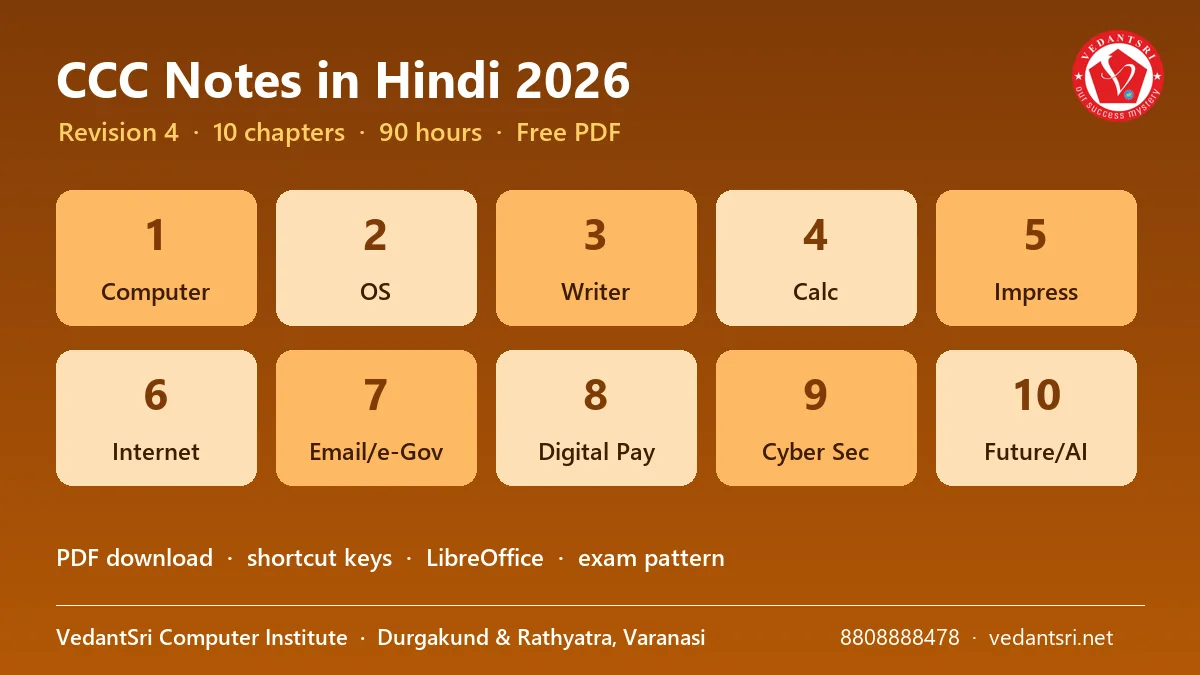
CCC notes in Hindi — chhota jawab: CCC ka abhi chal raha syllabus NIELIT ka Revision 4 hai (1 October 2023 se) — 10 chapter, kul 90 ghante (30 theory + 60 practical). Neeche har chapter ke chhote notes hain: kya padhna hai, kaunse shabd exam me baar-baar aate hain, aur kahan galti hoti hai. Yahi notes ek chhoti muft PDF me bhi hain — download link neeche hai.
सीधी बात: CCC का exam 100 सवाल, 90 मिनट का होता है और पास होने के लिए 50 नंबर चाहिए। इसलिए हर chapter के notes में सिर्फ़ वही बातें रखी हैं जिनसे सवाल बनते हैं। लंबी theory नहीं, पर हर बात NIELIT के Revision 4 syllabus के क्रम में।
In English: short chapter-wise notes for the NIELIT CCC exam (Revision 4 syllabus). Read one chapter a day, then solve 25–30 MCQs on it.
Pehle Dekh Lijiye: Aapke Notes Purane To Nahi?
Internet पर मिलने वाले कई CCC notes पुराने syllabus (Revision 3, 2019 — 80 घंटे) के हैं, जिनमें Cyber Security और Future Skills/AI वाले chapter नहीं हैं, और MS Office पढ़ाया गया है। Revision 4 में office का practical LibreOffice (Writer, Calc, Impress) पर है। Notes खोलते ही ये तीन बातें देखिए:
- कुल 10 chapter और 90 घंटे लिखे हों।
- Chapter 9 “Cyber Security” और Chapter 10 “Future Skills and AI” हों।
- Office के notes में LibreOffice की file — .odt, .ods, .odp — का ज़िक्र हो।
CCC Syllabus Revision 4: 10 Chapter Aur Unke Ghante
| Chapter | Topic | Theory + Practical (ghante) |
|---|---|---|
| 1 | Introduction to Computer | 2 + 4 |
| 2 | Introduction to Operating System | 3 + 4 |
| 3 | Word Processing (LibreOffice Writer) | 4 + 8 |
| 4 | Spreadsheet (LibreOffice Calc) | 3 + 9 |
| 5 | Presentation (LibreOffice Impress) | 3 + 9 |
| 6 | Introduction to Internet and WWW | 3 + 4 |
| 7 | E-mail, Social Networking and e-Governance Services | 3 + 6 |
| 8 | Digital Financial Tools and Applications | 3 + 5 |
| 9 | Overview of Cyber Security | 3 + 5 |
| 10 | Overview of Future Skills and Artificial Intelligence | 3 + 6 |
Source: NIELIT “CCC Revised Syllabus” (Revision 4) — official syllabus PDF. Chapter 3, 4 और 5 (Writer, Calc, Impress) में कुल 36 घंटे हैं — यानी 90 में से 40% समय इन्हीं तीन software का है। इन्हें computer पर करके सीखिए, सिर्फ़ पढ़कर नहीं।
Chapter 1: Computer Ka Parichay
- Computer के हिस्से: Input (keyboard, mouse, scanner), Output (monitor, printer, speaker), CPU (ALU + Control Unit) और Memory।
- Memory: RAM अस्थायी है (बिजली जाते ही data मिट जाता है), ROM स्थायी। Hard disk, SSD और pen drive = secondary storage।
- इकाइयाँ: 8 bit = 1 byte; 1 KB = 1024 byte; फिर MB, GB, TB — हर अगली इकाई 1024 गुना।
- Software: System software (Operating System) और Application software (Writer, browser)। LibreOffice एक free और open-source office suite है।
Chapter 2: Operating System
- Operating System computer और user के बीच की कड़ी है — जैसे Windows, Linux (Ubuntu), Android।
- File = एक दस्तावेज़; Folder = files का डिब्बा। File का extension (.odt, .ods, .pdf, .jpg) बताता है कि वो किस तरह की file है।
- Delete की गई file पहले Recycle Bin (Linux में Trash) में जाती है; Shift + Delete से सीधे मिट जाती है।
- Copy Ctrl + C, Cut Ctrl + X, Paste Ctrl + V, Undo Ctrl + Z — ये लगभग हर paper में आते हैं।
Chapter 3: Word Processing (LibreOffice Writer)
- Writer की अपनी file का extension .odt है; इसे .docx और PDF में भी save/export कर सकते हैं।
- Bold Ctrl + B, Italic Ctrl + I, Underline Ctrl + U। Alignment: Left Ctrl + L, Center Ctrl + E, Right Ctrl + R, Justify Ctrl + J।
- Spelling जाँच F7; Find and Replace Ctrl + H।
- Mail Merge = एक ही letter कई लोगों के नाम-पते के साथ अपने-आप बनाना। Header/Footer हर पन्ने के ऊपर/नीचे दोहराता है।
Chapter 4: Spreadsheet (LibreOffice Calc)
- Calc file का extension .ods। Row = नंबर (1, 2, 3), Column = अक्षर (A, B, C); दोनों के मिलने की जगह = Cell (जैसे B3)।
- हर formula = से शुरू होता है: =SUM(A1:A10), =AVERAGE(…), =MAX(…), =MIN(…), =COUNT(…)।
- $A$1 = absolute reference (copy करने पर नहीं बदलता); A1 = relative (copy करने पर बदलता है)।
- Chart, Sort, Filter और Conditional Formatting — practical में यही काम आता है।
Chapter 5: Presentation (LibreOffice Impress)
- Impress file का extension .odp। हर पन्ना = Slide।
- Slide show पहली slide से F5; चालू slide से Shift + F5; बंद करने के लिए Esc।
- Slide Transition = एक slide से दूसरी पर जाने का effect; Animation = slide के अंदर किसी चीज़ का effect।
- Master Slide में किया बदलाव सारी slides पर एक साथ लागू होता है।
Chapter 6: Internet Aur WWW
- Internet = दुनिया भर के computers का network; WWW (World Wide Web) = उस पर चलने वाले web pages।
- URL = website का पूरा पता (https://www.example.com)। HTTPS में “S” का मतलब secure है।
- Browser (Chrome, Firefox, Edge) से website खुलती है; Search engine (Google, Bing) से जानकारी ढूँढते हैं।
- IP address हर device की network पहचान है; ISP = internet देने वाली company।
Chapter 7: E-mail, Social Networking Aur e-Governance
- E-mail में To (मुख्य), CC (copy, सबको दिखती है), BCC (छुपी copy)। Attachment = mail के साथ भेजी गई file।
- e-Governance = सरकारी सेवाएँ online — जैसे DigiLocker (दस्तावेज़ रखना), UMANG (कई सरकारी सेवाएँ एक app में)।
- Social networking पर OTP, पता या बैंक की जानकारी कभी share न करें।
Chapter 8: Digital Financial Tools
- UPI = mobile से तुरंत पैसे भेजने की सुविधा, जिसे NPCI चलाता है। पैसे लेने के लिए UPI PIN कभी नहीं डालना पड़ता — कोई PIN माँगे तो धोखा है।
- Net Banking, Debit/Credit Card, Wallet, AEPS (Aadhaar से बैंक का काम) और USSD (*99#, बिना internet) — इनके नाम और फ़र्क़ याद रखें।
- NEFT, RTGS और IMPS बैंक से बैंक पैसे भेजने के तरीक़े हैं।
Chapter 9: Cyber Security
- Phishing = नकली mail/SMS/link से password या OTP चुराना। Malware = नुक़सान करने वाला software (virus, ransomware)।
- मज़बूत password: बड़े-छोटे अक्षर, अंक और चिह्न मिलाकर, हर जगह अलग। Two-factor authentication चालू रखें।
- Cyber fraud की शिकायत: helpline 1930 और cybercrime.gov.in।
Chapter 10: Future Skills Aur AI
- Artificial Intelligence = मशीन का इंसान जैसा सोचना और सीखना; Machine Learning उसका हिस्सा है।
- दूसरी Future Skills: IoT (internet से जुड़ी चीज़ें), Cloud Computing, Big Data, Blockchain, Robotics, 3D Printing — हर एक की एक line की परिभाषा याद करें।
- AI के जवाब हमेशा जाँचें — AI ग़लत जानकारी भी पूरे भरोसे से दे सकता है।
CCC Notes in Hindi: Free PDF Download
ऊपर के सारे notes एक छोटी PDF में: CCC Notes in Hindi — Revision 4 (PDF download)। ये PDF किसी form या login के बिना खुलती है; print करके रोज़ एक chapter दोहराइए।
Notes Ke Baad: 15 Din Ka Revision Plan
| Din | Kya karein |
|---|---|
| 1–5 | Chapter 1, 2, 6, 7, 8 (theory वाले) — रोज़ एक chapter + 25 MCQ |
| 6–11 | Chapter 3, 4, 5 — हर एक पर 2 दिन, computer पर हाथ से करके |
| 12–13 | Chapter 9, 10 + सारे shortcut एक बार लिखकर |
| 14–15 | 100 सवाल वाले 2 पूरे mock test, 90 मिनट की घड़ी लगाकर |
| Exam ki baat | NIELIT ke anusaar |
|---|---|
| Sawaal | 100 MCQ, har sawaal 1 number |
| Samay | 90 minute |
| Negative marking | Nahi |
| Pass | 50 number; grade D (50–54), C (55–64), B (65–74), A (75–84), S (85+) |
सवालों की practice: CCC Questions with Answers (100 सवाल)। Exam वाले दिन क्या होता है: CCC ka exam kaise hota hai।
Varanasi me CCC ki class ke liye 8808888478 par call karein ya CCC admission form bharein.
FAQ: Aksar Poochhe Jaane Wale Sawaal
CCC ke notes kis syllabus ke hone chahiye?
NIELIT Revision 4 (1 October 2023 se) — 10 chapter, 90 ghante, LibreOffice ke saath. Purane Revision 3 (80 ghante) ke notes me Cyber Security aur AI ke chapter nahi hain.
क्या ये CCC notes PDF में मिलेंगे?
हाँ, इसी पन्ने पर free PDF का link है — बिना login के।
How many questions are in the CCC exam?
100 multiple-choice questions in 90 minutes, one mark each, no negative marking; 50 marks are needed to pass.
CCC me sabse zyada practical kis chapter ka hai?
Writer, Calc aur Impress (chapter 3–5) — kul 36 ghante, yaani 90 me se 40%.
Note: VedantSri ek private computer institute hai, NIELIT nahi. CCC ki official jaankari aur exam form ke liye student.nielit.gov.in dekhein.
इसे भी पढ़ें
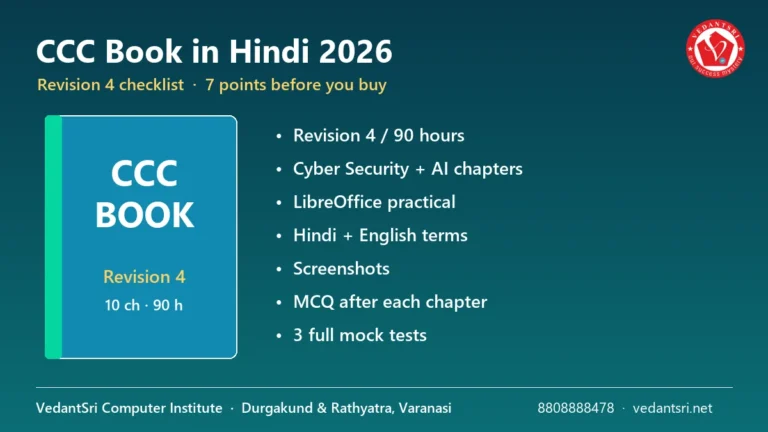
CCC Book in Hindi 2026: Revision 4 Wali Sahi Kitaab Kaise Chunein (7-Point Checklist)
CCC book in Hindi 2026: Revision 4 (10 chapter, LibreOffice) wali sahi kitaab kaise chunein — 7-point checklist, muft official saadhan aur…
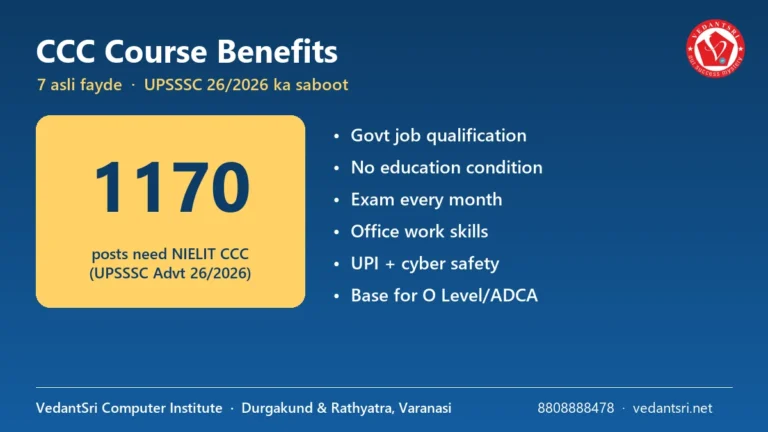
CCC Course Benefits: 7 Asli Fayde, Sarkari Vigyapan Ke Saboot Ke Saath (2026)
CCC course benefits: NIELIT certificate ke 7 asli fayde — UPSSSC 26/2026 me 1170 pad par CCC anivarya (official PDF), koi yogyata…
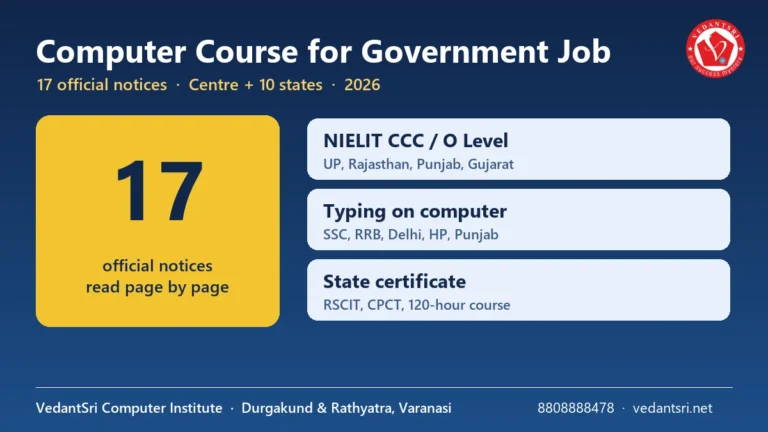
Computer Course for Government Job: Kaun Sa Course Zaroori? 17 Sarkari Vigyapan Ka Rajya-war Saboot (2026)
Computer course for government job: kendra + 10 rajyon ke 17 official vigyapan — kahan CCC, O Level, typing speed ya RSCIT/CPCT…
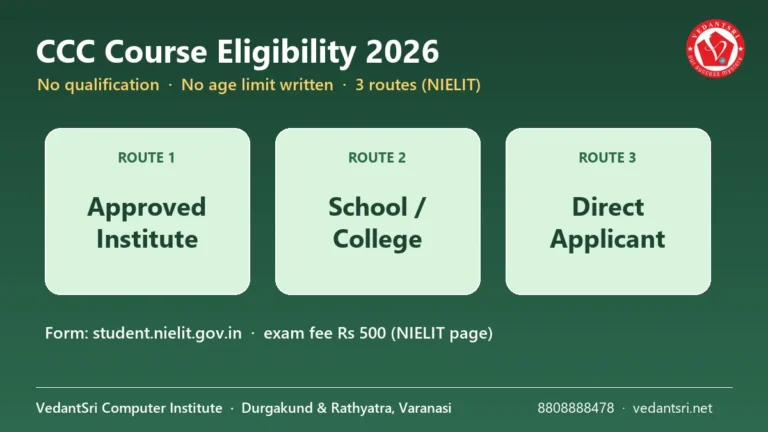
CCC Course Eligibility 2026: Kaun Kar Sakta Hai, Umr, Qualification (NIELIT Ke 3 Raaste)
CCC course eligibility 2026: NIELIT ke anusaar koi qualification ya umr ki shart nahi — 3 raaste, form kab bharta hai, ₹500…

CCC Ka Exam Kaise Hota Hai? Online Exam Ka Pura Process (2026)
CCC ka exam kaise hota hai: online 100 MCQ, 90 minute, pass 50 marks, negative marking nahi. Registration se certificate tak 5…
CCC Questions with Answers in Hindi – 100 Most Asked Exam Paper Questions Q201 to Q300
CCC Questions with Answers in Hindi – 100 Most Asked Exam Paper Questions Q201 to Q300 CCC (Course on Computer Concepts) की…