PowerPoint Course Details – Fees, Duration, Syllabus, Scope, Jobs, Admission & Best Institute in Varanasi
What is a PowerPoint course?
A PowerPoint Course is a professional computer training program that teaches students how to create attractive presentations, business slides, animations, visual reports, educational content, office presentations, marketing slides, and professional project demonstrations using Microsoft PowerPoint.
In 2026, Microsoft PowerPoint will not just be presentation software. It is widely used in:
- Business Meetings
- Online Teaching
- Digital Marketing
- Corporate Training
- YouTube Educational Content
- Office Reporting
- Startup Pitch Decks
- Freelancing Projects
- AI-Powered Presentation Designing
Today, PowerPoint skills are highly in demand in schools, colleges, coaching institutes, offices, government departments, digital marketing agencies, and freelancing platforms.
PowerPoint Course Details
Quick Overview of PowerPoint Course
| Course Name | PowerPoint Course |
| Software | Microsoft PowerPoint Latest |
| Course Duration | 15 – 20 Days |
| Course Type | Certificate Course |
| Eligibility | No Computer Knowledge Required |
| Mode | Offline + Online |
| Teaching Language | Hindi + English |
| Practical Training | Yes |
| Live Projects | Included |
| Certificate | Yes |
| Job Assistance | Available |
Why is the PowerPoint course in high demand?
In 2026, companies and educational institutes prefer professionals who can create visually attractive presentations with animation, charts, infographics, AI tools, productivity learning, and professional layouts.
Top Reasons Why PowerPoint Skills Are Important
- Professional Presentation Creation
- AI Presentation Designing
- Office Reporting Skills
- Business Proposal Designing
- Educational Content Creation
- YouTube Slide Video Creation
- Marketing Presentation Skills
- Freelancing Opportunities
- Project Representation Skills
- Visual Communication Skills
- Prompt Engineering in Presentation
PowerPoint is now one of the most useful office productivity skills for students, teachers, office staff, freelancers, entrepreneurs, and business owners.
PowerPoint Course Eligibility
Anyone can join the PowerPoint Course:
- School Students
- College Students
- Job Seekers
- Housewives
- Office Employees
- Teachers
- Freelancers
- Business Owners
No prior computer knowledge is required because basic computer concepts are also taught during the course.
PowerPoint Course Duration
The duration of the PowerPoint Course is generally:
- 1 Month Regular Course
- 45 Days Advanced Training
- Fast Track Course Available
Students receive practical assignments, projects, and presentation practice sessions during training.
PowerPoint Course Fees
Average PowerPoint Course Fees in India
| Course Type | Fees |
| Basic PowerPoint Course | INR 1,500 – INR 3,000 |
| Advanced PowerPoint Course | INR 3,000 – INR 7,000 |
| Professional Presentation Course | INR 5,000 – INR 15,000 |
PowerPoint Course Fees in Varanasi
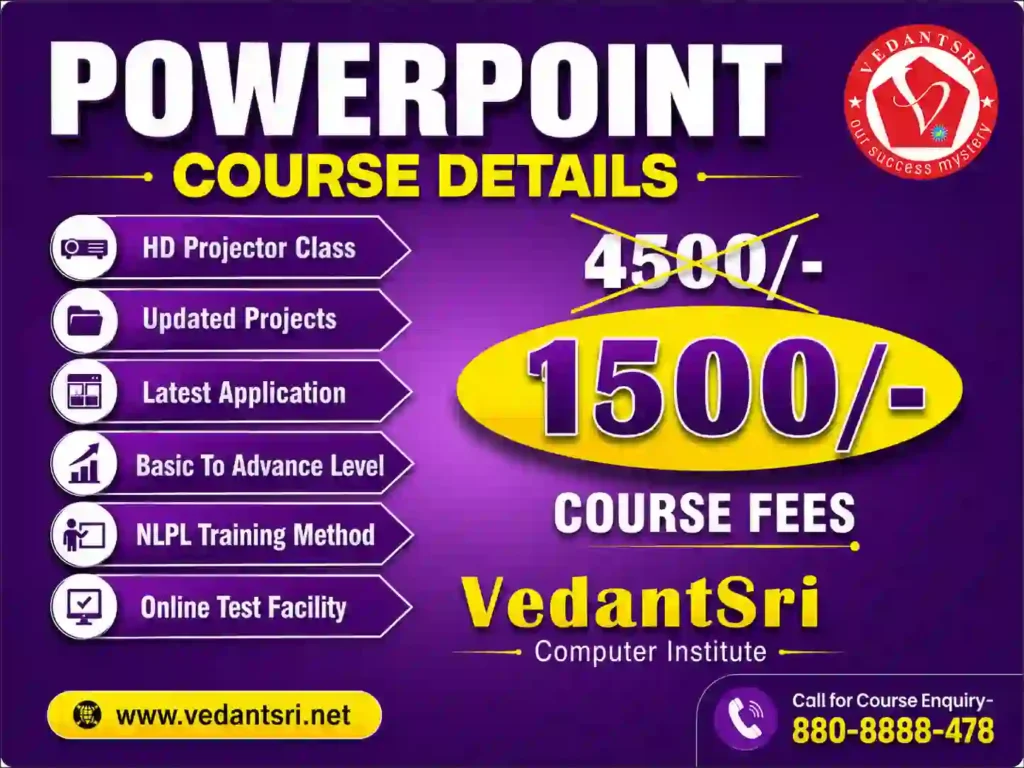
VedantSri provides PowerPoint Course training in Varanasi at affordable fees with practical training and live projects.
Current Offer
- Up to 50% Discount Available
- Admission Fee Free on Selected Offers
- Free Extra Courses Included
PowerPoint Course Syllabus
Module 1 – Introduction to Microsoft PowerPoint
- Introduction to PowerPoint
- PowerPoint Interface
- Ribbon & Tabs
- Slide Management
- Presentation Basics
Module 2 – Presentation Designing
- Creating New Presentation
- Working with Templates
- Professional Themes
- Custom Slide Layouts
- Slide Formatting
Module 3 – Text & Font Formatting
- Font Design
- Text Effects
- WordArt
- Alignment
- Bullet & Number Lists
Module 4 – Shapes & SmartArt
- Inserting Shapes
- SmartArt Graphics
- Flowcharts
- Icons
- Infographics
Module 5 – Images & Multimedia
- Image Editing
- Background Removal
- Video Insertion
- Audio Effects
- Screenshot Tools
Module 6 – Animation & Transition
- Slide Transition Effects
- Object Animation
- Motion Paths
- Animation Timing
- Professional Animation Effects
Module 7 – Charts & Data Presentation
- Graphs
- Charts
- Tables
- Data Visualization
- Business Reports
Module 8 – AI Features in PowerPoint 2026
- AI Presentation Designer
- AI Slide Suggestions
- AI Image Generation
- AI Layout Optimisation
- Smart Design Ideas
Module 9 – Live Projects
- Business Presentation
- School Project
- Product Promotion Slides
- Marketing Presentation
- Educational Presentation
Module 10 – Printing & Exporting
- PDF Export
- Video Export
- Presentation Printing
- Online Sharing
- Cloud Storage
Skills You Will Learn in the PowerPoint Course
After completing the course, students can create:
- Professional PPT Presentations
- Animated Slides
- Business Reports
- Marketing Presentations
- Educational Slides
- Infographics
- Project Presentations
- Office Reports
- YouTube Presentation Videos
- AI-Based Presentation Designs
PowerPoint Course Scope
The demand for PowerPoint professionals is increasing rapidly because companies want visually attractive communication.
Career Scope After the PowerPoint Course
Students can work as:
- Presentation Designer
- Office Executive
- Data Presentation Expert
- Teacher Assistant
- Business Presentation Creator
- Marketing Slide Designer
- Freelance PPT Designer
- YouTube Educational Content Creator
- Corporate Trainer Assistant
- Online Tutor
PowerPoint Course Jobs
Top Job Roles
| Job Role | Average Salary |
| PPT Designer | INR 15,000 – INR 40,000 |
| Office Executive | INR 18,000 – INR 35,000 |
| Presentation Specialist | INR 25,000 – INR 60,000 |
| Freelance Presentation Designer | INR 20,000 – INR 1,00,000+ |
| Corporate Presentation Expert | INR 40,000 – INR 1,50,000+ |
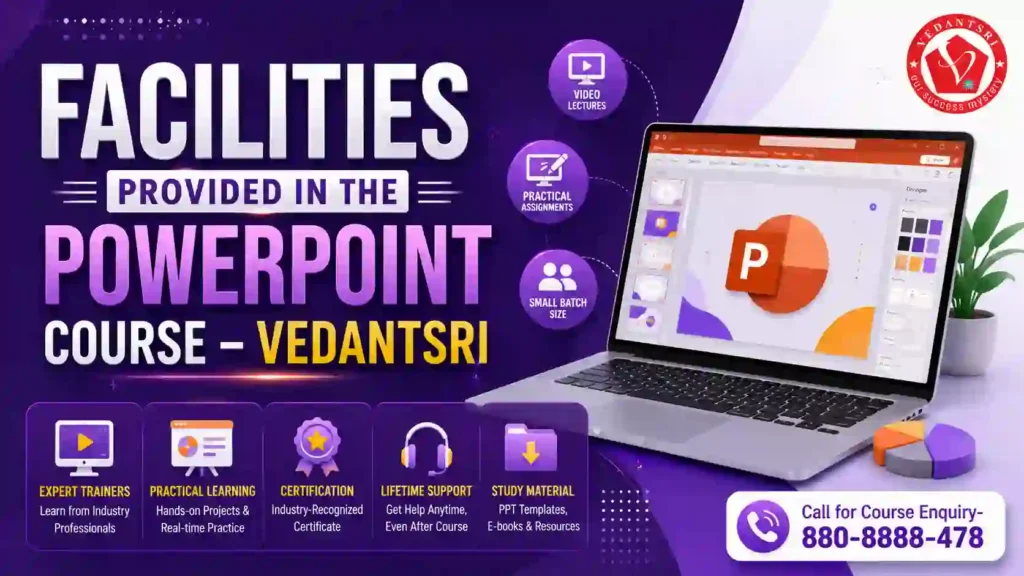
Facilities Provided in the PowerPoint Course
Students receive advanced training facilities, including:
- Projector-Based Smart Classes
- One Computer Per Student
- Practical Lab Sessions
- Live Project Training
- Online Test System
- Recorded Video Support
- Project Assignments
- Professional Trainers
- Interview Preparation
- Certificate Training
Free Courses Included with the PowerPoint Course
Many institutes provide free courses with PowerPoint training.
Free Training Included
- Computer Typing
- Personality Development
- CTT Training
- Basic Computer Skills
- AI Learning Classes
Teaching Methodology
How Students Are Trained
- Practical-Based Training
- Daily Assignments
- Live Presentation Practice
- Project-Based Learning
- Theory + Practical Sessions
- Smart Classroom Training
- Online Practice Tests
- Real-Time Projects
- AI-Integrated Learning
- Career Guidance Sessions
Top 20 PowerPoint Online Test Series Final
Benefits of Learning PowerPoint
Advantages of PowerPoint Skills
- Helps in Job Interviews
- Useful for Office Work
- Important for Teachers & Students
- Required in the Corporate Sector
- Useful for Freelancing
- Helps in Online Teaching
- Improves Communication Skills
- Creates Professional Presentations
- Increases Productivity
- Enhances Creative Skills
Free Download: Interview-Asked MS PowerPoint Course Top 50 Q&A PDF
Best Institute for PowerPoint Course in Varanasi
Students searching for the best PowerPoint course in Varanasi should choose an institute that provides:
- Practical Training
- Live Projects
- Experienced Trainers
- Smart Classrooms
- Affordable Fees
- Placement Support
- Updated 2026 Syllabus
- AI Integrated Training
PowerPoint Course Admission Process
How to Take Admission
- Visit Institute
- Select Batch Timing
- Complete Registration
- Start Training
- Attend Practical Classes
- Apply for Certificate when Course is Completed
Frequently Asked Questions (FAQ)
Is the PowerPoint Course Good for Beginners?
Yes, the PowerPoint Course is perfect for beginners because no previous computer knowledge is required.
What is the Duration of the PowerPoint Course?
The average duration is 1 month.
What are the fees for the PowerPoint Course in Varanasi?
Fees generally start from ₹1500 and may vary according to the institute’s facilities and offers.
Can I get a job after the PowerPoint Course?
Yes, students can apply for office jobs, presentation design work, freelancing projects, and teaching-related jobs.
Is PowerPoint Useful in 2026?
Yes, PowerPoint is highly useful in 2026 for offices, businesses, schools, online teaching, marketing, and freelancing.
People Also Ask
What is PowerPoint used for?
PowerPoint is used for creating presentations, business reports, educational slides, animations, marketing content, and project demonstrations.
Is the PowerPoint Course worth it in 2026?
Yes, because presentation and communication skills are highly in demand in jobs, business, teaching, and freelancing.
Can I learn PowerPoint in 30 days?
Yes, basic to advanced PowerPoint can be learned within 1 month with practical training.
Which institute is best for the PowerPoint Course in Varanasi?
Choose an institute that provides live projects, practical classes, an updated syllabus, AI-based training, and placement assistance.
Conclusion
PowerPoint Course in 2026 is one of the best short-term computer courses for students, job seekers, teachers, freelancers, and office professionals. The course helps students learn professional presentation design, AI-integrated slide creation, animation, office reporting, and business communication skills.
With growing demand in corporate offices, education sectors, online teaching, freelancing, and digital marketing, PowerPoint skills can help students improve career opportunities and professional growth.
Important Links
Learning Websites
YouTube Learning Videos