
MS PowerPoint Home Menu 3 Online Test – Free MCQ Test
MS PowerPoint Home Menu 3 Online Test – Free MCQ Test
MS Power Point Home Menu Online Test 5488
Test शुरू करने से पहले अपनी जानकारी भरिए
- What is the Shortcut Key For Text Shadow Tool In PowerPoint?
- What is the use of Text Shadow Tool In PowerPoint?
| Pos. | Name | Score | Duration | Points |
|---|---|---|---|---|
| 1 | Anchal kumari | 96 % | 2 minutes 47 seconds | 24 / 25 |
| 2 | pk | 96 % | 4 minutes 4 seconds | 24 / 25 |
| 3 | tejash verma | 92 % | 3 minutes 16 seconds | 23 / 25 |
| 4 | tejash verma | 92 % | 3 minutes 43 seconds | 23 / 25 |
| 5 | tejash verma | 88 % | 4 minutes 6 seconds | 22 / 25 |
| 6 | Mannat | 88 % | 4 minutes 13 seconds | 22 / 25 |
| 7 | Richa | 88 % | 5 minutes 43 seconds | 22 / 25 |
| 8 | \[]pl | 80 % | 4 minutes 41 seconds | 20 / 25 |
| 9 | Mn | 80 % | 5 minutes 42 seconds | 20 / 25 |
| 10 | Prakhar | 72 % | 8 minutes 35 seconds | 18 / 25 |
| 11 | Anchal Kumari | 68 % | 4 minutes 23 seconds | 17 / 25 |
| 12 | abhi | 68 % | 5 minutes 20 seconds | 17 / 25 |
| 13 | abhi | 64 % | 3 minutes 52 seconds | 16 / 25 |
| 14 | abhi | 64 % | 5 minutes 2 seconds | 16 / 25 |
| 15 | vv | 64 % | 9 minutes 28 seconds | 16 / 25 |
| 16 | abhi | 60 % | 4 minutes 38 seconds | 15 / 25 |
| 17 | tejash verma | 52 % | 6 minutes 25 seconds | 13 / 25 |
| 18 | himanshu | 24 % | 2 minutes 14 seconds | 6 / 25 |
| 19 | Harsh singh | 20 % | 16 minutes 40 seconds | 5 / 25 |
Useful Link:-PowerPoint Course Details, Fees, Duration, Scope, Syllabus, Admission, Institutes & Jobs
MS PowerPoint Home Menu 3 Online Test
MS PowerPoint Home Menu 3 Online Test is a free online quiz for students who want to practise Microsoft PowerPoint MCQ questions and answers. This online test is provided by VedantSri Computer Institute, Varanasi, to help students learn and revise important computer application topics.
Microsoft PowerPoint is a presentation software used to create slides for education, business meetings, seminars, training programmes, and projects. It provides different tools to insert text, images, shapes, charts, tables, animations, and other presentation elements.
The Home Menu is one of the most important menus in Microsoft PowerPoint. It contains commonly used commands for editing slides and formatting text. Students can use these tools to create attractive presentations and manage slide content easily. MS PowerPoint Home Menu 3 Online Test
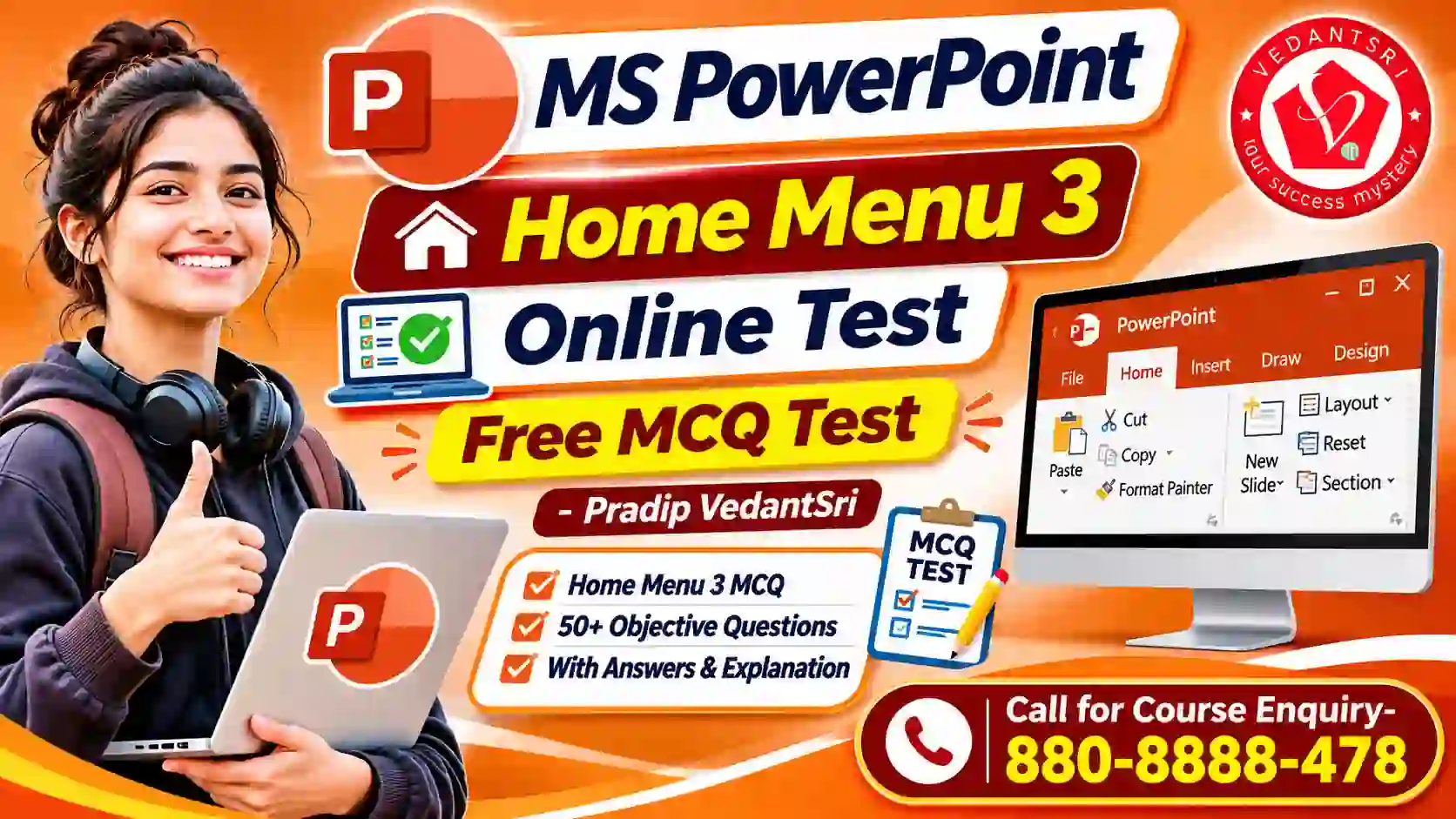
This PowerPoint Online Test focuses on important commands and options available in the Home Menu. It is useful for CCC, ADCA, DCA, and other computer course students who want to improve their MS PowerPoint knowledge.
Attempt the online quiz above and check your understanding of PowerPoint Home Menu commands.
What Is the Home Menu in MS PowerPoint?
The Home Menu, also known as the Home Tab, is an important part of the Microsoft PowerPoint Ribbon. It provides quick access to frequently used commands for creating, editing, and formatting presentation slides.
When users open PowerPoint, they can find the Home Tab on the Ribbon. It generally contains groups such as Clipboard, Slides, Font, Paragraph, Drawing, and Editing. The exact arrangement and available commands may vary depending on the PowerPoint version.
The Home Menu helps users perform everyday presentation tasks without searching through multiple menus.
For example, you can copy and paste text, change font size, apply bold formatting, create bullet points, insert a new slide, change slide layouts, and arrange shapes using Home Menu options.
Important Topics in PowerPoint Home Menu
The following are important Home Menu groups and commands that students should understand before attempting the online test.
1. Clipboard Group
The Clipboard Group contains commands used to copy, cut, paste, and apply formatting.
Important options include:
- Cut: Removes selected text or objects and places them on the Clipboard.
- Copy: Creates a copy of selected text or objects.
- Paste: Inserts copied or cut content.
- Format Painter: Copies formatting from one object or text to another.
These commands are useful when editing presentations and arranging slide content. For example, Format Painter can help apply the same text formatting to multiple headings.
2. Slides Group
The Slides Group provides options for adding and managing presentation slides.
Important options include:
- New Slide: Adds a new slide to the presentation.
- Layout: Changes the arrangement of placeholders on a slide.
- Reset: Restores the selected slide’s placeholders to their default positions and formatting.
- Section: Helps organise slides into different sections.
These options are useful when preparing presentations with multiple topics. Students should understand the difference between New Slide and Layout because both are important for presentation design.
3. Font Group
The Font Group contains commands used to change the appearance of text in a presentation.
Important options include:
- Font Style: Changes the appearance of text.
- Font Size: Increases or decreases text size.
- Bold: Makes selected text darker and thicker.
- Italic: Makes selected text slanted.
- Underline: Adds a line below selected text.
- Font Colour: Changes the colour of text.
- Text Highlight or Text Effects: Applies available visual formatting options, depending on the PowerPoint version.
These formatting tools help make presentation headings, titles, and important points more readable.
4. Paragraph Group
The Paragraph Group provides options for arranging text inside text boxes and placeholders.
Important options include:
- Bullets: Creates bulleted lists.
- Numbering: Creates numbered lists.
- Align Left: Aligns text to the left.
- Center: Places text in the centre.
- Align Right: Aligns text to the right.
- Justify: Aligns text along both left and right margins where supported.
- Line Spacing: Changes the space between lines.
- Indentation: Adjusts the position of paragraphs.
Paragraph formatting is especially useful when creating educational presentations, project reports, and business slides.
5. Drawing Group
The Drawing Group provides tools for inserting and formatting shapes and arranging objects on slides.
Important options include:
- Shapes: Adds shapes such as rectangles, circles, arrows, and lines.
- Shape Fill: Changes the inside colour of a selected shape.
- Shape Outline: Changes the border colour and style.
- Shape Effects: Applies visual effects where available.
- Arrange: Changes the position and order of objects.
- Align: Helps align selected objects.
- Group: Combines multiple selected objects for easier movement and editing.
These tools help users create diagrams, flowcharts, labels, and attractive presentation designs.
6. Editing Group
The Editing Group provides commands for finding and selecting content in a presentation.
Important options include:
- Find: Searches for specific text in a presentation.
- Replace: Replaces existing text with new text.
- Select: Provides options to select objects and other presentation elements.
These commands are helpful when editing presentations with many slides. For example, Replace can save time when the same word needs to be changed throughout a presentation.
Why Practise MS PowerPoint Home Menu 3 Online Test?
Online test practice is a useful way to revise computer application topics and check your understanding. Students can attempt multiple-choice questions and identify which PowerPoint commands need more practice.
The MS PowerPoint Home Menu 3 Online Test can help students:
- Check their knowledge of Home Menu commands.
- Understand the uses of Clipboard and Font tools.
- Learn about slide creation and layout options.
- Practise Paragraph and Drawing Group features.
- Revise important MS PowerPoint MCQ questions.
- Prepare for CCC and computer course assessments.
- Improve their confidence in using presentation software.
Students should not only memorise answers but also practise the commands in Microsoft PowerPoint. Practical learning makes it easier to understand how each tool works.
How to Prepare for MS PowerPoint Online Test?
Follow these simple steps to improve your PowerPoint knowledge:
- Open Microsoft PowerPoint and become familiar with the Ribbon.
- Study the Home Menu and understand the different groups.
- Practise Cut, Copy, Paste, and Format Painter.
- Create new slides and experiment with different layouts.
- Practise changing font style, size, colour, and text formatting.
- Create bullet lists and numbered lists.
- Insert different shapes and practise Shape Fill and Shape Outline.
- Use Find and Replace to edit presentation text.
- Attempt the online quiz and revise the questions you answered incorrectly.
Regular practice can help beginners become more comfortable with PowerPoint commands and presentation editing.
MS PowerPoint Online Test for CCC, ADCA and DCA Students
MS PowerPoint is an important part of basic computer education and office application learning. Students enrolled in CCC, ADCA, DCA, and other computer courses may need to understand presentation software and its different features.
This online test provides practice on PowerPoint Home Menu commands. It can be used for revision before a computer examination or as additional practice after classroom learning.
Students preparing for computer-related examinations should also study MS Word, MS Excel, Internet, computer fundamentals, and other important topics according to their course syllabus.
You can explore more computer learning resources and online tests on the VedantSri website.
Learn MS PowerPoint at VedantSri Computer Institute Varanasi
VedantSri Computer Institute provides computer education and practical training in Varanasi, Uttar Pradesh. Students can learn MS Word, MS Excel, MS PowerPoint, Internet, and other computer applications.
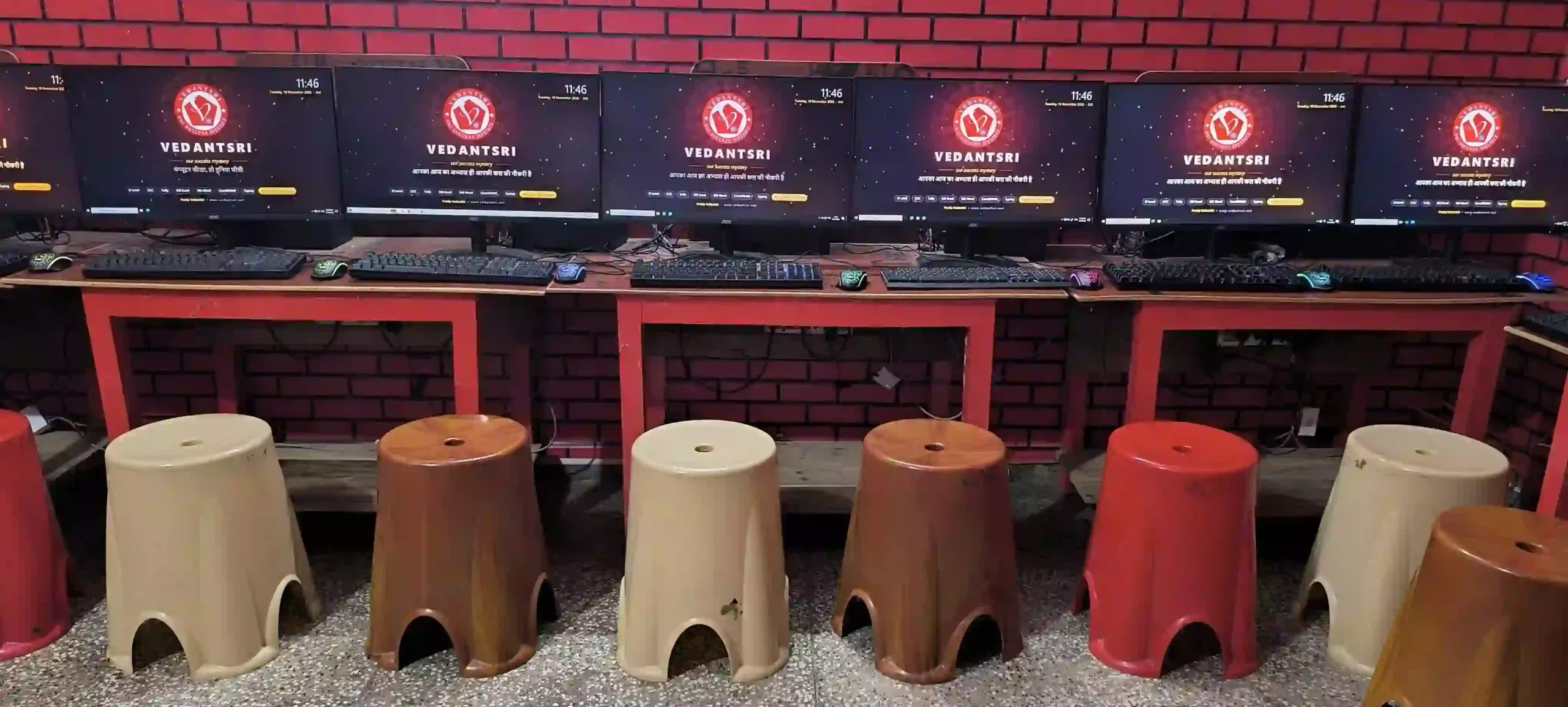
The PowerPoint course covers important presentation topics such as:
- Introduction to Microsoft PowerPoint.
- Creating and saving presentations.
- Adding, deleting, and arranging slides.
- Slide layouts and design.
- Text and font formatting.
- Inserting pictures, shapes, tables, and charts.
- Working with animations and slide transitions.
- Preparing practical presentation projects.
Learning these topics helps students understand how to create and edit presentations for educational and professional purposes.
For course details, fees, duration, syllabus, scope, and admission information, visit the PowerPoint Course Details page.
You can also explore the MS Office Course Details page for information about other office applications.
More Free Computer Online Tests
VedantSri provides different computer-related online learning resources for students. You can also practise the following topics:
These online resources help students revise computer topics and practise important questions outside the classroom.
About VedantSri Computer Institute Varanasi
VedantSri Computer Institute has been providing computer education and training in Varanasi since 2011. The institute offers diploma, certificate, and skill-based computer courses for students who want to improve their computer knowledge.
Available courses include ADCA, DCA, ADIT, DFA, DTP, CCC, O Level, and other computer application courses.
Students can also access online tests, question-answer sessions, practical projects, educational videos, tips, and tutorials through the VedantSri website.
Durgakund Branch
Block No. 9, Kabir Nagar Rd, Durgakund, Naria, Varanasi, Uttar Pradesh 221005
Contact: +91-8808888478
Rathyatra Branch
SobhNath, Dhirendra Complex, Rathyatra-Mahmoorganj Road, Rathyatra Crossing, Khanna Villa Colony, Bhelupur, Varanasi, Uttar Pradesh 221010
Contact: +91-9415802061
Website: https://www.vedantsri.net/
Free Online Learning Support at VedantSri
VedantSri provides online learning support to students through computer online tests, question-answer sessions, educational videos, practical projects, computer tips, and tutorials.
Students can use these resources to revise classroom topics and practise computer applications. The available learning materials cover different subjects, including MS Word, MS Excel, MS PowerPoint, TallyPrime, Internet, and other computer-related topics.
The purpose of these resources is to support students in their computer education and provide additional opportunities for practice.
Frequently Asked Questions About MS PowerPoint Home Menu 3 Online Test
What is MS PowerPoint Home Menu 3 Online Test?
MS PowerPoint Home Menu 3 Online Test is an online MCQ quiz designed to help students practise questions related to the Home Menu of Microsoft PowerPoint.
Is this PowerPoint Online Test free?
This quiz is provided as an online practice resource on the VedantSri website. Students can visit the page and check the available quiz access.
Which topics are covered in the PowerPoint Home Menu?
The Home Menu generally includes Clipboard, Slides, Font, Paragraph, Drawing, and Editing groups. These groups contain commands used for editing and formatting presentations.
Is this online test useful for CCC students?
Yes. It can help CCC students revise important Microsoft PowerPoint commands and practice computer application questions.
What is the use of Format Painter in PowerPoint?
Format Painter copies formatting from one text or object and applies it to another. It helps maintain consistent formatting in a presentation.
What is the use of the New Slide option?
The New Slide option adds a new slide to the current presentation. Users can select a suitable layout for the new slide.
Why should students practice PowerPoint MCQ questions?
Practicing MCQ questions helps students revise important commands, understand software features, and identify topics that require additional study.
VedantSri Computer Institute Varanasi

provides the best Computer Courses, Classes, and Training in Varanasi. There are NIELIT Courses, CCC, BCC, O-level, Certificates, and Diploma Computer Courses available with the best training materials. Also Available: Top 100 Best Computer Courses, For Example, OM, DCA, ADCA, DTP, DFA, ADAM, ADTP, ADFA, DCE, and MS Office. VedantSri Computer Coaching updates the CCC Online Test on www.vedantsri.net. (MS PowerPoint Home Menu 3 Online Test)
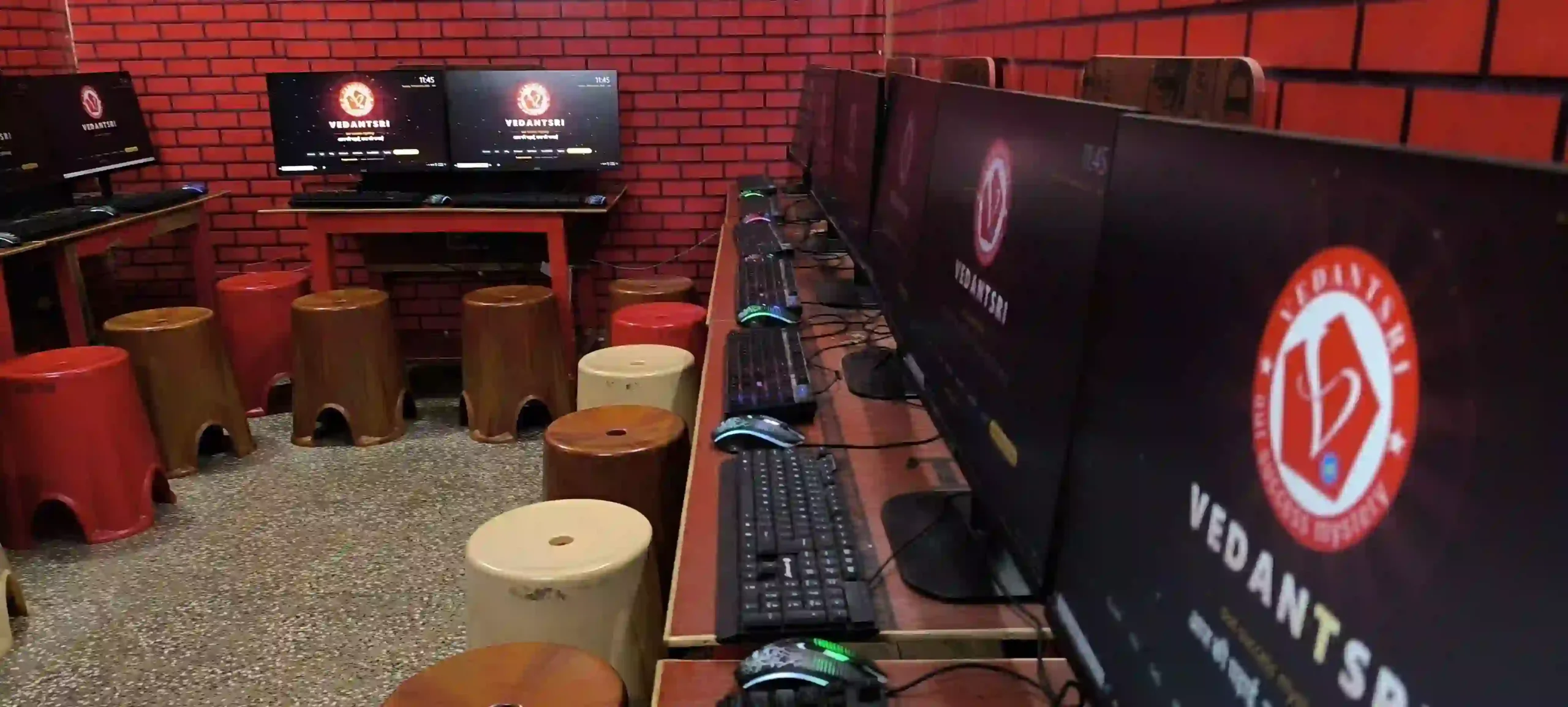
There are some important computer Courses for jobs, CCC Classes, Typing, Internships, And Spoken English Available Free of cost with an Offer. More than 50 Computer Courses are available with a 50% Fee Discount in VedantSri Varanasi.
You can get the Best Digital Marketing Course at Varanasi Institute VedantSri. There is the Latest Computer Course Offer in the ADCA Computer Course, DCA Computer Course, CCC Computer Course & English Spoken. (MS PowerPoint Home Menu 3 Online Test)
About CCC Online Test
CCC Online Test:- This is the CCC Online Test Website Page. If you are preparing for the CCC Exam or any other competitive exam, visit the www.vedantsri.net website. You can also download this app from the Play Store, and you can find Just like many more Online Test Series Related For Example, MS Word, MS Excel, MS PowerPoint, and Internet-related.
This is Provided By VedantSri Computer Institute, Varanasi. The VedantSri Provides the Best Computer Classes, Courses, Coaching, and Computer Training in Varanasi, Uttar Pradesh, India. (MS PowerPoint Home Menu 3 Online Test )
Also Read:- CCC Online Test Series Set 1 At Top 1 Free CCC Mock Test Hub
External Link
- VedantSri Official Website:- https://vedantsri.com
- Course Store Website:- https://vedantsri.in
- Jobs Assist Website:- https://www.jobdo.in
- MS Word Class:- https://mswordclass.com/
- Corel Free Class:- https://corelclass.com/
- Free Excel Class:- https://msexcelclass.com/
PowerPoint Questions with Answers
PowerPoint Questions with Answers – Set 6
- Shortcut Key to Move to Next Pane?Answer: F6
- Shortcut Key to Move to Previous Pane?Answer: Shift + F6
- Shortcut Key to Open Presenter View?Answer: Alt + F5
- Shortcut Key to Cycle Through Placeholders?Answer: Ctrl + Enter
- What is the default file extension of PowerPoint 2007 and later?Answer: pptx
- What was the file extension for PowerPoint 97-2003?Answer: ppt
- What is the file extension for a PowerPoint Show?Answer: ppsx
- What is the file extension for a PowerPoint Template?Answer: potx
- What is the file extension for a PowerPoint Slide?Answer: sldx
- Which format is used to export a presentation as a video?Answer: MP4
इसे भी पढ़ें
Excel Shortcut Online Test Series 5514
Excel Shortcut Online Test Series 5514 Excel Shortcut Online Test Series 5514: -Are you ready to excel in Excel? Enhance your productivity…
MS PowerPoint Slide Show Online Test: 50 Best MCQ
MS PowerPoint Slide Show Online Test: 50 Best MCQ MS PowerPoint Slide Show Online Test: 50 Best MCQs The MS PowerPoint Slide…
MS PowerPoint Design Menu Online Test
MS PowerPoint Design Menu Online Test Useful Link:-PowerPoint Course Details, Fees, Duration, Scope, Syllabus, Admission, Institutes & Jobs PowerPoint Online Test Series:…

MS Excel Data Menu Online Test 2026: Free MCQ
MS Excel Data Menu Online Test 2026: Free MCQ December Month Excel Online Test Series November Month Excel Online Test Series📍 Varanasi…
MS PowerPoint Insert Menu 1 Online Test 2026: Free MCQ
MS PowerPoint Insert Menu 1 Online Test 2026: Free MCQ The MS PowerPoint Insert Menu 1 Online Test is designed for students…
MS PowerPoint Home Menu 4 Online Test
MS PowerPoint Home Menu 4 Online Test Useful Link:-PowerPoint Course Details, Fees, Duration, Scope, Syllabus, Admission, Institutes & Jobs MS PowerPoint Home…