
Template Design in CorelDraw, Easy Method, Complete Steps, Download practice File
Template Design in CorelDraw, Easy Method, Complete Steps, Download Practice File
Hello Friend, Welcome to VedantSri.net In This Post I am Going To Teach You How To Create a Template Design in CorelDraw. In This Project, You can Learn How to Design a Template Design in CorelDraw Application In Easy Method. Template Design in CorelDraw, Easy Method, Complete Steps, Download practice File
- CorelDraw open करने के लिए Window + R Press करके Run Box Open करे।
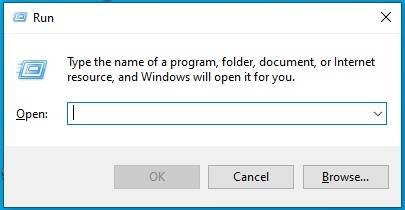
- Run Box मे Coreldrw type करे।

- अब Ok पर Click करके CorelDraw का Application Open करे
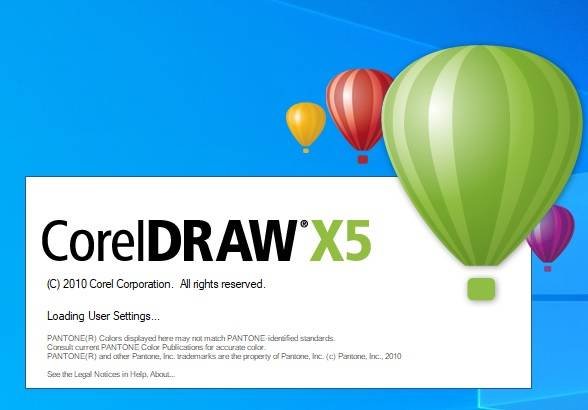
- अब CTRL + N Press करे New Page का Window open करे।
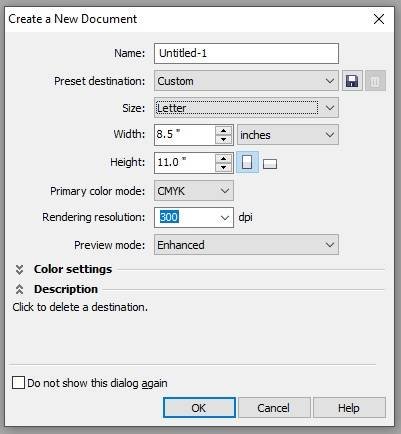
- अब Ok पर Click करे CorelDraw का main Page Open करे।

- Rectangle tool par Double Click करे।
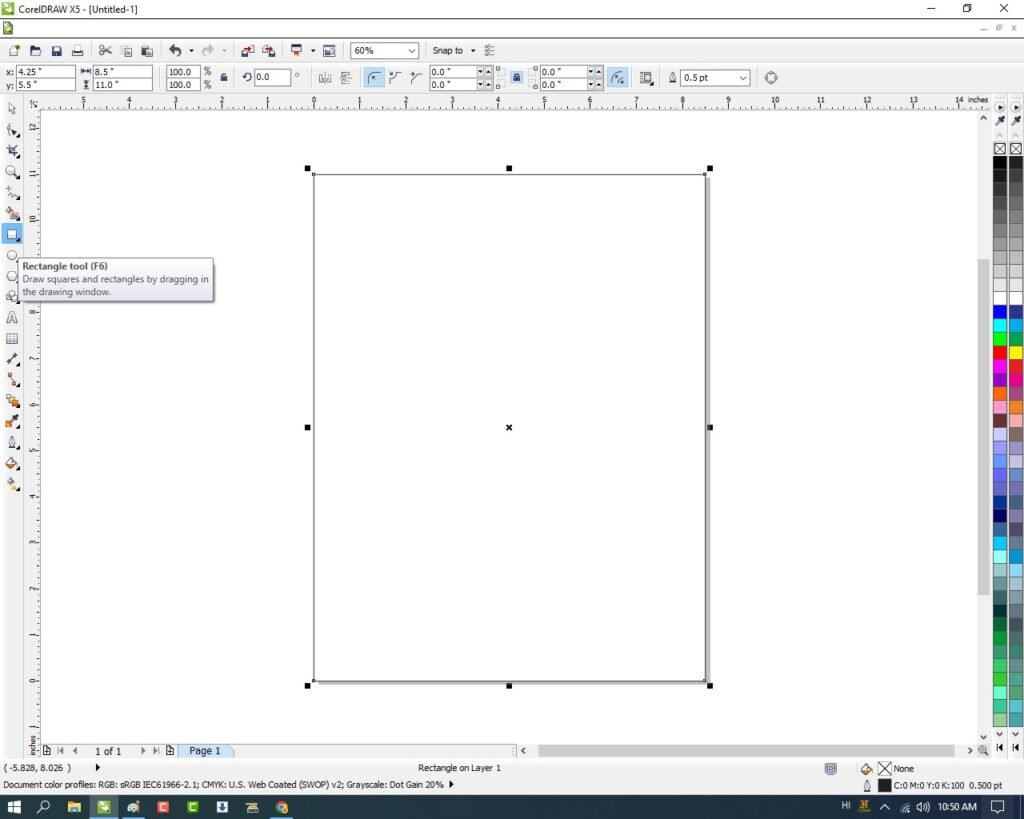
- अब एक Polygon shape draw करे

- Outline pen Double Click करे
- Outline Pen Window मे Shape का Color, Width Change करे।
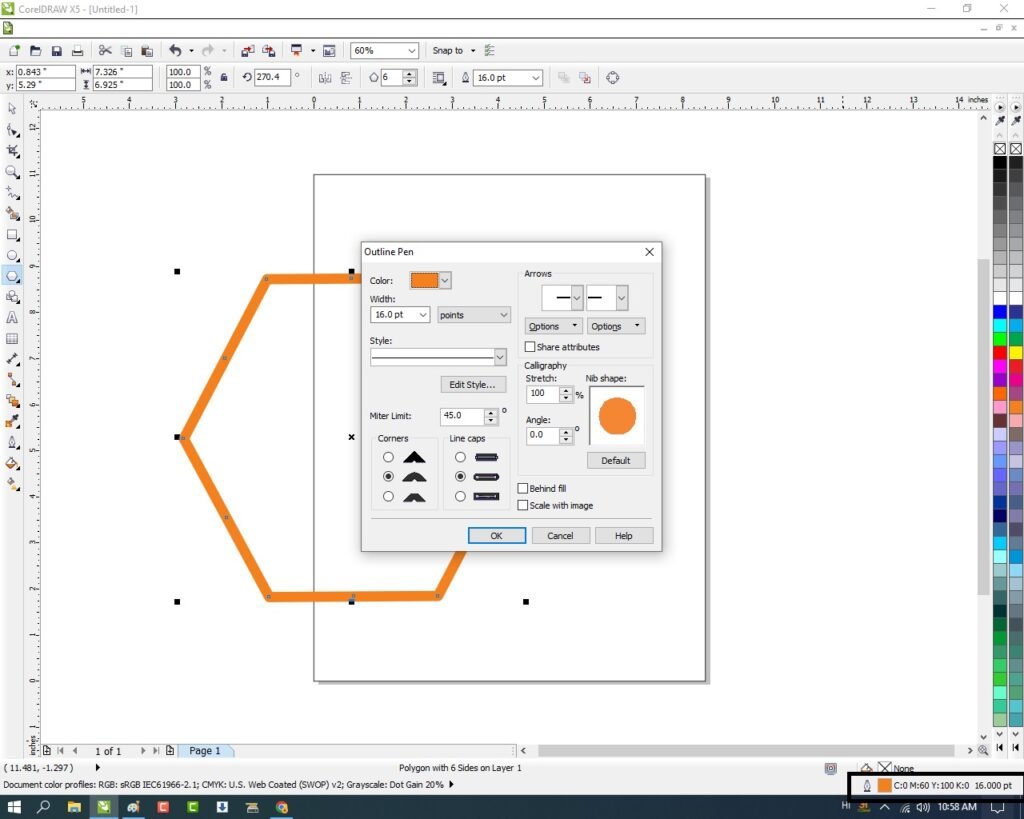
- अब Photo Insert करे तथा Download करे
- Menu bra > Bitmaps Option पर Click > Auto Adjust option पर click करे
- Menu bar >Effects Option > Power Clip >Place Inside Container पर click करे
- Shape पर Click करे
- Shape पर CTRL + Mouse से Left Click करे।

- Image को shape पर set करे।
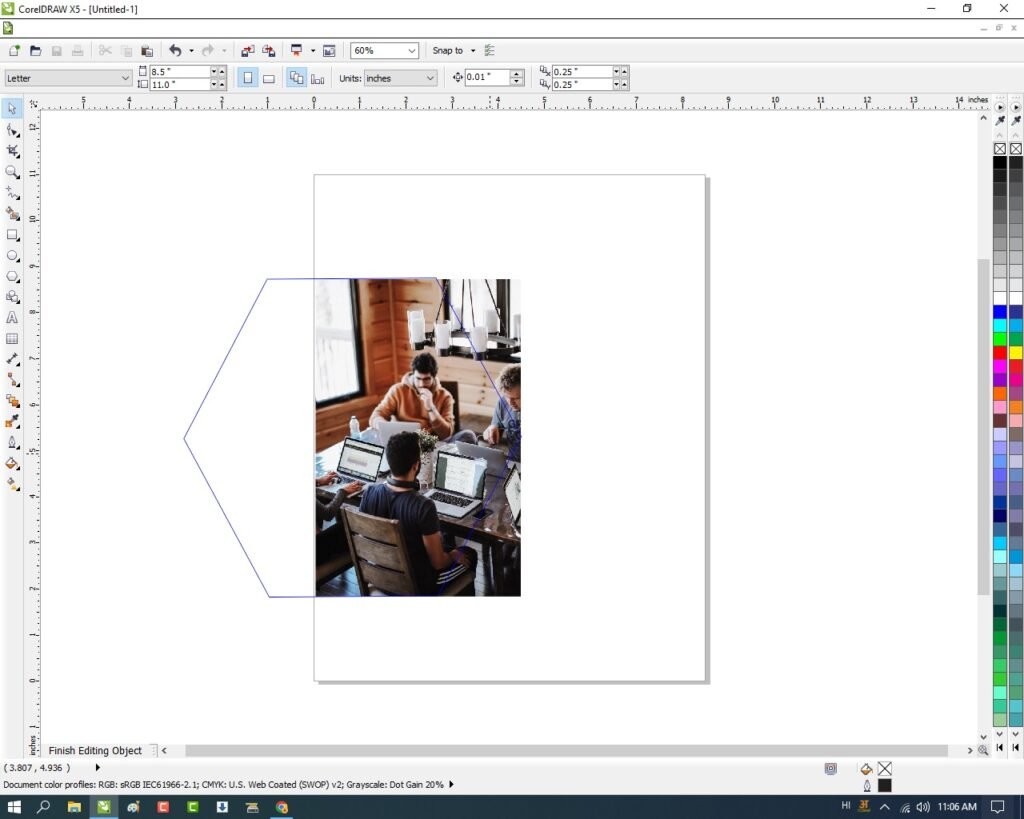
- Shape के बाहर CTRL + Mouse से Left Click करे
- Menu bar >Effects Option > Power Clip >Place Inside Container पर click करे
- Page पर Click करे।

- CTRL + D से Shape का Duplicate करे Shape मे Color Fill करे।

- Shape को Select करे
- Menu bar >Effects Option > Power Clip >Place Inside Container पर click करे

- CTRL + D Shape का Duplicate Or Image Set करे
- File से LOGO Insert करे Download कर सकते है।

- Basic Shape tool से Star Shape Draw करे Or Color Fill, CTRL + D से Shape का Duplicate करे
- Text Tool से Detail Fill करे।
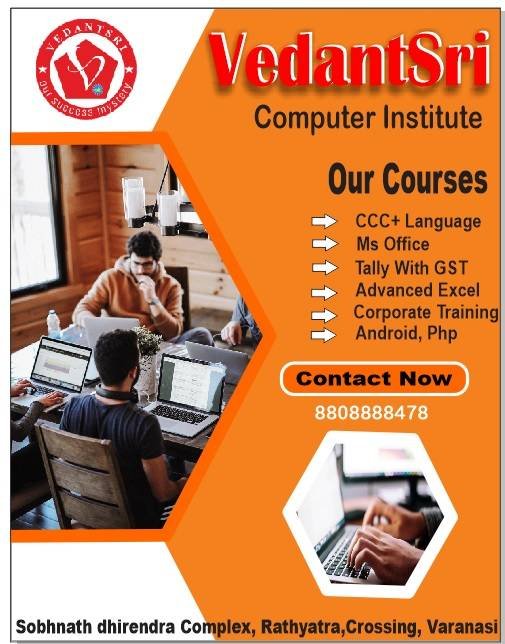
Created & Explained By Pratibha Modanwal
Important link
Visit at – https://www.corelclass.com
Read Also it – https://msexcelclass.com/
Also, Read- Tally Course Fees, Duration, Scope, Syllabus, Admission, Institutes
Also Read – CCC Course Fees, Syllabus, Duration, Scope, Jobs, and Institute
Important Link – DFA Course Fees, Syllabus, Duration, Scope, Jobs, and Institute
Visit – https://mswordclass.com/
इसे भी पढ़ें
Information About BCC Course, Top 1 Best Syllabus, Detail, Duration, Eligibility, Fees, Scope, Institute
Information About BCC Course, Top 1 Best Syllabus, Detail, Duration, Eligibility, Fees, Scope, Institute BCC is a Fundamental PC Course which is…
All About BCC Course, Detail, Syllabus, Fees, Duration, Top 1 Best Institute, Scope
All About BCC Course, Detail, Syllabus, Fees, Duration, Top 1 Best Institute, Scope Insights regarding BCC? Central PC Course (BCC) is a…
About Graphic Designing Course, Top 1 Best Syllabus, Eligibility, Fees, Scope, Job Opportunities, Salary
About Graphic Designing Course, Top 1 Best Syllabus, Eligibility, Fees, Scope, Job Opportunities, Salary What Does a Graphic Designing Course Teach? About…
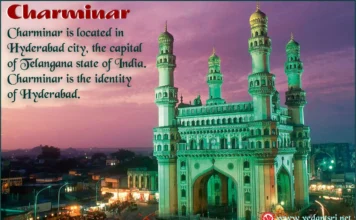
About Charminar in Hindi, Best Top 10 Satta King 2026, Image, Kahan Hai
About Charminar in Hindi, Best Top 10 Satta King 2026, Image, Kahan Hai Hi guys In This post we Read Charminar in…
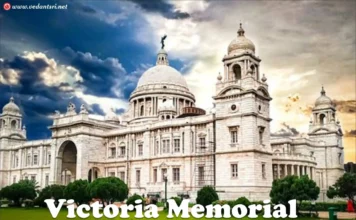
All about Victoria Memorial, Top 5 Best Photos, Located in, Ticket price, inside view
All about Victoria Memorial, Top 5 Best Photos, Located in, Ticket price, inside view History of Victoria Memorial About Victoria_Memorial Upon the…
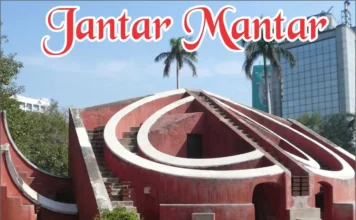
All About Jantar Mantar, Best Top 5 kahan hai, Varanasi, Ujjain, Jaipur
All About Jantar Mantar, Best Top 5 kahan hai, Varanasi, Ujjain, Jaipur Hi guys In This post we Read Jantar Mantar In…