
MS PowerPoint Insert Menu 1 Online Test 2026: Free MCQ
MS PowerPoint Insert Menu 1 Online Test 2026: Free MCQ
| Pos. | Name | Score | Duration | Points |
|---|---|---|---|---|
| 1 | sk | 76 % | 4 minutes 48 seconds | 19 / 25 |
| 2 | Richa | 72 % | 4 minutes 37 seconds | 18 / 25 |
| 3 | b | 64 % | 6 minutes 7 seconds | 16 / 25 |
| 4 | vm | 64 % | 8 minutes 12 seconds | 16 / 25 |
| 5 | Mn | 56 % | 5 minutes 29 seconds | 14 / 25 |
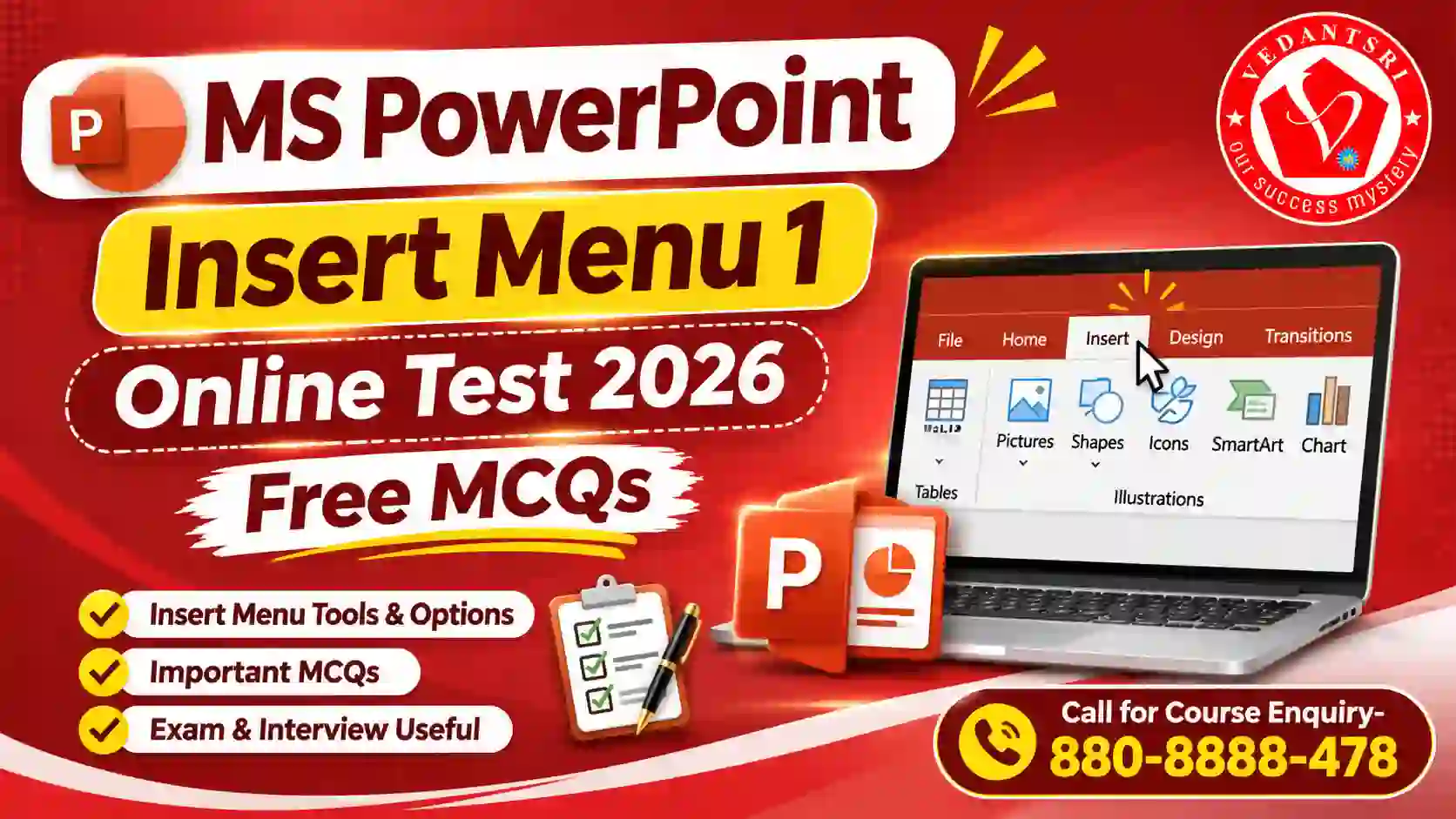
The MS PowerPoint Insert Menu 1 Online Test is designed for students who want to learn the important commands available in the Insert tab of Microsoft PowerPoint. This free online test helps you practice PowerPoint MCQ questions and understand how to insert tables, pictures, shapes, icons and other objects into presentation slides.
If you are preparing for CCC, DCA, ADCA, computer knowledge examinations or other competitive exams, this practice test can help you improve your PowerPoint knowledge.
Attempt the quiz below and check your understanding of the PowerPoint Insert Menu and MS PowerPoint Insert Menu 1 Online Test 2026 Free MCQ.
Useful Link: –PowerPoint Course Details, Fees, Duration, Scope, Syllabus, Admission, Institutes & Jobs
What Is the Insert Menu in MS PowerPoint?
The Insert tab in MS PowerPoint contains commands that allow users to add different elements to presentation slides. You can insert tables, pictures, shapes, icons and other visual objects to make your presentation more informative and attractive.
For example, you can insert a table to organize information, a picture to explain a topic visually, or a shape to highlight an important point and MS PowerPoint Insert Menu 1 Online Test 2026 Free MCQ.
The exact commands and their arrangement may vary depending on your PowerPoint version.
Also Read: – ADCA Course Fees ₹6,999 (Reg ₹19,000) – VedantSri Varanasi
Important Tools in MS PowerPoint Insert Menu 1
The following table explains some important Insert tab commands.
| Insert Menu Tool | Main Use |
|---|---|
| Table | Adds rows and columns to organise information |
| Pictures | Inserts images into a slide |
| Screenshot | Captures an open window or selected screen area |
| Photo Album | Creates a presentation using multiple pictures in supported versions |
| Shapes | Adds rectangles, circles, arrows, lines and other shapes |
| Icons | Inserts ready-made graphic symbols |
| 3D Models | Adds three-dimensional objects in supported versions |
Also Read:-
1. Table
The Table command is used to insert a table into a PowerPoint slide. A table organises information using rows and columns.
Uses of Table:
- Display student marks and results.
- Compare products or services.
- Present office reports.
- Organise information in a structured format.
How to insert a table:
- Open your PowerPoint presentation.
- Select the slide where you want to add a table.
- Click the Insert tab.
- Select Table.
- Choose the required number of rows and columns.
- Enter your information into the table.
2. Pictures
The Pictures command is used to insert an image into a PowerPoint slide. Pictures make presentations more attractive and help explain information visually.
Uses of Pictures:
- Add photographs to a presentation.
- Create educational slides.
- Display product images.
- Design attractive project presentations.
How to insert a picture:
- Open the required slide.
- Click the Insert tab.
- Select Pictures.
- Choose the available picture source.
- Select your image.
- Click Insert.
3. Screenshot
The Screenshot command allows you to capture an open application window or a selected part of your screen and insert it into a slide.
Uses of Screenshot:
- Explain software steps.
- Create computer training presentations.
- Show examples of application windows.
- Prepare practical demonstrations.
4. Photo Album
Photo Album is a feature available in supported desktop versions of PowerPoint. It helps create a presentation by adding multiple photographs.
Uses of Photo Album:
- Create a collection of photographs.
- Prepare school and college projects.
- Make event presentations.
- Create photo-based presentations.
5. Shapes
The Shapes command provides ready-made objects such as rectangles, circles, arrows, lines, stars and flowchart symbols.
Uses of Shapes:
- Create diagrams and flowcharts.
- Highlight important information.
- Design labels and callouts.
- Make presentations more visual.
How to insert a shape:
- Select the required slide.
- Click Insert.
- Select Shapes.
- Choose a shape.
- Drag the mouse on the slide to draw it.
- Use the Shape Format options to customize its appearance.
6. Icons
Icons are small graphic symbols used to represent ideas, objects, services or activities. They can make presentation slides easier to understand.
Uses of Icons:
- Represent different services.
- Create professional slides.
- Explain ideas visually.
- Improve the appearance of presentations.
7. 3D Models
The 3D Models feature allows users to add three-dimensional objects to a presentation in supported PowerPoint versions.
Uses of 3D Models:
- Explain objects from different angles.
- Prepare educational presentations.
- Create product demonstrations.
- Make visual presentations more engaging.
Difference Between Tables, Pictures and Shapes in PowerPoint
| Tool | Purpose |
|---|---|
| Table | Organises information in rows and columns |
| Picture | Displays an image or photograph |
| Shape | Creates visual objects such as arrows, circles and rectangles |
| Icon | Represents an idea using a graphic symbol |
| 3D Model | Displays a three-dimensional object |
Important MS PowerPoint Insert Menu MCQ Questions and Answers
Practice these sample questions before attempting the online test on MS PowerPoint Insert Menu 1 Online Test 2026 Free MCQ.

Q1. Which tab is used to insert a table in PowerPoint?
A. Home
B. Insert
C. Design
D. Review
Correct Answer: B. Insert
Q2. Which command is used to add a photograph to a slide?
A. Pictures
B. Animation
C. Transition
D. Slide Show
Correct Answer: A. Pictures
Q3. Which tool is used to insert rectangles, circles and arrows?
A. Chart
B. Shapes
C. Font
D. Review
Correct Answer: B. Shapes
Q4. A PowerPoint table is made up of which two main elements?
A. Slides and pages
B. Rows and columns
C. Pictures and shapes
D. Fonts and effects
Correct Answer: B. Rows and columns
Q5. Which command can capture an open application window and add it to a slide?
A. Screenshot
B. WordArt
C. Animation
D. Layout
Correct Answer: A. Screenshot
Q6. Which feature is used to add graphic symbols to a slide?
A. Icons
B. Notes
C. Comments
D. Transitions
Correct Answer: A. Icons
Q7. Which feature can be used to create a presentation from multiple photographs in supported versions?
A. Photo Album
B. Slide Master
C. Slide Sorter
D. Notes Page
Correct Answer: A. Photo Album
Q8. Which feature is used to add three-dimensional objects to a slide?
A. 3D Models
B. Word Count
C. Page Break
D. Slide Number
Correct Answer: A. 3D Models
Q9. What is the main purpose of inserting a table in PowerPoint?
A. To organize information
B. To play audio
C. To change slide color
D. To start a slide show
Correct Answer: A. To organize information
Q10. Which tab contains the Pictures and Shapes commands?
A. Home
B. Insert
C. View
D. Review
Correct Answer: B. Insert
How to Prepare for the MS PowerPoint Online Test?
Follow these simple steps to improve your PowerPoint knowledge:
- Understand the basic functions of every Insert tab command.
- Practice inserting tables, pictures and shapes.
- Learn the difference between similar PowerPoint tools.
- Attempt the online quiz regularly.
- Review incorrect answers and practise again.
This practice is useful for students studying DCA, ADCA, CCC, MS Office and other computer application courses and MS PowerPoint Insert Menu 1 Online Test 2026 Free MCQ.
MS PowerPoint Insert Menu 1 and Insert Menu 2 Online Tests
Continue your PowerPoint practice with the following topic:
Also Read: – MS PowerPoint Insert Menu 2 Online Test
You can also explore the complete PowerPoint Online Test Series for additional practice.
PowerPoint Course Details, Fees, Duration and Syllabus
Want to learn Microsoft PowerPoint from basic to advanced level? Explore the PowerPoint course at VedantSri Computer Institute.
Read the complete guide:
PowerPoint Course Details – Fees, Duration, Syllabus, Scope, Jobs and Admission
The course covers presentation creation, slide formatting, pictures, shapes, SmartArt, charts, animations, transitions and multimedia tools and MS PowerPoint Insert Menu 1 Online Test 2026 Free MCQ.
Frequently Asked Questions About MS PowerPoint Insert Menu
What is the Insert Menu in MS PowerPoint?
The Insert tab is used to add different elements to presentation slides, including tables, pictures, shapes, icons, 3D models, charts, text boxes and multimedia objects.
How do I insert a picture in PowerPoint?
Open the required slide, click the Insert tab, select Pictures, choose an available picture source, select the image and click Insert.
What is the use of Shapes in PowerPoint?
Shapes are used to create visual objects such as rectangles, circles, arrows, lines and flowchart symbols. They help explain information and improve slide design.
What is the use of a Table in PowerPoint?
A table organizes information into rows and columns. It is useful for displaying marks, comparisons, reports and other structured information.
What is the use of Screenshot in PowerPoint?
Screenshot captures an open application window or a selected part of the screen and inserts it into a presentation slide.
Is the MS PowerPoint Insert Menu Online Test free?
You can practice the online quiz available on this page without paying a separate test fee.
Is this PowerPoint test useful for CCC and DCA students?
Yes. Practicing PowerPoint Insert tab commands can help CCC, DCA, ADCA and other computer course students revise presentation software concepts.
What is the difference between Insert Menu 1 and Insert Menu 2?
These are two learning sections used in this practice series. Insert Menu 1 focuses on basic insertion tools such as tables, pictures and shapes. Insert Menu 2 covers additional commands such as SmartArt, charts, links, audio and video.
Conclusion
The MS PowerPoint Insert Menu 1 Online Test 2026 helps students understand important Insert tab commands and practise multiple-choice questions. Learn how to use Tables, Pictures, Shapes, Screenshots, Icons and other insertion tools to create better presentations.
Attempt the free quiz above, revise your mistakes and continue practicing with the other PowerPoint online tests available on VedantSri Computer Institute.
VedantSri Computer Institute Varanasi

provides the best Computer Courses, Classes, and Training in Varanasi. There is NIELIT Courses CCC, BCC, O Level, Certificates, and Diploma Computer Courses available with the best training materials. Also Available Top 100 Best Computer Courses, For Example, OM, DCA, ADCA, DTP, DFA, ADAM, ADTP, ADFA, DCE, and MS Office. VedantSri Computer Coaching updates CCC Online Test on www.vedantsri.net.
There are some important computer Courses for jobs CCC Classes, Typing, Internships, And Spoken English Available Free of cost with Offer. MS Excel Basic Formulas Menu
More than 50 Computer Courses are available with a 50% Fee Discount in VedantSri Varanasi. You can get the Best Digital Marketing Course at Varanasi Institute VedantSri. There is the Latest Computer Course Offer in ADCA Computer Course, DCA Computer Course, CCC Computer Course & English Spoken. MS Excel Page Layout Menu Test.VedantSri Computer Institute provides computer education and practical training in Varanasi, Uttar Pradesh. Students can learn computer application courses, office software, typing, digital skills and other job-oriented computer subjects.
The website www.vedantsri.net provides online learning support, practice tests, question-answer sessions, educational videos and computer course resources for students.
Students can use these learning materials to revise their lessons and practice computer-related questions.
For course details, fees and admission enquiries, contact the institute:
- Rathyatra Branch: 9415802061
- Durgakund Branch: 8808888478
External Link
- VedantSri Official Website:- https://vedantsri.com
- Course Store Website:- https://vedantsri.in
- Jobs Assist Website:- https://www.jobdo.in
- MS Word Class:- https://mswordclass.com/
- Corel Free Class:- https://corelclass.com/
- Free Excel Class:- https://msexcelclass.com/
PowerPoint Questions with Answers
PowerPoint Questions with Answers – Set 8
- Which view allows you to make global changes to the design of all slides?Answer: Slide Master View
- Which view is used for a full-screen presentation?Answer: Slide Show View
- Which view allows you to read a presentation without editing it?Answer: Reading View
- Which master is used to format printed handouts?Answer: Handout Master
- Which master is used to format printed speaker notes?Answer: Notes Master
- Which is the default view in PowerPoint?Answer: Normal View
- Which view contains thumbnails, main slide, and notes pane?Answer: Normal View
- Which view is used to see the outline of text on slides?Answer: Outline View
- What is the visual effect called when moving from one slide to another?Answer: Transition
- What is the visual effect applied to text or objects on a slide called?Answer: Animation
इसे भी पढ़ें

Excel Shortcut Online Test Series 5514
Excel Shortcut Online Test Series 5514 Excel Shortcut Online Test Series 5514: -Are you ready to excel in Excel? Enhance your productivity…
MS PowerPoint Slide Show Online Test: 50 Best MCQ
MS PowerPoint Slide Show Online Test: 50 Best MCQ MS PowerPoint Slide Show Online Test: 50 Best MCQs The MS PowerPoint Slide…
MS PowerPoint Design Menu Online Test
MS PowerPoint Design Menu Online Test Useful Link:-PowerPoint Course Details, Fees, Duration, Scope, Syllabus, Admission, Institutes & Jobs PowerPoint Online Test Series:…

MS Excel Data Menu Online Test 2026: Free MCQ
MS Excel Data Menu Online Test 2026: Free MCQ December Month Excel Online Test Series November Month Excel Online Test Series📍 Varanasi…

MS PowerPoint Home Menu 4 Online Test
MS PowerPoint Home Menu 4 Online Test Useful Link:-PowerPoint Course Details, Fees, Duration, Scope, Syllabus, Admission, Institutes & Jobs MS PowerPoint Home…

MS PowerPoint Home Menu 3 Online Test – Free MCQ Test
MS PowerPoint Home Menu 3 Online Test – Free MCQ Test Useful Link:-PowerPoint Course Details, Fees, Duration, Scope, Syllabus, Admission, Institutes &…