Home Blog Page 22

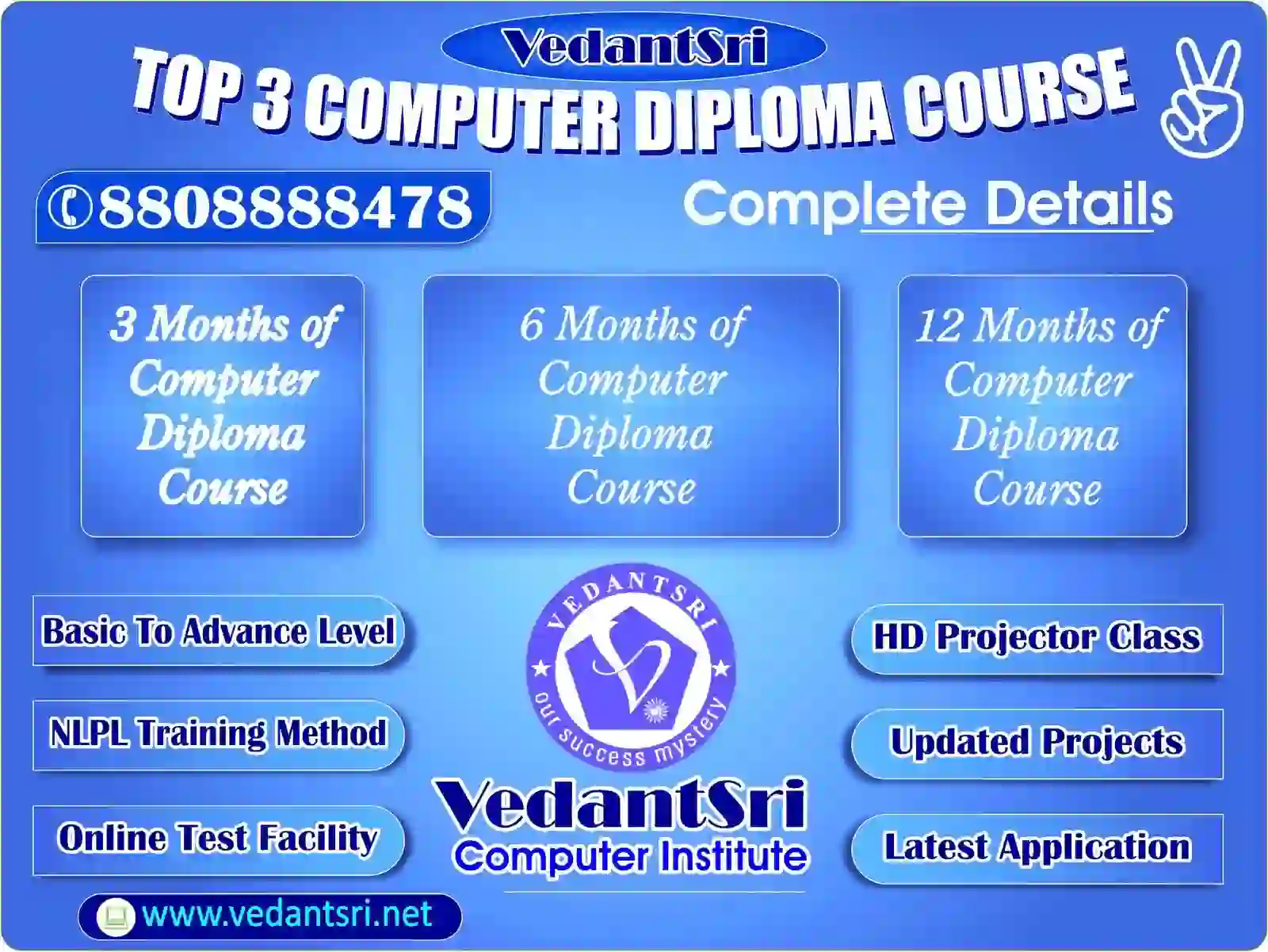
Top 3 Computer Diploma Courses, 12 Months of Computer Diploma, After 12th Pass Out Computer Courses

Top 3 Computer Diploma Courses, 12 Months of Computer Diploma, After 12th Pass Out Computer Courses.

So, we’re here to discuss the Best Course After the 12th and the Best Courses after the 12th. In today’s generation, a computer course is very Necessary for Everyone Because if you learn this Course, you’ll be able to get a Job, and you can do many Creative things. So, Here Are the top-most important Computer Courses After 12th In Brief Details below: –

Top 3 Computer Diploma Courses, 12 Months of Computer Diploma, After 12th Pass Out Computer Courses
Top 3 Computer Diploma Courses, 12 Months of Computer Diploma, After 12th Pass Out Computer Courses.

Also Read:- Java Course Details, Fees, Duration, Scope, Syllabus, Admission, Institutes & Jobs

Top Computer Courses After 12th Class

Students who have passed the 12th Class Can Learn Computer Courses based on the Course Duration. If Students Want to learn for 3 Months, 6 Months, 8 Months, 1 year, or 18 Months of a Computer Course After passing the 12th class, they can. For duration-wise Course after 12th Passed Out, Details Given Below.

3 Months of Computer Courses After 12th Class Pass Out

If you are looking for a 3-month course after the 12th Pass Out, then you should read the full information that I am going to write below.

There are many options for a 3-month computer course, but when you ask for One That Is in demand in the government or private sector, then the best 3-month computer course is CCC. CCC Full Form is a Course on computer concepts. This course is provided by the Government Unit NEILIT.

Top 3 Computer Diploma Courses, 12 Months of Computer Diploma, After 12th Pass Out Computer Courses
Top 3 Computer Diploma Courses, 12 Months of Computer Diploma, After 12th Pass Out Computer Courses.

Also Read:- Web Designing Course Details, Fees, Duration, Scope, Syllabus, Admission, Institutes & Jobs

3 Months of Computer Courses Syllabus

This course Syllabus is based on Basic, Fundamental, Word, Documentation, Excel, Spreadsheet, Presentation, WWW, Web, Browsing, Digital applications, and Government Schemes.

3 Months of Computer Courses Fees

This Course fee is approx. 2000 to 3000 Rupees. This course has a final online Exam Conducted by NEILIT Gov. Online Exam Time: 90 Minutes, Total Questions: 100. Certificates based on Obtained Online Exam Marks: Grade A, B, C, D, E.

6 Months of Computer Courses After 12th Class Pass Out

If you’ve passed the 12th and are looking for a 6-month Course, then you Should Check Down the Full details on the 6-month Course.

There Are So many 6-month computer Courses for 12th passed out students, but if you’re looking for the best-demanded Course, you should go for DCA. This course provides good Knowledge With great Skills About computers, and you can get Many job Opportunities if you take This Course. The full Form of DCA is Diploma in Computer Application.

Top 3 Computer Diploma Courses, 12 Months of Computer Diploma, After 12th Pass Out Computer Courses
Top 3 Computer Diploma Courses, 12 Months of Computer Diploma, After 12th Pass Out Computer Courses.

Also Read:- Tally Course Fees, Duration, Scope, Syllabus, Admission, Institutes & Jobs in Varanasi

6 Months of Computer Courses Syllabus

The DCA Course Syllabus is Fundamental to Computer, MS Word, MS Excel, PowerPoint, Advanced Internet, GST, And Taxation.

6 Months of DCA Course Fees

The DCA Course Fees are 6 to 8 thousand.

This Course is certificate-based, and This Course is very helpful for students who pass the 12th grade

12 Months of Computer Course After 12th Class Pass Out

If you’ve passed the 12th and are looking for a 6-month Course, then you Should Check Down the Full details on the 12-month Course.

There Are So Many Courses Available for Students who have passed 12th and are looking for a 12-month Complete Computer Course. Then ADCA will be the Best Choice for you. This Course Contains Advanced Computer Knowledge. With the help of this Course, You Can be a Computer Master In 12 Months. The Full form of ADCA is Advanced Diploma in Computer Application.

ADCA Computer Class Offer

Offer Fee INR 6,999Regular Fee INR 19,000
  • COURSE SYLLABUS
  • Fundaments/Basic
  • MS Word Latest
  • MS Excel Latest
  • MS PowerPoint Latest
  • Ad. Internet
  • Tally PRIME Latest
  • GST (Taxation)
  • CorelDraw Latest
  • Photoshop Latest
  • 100 Project Training
  • FREE CCC Class For 90 Days
  • FREE Typing Class For 90 Days
  • FREE PD Classes
  • FREE Internship For 180 Days

Top 3 Computer Diploma Courses, 12 Months of Computer Diploma, After 12th Pass Out Computer Courses

12 Months of Computer Courses Syllabus

The Syllabus of the ADCA Computer course is Fundamental in Computer, MS Office, CorelDRAW, Photoshop, and Graphic Designing.

12-Month ADCA Course Fees

The fee for this course is 10,000 to 14000, but on the offer, you can get this course for only INR 5500

After 12th Computer Courses

In this Article, we will Share Complete details

On a Computer Course after 12th Pass out. Below this Article, we will give you the name of the top-most computer Course that will make you stand out from the Crowd.

3 Months of Computer Courses After 12th Class Pass Out

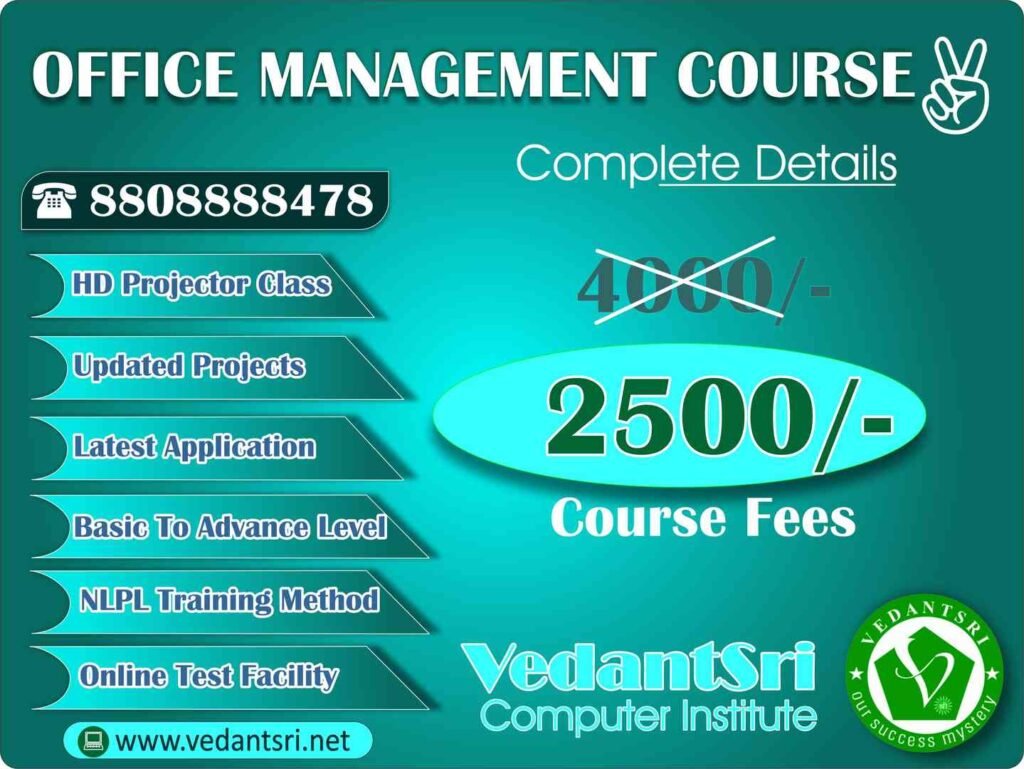
If you’re looking for the best 3 Month Computer Course, then Office Management is for you. This course provides you with Extraordinary Knowledge. This Course Contains a Broad Range of job orientations.
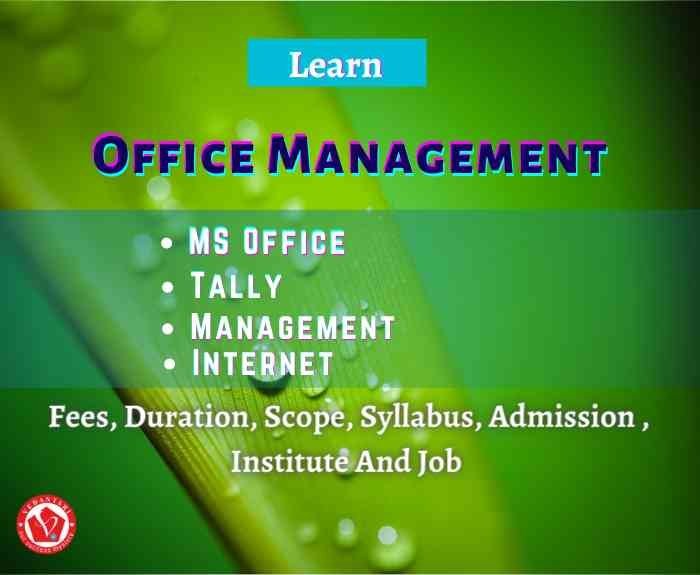
Top 3 Computer Diploma Courses, 12 Months of Computer Diploma, After 12th Pass Out Computer Courses

3 Months of Computer Courses Syllabus After 12th Class

The Syllabus of the Office Management Computer Course Is Fundamental in Computer, MS Word, MS Excel, PowerPoint, Advanced Internet, GST, And Taxation.

Also Read:- CCC Course Fees, Syllabus, Duration, Scope, Jobs, and Institute in Varanasi

3 Months of Computer Course Fee

The Office Management Course is about 3000 to 6000. But in Offer, VedantSri provides the OM Course only for INR 2500

6 Months of Computer Course After 12th Class

Here, we will provide you with an Expert guide about the top Courses for 6 months after the 12th, which Have High Demand. You can go with the DFA. This Course Will boost your skills. The Full Form of DFA is Diploma in Financial Accounting.

You can know more details about this Course Down Below: –

Top 3 Computer Diploma Courses, 12 Months of Computer Diploma, After 12th Pass Out Computer Courses

6 Months of Computer Courses Syllabus After 12th Class

This Course comes up with some interesting syllabi, such as Fundamentals of Computer, MS Office, Tally Prime, GST and Taxation Billing, Payroll, and Banking.

6 Months of Computer Course Fee

The admission fee for the DFA course is INR 4000, and there are no extra admission charges.

12 Months of Computer Courses After 12th Class Pass Out

Now you will get the Complete details on which is the best Course After the 12th. There are so many Options For a 12-month computer After the 12th course, when you request Government or Private Sector Jobs, then the best 3-month computer Course is ADTP. The full form of ADTP is Advanced Diploma in Desktop Publishing.
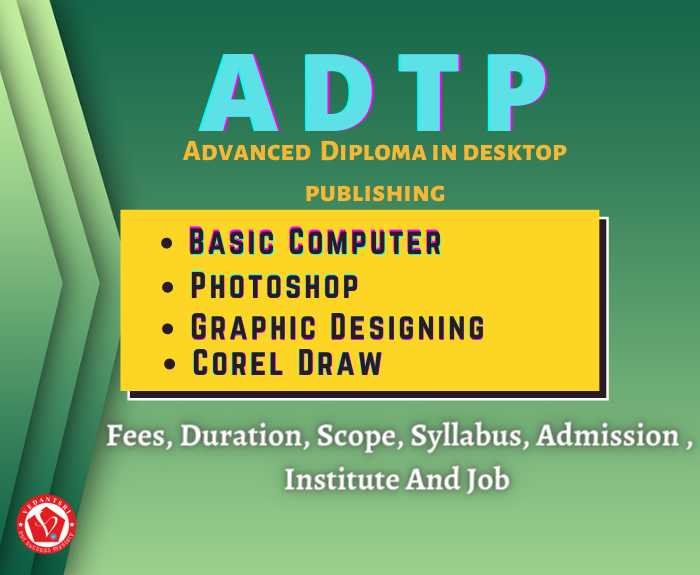
Top 3 Computer Diploma Courses, 12 Months of Computer Diploma, After 12th Pass Out Computer Courses

12 Months of Computer Courses Syllabus After 12th Class Pass out

This Course Contains a Large variety of Interesting Syllabi, Like Fundamentals of Computers, MS Office, Photoshop, Graphic Designing, and CorelDRAW.

12 Months of Computer Courses Fee

The ADTP Course Fees are 6 to 8 thousand. This Course is certificate-based, and This Course is very helpful for students who pass the 12th grade.

Q: What are the eligibility criteria for the Top 3 Diploma Courses,12 months of Computer Diploma?

A: ADCA (Advanced Diploma in Computer Applications)
Minimum 10th pass (some institutes allow 8th pass students too).

OM (Office Management)
The eligibility criteria for an Office Management course can vary depending on the type of program, level (diploma or degree), and the institution. Completion of Class 10 or equivalent

Diploma in Financial Accounting (with Tally & GST)
Minimum 10th pass (12th with Commerce is preferred).

Q: Can I pursue the Top 3 Diploma Courses,12 months of Computer Diploma online?

A: Yes, you can pursue the Top 3 Diploma Courses (12 months Computer Diploma) online. Many institutes and e-learning platforms now provide full online training with live or recorded classes, practice files, and digital certificates.

Q: What are the career prospects after completing the Top 3 Diploma Courses, 12 months of the Computer Diploma?

A: ADCA = best for general computer skills & entry-level jobs.

OM (Office Management) completing an Office Management course can open doors to a variety of careers across industries, since every organisation needs trained professionals for smooth office administration.

Financial Accounting (Tally + GST) = best for stable office & finance jobs.

Q: How do I choose the right institute for the Top 3 Diploma Courses, 12 months of Computer Diploma in Varanasi?

A: Absolutely. Here’s a well-structured guide to help you choose the right institute in Varanasi for the top three 12-month computer diploma courses—ADCA (Advanced Diploma in Computer Applications), OM (Office Management) and Financial Accounting (Tally + GST).

VedantSri Computer Institute
Offers ADCA with a 12-month duration, rich in practical learning and updated tools like Tally Prime, GST, web designing, Photoshop, and CorelDRAW.

offers an OM 3-month office management course, focused on practical aspects. It may suit learners looking for a quick, intensive skill-building program.

Offers the DFA (Diploma in Financial Accounting) in 6 months with flexible payments and project-based training. Also offers additional support like mock tests, blog support, and bonus courses.

Q: Is there any entrance exam for the Top 3 Diploma Courses, 12 months of Computer Courses?

A: No — generally, there is no entrance exam for the Top 3 Diploma Courses (12 months of Computer Diploma), such as:

ADCA (Advanced Diploma in Computer Applications)

OM (Office Management)

Financial Accounting (Tally + GST)

Q: What are the fees for the Top 3 Diploma Courses, 12-month syllabus of Computer Diploma?

A: ADCA INR 10,000 to 14,000
OM INR 3,000to 6,000
DFA INR 4,000

Q: Are the Top 3 Diploma Courses,12 months of Computer Diploma, good for a job?

A: Yes — The Top 3 Diploma Courses (ADCA, Office Management, DFA) of 12 months are considered good for job opportunities, especially for freshers and entry-level positions.

These 12-month diploma courses are job-oriented and industry-relevant, especially for small businesses, startups, schools, hospitals, and offices that need trained staff.

Q: What is the duration of the Top 3 Diploma Courses,12 months for the Computer Diploma Certificate?

A: The Top 3 Diploma Courses (ADCA, Office Management, DFA) are designed as 12-month computer diploma programs

After 12 months, you get a Diploma Certificate (mentioning ADCA / OM / DFA separately or as a combined diploma, depending on the institute).
Some institutes provide separate certificates for each course if taken together.

External Link

RAM Full Details, Price, Speed, Advantage, Disadvantage, Which One to Buy

RAM Full Details, Price, Speed, Advantage, Disadvantage, Which One to Buy

What Is RAM (Random Access Memory)?

It is a hardware device that enables information to be stored and retrieved on a computer. None of your programs, Software would work without RAM, it’s the super-fast and temporary data space for storing that a computer must access right away or within the next few moments. The capacity limit of RAM is estimated in gigabytes (GB). PCs accompany various measures of RAM going from 2GB to 16GB or more. Eventually, RAM permits you to induce to numerous projects immediately with speed and proficiency.

Also Read:-BCC Course Details, Fees, Duration, Scope, Syllabus, Admission, Institutes & Jobs

RAM Details, Price, Speed, Advantage, Disadvantage, Which One to Buy
RAM Full Details, Price, Speed, Advantage, Disadvantage, Which One to Buy 11

What are Different Types of RAMs?

There are Different Types of RAM Available Some are Listed Below:-

1- Dynamic RAM (DRAM)

2- Synchronous Dynamic RAM (SDRAM)

3- Static RAM (SRAM)

4- Double Data Rate Synchronous Dynamic RAM (DDR)

DRAM (Dynamic Random-Access Memory)

Measure utilizes a capacitor and stores all of information on the distinctive Two capacitor. It is the most proficient approach to store information as the space needed for the capacity.

Synchronous Dynamic RAM (SDRAM)

It works according to the clock synchronization, and synchronizes with the bus, which is present in CPU of the system. It is faster than the DRAM.

Static RAM (SRAM)

Static Random Access Memory is a sort of RAM that Grabs information in a static structure, that is, the length of the memory has power. In contrast to dynamic RAM, it shouldn’t be invigorated.

Double Data Rate Synchronous Dynamic RAM (DDR)

These are the computer memory that transfers the data twice as fast as regular chips Due to the different use of the clock signal, DDR RAM is capable of transfer twice at the same time.

Advantage And Disadvantage of SRAM and DRAM

Advantage of SRAM:

  1. Low power consumption and faster access speeds.
  2. Low memory capacities and high costs of Production.

Disadvantage of SRAM: –

  1. It has a low storage capacity.
  2. Reduces the memory density.
  3. lower access time.

Advantage of DRAM:

  1. These are cheaper.
  2. These are used in main memories.
  3. DRAM Are smaller in size.
  4. It is simple in structure than SRAM.
  5. it is used to create larger RAM space system.

Also Read:- DCA Course, Fees, Duration, Scope, Syllabus, Admission, Institutes & Jobs in Varanasi

Disadvantage of Using DRAM

  1. Complex manufacturing process
  2. Date requires refreshing
  3. More complex internal circuitry   required (read and refresh periodically)
  4. Volatile memory
  5. Relatively slow operational speed
RAM Details, Price, Speed, Advantage, Disadvantage, Which One to Buy
RAM Price Details | RAM Advantage Details

Also Read:- CorelDraw Course Fees, Duration, Scope, Syllabus, Admission, Institutes & Jobs in Varanasi

What keep in Mind while buying a RAM?

So, we’ve already known above why ram is important for our desktop or laptop. It’s really hard to imaging pc without ram. So, we just want to say ram is very important part of our computer, laptop, mobile phones that’s why while buying a ram something we should keep in our mind because many people get confused about ram configuration, which is the best ram to buy, What is DDR and all So here are full details About Which ram is Best for You.

Firstly, You Should Known

RAM configuration And Its Compatibility Issue to Be Aware

Few out of every odd RAM Is Compatible with each Motherboards

So here is a rundown of things to Look for When considering a memory Kit’s Compatibility With your Component.

1 – DIMM or SO-DIMM

2 – Generations of DDR

DIMM or SO-DIMM

DIMM is for Desktop And SO-DIMM is for laptop

If You Are building a desktop PC, make sure you get DIMM Not SO-DIMM.

Generations of DDR

Generation is really important While buying a Ram Because older Generation will not Work with Motherboards that are made for newer generation

You can’t Install DDR2 Memory in Motherboard that has DDR4 DIMM Slot.

How Much RAM Do you Actually Need?

The Most computer users will Likely Need 8GB to 16GB of RAM

But it actually depends on What Type of System you’re Building or you Have.

If you are building PC for Video Editing or Graphic designing

You Can at least go with 16GB or 32GB This all depend on your Budget.

For Gaming Computer

You need at least 8 Gb To 32 GB. Ram Is the easiest Component to Upgrade So if you Have DIMM Slots on Motherboard You can add more Memory To it.

Also Read:-Java Course Details, Fees, Duration, Scope, Syllabus, Admission, Institutes & Jobs

For Normal Office Use or Personal work

You need 8GB to 16Gb That’s Enough.

What Is RAM Speed?

RAM frequency is Actually Measured in Megahertz And usually Follow the DDR Version of RAM For Example 16 GB RAM work In the Frequency of 3200MHz higher frequency RAM does not necessarily impact overall system performance Just you’ll Get Little Frame Rates And System performance.

RAM Price, Speed, Advantage, Disadvantage, Which One to Buy
RAM Full Details | RAM Price Details | RAM Advantage Details

Best Random-Access memory (RAM) To Buy?

If You Want RAM in budget Here Are the Option: –

RAMConfigurationsPrice
Crucial8 GB Memory Speed-2666MHz DDR4RS- 3,500
Corsair Vengeance8 GB DDR4 3200MHz C16RS- 4,340
ALKETRON Quantum16 GB 3200MHz DDR4RS- 7,992
Hyper X8 GB 3200MHz DDR4RS- 4,751
RAM Full Details | RAM Price Details

If You Want So Expensive Ram with Good Quality of Speed You Can go with: –

RAMConfigurationPrice
Aorus16 GB 4400MHZ15,374
G. Skill Trident16 GB DDR4 3200MHz12,200
Z neo16 GB RGB 3200MHz DDR419,385
RAM Advantage Details

Important Links:-

1-VedantSri Official Website:- https://vedantsri.com

2-Student Support Website:- https://vedantsri.in

Hard Disk Details, Price, Comparison, Advantage, Disadvantages, Best In the market, Which One to Buy

Hard Disk Details, Price, Comparison, Advantage, Disadvantages, Best In the market, Which One to Buy

What is Hard Disk?

A hard Disk is a Storage Device Made for Computer Use and it is made up of aluminium or glass, coated with magnetic material. All computers used to have an internal hard disk for storage, this magnetic storage is the reason for data being stored distinct from the computer. A Magnetic head is utilized to compose the Binary digits over the axle of Magnetic plates that contain the hard Disk. A hard disk requires a hard drive for it to be perused and composed. Computers use this hard disk drive for permanent storage. Hard disk Can Store up to 2 TB to 5 TB of Data. Hard Disk Details

Hard Disk Detail Price , Comparison, Advantage And Disadvantages, Best In market, which One to Buy
Hard Disk Details, Price, Comparison, Advantage, Disadvantages, Best In the market, Which One to Buy 17

Also Read:-BCC Course Details, Fees, Duration, Scope, Syllabus, Admission, Institutes & Jobs

What Are Different Types of Hard Disks?

1 – External Hard Disk

2 – Internal Hard Disk

External Hard disk: – An external drive is just a hard drive attached to a Computer An external hard drive is a storage device situated outside of a computer that is connected via a USB cable or wireless connection. Its also called Portable Hard Disk, An external hard drive It is a device that is connected to the outside of a computer over a USB connection that is often used to back up computers or serve as a portable storage solution. Hard Disk Details

a
External Hard Disk

Pros and Cons of Using External Hard Disk

Pro: –

1 – Portability

2 – Cost-effective

3 – Data Protection

4 – Transfer speed

Cons: –

1 – Overheating

2 – Limited Space

3 – Theft

Internal Hard Disk: –Internal hard drives are required for all PCs to work as working frameworks and significant programming is typically pre-introduced on them. Internal hard disk is mounted inside the laptop or desktop, The internal hard drive is a key component of a computer since it stores the user’s software and personal files. It has Great Storage Expansion. Hard Disk Details

Hard Disk Details
Internal Hard Disk

Also Read:- CorelDraw Course Fees, Duration, Scope, Syllabus, Admission, Institutes & Jobs in Varanasi

What is a Solid State Drive (SSD)?

SSD stores the information on non-volatile storage chips and maintains the info in a permanent state, even when the facility is off. As compared to electromagnetic drives, SSDs have lower latency and access quickly. If you’ve got a computer that’s slow or running out of space, it will be frustrating and slow you down when you’re trying to figure. one of the considerations when looking to enhance PC performance is an upgrade to SSD. SSDs contain no moving parts, which implies you do not must be troubled by overheating or loud whirring noises, SDD Gives you better Read and write Speed. Hard Disk Details

SSD
Solid State drive | Buy Best Hard Disk

Also Read:-Java Course Details, Fees, Duration, Scope, Syllabus, Admission, Institutes & Jobs

Which Are the Best External Hard disk?

1- Seagate 1TB Backup Plus Slim External Hard Drive

2- LaCie Rugged Mini 4TB External HDD Hard Disk Details

3- Western Digital WD 1TB My Passport Portable External Hard Drive

4- Samsung 860 EVO.

Types of SDD?

1 – NVMe

2 – mSATA

3 – PCIe

What advantages of Using SSD?

1 – SSD Have a faster speed

2 – SSD is very quick at reading and writing Speed

3 – you Can Open files Faster Hard Disk Details

4 – SSD Use Less Power Than HDD

5 – Less Noise

The disadvantage of the SSD?

1 – SSDs are Expensive

2 – Availability

3 – Less lifespan

4 – Less Storage

5 – Data Recovery Hard Disk Details

Hard Disk Detail Price , Comparison, Advantage And Disadvantages, Best In market, which One to Buy
Hard Disk Price | Buy Best Hard Disk

Things to Keep in Mind while Buying HDD or SSD?

1 – Storage Capacity

2 – Transfer Speed

3 – Security

4 – Durability

5 – Portability Hard Disk Details

Conclusion

Which One to buy SSD or HDD?

And The Answer is You Can Buy an HDD because it’s cheap and can store data for a longer period of time if You Have normal work or Just Simple Personal Use You Can go For HDD it would last you more than 5 years.

But, for those Who like Video editing, Photoshop, and Gaming, And Have to Do Some Heavy Use then They Can go with SSD

However, In Our Opinion You should buy both SSD And HDD It can be Very Beneficial for Your desktop or Laptop You can use SSD For Your Operating System and HDD For Your Personal Storage. (Hard Disk Price)

Also Read:- DCA Course, Fees, Duration, Scope, Syllabus, Admission, Institutes & Jobs in Varanasi

Best Hard Disk (HDD) in the Market?

1 – Best HDD for gaming: WD VelociRaptor

2 – High capacity hard drive: Toshiba X300

3 – Best Hard Drive for laptop: Seagate FireCuda

Best Solid State Drive (SSD) in the Market?

1 – Samsung 970 Evo Plus.

2 – Intel SSD 665P

3 – WD Blue SN550.

4 – Adata XPG SX8200 Pro Hard Disk Details

How to find Hard Disk detail using CMD?

1-Go And Open Start.

2- Go on Search Bar And type Command Prompt and click the top outcome to open the application.

3- Type the Command order to check the name, brand, model, and chronic number data and press Enter: wmic disk drive get model, serialNumber, Size, MediaType.

Advanced hard drive info through CMD

And If You Want More advanced information about the hard drive:

1- Go and Open Start.
2- Search for Command Prompt and click the top outcome to open the application.
3- Type the Command On the keyboard in order to see, brand, model, and chronic number data and press Enter: wmic Disk drive get model, record, firmware Revision, status, interface Type, total heads, total Tracks, total Cylinders, total Sectors, partitions Hard Disk Details

Virtual Hard Disk detail?

Like Hard Disk similarly, a Virtual hard Hard assumes a significant part in a Virtual machine. It’s very much like an actual HDD, and it might contain plate parts, document frameworks, and different records and organizers. The plate picture, some of the time called a virtual machine, imitates a current hard drive and incorporates all information and primary components. It very well may be put away in any place the actual host can get to. Hard Disk Details

Best Virtual Cloud Price?

1- Oracle Analytics Cloud – Enterprise Price- ₹59315.4/month

2- Microsoft Azure 20 GB – price – ₹1,051.8608/month

3- Google Cloud 15 GB – Price – ₹7414.25/month

(Hard Disk Price) (Buy Best Hard Disk)

Leant in MS Excel: https://youtu.be/4Y63MuEsMO4

Learnt bill remainder in MS Excel: https://youtu.be/ViP3_65P84s

MS Excel form with database macro project: https://youtu.be/tgFn7dWGIRQ

MS Word cover page design: https://youtu.be/zbkXeGNW23U

MS Excel basic calculator basic project: https://youtu.be/ELZ9MDKU3e4

MS word 3D design project: https://youtu.be/JTgFRIMnfKU

MS Word certificate project: https://youtu.be/NyqBEU5nTxA

VedantSri official website: https://vedantsri.com

Course store website: https://vedantsri.in

Job assist website: https://www.jobdo.in

MS Word class: https://mswordclass.com/ 

Corel free class: https://corelclass.com/ 

Free Excel class: https://msexcelclass.com/ 

Top 3 Computer Diploma Courses, 6 Months of Computer Diploma, After 12th Pass Out Computer Courses

Top 3 Computer Diploma Courses, 6 Months of Computer Diploma, after 12th Pass Out Computer Courses

Top 3 Computer Diploma Courses in Computer Training Institute

Computer Courses are most important nowadays. Without Computer Course Knowledge, there is no More Career Scope in the Digital Market. If People want to make better Careers, then they have to get Computer knowledge through computer courses. Sometimes it is difficult to decide which computer course is best for your career. Therefore, I will write below the Top 3 Computer Diploma Courses which are best in terms of Price, Duration, Jobs, Career, Scope, etc. Top 3 Computer Diploma Courses.

Also Read: – ADCA Course Fees in Computer Training Institute

Top 3 Computer Diploma Courses, 6 Months of Computer Diploma, After 12th Pass Out Computer Courses

There are the Top 3 Computer Diploma Courses Listed Below:-

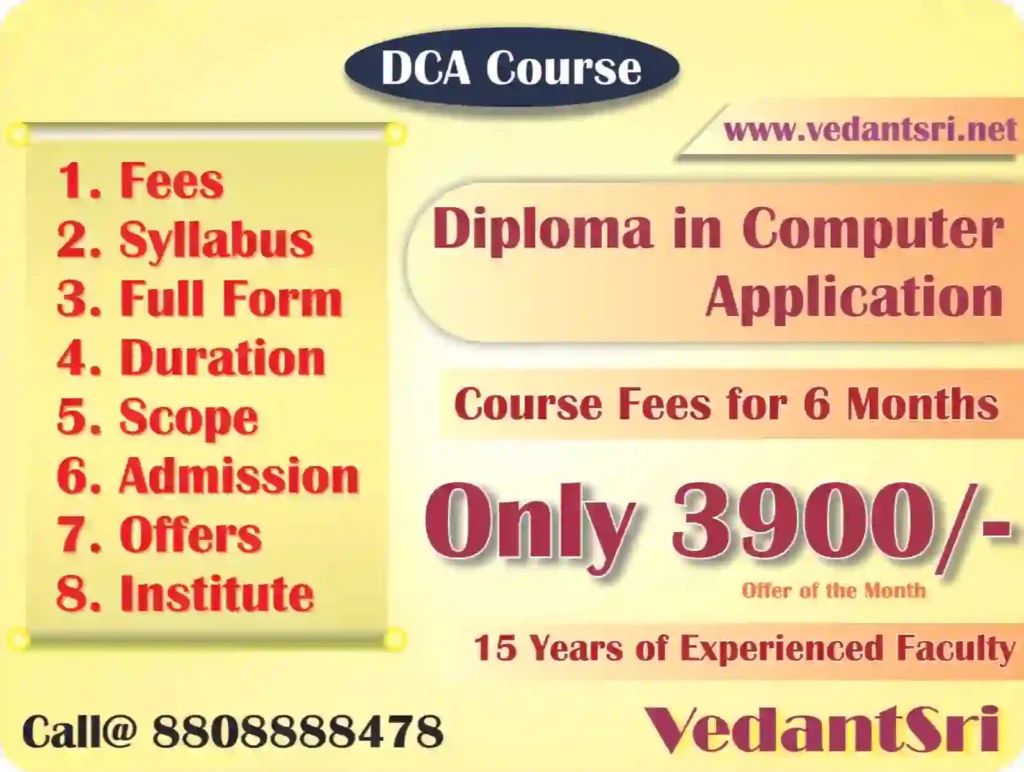
  1. DCA (Diploma in Computer Application) (Offer Fees of March 2026 – INR 3,900)
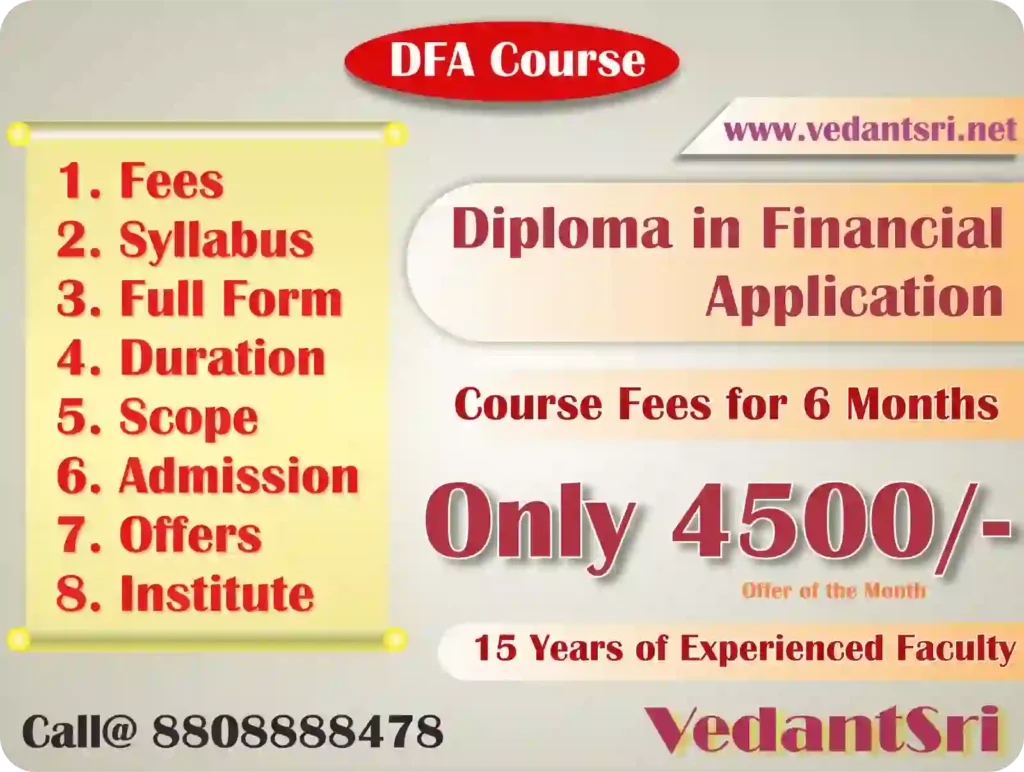
  2. DFA (Diploma in Financial Accounting) (Offer Fees of March 2026 – INR 4,500)
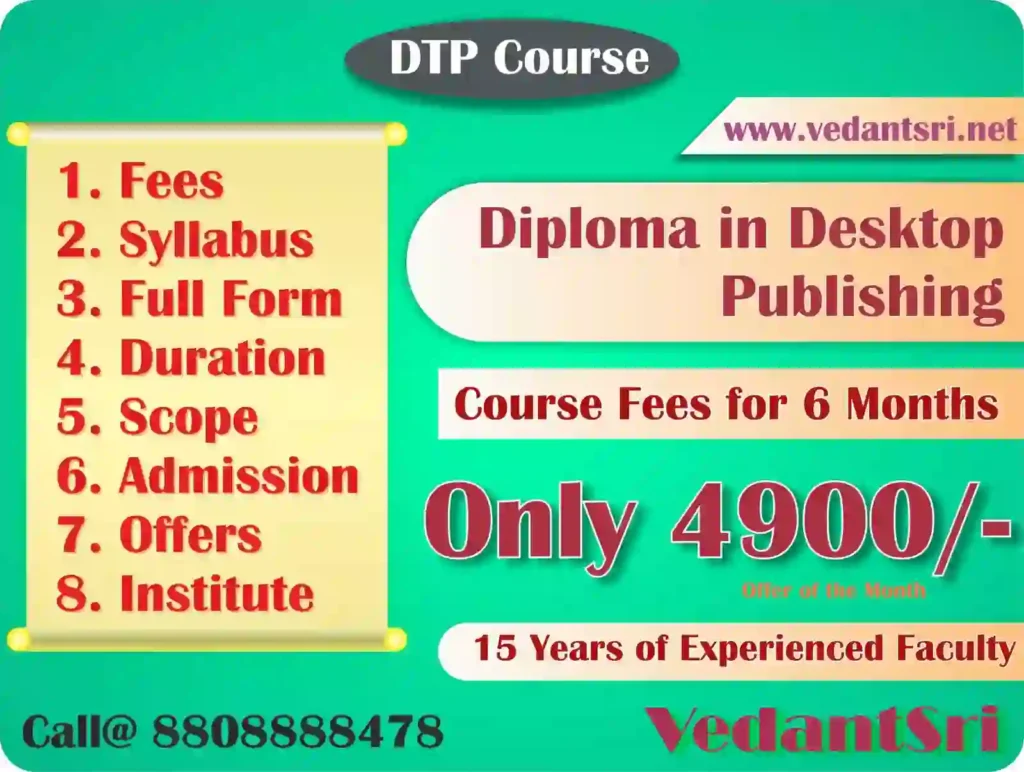
  3. DTP (Diploma in Desktop Publishing) (Offer Fees of March 2026 – INR 4,900)

Now, Know the Details about the Top 3 Computer Diplomas Below

1-DCA (Diploma in Computer Application) (Offer Fees – INR 3,900)

It is a diploma course that specialises in computer applications. In This Course, there are essential and foundational subjects that are expounded to engineering and computer applications. This course is especially suitable for those who have passed 10th with computer collectively of the themes, but it’s not mandatory. This course is open to any student who has passed 10th in any subject with a minimum of 45% marks. Top 3 Computer Diploma Courses.

Read – DCA Course Fees, Duration, Scope, Syllabus, Admission, Institutes & Jobs in Varanasi

Top 3 Computer Diploma Courses, 6 Months of Computer Diploma, After 12th Pass Out Computer Courses

2-DFA (Diploma in Financial Accounting)

DFA is a Financial and Accounting Course, which is used for Accounting purposes of Firms and businesses. This Course Comes With Accounting, Payroll, Billing Import, export, Banking, Inventory, etc. Top 3 Computer Diploma Courses.

Also Read: – DFA Course Fees, Syllabus, Duration, Scope, Jobs, and Institute in Varanasi

Top 3 Computer Diploma Courses, 6 Months of Computer Diploma, After 12th Pass Out Computer Courses

3-DTP (Diploma in Desktop Publishing)

The Complete Information on the DTP Course is vital for those students who have an interest in outlining/drawing and fine art since this course is associated with the fine art on the PC with its devices and applications.

Link – DTP Computer Course Institute, Top 10 Best Skills, Duration, Syllabus, Eligibility, Fees, Full Details and Jobs

Top 3 Computer Diploma Courses, 6 Months of Computer Diploma, After 12th Pass Out Computer Courses

Also Read: – ADCA Course Fees, Duration, Scope, Syllabus, Admission, Institutes & Jobs in Varanasi

6 Months of Computer Diploma Courses

In this 6-month Diploma course, students will Learn the 3 best Job Opportunity Courses: DCA, DFA, and DTP. This 6-month course will help the learners enhance their computer skills.

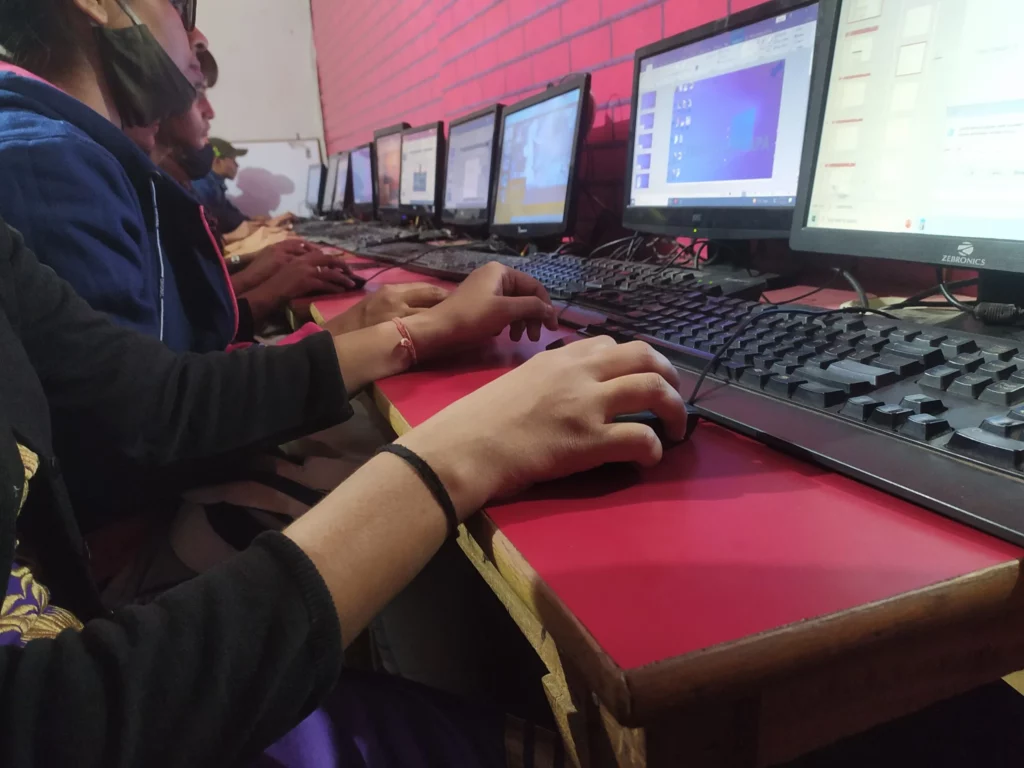
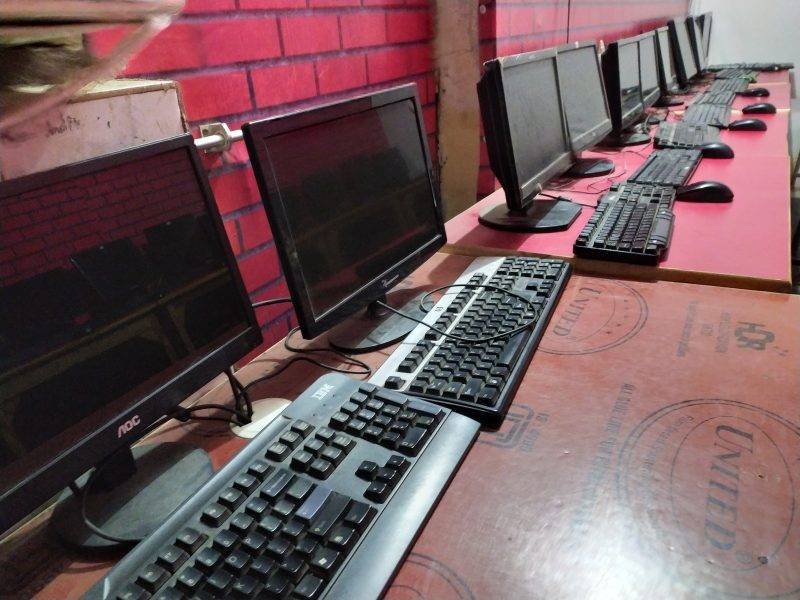
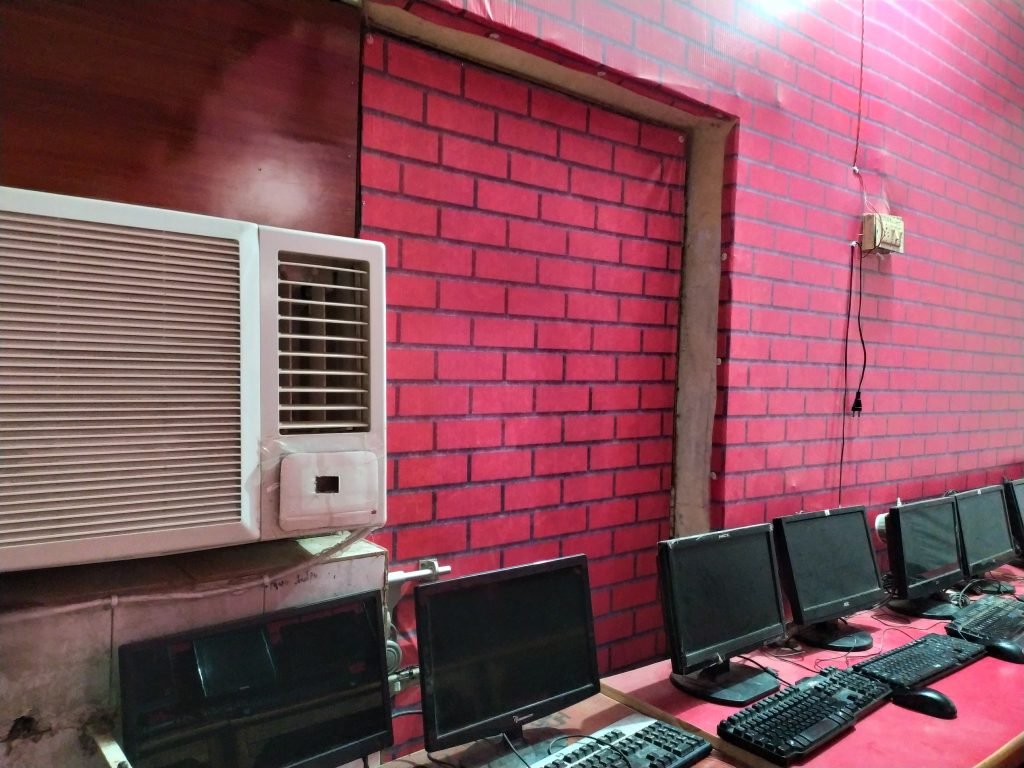
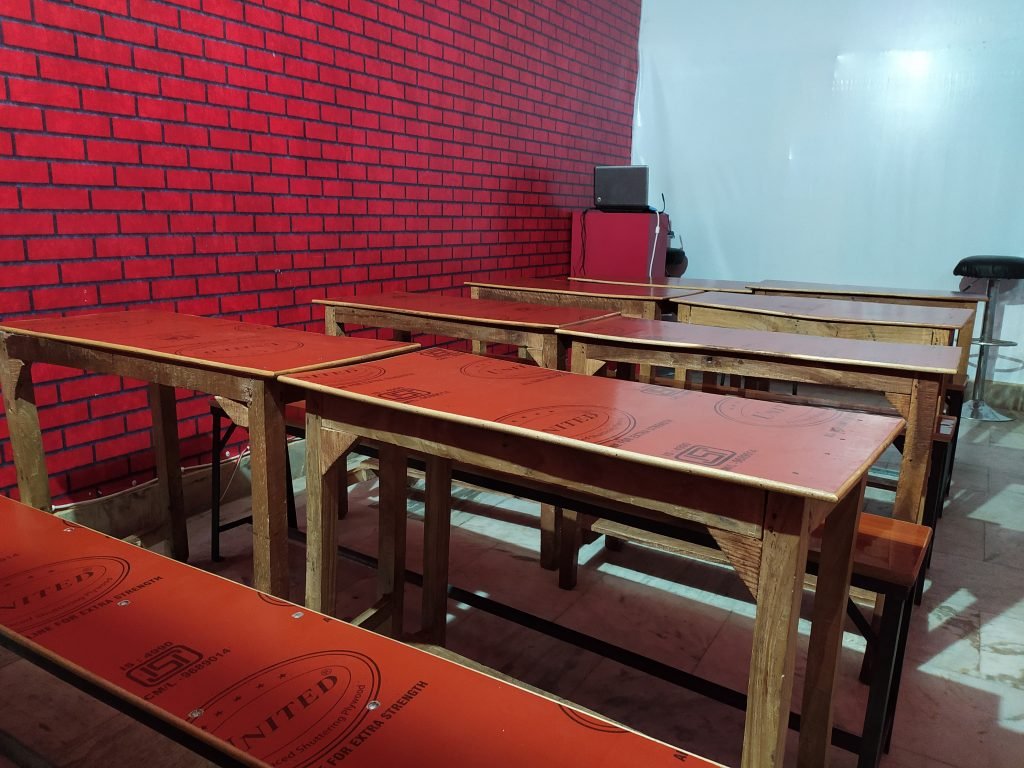
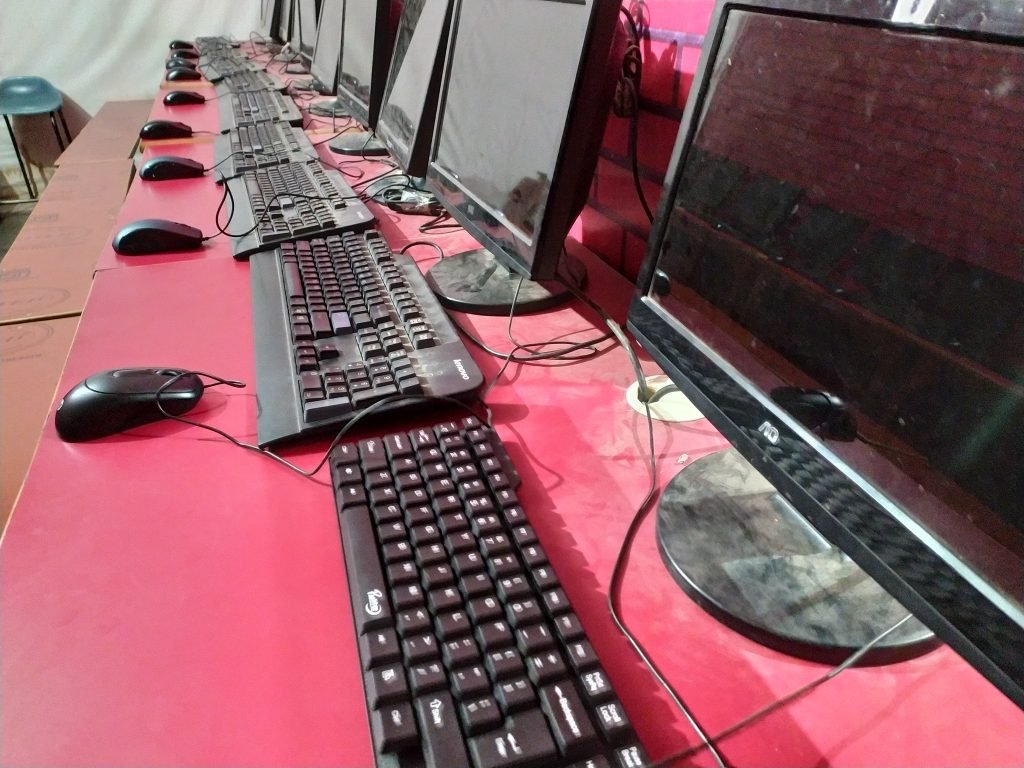
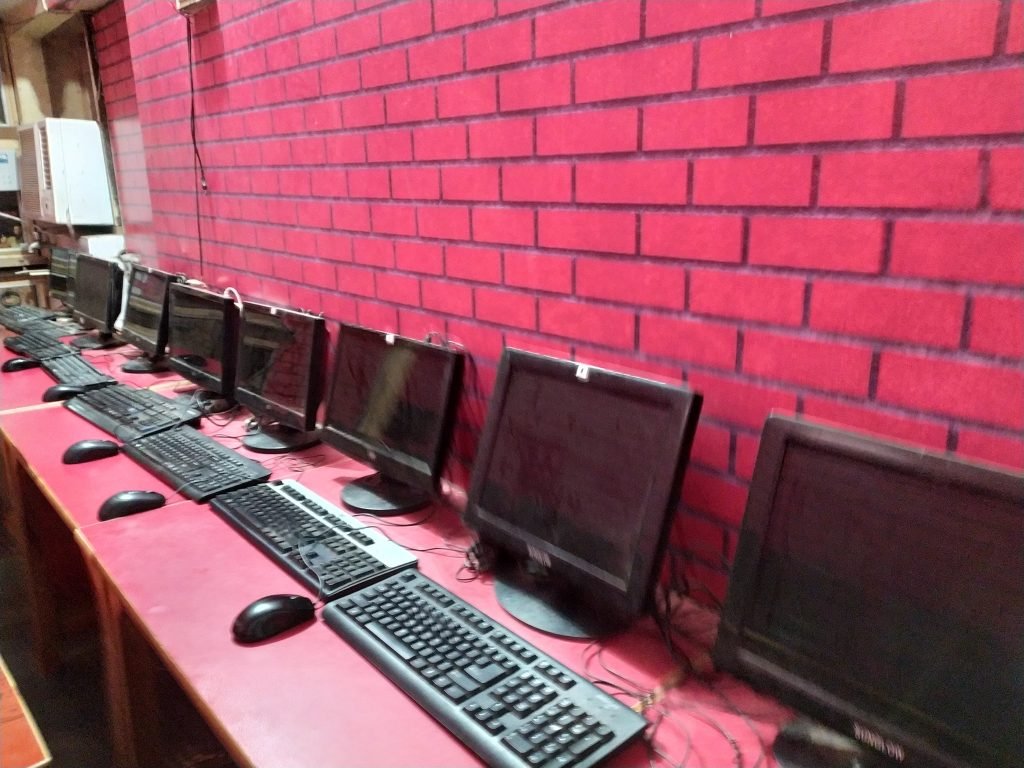
VedantSri Lab
VedantSri Lab

After the 12th Pass Out Computer Courses

This Is The best course for those who have recently passed 12th. This 6-month computer Diploma course comes with Great Skills And Job Opportunities.

Also Read: – About O Level Course, Top 1 Best Syllabus, Duration, Fees, Scope, Institute, and Jobs in Varanasi

What Skills Do We Get from These Courses?

Skills We Can Acquire after Completing This Course:-

  • Able To Work On a Computer.
  • Skilful Office Work, Such as Documentation and Data Management.
  • Knowledge Of MS Word, Excel, PPT, Internet, Accounting, GST, Taxation, Billing.
  • Basic skills in computer Administration.
  • Knowledge of Financial Accounting.
  • Able To Record Company Transactions.
  • Skill in content Design for Company products and service promotion.
  • Detailing About Graphic Design.
  • Online Data Processing and Communication.
  • Desktop Publishing in Office Jobs.
  • Digital Marketing, Affiliate Marketing, Content Writing, SEO (Search Engine Optimisation)
  • Animations, Transition, Presentation, Slides, PPT
  • Spreadsheet, Worksheet, Workbook, Excel Sheet
  • Digital Media Designing, Print Media Designing, and Social Media Designing.
  • Web View, App View, Advertising Content Design

Also Read: – CCC Course Fees, Syllabus, Duration, Scope, Jobs, and Institute in Varanasi

Top 3 Computer Diploma Courses, 6 Months of Computer Diploma, After 12th Pass Out Computer Courses

Syllabus of 6 Months of Computer Diploma in the Best Computer Training Institute

DCA (INR 3,900)DFA (INR 4,500)DTP (INR 4,900)
Basics/Fundamentals of ComputerBasics/Fundamentals of Computer AI Designing
OS Layout, Settings, Assembling, SoftwareOS, System Management, Keys CommandAI Manipulations
Word 2026 Handwritten Notes (Updated)Each Tool Explained on HD Projector ScreenBusiness Promotional Design
Online/Offline Advanced Jobs Related ProjectsClient, Customer, Products, Services DBMSSMM Designing
Advanced YouTube ManagementEach Tool Explained on HD Projector ScreenClient Digital Design
Online/Offline Jobs Related Words ProjectsOnline/Offline Jobs Related Excel ProjectsWeddings Design
Excel 2026 Edition: Latest in the WorldAdv. Print/Billing ManagementAds Designing
Spreadsheet/Worksheets Jobs TrainingAdvance AccountingFlex, Banner Designing
The sum of 100 Projects TrainingAdv. Tally PRIME Gold/SilverPages, Profile, Blogs, Thumbnail-
Presentation 2026 Edition LatestVouchers, Ledgers, and Company Management-Websites, Apps, Software Design
Cartoons Video, Links Slides, Object PPTPRIME 2026 Easy Explained NotesContent Design
Online/Offline Jobs Related PPT Projects41 Vouchers TrainingsVideo Templates Design
Advance InternetTaxation AccountingItems, Cart, Store Design
Create Business Websites/Blogs/PagesAccounts with Features/ConfigurationsServices Designing
Search Engine Optimisation with AIReports ManagementDocument Designing
Social Media Marketing (SMM)Adv. Theory for Non-Accounting AlsoCelebration Designing
Affiliate/Digital Marketing with AIBillings ManagementGraphics Designing
Prompt Engineering With AIWord 2024 Edition Latest in 2025Design for Marketing
Vouchers, Ledgers, Company ManagerOnline/Offline Jobs Related Word ProjectPrint Management
Freelancing Jobs TrainingExcel 2024 Edition Latest in 2025Card Designing
Tally PRIME AccountingSpreadsheet/Worksheets Jobs Training Photo Editing
9 Vouchers TrainingAdvance Internet Logo Designing
Taxation AccountingArtificial intelligence (AI) Digital illustration
Accounts with Features/ConfigurationsSEO, DM, AM, SMM, FJT, PEAProducts Designing
Reports ManagementSum of 100’s Projects Training100’s of Adv. Jobs Training
Compare DCA, DFA, and DTP

Also Read: – DIT Course Details, Fees, Duration, Scope, Syllabus, Admission, Institutes & Jobs

Duration of 12th Pass Out Computer Courses?

Most importantly, this 6-month Course is a professional certificate. Thus, its duration is 6 months.

Top 3 Computer Diploma Courses, 6 Months of Computer Diploma, After 12th Pass Out Computer Courses

Application: What We Learn Through This Course?

  1. Basics of Computer, Fundamentals, System Assemblies, Software, Hardware.
  2. MS Word 2025, Documentation, Font, Para, Page and Print Formatting.
  3. Excel 2025 Latest, Data Management and Functions Related to more than 40 Projects
  4. MS PowerPoint 2025 Latest, Text, Object, Shape, Image, Video, Audio, Cartoon, Animation
  5. Advance Internet
  6. Tally PRIME and Taxation (GST, Excise, Service Tax, TCS, TDS)
  7. Digital and Affiliate Marketing
  8. Photoshop, Print Media, Social Media, Digital Media Design
  9. CorelDRAW Latest, Graphic and Content Designing
Top 3 Computer Diploma Courses, 6 Months of Computer Diploma, After 12th Pass Out Computer Courses

Also Read: –Top 3 Computer Diploma Courses, 6 Months of Computer Diploma, After 12th Pass Out Computer Courses.

Admissions Fee for This 12th Pass Out Computer Course?

The Admission Fees for this course are

  1. DCA:- Course Fees in the market INR 6,500, but VedantSri Offers Fees INR 3,900 only
  2. DFA:- Course Fees in the market are INR 7,500, but VedantSri Offers Fees of INR 4,500 Only
  3. DTP:- Course Fees in the market INR 10,500, but VedantSri Offers Fees INR 4,900 only
Top 3 Computer Diploma Courses, 6 Months of Computer Diploma, After 12th Pass Out Computer Courses

Also Read: – OM Course Fees, Duration, Scope, Syllabus, Admission, Institutes & Jobs in Varanasi

Offer In 6 Months of Diploma Courses in the Top 1 Best Computer Training Institute

If people want to learn the Best Computer Course in Varanasi, then they also need to Learn Computer Typing And English Speaking. Top Best Computer Courses

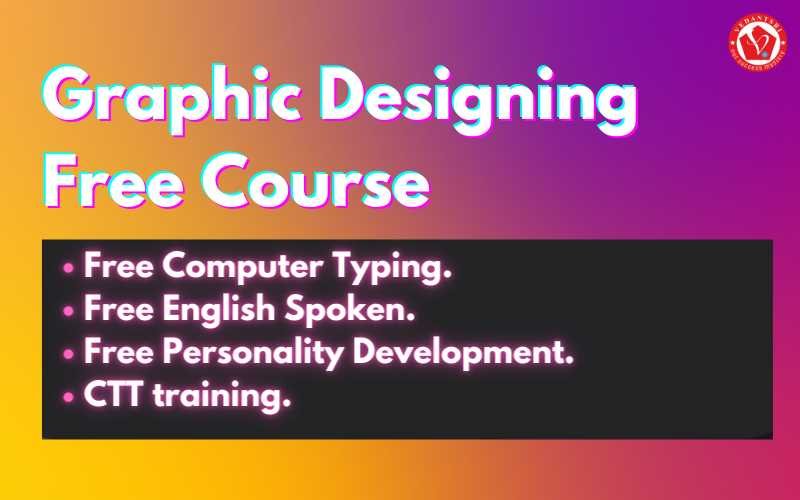
But the Good news for those who want to learn this 6-month Diploma course. VedantSri is providing 4 courses completely Free in an offer and Free Courses Such As:-

  • Free Computer Typing for 45 Days.
  • English Spoken For 45 Days.
  • Free Personality Development.
  • CTT training. Top Best Computer Courses

Read Also: – Tally Course Fees, Duration, Scope, Syllabus, Admission, Institutes & Jobs in Varanasi

Top 3 Computer Diploma Courses, 6 Months of Computer Diploma, After 12th Pass Out Computer Courses

Read Also: – MS Office Course Fees, Duration, Scope, Syllabus, Admission, Institutes & Jobs in Varanasi

Facilities In 6 Months of Diploma Courses?

Also, there are many facilities for This Course, Such As:-

  1. Projector Screen Classroom.
  2. 4-way Technique.
  3. Project-Based Training.
  4. Online Test Facilities.
  5. Online Blog Support.
  6. Free Courses Training.
  7. CTT Training: Top Best Computer Courses

Free Courses Included in 6 Months of Diploma Courses?

Moreover, there are so many extra free Courses Such As:-

  1. Typing Training.
  2. Personality Development.
  3. CTT Training.

Also Read: Photoshop Fees, Duration, Scope, Syllabus, Admission, Institutes & Jobs in Varanasi

Top 3 Computer Diploma Courses, 6 Months of Computer Diploma, After 12th Pass Out Computer Courses

Jobs Opportunity After Completing a 6-Month Diploma Course?

  • Computer Operator
  • Desktop Publishing Operator
  • Personal and Professional Document Creator
  • Office Data Operation Executive
  • Data Entry Accountant
  • Bills and Invoice Manager
  • Account and Finance Manager
  • Marketing and Advertising
  • Company Product and Services Promoter
  • Digital and Print Media Designer
  • Company Web and Apps Content Manager and Publisher
  • Graphic Designer
  • Online Data Communicator, Top Best Computer Courses

Teaching Language for This Course?

The language taught here is English. However, you can learn it in either Hindi or English.

FAQs

Q: What are the eligibility criteria for the DFA, DCA, and DTP courses in the Computer Training Institute?

A: The primary eligibility criterion is the completion of 10+2 or equivalent from a recognised board. Basic knowledge of computers is preferred but not mandatory.

Q: Can I pursue the DFA, DCA, and DTP courses online?

A: Yes, many institutes offer online DFA, DCA and DTP courses, providing flexibility for working professionals and students who prefer distance learning.

Q: What are the career prospects after completing the DFA, DCA, and DTP courses?

A: Various career opportunities in the IT and accounting fields, such as Computer Operator, Data Entry Operator, Web Designer, Software Developer, Network Administrator, and more.

Q: How do I choose the right institute for the DFA, DCA, and DTP courses in Varanasi?

A: Consider factors like the institute’s reputation, course curriculum, instructor expertise, practical training and placement assistance, and course fees when choosing an institute.

Q: Is there any entrance exam for the DFA, DCA, and DTP courses?

A: Most institutes do not require an entrance exam. Admission is usually based on academic qualifications and a personal interview.

Q: What are the fees for the DFA, DCA, and DTP course syllabi?

A: DFA Fees INR 4,500 | DCA Fees INR 3,900 | DTP Fees INR 4,900

Q: Is DFA, DCA, DTP good for a job?

A: Sure, because the DFA, DCA, DTP Course Content has Official Jobs Training, Internet Blog, Content Management and Promotion Skills, Accounting, Billing, Inventory, Stock Management, Order, Payroll, Content Designing, Graphic Designing, Etc. All these works are important in each type of business, so if a candidate has DFA, DCA, DTP Skills, then definitely he is capable of getting Good jobs for his Dream Achievement.

Q: What is the duration of the DFA, DCA, and DTP certificates?

A: As soon as the Certificate is achieved, when the Course is completed, and the Course Certificate Completion Duration is 6 months only.

Important Link

BCC Course Details, Fees, Duration, Scope, Syllabus, Admission, Institutes & Jobs

BCC Course Details, Fees, Duration, Scope, Syllabus, Admission, Institutes & Jobs

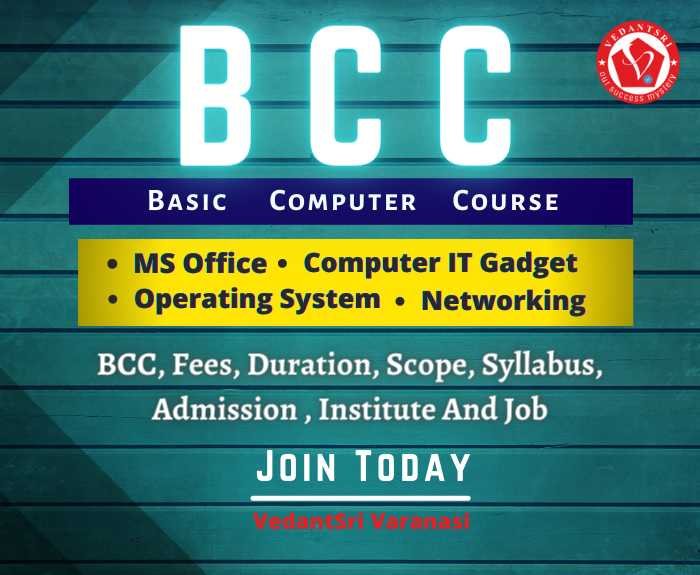
What Is BCC?

Basic Computer Course (BCC) is an essential PC instructional class to prepare an individual to utilise PCs for expert and personal use. It is an Essential Computer Course (BCC), And The goal of the course is to provide a basic-level PC appreciation program with more emphasis on hands-on preparation. (BCC Course Details)

BCC Course Details, Fees, Duration, Scope, Syllabus, Admission, Institutes & Jobs
BCC Course Details

Also Read:-Java Course Details, Fees, Duration, Scope, Syllabus, Admission, Institutes & Jobs

Why do We Need To Learn BCC Courses?

This Course can equip people to use computers in daily life for professional and personal use. After Learning this Course, We Can Learn.
1- Create a Document.
2- Understanding File Manager and Data.
3- Use computers to develop Skills.
4- Able to Create a Presentation.
5- Able to Use Social Media Platforms. (BCC Course Details)

Complete Form of BCC?

The full form of BCC is Basic Computer Course.

What Skills Do We Get from Learning BCC?

There are Some Very Useful Skill That We Get From BCC, Such As:-
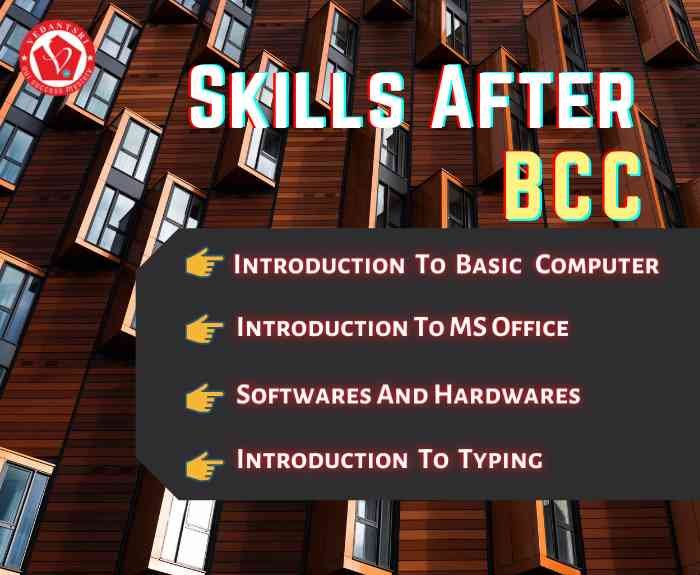
1- Introduction To Basic Computer.
2- Learn About Basic MS Office.
3- Students Will Learn Basic Knowledge About the Internet.
4- Able To Learn basic Documentation and Presentation.
5- Knowledge about Software and Hardware. (BCC Course Details)

BCC Course Details
BCC Course Details

Also Read:-Web Designing Course Details, Fees, Duration, Scope, Syllabus, Admission, Institutes & Jobs

Duration of BCC?

Most importantly, BCC is a professional expert certificate. Thus, its duration is 45 Days.

Applications Taught In BCC?

1- Computer IT Gadget.
2- Connecting Keyboard, Mouse, Monitor, and Printer to CPU.
3- Operating system.
4- Notepad.
5- Paint.
9- Wordpad.
10- MS Word.
11- MS Excel.
12- MS PowerPoint.
13- UPI (Unified Payment Interface).
14- AEPS (Aadhaar Enabled Payment System). (BCC Course Details)

BCC Course Details, Fees, Duration, Scope, Syllabus, Admission, Institutes & Jobs
BCC Course Details

Also Read:- Tally Course Fees, Duration, Scope, Syllabus, Admission, Institutes & Jobs in Varanasi

Syllabus of BCC Course?

1- Introduction To Computers.
2- About the Operating System.
3- User Interface for Desktop and Laptop.
4- Working With Spreadsheets.
5- Paint.
9- Wordpad.
10- MS Word.
11- MS Excel.
12- MS PowerPoint.
13- UPI (Unified Payment Interface).
14- AEPS (Aadhaar Enabled Payment System). (BCC Course Details)

BCC Course Details, Fees, Duration, Scope, Syllabus, Admission, Institutes & Jobs
BCC Course For Skills

Admission Fees for BCC Courses?

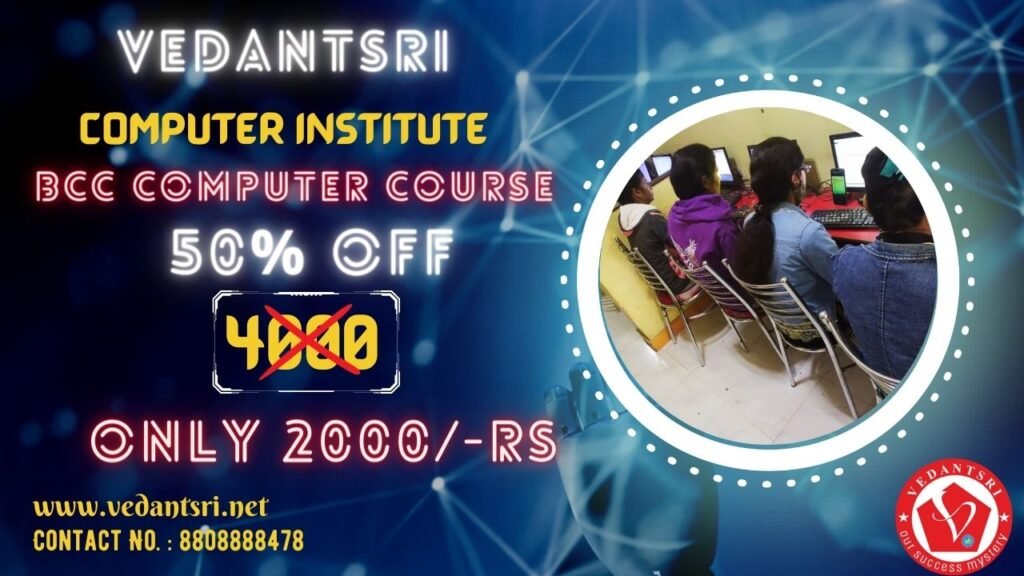
The Admission Fees for the BCC course are about 4000 to 6000. However, VedantSri provides BCC in Varanasi for Just 2000/- Total and No Extra Admission Charges.

Discount in BCC Course?

However, Time to Time VedantSri Institute provides a Discount on different offers.
Hence, currently, the VedantSri Discount offer is 50% off on any course Fees, and also the admission Fee is FREE in this offer.

Also Read:- CCC Course Fees, Syllabus, Duration, Scope, Jobs, and Institute in Varanasi

BCC Computer Course Fees Details 1
BCC Course Details, Fees, Duration, Scope, Syllabus, Admission, Institutes & Jobs 36

Facilities in BCC?

Also, there are many facilities at BCC, Such As:-
1-Projector Screen Classroom.
2- 4-way Technique.
3- Project-Based Training.
4- Online Test Facilities.
5- Online Blog Support.

Also Read: – About O Level Course, Top 1 Best Syllabus, Duration, Fees, Scope, Institute, and Jobs in Varanasi

Way to Teach of BCC Course?

There are intelligent ways VedantSri uses for teaching.
1- Project-Based.
2- Best Knowledgeable Teachers teach the student with the projector.
3- Provided a single system for a single student.
4- Time-to-time test is taken with the related course.
5- Live presentation.
6- Alternate Days Theory, Projects, and Practical Session.
7- If the student skips their labour theory, then the class video is available on the VedantSri Android apps.
8- Provided the Latest Project Training.
9- Online Test.
10- Practical Classes.

BCC Course Details, Fees, Duration, Scope, Syllabus, Admission, Institutes & Jobs
BCC Course Institute | BCC Course For Jobs

Course Category of BCC?

The course Category of BCC is the Basic Certificate Course.

Job Placement in BCC?

1- Documentation Work.
2- Typing Work.
3- Presentation Work.
4- Basic Jobs Related to Computers.

Does Computer Basic Knowledge Require For BCC?

At Last No, Computer Basic Knowledge is not required for BCC. Thus, moreover, basic knowledge is taught in BCC.

Teaching Language in BCC?

The language taught here is English. However, you can learn it in either Hindi or English.

BCC Course Details, Fees, Duration, Scope, Syllabus, Admission, Institutes & Jobs
BCC Course Details, Fees, Duration, Scope, Syllabus, Admission, Institutes & Jobs 37

1-VedantSri Official Website:- https://vedantsri.com

2-Student Support Website:- https://vedantsri.in

FAQs

Q: What are the eligibility criteria for the BCC Computer course

A: Anyone can apply, though most learners are 8th pass, 10th pass, or higher.

It is open to school students, college students, job seekers, and working professionals.

Q: Can I pursue the BCC course online?

A: Yes, you can pursue the BCC (Basic Computer Course) online, because NIELIT (National Institute of Electronics & Information Technology), the government body that runs BCC/CCC, officially provides it in both offline (through accredited centres) and online modes.

Q: What are the career prospects after completing the BCC course?

A: The BCC (Basic Computer Course) is designed to give you essential digital literacy, and it opens the door to both job opportunities and further studies.

It makes you eligible for entry-level jobs in the government. And the private sectors.
It gives you the confidence to handle computers in everyday life.

It prepares you for higher-level IT and computer courses, which lead to better-paying jobs.

Q: How do I choose the right institute for the BCC course in Varanasi?

A: TechTvik Software and Training Centre (Awaleshpur, Varanasi):
Verified by Sulekha, offers BCC/CCC courses

Delivers coaching via both classroom and online modes

Ideal for flexibility and local access.

Q: Is there any entrance exam for the BCC course?

A: No, there is no entrance exam for the BCC (Basic Computer Course).
The BCC course is an entry-level digital literacy program designed by NIELIT (Government of India) so that any students, job seekers, homemakers, or professionals can learn basic computer skills.

Q: What are the fees for the BCC course syllabus?

A: About the Operating System.
User Interface for Desktop and Laptop.
Working With Spreadsheets.
Paint.
Wordpad.
MS Word.
MS Excel.
MS PowerPoint.
UPI (Unified Payment Interface).
AEPS (Aadhaar Enabled Payment System). (BCC Course Details)

INR 25,000 to 30,000

Q: Is the BCC course good for a job?

A: BCC builds a strong base in computer fundamentals.
After completing BCC, you can pursue higher-level courses like CCC, DCA, ADCA, or even specialised courses (Digital Marketing, Tally, DTP, etc.) to boost your job prospects further.

Q: What is the duration of the BCC Course certificate?

A: Usually 1 month (some institutes may stretch it to 6–8 weeks depending on batch schedule).

External Link

1-VedantSri Official Website:- https://vedantsri.com

2-Course Store Website:- https://vedantsri.in

3-Jobs Assist Website:- https://www.jobdo.in

4-MS Word Class:- https://mswordclass.com/

5-Corel Free Class:- https://corelclass.com/

6-Free Excel Class:- https://msexcelclass.com/
DCE Course Details, Fees, Duration, Scope, Syllabus, Admission, Institutes & Jobs

DCE Course Details, Fees, Duration, Scope, Syllabus, Admission, Institutes & Jobs

OverviewShort Description
What is the DCE Course?What is DCE’s full form?
Job Opportunities after the DCE CourseThe DCE Full form is Diploma in Computer Engineering
DCE Course Fees?On average, the course fees range from INR 20,000 to INR 30,000 for the entire program. But VedantSri institute offers Fees of INR 10,500 with flexible payment options and also scholarships for eligible students.
Duration of DCE Course?The DCE course duration is 18 Months, divided into four semesters.
Completion of 12th or equivalent from a recognised board.System Administrator
Office Executives
Data Account Operator
Blog Manager
Website Designer
Data Entry Operator
Computer Network Manager
Content Designer
Graphic Designer
IT Manager
SEO Operator
PPT Presentation Creator
Image Designer
Complete Syllabus of Updated DCE CourseMS Word Latest
Workbook Latest
Presentation Updated
Blogging
Affiliate Marketing
Freelancing
Social Media Marketing
Search Engine Optimising
Tally Prime
Taxation
Designing
Programming
Hardware
Networking
Web Designing
Admission Process in DCE CourseProjector Screen Classroom
4-ways Technique
Project-Based Training
Also, Online Test Facilities
Online Blog Support
Also, CTT Internship Training
Online Classes(free)
Internship Training on Office Work (free)
Project Presentation Training
Also, Live Presentation
Job Opportunities after the DCE CourseFacilities in the DCE Class?
Top Institutes For DCE CourseVedantSri Varanasi
Varanasi Institutes
Tally Sir Classes
FAQs of the DCE CourseBlog Manager
Website Designer
Data Entry Operator
Computer Network Manager
Content Designer
Graphic Designer
IT Manager
Accounts Operator
System Administrator
Office Executives
Data Account Operator
Offer in This Course?Computer Typing for 45 Months
English Spoken For 45 Months
Personality Development.
CTT training
CCC Classes.
FAQs of DCE Course
Summary of DCE Course Fees, Duration, Scope, Syllabus, Admission, Institutes & Jobs in Varanasi

What is DCE?

Computer Engineering is a course that focuses on the study and Evolution of computer software and hardware. This is a Technical degree below the undergraduate rank, which intends to provide students with some basic knowledge of engineering, science, computing, and mathematical techniques. This brings Lots of Knowledge And technical skills While Learning This course. DCE Course Details

DCE Course Details Fees Duration Scope Syllabus Admission Institutes Jobs by VedantSri
DCE Course Details, Fees, Duration, Scope, Syllabus, Admission, Institutes & Jobs 45

Also Read:- Java Course Details, Fees, Duration, Scope, Syllabus, Admission, Institutes & Jobs

Full Form of DCE

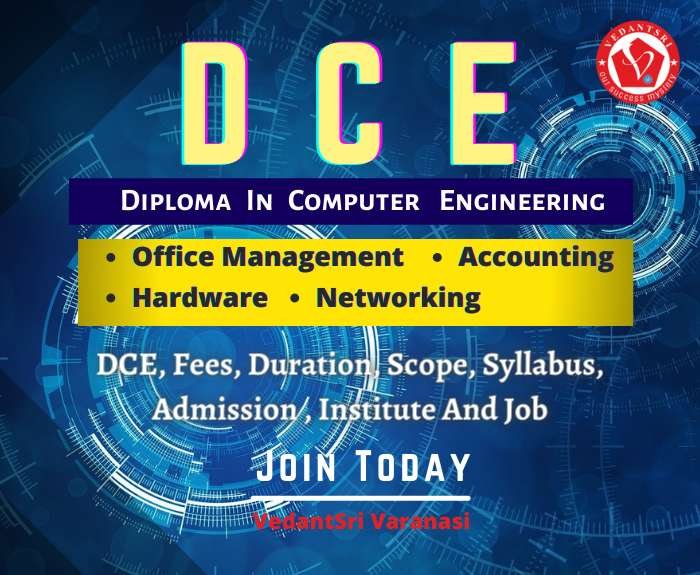
The full form of DCE is Diploma in Computer Engineering. DCE Course Details

Why DCE is Demanded

The demand for computer engineers will grow more quickly than most other Professions during the next eight years, thanks to Streams in electronic records, wireless technology, data processing, and information security. Computer engineers interested in data integrity and protection help create data management systems, and those interested in working for the military design embedded devices or supercomputers that create war simulations. DCE Course Details

DCE Course Details, Fees, Duration, Scope, Syllabus, Admission, Institutes & Jobs
DCE Course Details, Fees, Duration, Scope, Syllabus, Admission, Institutes & Jobs 46

Also Read:- Web Designing Course Details, Fees, Duration, Scope, Syllabus, Admission, Institutes & Jobs

Duration of DCE

DCE is a professional expert certificate, and its duration is 18 months.

Applications Taught In DCE

  • MS Word Latest
  • Workbook Latest
  • Presentation Updated
  • Blogging
  • Affiliate Marketing
  • Freelancing
  • Social Media Marketing
  • Search Engine Optimising
  • Tally Prime
  • Taxation
  • Designing
  • Programming
  • Hardware
  • Networking
  • Web Designing
DCE Course Details, Fees, Duration, Scope, Syllabus, Admission, Institutes & Jobs
DCE Course Details, Fees, Duration, Scope, Syllabus, Admission, Institutes & Jobs 47

Also Read:- Tally Course Fees, Duration, Scope, Syllabus, Admission, Institutes & Jobs in Varanasi

Syllabus of DCE Course

  • MS Word
  • Excel
  • MS PowerPoint
  • Advance Internet
  • Tally Prime
  • Photoshop
  • Coreldraw
  • Programming
  • Hardware
  • Networking
  • Web Designing

Also Read:- CCC Course Fees, Syllabus, Duration, Scope, Jobs, and Institute in Varanasi

Admission Fees for DCE Courses

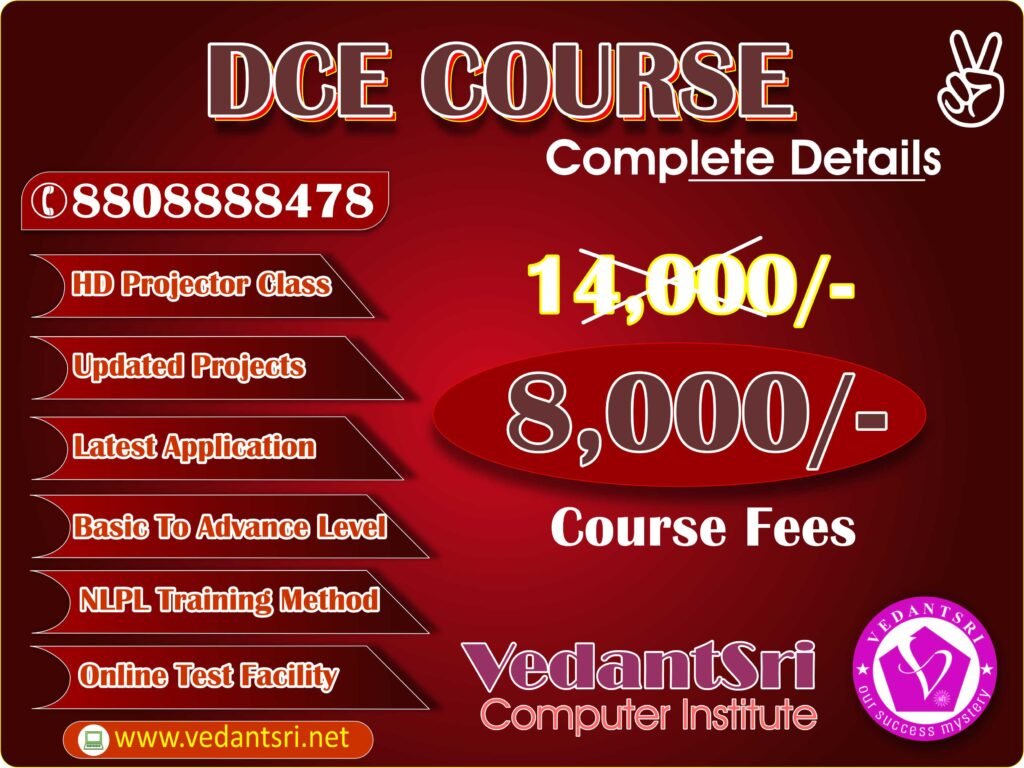
The Admission Fees for the DCE course are about 13000 to 14000. However, VedantSri provides DCE in Varanasi for just 8000/- Total and No Extra Admission Charges.

DCE Course Details, Fees, Duration, Scope, Syllabus, Admission, Institutes & Jobs
DCE Course Details, Fees, Duration, Scope, Syllabus, Admission, Institutes & Jobs 48

Discount in DCE Course

Time to Time VedantSri Institute provides a Discount on different offers. Hence, currently, the VedantSri Discount offer is 50% off on any course Fees, and also the admission Fee is FREE in this offer.

Also Read: Photoshop Course Fees, Duration, Scope, Syllabus, Admission, Institutes & Jobs in Varanasi

Facilities in DCE?

Also, there are many facilities on DCE, Such As

  • Projector Screen Classroom
  • 4-ways Technique
  • Project-Based Training
  • Online Test Facilities
  • Online Blog Support
  • Free Courses Training
  • CTT Training
DCE Course Details, Fees, Duration, Scope, Syllabus, Admission, Institutes & Jobs
DCE Course Duration

Also Read:- OM Course Fees, Duration, Scope, Syllabus, Admission, Institutes & Jobs in Varanasi

Way to Teach about the DCE Course

  • There are intelligent ways VedantSri uses for teaching
    Project-Based
  • The Best Knowledgeable Teachers teach the students with the projector
  • Provided a single system for a single student
  • Time-to-time test is taken with the related course
  • Live presentation. DCE Course Details
  • Alternate Days Theory, Projects, and Practical Session
  • If the student skips their lab or theory, then the class video is available on the VedantSri Android apps
  • Provided Latest Project Training
  • Online Test
  • Practical Classes

Also Read:- HTML Course Details, Fees, Duration, Scope, Syllabus, Admission, Institutes & Jobs

Course Category of DCE

The course Category of DCE is the certificate course.

DCE Course Details, Fees, Duration, Scope, Syllabus, Admission, Institutes & Jobs
DCE Course Institute

Job Placement in DCE

There are decent job placements if you learn DCE:-

  • System Administrator
  • Office Executives
  • Data Account Operator
  • Blog Manager
  • Website Designer
  • Data Entry Operator
  • Computer Network Manager
  • Content Designer
  • Graphic Designer
  • IT Manager
  • SEO Operator
  • PPT Presentation Creator
  • Image Designer

Also Read:- DCA Course, Fees, Duration, Scope, Syllabus, Admission, Institutes & Jobs in Varanasi

Does Computer Basic Knowledge Require For DCE

Computer Basic Knowledge is not Required For DCE because basic knowledge is taught in the DCE Course.

Teaching Language in DCE

The language taught here is English. However, you can learn it in either Hindi or English.

DCE Course Details, Fees, Duration, Scope, Syllabus, Admission, Institutes & Jobs
DCE Course Jobs

Q: What are the eligibility criteria for the DCE course?

A: If DCE = Diploma in Computer Engineering → Class 10 pass required (entrance exam for govt. colleges, direct in private).
If DCE = Diploma in Computer Education → Class 10 (or even 8th pass) is enough, admission is direct.

Q: Can I pursue the DCE course online?

A: Diploma in Computer Engineering (technical/polytechnic): Not fully online, but some distance/blended programs exist.

Q: What are the career prospects after completing the DCE course?

A: If you take Computer Engineering (polytechnic DCE), you open technical IT, software, and government job opportunities, plus higher education paths.

Q: How do I choose the right institute for the DCE course in Varanasi?

A: VedantSri Computer Institute:
ISO-certified and offers NIELIT-recognised courses, including DCE and DIT. Flexible online and offline modes, with placement support and QR-verified certificates.

Q: Is there any entrance exam for the DCE course?

A: If you are talking about the 3-year polytechnic diploma, then entrance exams like JEECUP (Uttar Pradesh Polytechnic Entrance Exam) are required in many states.
Admission is based on entrance rank + counselling.

Q: What are the fees for the DCE course syllabus?

A: INR 20,000 to 30,000

Q: Is DCE good for a job?

A: Junior Software Developer
IT Support Engineer / Network Technician
Hardware & Networking Engineer
Government/PSU jobs through polytechnic diploma eligibility

Q: What is the duration of the DCE certificate?

A: As soon as the Certificate is achieved, when the Course is completed, and the Course Certificate Completion Duration is 12 Months Only.

Important link

Java Course Details, Fees, Duration, Scope, Syllabus, Admission, Institutes & Jobs

Java Course Details, Fees, Duration, Scope, Syllabus, Admission, Institutes & Jobs

What Is Java?

Java is a programming language and registered trademark created by Sun Microsystems in 1995. It is a free programming language used to develop distributed applications that have suddenly spiked in demand on the Internet. When a software engineer writes a Java application, the compiled code runs on most operating systems (OS), including Windows, Linux, and macOS. (Java Course Details)

Java Course Details, Fees, Duration, Scope, Syllabus, Admission, Institutes & Jobs
Java Course Details

Also Read: – About O Level Course, Top 1 Best Syllabus, Duration, Fees, Scope, Institute, and Jobs in Varanasi

Why is there a demand for Java?

There are numerous applications and sites that can not work without Java installed, and more are being made every day. Java is fast, secure, and reliable. The world’s no. 1 mobile platform relies on Java, which is also widely used for Android smartphone apps.

Its base of massive business work areas takes a conclusive offer, however. Altogether, around 75% of Enterprise Desktops Run Java. Within the World, 90% of Desktops or Computers around the globe run artificial language. (Java Course Details)

Also Read: – About O Level Course, Top 1 Best Syllabus, Duration, Fees, Scope, Institute, and Jobs in Varanasi

What Skills Do We Get from Learning Java?

There are some very useful skills that we get from Java, Such As:-

  1. Knowledge About Web Frameworks.
  2. Markup Languages Like XML
  3. Java Testing Tools
  4. Code Version Control
  5. Design Patterns in Java

Duration of Java?

Most importantly, Java is a professional certificate. Thus, its duration is 2 months.

Java Course Details, Fees, Duration, Scope, Syllabus, Admission, Institutes & Jobs
Java Course Details

Are applications Taught In Java?

The applications you will learn about Java follows.

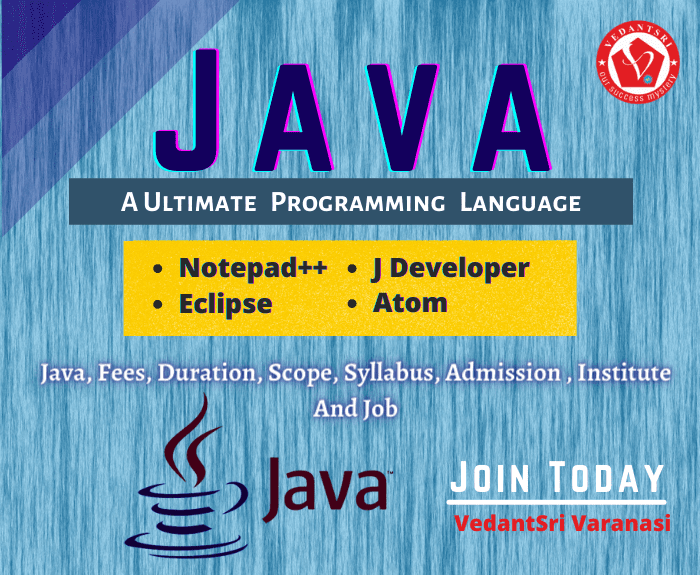
  1. Notepad++
  2. Atom
  3. Eclipse
  4. Blue J
  5. J Developer
  6. Greenfoot
  7. MyEclipse
Java Course Details
Java Course Details

Syllabus of Java Course?

The Java course Syllabus:-

  1. Introduction to Java
  2. About Programming Language
  3. Data Type
  4. Variables
  5. Method And Constructor In Java
  6. Arrays

Also Read: – About O Level Course, Top 1 Best Syllabus, Duration, Fees, Scope, Institute, and Jobs in Varanasi

Admission Fees for Java Courses?

The Admission Fees for the Java course are about INR 3500 to INR 4000. However, VedantSri provides Java in Varanasi for just only. INR 2000 Rs Total and No Extra Admission Charges. (Java Course Details)

Offer a Java Course?

If people want to learn the Best Computer Course in Varanasi, then they also need to learn Computer Typing and English Speaking courses.
But the Good news is for those who want to learn Graphic Designing. VedantSri is providing 4 courses completely Free in an offer and Free Courses Such As:-
Free Computer Typing for 45 Days.
English Spoken For 45 Days.
Free Personality Development.
CTT training (Java Course Details)

Java Course Details, Fees, Duration, Scope, Syllabus, Admission, Institutes & Jobs
Java Course Jobs

Also Read: – About O Level Course, Top 1 Best Syllabus, Duration, Fees, Scope, Institute, and Jobs in Varanasi

Discount on Java Course?

However, Time to Time VedantSri Institute provides a Discount on different offers.
Hence, currently, the VedantSri Discount offer is 50% off on any course Fees, and also the admission Fee is FREE in this offer.

Facilities in Java?

Also, there are many facilities on Java, Such As:-
Projector Screen Classroom.
4-ways Technique.
Project-Based Training.
Online Test Facilities.
Online Blog Support.
Free Courses Training.
CTT Training

Also Read: – About O Level Course, Top 1 Best Syllabus, Duration, Fees, Scope, Institute, and Jobs in Varanasi

Extra Free Course in Java offer?

Moreover, there are so many extra free Courses in Java, Such As:-
Typing Training.
Personality Development.
CTT Training.

Way to Teach a Java Course?

There are intelligent ways VedantSri uses for teaching.

  1. Project-Based.
  2. The Best Knowledgeable Teachers teach the students with the projector.
  3. Provided a single system for a single student.
  4. Time-to-time test is taken with the related course.
  5. Live presentation.
  6. Alternate Days Theory, Projects, and Practical Session.
  7. In the meantime, if the student skips their lab or theory, then the class video is available on the VedantSri Android apps.
  8. Provided the Latest Project Training.
  9. Online Test.
  10. Practical Classes
Java Course Details, Fees, Duration, Scope, Syllabus, Admission, Institutes & Jobs
Java Course Institutes

Course Category of Java

The course Category of Java is the certificate course.

Job Placement in Java?

There are decent job placements if you learn Java:-

  1. Java Developer
  2. Junior Programmer
  3. Senior Programmer
  4. IT Manager
  5. Android Development
  6. EE Developer

Does Computer Basic Knowledge Require For Java?

At Last, no Computer basics knowledge is required for Java. Thus, moreover, basic knowledge is taught in Java.

Teaching Language in Java?

The language taught here is English. However, you can learn it in either Hindi or English.

Java Course Details, Fees, Duration, Scope, Syllabus, Admission, Institutes & Jobs
Java Course Institutes | Java Course Jobs

FAQs

Q: What are the eligibility criteria for the Java course?

A: For advanced or job-oriented Java programs, a 12th pass with some programming knowledge is preferred.

Q: Can I pursue the Java course online?

A: Yes, many institutes offer online Java courses, providing flexibility for working professionals and students who prefer distance learning.

Q: What are the career prospects after completing the Java course?

A: Full-Stack Developer (Java + Frontend frameworks like Angular/React)
Enterprise Application Developer (using Spring, Hibernate, Microservices)
Cloud Developer (Java + AWS/Azure/Google Cloud)
Big Data Developer (Java + Hadoop, Spark, Kafka)
Java Architect / Solution Architect
Freelancing → Build Java-based web apps, mobile apps, or custom solutions for businesses.
Government/Banking/Enterprise IT jobs → Java is widely used in enterprise and secure systems (banking software, ERP).
Higher Studies → Use Java skills as a foundation for MCA, M.Tech, or specialised certifications.
Teaching / Training → If you gain strong expertise, you can also teach Java offline or online.

Q: How do I choose the right institute for the Java course in Varanasi?

A: Consider factors like the institute’s reputation, faculty experience, infrastructure, placement assistance, and course fees when choosing an institute.

Q: Is there any entrance exam for the Java course?

A: Most institutes do not require an entrance exam. Admission is usually based on academic qualifications and a personal interview.

Q: What are the fees for the Java course syllabus?

A: INR 3,500 to 4000

Q: Is ADCA good for a job?

A: High Demand Worldwide
Java is used by big companies, startups, and government organisations.
Banks, insurance, telecom, healthcare, and e-commerce all rely on Java-based enterprise software.
Learning Curve
Java is relatively beginner-friendly compared to C++ or advanced languages.
Once you know Java, it’s easier to switch to Kotlin, Scala, Python, or C#.

Q: What is the duration of the Java certificate?

A: As soon as the Certificate is achieved, when the Course is completed, and the Course Certificate Completion Duration is 2 Months only.

External Link

HTML Course Details, Fees, Duration, Scope, Syllabus, Admission, Institutes & Jobs

HTML Course Details, Fees, Duration, Scope, Syllabus, Admission, Institutes & Jobs

What Is HTML?

HTML is a Code that is used to structure a web page and its content. It defines the Structure of Your Content And the standard text formatting language used for creating and displaying pages on the Web. Programming Languages might share similarities; however, they all have their own Syntax and construction. HTML Course Details

HTML Course Details, Fees, Duration, Scope, Syllabus, Admission, Institutes & Jobs VedantSri Class

Also Read: – About O Level Course, Top 1 Best Syllabus, Duration, Fees, Scope, Institute, and Jobs in Varanasi

What Is the Demand For HTML?

HTML could be a Code that’s used to structure an online page and its content. It defines the Structure of Your Content and, therefore, the quality text formatting language used for creating and displaying pages on the net. Programming Languages might share similarities; however, all of them have their own Syntax and construction.

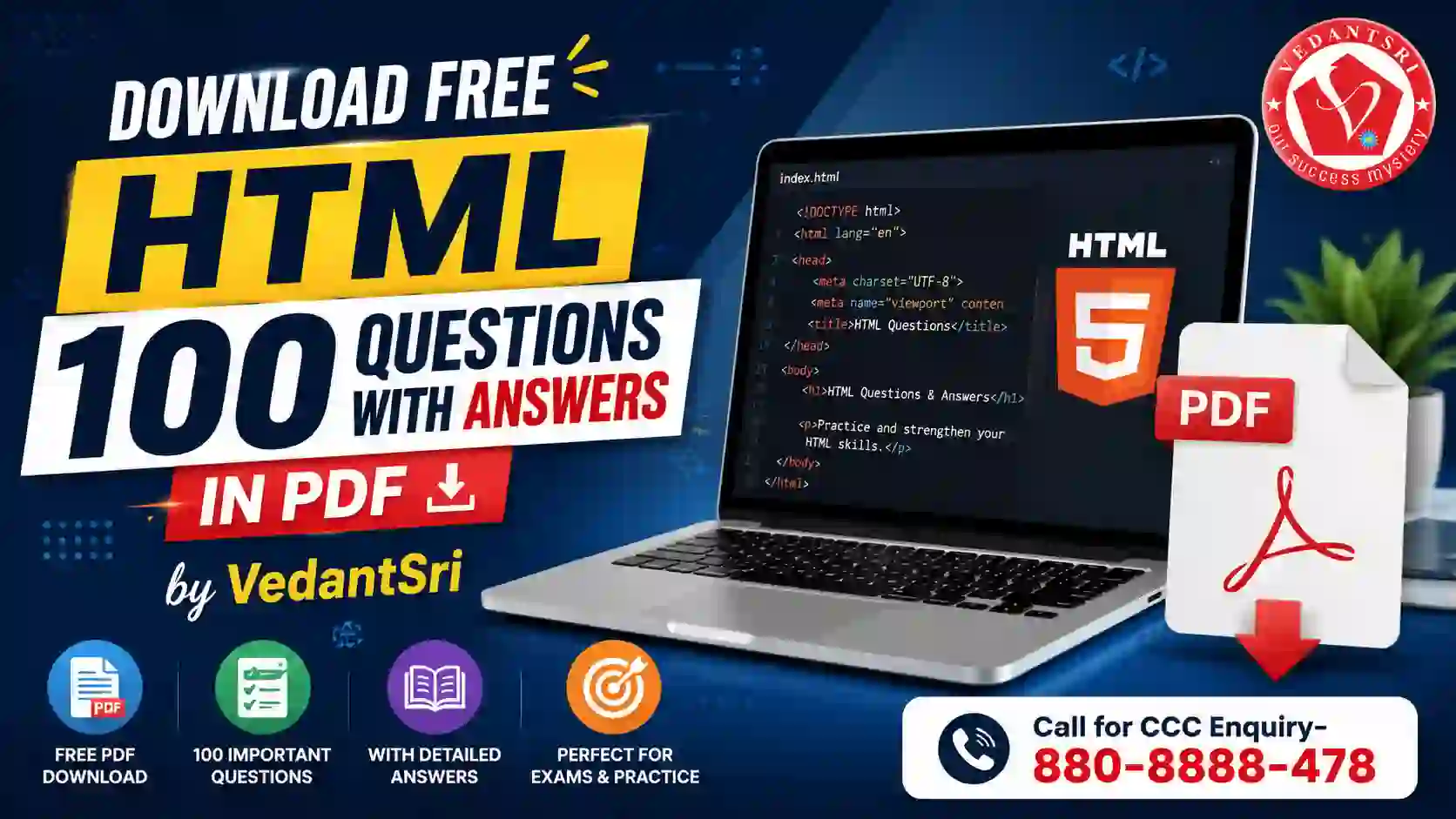
Download PDF of 100 HTML Most Asked Questions with Answers

What Is the Full Form of HTML?

The full form of HTML is HyperText Markup Language.

What Skills Do We Get from Learning HTML?

There are Some Very Useful Skill That We Get From HTML, Such As:-

  1. HTML
  2. Writing code and understanding coding concepts
  3. It can Integrate Easily with Other Languages
  4. Learn to Create a Structure for a Website

Also Read: – About O Level Course, Top 1 Best Syllabus, Duration, Fees, Scope, Institute, and Jobs in Varanasi

Are applications Taught In HTML?

The applications you will learn about HTML follow.

  1. Notepad++
  2. NetBeans
  3. VisualStudio Code
  4. Blue Griffon
  5. Komodo Edit
HTML Course Details, Fees, Duration, Scope, Syllabus, Admission, Institutes & Jobs
HTML Course Details, Fees, Duration, Scope, Syllabus, Admission, Institutes & Jobs 61

Duration of HTML?

Most importantly, HTML is a professional certificate. Thus, its duration is 15 Days. HTML Course Details

Syllabus of HTML?

The HTML Course Syllabus:-

  1. Introduction To HTML
  2. About the Structure of the Website
  3. Technical documentation page.
  4. HTML Syntax
  5. Coding Links
  6. Adding Image

Also Read: – About O Level Course, Top 1 Best Syllabus, Duration, Fees, Scope, Institute, and Jobs in Varanasi

HTML Course Details, Fees, Duration, Scope, Syllabus, Admission, Institutes & Jobs
HTML Course Details, Fees, Duration, Scope, Syllabus, Admission, Institutes & Jobs 62

Admission Fees for HTML Courses?

Admission Fees for the HTML course are about 1500 to 2000. Therefore, VedantSri provides HTML in Varanasi for only ₹ 1000/- total, with no extra admission charges. HTML Course Details

Offer an HTML Course?

If people want to learn the Best Computer Course in Varanasi, then they also need to Learn Computer Typing and English Speaking courses. HTML Course Details
But the Good news for those who want to learn HTML. VedantSri is providing 4 courses completely Free in an offer and Free Courses Such As:-

Free Computer Typing for 45 Days.
English Spoken For 45 Days.
Free Personality Development.
CTT training. HTML Course Details

Also Read: – About O Level Course, Top 1 Best Syllabus, Duration, Fees, Scope, Institute, and Jobs in Varanasi

HTML Course Details, Fees, Duration, Scope, Syllabus, Admission, Institutes & Jobs VedantSri

Discount on HTML Course?

VedantSri Institute provides Discounts on different offers.
Therefore, at present, the VedantSri Discount offer is 50% on all course fees, and also admission fee is FREE in the offer. HTML Course Details

Facilities in HTML?

Also, there are many facilities on HTML, Such As:-
Projector Screen Classroom.
4-ways Technique.
Project-Based Training.
Online Test Facilities.
Online Blog Support.
Free Courses Training.
CTT Training.

Also Read: – About O Level Course, Top 1 Best Syllabus, Duration, Fees, Scope, Institute, and Jobs in Varanasi

Extra Free Course in HTML offer?

Moreover, there are so many extra free Courses in HTML, Such As:-
Typing Training.
Personality Development.
CTT Training.

Also Read:-Wordpad Online Test 2021

Way to Teach of HTML Course?

  1. There are intelligent ways VedantSri for teaching.
  2. 1. Project-Based.
  3. 2. Best Knowledgeable Teachers teach the student with the projector.
  4. 3. Provided a single system for a single student.
  5. 4. The time test is taken with the related course.
  6. 5. Live presentation.
  7. 6. Alternate Days Theory, Projects, and Practical Session.
  8. In the meantime, if the student skips their lab or theory, then the class video is available on the VedantSri Android apps.
  9. 8. Provided the Latest Project Training.
  10. 9. Online Test.
  11. 10. Practical Classes. HTML Course Details

Also Read: – About O Level Course, Top 1 Best Syllabus, Duration, Fees, Scope, Institute, and Jobs in Varanasi

Course Category of HTML?

The course Category of HTML is Basic Concept.

Job Placement in HTML?

  1. HTML Developer
  2. Webmaster
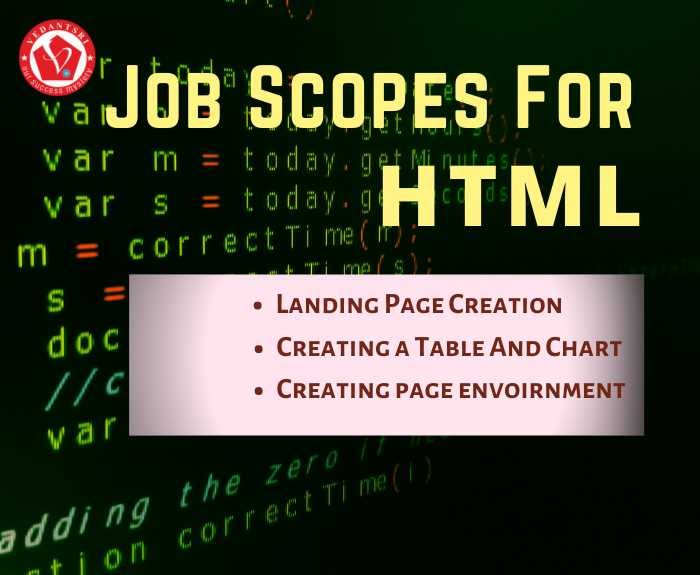
  3. Creating a page environment
  4. Landing Page Creation
  5. Creating a Table And a Chart
  6. HTML Web Page Designer
HTML Course Details, Fees, Duration, Scope, Syllabus, Admission, Institutes & Jobs
HTML Course Scope

Does Computer Basic Knowledge Require For HTML?

At Last, no, Computer basics knowledge is not required for HTML. Thus, moreover, basic knowledge is taught in web design.

Teaching Language in HTML?

The language taught here is English. However, you can learn it in either Hindi or English.

HTML Course Details, Fees, Duration, Scope, Syllabus, Admission, Institutes & Jobs
HTML Course Scope | HTML Course Syllabus

Q: What are the eligibility criteria for the HTML course?

A: The primary eligibility criterion is the completion of 10+2 or equivalent from a recognised board. A basic knowledge of computers is preferred, but not mandatory.

Q: Can I pursue the HTML course online?

A: Yes,
You can pursue an HTML course online very easily. HTML is one of the most popular subjects offered on online learning platforms.

Q: What are the career prospects after completing the HTML course?

A: can make a career in front-end web development, web design or full-stack development

Q: How do I choose the right institute for the HTML course in Varanasi?

A: Consider factors like the institute’s reputation, faculty experience, infrastructure, placement assistance, and course fees when choosing an institute.

Q: Is there any entrance exam for the HTML course?

A: Most institutes do not require an entrance exam. Admission is usually based on academic qualifications and a personal interview.

Q: What are the fees for the HTML course syllabus?

A: INR 1,500 to 2,000

Q: Is HTML good for a job?

A: If you know only HTML, you can get:
Freelance gigs like editing/updating simple static pages.
Internships/assistant roles in digital agencies, where you support designers or developers.
Basic website creation for local businesses (if combined with WordPress, it’s easier to earn).

Q: What is the duration of the HTML certificate?

A: As soon as the Certificate is achieved, when the Course is completed, and the Course Certificate Completion Duration is 12 Months Only.

Important link

Visit at – https://www.corelclass.com

Read Also it – https://msexcelclass.com/

Also, Read- Tally Course Fees, Duration, Scope, Syllabus, Admission, Institutes

Also Read – CCC Course Fees, Syllabus, Duration, Scope, Jobs, and Institute

Important Link – DFA Course Fees, Syllabus, Duration, Scope, Jobs, and Institute

Visit – https://mswordclass.com/

MS Word Online Test July

MS Word Online Test July

0%
35
MS Word Online Test 5446 VedantSri Institute for Top Best Online Quiz Mock Test Practice Test for Free Jobs Preparations website scaled

MS Word Online Test 5446

1 / 50

Alt + R + G is the Shortcut Key of the?

2 / 50

What is the use of Delete comment in MS Word?

3 / 50

Alt + R +V is the Shortcut Key of the?

4 / 50

Alt + R + C is the Shortcut Key of?

5 / 50

What is the use of Track Changes in MS Word?

6 / 50

What is the use of Spelling & Grammar in MS Word?

7 / 50

Alt + R + TD is the shortcut Key of the?

8 / 50

Alt + R + M is the Shortcut Key of the?

9 / 50

What is the Use of Language in MS Word?

10 / 50

Alt + R + D is the Shortcut Key of the?

11 / 50

Alt + M + K is the Shortcut Key of?

12 / 50

What is the Use of Block Author in MS Word?

13 / 50

What is the use of Show MarkUp in MS Word?

14 / 50

What is the use of Next Record in MS Word?

15 / 50

What is the Use of Accept in MS Word?

16 / 50

What is the use of Thesaurus in MS Word?

17 / 50

Alt + R + PB is the Shortcut Key of the?

18 / 50

What is the Use Check for Error in MS Word?

19 / 50

Alt + R + E is the Shortcut of?

20 / 50

Alt + R + PE is the Shortcut Key of the?

21 / 50

What is the use of Finish & Merge in MS Word?

22 / 50

What is the use of Last Record in MS Word?

23 / 50

What is the use of Compare in MS Word?

24 / 50

What is the Find Recipient in MS Word?

25 / 50

Alt + R + TP is the Shortcut Key of the?

26 / 50

Alt + M + J is the Shortcut Key of?

27 / 50

Alt + R + H2 is the Shortcut Key of the?

28 / 50

What is the use of Previous Comment in MS Word?

29 / 50

What is the use of Read Aloud in MS Word?

30 / 50

What is the use of Reviewing Pane in MS Word?

31 / 50

Alt + M + F is the Shortcut Key of?

32 / 50

Alt + R + N is the Shortcut Key of the?

33 / 50

Alt + R + A2 is the Shortcut key of the?

34 / 50

What is the Shortcut Key for Spelling & Grammer in MS Word?

35 / 50

Alt + R + L is the Shortcut Key of the?

36 / 50

What is the use of Word Count in MS Word?

37 / 50

What is the use of Translate in MS Word?

38 / 50

Alt + R + TM is the Shortcut Key of the?

39 / 50

What is the use of New Comments in MS Word?

40 / 50

What is the use of Next Comment in MS Word?

41 / 50

What is the Shortcut of Read Accessibility in MS Word?

42 / 50

Spelling & Grammar, Thesaurus, and Word Count these tools come under which toolbox?

43 / 50

Alt + R + K is the Shortcut Key of the?

44 / 50

Alt + R + W is the Shortcut Key of the?

45 / 50

PreviewResult, FindRecipient, and Check for Error these tool comes under which toolbox?

46 / 50

What is the use of Simple Mark Up in MS Word?

47 / 50

Translate and Language these tools come under which toolbox?

48 / 50

Alt + R + U is the Shortcut Key of the?

49 / 50

What is the use of Show Comment in MS Word?

50 / 50

Alt + R + R is the Shortcut Key of?

Your score is

0%

Pos.NameScoreDurationPoints
1Vikash Soni92 %6 minutes 18 seconds46 / 50
2piyush80 %12 minutes 53 seconds40 / 50
3Rsmya66 %6 minutes 25 seconds33 / 50
4HARSHIT KANAUJIYA62 %15 minutes 58 seconds31 / 50
5ROO58 %9 minutes 55 seconds29 / 50
6rtgfg58 %14 minutes 4 seconds29 / 50
7Mm56 %13 minutes 4 seconds28 / 50
8Megha54 %15 minutes 9 seconds27 / 50
9Sapana44 %5 minutes 33 seconds22 / 50
10kajal ghate44 %16 minutes 40 seconds22 / 50
11Imli42 %4 minutes 5 seconds21 / 50
12Ankita38 %6 minutes 8 seconds19 / 50
13sneha38 %10 minutes 6 seconds19 / 50
14Gg38 %10 minutes 20 seconds19 / 50
15gghh34 %4 minutes 10 seconds17 / 50
16Subham34 %7 minutes 40 seconds17 / 50
17Arati kushwaha34 %11 minutes 37 seconds17 / 50
18anchal32 %16 minutes 40 seconds16 / 50
19msv30 %8 minutes 59 seconds15 / 50
20rrrr26 %4 minutes 3 seconds13 / 50
21Puja kisku26 %5 minutes 50 seconds13 / 50
22ANKIT YADAV24 %10 minutes 14 seconds12 / 50
23ranjana yadav24 %10 minutes 52 seconds12 / 50
24Juli24 %16 minutes 41 seconds12 / 50
25κακα22 %5 minutes 45 seconds11 / 50
26vcnhgvhn22 %16 minutes 40 seconds11 / 50
27MANYA PANDEY20 %16 minutes 40 seconds10 / 50
28Rtyh20 %36 minutes 43 seconds10 / 50
29ΠΑΠΙΡΑ ΠΟΥΠΟΥΛΑ ΕΣΠΡΕΣΣΟ16 %4 minutes 15 seconds8 / 50
30Love12 %2 hours 25 minutes 55 seconds6 / 50
31Rahul Kumar Sen2 %6 minutes 55 seconds1 / 50
32chirag2 %16 minutes 41 seconds1 / 50
33Guest0 %0 second0 / 0
34Guest0 %0 second0 / 0
35Guest0 %0 second0 / 0
36Guest0 %0 second0 / 0
37Guest0 %0 second0 / 0
38Guest0 %0 second0 / 0
39Guest0 %0 second0 / 0
40Guest0 %0 second0 / 0
41Guest0 %0 second0 / 0
42Guest0 %0 second0 / 0
43Guest0 %0 second0 / 0
44Guest0 %0 second0 / 0
45Guest0 %0 second0 / 0
46Guest0 %0 second0 / 0
47Guest0 %0 second0 / 0
48Guest0 %0 second0 / 0
49Guest0 %0 second0 / 0
50Guest0 %0 second0 / 0
51Guest0 %0 second0 / 0
52Guest0 %0 second0 / 0
53Guest0 %0 second0 / 0
54Guest0 %0 second0 / 0
55Guest0 %0 second0 / 0
56Guest0 %0 second0 / 0
57Guest0 %0 second0 / 0
58Guest0 %0 second0 / 0
59Guest0 %0 second0 / 0
60Guest0 %0 second0 / 0
61Guest0 %0 second0 / 0
62Guest0 %0 second0 / 0
63Guest0 %0 second0 / 0
64Guest0 %0 second0 / 0
65Guest0 %0 second0 / 0
66Guest0 %0 second0 / 0
67Guest0 %0 second0 / 0
68Guest0 %0 second0 / 0
69Guest0 %0 second0 / 0
70Guest0 %0 second0 / 0
71Guest0 %0 second0 / 0
72Guest0 %0 second0 / 0
73Guest0 %0 second0 / 0
74Guest0 %0 second0 / 0
75Guest0 %0 second0 / 0
76Guest0 %0 second0 / 0
77Guest0 %0 second0 / 0
78Guest0 %0 second0 / 0
79Guest0 %0 second0 / 0
80Guest0 %0 second0 / 0
81Guest0 %0 second0 / 0
82Guest0 %0 second0 / 0
83Guest0 %0 second0 / 0
84Guest0 %0 second0 / 0
85Guest0 %0 second0 / 0
86Guest0 %0 second0 / 0
87Guest0 %0 second0 / 0
88Guest0 %0 second0 / 0
89Guest0 %0 second0 / 0
90Guest0 %0 second0 / 0
91Guest0 %0 second0 / 0
92Guest0 %0 second0 / 0
93Guest0 %0 second0 / 0
94Guest0 %0 second0 / 0
95Guest0 %0 second0 / 0
96Guest0 %0 second0 / 0
97Guest0 %0 second0 / 0
98Guest0 %0 second0 / 0
99Guest0 %0 second0 / 0
100Guest0 %0 second0 / 0
101Guest0 %0 second0 / 0
102Guest0 %0 second0 / 0
103Guest0 %0 second0 / 0
104Guest0 %0 second0 / 0
105Guest0 %0 second0 / 0
106Guest0 %0 second0 / 0
107Guest0 %0 second0 / 0
108Guest0 %0 second0 / 0
109Guest0 %0 second0 / 0
110Guest0 %0 second0 / 0
111Guest0 %0 second0 / 0
112Guest0 %0 second0 / 0
113Guest0 %0 second0 / 0
114Guest0 %0 second0 / 0
115Guest0 %0 second0 / 0
116Guest0 %0 second0 / 0
117Guest0 %0 second0 / 0
118Guest0 %0 second0 / 0
119Guest0 %0 second0 / 0
120Guest0 %0 second0 / 0
121Guest0 %0 second0 / 0
122Guest0 %0 second0 / 0
123Guest0 %0 second0 / 0
124Guest0 %0 second0 / 0
125Guest0 %0 second0 / 0
126Guest0 %0 second0 / 0
127Guest0 %0 second0 / 0
128Guest0 %0 second0 / 0
129Guest0 %0 second0 / 0
130Guest0 %0 second0 / 0
131Guest0 %0 second0 / 0
132Guest0 %0 second0 / 0
133Guest0 %0 second0 / 0
134Guest0 %0 second0 / 0
135Guest0 %0 second0 / 0
136Guest0 %0 second0 / 0
137Guest0 %0 second0 / 0
138Guest0 %0 second0 / 0
139Guest0 %0 second0 / 0
140Guest0 %0 second0 / 0
141Guest0 %0 second0 / 0
142Guest0 %0 second0 / 0
143Guest0 %0 second0 / 0
144Guest0 %0 second0 / 0
145Guest0 %0 second0 / 0
146Guest0 %0 second0 / 0
147Guest0 %0 second0 / 0
148Guest0 %0 second0 / 0
149Guest0 %0 second0 / 0
150Guest0 %0 second0 / 0
151Guest0 %0 second0 / 0
152Guest0 %0 second0 / 0
153Guest0 %0 second0 / 0
154Guest0 %0 second0 / 0
155Guest0 %0 second0 / 0
156Guest0 %0 second0 / 0
157Guest0 %0 second0 / 0
158Guest0 %0 second0 / 0
159Guest0 %0 second0 / 0
160Guest0 %0 second0 / 0
161Guest0 %0 second0 / 0
162Amit0 %10 minutes 45 seconds0 / 50
163Amit0 %16 minutes 40 seconds0 / 50
164K0 %16 minutes 40 seconds0 / 50

(Note: Rank May Change Until End Date of Test)

Install Free App For CCC Class Google Play Store

If you want to learn CCC Online Class Free in 2021 with Latest Neilit Syllabus Updates then here is good news for you. Because you are going to get a completely free opportunity to Learn CCC Course Training By VedantSri. You have to Get only VedantSri Free App Called EasyTarika Available on Google Play Store. (MS Word Online Test July 2021)

By Simple Search EasyTarika on Google PlayStore, You will Get this EasyTarika App. Only Install Then log in by Simple Entering your Mobile number or Gmail Id or Facebook Id then you will get your CCC Class with the Latest Syllabus Based Course Training. You can visit EasyTarika App Link on Google PlayStore Simply by Clicking the Below Link. (MS Word Online Test July 2021)

Free CCC Online Class App on Google PlayStore
Wordpad Online Test 2021

Important Link:-CCC Online Test 2021 (Word)

Buy Rs 199/- CCC Online Class

If you plan to buy a CCC Class to Learn Online at Home then VedantSri Also Provides a Very Low-cost CCC Online Class with CCC’s Latest Updated Syllabus here. You will get this Online Class only by Paying Just Rs. 199/-. You Can Pay Through UPI, Debit or Credit Card, or Net Banking Payment option. To Getting This Paid Course You have to Visit VedantSri Store by Going to the Link Below. (MS Word Online Test July 2021)

ccc Course online

VedantSri Computer Institute Varanasi

CCC Course, Fees, Syllabus, Duration, Scope, Jobs, and Institute in Varanasi

Provides the best Computer CoursesClasses, and Training in Varanasi. There is NIELIT Courses CCC, BCC, O’level, Certificates, and Diploma Computer Courses available with the best training materials. Also Available Top 100 Best Computer Courses, For Example, OM, DCA, ADCA, DTP, DFA, ADAM, ADTP, ADFA, DCE, and MS Office. VedantSri Computer Coaching updates CCC Online Test 2021 on www.vedantsri.net. (MS Word Online Test July 2021)

1-VedantSri Official Website:- https://vedantsri.com

2-Student Support Website:- https://www.vedantsri.net

3-Jobs Assist Website:- https://www.jobdo.in

External Link

1-VedantSri Official Website:- https://vedantsri.com

2-Course Store Website:- https://vedantsri.in

3-Jobs Assist Website:- https://www.jobdo.in

4-MS Word Class:- https://mswordclass.com/

5-Corel Free Class:- https://corelclass.com/

Wordpad Online Test

Wordpad Online Test

0%
3005
Wordpad Basic Online Test 5475 VedantSri Institute for Top Best Online Quiz Mock Test Practice Test for Free Jobs Preparations website scaled

Wordpad Basic Online Test 5475

Wordpad Online Test

1 / 25

Custom means User Settings...

2 / 25

To Switch Language Keyboard...

3 / 25

Shortcut To Zoom In (बड़े से बड़ा करना)

4 / 25

What is the Default file extension of Wordpad?

5 / 25

Shortcut key for Undo?

6 / 25

What is the Default font style in Wordpad?

7 / 25

Shortcut Key to Minimize Windows at Small Scale...

8 / 25

How many types of alignments are available in Wordpad?

9 / 25

Ctrl+ScrollDown Used to Zoom Out...

10 / 25

Formatting means...

11 / 25

Default Align in Wordpad?

12 / 25

To Press Windows Key...

13 / 25

Shortcut key for Redo?

14 / 25

In Wordpad .rtf stands for

15 / 25

Shortcut key for open run dialogue box?

16 / 25

Shortcut To Minimize Application at Taskbar...

17 / 25

Which shortcut key is used to select all text in Wordpad?

18 / 25

Shortcut To Print?

19 / 25

All Run commands of Wordpad?

20 / 25

Type Shortcut key To Insert Bullet...

21 / 25

Default means...

22 / 25

Type Shortcut Key To Decrease Line Spacing?

23 / 25

To Decrease Paragraph Spacing in Wordpad...

24 / 25

To Increase Font Size...

25 / 25

Shortcut To Center Align...

Your score is

The average score is 42%

0%

Pos.NameScoreDurationPoints
1Ajay patel100 %42 seconds25 / 25
2Ajay patel100 %47 seconds25 / 25
3Sameer patel100 %47 seconds25 / 25
4Ajay patel100 %48 seconds25 / 25
5Ajay patel100 %49 seconds25 / 25
6Ajay patel100 %49 seconds25 / 25
7Sameer patel100 %51 seconds25 / 25
8Sameer100 %52 seconds25 / 25
9Ajay patel100 %52 seconds25 / 25
10Sameer patel100 %52 seconds25 / 25
11Ganesh100 %53 seconds25 / 25
12Ganesh100 %53 seconds25 / 25
13Deepak kashyap100 %53 seconds25 / 25
14Ganesh100 %54 seconds25 / 25
15Ganesh kannoujiya100 %54 seconds25 / 25
16Ganesh kannoujiya100 %56 seconds25 / 25
17Ajay patel100 %56 seconds25 / 25
18Kartik100 %56 seconds25 / 25
19Ganesh kannoujiya100 %57 seconds25 / 25
20Supriya100 %58 seconds25 / 25
21Gaytri100 %58 seconds25 / 25
22Ganesh kannoujiya100 %59 seconds25 / 25
23Ganesh kannoujiya100 %59 seconds25 / 25
24Deepak kashyap100 %59 seconds25 / 25
25Ajay patel100 %59 seconds25 / 25
26Ajay patel100 %1 minutes25 / 25
27Sameer patel100 %1 minutes25 / 25
28Supriya100 %1 minutes25 / 25
29Deepak kashyap100 %1 minutes 1 seconds25 / 25
30Gaytri100 %1 minutes 2 seconds25 / 25
31Gaytri100 %1 minutes 2 seconds25 / 25
32Gaytri100 %1 minutes 3 seconds25 / 25
33Gaytri100 %1 minutes 4 seconds25 / 25
34Ganesh kannoujiya100 %1 minutes 4 seconds25 / 25
35Ganesh kannoujiya100 %1 minutes 4 seconds25 / 25
36Sameer patel100 %1 minutes 4 seconds25 / 25
37Gayatri100 %1 minutes 6 seconds25 / 25
38Ganesh kannoujiya100 %1 minutes 6 seconds25 / 25
39Ganesh kannoujiya100 %1 minutes 6 seconds25 / 25
40Vivek Kumar Pandey100 %1 minutes 6 seconds25 / 25
41Gayatri100 %1 minutes 6 seconds25 / 25
42Ganesh100 %1 minutes 7 seconds25 / 25
43Gaytri100 %1 minutes 9 seconds25 / 25
44Gayatri100 %1 minutes 10 seconds25 / 25
45Sagar Pandey100 %1 minutes 10 seconds25 / 25
46Ganesh kannoujiya100 %1 minutes 11 seconds25 / 25
47Ganesh kannoujiya100 %1 minutes 11 seconds25 / 25
48Ganesh kannoujiya100 %1 minutes 12 seconds25 / 25
49Gayatri kumari100 %1 minutes 12 seconds25 / 25
50Ganesh kannoujiya100 %1 minutes 12 seconds25 / 25
51Ganesh kannoujiya100 %1 minutes 13 seconds25 / 25
52Gayatri100 %1 minutes 15 seconds25 / 25
53Gayatri100 %1 minutes 16 seconds25 / 25
54Aradhya Singh100 %1 minutes 17 seconds25 / 25
55Gayatri100 %1 minutes 18 seconds25 / 25
56RinkiMaurya100 %1 minutes 19 seconds25 / 25
57Ajay patel100 %1 minutes 19 seconds25 / 25
58Supriya singh100 %1 minutes 20 seconds25 / 25
59Supriya singh100 %1 minutes 21 seconds25 / 25
60Ganesh kannoujiya100 %1 minutes 22 seconds25 / 25
61Deepak100 %1 minutes 22 seconds25 / 25
62Ganesh kannoujiya100 %1 minutes 22 seconds25 / 25
63SWADHA KUSWAHA100 %1 minutes 23 seconds25 / 25
64Kartik kannoujiya100 %1 minutes 25 seconds25 / 25
65Arushi Thakur100 %1 minutes 27 seconds25 / 25
66Kartik kannoujiya100 %1 minutes 29 seconds25 / 25
67Gulnaz100 %1 minutes 33 seconds25 / 25
68Anjali100 %1 minutes 33 seconds25 / 25
69Sameer patel100 %1 minutes 34 seconds25 / 25
70Zeeshan ali100 %1 minutes 36 seconds25 / 25
71Parvati Sharma100 %1 minutes 36 seconds25 / 25
72Sagar Pandey100 %1 minutes 42 seconds25 / 25
73Harshit maurya100 %1 minutes 43 seconds25 / 25
74Myiesha100 %1 minutes 44 seconds25 / 25
75SWADHA KUSWAHA100 %1 minutes 46 seconds25 / 25
76Anjali agrahari100 %1 minutes 48 seconds25 / 25
77Arshdeep Patel100 %1 minutes 50 seconds25 / 25
78Ayaan100 %1 minutes 52 seconds25 / 25
79Jaya Mishra100 %1 minutes 57 seconds25 / 25
80Somama Saqib100 %1 minutes 57 seconds25 / 25
81Monika mourya100 %1 minutes 58 seconds25 / 25
82Supriya singh100 %2 minutes25 / 25
83Abrar100 %2 minutes 9 seconds25 / 25
84aasheqin ansari100 %2 minutes 14 seconds25 / 25
85Aryan100 %2 minutes 21 seconds25 / 25
86Zeeshan Ali100 %2 minutes 23 seconds25 / 25
87Monika mourya100 %2 minutes 23 seconds25 / 25
88Arpita singh1100 %2 minutes 24 seconds25 / 25
89Ganesh100 %2 minutes 28 seconds25 / 25
90Ritika kumari100 %2 minutes 29 seconds25 / 25
91Aneesur Rahman100 %2 minutes 30 seconds25 / 25
92Monika mourya100 %2 minutes 38 seconds25 / 25
93Samrat 1100 %2 minutes 42 seconds25 / 25
94Riya100 %2 minutes 53 seconds25 / 25
95Ayaan100 %2 minutes 53 seconds25 / 25
96Arbaz Alam100 %2 minutes 54 seconds25 / 25
97Ayaan100 %2 minutes 55 seconds25 / 25
98Gayatri100 %2 minutes 55 seconds25 / 25
99amaan100 %2 minutes 56 seconds25 / 25
100Somama Saqib100 %3 minutes 4 seconds25 / 25
101Arpita singh100 %3 minutes 6 seconds25 / 25
102Aadhya100 %3 minutes 6 seconds25 / 25
103Shiva100 %3 minutes 6 seconds25 / 25
104amaan100 %3 minutes 15 seconds25 / 25
105a100 %3 minutes 42 seconds25 / 25
106srishti singh100 %4 minutes 1 seconds25 / 25
107saif100 %4 minutes 44 seconds25 / 25
108a100 %5 minutes 40 seconds25 / 25
109s96 %0 second24 / 25
110Ganesh kannoujiya96 %56 seconds24 / 25
111Kartik kannoujiya96 %57 seconds24 / 25
112Ganesh kannoujiya96 %58 seconds24 / 25
113Deepak kashyap96 %1 minutes24 / 25
114Ganesh96 %1 minutes 1 seconds24 / 25
115Ganesh96 %1 minutes 1 seconds24 / 25
116Ganesh kannoujiya96 %1 minutes 3 seconds24 / 25
117Zeeshan96 %1 minutes 4 seconds24 / 25
118Supriya96 %1 minutes 4 seconds24 / 25
119Tanish Singh96 %1 minutes 4 seconds24 / 25
120Ganesh kannoujiya96 %1 minutes 6 seconds24 / 25
121Deepak kashyap96 %1 minutes 6 seconds24 / 25
122Ganesh kannoujiya96 %1 minutes 7 seconds24 / 25
123Ganesh kannoujiya96 %1 minutes 7 seconds24 / 25
124Ganesh kannoujiya96 %1 minutes 8 seconds24 / 25
125Kartik kannoujiya96 %1 minutes 8 seconds24 / 25
126Ganesh kannoujiya96 %1 minutes 10 seconds24 / 25
127Ganesh kannoujiya96 %1 minutes 10 seconds24 / 25
128Gaytri96 %1 minutes 11 seconds24 / 25
129Kartik96 %1 minutes 11 seconds24 / 25
130Gaytri96 %1 minutes 12 seconds24 / 25
131Gayatri96 %1 minutes 12 seconds24 / 25
132Krishna Rawat96 %1 minutes 13 seconds24 / 25
133Ganesh kannoujiya96 %1 minutes 13 seconds24 / 25
134Kartik kannoujiya96 %1 minutes 13 seconds24 / 25
135Supriya singh96 %1 minutes 15 seconds24 / 25
136Krishna Rawat96 %1 minutes 15 seconds24 / 25
137Krishna Rawat96 %1 minutes 16 seconds24 / 25
138Kartik kannoujiya96 %1 minutes 17 seconds24 / 25
139Tanish Singh96 %1 minutes 17 seconds24 / 25
140Tanish96 %1 minutes 17 seconds24 / 25
141Ganesh96 %1 minutes 18 seconds24 / 25
142Gayatri96 %1 minutes 19 seconds24 / 25
143Gayatri96 %1 minutes 19 seconds24 / 25
144Krishna Rawat96 %1 minutes 20 seconds24 / 25
145Ganesh kannoujiya96 %1 minutes 21 seconds24 / 25
146Sarthak Maurya96 %1 minutes 22 seconds24 / 25
147Krishna Rawat96 %1 minutes 23 seconds24 / 25
148Krishna Rawat96 %1 minutes 23 seconds24 / 25
149Rinki Maurya96 %1 minutes 24 seconds24 / 25
150Ganesh kannoujiya96 %1 minutes 26 seconds24 / 25
151Supriya singh96 %1 minutes 27 seconds24 / 25
152Kartik96 %1 minutes 28 seconds24 / 25
153SWADHA KUSWAHA96 %1 minutes 30 seconds24 / 25
154Tanish Singh96 %1 minutes 32 seconds24 / 25
155Zeeshan Ali96 %1 minutes 33 seconds24 / 25
156Hsus96 %1 minutes 34 seconds24 / 25
157Sarthak Maurya96 %1 minutes 34 seconds24 / 25
158Rohit seth96 %1 minutes 35 seconds24 / 25
159Parvati96 %1 minutes 35 seconds24 / 25
160Harsh singh96 %1 minutes 35 seconds24 / 25
161Rohit seth96 %1 minutes 35 seconds24 / 25
162Chbghsnsheb96 %1 minutes 35 seconds24 / 25
163Sanju Samson96 %1 minutes 36 seconds24 / 25
164Did96 %1 minutes 36 seconds24 / 25
165Ehsan96 %1 minutes 37 seconds24 / 25
166Parvati96 %1 minutes 38 seconds24 / 25
167Prerna96 %1 minutes 39 seconds24 / 25
168Supriya singh96 %1 minutes 41 seconds24 / 25
169Ehsan96 %1 minutes 41 seconds24 / 25
170Ehsan96 %1 minutes 41 seconds24 / 25
171Prerna96 %1 minutes 42 seconds24 / 25
172Gfgb96 %1 minutes 43 seconds24 / 25
173Ayan96 %1 minutes 43 seconds24 / 25
174Rinki Maurya96 %1 minutes 43 seconds24 / 25
175Ehsan96 %1 minutes 44 seconds24 / 25
176Manish maurya96 %1 minutes 44 seconds24 / 25
177Ayan96 %1 minutes 45 seconds24 / 25
178Harsh singh96 %1 minutes 45 seconds24 / 25
179Parvati Sharma96 %1 minutes 46 seconds24 / 25
180Rahul Prajapati96 %1 minutes 46 seconds24 / 25
181Khushi bind96 %1 minutes 49 seconds24 / 25
182Khushi bind96 %1 minutes 49 seconds24 / 25
183Reena96 %1 minutes 50 seconds24 / 25
184Sonu seth96 %1 minutes 50 seconds24 / 25
185Parvati Sharma96 %1 minutes 50 seconds24 / 25
186Chinki96 %1 minutes 51 seconds24 / 25
187aasheqin ansari96 %1 minutes 52 seconds24 / 25
188Vicky Gautam96 %1 minutes 52 seconds24 / 25
189Zeeshan96 %1 minutes 52 seconds24 / 25
190Jaya patel96 %1 minutes 53 seconds24 / 25
191Kirti96 %1 minutes 53 seconds24 / 25
192Jaya patel96 %1 minutes 53 seconds24 / 25
193Ehsan96 %1 minutes 54 seconds24 / 25
194Parvati96 %1 minutes 54 seconds24 / 25
195Khushi bind96 %1 minutes 55 seconds24 / 25
196Darakhshan96 %1 minutes 55 seconds24 / 25
197Harshita Singh96 %1 minutes 57 seconds24 / 25
198Jaya patel96 %1 minutes 58 seconds24 / 25
199Harsh Maurya96 %1 minutes 58 seconds24 / 25
200Muskan kannoujiya96 %1 minutes 58 seconds24 / 25
201Vaishnavi96 %1 minutes 58 seconds24 / 25
202Kirti96 %1 minutes 59 seconds24 / 25
203Harsh singh96 %1 minutes 59 seconds24 / 25
204Jaya patel96 %1 minutes 59 seconds24 / 25
205Ansh96 %2 minutes24 / 25
206Rajiv Ranjan Jha96 %2 minutes24 / 25
207Vicky Gautam96 %2 minutes24 / 25
208Mihir mayank Kumar Ray96 %2 minutes24 / 25
209Jaya patel96 %2 minutes24 / 25
210Parvati Sharma96 %2 minutes24 / 25
211Jaya patel96 %2 minutes24 / 25
212Jaya patel96 %2 minutes 1 seconds24 / 25
213Harsh Maurya96 %2 minutes 2 seconds24 / 25
214Sarthak Maurya96 %2 minutes 2 seconds24 / 25
215Kirti96 %2 minutes 2 seconds24 / 25
216Rohit96 %2 minutes 2 seconds24 / 25
217Sanjay96 %2 minutes 2 seconds24 / 25
218Ffvtgjjfvh96 %2 minutes 2 seconds24 / 25
219Ravi96 %2 minutes 2 seconds24 / 25
220Anjali Kumari96 %2 minutes 3 seconds24 / 25
221Jaya patel96 %2 minutes 3 seconds24 / 25
222Anjali Kumari96 %2 minutes 3 seconds24 / 25
223Shrikant96 %2 minutes 3 seconds24 / 25
224Parvati96 %2 minutes 4 seconds24 / 25
225Amit ji96 %2 minutes 4 seconds24 / 25
226Kirti96 %2 minutes 5 seconds24 / 25
227Jaya patel96 %2 minutes 5 seconds24 / 25
228Ayush96 %2 minutes 5 seconds24 / 25
229Aryan Bhardwaj96 %2 minutes 7 seconds24 / 25
230Anchal chaurasiya96 %2 minutes 7 seconds24 / 25
231Shivanshi seth96 %2 minutes 8 seconds24 / 25
232Vikash Mukherjee96 %2 minutes 9 seconds24 / 25
233Kirti96 %2 minutes 9 seconds24 / 25
234Aryan Bhardwaj96 %2 minutes 10 seconds24 / 25
235Harshita Singh96 %2 minutes 11 seconds24 / 25
236Aryan Bhardwaj96 %2 minutes 12 seconds24 / 25
237Sarthak Maurya96 %2 minutes 13 seconds24 / 25
238Anchal chaurasiya96 %2 minutes 13 seconds24 / 25
239megha96 %2 minutes 13 seconds24 / 25
240Mihir mayank Kumar Ray96 %2 minutes 14 seconds24 / 25
241Gayatri96 %2 minutes 15 seconds24 / 25
242Vedank maurya96 %2 minutes 15 seconds24 / 25
243Gulnaz96 %2 minutes 17 seconds24 / 25
244Kirti96 %2 minutes 17 seconds24 / 25
245Anjali Kumari96 %2 minutes 17 seconds24 / 25
246Diksha Rai96 %2 minutes 17 seconds24 / 25
247TiNa96 %2 minutes 17 seconds24 / 25
248Ayush96 %2 minutes 18 seconds24 / 25
249Khushi96 %2 minutes 18 seconds24 / 25
250Vedank maurya96 %2 minutes 19 seconds24 / 25
251Monika mourya96 %2 minutes 20 seconds24 / 25
252Vikash Mukherjee96 %2 minutes 20 seconds24 / 25
253Shiva96 %2 minutes 21 seconds24 / 25
254Rahul Prajapati96 %2 minutes 23 seconds24 / 25
255Ehsan96 %2 minutes 24 seconds24 / 25
256jai vardhan singh96 %2 minutes 24 seconds24 / 25
257Shristi modanwal96 %2 minutes 24 seconds24 / 25
258Anchal chaurasiya96 %2 minutes 25 seconds24 / 25
259Rahul Prajapati96 %2 minutes 25 seconds24 / 25
260Aneesur Rahman96 %2 minutes 26 seconds24 / 25
261Vedank Maurya96 %2 minutes 26 seconds24 / 25
262Shanvi Sharma96 %2 minutes 27 seconds24 / 25
263Manoj rout96 %2 minutes 28 seconds24 / 25
264Suraj Patel96 %2 minutes 29 seconds24 / 25
265Shiva96 %2 minutes 30 seconds24 / 25
266Sandhyapandey96 %2 minutes 30 seconds24 / 25
267Shaan khan96 %2 minutes 30 seconds24 / 25
268Ram96 %2 minutes 30 seconds24 / 25
269Anchal chaurasiya96 %2 minutes 32 seconds24 / 25
270Vikash96 %2 minutes 32 seconds24 / 25
271Jaya patel96 %2 minutes 34 seconds24 / 25
272Sapna sahani96 %2 minutes 36 seconds24 / 25
273Anjali Kumari96 %2 minutes 36 seconds24 / 25
274megha96 %2 minutes 37 seconds24 / 25
275Payal agrahari96 %2 minutes 38 seconds24 / 25
276amaan96 %2 minutes 39 seconds24 / 25
277Mohd Arshad96 %2 minutes 39 seconds24 / 25
278Pranav singh96 %2 minutes 40 seconds24 / 25
279archana singh96 %2 minutes 42 seconds24 / 25
280Samrat96 %2 minutes 44 seconds24 / 25
281Kirti96 %2 minutes 44 seconds24 / 25
282Pushkar Pandey96 %2 minutes 44 seconds24 / 25
283Sarthak Maurya96 %2 minutes 45 seconds24 / 25
284Anuj verma96 %2 minutes 46 seconds24 / 25
285Alka96 %2 minutes 46 seconds24 / 25
286Pushkar Pandey96 %2 minutes 46 seconds24 / 25
287Suraj Sharma96 %2 minutes 46 seconds24 / 25
288Manya96 %2 minutes 46 seconds24 / 25
289Shahid juned Khan96 %2 minutes 48 seconds24 / 25
290Bhola kumar96 %2 minutes 50 seconds24 / 25
291Sandhyapandey96 %2 minutes 52 seconds24 / 25
292harshita singh96 %2 minutes 52 seconds24 / 25
293Sristy kumari96 %2 minutes 52 seconds24 / 25
294Varsha96 %2 minutes 56 seconds24 / 25
295Shiva96 %2 minutes 57 seconds24 / 25
296Shiva96 %2 minutes 58 seconds24 / 25
297Sandhyapandey96 %2 minutes 59 seconds24 / 25
298kirti96 %2 minutes 59 seconds24 / 25
299SOHEL ALAM96 %3 minutes 1 seconds24 / 25
300maggi96 %3 minutes 1 seconds24 / 25
301Preeti Yadav96 %3 minutes 3 seconds24 / 25
302Sandhya96 %3 minutes 3 seconds24 / 25
303Rohit96 %3 minutes 3 seconds24 / 25
304SOHEL ALAM96 %3 minutes 5 seconds24 / 25
305Aneesur Rahman96 %3 minutes 5 seconds24 / 25
306Durgawati Singh96 %3 minutes 5 seconds24 / 25
307Om pratap singh rajput96 %3 minutes 6 seconds24 / 25
308Snigdha baranwal96 %3 minutes 6 seconds24 / 25
309NIpa96 %3 minutes 7 seconds24 / 25
310Ansh chaurasiya96 %3 minutes 8 seconds24 / 25
311Harsh Sahu96 %3 minutes 8 seconds24 / 25
312Karishma Kumari96 %3 minutes 10 seconds24 / 25
313Minakshi pillai96 %3 minutes 10 seconds24 / 25
314Durgawati Singh96 %3 minutes 11 seconds24 / 25
315swati96 %3 minutes 12 seconds24 / 25
316Mahtab aalam96 %3 minutes 13 seconds24 / 25
317Vikash Mukherjee96 %3 minutes 14 seconds24 / 25
318Prince Raj96 %3 minutes 15 seconds24 / 25
319Aman Sharma96 %3 minutes 18 seconds24 / 25
320Alok96 %3 minutes 19 seconds24 / 25
321Durgawati Singh96 %3 minutes 21 seconds24 / 25
322Sandhyapandey96 %3 minutes 21 seconds24 / 25
323Jyoti Pandey96 %3 minutes 21 seconds24 / 25
324ritesh tripathi96 %3 minutes 22 seconds24 / 25
325Monika mourya96 %3 minutes 22 seconds24 / 25
326suhani Pandey96 %3 minutes 23 seconds24 / 25
327Sonu96 %3 minutes 23 seconds24 / 25
328Varsha96 %3 minutes 24 seconds24 / 25
329Astha chaubey96 %3 minutes 26 seconds24 / 25
330Vedank maurya96 %3 minutes 27 seconds24 / 25
331Sandhyapandey96 %3 minutes 29 seconds24 / 25
332Sipranjali samal96 %3 minutes 29 seconds24 / 25
333Sandhya96 %3 minutes 31 seconds24 / 25
334Janavi yadav96 %3 minutes 32 seconds24 / 25
335Nitin Kumar96 %3 minutes 34 seconds24 / 25
336A96 %3 minutes 35 seconds24 / 25
337srishti singh96 %3 minutes 36 seconds24 / 25
338Sandhyapandey96 %3 minutes 36 seconds24 / 25
339SP bhatt96 %3 minutes 37 seconds24 / 25
340Durgawati Singh96 %3 minutes 38 seconds24 / 25
341s96 %3 minutes 38 seconds24 / 25
342Tanishka Kashyap96 %3 minutes 41 seconds24 / 25
343Durgawati Singh96 %3 minutes 42 seconds24 / 25
344Shobha vishwakarma96 %3 minutes 42 seconds24 / 25
345shivraj singh96 %3 minutes 42 seconds24 / 25
346Aman Sharma96 %3 minutes 43 seconds24 / 25
347Anuj Shukla00196 %3 minutes 43 seconds24 / 25
348sristy kumari96 %3 minutes 43 seconds24 / 25
349Shreya Kashyap96 %3 minutes 45 seconds24 / 25
350Saksham gupta96 %3 minutes 46 seconds24 / 25
351Anshu prajapati96 %3 minutes 46 seconds24 / 25
352vaibhav nigam96 %3 minutes 52 seconds24 / 25
353S96 %3 minutes 53 seconds24 / 25
354PANKHUDI JAISWAL96 %3 minutes 56 seconds24 / 25
355Priyanka96 %3 minutes 56 seconds24 / 25
356Durgawati Singh96 %3 minutes 56 seconds24 / 25
357Alok Mishra96 %3 minutes 57 seconds24 / 25
358swati tiwari96 %3 minutes 58 seconds24 / 25
359Utkarsh96 %4 minutes 1 seconds24 / 25
360SP bhatt96 %4 minutes 1 seconds24 / 25
361SP bhatt96 %4 minutes 2 seconds24 / 25
362Supriya96 %4 minutes 5 seconds24 / 25
363Nikita Sonkar96 %4 minutes 7 seconds24 / 25
364SP bhatt96 %4 minutes 11 seconds24 / 25
365Janavi yadav96 %4 minutes 18 seconds24 / 25
366vansh96 %4 minutes 19 seconds24 / 25
367Yashvi96 %4 minutes 23 seconds24 / 25
368Sapna sahani96 %4 minutes 25 seconds24 / 25
369Sujata kumari96 %4 minutes 27 seconds24 / 25
370Sandhyapandey96 %4 minutes 29 seconds24 / 25
371harsh96 %4 minutes 30 seconds24 / 25
372Anjali Pandey96 %4 minutes 36 seconds24 / 25
373Akash96 %4 minutes 38 seconds24 / 25
374SP bhatt96 %4 minutes 39 seconds24 / 25
375Shrii96 %4 minutes 42 seconds24 / 25
376Suraj Patel00396 %4 minutes 42 seconds24 / 25
377Vishal Rai96 %4 minutes 42 seconds24 / 25
378manoj96 %4 minutes 54 seconds24 / 25
379A96 %4 minutes 59 seconds24 / 25
380SP bhatt96 %5 minutes 1 seconds24 / 25
381Anita96 %5 minutes 4 seconds24 / 25
382prince pandey96 %5 minutes 8 seconds24 / 25
383harsh96 %5 minutes 11 seconds24 / 25
384Naitik sonkar96 %5 minutes 11 seconds24 / 25
385minakshi pillai96 %5 minutes 33 seconds24 / 25
386Antara banerjee96 %5 minutes 35 seconds24 / 25
387Sanjana sharma96 %5 minutes 37 seconds24 / 25
388Om singh96 %5 minutes 44 seconds24 / 25
389Laxmi96 %5 minutes 51 seconds24 / 25
390Sandhyapandey96 %5 minutes 54 seconds24 / 25
391chaaranjit singh96 %6 minutes 17 seconds24 / 25
392Priyanka96 %6 minutes 38 seconds24 / 25
393Yash Keshari96 %7 minutes 26 seconds24 / 25
394Sanskar96 %8 minutes 24 seconds24 / 25
395Vedank Maurya96 %8 minutes 46 seconds24 / 25
396ritik sahu96 %11 minutes 22 seconds24 / 25
397Ganesh92 %58 seconds23 / 25
398Ganesh92 %1 minutes 4 seconds23 / 25
399Raghav92 %1 minutes 4 seconds23 / 25
400Ganesh kannoujiya92 %1 minutes 6 seconds23 / 25
401Gayatri kumari92 %1 minutes 7 seconds23 / 25
402Ganesh kannoujiya92 %1 minutes 14 seconds23 / 25
403Krishna Rawat92 %1 minutes 15 seconds23 / 25
404Krishna Rawat92 %1 minutes 16 seconds23 / 25
405Krishna Rawat92 %1 minutes 17 seconds23 / 25
406Krishna Rawat92 %1 minutes 17 seconds23 / 25
407Kartik92 %1 minutes 17 seconds23 / 25
408Rinki Maurya92 %1 minutes 18 seconds23 / 25
409Zeeshan Ali hedar92 %1 minutes 24 seconds23 / 25
410Kartik92 %1 minutes 24 seconds23 / 25
411Kartik92 %1 minutes 24 seconds23 / 25
412Kartik92 %1 minutes 24 seconds23 / 25
413Krishna Rawat92 %1 minutes 26 seconds23 / 25
414Krishna Rawat92 %1 minutes 26 seconds23 / 25
415Krishan Rawat92 %1 minutes 30 seconds23 / 25
416Ayushi yadav92 %1 minutes 30 seconds23 / 25
417Krishna Rawat92 %1 minutes 33 seconds23 / 25
418Manish maurya92 %1 minutes 33 seconds23 / 25
419Ayushi yadav92 %1 minutes 37 seconds23 / 25
420Prerna92 %1 minutes 37 seconds23 / 25
421Harsh singh92 %1 minutes 38 seconds23 / 25
422Ayushi yadav92 %1 minutes 40 seconds23 / 25
423Ehsan92 %1 minutes 41 seconds23 / 25
424Prachi92 %1 minutes 41 seconds23 / 25
425Myiesha92 %1 minutes 42 seconds23 / 25
426Ayush92 %1 minutes 42 seconds23 / 25
427Harsh singh92 %1 minutes 43 seconds23 / 25
428Manish maurya92 %1 minutes 43 seconds23 / 25
429Ayushi yadav92 %1 minutes 44 seconds23 / 25
430Ayushi yadav92 %1 minutes 45 seconds23 / 25
431Myiesha92 %1 minutes 45 seconds23 / 25
432Ayush92 %1 minutes 45 seconds23 / 25
433Khushi bind92 %1 minutes 47 seconds23 / 25
434Ganesh kannoujiya92 %1 minutes 47 seconds23 / 25
435Sohel alam92 %1 minutes 49 seconds23 / 25
436Kartik92 %1 minutes 50 seconds23 / 25
437Anirudh pathak92 %1 minutes 50 seconds23 / 25
438Harshit92 %1 minutes 50 seconds23 / 25
439Khushi bind92 %1 minutes 51 seconds23 / 25
440Ayan92 %1 minutes 51 seconds23 / 25
441Jaya patel92 %1 minutes 52 seconds23 / 25
442Sarita Vishwakarma92 %1 minutes 52 seconds23 / 25
443Kirti92 %1 minutes 53 seconds23 / 25
444Anchal maurya92 %1 minutes 53 seconds23 / 25
445Harsh singh92 %1 minutes 53 seconds23 / 25
446Ayush92 %1 minutes 53 seconds23 / 25
447Aryan Bhardwaj92 %1 minutes 54 seconds23 / 25
448Nitish gupta92 %1 minutes 56 seconds23 / 25
449Khushi bind92 %1 minutes 56 seconds23 / 25
450Praful hinge92 %1 minutes 57 seconds23 / 25
451Ayushi yadav92 %1 minutes 57 seconds23 / 25
452Jaya patel92 %1 minutes 57 seconds23 / 25
453Krishna Rawat92 %1 minutes 58 seconds23 / 25
454Khushi bind92 %1 minutes 58 seconds23 / 25
455Anchal maurya92 %1 minutes 58 seconds23 / 25
456Arshdeep Patel92 %1 minutes 59 seconds23 / 25
457Shree92 %2 minutes23 / 25
458Harsh Maurya92 %2 minutes23 / 25
459Ayush92 %2 minutes 1 seconds23 / 25
460Niraj patel92 %2 minutes 2 seconds23 / 25
461Khushi bind92 %2 minutes 2 seconds23 / 25
462Anchal maurya92 %2 minutes 2 seconds23 / 25
463Jaya patel92 %2 minutes 2 seconds23 / 25
464Jaya patel92 %2 minutes 3 seconds23 / 25
465Ayushi yadav92 %2 minutes 3 seconds23 / 25
466Aryan Bhardwaj92 %2 minutes 4 seconds23 / 25
467गिनती92 %2 minutes 5 seconds23 / 25
468Jaya patel92 %2 minutes 5 seconds23 / 25
469Riya92 %2 minutes 7 seconds23 / 25
470Krishna Rawat92 %2 minutes 9 seconds23 / 25
471Myiesha92 %2 minutes 9 seconds23 / 25
472Riya92 %2 minutes 9 seconds23 / 25
473Richa92 %2 minutes 11 seconds23 / 25
474Supriya singh92 %2 minutes 12 seconds23 / 25
475Vedank maurya92 %2 minutes 13 seconds23 / 25
476Saloni92 %2 minutes 13 seconds23 / 25
477Sudha92 %2 minutes 14 seconds23 / 25
478Jaya patel92 %2 minutes 14 seconds23 / 25
479Anchal maurya92 %2 minutes 15 seconds23 / 25
480Ehsan92 %2 minutes 16 seconds23 / 25
481Shiva92 %2 minutes 16 seconds23 / 25
482Faisal92 %2 minutes 17 seconds23 / 25
483Manya92 %2 minutes 18 seconds23 / 25
484Roshni Sharma92 %2 minutes 19 seconds23 / 25
485Sonu seth92 %2 minutes 20 seconds23 / 25
486Krishna Rawat92 %2 minutes 21 seconds23 / 25
487Ankit singh92 %2 minutes 21 seconds23 / 25
488ANSHUMAN92 %2 minutes 21 seconds23 / 25
489Aryan Bhardwaj92 %2 minutes 21 seconds23 / 25
490Zeeshan92 %2 minutes 21 seconds23 / 25
491Jaya patel92 %2 minutes 21 seconds23 / 25
492Karan92 %2 minutes 21 seconds23 / 25
493Vicky Gautam92 %2 minutes 24 seconds23 / 25
494samrat singh92 %2 minutes 26 seconds23 / 25
495Harshita Singh92 %2 minutes 26 seconds23 / 25
496Abhay92 %2 minutes 27 seconds23 / 25
497faizan92 %2 minutes 27 seconds23 / 25
498Arpita singh92 %2 minutes 28 seconds23 / 25
499Aditya92 %2 minutes 30 seconds23 / 25
500Rajkumar yadav92 %2 minutes 30 seconds23 / 25

Wordpad Online Test

In the digital age, proficiency with basic text editors like WordPad can significantly enhance your productivity. Whether you are a student, a professional, or someone who enjoys writing, understanding the fundamentals of WordPad is essential. The “WordPad Basic Online Test” is designed to evaluate and improve your skills, ensuring you can efficiently use this versatile tool.

Wordpad Basic Online Test Vedantsri Computer Institute

What is WordPad?

WordPad is a simple yet powerful text-editing software that comes pre-installed with Microsoft Windows. It bridges the gap between a basic text editor (like Notepad) and a full-fledged word processor (like Microsoft Word). WordPad allows users to create, edit, and format text documents with ease, making it an ideal tool for quick document creation.

Link :- Wordpad Shortcut Keys

Why Take the WordPad Online Test?

  1. Skill Assessment: The test helps you assess your current knowledge and proficiency with WordPad. It covers various features and functionalities, ensuring you understand the essential aspects of the software.
  2. Learning Opportunity: By identifying areas where you need improvement, the test provides a valuable learning opportunity. You can focus on specific features and enhance your overall proficiency.
  3. Certification: Completing the WordPad Basic Online Test can lead to a certificate, adding value to your resume. It demonstrates your commitment to continuous learning and your ability to use essential software tools.

What Does the Test Cover?

The WordPad Basic Online Test covers a range of topics, including:

  • Basic Text Editing: Understanding how to create, edit, and save documents.
  • Formatting Text: Learning how to format text using different fonts, sizes, colors, and styles.
  • Paragraph Formatting: Applying alignment, indentation, and spacing to paragraphs.
  • Inserting Elements: Adding images, hyperlinks, and other elements to your documents.
  • Page Setup: Adjusting page margins, orientation, and size.

Preparing for the Wordpad Online Test Series

To prepare for the WordPad Basic Online Test, follow these steps:

  1. Explore WordPad: Spend time exploring all the features WordPad offers. Create sample documents and experiment with different formatting options.
  2. Online Tutorials: There are numerous online tutorials and guides available that provide step-by-step instructions on using WordPad. These resources can be incredibly helpful in understanding the software.
  3. Practice Tests: Look for practice tests and quizzes online. These can give you a feel for the type of questions you might encounter and help you gauge your readiness.

Taking the Wordpad Online Test

When you’re ready to take the WordPad Basic Online Test, ensure you have a stable internet connection and a quiet environment. The test usually consists of multiple-choice questions, fill-in-the-blank questions, and practical tasks where you’ll need to demonstrate your ability to use WordPad.

Conclusion

The WordPad Basic Online Test is an excellent way to validate your skills and improve your proficiency with a fundamental text-editing tool. Whether for personal growth or professional advancement, mastering WordPad can open up new opportunities and make your daily tasks more efficient.

Hashtags and Trending Keywords

#WordPad #OnlineTest #TextEditing #WordPadSkills #DigitalSkills #ProductivityTools #BasicTextEditor #LearnWordPad #WordPadTutorial #SkillAssessment

By investing time in preparing for and taking the WordPad Basic Online Test, you equip yourself with essential skills that are valuable in various contexts. Embrace the opportunity to learn and grow, and you’ll find that even a basic tool like WordPad can significantly enhance your digital proficiency.

External Link

Graphic Designing Course Details, Fees, Duration, Scope, Syllabus, Admission, Institutes & Jobs

Graphic Designing Course Details, Fees, Duration, Scope, Syllabus, Admission, Institutes & Jobs

What Is Graphic Designing?

Graphic design is an Art where professionals create visual content to communicate messages They communicate ideas to inspire, inform, or captivate consumers through both physical and virtual art forms that include images, words, or graphics.

Also Read:- CCC Course Fees, Syllabus, Duration, Scope, Jobs, and Institute in Varanasi

Graphic Designing Course Details, Fees, Duration, Scope, Syllabus, Admission, Institutes & Jobs
Graphic Designing Course Details

Why There’s Demand for an Graphic Designer?

The graphic design literally means a visual that is proper and accurate. The designing part in graphic design is for creating a specific message in a professional and artistic way. Without the assistance of creative graphic design, you cannot even think of achieving such an impression. Graphic designers Save A lot of Time, Help You Get the results You want, Keeps Your Look Consistent And many more reasons…That Is Why There’s An demand For An Graphic Designers. Graphic Designing Course Details

What Skills Do We Get from Learning Graphic Designing?

There are Some Very Useful Skill That We Get From Graphic Designing Such As:-

  1. Creativity is most important graphic design skills
  2. Design Thinking
  3. Coding Skills
  4. Photo Editing
  5. Vector Art
  6. Accuracy and attention to detail
  7. Knowledge of Colour Theory

Also Read:- DCA Course, Fees, Duration, Scope, Syllabus, Admission, Institutes & Jobs in Varanasi

Graphic Designing Course Details, Fees, Duration, Scope, Syllabus, Admission, Institutes & Jobs
Graphic Designing Course Details, Fees, Duration, Scope, Syllabus, Admission, Institutes & Jobs 76

Duration of Graphic Designing?

Most important, Graphic Designing is a professional expert certificate Thus, its duration is 3 months. Graphic Designing Course Details

Applications Taught In Graphic Designing?

Applications you will learn about Graphic Designing follow.

  1. Adobe Photoshop
  2. Illustrator
  3. Adobe After Effect
  4. Corel Draw
  5. Affinity Designer
  6. Inkscape
  7. Lightroom
  8. Adobe InDesign
Graphic Designing, VedantSri, Varanasi

Syllabus of Graphic Designing Course?

The Graphic Designing Course Syllabus:-

  1. Introduction to Designing
  2. Typography
  3. Image & Effects
  4. Shaping, Design & Illustration
  5. Creating a Portfolio
  6. Sketching
  7. Graphic software
  8. Adobe Illustrator
  9. Adobe Photoshop
  10. Corel Draw
Graphic Designing Course Details, Fees, Duration, Scope, Syllabus, Admission, Institutes & Jobs
Graphic Designing Course Details, Fees, Duration, Scope, Syllabus, Admission, Institutes & Jobs 77

Also Read: OM Course Fees, Duration, Scope, Syllabus, Admission, Institutes & Jobs in Varanasi

Admission Fees for Graphic Designing Courses?

The Admission Fees for the Graphic Designing course are about 3500 to 4000 However, VedantSri provides Graphic Designing in Varanasi for Just only 2500/- Rs Total and No Extra Admission Charges. Graphic Designing Course Details

Offer in Graphic Designing Course?

If people want to learn Best Computer Course in Varanasi then they Also need to Learn Computer Typing And English Speaking Course.
But the Good news for those who want to learn Graphic Designing. VedantSri is providing 4 Course Completely Free in offers and Free Courses Such As:-
Free Computer Typing for 45 Days.
English Spoken For 45 Days.
Free Personality Development. Graphic Designing Course Details
CTT training

Also Read:- Tally Course Fees, Duration, Scope, Syllabus, Admission, Institutes & Jobs in Varanasi

Discount in Graphic Designing Course?

However, Time to Time VedantSri Institute provides a Discount on different offers.
Hence, currently, the VedantSri Discount offer is 50% off on any course Fees, and also admission Fee is FREE in this offer.

Graphic Designing Course Details, Fees, Duration, Scope, Syllabus, Admission, Institutes & Jobs
Graphic Designing Course Details, Fees, Duration, Scope, Syllabus, Admission, Institutes & Jobs 78

Facilities in Graphic Designing?

Also, there are many facilities on Graphic Designing Such As:-
Projector Screen Classroom.
4-ways Technique.
Project-Based Training.
Online Test Facilities.
Online Blog Support.
Free Courses Training.
CTT Training.

Also Read: Photoshop Course Fees, Duration, Scope, Syllabus, Admission, Institutes & Jobs in Varanasi

Extra Free Course in Graphic Designing offer?

Moreover, there are so many extra free Courses in Graphic Designing Such As:-
Typing Training.
Personality Development.
CTT Training.

Way to Teach of Graphic Designing Course?

There are intelligent ways VedantSri uses for teaching.
Project-Based.
Best Knowledgeable Teachers teach the student with the projector.
Provided a single system for a single student.
Time to Time test is taken with the related course.
Live presentation.
Alternate Days Theory, Projects, and Practical Session.
In the meantime, if the student skips their lab or theory then the class video is available on VedantSri Android apps.
Provided Latest Project Training. Graphic Designing Course Details
Online Test.
Practical Classes.

Course Category of Graphic Designing?

The course Category of Graphic Designing is the certificate course.

Jobs Placement in Graphic Designing?

  1. Film and Video Editor
  2. Product Designer
  3. Marketing Manager
  4. Graphic Designer
  5. Advertising
  6. Fashion Houses
  7. Illustration Artist
Graphic Designing Course Details, Fees, Duration, Scope, Syllabus, Admission, Institutes & Jobs
Graphic Designing Job And Institute

Does Computer Basic Knowledge Require For Graphic Designing?

At Last No, Computer Basic Knowledge is not Require For Graphic Designing. Thus, moreover, basic knowledge is taught in Graphic Designing. Graphic Designing Course Details

Teaching Language in Graphic Designing?

Basically, the language taught here is English However, you can learn it in either Hindi or English. Graphic Designing Course Details

Graphic Designing Course Details, Fees, Duration, Scope, Syllabus, Admission, Institutes & Jobs
Graphic Designing Course Scope

Visit at – https://www.corelclass.com

Read Also it – https://msexcelclass.com/

Also, Read- Tally Course Fees, Duration, Scope, Syllabus, Admission, Institutes

Also Read – CCC Course Fees, Syllabus, Duration, Scope, Jobs, and Institute

Important Link – DFA Course Fees, Syllabus, Duration, Scope, Jobs, and Institute

Visit – https://mswordclass.com/

Android Development Course Details, Fees, Duration, Scope, Syllabus, Admission, Institutes & Jobs

Android Development Course Details, Fees, Duration, Scope, Syllabus, Admission, Institutes & Jobs

What Is Android Development?

Android Developer Are Software Developers who represent in designing applications for the Android marketplace. Android Developer Are only portable designers that have Years of involvement working with Android Studio and their SDK tools along with Brilliant information on their libraries and systems to construct Android applications. (Android Development Course Details)

Also Read:- CCC Course Fees, Syllabus, Duration, Scope, Jobs, and Institute in Varanasi

Android Development Course Details, Fees, Duration, Scope, Syllabus, Admission, Institutes
Android Development Course Details

Why There’s Demand for an Android Development?

Making an Android application requires a Wide Knowledge of programming and design. Thus, overall availability has empowered Developers to be key in the manner the economy is being molded, by giving them the instruments to make creative thoughts and circulate them to the application market. So, This is one of the principal reasons for what reason being an Android Developer is both Dominant and important. (Android Development Course Details)

What Skills Do We Get from Learning Android Development?

There are Some Very Useful Skill That We Get From Android Development Such As:-

  1. Knowledge of GIT
  2. XML Basics
  3. Deep Knowledge of Android Studio
  4. Programming Skills
  5. Expert In Java And Koltin
  6. Experience with SQL
  7. Knowledge of Syntax

Also Read:- DCA Course, Fees, Duration, Scope, Syllabus, Admission, Institutes & Jobs in Varanasi

Android Development Course Details

Duration of Android Development?

Most important, Android Development is a professional expert certificate Thus, its duration is 4 months.

Applications Taught In Android Development?

Applications you will learn about Android Development follow.

  1. Java
  2. SQL
  3. XML
  4. Android Studio
  5. JQuery
  6. PHP
  7. J Script
  8. Kotlin
  9. User interface (UI) style (Android Development Course Details)

Syllabus of Android Development Course?

The Android Development course Syllabus:-

  1. Java Fundamental
  2. XML Layouts
  3. Java Variables
  4. Concept Of SDK Tools
  5. Emulators
  6. Taraceviw
  7. Android Debug Bridge
  8. Creating an Application
  9. C++ programming (Android Development Course Details)

Also Read: OM Course Fees, Duration, Scope, Syllabus, Admission, Institutes & Jobs in Varanasi

Admission Fees for Android Development Courses?

The Admission Fees for the Android Development course are about 9000 to 10,000 However, VedantSri provides Android Development in Varanasi for Just only 8000/- Rs Total and No Extra Admission Charges. (Android Development Course Details)

Offer in Android Development Course?

If people want to learn Best Computer Course in Varanasi then they Also need to Learn Computer Typing And English Speaking Course.
But the Good news for those who want to learn Android Development. VedantSri is providing 4 Course Completely Free in offers and Free Courses Such As:-
Free Computer Typing for 45 Days.
English Spoken For 45 Days.
Free Personality Development.
CTT training (Android Development Course Details)

Also Read:- Tally Course Fees, Duration, Scope, Syllabus, Admission, Institutes & Jobs in Varanasi

Android Development Course Details, Fees, Duration, Scope, Syllabus, Admission, Institutes & Jobs
Android Development Course Details

Discount in Android Development Course?

However, Time to Time VedantSri Institute provides a Discount on different offers.
Hence, currently, the VedantSri Discount offer is 50% off on any course Fees, and also admission Fee is FREE in this offer.

Facilities in Android Development?

Also, there are many facilities for Android Development Such As:-
Projector Screen Classroom.
4-ways Technique.
Project-Based Training.
Online Test Facilities.
Online Blog Support.
Free Courses Training.
CTT Training. (Android Development Course Details)

Also Read: Photoshop Course Fees, Duration, Scope, Syllabus, Admission, Institutes & Jobs in Varanasi

Extra Free Course in Android Development offer?

Moreover, there are so many extra free Courses in Android Development Such As:-
Typing Training.
Personality Development.
CTT Training.

Way to Teach Android Development Course?

There are intelligent ways VedantSri uses for teaching.

  1. Project-Based.
  2. Best Knowledgeable Teachers teach the student with the projector.
  3. Provided a single system for a single student.
  4. Time to Time test is taken with the related course.
  5. Live presentation.
  6. Alternate Days Theory, Projects, and Practical Session.
  7. In the meantime, if the student skips their lab or theory then the class video is available on VedantSri Android apps.
  8. Provided Latest Project Training.
  9. Online Test.
  10. Practical Classes. (Android Development Course Details)
Android Development Course Details, Fees, Duration, Scope, Syllabus, Admission, Institutes & Jobs
Android Development Course Institutes

Course Category of Android Development?

The course Category of Android Development is the certificate course. (Android Development Course Details)

Jobs Placement in Android Development?

  1. Android Application Developers
  2. Java Application Developers
  3. Objective-C Developer
  4. Javascript Jquery Developer
Android Development Course Details, Fees, Duration, Scope, Syllabus,
Android Development Jobs

Does Computer Basic Knowledge Require For Android Development?

At Last No, Computer Basic Knowledge is not Require For Android Development. Thus, moreover, basic knowledge is taught in Android Development. (Android Development Course Details)

Teaching Language in Android Development?

Basically, the language taught here is English However, you can learn it in either Hindi or English. (Android Development Course Details)

1-VedantSri Official Website:- https://vedantsri.com

2-Student Support Website:- https://www.vedantsri.net

3-Jobs Assist Website:- https://www.jobdo.in

External Link

1-VedantSri Official Website:- https://vedantsri.com

2-Course Store Website:- https://vedantsri.in

3-Jobs Assist Website:- https://www.jobdo.in

4-MS Word Class:- https://mswordclass.com/

5-Corel Free Class:- https://corelclass.com/

Web Designing Course Details 2026 – Fees, Duration, Scope, Syllabus, Jobs, Salary & Best Institute in Varanasi

Web Designing Course Details 2026 – Fees, Duration, Scope, Syllabus, Jobs, Salary & Best Institute in Varanasi

Web Designing Course Details 2026

Web design is one of the most in-demand digital skills in 2026. It involves creating attractive, responsive, fast-loading, SEO-friendly, and user-friendly websites using technologies like HTML, CSS, JavaScript, WordPress, UI/UX tools, AI design tools, and hosting platforms.

Today, every business, startup, school, shop, hospital, YouTube creator, blogger, and company needs a professional website. Because of this, web design has become a high-demand career option for students, freelancers, business owners, and job seekers.

If you want to build websites, create online portfolios, design business websites, earn through freelancing, or start your own web agency, then the Web Designing course is one of the best career-oriented computer courses in 2026.

About O Level Course, Top 1 Best Syllabus, Duration, Fees, Scope, Institute, and Jobs in Varanasi

Web Designing Course Details 2026 – Fees, Duration, Scope, Syllabus, Jobs, Salary & Best Institute in Varanasi VedantSri

What Is Web Designing?

Web design is the process of planning, creating, and designing websites for the internet. It includes website layout creation, colour combinations, typography, graphics, animations, responsiveness, navigation, user experience, and website optimisation.

A Web Designer creates visually attractive and functional websites that work properly on mobile, tablet, and desktop devices.

Modern Web Designing in 2026 also includes:

  • Responsive Website Design
  • Mobile-Friendly Design
  • UI/UX Design
  • WordPress Website Design
  • Landing Page Design
  • AI Website Building
  • SEO-Friendly Structure
  • Speed Optimization
  • E-Commerce Website Design
  • Portfolio Website Creation

Why Web Designing Is in High Demand in 2026

The demand for Web Designers is increasing rapidly because businesses are moving online faster than ever.

Top Reasons Behind High Demand

  • Every business needs a website
  • Online shopping is growing rapidly
  • AI tools require skilled customisation
  • Startups need landing pages
  • Bloggers and influencers need websites
  • Freelancing demand is increasing
  • Digital marketing requires web designers
  • Companies need mobile-friendly websites
  • Local businesses need Google-friendly websites
  • Website redesign services are highly in demand

According to current industry trends, skilled Web Designers can earn through jobs, freelancing, blogging, affiliate marketing, and website development services.

Web Designing Course Eligibility

Students from any stream can join the Web Designing course.

Eligibility Criteria

  • 10th Pass
  • 12th Pass
  • College Students
  • Graduates
  • Business Owners
  • Housewives
  • Freelancers
  • Job Seekers

No advanced computer knowledge is required because the basics are taught from the beginning.

CCC Course Fees, Syllabus, Duration, Scope, Jobs, and Institute in Varanasi

Web Designing Course Details 2026 – Fees, Duration, Scope, Syllabus, Jobs, Salary & Best Institute in Varanasi VedantSri Training

Web Designing Course Duration

The duration depends on the course level.

Course TypeDuration
Basic Certificate Course3 Months
Advanced Professional Course6 Months
Diploma in Web Designing1 Year

Students can also learn through practical projects and live website development training.

Web Designing Course Fees 2026

The average Web Designing course fees in India range between ₹7,000 and ₹50,000, depending on the course level and the institute.

Approximate Fees Structure

The average Web Designing Course fees in India range between:

Institute TypeFees
VedantSri Institute₹7,900 – ₹35,000
Other Training Institute₹40,000 – ₹80,000
Online Training Courses₹10,000 – ₹1,50,000

At VedantSri Institute, students can get affordable Web Designing training with practical projects and additional free courses.

Skills You Will Learn in Web Designing

Students learn both technical and creative skills.

Technical Skills

  • HTML5
  • CSS3
  • JavaScript
  • Bootstrap
  • WordPress
  • PHP Basics
  • Hosting Management
  • Domain Setup
  • Website Speed Optimisation
  • SEO Basics
  • Responsive Design
  • cPanel Management
  • Website Security Basics

Creative Skills

  • UI/UX Design
  • Typography
  • Color Theory
  • Layout Designing
  • Banner Designing
  • Logo Design Basics
  • Mobile Design
  • Creative Thinking

DIT Course Details, Fees, Duration, Scope, Syllabus, Admission, Institutes & Jobs

Web Designing Course Details 2026 – Fees, Duration, Scope, Syllabus, Jobs, Salary & Best Institute in Varanasi VedantSri Hub

Web Designing Course Syllabus 2026

Module 1 – Introduction to Web Designing

  • Introduction to the Internet
  • Website Basics
  • Static vs Dynamic Website
  • Website Structure
  • Domain & Hosting Basics
  • Browser Working System

Module 2 – HTML5

  • HTML Tags
  • Text Formatting
  • Hyperlinks
  • Tables
  • Forms
  • Audio & Video
  • Semantic Tags
  • SEO-Friendly HTML Structure

Module 3 – CSS3

  • CSS Introduction
  • Inline, Internal & External CSS
  • Colors & Typography
  • Box Model
  • Flexbox
  • Grid Layout
  • Animation Effects
  • Responsive Design

Module 4 – JavaScript

  • Variables
  • Functions
  • Events
  • DOM Manipulation
  • Form Validation
  • Interactive Effects
  • Dynamic Website Features

Module 5 – Bootstrap Framework

  • Responsive Grid System
  • Mobile-Friendly Layouts
  • Navigation Bars
  • Sliders
  • Cards
  • Buttons
  • Modern UI Components

Module 6 – WordPress Website Designing

  • WordPress Installation
  • Theme Customization
  • Plugin Management
  • Elementor
  • Blog Creation
  • E-Commerce Website
  • SEO Plugins
  • Security Plugins

Module 7 – UI/UX Designing

  • Wireframe Design
  • User Experience
  • User Interface Design
  • Design Psychology
  • Website Navigation
  • User-Friendly Layouts

Module 8 – Graphic Designing for Web

  • Adobe Photoshop
  • Canva
  • Banner Design
  • Logo Basics
  • Web Graphics
  • Image Optimization

Module 9 – Hosting & Website Management

  • cPanel
  • File Manager
  • FTP
  • Website Backup
  • SSL Setup
  • Speed Optimization

Module 10 – AI Tools for Web Designing 2026

  • AI Website Builders
  • ChatGPT for Coding
  • AI Image Generation
  • AI UI Design Tools
  • AI SEO Optimisation
  • AI Content Assistance

DCA Course Fees, Duration, Scope, Syllabus, Admission, Institutes & Jobs in Varanasi

Web Designing Course Details 2026 – Fees, Duration, Scope, Syllabus, Jobs, Salary & Best Institute in Varanasi VedantSri ComputerWeb Designing Course Details 2026 – Fees, Duration, Scope, Syllabus, Jobs, Salary & Best Institute in Varanasi VedantSri Computer
Web Designing Course Details 2026 – Fees, Duration, Scope, Syllabus, Jobs, Salary & Best Institute in Varanasi 89

AI Tools Included in Modern Web Design

Modern Web Designing courses in 2026 also include AI-powered workflow training.

Popular AI Tools

  • OpenAI ChatGPT
  • Canva AI
  • Adobe Firefly
  • Figma AI
  • AI Website Generators
  • AI Coding Assistants
  • AI Layout Tools

These tools improve speed, creativity, productivity, and website development efficiency.

Software & Technologies Covered

Designing Software

  • Adobe Photoshop
  • Figma
  • Canva
  • Adobe XD

Web Technologies

  • HTML5
  • CSS3
  • JavaScript
  • Bootstrap
  • PHP
  • MySQL
  • WordPress

Career Scope After Web Designing

Web Designing has excellent career opportunities in India and abroad.

Career Opportunities

  • Web Designer
  • Front-End Developer
  • UI Designer
  • UX Designer
  • WordPress Developer
  • Website Manager
  • Graphic Designer
  • Landing Page Designer
  • Freelancer
  • Blogger
  • SEO Executive
  • Digital Designer

Students can also start their own web design business or freelancing agency.

Web Designing Jobs & Salary in 2026

Average Salary in India

Job RoleSalary
Web Designer₹15,000 – ₹40,000/month
Front-End Developer₹25,000 – ₹80,000/month
UI/UX Designer₹30,000 – ₹1,00,000/month
WordPress Developer₹20,000 – ₹70,000/month
FreelancerUnlimited Income Potential

Experienced professionals and freelancers can earn significantly more through international clients.

Freelancing Opportunities After Web Designing

Freelancing is one of the biggest advantages of learning Web Designing.

Freelancing Platforms

  • Upwork
  • Fiverr
  • Freelancer
  • People Per Hour

Students can earn by:

  • Website Designing
  • Landing Page Creation
  • WordPress Setup
  • Website Redesign
  • Website Speed Optimisation
  • Blog Design
  • E-Commerce Website Development

Difference Between Web Designing & Web Development

Web DesigningWeb Development
Focuses on website appearanceFocuses on website functionality
UI/UX & layout designCoding & database
Creative workTechnical work
Front-end orientedBack-end oriented

Both fields have excellent career growth in 2026.

Benefits of Learning Web Designing

Major Benefits

  • High-demand career
  • Work from home opportunities
  • Freelancing income
  • Global client opportunities
  • Creative profession
  • Business growth support
  • Startup opportunities
  • Passive income through blogging

Top 3 Computer Diploma Courses, 6 Months of Computer Diploma, After 12th Pass Out Computer Courses

Web Designing Course Details 2026 – Fees, Duration, Scope, Syllabus, Jobs, Salary & Best Institute in Varanasi VedantSri Classes

Facilities Provided During Training

Training Features

  • Project-Based Learning
  • Live Website Projects
  • Practical Classes
  • Online Test System
  • Individual Computer Access
  • Latest Software Training
  • Responsive Website Practice
  • Interview Preparation
  • Portfolio Development
  • Job Assistance

Free Courses Included

Some institutes also provide additional free training with web design courses.

Extra Training

  • Computer Typing
  • Personality Development
  • AI Productivity Class
  • CTT Training
  • Communication Skills

Why Choose VedantSri Institute for Web Designing in Varanasi?

VedantSri Institute’s official website provides practical computer education and professional training programs.

Key Highlights

  • Practical Training
  • Project-Based Learning
  • Affordable Fees
  • Experienced Trainers
  • Modern Computer Lab
  • Interview Preparation
  • Student Support
  • Live Projects
  • Website Development Practice

People Also Ask (PAA)

Is web design a good career in 2026?

Yes, web design is one of the best digital careers in 2026 because businesses, startups, influencers, and companies require modern websites and landing pages.

Can I learn Web Designing after 12th?

Yes, students can start learning Web Designing after 10th or 12th from any stream.

What is the salary of a Web Designer in India?

Freshers can earn ₹15,000 to ₹40,000 per month, while experienced designers and freelancers can earn much more.

Which language is used in web design?

HTML, CSS, JavaScript, Bootstrap, PHP, and WordPress are commonly used.

Is coding necessary for Web Designing?

Basic coding knowledge is helpful, but modern tools like WordPress and AI website builders also reduce coding requirements.

Which is better: Web Designing or Graphic Designing?

Both are good career options. Web Designing focuses on websites, while Graphic Designing focuses on visual content and branding.

Can I earn money from web design freelancing?

Yes, many students earn through freelancing platforms and local business website projects.

What is the future scope of Web Designing?

The future scope is excellent because online businesses and digital marketing are continuously growing.

Featured Snippet Optimised Answer

What Is Web Designing?

Web Designing is the process of creating visually attractive, responsive, and user-friendly websites using technologies like HTML, CSS, JavaScript, WordPress, UI/UX tools, and AI design platforms. It focuses on website layout, design, navigation, responsiveness, and user experience.

Conclusion

Web Designing is one of the best skill-based computer courses in 2026 for students, freelancers, entrepreneurs, and job seekers. With the growing demand for websites, e-commerce, digital marketing, and online businesses, skilled Web Designers have excellent opportunities for jobs, freelancing, and business growth.

Students who learn modern web design with AI tools, responsive design, WordPress, SEO, and UI/UX concepts can build a strong future in the digital industry.

Libre Office Course Details, Fees, Duration, Scope, Syllabus, Admission, Institutes & Jobs

Libre Office Course Details, Fees, Duration, Scope, Syllabus, Admission, Institutes & Jobs.

Libre Office Course Details

What Is Libre Office?

LibreOffice is an organized set-up of programming applications accustomed perform work, for example, word coping with, show game plans, and bookkeeping page calculations. Thus, This Application incorporates an applications program, (Writing), an accounting page, (Basic Calculation) show designs (Impress), a drawing program (Draw), a data set (Base), and conditions (Math). See Apache OpenOffice and libre programming. (Libre Office Course Details)

Also Read:- CCC Course Fees, Syllabus, Duration, Scope, Jobs, and Institute in Varanasi

Why demand for a Libre Office Course?

LibreOffice is free and open-source software it also supports a wider range of non-Microsoft file formats than Office 365. However, it’s worth bearing in mind that documents won’t always look exactly the same in LibreOffice as they do in Microsoft Office programs Its Language technology Are Comprehensive support, based on the most popular spellchecking library. (Libre Office Course Details)

Also Read:- DCA Course, Fees, Duration, Scope, Syllabus, Admission, Institutes & Jobs in Varanasi

What Skills Do We Get from Learning Libre Office?

After completing the course the students will be able to:

  1. Identify the pieces of the Writer’s primary window
  2. Create Writer reports, save and fare to different Setouts Like PDF Or Documents.
  3. Using the console to enter text in Writer.
  4. Employ choice procedures to control text inside a record.
  5. Find and supplant text inside a record. (Libre Office Course Details)
Libre Office Course Details, Fees, Duration, Scope, Syllabus, Admission, Institutes & Jobs
Libre Office Course Details, Fees, Duration, Scope, Syllabus, Admission, Institutes & Jobs 95

Duration of Libre Office?

Libre Office is a Professional Expertise Certificate Thus, Its Duration is 60 Days.

Applications of Libre Office?

  1. LibreOffice Writer For word processor.
  2. Calculation For spreadsheet.
  3. LibreOffice Impress For Presentation Editor.
  4. Draw For figure editor.
  5. LibreOffice Base For database.
  6. Math For Editing Mathematical Equation.

Syllabus of Libre Office Course?

  1. Introduction to LibreOffice.
  2. Introduction to Applications.
  3. Uses of LibreOffice.
  4. Learn To Work With Sheets.
  5. Working With Data.
  6. Images And Graphics.
  7. Linking data.
  8. Macro In Calculation.
  9. Data Pilot.

(Libre Office Course Syllabus)

Also Read: OM Course Fees, Duration, Scope, Syllabus, Admission, Institutes & Jobs in Varanasi

Libre Office Course Details, Fees, Duration, Scope, Syllabus, Admission, Institutes & Jobs
Libre Office Course Details

Admission Fees for Libre Office Courses?

Admission Fees for the Libre Office course are about 3000 to 2500 Therefore, VedantSri provides MS Excel in Varanasi for only 2000/- Rs Total and No Extra Admission Charges. (Libre Office Course Details)

Offer in Libre Office Course?

If people want to learn Best Computer Course in Varanasi then they have to Also need to Learn Computer Typing, English Speaking, Personality development, etc.
But the Good news for those who want to learn MS Excel. Because VedantSri is providing 4 Course Completely Free in offers and The Free Courses Such As:-

  1. Free Computer Typing for 45 Months.
  2. English Spoken For 45 Months.
  3. Free Personality Development.
  4. CTT training. (Libre Office Course Details)

Also Read:- Tally Course Fees, Duration, Scope, Syllabus, Admission, Institutes & Jobs in Varanasi

Discount in Libre Office Course?

However, Time to Time VedantSri Institute provides a Discount on different offers.
Hence, currently, the VedantSri Discount offer is 50% off on any course Fees, and also admission Fee is FREE in this offer. (Libre Office Course Details)

Facilities in Libre Office?

Also, there are many facilities in Libre Office Such As:-

  1. Projector Screen Classroom.
  2. 4-ways Technique.
  3. Project-Based Training.
  4. Online Test Facilities.
  5. Online Blog Support.
  6. Free Courses Training.
  7. CTT Training. (Libre Office Course Details)

Also Read: Photoshop Course Fees, Duration, Scope, Syllabus, Admission, Institutes & Jobs in Varanasi

Libre Office Course Details, Fees, Duration, Scope, Syllabus, Admission, Institutes & Jobs
Libre Office Course Details

Extra Free Course in Libre Office Course offer?

Moreover, there are so many extra free Courses in Libre Office:-

  1. Typing Training(30 days).
  2. Personality Development.
  3. CTT Training.

Also Read:- CorelDraw Course Fees, Duration, Scope, Syllabus, Admission, Institutes & Jobs in Varanasi

Way to Teach of Libre Office Course?

1. Project-Based.
2. Best Knowledgeable Teachers teach the student with the projector.
3. Provided a single system for a single student.
4. Time to Time test is taken with the related course.
5. Live presentation.
6. Alternate Days Theory, Projects, and Practical Session.
7. Student skips their lab or Theory class-related video is available on VedantSri Android apps.
8. Provided Latest Project Training.
9. Online Test.
10. Practical Classes. (Libre Office Course Details)

Course Category of Libre Office?

The course Category of Libre Office is the certificate course.

Jobs Placement in Libre Office Course?

  1. Data Intake Specialist.
  2. Office Coordinator.
  3. Consumer Deman Specilist.
  4. LibreOffice Writer.
  5. spreadsheet work. (Libre Office Course Details)

(MS Word Course Jobs) (Libre Office Course Institutes)

Also Read: ADCA Course Fees, Duration, Scope, Syllabus, Admission, Institutes & Jobs in Varanasi

Does Computer Basic Knowledge Require For Libre Office ?

Last No, Computer Basic Knowledge is not Require For Libre Office. So basic knowledge is Taught in Libre Office.
Teaching Language in Libre Office?
Basically, Lang Taught Here In English However, you can learn it both in Hindi and English. (Libre Office Course Details)

Libre Office Course Details

1-VedantSri Official Website:- https://vedantsri.com

2-Student Support Website:- https://www.vedantsri.net

3-Jobs Assist Website:- https://www.jobdo.in

External Link

1-VedantSri Official Website:- https://vedantsri.com

2-Course Store Website:- https://vedantsri.in

3-Jobs Assist Website:- https://www.jobdo.in

4-MS Word Class:- https://mswordclass.com/

5-Corel Free Class:- https://corelclass.com/

6-Free Excel Class:- https://msexcelclass.com/

MS Word Course Details, Fees, Duration, Scope, Syllabus, Admission, Institutes & Jobs

MS Word Course Details, Fees, Duration, Scope, Syllabus, Admission, Institutes & Jobs

What is the MS Word Course?

Microsoft Word Is Actually For Documentation Purposes. It allows users to alter the appearance of text easily by changing its colour, font style, and size. For That Reason, the file is easily stored as a report on a laptop or other media device and retrieved at any time for editing, sharing, or printing. It allowed people to create their own documents, including letters, Cover Pages, and even brochures, reducing the need for a dedicated secretarial phase.

Also Read:- CCC Course Fees, Syllabus, Duration, Scope, Jobs, and Institute in Varanasi

MS Word Course Details, Fees, Duration, Scope, Syllabus, Admission, Institutes & Jobs VedantSri

Why demand an MS Word Course?

Microsoft Word software has come to be an integral part of documentation and business organisations internationally. This application program/bundle is specially designed for performing various word processing duties, together with typing, modifying, and printing out of textual information. At Last, it allows adequate management over the introduction and presentation of the typographic work.

Also Read:- DCA Course, Fees, Duration, Scope, Syllabus, Admission, Institutes & Jobs in Varanasi

MS Word Course Details, Fees, Duration, Scope, Syllabus, Admission, Institutes & Jobs
MS Word Course Details, Fees, Duration, Scope, Syllabus, Admission, Institutes & Jobs 101

What skills do we get from learning MS Word?

There are some very useful skills that we get from MS Word, such as:-

  1. Creating templates.
  2. Text formatting.
  3. Textboxes.
  4. SmartArt.
  5. Apply pre-designed Styles and format text with fonts and colours.
  6. Mail merge permits you to, without problems, alter one part of a document with specific record elements.
  7. Learn To Manage Documents.
  8. It enhances Your Creativity.

Duration of MS Word?

MS Word is a Professional Expertise Certificate. Thus, Its Duration is 45 Days.

MS Word Course Details, Fees, Duration, Scope, Syllabus, Admission, Institutes & Jobs
MS Word Course Details, Fees, Duration, Scope, Syllabus, Admission, Institutes & Jobs 102

Syllabus of MS Word Course?

  1. Learn To Create Your New Document.
  2. Learn How To Change the Page Layout, Background, And Borders.
  3. Edit Pictures and Shapes.
  4. Insert Clip Art and Images into Your Document.
  5. Learn About Paragraphs.
  6. Managing content.
  7. Links, Header, andFooterr.
  8. References.
  9. Mail Merge.
  10. Protecting Your Documents.

MS Word Course Details

Also Read: OM Course Fees, Duration, Scope, Syllabus, Admission, Institutes & Jobs in Varanasi

Admission Fees for MS Word Courses?

Admission Fees for the MS Excel course are about 3000 to 2000. Therefore, VedantSri provides MS Excel in Varanasi for only 1500/- Rs Total and No Extra Admission Charges.

Offer in MS Word Course?

If people want to learn the Best Computer Course in Varanasi, then they have to Also need to learn Computer Typing, English Speaking, Personality development, etc. MS Word Course Details
But the Good news for those who want to learn MS Excel. Because VedantSri is providing 4 courses completely free in offer,s and The Free Courses Such As:-

  1. Free Computer Typing for 45 Months.
  2. English Spoken For 45 Months.
  3. Free Personality Development.
  4. CTT training.

Also Read:- Tally Course Fees, Duration, Scope, Syllabus, Admission, Institutes & Jobs in Varanasi

Discount in MS Word Course?

However, Time to Time VedantSri Institute provides a Discount on different offers.
Hence, currently, the VedantSri Discount offer is 50% off on any course Fees, and the admission Fee is FREE in this offer. MS Word Course Details

MS Word Course Details, Fees, Duration, Scope, Syllabus, Admission, Institutes & Jobs
MS Word Course Details, Fees, Duration, Scope, Syllabus, Admission, Institutes & Jobs 103

Facilities in MS Word?

Also, there are many facilities in MS Word, Such As:-

  1. Projector Screen Classroom.
  2. 4-ways Technique.
  3. Project-Based Training.
  4. Online Test Facilities.
  5. Online Blog Support. MS Word Course Details
  6. Free Courses Training.
  7. CTT Training.

Also Read: Photoshop Course Fees, Duration, Scope, Syllabus, Admission, Institutes & Jobs in Varanasi

Extra Free Course in MS Word Course offer?

Moreover, there are so many extra free Courses in MS Word:-

  1. Typing Training(30 days).
  2. Personality Development.
  3. CTT Training. MS Word Course Details

Also Read:- CorelDraw Course Fees, Duration, Scope, Syllabus, Admission, Institutes & Jobs in Varanasi

Way to teach the MS Word Course?

1. Project-Based.
2. Best Knowledgeable Teachers teach the student with the projector.
3. Provided a single system for a single student.
4. The Time to Time test is taken with the related course.
5. Live presentation.
6. Alternate Days Theory, Projects, and Practical Session.
7. Student skips their lab or Theory class-related video available on VedantSri Android apps.
8. Provided the latest project training.
9. Online Test.
10. Practical Classes.

Course Category of MS Word?

The course Category of MS Word is the certificate course.

Job Placement in MS Word Course?

  1. Typing
  2. Data Entry
  3. Truelancer
  4. Project Management
  5. Magazine writer
  6. Content Writer

Also Read: ADCA Course Fees, Duration, Scope, Syllabus, Admission, Institutes & Jobs in Varanasi

Does Computer Basic Knowledge Require For MS Word?

Last No, Computer Basic Knowledge is not Required For MS Word. So basic knowledge is taught in MS Word. MS Word Course Details
Teaching Language in MS Word?
Basically, the language of the computer is English. However, you can learn it both in Hindi and English.

MS Word Course Details, Fees, Duration, Scope, Syllabus, Admission, Institutes & Jobs
MS Word Course Details, Fees, Duration, Scope, Syllabus, Admission, Institutes & Jobs 104

MS Excel Course Detail, Fees, Duration, Scope, Syllabus, Admission, Institutes & Jobs in 2026

MS Excel Course Detail, Fees, Duration, Scope, Syllabus, Admission, Institutes & Jobs in 2026

What is an MS Excel Course?

MS Excel Course एक practical computer training program है जिसमें students को Microsoft Excel spreadsheet software का उपयोग करके data management, calculations, reporting और business analysis करना सिखाया जाता है।

Microsoft Excel आज के समय में business, accounting, data analysis, office management, MIS reporting और financial planning में सबसे ज्यादा इस्तेमाल होने वाला software है।

Top 3 Computer Diploma Courses, 6 Months of Computer Diploma, After 12th Pass Out Computer Courses

MS Excel Course Detail, Fees, Duration, Scope, Syllabus, Admission, Institutes & Jobs VedantSri

Excel में Rows और Columns के रूप में data organized किया जाता है, जहाँ हर cell में एक specific information store होती है।

Excel की मदद से आप कर सकते हैं:

  • Data Entry
  • Financial Calculations
  • Data Analysis
  • Charts & Graphs
  • Pivot Tables
  • Automation using VBA

इसी कारण Excel Skill 2026 में सबसे ज्यादा demanded computer skills में से एक है


Why is MS Excel in High Demand in 2026?

2026 में लगभग हर industry Excel का उपयोग करती है।

कुछ industries जहाँ Excel सबसे ज्यादा उपयोग होता है:

  • Banking
  • Accounting
  • Data Analysis
  • Business Intelligence
  • HR Management
  • Marketing
  • MIS Reporting
  • Government Offices

Excel एक powerful business analytics tool है जो companies को data समझने और decision लेने में मदद करता है।

Excel के कुछ powerful features:

  • Pivot Tables
  • Conditional Formatting
  • Advanced Formulas
  • Data Validation
  • Charts & Graphs
  • VBA Automation

इसलिए आज लगभग हर company Excel Skilled Candidates को preference देती है।

DCA Course Fees, Duration, Scope, Syllabus, Admission, Institutes & Jobs in Varanasi

MS Excel Course Details, Fees, Duration, Scope, Syllabus, Admission, Institutes & Jobs in 2026
MS Excel Course Detail, Fees, Duration, Scope, Syllabus, Admission, Institutes & Jobs in 2026

MS Excel Course Detail

Course NameMS Excel Course
Course TypeCertificate Course
Duration45 Days
Fees₹2000
Admission FeesFree (Limited Offer)
ModeOffline / Online
LevelBeginner to Advanced

MS Excel Course Duration

MS Excel Course की duration सामान्यतः 30 से 45 days होती है।

VedantSri Computer Institute में Excel Course 45 Days Practical Training Program है जिसमें students को real projects के साथ Excel सिखाया जाता है

Course structure:

Week 1 – Excel Basics
Week 2 – Formulas & Functions
Week 3 – Charts & Data Analysis
Week 4 – Pivot Tables & Reports
Week 5 – Advanced Excel + Projects

DIT Course Details, Fees, Duration, Scope, Syllabus, Admission, Institutes & Jobs

MS Excel Course Details, Fees, Duration, Scope, Syllabus, Admission, Institutes & Jobs
MS Excel Course Detail, Fees, Duration, Scope, Syllabus, Admission, Institutes & Jobs

MS Excel Course Syllabus (2026 Updated)

एक professional Excel course में निम्न topics सिखाए जाते हैं:

1 Excel Basics

  • Introduction to MS Excel
  • Workbook & Worksheets
  • Rows, Columns, Cells
  • Data Entry Techniques

2 Excel Formulas & Functions

  • SUM
  • AVERAGE
  • IF
  • COUNT
  • VLOOKUP
  • HLOOKUP
  • INDEX MATCH

3 Data Management

  • Sorting Data
  • Filtering Data
  • Data Validation

4 Data Visualisation

  • Charts
  • Graphs
  • Smart Art

5 Pivot Tables & Reports

  • Pivot Tables
  • Pivot Charts
  • Data Analysis

6 Conditional Formatting

  • Highlight Rules
  • Data Bars
  • Color Scales

7 Advanced Excel

  • Dashboard Creation
  • MIS Reports
  • Data Cleaning

8 Excel Automation

  • VBA (Visual Basic for Applications)
  • Macros

CCC Course Fees, Syllabus, Duration, Scope, Jobs, and Institute in Varanasi

MS Excel Course Details, Fees, Duration, Scope, Syllabus, Admission, Institutes & Jobs in 2026
MS Excel Course Detail, Fees, Duration, Scope, Syllabus, Admission, Institutes & Jobs in 2026

Skills You Will Learn After the MS Excel Course

MS Excel course complete करने के बाद students निम्न skills सीखते हैं:

  • Data Management
  • Financial Calculations
  • Business Reporting
  • Data Analysis
  • Pivot Tables
  • Advanced Excel Formulas
  • Dashboard Creation
  • Automation using VBA

इसके अलावा students real projects पर काम करते हैं।


MS Excel Course Fees in Varanasi

Varanasi में Excel Course Fees सामान्यतः ₹4000 – ₹6000 होती है।

लेकिन VedantSri Computer Institute में Excel Course केवल ₹2000 में उपलब्ध है।

इस offer में:

  • Admission Fees – FREE
  • Practical Training
  • Project Work
  • Certificate

Free Courses with MS Excel Course

VedantSri Institute Excel Course के साथ कई Free Courses भी प्रदान करता है।

Free Courses:

1️⃣ Computer Typing Training
2️⃣ CCC Class Training
3️⃣ Personality Development
4️⃣ CTT Training

यह combination students को job ready बनाता है

About O Level Course, Top 1 Best Syllabus, Duration, Fees, Scope, Institute, and Jobs in Varanasi

MS Excel Course Details, Fees, Duration, Scope, Syllabus, Admission, Institutes & Jobs in 2026
MS Excel Course Detail, Fees, Duration, Scope, Syllabus, Admission, Institutes & Jobs in 2026

Facilities in VedantSri Computer Institute

VedantSri Computer Institute में students को modern facilities मिलती हैं:

  • Projector-Based Classes
  • One Computer Per Student
  • Practical Training
  • Project-Based Learning
  • Online Tests
  • Video Classes Support
  • Internship Opportunities

Teaching Method of MS Excel Course

VedantSri Institute में Excel Training Project Based Method से दी जाती है।

Teaching Process:

1 Project-Based Training
2 Practical Lab Classes
3 Smart Classroom Teaching
4 Weekly Tests
5 Live Projects
6 Online Practice Tests
7 Video Backup Classes


Career Opportunities After the MS Excel Course

Excel skill सीखने के बाद कई career opportunities मिलते हैं।

Popular job roles:

  • Data Analyst
  • MIS Executive
  • Accountant
  • Financial Analyst
  • Office Executive
  • Project Manager
  • Auditor
  • VBA Developer

आज लगभग हर company Excel-skilled candidates को hire करती है।


MS Excel Course Scope in 2026

2026 में Excel skill की demand लगातार बढ़ रही है।

क्योंकि:

  • Data Driven Business बढ़ रहे हैं
  • Companies data analysis कर रही हैं
  • Reporting Automation की demand बढ़ रही है

Excel skill future में भी job security देने वाली skills में से एक है


Best MS Excel Institute in Varanasi

अगर आप Varanasi में Excel Course सीखना चाहते हैं तो VedantSri Computer Institute एक अच्छा option हो सकता है।

यहाँ आपको मिलता है:

  • Experienced Teachers
  • Practical Training
  • Affordable Fees
  • Placement Guidance

People Also Ask (PAA)

What is the duration of the MS Excel course?

MS Excel course की duration सामान्यतः 30 से 45 days होती है। VedantSri Institute में Excel Course 45 Days का practical training program है।


What are the fees for the MS Excel course?

Varanasi में Excel Course fees सामान्यतः ₹4000 से ₹6000 होती है। VedantSri Institute में यह course केवल ₹2000 में उपलब्ध है।


Is MS Excel good for jobs?

हाँ, MS Excel job के लिए बहुत useful skill है। Data analysis, accounting, MIS reporting और business management में Excel का उपयोग किया जाता है।


Can I learn Excel without computer knowledge?

हाँ, Excel course के लिए basic computer knowledge जरूरी नहीं है क्योंकि course में basic concepts भी सिखाए जाते हैं।


FAQ of MS Excel Course Detail

What are the eligibility criteria for the MS Excel Course?

MS Excel course के लिए कोई special qualification जरूरी नहीं है। कोई भी student, job seeker या business owner Excel सीख सकता है।


Can I learn MS Excel online?

हाँ, आज कई institutes online Excel training provide करती हैं।


Is there any entrance exam for the MS Excel course?

नहीं, अधिकांश institutes में Excel course के लिए कोई entrance exam नहीं होता।


External Links for MS Excel Course Detail

PowerPoint Course Details – Fees, Duration, Syllabus, Scope, Jobs, Admission & Best Institute in Varanasi

PowerPoint Course Details – Fees, Duration, Syllabus, Scope, Jobs, Admission & Best Institute in Varanasi

What is a PowerPoint course?

A PowerPoint Course is a professional computer training program that teaches students how to create attractive presentations, business slides, animations, visual reports, educational content, office presentations, marketing slides, and professional project demonstrations using Microsoft PowerPoint.

In 2026, Microsoft PowerPoint will not just be a presentation software. It is widely used in:

  • Business Meetings
  • Online Teaching
  • Digital Marketing
  • Corporate Training
  • YouTube Educational Content
  • Office Reporting
  • Startup Pitch Decks
  • Freelancing Projects
  • AI-Powered Presentation Designing
PowerPoint Course Details – Fees, Duration, Syllabus, Scope, Jobs, Admission & Best Institute in Varanasi VedantSri

Today, PowerPoint skills are highly demanded in schools, colleges, coaching institutes, offices, government departments, digital marketing agencies, and freelancing platforms.

PowerPoint Course Details

Quick Overview of PowerPoint Course

Course NamePowerPoint Course
SoftwareMicrosoft PowerPoint
Course Duration15 – 20 Days
Course TypeCertificate Course
EligibilityNo Computer Knowledge Required
ModeOffline + Online
Teaching LanguageHindi + English
Practical TrainingYes
Live ProjectsIncluded
CertificateYes
Job AssistanceAvailable

Why is the PowerPoint course in high demand?

In 2026, companies and educational institutes prefer professionals who can create visually attractive presentations with animation, charts, infographics, AI tools, and professional layouts.

Top Reasons Why PowerPoint Skills Are Important

  • Professional Presentation Creation
  • AI Presentation Designing
  • Office Reporting Skills
  • Business Proposal Designing
  • Educational Content Creation
  • YouTube Slide Video Creation
  • Marketing Presentation Skills
  • Freelancing Opportunities
  • Project Representation Skills
  • Visual Communication Skills

PowerPoint is now one of the most useful office productivity skills for students, teachers, office staff, freelancers, entrepreneurs, and business owners.

PowerPoint Course Eligibility

Anyone can join the PowerPoint Course:

  • School Students
  • College Students
  • Job Seekers
  • Housewives
  • Office Employees
  • Teachers
  • Freelancers
  • Business Owners

No prior computer knowledge is required because basic computer concepts are also taught during the course.

PowerPoint Course Duration

The duration of the PowerPoint Course is generally:

  • 1 Month Regular Course
  • 45 Days Advanced Training
  • Fast Track Course Available

Students receive practical assignments, projects, and presentation practice sessions during training.

PowerPoint Course Details – Fees, Duration, Syllabus, Scope, Jobs, Admission & Best Institute in Varanasi VedantSri Institute

PowerPoint Course Fees

Average PowerPoint Course Fees in India

Course TypeFees
Basic PowerPoint Course₹1500 – ₹3000
Advanced PowerPoint Course₹3000 – ₹7000
Professional Presentation Course₹5000 – ₹15000

PowerPoint Course Fees in Varanasi

VedantSri provides PowerPoint Course training in Varanasi at affordable fees with practical training and live projects.

Current Offer

  • Up to 50% Discount Available
  • Admission Fee Free on Selected Offers
  • Free Extra Courses Included

PowerPoint Course Syllabus

Module 1 – Introduction to Microsoft PowerPoint

  • Introduction to PowerPoint
  • PowerPoint Interface
  • Ribbon & Tabs
  • Slide Management
  • Presentation Basics

Module 2 – Presentation Designing

  • Creating New Presentation
  • Working with Templates
  • Professional Themes
  • Custom Slide Layouts
  • Slide Formatting

Module 3 – Text & Font Formatting

  • Font Design
  • Text Effects
  • WordArt
  • Alignment
  • Bullet & Number Lists

Module 4 – Shapes & SmartArt

  • Inserting Shapes
  • SmartArt Graphics
  • Flowcharts
  • Icons
  • Infographics

Module 5 – Images & Multimedia

  • Image Editing
  • Background Removal
  • Video Insertion
  • Audio Effects
  • Screenshot Tools

Module 6 – Animation & Transition

  • Slide Transition Effects
  • Object Animation
  • Motion Paths
  • Animation Timing
  • Professional Animation Effects

Module 7 – Charts & Data Presentation

  • Graphs
  • Charts
  • Tables
  • Data Visualization
  • Business Reports

Module 8 – AI Features in PowerPoint 2026

  • AI Presentation Designer
  • AI Slide Suggestions
  • AI Image Generation
  • AI Layout Optimisation
  • Smart Design Ideas

Module 9 – Live Projects

  • Business Presentation
  • School Project
  • Product Promotion Slides
  • Marketing Presentation
  • Educational Presentation

Module 10 – Printing & Exporting

  • PDF Export
  • Video Export
  • Presentation Printing
  • Online Sharing
  • Cloud Storage
PowerPoint Course Details – Fees, Duration, Syllabus, Scope, Jobs, Admission & Best Institute VedantSri Coaching

Skills You Will Learn in the PowerPoint Course

After completing the course, students can create:

  • Professional PPT Presentations
  • Animated Slides
  • Business Reports
  • Marketing Presentations
  • Educational Slides
  • Infographics
  • Project Presentations
  • Office Reports
  • YouTube Presentation Videos
  • AI-Based Presentation Designs

PowerPoint Course Scope

The demand for PowerPoint professionals is increasing rapidly because companies want visually attractive communication.

Career Scope After the PowerPoint Course

Students can work as:

  • Presentation Designer
  • Office Executive
  • Data Presentation Expert
  • Teacher Assistant
  • Business Presentation Creator
  • Marketing Slide Designer
  • Freelance PPT Designer
  • YouTube Educational Content Creator
  • Corporate Trainer Assistant
  • Online Tutor

PowerPoint Course Jobs

Top Job Roles

Job RoleAverage Salary
PPT Designer₹15,000 – ₹40,000
Office Executive₹18,000 – ₹35,000
Presentation Specialist₹25,000 – ₹60,000
Freelance Presentation Designer₹20,000 – ₹1,00,000+
Corporate Presentation Expert₹40,000 – ₹1,50,000+

Facilities Provided in the PowerPoint Course

Students receive advanced training facilities, including:

  • Projector-Based Smart Classes
  • One Computer Per Student
  • Practical Lab Sessions
  • Live Project Training
  • Online Test System
  • Recorded Video Support
  • Project Assignments
  • Professional Trainers
  • Interview Preparation
  • Certificate Training
PowerPoint Course Details – Fees, Duration, Syllabus, Scope, Jobs, Admission & Best Institute in Varanasi VedantSri Class

Free Courses Included with the PowerPoint Course

Many institutes provide free courses with PowerPoint training.

Free Training Included

  • Computer Typing
  • Personality Development
  • CTT Training
  • Basic Computer Skills

Teaching Methodology

How Students Are Trained

  1. Practical-Based Training
  2. Daily Assignments
  3. Live Presentation Practice
  4. Project-Based Learning
  5. Theory + Practical Sessions
  6. Smart Classroom Training
  7. Online Practice Tests
  8. Real-Time Projects
  9. AI Integrated Learning
  10. Career Guidance Sessions

Benefits of Learning PowerPoint

Advantages of PowerPoint Skills

  • Helps in Job Interviews
  • Useful for Office Work
  • Important for Teachers & Students
  • Required in the Corporate Sector
  • Useful for Freelancing
  • Helps in Online Teaching
  • Improves Communication Skills
  • Creates Professional Presentations
  • Increases Productivity
  • Enhances Creative Skills

Best Institute for PowerPoint Course in Varanasi

Students searching for the best PowerPoint course in Varanasi should choose an institute that provides:

  • Practical Training
  • Live Projects
  • Experienced Trainers
  • Smart Classrooms
  • Affordable Fees
  • Placement Support
  • Updated 2026 Syllabus
  • AI Integrated Training
PowerPoint Course Details – Fees, Duration, Syllabus, Scope, Jobs, Admission & Best Institute VedantSri Hub

PowerPoint Course Admission Process

How to Take Admission

  1. Visit Institute
  2. Select Batch Timing
  3. Complete Registration
  4. Start Training
  5. Attend Practical Classes

Frequently Asked Questions (FAQ)

Is the PowerPoint Course Good for Beginners?

Yes, the PowerPoint Course is perfect for beginners because no previous computer knowledge is required.

What is the Duration of the PowerPoint Course?

The average duration is 1 month.

What is the Fees of PowerPoint Course in Varanasi?

Fees generally start from ₹1500 and may vary according to the institute’s facilities and offers.

Can I get a job after the PowerPoint Course?

Yes, students can apply for office jobs, presentation designing work, freelancing projects, and teaching-related jobs.

Is PowerPoint Useful in 2026?

Yes, PowerPoint is highly useful in 2026 for offices, businesses, schools, online teaching, marketing, and freelancing.

People Also Ask

What is PowerPoint used for?

PowerPoint is used for creating presentations, business reports, educational slides, animations, marketing content, and project demonstrations.

Is the PowerPoint Course worth it in 2026?

Yes, because presentation and communication skills are highly demanded in jobs, business, teaching, and freelancing.

Can I learn PowerPoint in 30 days?

Yes, basic to advanced PowerPoint can be learned within 1 month with practical training.

Which institute is best for the PowerPoint Course in Varanasi?

Choose an institute that provides live projects, practical classes, an updated syllabus, AI-based training, and placement assistance.

Conclusion

PowerPoint Course in 2026 is one of the best short-term computer courses for students, job seekers, teachers, freelancers, and office professionals. The course helps students learn professional presentation design, AI-integrated slide creation, animation, office reporting, and business communication skills.

With growing demand in corporate offices, education sectors, online teaching, freelancing, and digital marketing, PowerPoint skills can help students improve career opportunities and professional growth.


Important Links

Official Websites

Learning Websites

YouTube Learning Videos

Internet Course Details, Fees, Duration, Scope, Syllabus, Admission, Institutes & Jobs

Internet Course Details, Fees, Duration, Scope, Syllabus, Admission, Institutes & Jobs

Also Read: – DCA Course Fees, Duration, Scope, Syllabus, Admission, Institutes & Jobs in Varanasi

What is an Internet Course?

Internet Course Details: The Internet Fundamentals course explores the various components of the Internet using Google Chrome. Students are oriented to common procedures used to maximise the successful use of the Internet and its many features. Internet Course Details (Internet Course Details)

They learn how to customise the Chrome browser and use a web-based e-mail, and they will explore blogs, social media, multimedia, and other web technologies.

इसे भी जाने: – Internet Most Common Questions

Students are given ample opportunity to practice, apply, and develop their Internet skills through Knowledge Check and practical activities. (Internet Course Details)

Internet Course Details

The demand for an Internet Course?

Computer Knowledge is the most demanded skill in any Sector of Career sector. And the Internet Course is one of the Best Skill fulfilment courses in Computer. With the knowledge of the Internet, you advance in your current place of employment or land a higher-income occupation elsewhere. (Internet Course Details)

Today’s businesses need individuals with specialised training in handling the delicate nuances of inter-office personnel. An individual with strong leadership skills, good organisation, and a comprehensive understanding of how to manage the Internet can help understand the possibilities and business benefits. (Internet Course Details)

Top 50 Internet Online Test:- Internet Online Test Series 2024

The course develops from issues involved in connecting to the Internet, such as TCP/IP and DNS, to the Internet services, email, the World Wide Web and browser clients, web page design, security issues, and an overview of electronic commerce. (Internet Course Details)

Internet Course in Varanasi, Fees, Duration, Scope, Syllabus, Admission, Institutes & Jobs
Internet Course Details

Also Read: – DCA Course Fees, Duration, Scope, Syllabus, Admission, Institutes & Jobs in Varanasi

Skills of the Internet Course?

If you have any Computer Knowledge, then you have multiple Skills in computers. But the Internet Course provides you with Most of the Demanded Skills in the Computer Job Sector. The top 6 Skills are the following:- (Internet Course Details)

  • Explore the opportunities and challenges of the Internet of Things development.
  • Discuss the impact of the Internet of Things on society and everyday life
  • Evaluate different modes of IoT connectivity in terms of their advantages and disadvantages
  • Identify important characteristics of IoT platforms and user interfaces
  • Reflect on the security and privacy questions posed by the Internet of Things
  • Produce a business model for building, marketing, and pitching an IoT product idea
Internet Course in Varanasi, Fees, Duration, Scope, Syllabus, Admission, Institutes & Jobs
Internet Course Details

Also Read: – DCA Course Fees, Duration, Scope, Syllabus, Admission, Institutes & Jobs in Varanasi

Applications for the Internet Course?

Internet course Applications are listed below. You can learn and know properly about

  • The History of the Internet
  • Internet Invariants
  • Introduction to Internet Governance
  • Internet Actors and Stakeholder Groups
  • Web Policy Principles
  • Internet Infrastructure, Standards, Protocols, and Systems
  • Regulatory Frameworks
  • Internet Governance for Development (IG4D)
  • Multilingualism and Internationalisation
  • Legal Aspects of the Internet
  • Cybersecurity and Resilience
Internet Course in Varanasi, Fees, Duration, Scope, Syllabus, Admission, Institutes & Jobs
VedantSri Varanasi

Duration of Internet Course?

The Internet is a beneficial Certificate. And its duration is 2 months.

Syllabus of Internet Course?

The Internet Computer Course Syllabus:-

  • Understand core Internet/Intranet technologies
  • Set up the network connection and compare cost/benefit options
  • Exploit the benefits of electronic mail and the World Wide Web
  • Understand the basics of good web page design and create simple Internet content
  • Understand the services commonly available on the Internet
  • Understand Internet security issues
  • Understand e-commerce categories and benefits. (Internet Course Details)
Internet Course in Varanasi, Fees, Duration, Scope, Syllabus, Admission, Institutes & Jobs
Internet Course Details, Fees, Duration, Scope, Syllabus, Admission, Institutes & Jobs 123

Internet Course Fees?

Admission Fees for the Internet course are about 4 to 8 thousand. But in Offer VedantSri provides internet Courses in Varanasi for only 1500/- Total and No Extra Admission Charge.

Offer an Internet Course?

If people want to learn the Best Computer Course in Varanasi, then they also need to Learn Computer Typing, English Speaking, Personality development, etc.

But the Good news is for those who want to learn the Internet Course. Because VedantSri is providing 4 courses completely Free in an offer, and The Free Courses are listed below:- (Internet Course Details)

  • Computer Typing for 3 Months.
  • English Spoken For 3 Months
  • Personality Development.
  • CTT training for 3 Months.
  • CCC Classes.
Internet Course in Varanasi, Fees, Duration, Scope, Syllabus, Admission, Institutes & Jobs
VedantSri Varanasi

Discount on Internet Course?

From time to time, VedantSri Institute provides a Discount on different offers.

And currently, the VedantSri Discount offer is 50% OFF on any course Fees, and also admission fees are FREE in this offer.

Also Read: – DCA Course Fees, Duration, Scope, Syllabus, Admission, Institutes & Jobs in Varanasi

Facilities for an Internet Course?

There are many facilities on the Internet Course:-

  • Projector Screen Classroom.
  • 4-ways Technique.
  • Project-Based Training.
  • Online Test Facilities.
  • Online Blog Support.
  • Free Courses Training.
  • CTT Internship Training.

Also Read: – DCA Course Fees, Duration, Scope, Syllabus, Admission, Institutes & Jobs in Varanasi

Extra Free Course in Internet Course Offer?

There are so many extra free Courses on the Internet:-

  • Typing Training.
  • English Spoken Class.
  • Personality Development.
  • CCC Class.
  • CTT Training.

Way to Teach of Internet Course?

Way to Teach Internet Course In VedantSri:-

  1. Project-Based
  2. The Best Knowledgeable Teachers teach the students with the projector.
  3. Provided a single system for a single student.
  4. Time-to-time tests are taken with the related course.
  5. Live presentation.
  6. Alternate Days Theory, Projects, and Practical Session.
  7. Student skips their lab or Theory class-related video available on the VedantSri Android apps.
  8. Provided the Latest Project Training.
  9. Online Test.
  10. Practical Classes.
Internet Course in Varanasi, Fees, Duration, Scope, Syllabus, Admission, Institutes & Jobs
Internet Course Details, Fees, Duration, Scope, Syllabus, Admission, Institutes & Jobs 124

Course Category of Internet Course?

The Course Category of the Internet is the certificate course.

A career in Internet Courses?

Job Placement in an Internet Course?

A vast number of employment opportunities are being offered to graduates of the private and public sectors. Some of the job opportunities in Internet courses that a candidate can find are listed below:- (Internet Course Details)

  • Application Consultant
  • Business Analyst
  • Business Process Architect
  • Developer
  • Developer Consultant
  • Enterprise Architect
  • Program / Project Manager
  • Solution Architect
  • System Administrator
  • System Architect
  • Technology Consultant User

Does eligibility require Internet Courses?

Does Computer Basic Knowledge Require For an Internet Course?

No, Computer basics knowledge is not required for Internet Courses. Because basic knowledge is taught in the Internet Course. (Internet Course Details)

Teaching Language in an Internet Course?

The language of the computer is English, but you can learn it in Hindi and English.

VedantSri Computer Institute Varanasi

Photoshop Online Test 2020

provides the best Computer CoursesClasses, and Training in Varanasi. There are NIELIT Courses, CCC, BCC, O-level, Certificates, and Diploma Computer Courses available with the best training materials. Also Available are the Top 100 Best Computer Courses, For Example, OM, DCA, ADCA, DTP, DFA, ADAM, ADTP, ADFA, DCE, and MS Office.

VedantSri Computer Coaching updates the CCC Online Test 2020 on www.vedantsri.net. There are some important computer Courses for jobs, CCC Classes, Typing, Internships, and Spoken English Available Free of cost with an Offer. More than 50 Computer Courses are available with a 50% Fee Discount in VedantSri Varanasi. (Internet Course Details)

You can get the Best Digital Marketing Course at Varanasi Institute VedantSri. There is the Latest Computer Course offered in ADCA Computer Course, DCA Computer Course, CCC Computer Course & English Spoken. (Internet Course in Varanasi, Fees, Duration, Scope, Syllabus, Admission, Institutes & Jobs)

About VedantSri Computer Institute Varanasi

VedantSri Computer Institute in Varanasi is a government-recognised and ISO-certified computer Institute in Varanasi, running since 2011.

It Provides Computer Courses, Classes, and training through different own branches all over Varanasi. There are Computer Scholarship Courses, DCE Scholarship (Diploma in Computer Engineering), DIT’s most trusted computer course, Available under the Scholarship Test Scheme. (Internet Course Details)

Varanasi Computer Institute Vedantsri works at different places to ensure students get better computer education. VedantSri Computer Classes has Diploma courses and advanced Diploma courses in computerVedantSri Institute provides the latest version of computer application training in computer courses.

वेदांतश्री कम्प्यूटर इंस्टिट्यूट’ वाराणसी में पिछले 10 वर्षो से बेहतर व न्यूनतम शुल्क में कम्प्यूटर शिक्षा प्रदान करने वाली एक कम्प्यूटर ट्रेनिंग इंस्टिट्यूट है | यह संस्था कम्प्यूटर व इंग्लिश स्पीकिंग कोर्स की ट्रेनिंग प्रदान करती है | वाराणसी में कम्प्यूटर शिक्षा को बेहतर व न्यूनतम शुल्क में छात्रो तक पहुचाने में वेदांतश्री पिछले 10 वर्षो से प्रयासरत है | (Internet Course Details)

Free To Learn In VedantSri Computer Institute in Varanasi

इस वेबसाइट का यूज़ वेदांतश्री में पढ़ रहे छात्रो को कोर्स से सम्बंधित ऑनलाइन सपोर्ट करने से सम्बंधित है | इस वेबसाइट पर उपलब्ध विडियो, टेस्ट शीट, Questions & Answer सेशन, ट्रिक्स, टिप्स वेदांतश्री में सिख रहे कोर्सेज से सम्बंधित है |

उपलब्ध कंटेंट संस्था में सिख रहे छात्रो के डिमांड पर अपडेट किया जाता है | उपलब्ध कंटेंट वेदांतश्री में पढ़ रहे छात्रो व सम्बंधित छात्रो को निशुल्क प्रदान किया जाता है जिसका कोई अलग से शुल्क नही लिया जाता है | इस वेबसाइट पर उपलब्ध कंटेंट कम्प्यूटर कोर्सेज व इंग्लिश स्पीकिंग कोर्सेज से सम्बंधित अपडेट किया जाता है | (Internet Course in Varanasi, Fees, Duration, Scope, Syllabus, Admission, Institutes & Jobs)

About the CCC Online Test

CCC Online Test:- This is the CCC Online Test Website Page. If you are preparing for the CCC Exam or any competitive exam, then you should visit the www.vedantsri.net website.

You can also download this app from the Play Store, and you will find Just like many more Online Test Series Related, For Example, MS Word, MS Excel, MS PowerPoint, and Internet-related. (Internet Course Details)

This is Provided By VedantSri Computer Institute, Varanasi. The VedantSri provides the Best Computer Classes, Courses, coaching, and Computer Training in Varanasi, Uttar Pradesh, India. (Internet Course in Varanasi, Fees, Duration, Scope, Syllabus, Admission, Institutes & Jobs)

Q: What are the eligibility criteria for the Internet course?

A: Basic Internet Course: Anyone with an 8th/10th pass can apply (no special requirements).
Diploma Level: 10th/12th pass with basic computer knowledge.
Advanced Level (Networking, Web, Cybersecurity): 12th pass/graduate, preferably with a computer/IT background.

Q: Can I pursue the Internet course online?

A: Yes, you can pursue the Internet course online. Many platforms (like Udemy, Coursera, NIELIT-CCC, NIIT) provide online certificate and diploma courses covering basic internet usage to advanced online skills.

Q: What are the career prospects after completing the Internet course?

A: If combined with digital marketing, networking, or cybersecurity, career growth is much higher.

Q: How do I choose the right institute for the Internet course in Varanasi?

A: Consider factors like the institute’s reputation, faculty experience, infrastructure, placement assistance, and course fees when choosing an institute.

Q: Is there any entrance exam for the Internet course?

A: No, there is generally no entrance exam for the Internet course.
Most Internet courses — whether basic digital literacy, certificate, or diploma level — are open admission. You can directly enrol at a training centre or online platform.

Q: What are the fees for the Internet course syllabus?

A: INR 4,000 to 8,000

Q: Is the Internet good for a job?

A: Yes, the Internet course is good for a job.

Q: What is the duration of the Internet certificate?

A: As soon as the Certificate is achieved, when the Course is completed, and the Course Certificate Completion Duration is 2 Months only.

Important Links

External Link

OM Course Fees, Duration, Scope, Syllabus, Admission, Institutes & Jobs in Varanasi

OM Course Fees, Duration, Scope, Syllabus, Admission, Institutes & Jobs in Varanasi

What is the OM Course?

Every office needs to be monitored and controlled well; otherwise, there will be chaos. So every office appoints expert office managers in various posts like Executive Secretaries, Secretaries, Personal Assistants, and Office Assistants who are specially trained for these jobs or Need Office Management.

Hence, expert professionals are required with adequate practical training so that they can provide proper help in office jobs and help in the smooth operation of the office.

पढ़ें:- CCC Course Fees, Syllabus, Duration, Scope, Jobs, and Institutes

The demand for the OM Course?

Computer Knowledge is the most demanded skill in any Sector of Career sector. And the OM Course is one of the Best Skill fulfilment courses in Computer. With the knowledge of the OM OR, Office Management can help you advance in your current place of employment or land a higher-income occupation elsewhere.

Today’s businesses need individuals with specialised training in handling the delicate nuances of inter-office personnel. An individual with strong leadership skills, good organisation, and a comprehensive understanding of how to manage an office can help companies reach their full productivity and income potential. (OM Course Fees)

पढ़ें:- DCA Course, Fees, Duration, Scope, Syllabus, Admission, Institutes & Jobs in Varanasi

Skills in the OM Course?

If you have any Computer Knowledge, then you have multiple Skills in Computers. But the OM Course provides you with Most of the Demanded Skills in the Computer Job Sector. The top 7 Office Management Skills are the following:-

  1. Planning skills.
  2. Administrative skills.
  3. Analytical skills.
  4. Computer skills.
  5. Communication skills.
  6. Time management skills.
  7. Interpersonal Skills.
OM Course Fees, Duration, Scope, Syllabus, Admission, Institutes & Jobs in VedantSri Varanasi

Also Read: – About O Level Course, Top 1 Best Syllabus, Duration, Fees, Scope, Institute, and Jobs in Varanasi

Applications in the OM Course in the Computer Training Institute?

In the OM course, Applications are listed below. You can learn and know properly about

  • Basic/Fundamental
  • MS Word 2021 Latest version in 2025
  • Microsoft Excel 2021, the latest version in 2025
  • MS PowerPoint 2021, the latest version in 2025
  • 50 Projects Training

Full form of the OM Course?

The full form of OM is Office Management.

Duration of OM Course?

OM is a beneficial degree. And its duration is 3 months.

Syllabus of the OM Course in the Computer Training Institute?

OM Office Management Computer Course Syllabus:-

  • Fundamentals of Computer.
  • Operating System
    • Basics of an Operating System
    • System Assembling
    • Process, Functions and Overview
    • Windows and Linux Overview
    • Using and Managing Files
  • Microsoft Word 2021 Latest in 2026
    • Introduction to Word Processing
    • How To Create a Document
    • Content List
    • Caption List
    • Citation, Bibliography, Index, Table of Authorities
    • Use Recipient in Mailing Content
    • Object Customization
    • Chart and SmartArt Graph
    • Text, Font Formatting
    • Personal and Professional Documentation
    • Document Proofing
    • Uses of Document Unintentional Restrictions
    • Creating, Editing, and Formatting Documents
    • Printing Documents
    • Projects Training
  • Microsoft Excel 2021 Latest in 2026
    • Introduction to Spreadsheets
    • Basic Calculation
    • References Calculation
    • Logical Functions
    • Conditional Formulas
    • Date and Time Calculation
    • Uses of All LookUP Functions
    • Financial Functions and Formulas
    • Use of Text Function
    • 30+ Projects Training Using the Above Functions
    • Creating and Editing Worksheets
    • Formulas and Functions
    • Data Entry Automation
  • Microsoft PowerPoint 2021 Latest in 2026
    • Introduction to Presentation Software
    • Link Presentation
    • Object Presentation
    • Character Presentation
    • Trigger Presentation
    • Uses of 48 Transitions
    • How to Use Animation Effects
    • Advance Animations
    • Slide Show
    • Narration, Voice Over
    • Slide Time Rehearsing
    • Slide Sections
    • Animation Panel
    • Theme Design and Customise
    • Creating Custom Slideshows
    • Adding Multimedia Elements
  • Internet and Email
    • Introduction of the Internet
    • Internet Terminology
    • Blogging at Blogger
    • Google Sites
    • Prompt AI & Chat GPT
    • Online Jobs and Form
    • Freelancing
    • Google Map Creation
    • Social Media Marketing
    • Government Scheme & Service
    • Using Search Engines
    • Email Communication
    • Affiliate Marketing
    • YouTube AI Short Creation
  • Digital Financial Services
OM Course Fees, Duration, Scope, Syllabus, Admission, Institutes & Jobs in VedantSri Varanasi

Also Read: – About O Level Course, Top 1 Best Syllabus, Duration, Fees, Scope, Institute, and Jobs in Varanasi

Admission Fees for the OM Course in the Top Computer Training Institute?

Admission Fees for the OM course are about INR 4,000 to INR 6,000. But in Varanasi, VedantSri provides the OM Course in Varanasi for only INR 2,500 Total and No Extra Admission Charge.

Offer in the OM Course in the Top 1 Computer Training Institute?

If people want to learn the Best Computer Course in Varanasi, then they also need to learn Computer Typing, English Speaking, Personality development, etc.

But the Good news is for those who want to learn the OM Course. VedantSri is providing 4 courses completely Free in an offer, and The Free Courses are listed below:-

  • Free Computer Typing for 3 Months.
  • Free English Spoken For 3 Months
  • Free Personality Development.
  • Free CTT training for 3 Months.
  • Free CCC Classes.

Discount in the OM Course in the Top 1 Best Computer Training Institute?

From time to time, VedantSri Institute provides a Discount on different offers.

Currently, the VedantSri Discount offer is 50% OFF on any course Fees, and also the admission Fee is FREE in this offer.

Facilities in the OM Course?

There are many facilities in the OM Course:-

  • Projector Screen Classroom.
  • 4-ways Technique.
  • Project-Based Training.
  • Online Test Facilities.
  • Online Blog Support.
  • Free Courses Training.
  • 7CTT Internship Training.

Also Read: – About O Level Course, Top 1 Best Syllabus, Duration, Fees, Scope, Institute, and Jobs in Varanasi

Extra Free Course in the OM Course Offer?

There are so many extra free Courses in the OM Course:-

  • Typing Training.
  • English Spoken Class.
  • Personality Development.
  • CCC Class.
  • CTT Training.

Way to Teach the OM Course in the Computer Training Institute?

Way to Teach the OMCourse in Vedantai:

  • Project-Based.
  • The Best Knowledgeable Teachers teach students with a projector.
  • Provided a single system for a single student.
  • Time-to-time tests are taken with the related course.
  • live presentation
  • Alternate Days Theory, Projects, and Practical Session
  • A related video is available on Blog Support

Also Read: – About O Level Course, Top 1 Best Syllabus, Duration, Fees, Scope, Institute, and Jobs in Varanasi

Course Category of OM Course?

The course Category of OM is a Certificate in Office Management.

A career in the OM Course?

After completing office management courses, there are a lot of jobs available for you to choose from. Your income will depend on how well the firm you join and how large its business is. Also important is the level at which you join them. Some jobs that you may come across in office management include:-

  • Budget development and allocation.
  • Human Resources.
  • Procurement.
  • Accounts and Finance.
  • Risk Management.
  • Facilities Management.
  • Database management.
  • The day-to-day running of a business.
  • Clerical support.
  • Monitoring efficiency and productivity.
  • Employee appraisal.

Job Placement in OM Course?

A vast number of employment opportunities are being offered to graduates of the private and public sectors. Some of the job opportunities in the OM Course that a candidate can find are listed below:-

  • Secretary
  • Office Boy
  • Computer Operators
  • Managers
  • Personal Assistant
  • Office Manager
  • Audio Secretary DTP Operator
  • Word Processing Operator
  • Junior Secretary
  • Database Administrator
  • Accounts Clerk
  • Purchase Ledger Clerk
  • Human Resources Administrator
  • Press Office Manager
  • Sales/Marketing Assistant
  • Post Room Clerk
  • Document Controller
  • Bilingual Customer Services Representative
  • Information Technology Executive
  • Basic Office Administrator
  • Database and Project Manager

Are there any eligibility requirements for the OM Course?

Applicants with basic education and a 10th pass can usually pick up the necessary skills on the job itself. These days, a basic graduation degree in any discipline is handy. The course in office management is available both at the diploma and degree levels.

Does Computer Basic Knowledge Require For the OM Course?

No, Computer basics knowledge is not required for the OM Course. Basic knowledge is taught in the OM Course.

Teaching Language in the OM Course?

Basically, the language of the computer is English, but you can learn it in Hindi and English.

FAQs

Q: What are the eligibility criteria for the Office Management course?

A: The primary eligibility criterion is the completion of 10+2 or equivalent from a recognised board. A basic knowledge of computers is preferred, but not mandatory.

Q: Can I pursue the Office Management course online?

A: Absolutely! Yes, you can pursue an Office Management course online—there are several flexible and accessible formats available to you, both in India and globally.

Q: What are the career prospects after completing the Office Management course?

A: Office Administrator / Office Manager:
Responsible for supervising day-to-day office operations, scheduling, budgeting, and coordination. High demand in corporate offices, NGOs, educational institutions, and government offices.

Q: How do I choose the right institute for the Office Management course in Varanasi?

A: Consider factors like the institute’s reputation, faculty experience, infrastructure, placement assistance, and course fees when choosing an institute.

Q: Is there any entrance exam for the Office Management course?

A: Diploma / Certificate (10th/12th pass): No entrance exam, admission is merit-based.
BA/BBA in Office Management: Mostly merit-based, but some universities may require CUET/their own entrance.
PG (MBA/PGDM with an administrative/management focus): Entrance exams include CAT/MAT/CMAT.
Online/Short-term courses: No entrance exam at all.

Q: What are the fees for the Office Management course syllabus?

A: INR 4,000 to 6,000

Q: Is Office Management good for a job?

A: Yes, Office Management is good for a job.

Universal Demand:
Businesses, schools, hospitals, NGO, government offices, or corporate companies need trained people to manage their day-to-day operations, records, scheduling, and communication.

This makes Office Management skills useful across all industries.

Q: What is the duration of the Office Management certificate?

A: As soon as the Certificate is achieved, when the Course is completed, and the Course Certificate Completion Duration is 12 Months Only.

External Link

MsWord Page Layout Questions

MsWord Page Layout Questions

  1. References का मीनिंग क्या होता है?

  2. Table of Contents में Add Text टूल का क्या यूज़ है

  3. Add Text टूल में Level का क्या उपयोग है?

  4. Table of Contents में Update Table का उपयोग बताईये?

  5. Insert End notes का शॉर्टकट क्या होता है?

  6. Footnotes tool का मीनिंग बताईये?

  7. Footnotes तथा End notes टूल्स में क्या अंतर है?

  8. Footnotes का क्या यूज़ है?

  9. Bibliography टूल का उपयोग बताईये?

  10. Citation Tool का यूज़ बताईये?

  11. Citation का सोर्स कैसे Add करते है?

  12. Captions tool को यूज़ बताईये

  13. Mark Entry टूल का यूज़ बताईये?

  14. Mark Citation का यूज़ बताईये

MS Office Course, Fees, Duration, Scope, Syllabus, Admission, Institutes & Jobs in Varanasi

VedantSri Computer Institute Varanasi

MsWord Page Layout Questions

provides the best Computer CoursesClasses, and Training in Varanasi. There is NIELIT Courses CCC, BCC, O’level, Certificates, and Diploma Computer Courses available with the best training materials. Also Available Top 100 Best Computer Courses, For Example, OM, DCA, ADCA, DTP, DFA, ADAM, ADTP, ADFA, DCE, and MS Office. MsWord Page Layout Questions

VedantSri Computer Coaching updates CCC Online Test 2020 on www.vedantsri.net. There are some important computer Courses for jobs CCC Classes, Typing, Internships, And Spoken English Available Free of cost with Offer. More than 50 Computer Courses are available with a 50% Fee Discount in VedantSri Varanasi. MsWord Page Layout Questions

You can get the Best Digital Marketing Course at Varanasi Institute VedantSri. There is the Latest Computer Course Offer in ADCA Computer Course, DCA Computer Course, CCC Computer Course & English Spoken. (1st Rank in Surprise Test) MsWord Page Layout Questions

About VedantSri Computer Institute Varanasi

यदि आप Photoshop Passport Size Photo को जानना चाहते है तो इस लिंक पर जाए

VedantSri Computer Institute in Varanasi is the Government recognized and ISO Certified Computer Institute in Varanasi running since 2011. It Provides Computer Courses, Classes, and Training through different own branches all over Varanasi. There is Computer Scholarship Courses DCE Scholarship (Diploma in Computer Engineering), DIT most trusted computer course Available under Scholarship Test Scheme. Varanasi Computer Institute Vedantsri works at different places to ensure students to get better computer education. MsWord Page Layout Questions

यदि आप 15 Useful Shortcut Keys को जानना चाहते है तो इस लिंक पर जाए MsWord Page Layout Questions

VedantSri Computer Classes has Diploma courses and advance diploma courses on the computerVedantSri Institute provides the latest version of computer application training in computer coursesवेदांतश्री कम्प्यूटर इंस्टिट्यूट’ वाराणसी में पिछले 10 वर्षो से बेहतर व न्यूनतम शुल्क में कम्प्यूटर शिक्षा प्रदान करने वाली एक कम्प्यूटर ट्रेनिंग इंस्टिट्यूट है | यह संस्था कम्प्यूटर व इंग्लिश स्पीकिंग कोर्स की ट्रेनिंग प्रदान करती है | वाराणसी में कम्प्यूटर शिक्षा को बेहतर व न्यूनतम शुल्क में छात्रो तक पहुचाने में वेदांतश्री पिछले 10 वर्षो से प्रयासरत है | (1st Rank in Surprise Test) MsWord Page Layout Questions

Free To Learn In VedantSri Computer Institute in Varanasi

यदि आप Internet Questions with Answers को जानना चाहते है तो इस लिंक पर जाए

इस वेबसाइट का यूज़ वेदांतश्री में पढ़ रहे छात्रो को कोर्स से सम्बंधित ऑनलाइन सपोर्ट करने से सम्बंधित है | इस वेबसाइट पर उपलब्ध विडियो, टेस्ट शीट, Questions & Answer सेशन, ट्रिक्स, टिप्स वेदांतश्री में सिख रहे कोर्सेज से सम्बंधित है | MsWord Page Layout Questions

उपलब्ध कंटेंट संस्था में सिख रहे छात्रो के डिमांड पर अपडेट किया जाता है | उपलब्ध कंटेंट वेदांतश्री में पढ़ रहे छात्रो व सम्बंधित छात्रो को निशुल्क प्रदान किया जाता है जिसका कोई अलग से शुल्क नही लिया जाता है | इस वेबसाइट पर उपलब्ध कंटेंट कम्प्यूटर कोर्सेज व इंग्लिश स्पीकिंग कोर्सेज से सम्बंधित अपडेट किया जाता है |(71 Republic Day Concert VedantSri Varanasi) MsWord Page Layout Questions

About CCC Online Test 2020

यदि आप Spoken English | Helping Verbs को जानना चाहते है तो इस लिंक पर जाए

CCC Online Test 2021:- This is the CCC Online Test Website Page. If You are preparing for CCC Exam or any competitive exam then you should visit this www.vedantsri.net website. MsWord Page Layout Questions

You can also download this app from the play store and you find Just like many more Online Test Series Related For Example MS Word, MS Excel, and MS PowerPoint, Internet-related. This is Provided By VedantSri Computer Institute Varanasi. The VedantSri Provides the Best Computer Classes, Courses, Coaching, and Computer Training in Varanasi Uttar Pradesh India. (1st Rank in Surprise Test) MsWord Page Layout Questions

Visit at – https://www.corelclass.com

Read Also it – https://msexcelclass.com/
Also, Read- Tally Course Fees, Duration, Scope, Syllabus, Admission, Institutes

Also Read – CCC Course Fees, Syllabus, Duration, Scope, Jobs, and Institute

Important Link – DFA Course Fees, Syllabus, Duration, Scope, Jobs, and Institute

Visit – https://mswordclass.com/

0%
1175
A To Z Tally Shortcut Keys Online Test Series 102

A To Z Tally Shortcut Keys Online Test Series 2025

1 / 36
Shortcut key To Open Stock Journal in Tally?

2 / 36

Press F6 to Open

3 / 36

Shortcut Key to Open Physical Stock in Tally?

4 / 36

Press Alt+F9 To Open

5 / 36

Tally Shortcut key to Change Current date?

6 / 36

Single Underline Represents in Tally

7 / 36

Use of Ctrl+A in Tally

8 / 36

Press Backspace Key Go to Previous Options in Tally

9 / 36

Tally F4 To Open

10 / 36

F7 Open Journal Voucher in Tally

11 / 36

Shortcut Key To Open Purchase Order Voucher?

12 / 36

Press F3 in Tally To Open

13 / 36

Tally Shortcut key To Change Date Periods?

14 / 36

F9 Open Purchase Return Voucher

15 / 36

Tally Shortcut Key To Open Company Menu

16 / 36

Shortcut Key To Check Tally Product Information

17 / 36

Press Ctrl+Alt+R in Tally To Open

18 / 36

Shortcut Key To Open Configuration Setting in Tally?

19 / 36

Tally Shortcut Key To Check Installed Release

20 / 36

Tally Shortcut Key to Open Others Voucher?

21 / 36

Press Alt+F5 to Open Which Voucher

22 / 36

Press Ctrl+F8 To Open

23 / 36

Press Alt+F3 in Tally Open

24 / 36

Press Alt+F8 To Open

25 / 36

F1 Key

26 / 36

Shortcut key To Open Features Setting In Tally?

27 / 36

Contra Voucher Used To Record Banks Related Entry in Tally

28 / 36

Tally Shortcut to Open Help Website?

29 / 36

Press Ctrl+F5 To Open Rejection Out Voucher in Tally

30 / 36

Press Ctrl+F6 To Open

31 / 36

Press F8 To Open

32 / 36

Press Ctrl+F4 To Open

33 / 36

Esc Key Press to Go Back/Previous Pages in Tally

34 / 36

Press F5 To Open

35 / 36

Press Ctrl+F3 in Tally To Open

36 / 36

Double Underline Represent in Tally

Your score is

The average score is 32%

0%