
DCA Course Syllabus, 6 Month Complete Guide, Admission
DCA Course Syllabus, 6 Month Complete Guide, Admission
DCA Course Syllabus, 6 Month Complete Diploma in Computer Application ek 6 mahine ka computer diploma course hai. Isme Computer Fundamentals, MS Office, HTML, CSS, JavaScript aur SQL padhaya jata hai. Course 10th pass students ke liye khula hai. Neeche DCA course syllabus, fees, admission, scope.
What is DCA Course?
DCA stands for Diploma in Computer Applications. It is a computer training program designed to teach students how to use computers and different software applications in professional environments.
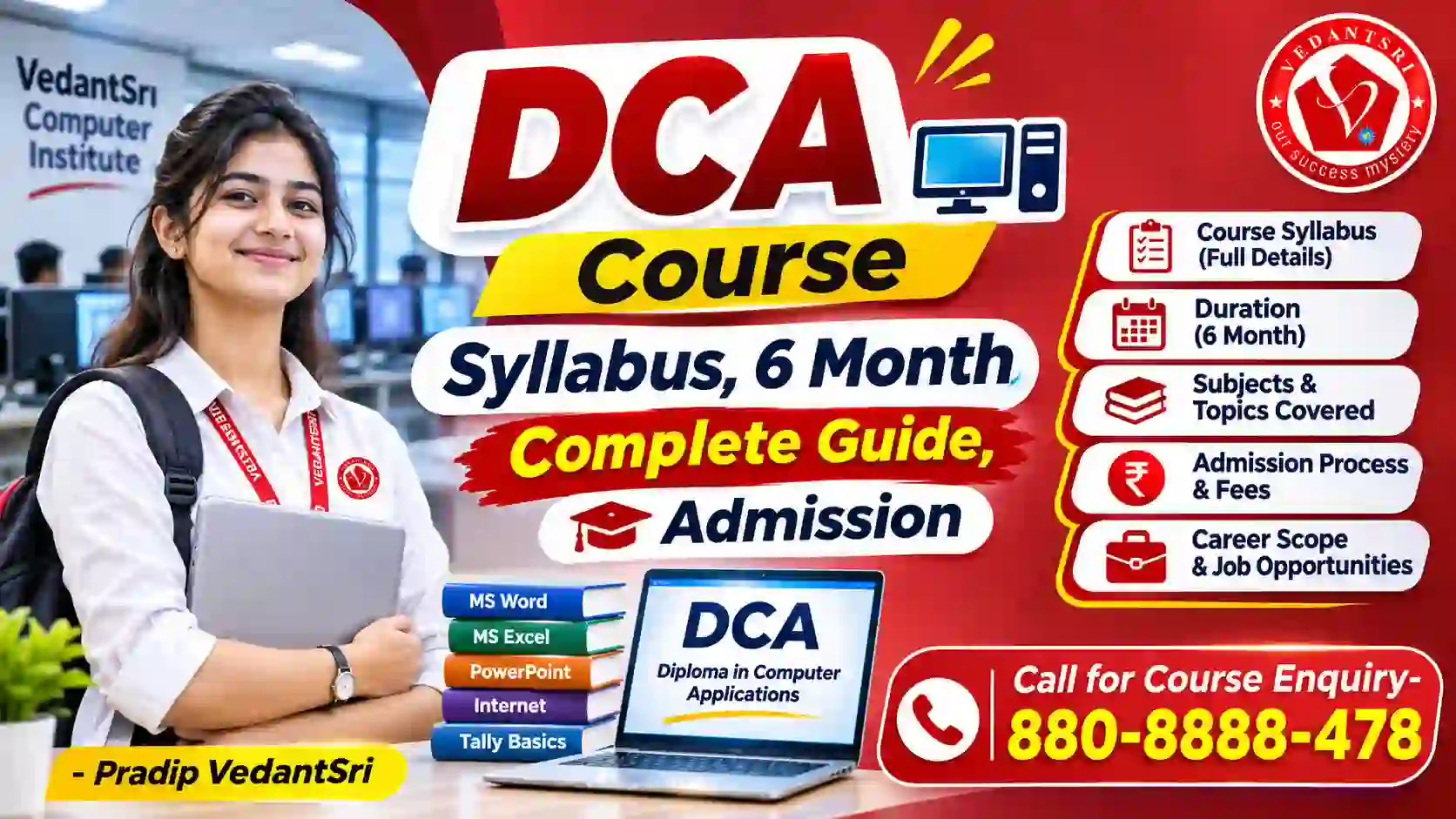
The course generally covers:
- Computer Fundamentals – parts of a computer, memory, software, Windows, files & folders, internet and email
- Office – MS Word (letters, resume, tables, mail merge)
- Office – MS Excel (formulas, VLOOKUP, charts, Pivot Table)
- Office – MS PowerPoint (professional presentations)
- HTML – structure of a web page: text, images, links, tables, forms
- CSS – styling, layout and mobile-friendly (responsive) design
- JavaScript – logic, buttons, form validation, interactive pages
- SQL – creating tables, inserting, searching and updating data
- Projects – resume, marksheet, a small website and a database
Offer at VedantSri: DCA is a 6-month course, so you also get 3 months of typing and 3 months of CCC classes free, separately.
After completing the DCA course, students can apply for suitable entry-level computer operator, office assistant, data entry, and related positions depending on their skills and qualifications.
DCA Course Duration
The typical duration of the DCA course is 6 months, although the exact duration may vary depending on the institute’s curriculum and training schedule.
| Course Details | Information |
|---|---|
| Course Name | Diploma in Computer Applications |
| Course Duration | 6 Months |
| Course Type | Computer Diploma |
| Learning Mode | Classroom / Practical Training |
| Eligibility | Generally 10th or 12th Pass |
| Course Level | Beginner to Intermediate |
| Certification | Institute-dependent |
| Career Scope | Computer Operator, Data Entry, Office Assistant |
DCA Course Syllabus: Complete 6 Month Guide
The DCA course syllabus covers different computer applications that help students develop practical computer knowledge.
Here is a suggested six-month learning structure.
| Month | Subjects | Practical Training |
|---|---|---|
| Month 1 | Computer Fundamentals, Hardware, Software, Windows, Internet, Email | Computer operation, file management |
| Month 2 | MS Word | Documents, letters, resumes, tables |
| Month 3 | MS Excel | Formulas, functions, charts, data management |
| Month 4 | MS PowerPoint, HTML | Presentations, web page structure |
| Month 5 | CSS, JavaScript | Styling, responsive layout, interactive web pages |
| Month 6 | SQL, Live Projects, Revision | Database practice, projects and assessment |
Module 1: Computer Fundamentals
Students learn the basic concepts of computers and their applications.
- Introduction to Computers
- History and Generations of Computers
- Types of Computers
- Hardware and Software
- Input and Output Devices
- CPU, RAM, ROM and Storage Devices
- Operating System Fundamentals
- Windows Operating System
- File and Folder Management
Module 2: MS Word
MS Word is used to create professional documents, letters, reports, and other office-related files.
- Introduction to MS Word
- Creating and Saving Documents
- Text Formatting
- Paragraph Formatting
- Page Layout and Page Setup
- Tables and Pictures
- Header and Footer
- Mail Merge
- Printing Documents
Module 3: MS Excel
MS Excel is an important application for data management, calculations, and business reporting.
- Introduction to MS Excel
- Rows, Columns and Cells
- Formatting Worksheets
- Basic Mathematical Formulas
- SUM, AVERAGE, MAX and MIN
- IF and COUNT Functions
- Sorting and Filtering
- Charts and Graphs
- Data Management
Module 4: MS PowerPoint and Internet
Students learn how to prepare presentations and use internet services for professional work.
MS PowerPoint:
- Creating Presentations
- Slide Layout and Design
- Adding Images and Shapes
- Animations and Transitions
- Slide Show
- Presentation Management
Internet and Email:
- Internet Fundamentals
- Web Browsers and Search Engines
- Creating Email Accounts
- Sending and Receiving Emails
- Attachments, CC and BCC
- Downloading and Uploading Files
- Online Forms and Digital Services
- Cybersecurity Basics
Module 5: Programming and Web Development
This module introduces students to basic programming and website development.
- Introduction to Programming
- Programming Logic
- HTML Fundamentals
- HTML Tags and Elements
- Creating Web Pages
- CSS Fundamentals
- Website Designing
- JavaScript Introduction
- Basic JavaScript Logic
- Web Development Practice
Module 6: SQL and Practical Projects
The final month focuses on practical computer skills and project development.
- Introduction to Databases and SQL
- Creating Tables and Data Types
- Insert, Select, Update and Delete
- Where, Order By and Group By
- Practical Computer Projects
- HTML, CSS and JavaScript Projects
- Computer Applications Practice
- Final Project and Assessment
DCA course ki fees kitni hai?
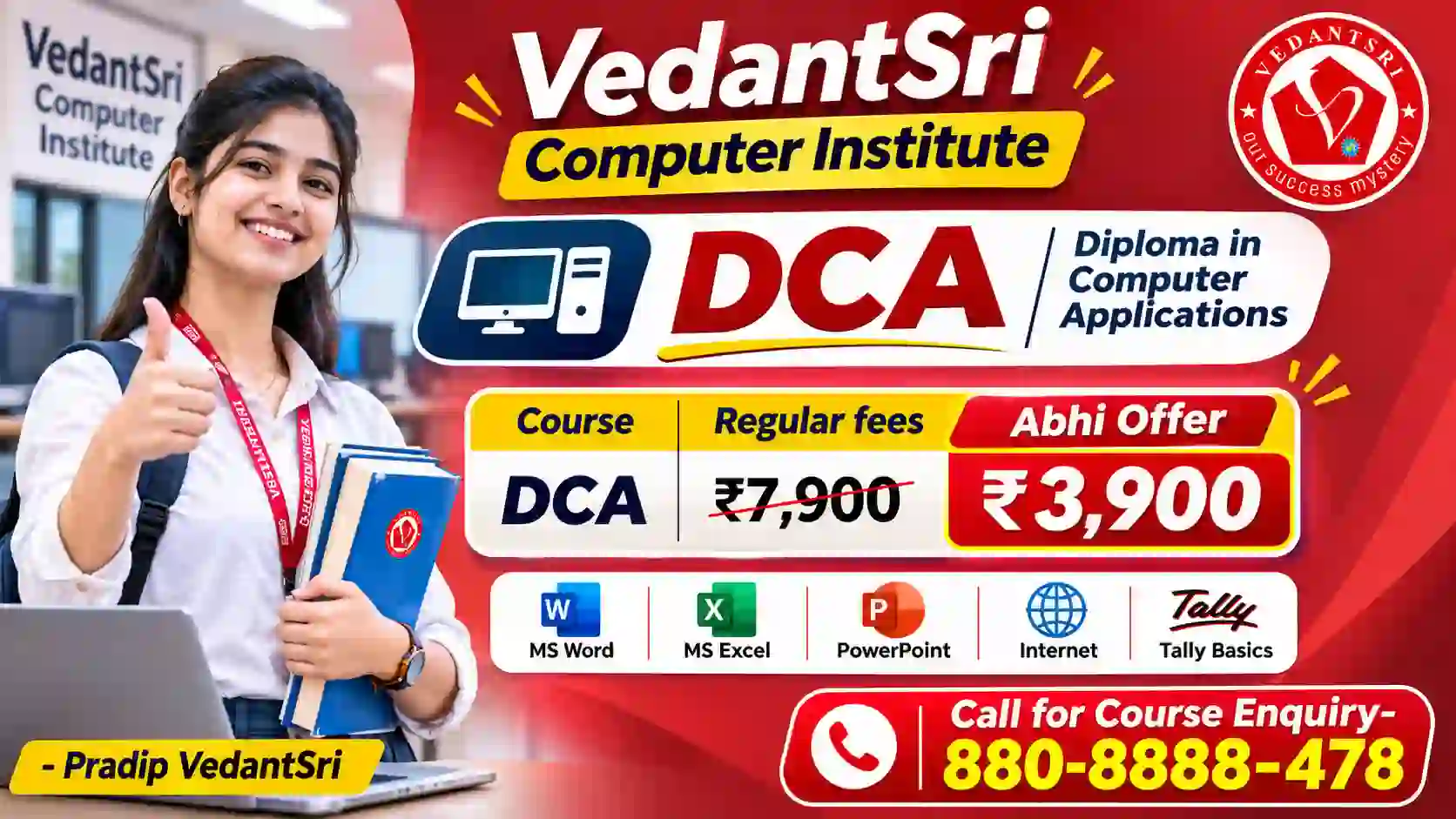
| Course | Regular fees | Abhi offer |
| DCA (6 mahine) | ₹7,900 | ₹3,900 |
- Computer Fundamentals
- MS Word, Excel and PowerPoint
- HTML, CSS and JavaScript
- SQL (Database)
- 3 months typing + 3 months CCC class free
- Live Projects and Practical Training
- 50 Project Training
6. DCA Course Admission Process
- Select a suitable computer training institute.
- Understand the complete DCA course syllabus.
- Check the course duration and fees.
- Visit the institute for counselling.
- Complete the admission registration form.
- Submit the required documents.
- Confirm your batch timing and start classes.
Documents generally required:
- Passport-size photographs
- Aadhaar card or another accepted identity document
- Educational qualification documents
- Active mobile number
Document Requirements May Vary by Institute.
Career Opportunities After DCA Course
After completing a DCA course, students can apply for entry-level jobs depending on their practical knowledge, experience, and other qualifications.
Some career options include:
| Job Profile | Work |
|---|---|
| Computer Operator | Daily computer operations |
| Data Entry Operator | Entering and managing data |
| Office Assistant | Office documentation |
| MS Office Executive | Word and Excel work |
| Computer Teacher | Basic computer training |
| Billing Executive | Billing and documentation |
| Junior Web Designer | Basic website development |
| IT Support Assistant | Basic technical support |
Expected Salary After DCA
Salary depends on location, company, experience, practical skills, and job responsibilities.For beginners in India, an illustrative starting range may be ₹8,000–₹15,000 per month. This is not a guaranteed salary.
Students with additional skills in Excel, accounting, programming, and web development may qualify for better opportunities over time.
8. Benefits of Doing a DCA Course
There are several benefits of learning computer applications through a structured DCA program.
- Basic Computer Knowledge: Understand computer hardware, software and operating systems.
- Office Skills: Learn MS Word, Excel and PowerPoint.
- Practical Learning: Gain experience by working on computer applications.
- Career Preparation: Develop skills useful for office and computer-related jobs.
- Programming Knowledge: Get introduced to programming and web development.
- Time-Saving: Learn essential computer applications through a relatively short-term course.
- Further Education: Build a foundation for advanced computer courses.
9. Why Choose VedantSri Computer Institute for DCA Course in Varanasi?
Choosing the right institute is important because practical training plays a major role in Computer Education. VedantSri Computer Institute provides computer training in Varanasi with a focus on practical learning and skill development.
- Structured DCA computer training.
- Computer fundamentals and MS Office.
- Programming and web development basics.
- Live project practice.
- Regular practical learning.
- Typing and additional skill classes as per the published offer.
- Classroom learning and student support.
Students interested in admission can visit branch.
VedantSri Computer Institute – Varanasi
Durgakund Branch
Block No. 9, Kabir Nagar Road, Durgakund, Naria, Varanasi, Uttar Pradesh 221005.
8808888478
Rathyatra Branch
9415802061
Opening Hours: 7 AM – 8 PM
Is DCA Course Worth It in 2026?
Yes, DCA can be a useful starting point for students who want to develop computer application skills.
It is particularly useful for beginners who want to learn office software, computer fundamentals, internet applications, and introductory programming.
However, completing a diploma alone does not guarantee employment. Students should focus on practical projects, typing accuracy, communication skills, and real-world computer applications.
If you want to continue your education after DCA, you can also explore ADCA, DIT, web development, Tally Prime, and other advanced computer courses.
DCA Course vs ADCA Course
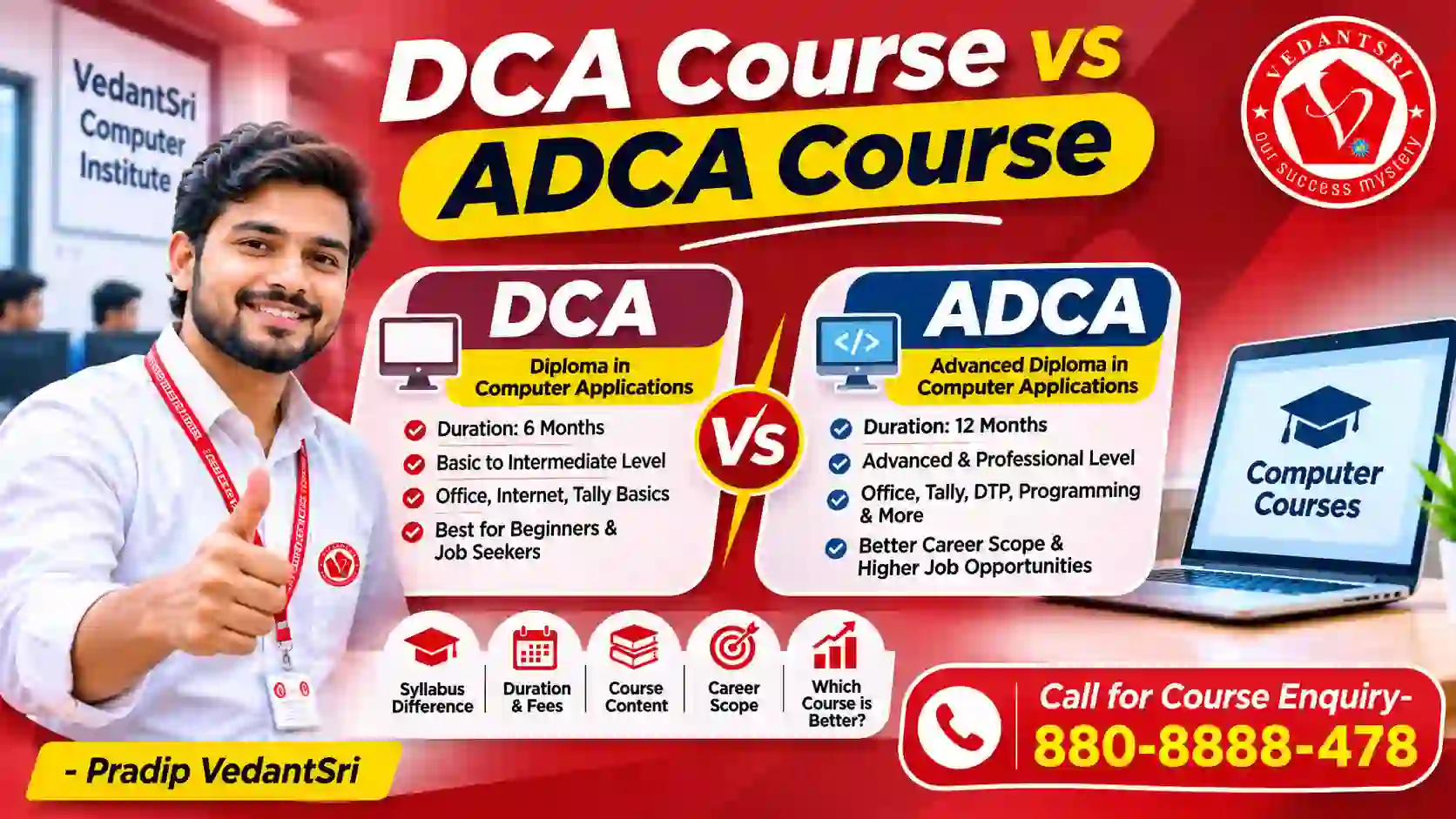
| Feature | DCA | ADCA |
|---|---|---|
| Full Form | Diploma in Computer Applications | Advanced Diploma in Computer Applications |
| Duration | Generally 6 months | Generally 12 months |
| Level | Basic to Intermediate | Intermediate to Advanced |
| Subjects | Computer Fundamentals, MS Office, HTML, CSS, JavaScript, SQL | Advanced applications and additional subjects |
| Best For | Beginners | Students seeking broader computer training |
Choose DCA if you want to start with essential computer applications. Choose ADCA if you want a more extensive computer training program.
Also Read: – ADCA Course Fees ₹6,999 (Reg ₹19,000) – VedantSri Varanasi
Frequently Asked Questions
What is the full form of DCA?
DCA stands for Diploma in Computer Applications. It is a computer diploma course that teaches students computer fundamentals and software applications.
What is the duration of the DCA course?
The DCA course generally takes 6 months to complete, depending on the institute and syllabus.
What is the DCA course syllabus?
At VedantSri, the DCA syllabus is Computer Fundamentals, Office (MS Word, MS Excel, MS PowerPoint), HTML, CSS, JavaScript and SQL, with practical projects. With this 6-month course you also get 3 months of typing and 3 months of CCC classes free.
Can I do a DCA course after 10th?
Yes. Many institutes accept students who have passed Class 10. Check the eligibility requirements before admission.
What are the fees for the DCA course?
DCA fees vary by institute. VedantSri Computer Institute has published a DCA offer of ₹3,900 against a regular fee of ₹7,900. Contact the institute to confirm the current offer.
Is DCA useful for getting a job?
Yes. DCA can help students develop skills for entry-level computer-related jobs, such as computer operator, data entry operator, and office assistant. Employment depends on practical skills and qualifications.
How can I get admission to DCA at VedantSri Computer Institute?
You can visit VedantSri Computer Institute’s Durgakund or Rathyatra branch in Varanasi or contact the institute at 8808888478 or 9415802061 for admission information.
Conclusion
The DCA Course is a useful option for students who want to develop computer knowledge and practical digital skills within a short period. From computer fundamentals and MS Office to internet applications and basic programming, the course introduces students to important computer technologies.
If you are looking for a DCA course in Varanasi, explore the training programs at VedantSri Computer Institute and choose a course that matches your career goals.
Start learning today and take your first step towards a computer-skilled future!
For DCA Course Admission and Enquiry:
Call: 8808888478 / 9415802061
Website: https://www.vedantsri.net
VedantSri PC Organization Varanasi

gives the best PC Courses, Classes, and Preparation in Varanasi. NIELIT Courses Include CCC, BCC, O-level, Testaments, and Confirmation PC courses, with the best preparation materials. Additionally, the Main 100 Best PC Courses include OM, DCA, ADCA, DTP, DFA, ADAM, ADTP, ADFA, DCE, and MS Office. VedantSri PC is instructing updates to the CCC Internet-based Test on www.vedantsri.net.
There are significant PC Courses for careers, CCC Classes, Writing, entry-level positions, and English communication. Accessible for free with the offer. More than 50 PC Courses are available with a 50% discount at VedantSri Varanasi. You can get the Best Computerised Showcasing Course at Varanasi Organisation VedantSri. The most recent PC Course is presented in the ADCA PC Course, DCA PC Course, CCC PC Course, and English Spoken.
About VedantSri PC Organisation Varanasi
VedantSri PC Organisation in Varanasi is a public authority that has been an ISO Certified PC Establishment in Varanasi, running since 2011. It offers PC Courses, Classes, and Preparation through its various branches across Varanasi. There are PC Grant Courses: DCE Grant (Certificate in PC Designing) and DIT’s most-beloved PC course, Accessible under the Grant Test Plan.
Varanasi PC Organisation Vedantsri works with better places to ensure that students receive better PC education. VedantSri PC Classes has Certificate courses and advanced recognition seminars on the PC. VedantSri Foundation provides the latest version of the PC application for PC courses.
VedantSri Computer Institute, Varanasi me DCA course chal Raha Hai.
- Durgakund branch: Block No. 9, Kabir Nagar Rd, Durgakund, Naria, Varanasi 221005 — +91-8808888478
- Rathyatra branch: SobhNath, Dhirendra Complex, Rathyatra – Mahmoorganj Rd, Rathyatra Crossing, Khanna Villa Colony, Bhelupur, Varanasi 221010 — +91-9415802061
Important Link
- Firstly, Visit – https://www.corelclass.com
- Read Also: CorelDraw Course Fees, Duration, Scope, Syllabus, Admission, Institutes
- Also, Read- Tally Course Fees, Duration, Scope, Syllabus, Admission, Institutes
- Basically, Read – CCC Course Fees, Syllabus, Duration, Scope, Jobs, and Institute
- Important Link – DFA Course Fees, Syllabus, Duration, Scope, Jobs, and Institute
- Firstly, Visit – ADCA Course Fees, Duration, Scope, Syllabus, Admission, Institutes
इसे भी पढ़ें

BEST DCA Course in Detail 2026: Actual Fees, Full Form, Duration, Syllabus & Jobs – Is It Worth It? (Local Guide)
DCA Course in Details 2026: Actual Fees, Full Form, Duration, Syllabus & Jobs – Is It Worth It? (Local Guide) Overview In…
About DCA Course Details, Top 5 Best Scope, Fees, Duration, Syllabus, Institute & Career Options
About DCA Course Details, Top 5 Best Scope, Fees, Duration, Syllabus, Institute & Career Options A Diploma in Computer Applications (DCA) is…
6 Month DCA Course: Complete Details, Syllabus, Eligibility, Fee, Opportunity, FAQ
6 Month DCA Course: Syllabus, Eligibility, Complete Details, Opportunity, FAQ If you want to utilise the pre-summer move-away events, this is the…

DCA Computer Course Duration in 2026: Full Form, Fees, Syllabus, Scope & Jobs (Complete Guide)
DCA Computer Course Duration in 2026: Full Form, Fees, Syllabus, Scope & Jobs (Complete Guide) अगर आप 2026 में एक ऐसा कंप्यूटर…
DCA Computer Course in 2026: Full Form, Fees, Duration, Syllabus, Jobs & Scope
DCA Computer Course in 2026: Full Form, Fees, Duration, Syllabus, Jobs & Scope DCA (Diploma in Computer Applications) ek short-term computer course…

TallyERP Shortcut Keys List
TallyERP Shortcut Keys List TallyERP Shortcut Keys List:-Short cut Type – …