MS Word Online Test Set 2
MS Word Online Test Set 2 gives you 50 multiple-choice questions to practice important Microsoft Word tools and features. It covers document formatting, Insert tools, page breaks, shortcuts, tables, pictures, and document review. Use this practice set to check your knowledge and find topics that need more revision.
Durgakund 8808888478Rathyatra 9415802061दोनों शाखाएँ सोमवार–शनिवार सुबह 7 से रात 8 बजे तक खुली हैं। कोर्स की जानकारी के लिए Durgakund 8808888478 और Rathyatra 9415802061 पर सातों दिन, किसी भी समय कॉल कर सकते हैं।
MS Word Online Test Set 2: 50 Practice Questions
MS Word Online Test Set 2 is a 50-question online practice test for students who want to check their knowledge of Microsoft Word. The questions cover common Word tools, keyboard shortcuts, formatting options, and document features. Each question has four answer options.
This test is useful for beginners and students who are learning MS Word as part of their computer studies. You can use it for revision after learning a topic in class. Read each question carefully before selecting an answer.
The current test set includes questions about hyperlinks, charts, comments, page breaks, pictures, tables, icons, SmartArt, shapes, bookmarks, headers, and other Word features.
Start the online test below and attempt all 50 questions.
test
What Does the MS Word Basic Online Test Series Cover?
The MS Word Basic Online Test Series covers important tools used to create, format, edit, and organise Word documents. The topics include basic formatting as well as Insert and Review features.
Text Formatting and Paragraph Tools
Text formatting changes the appearance of content in a document. You can change the font, font size, font colour, and text style. Paragraph tools help you set alignment, spacing, borders, and shading.
Common options include:
- Font size and font style
- Bold, Italic, and Underline
- Left, Center, Right, and Justify alignment
- Line and paragraph spacing
- Borders and shading
- Format Painter and Styles
Insert Menu and Document Elements
The Insert tab helps you add different items to a document. These tools are useful when preparing reports, letters, assignments, and other documents.
The practice set includes questions on:
- Tables, pictures, charts, and screenshots
- Shapes, icons, SmartArt, and 3D Models
- Hyperlinks and bookmarks
- Header, footer, and cover page
- Blank page and page break
- Cross-reference and text box
Review and Editing Tools
Review and editing tools help you check and improve a document. Find and Replace can locate text and change it. Comments allow readers to add notes about selected content. Cross-references help readers move to related headings, figures, and other parts of a document.
How to Practice for an MS Word Online Test Set 2?
The best way to prepare for an MS Word mock test is to practise the same tools in a real document. Do not only memorise answers. Open Word and follow these steps.
- Create a new blank document using File > New > Blank Document.
- Format a heading from the Home tab. Select the text and apply Bold, font size, and font colour.
- Align a paragraph using Home > Paragraph. Try Left, Center, Right, and Justify alignment.
- Insert a table using Insert > Table. Select a 3 × 3 table and enter sample student information.
- Add a picture or hyperlink using the Insert tab. Check how the inserted item appears in the document.
- Adjust the page using Layout > Margins or Layout > Orientation. Check the Portrait and Landscape options.
- Review the document using Review > New Comment or Track Changes. Observe how comments and edits appear.
- Save your document using Ctrl + S in the desktop version of Word.
After this exercise, attempt the online test again. You will understand the purpose of each tool more clearly.
MS Word Shortcut Keys: A-to-Z Practice
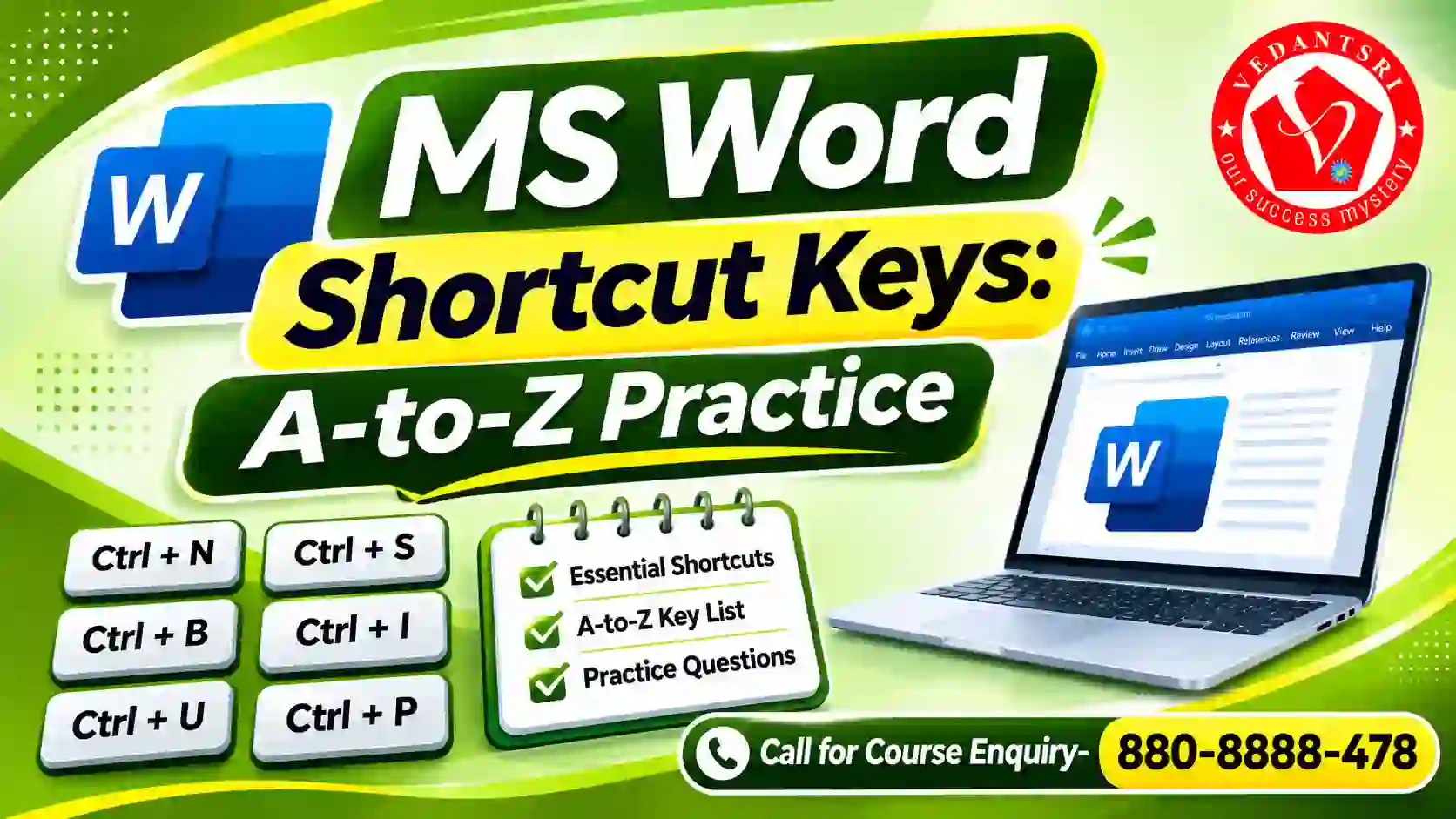
MS Word shortcut keys help you complete common tasks quickly with the keyboard. The following shortcuts are useful for daily document work and online test preparation.
| Shortcut Key | Work |
| Ctrl + N | Create a new document |
| Ctrl + O | Open a document |
| Ctrl + S | Save a document |
| Ctrl + A | Select all document content |
| Ctrl + B | Apply Bold formatting |
| Ctrl + I | Apply Italic formatting |
| Ctrl + U | Apply Underline formatting |
| Ctrl + F | Find text in a document |
| Ctrl + H | Find and Replace text |
| Ctrl + K | Insert a hyperlink |
| Ctrl + Enter | Insert a page break |
| Ctrl + P | Open the Print screen |
| Ctrl + G | Open the Go To option |
| Ctrl + Z | Undo the last action |
| Ctrl + Shift + E | Turn Track Changes on or off |
These are common Windows shortcuts for desktop Word. Some keyboard commands and ribbon access keys can differ between Word versions and platforms. Practise the commands in the version installed on your computer.
MS Word Online Test Series Final: Common Mistakes and Their Solutions
Revision is important because students can confuse similar Word tools and keyboard shortcuts. Check these common mistakes before attempting the final practice test.
| Common Mistake | Correct Method |
| Pressing Enter many times to start a new page | Use Ctrl + Enter for a page break |
| Confusing Find with Replace | Use Ctrl + F to find and Ctrl + H to replace |
| Applying formatting without selecting text | Select the required text before applying formatting |
| Using the wrong alignment option | Check the paragraph alignment from the Home tab |
| Forgetting to save a desktop document | Press Ctrl + S regularly |
Ribbon access keys such as Alt sequences may vary with the Word version and interface. When a shortcut does not work, use the Search box in Word and type the name of the required command.
Questions with Answers an MS Word Online Test Set 2
Try these seven additional questions after completing the main 50-question test. They cover useful commands that can also help in practical work.
1. Which shortcut opens the Go To option in Word?
A. Ctrl + F
B. Ctrl + G
C. Ctrl + H
D. Ctrl + P
Correct Answer: B. Ctrl + G
Reason: Go To helps you move to a specific page or location in a document.
2. Which shortcut turns Track Changes on or off in Windows desktop Word?
A. Ctrl + Shift + E
B. Ctrl + Shift + C
C. Ctrl + Alt + M
D. Ctrl + E
Correct Answer: A. Ctrl + Shift + E
Reason: Track Changes marks edits so that they can be reviewed later.
3. Which shortcut selects all the content in a Word document?
A. Ctrl + S
B. Ctrl + A
C. Ctrl + D
D. Ctrl + K
Correct Answer: B. Ctrl + A
Reason: It selects the entire document content.
4. Which shortcut opens the Print screen?
A. Ctrl + O
B. Ctrl + N
C. Ctrl + P
D. Ctrl + R
Correct Answer: C. Ctrl + P
Reason: It opens the print options for the document.
5. Which shortcut reverses the last action?
A. Ctrl + Y
B. Ctrl + Z
C. Ctrl + X
D. Ctrl + V
Correct Answer: B. Ctrl + Z
Reason: Undo reverses the last action performed in the document.
6. Where can you find the Navigation Pane in desktop Word?
A. View tab
B. Insert tab
C. Design tab
D. Mailings tab
Correct Answer: A. View tab
Reason: You can open the Navigation Pane from View, or use Ctrl + F to search within the document.
7. Which shortcut applies Bold formatting to selected text?
A. Ctrl + I
B. Ctrl + U
C. Ctrl + B
D. Ctrl + J
Correct Answer: C. Ctrl + B
Reason: Bold makes the selected text appear thicker and darker.
Frequently Asked Questions
Is this MS Word Online Test Set 2 suitable for beginners?
Yes. The questions cover common Word tools and basic document work. Beginners can first learn the related features and then attempt the questions for revision.
Is the MS Word Online Test available in Hindi?
The questions currently displayed in this Set 2 test are in English. A Hindi question option is not confirmed for this particular test page.
Is MS Word Online Test the same as the WordPad Online Test?
No. Microsoft Word and WordPad are different applications. This page is for Microsoft Word practice. A WordPad-specific test requires separate questions.
How can I improve my MS Word mock test score?
Review every question you answered incorrectly. Open Word and practise the related tool. Repeat the test after revising the topic. Practical use helps you remember commands and features.
Important link
- Visit: https://www.corelclass.com
- Read also – https://msexcelclass.com/
- Also, Read- Tally Course Fees, Duration, Scope, Syllabus, Admission, Institutes
- Also Read – CCC Course Fees, Syllabus, Duration, Scope, Jobs, and Institute
- Important Link – DFA Course Fees, Syllabus, Duration, Scope, Jobs, and Institute
- Visit – https://mswordclass.com/